Refund Policy
Understanding WaveSpeedAI’s refund and credit policies.
Key Points
| Situation | Policy |
|---|---|
| System errors | Automatic refund |
| Failed requests | Automatic refund |
| Incorrect parameters | See tips below |
| Output quality concerns | See tips below |
| Sync-mode client timeout | Not automatically refundable if the task continues or completes |
| Unused credits | Credits never expire |
Automatic Refunds
The following are eligible for automatic credit reversal:
- Failed requests — If the system fails to process your request
- System errors — If a technical issue on our end causes the failure
- Timeouts — If a system timeout occurs during processing
If an eligible failure is not reflected in your balance, contact support with the Task ID.
Client-side timeouts are different from system-side failures. If you use Sync Mode and your HTTP request is delayed, disconnected, or times out because of your network, client, proxy, browser, or gateway, the prediction may still continue and complete successfully. In that case, the request is not automatically refundable. Please retrieve the result with the prediction ID.
Tips for Best Results
To help you get the most value from your credits, we recommend:
Before Running
- Review the model’s README and parameter requirements
- Test with low-cost settings first (lower resolution, batch size of 1)
- Use the Prompt Enhancer for better results
Understanding Model Output
AI models may produce varying results depending on inputs and use cases. For the best experience:
- Start with recommended models for your use case
- Check model documentation for best practices
- Test with lower resolutions before final generation
If results don’t meet expectations, these tips can help improve future generations.
Credits Policy
- Credits stay with you — Your balance never expires
- Credit transfer — Contact support@wavespeed.ai with both old and new account email addresses to request a transfer. Please note: only credits can be transferred. For privacy and compliance reasons, we do not access or transfer any account data, usage history, or generated content.
Reporting Issues
If you believe you should receive a refund:
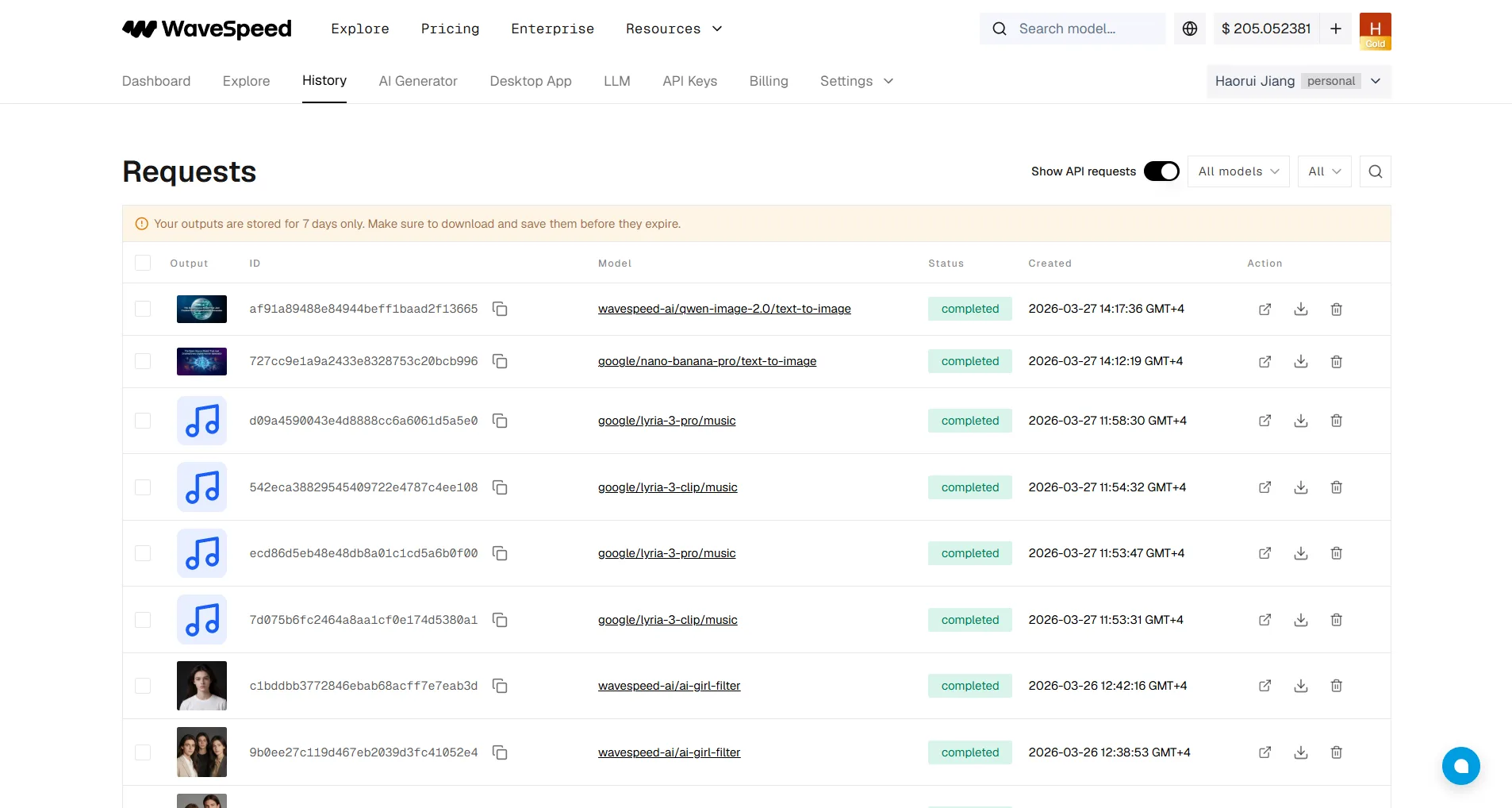
- Go to History
- Copy the Task ID (shown in the ID column)
- Email support@wavespeed.ai with the Task ID and issue description