
Best Sync Labs Alternatives in 2027 for Lip Sync
Sync Labs alternatives for lip-sync builders: compare source-video fit, API jobs, review burden, and migration risks.
Changing providers after one bad mouth shape is usually the wrong move. I start with the input contract. If your application sends an authorized existing video plus a finished replacement audio track, only some alternatives to Sync Labs perform that job directly. Translation platforms may add transcription, voice cloning, or duration changes you did not request.
It’s John. I have not run matched clips. This evidence review uses official material checked October 2, 2026, plus a test method for 2027 planning.
Among Sync Labs alternatives, ask whether each candidate preserves the existing-video input contract and recovery.
When Should a Team Replace Sync Labs?
Replace Sync Labs when workflow, recovery, or approved-clip cost misses production requirements. One demo or failure is not enough evidence.
Separate Existing-Video Resync From Avatar Generation
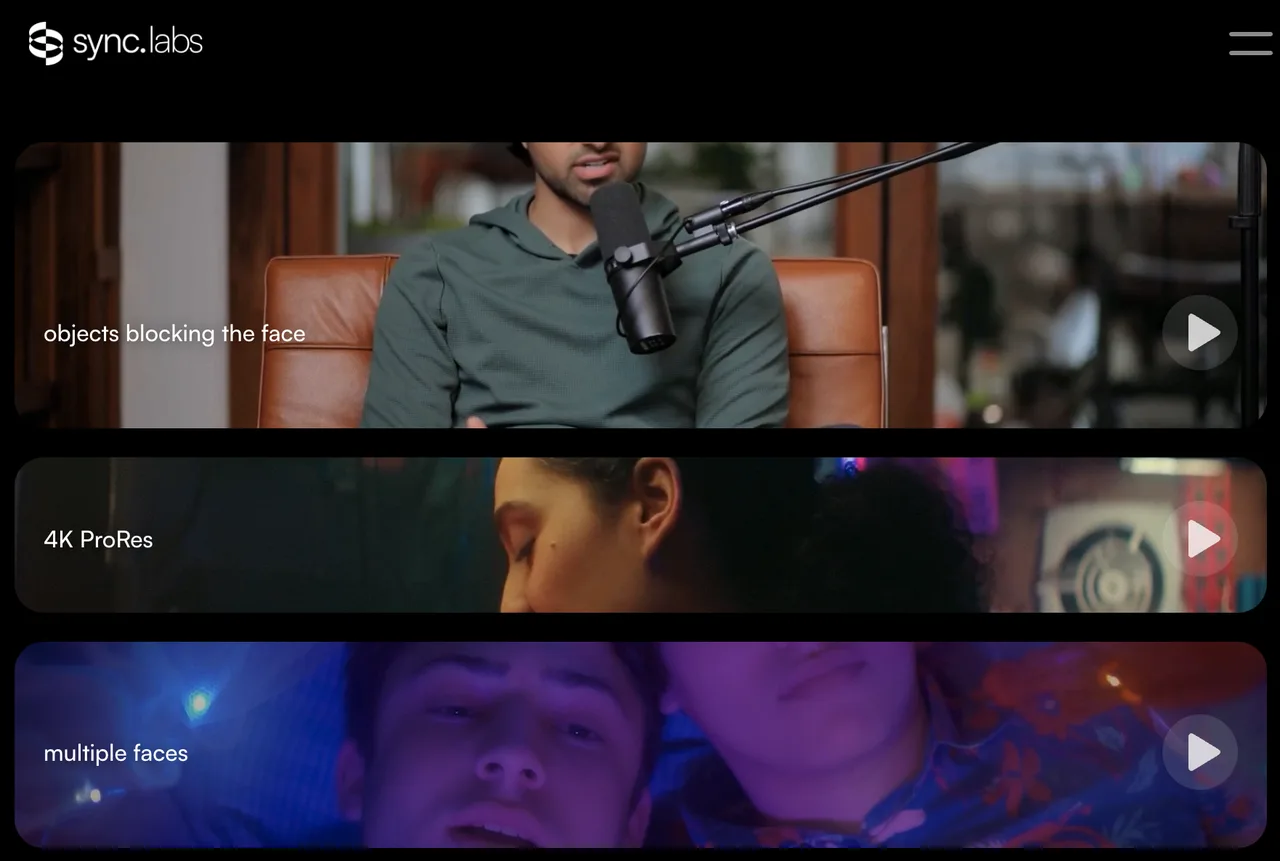
Sync Labs accepts video or image with audio or text. Its current API overview documents generation IDs, status retrieval, cost estimates, batches, and signed webhooks. A migration must identify which behaviors the application uses.
Existing-video lip sync changes mouth movement in recorded footage. Avatar generation creates motion from a still image or trained identity. Video translation adds speech recognition, translated text, cloned speech, and visual synchronization. These are different contracts.
I excluded the original Wav2Lip repository. Its README restricts the released code and models to personal, academic, research, and non-commercial use. Self-hosting does not remove that restriction.
Compare Mouth Fidelity, Failed Jobs, and Cost per Approved Clip
This cannot be judged by feel. It needs a sample run using footage and voices for which the team has documented permission. Build a small set with a front-facing speaker, a side angle, brief mouth obstruction, a cut near speech, fast phonemes, and silence at both ends.
Keep the source video and audio identical across lip sync API providers. Record:
- mouth closure on sounds such as p, b, and m;
- teeth, jaw, skin, beard, and boundary artifacts;
- drift before and after cuts or occlusion;
- rejected inputs, failed jobs, retries, and review time;
- billed seconds and total cost divided by approved clips.
approved-clip cost = (all test charges + review labor) / clips that passed
Do not use any face or cloned voice without valid authorization. Provider checks do not transfer responsibility to your team. Review policies, releases, and consent records for the actual jurisdiction and use. This is general information, not legal advice.
-
VEED Lipsync API for Existing-Video Resync
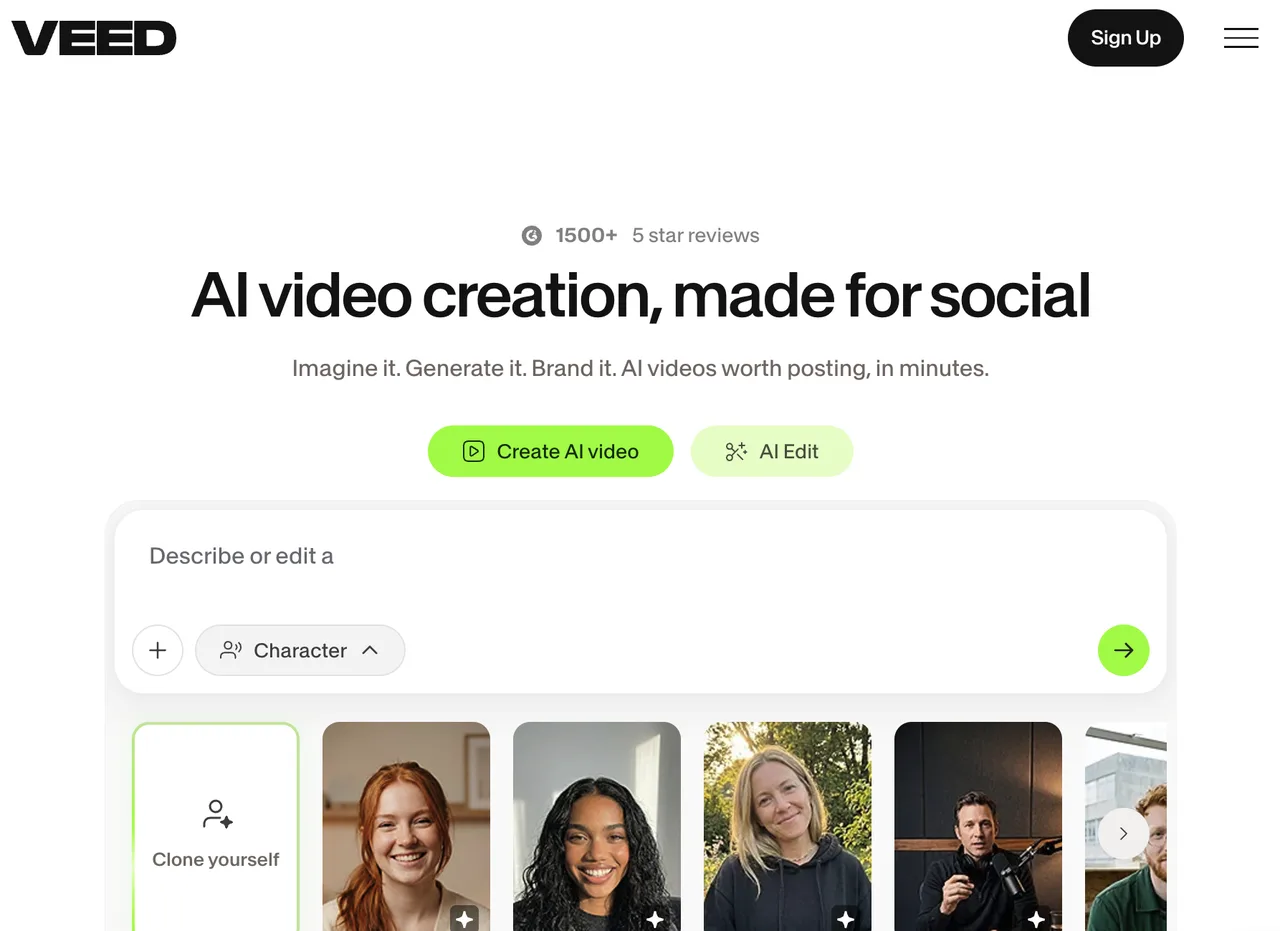
VEED Lipsync 2.0 is the closest direct substitute in this list. It takes an existing source video and a new audio URL, then produces a re-synchronized video.
Source Video, New Audio, and Async Jobs
The VEED Lipsync 2.0 API accepts video_url and audio_url. Submission returns HTTP 202 and a job_id; clients poll for COMPLETED, FAILED, or CANCELLED. Completion includes the output URL and credits charged; submission may include an estimate.
That cleanly maps existing-video lip sync. Keep an internal migration ID beside the old Sync generation ID and new VEED job ID. Provider identifiers should never be your customer-job primary key.
Access and Output Limits
VEED currently prices Lipsync 2.0 by generated seconds and says a job is billed when it completes. The output keeps the source resolution. Current product guidance describes one active speaker per scene, so multi-speaker footage needs segmentation and separate validation.
The API supports a request flag that prevents request and response bodies from being kept in VEED request logs. Returned media URLs have configurable expiration, with a documented default of one day and an upper cap. Those controls do not answer every retention question: use signed input URLs, download approved output immediately, and verify the account’s current data terms before sending biometric media.
-
HeyGen API for Dubbing-Centered Workflows
HeyGen can also serve as a direct existing-video resync alternative. Its Lipsync API accepts a source video and replacement audio directly, while its separate Video Translation API handles localization.
Source-Video and Language Tasks
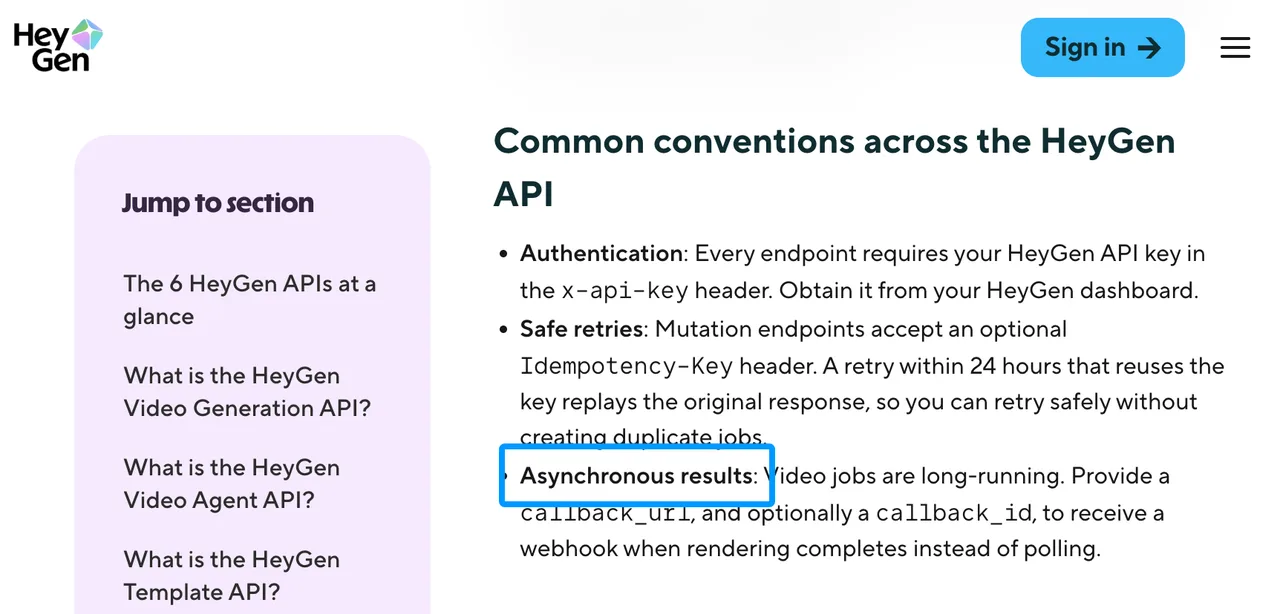
HeyGen’s current API guide describes the Video Translation API as an asynchronous source-video workflow that returns a translation identifier for each target language. Its options include speed or precision modes, audio-only output, captions, speaker handling, partial translation, background-music controls, and glossary support.
For a visual dubbing workflow, those controls can reduce the number of separate services. Test transcript accuracy, translated meaning, speaker assignment, preserved background sound, duration changes, and mouth motion as different acceptance checks. A good lip result does not rescue a mistranslated legal or product statement.
Limits as a Direct Resync Substitute
HeyGen’s Video Translation API is not equivalent to a neutral video-plus-audio endpoint, but its separate Lipsync API is. Translation modes may clone the source voice, change timing, generate captions, or process language segments. The supplied-audio mode is closer, but access, cost, request schema, and output behavior must be confirmed for the specific API account.
If your application only replaces a corrected line in the same language, measure how many translation features remain unavoidable. Extra stages create more failure categories and make billing harder to attribute. Keep the original audio mix and replacement stem so you can inspect what changed.
-
D-ID Video Translate for Localization
D-ID Video Translate fits a multilingual localization task. It is not a direct choice for arbitrary same-language replacement audio.
Translation and Mouth Synchronization
The D-ID Video Translate quickstart accepts a source video URL and one or more target languages. The service handles translation, voice matching, and mouth synchronization. It returns an ID for each translation, which the application polls until completion.
Each target language produces a separate output. The documented result URL is valid for 24 hours, so production code should copy the file into controlled storage. A webhook can be supplied, and non-sensitive user data can help correlate the response with an internal job.
Limits When Translation Is Not the Task
The public request requires target languages rather than an arbitrary replacement-audio URL. If your team already owns an approved audio master, D-ID’s published Video Translate flow repeats work upstream and may alter the voice or wording. That makes it a localization alternative, not a pure resync substitute.
The public endpoint material does not fully disclose failed-job charging, source-track retention, or an exportable consent record for each translated video. Do not infer those behaviors from avatar consent features elsewhere in the product. Ask for written account-level terms before committing regulated or high-volume media.
Choose by Input and Output Requirements
Choose by what enters and leaves the service. VEED maps most directly to finished video plus finished audio; HeyGen can cover translation or supplied-audio localization; D-ID starts from a video and target languages; Sync Labs remains a broad direct lip-sync platform.
| Workflow | Primary input | Main output | Migration fit |
|---|---|---|---|
| Sync Labs | Video or image plus audio or text | Synchronized media | Existing baseline |
| VEED | Existing video plus new audio | Re-synced video | Closest direct alternative |
| HeyGen | Source video, language task, or supported audio mode | Dubbed/localized video | Partial to close, by mode |
| D-ID | Source video plus target languages | Translated, voice-matched video | Localization only |
Audio Replacement Versus Multilingual Translation
Choose audio replacement when the new voice track is already approved. Choose multilingual translation when the provider should transcribe, translate, create speech, and synchronize the face. Mixing those requirements in one benchmark produces a meaningless winner.
If a required source image, non-person clip, or audio asset does not exist, a generation service such as WaveSpeed’s model directory can sit upstream. Save that asset first, then submit it to the lip-sync provider. Generation is not a replacement for resync, callback handling, or consent management.
When Sync Labs Remains the Direct Fit
Keep Sync Labs when its video-or-image inputs, audio-or-text options, cost estimates, batch processing, webhook signatures, and model selection already match the application. Migration creates work without value if approved-clip cost and failure recovery remain acceptable.
My production gate would require the alternative to beat the current workflow on the same consented clips, including edge cases. Do not switch because another landing page looks simpler.
FAQ
Can Sync Labs job IDs be mapped to a replacement provider?
Yes, but only in your database. Providers issue their own identifiers and do not preserve Sync Labs IDs. Create an internal migration ID, then store the Sync ID and replacement ID beside it.
Can existing Sync Labs callback payloads be replayed during migration?
Not directly into another provider. Save real callback fixtures, verify their Sync signature when received, and transform them into your internal event format. Sync documentation says failed webhook delivery is not automatically retried, so status polling remains the recovery path.
Do alternative providers retain the uploaded source voice track?
The reviewed public documentation does not provide one uniform answer. VEED accepts media URLs and offers logging and URL-expiration controls; HeyGen may keep the source video within translation projects; D-ID accepts a source URL. Use short-lived URLs and request written retention terms.
Can a Sync Labs account export records of consent for source faces?
No public consent-record export endpoint is documented. Sync can export usage data containing job IDs, frames, costs, models, and timestamps, but that is not proof of permission. Maintain a separate consent ledger linked to your internal job ID.
Are partial lip-sync failures charged as completed video seconds?
There is no shared rule. VEED says billing occurs when a job completes. Sync notes that failed or poor outputs may sometimes show charges and require a support review. HeyGen and D-ID do not publicly state one universal partial-failure policy for every relevant API mode.
Conclusion
The best Sync Labs alternatives depend on the migration contract. VEED is the most direct existing-video resync option here. HeyGen fits broader dubbing workflows, while D-ID fits translation-led localization. Neither translation platform should be treated as automatically equivalent to pure audio replacement.
I would move traffic only after consented samples pass mouth, obstruction, edit-boundary, failure-recovery, retention, and approved-cost checks. A good single output does not mean the production workflow is ready. Preserve internal IDs, consent evidence, source assets, callback fixtures, and billing records before changing providers.
Previous posts:
Related Articles
/filters:quality(82)/media/images/1790934318687045151_6DhqzIS1.webp)
Best AI Video APIs for High-Volume Workflows in 2027
/filters:quality(82)/media/images/1790879706333726948_TmjHVhrF.webp)
Introducing AI Cinema Studio on WaveSpeedAI: Direct Cinematic AI Video Shots
/filters:quality(82)/media/images/1790934887466368319_r2GQZ8hr.webp)
LTX Studio Review 2027: Does the Video Workflow Hold Up?
/filters:quality(82)/media/images/1790935090456133598_u9CLU4dm.webp)
Segmind Review 2027: Can Its Media APIs Scale?
/filters:quality(82)/media/images/1790935248497016685_6cZjDPeF.webp)
Best Shotstack Alternatives in 2027 for Video APIs
/filters:quality(82)/media/images/1790903936921698253_6vhqAJT2.webp)