No examples available for this model
Seedream 5.0 Flash is LIVE — Faster & Cheaper | Try Now →
AI Video Generator
Generate AI videos free from text or images. Switch between the latest models — Veo, Kling, Seedance, Wan — in one place. Create HD clips for social, ads, product demos, and creative work without a watermark.
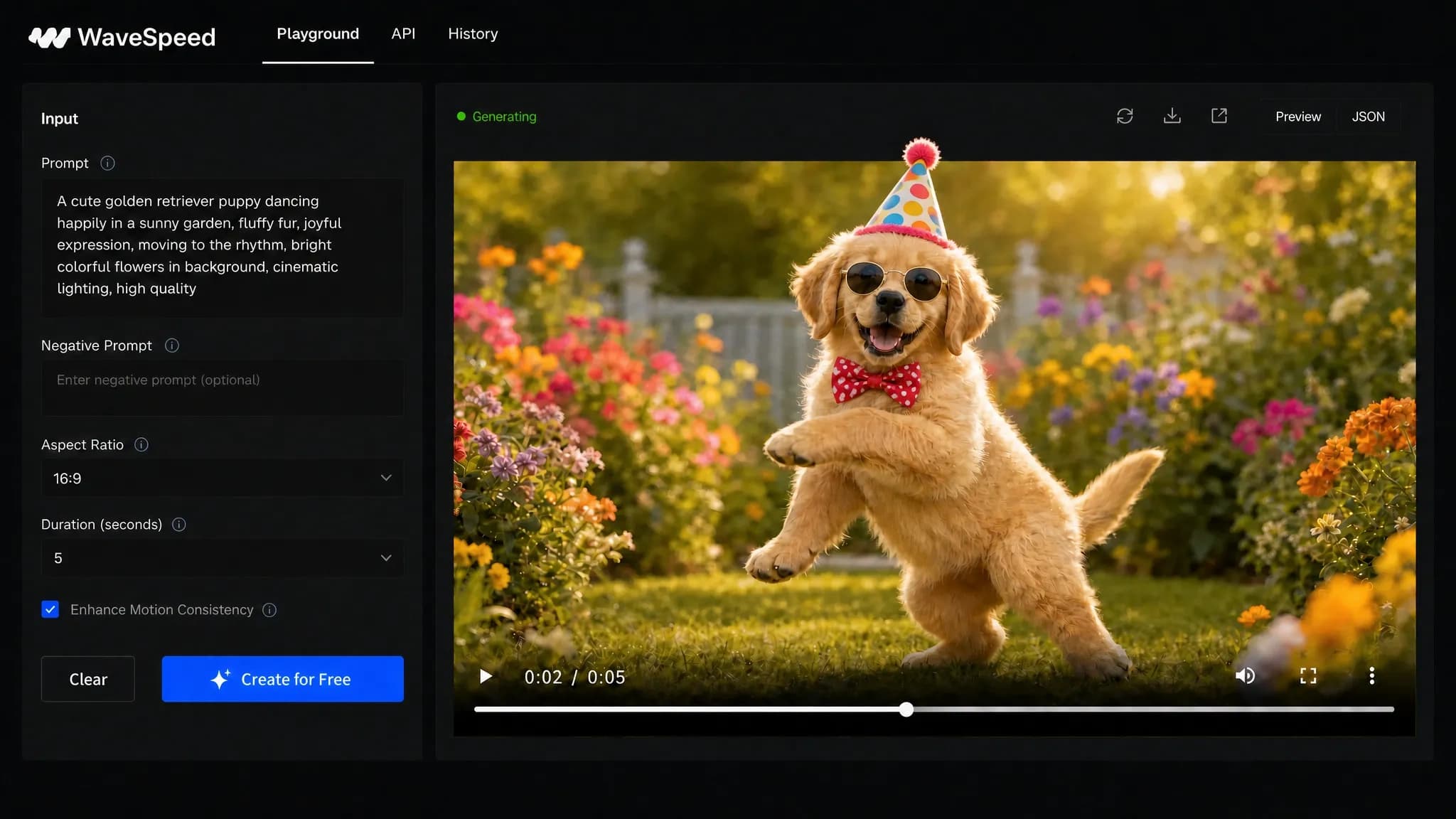
How the AI Video Generator Works
1
Type a prompt or upload an image
Describe a scene from scratch, or upload a reference image to animate. WaveSpeedAI supports both text to video and image to video workflows, so this is the fastest path for how to generate AI video or how to make an AI video from an idea.
2
Choose a model
Switch between Veo, Kling, Seedance, Wan, Vidu, Hailuo, and more to compare motion, realism, speed, and cost.
3
Generate and download
Generate the clip, compare outputs, and export an HD video without a WaveSpeedAI watermark.
What Is an AI Video Generator?
An AI video generator creates moving video from a written prompt or a reference image. Instead of editing stock clips by hand, the model generates frames based on your subject, motion, camera direction, lighting, and style.
WaveSpeedAI combines text to video and image to video in one workspace, so creators can move from an idea or a single photo to a finished AI video without switching tools.
Text to Video
Use the AI text to video generator when you want to create a scene from scratch. Describe the subject, action, camera move, lighting, and mood, then generate a clip directly from the prompt. It also works as a free AI text to video generator for testing prompts before scaling.
Because the workflow is free to start, you can test different prompts and models until the text to video AI output matches the shot you want.
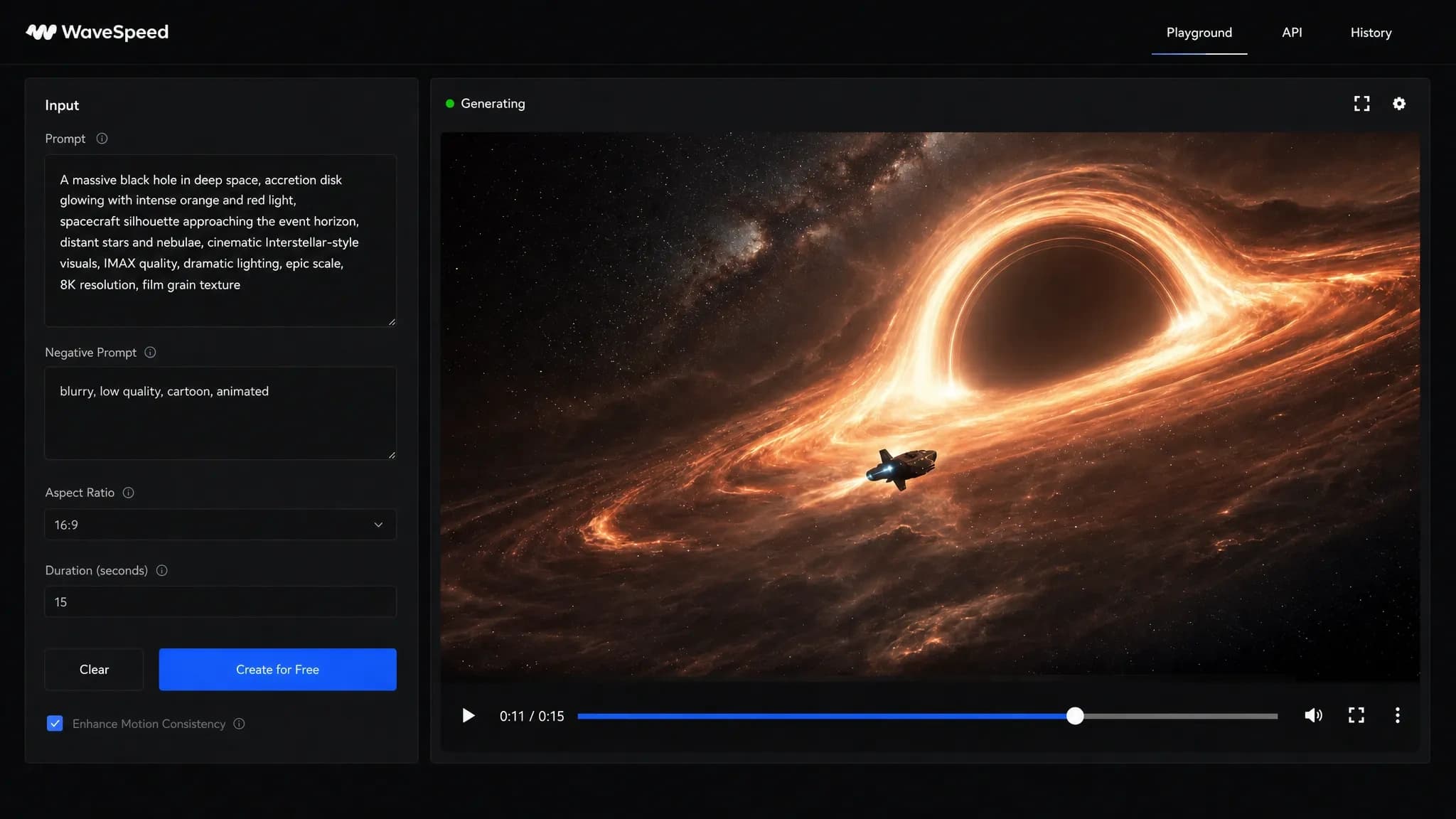
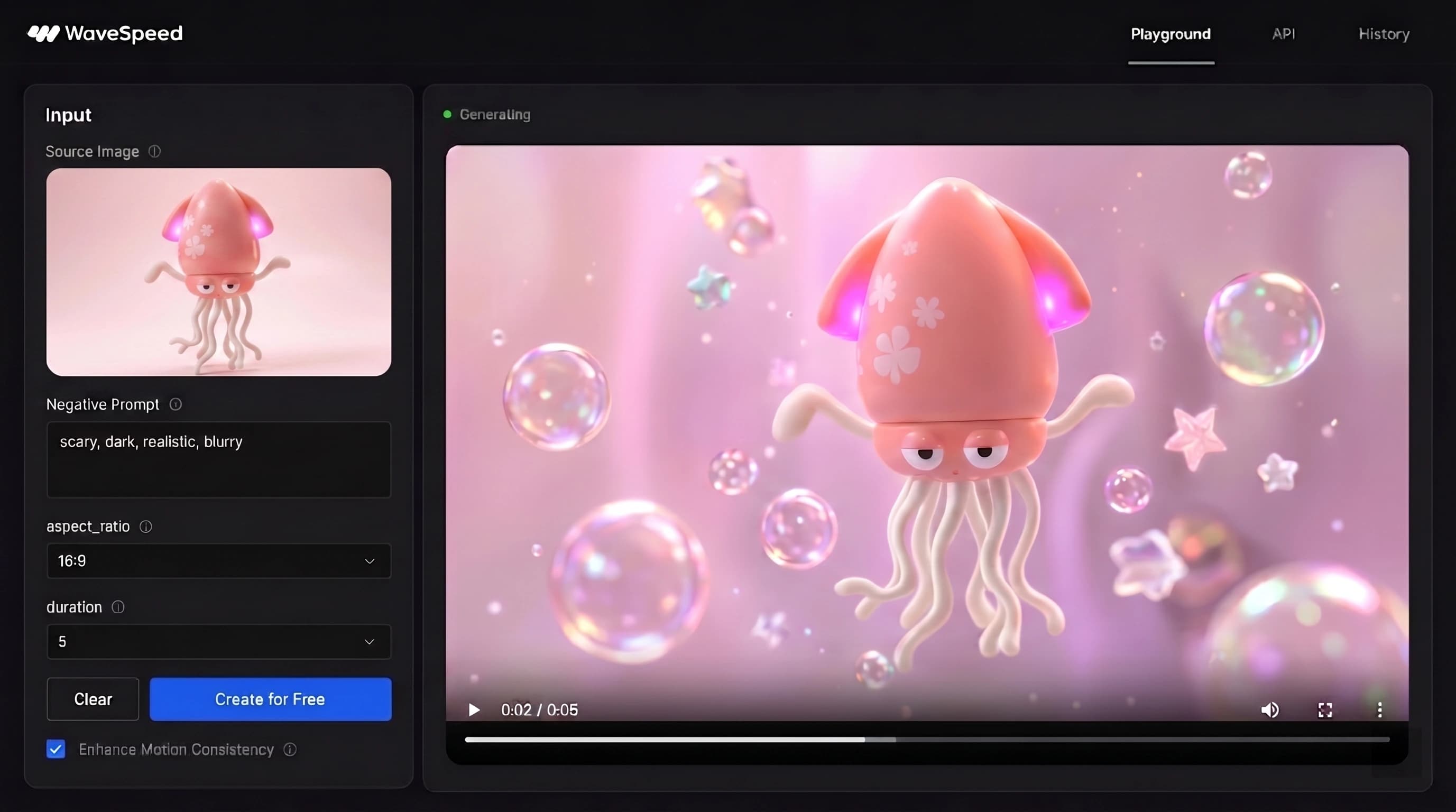
Image to Video
Use the AI image to video generator when you already have a product shot, portrait, illustration, or AI still image that should move. This image to video AI generator can add camera motion, expression, atmosphere, or product movement, and it gives you a free AI image to video generator flow to test ideas quickly.
This photo to video workflow is useful for product ads, social posts, and image to video AI experiments where visual consistency matters.
Choose from the Latest AI Video Models
WaveSpeedAI lets you compare the latest AI video generation models in one place, including Veo, Kling, Seedance, Wan, Hailuo, and more. Use a Wan video generator for flexible high-volume work, try Kling for dynamic motion, or treat WaveSpeedAI as a Runway AI video generator alternative when you want multiple engines in one workflow.
WAN 3.0
Alibaba's all-in-one video model for text-to-video, first-frame and last-frame animation, and multimodal reference-to-video with images, video, and audio.
WAN 3.0 Prime
The faster WAN 3.0 tier for text, image, and multimodal reference video generation up to 30 seconds and 1080p.
Seedance 2.0
ByteDance's flagship for Hollywood-grade cinematic video from text or images — native audio-visual sync, director-level camera and lighting control, and exceptional motion stability.
Seedance 2.0 Turbo
Cinematic 720p/1080p video at near-480p speed — the turbo tier keeps native audio sync and director-level control while cutting generation time.
Seedance 2.0 Mini
Faster, lower-cost cinematic multi-shot video with AI camera control, consistent characters across scenes, up to 4K output, and 4-15s durations.
MiniMax H3
Open-weights MiniMax H3 on WaveSpeed infrastructure — text-to-video, image-to-video, and reference-to-video with native stereo audio, 480p/540p/768p/1080p output, and 3-15s durations.
OpenVideo
Image-to-video with full creative control and a native audio track — preset stacks plus per-LoRA strength overrides for unlimited style, motion, and look-and-feel guidance.
Happy Horse 1.0
Alibaba's cinematic video model — smooth camera movement, expressive motion, strong prompt fidelity. 720p / 1080p, 3-15s, text-to-video and image-to-video.
Kling 3.0
Kuaishou's model with Std/Pro tiers, sound generation, and up to 15s video duration.
Kling O3
Kuaishou's advanced MVL model with Std/Pro tiers, reference-to-video, video editing, multi-prompt shots, and audio generation.
Kling 2.6
Kuaishou's Std/Pro model with cinematic visuals, native audio (Pro), and 5–10s duration.
WAN 2.7
Alibaba's newest model with text-to-video, image-to-video, and video editing. 1080p, up to 15s, first/last frame control, and audio guidance.
WAN 2.6
Alibaba's versatile model supporting text-to-video and image-to-video with audio generation.
WAN 2.5
Alibaba's 480p-1080p text/image-to-video with synced audio, prompt expansion, and flexible durations.
Seedance 1.5 Pro
ByteDance's cinematic model with camera control, audio generation, and 4–12s duration.
Gemini Omni 1.1 Flash
Google's Gemini Omni 1.1 Flash — text-to-video, image-to-video with first/last frame, reference-to-video from up to 10 images and 3 clips, and natural-language video editing. Synchronized audio, 360p to 4K, 3-10s.
Veo 3.1
Google's model with Fast/Standard modes, native 1080p, synchronized audio, and 4K support.
Vidu Q3
High-fidelity video generation with style control, movement amplitude, and background music.
Hailuo 2.3
MiniMax's physics-aware model with Standard/Pro tiers, 1080p output, and 2.5x efficiency.
Grok Imagine 1.5
xAI's fast video model with text-to-video up to 1080p, image-to-video, and reference-to-video from up to seven reference images.
Grok Imagine
xAI's video model with text-to-video and image-to-video, customizable duration and aspect ratio.
Free AI Video Generator – What You Get
WaveSpeedAI is free to start, supports AI video generator free online workflows, and does not add a WaveSpeedAI watermark to generated videos. You can test prompts, compare models, and export HD clips before scaling with usage-based pricing.
If you are comparing the best free AI video generator options, the key difference is that WaveSpeedAI gives you access to multiple current models rather than a single limited preview engine.
AI Video for Social, Ads & Product
Short-form & social clips
Create AI TikTok video generator clips, YouTube Shorts, reels, story posts, memes, and fast-moving social content from text prompts or reference images.
Product & ad videos
Turn product images, ecommerce concepts, and campaign prompts into short ad videos, product demos, product ad video tests, and scroll-stopping creative variations.
Prompt Tips for Better AI Videos
- Lead with the subject and action before describing style.
- Name the camera move: push-in, pan, orbit, handheld, or static.
- Set lighting and mood clearly, such as golden hour, studio lighting, or neon night.
- Keep one main action per clip so the AI video prompt stays focused.
- Try the same prompt across two models when comparing motion quality.
Generate AI Video at Scale with the API
For product teams, the AI video generator API and text to video API let you call the same model lineup programmatically. Use it for automated creative pipelines, app features, bulk rendering, or internal production tools.
AI Video Generator FAQ
Which is the best free AI video generator?
The best AI video generator depends on the clip you want. WaveSpeedAI is strong when you want one place to compare current AI video models like Veo, Kling, Seedance, and Wan, then choose the best free AI video generator workflow for your prompt.
Is it free? Any watermark?
Yes. If you are asking is AI video generator free here, WaveSpeedAI is free to start and lets you generate real videos with starter credits. Outputs are designed to be downloadable without a forced WaveSpeedAI watermark.
Which model should I use?
Which AI video model you should use depends on motion, realism, speed, and budget. Try Veo for cinematic scenes, Kling for dynamic motion, Seedance for fast clean clips, and Wan when you need flexible high-volume generation.
Text-to-video vs image-to-video?
Text-to-video starts from a written prompt and is best for new scenes. Image-to-video starts from a reference image and is best when you want to preserve a subject, product, character, or composition.
What length / resolution can I get?
Length and resolution depend on the model you choose. The generator shows the available duration and resolution options before you submit, so you can select the right model for quick drafts or higher-quality output.
Can I use AI videos commercially?
In most cases yes, but AI video commercial use depends on the specific model license and the rights to your prompt, image, characters, logos, and source material. Check the model page before using output in paid campaigns.