WAN 2.6 converts text or images into videos (720p/1080p) with synced audio, faster and more affordable than Google Veo3. Ready-to-use REST inference API, best performance, no cold starts, affordable pricing.
Idle
$0.5per run·~20 / $10
ExamplesView all
5-second cinematic shot of a lone post-apocalyptic soldier in armor and gas mask walking straight toward the camera along a cracked, dusty road between rows of rusted abandoned cars, holding a rifle and tattered flag, slow forward camera movement, smoke and dust drifting from ruined buildings in the background, warm orange sunset light, debris blowing slightly in the wind, realistic gritty atmosphere.
dynamic video of two professional fencers in white uniforms dueling on a metallic piste inside a bright old sports hall, sunlight streaming through tall windows onto the wooden floor and a small crowd of spectators in the background. Starting from a still mid-lunge, both fencers continue with quick footwork and agile attacks, blades clashing and flickering, with subtle handheld camera motion and realistic footsteps and metal sounds.
short energetic video in a cozy living room, filmed from a low camera on a fluffy rug. a french bulldog puppy repeatedly runs toward the camera and almost bumps the lens, sniffing and pawing playfully before darting back. in the background, a woman in a blue jumpsuit sits on the floor laughing and clapping, reacting to the dog’s zoomies, while a second dog wanders past and an orange treat bag sits on the rug. warm indoor light, handheld feel with small natural camera shakes, fast but clear motion, no text or logos.
cinematic video of three friends enjoying a slow, sunny picnic in a green field by a lake. the camera starts close on a young woman in a light brown shirt and shorts sitting on the grass, laughing as she slowly pops a strawberry into her mouth, sunlight on her face and her smartwatch catching the light. in the background, one friend in a beige top chats and gestures while sitting on the picnic blanket, and another in a light blue top lounges and stretches happily on the blanket. gentle breeze moving their hair and the grass, snacks on the blanket, soft handheld camera moves and relaxed pacing, no text or logos.
The woman is drinking her coffee, the dog is watching her, and barking
Related Models
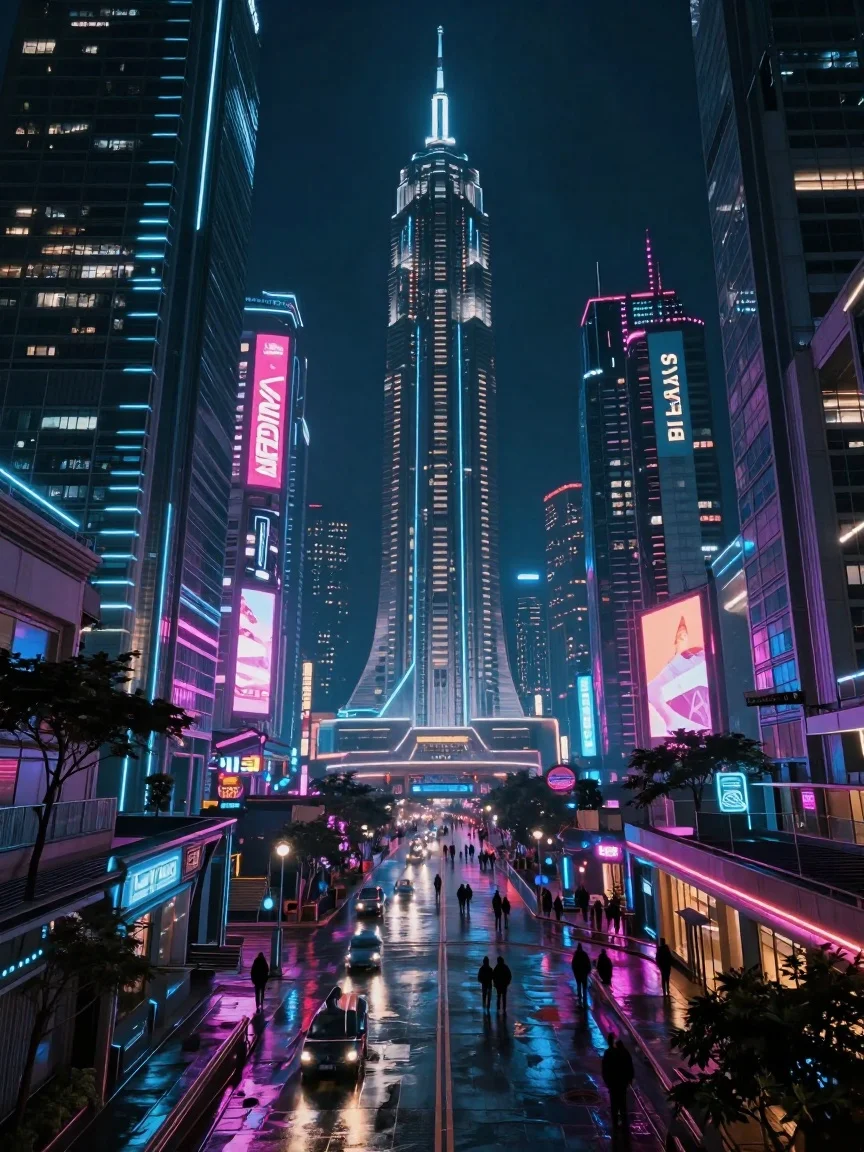
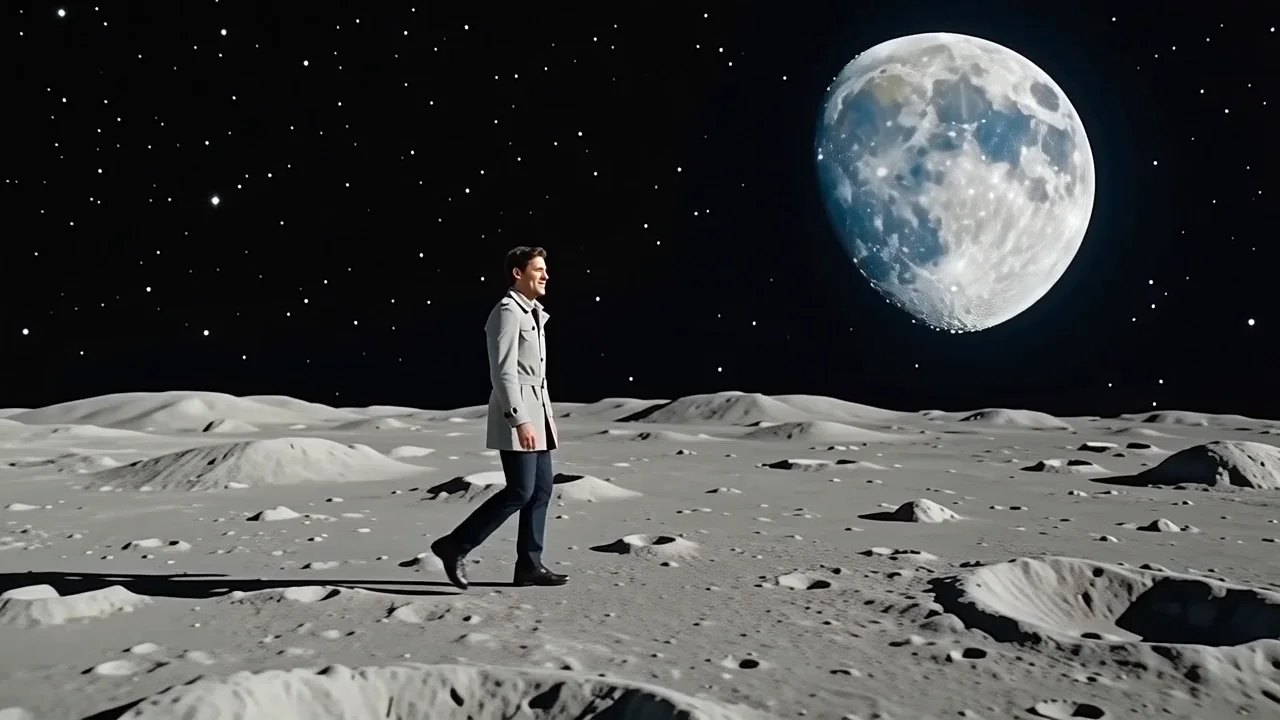
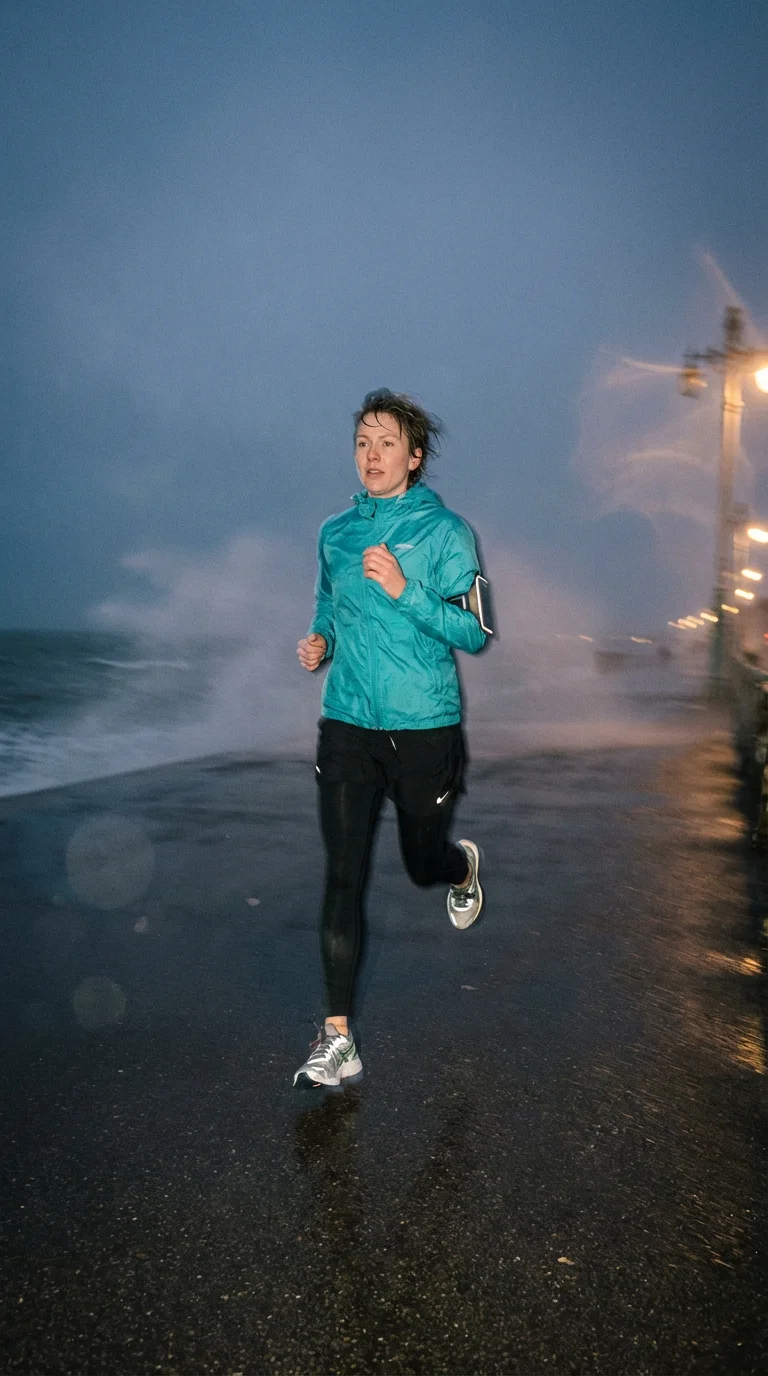
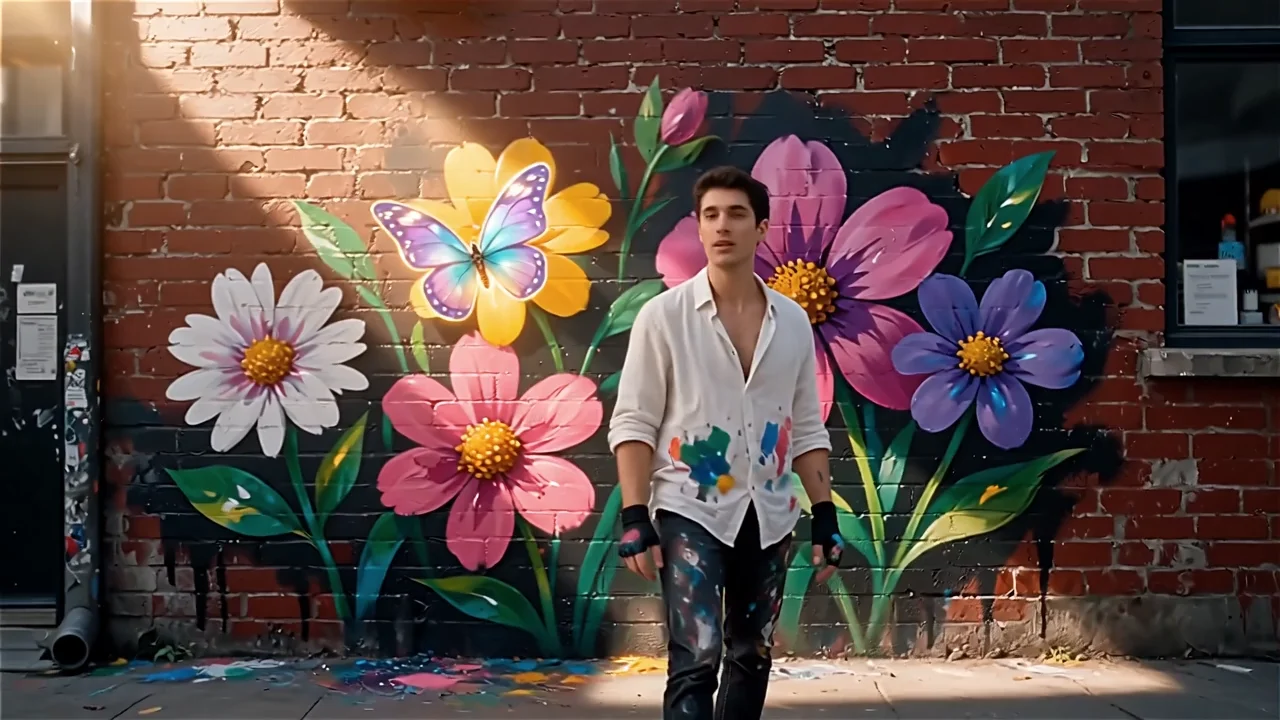
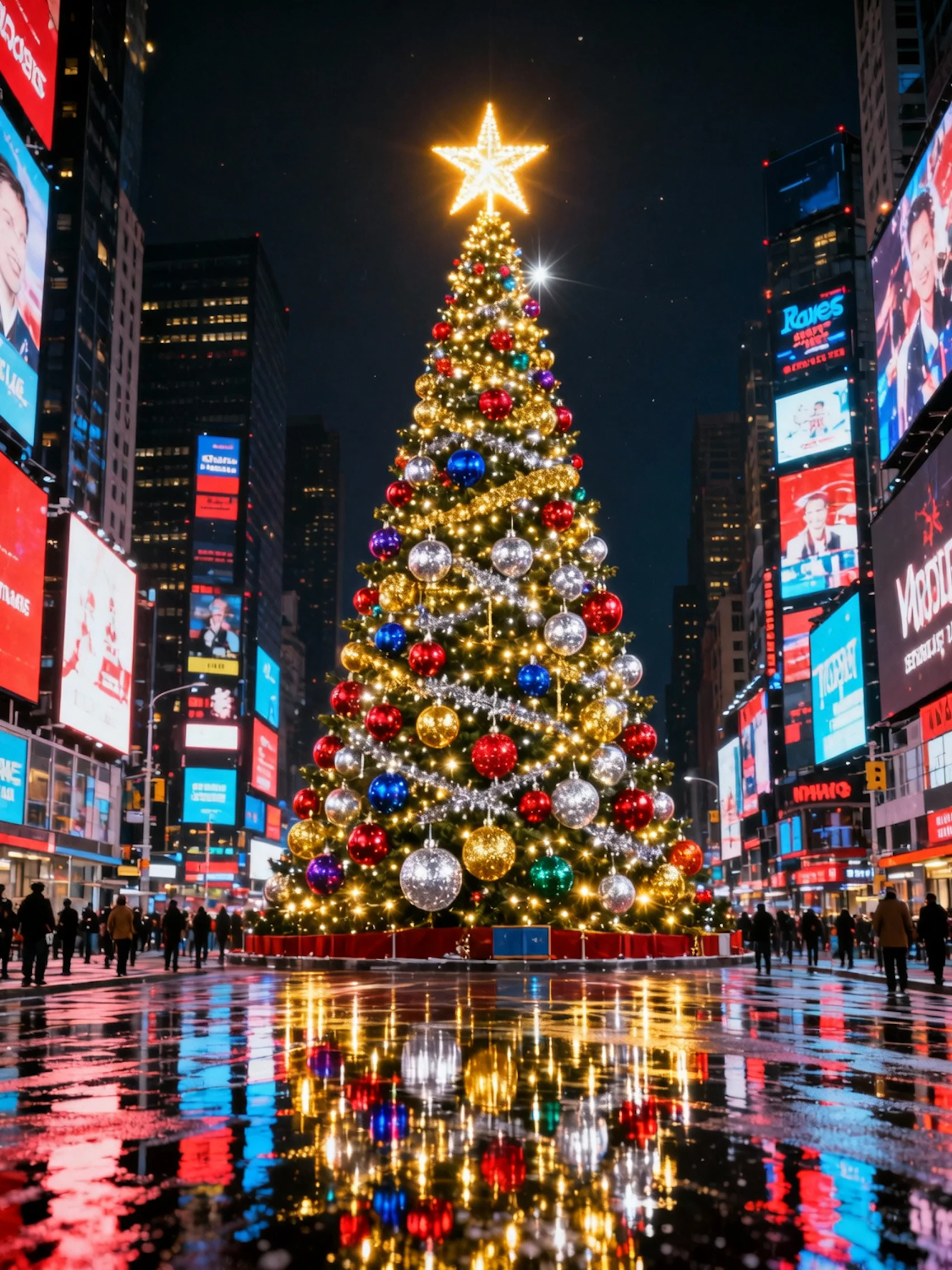
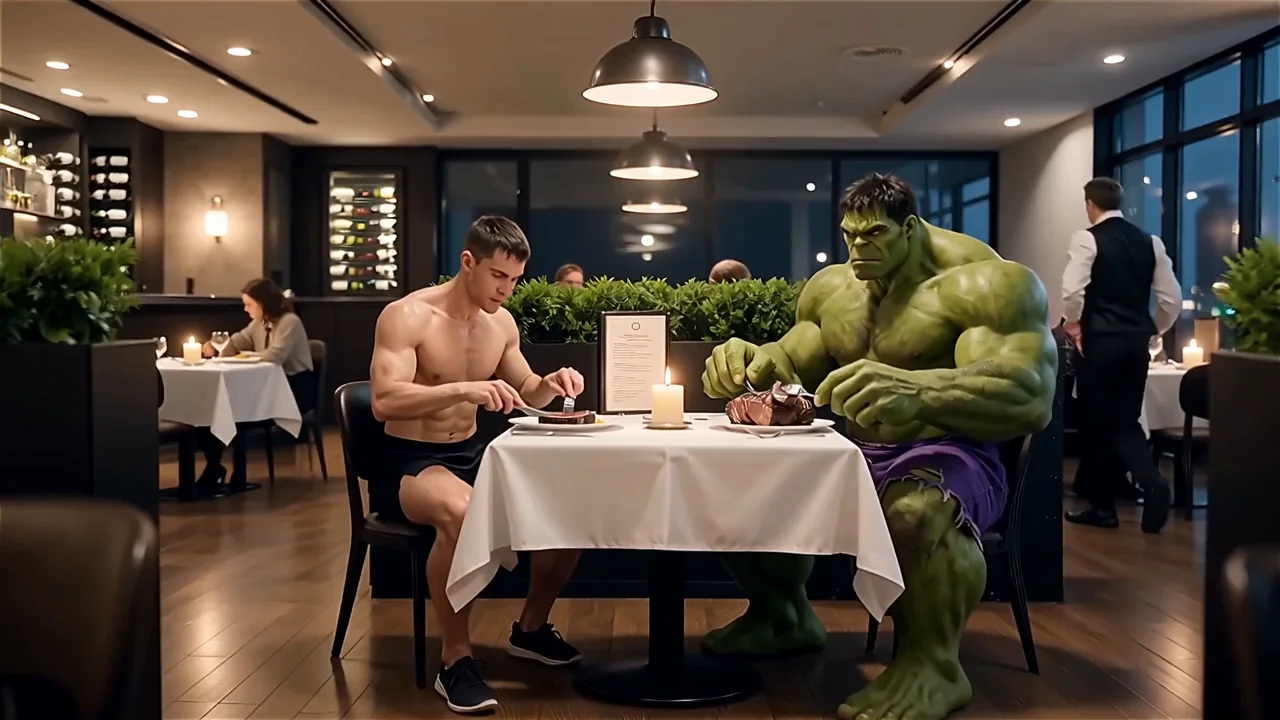
README
WAN 2.6 Image-to-Video
WAN 2.6 Image-to-Video is ’s latest WanXiang 2.6 image-to-video model. Give it a single image plus a prompt and it generates a 5–15s cinematic clip, with support for multi-shot storytelling and up to 1080p resolution.
🚀 Highlights
- Multi-shot narrative support – When prompt expansion + multi-shot are enabled, WAN 2.6 can automatically split your idea into several shots and keep key details consistent across them.
- Longer clips – Generate videos up to 15 seconds, giving more room for story arcs, transitions, and character actions.
- Flexible resolutions – Three quality tiers: 720p, 1080p, matching ’s official 2.6 spec.
- Image-driven look – Uses your input frame as the visual anchor, then animates it according to your prompt.
- Prompt-aware framing – The model balances your reference image and text description to keep identities, outfits, and overall scene coherent.
🧩 Parameters
-
image* – Required. The keyframe or base image to animate (URL or upload).
-
audio (optional) – Reserved field; can be used for advanced workflows that align motion with an external audio track. For normal use you can leave this empty.
-
prompt* – Describe the motion, story beats, camera moves, and style.
-
negative_prompt – Things to avoid (e.g. “watermark, text, distortion, extra limbs”).
-
resolution – One of:
-
720p
-
1080p
-
duration – One of 5s, 10s, 15s.
-
shot_type –
-
single → single-shot clip.
-
multi → when prompt expansion is on, the model can break your prompt into multiple shots for a richer narrative.
-
enable_prompt_expansion – If enabled, WAN 2.6 will expand shorter prompts into a more detailed internal script before generating.
-
seed – Fix for reproducible results; set to -1 for random, or any integer to lock the layout and motion pattern.
Output: an MP4 video at the chosen resolution tier.
💰 Pricing
| Resolution | 5 s | 10 s | 15 s |
|---|---|---|---|
| 720p | $0.50 | $1.00 | $1.50 |
| 1080p | $0.75 | $1.50 | $2.25 |
- 720p → $0.10 / s
- 1080p → $0.15 / s
✅ How to Use
- Upload your image under image (clear subject, good lighting works best).
- Write a prompt describing:
- what moves (character, camera, environment),
- overall mood and style (e.g., “cinematic, soft lighting, shallow depth of field”).
- (Optional) Turn on enable_prompt_expansion if your prompt is short and you want the model to elaborate it.
- (Optional) Enable multishots to let WAN 2.6 build a multi-shot sequence instead of a single continuous shot.
- Choose resolution (720p / 1080p) and duration (5 / 10 / 15 s).
- Set seed if you want repeatable results, otherwise leave -1 for variation.
- Click Run and download your clip once it finishes.
💡 Prompt Tips
- Start with the image content, then add motion: “Camera slowly dolly-in, character turns to look at the city, neon lights flicker, light rain, cinematic grade.”
- For multi-shot stories, hint at structure: “Shot 1: wide city skyline at night; Shot 2: medium shot of the hero on the rooftop; Shot 3: close-up as they smile.”
- Keep negative prompts short and focused; don’t overload them with long prose.
More Models to Try
-
kwaivgi/kling-video-o1/image-to-video High-quality AI image-to-video generator from Kwaivgi, ideal for cinematic character shots, smooth camera motion, and social-ready short clips.
-
/wan-2.5/image-to-video ’s WAN 2.5 image-to-video model, designed for fast, coherent animation of still images into ads, product demos, and story-style videos.
-
openai/sora-2/image-to-video OpenAI Sora 2, a cutting-edge AI video generator that turns images into long, detailed, physics-aware scenes for filmic concepts and high-end content.
-
google/veo3.1/image-to-video Google Veo 3.1 image-to-video, optimized for crisp, cinematic motion and clean compositions, perfect for marketing visuals, trailers, and creative storytelling.
Wan 2.6 Image To Video API — Quick start
Grab a WaveSpeedAI API key, then call POST https://api.wavespeed.ai/api/v3/alibaba/wan-2.6/image-to-video with your input as JSON. The endpoint returns a prediction id. Start polling the result endpoint around every 2 seconds, increase the interval for long-running tasks, and stop on any terminal status. On completed, read output values from data.outputs. Examples for Wan 2.6 Image To Video below.
HTTP example
set -euo pipefail

: "${WAVESPEED_API_KEY:?Set WAVESPEED_API_KEY}"

REQUEST_BODY=$(cat <<'JSON'
{
    "prompt": "A cinematic shot of a city at sunset, soft golden light",
    "image": "https://interactive-examples.mdn.mozilla.net/media/cc0-images/painted-hand-298-332.jpg",
    "resolution": "720p",
    "duration": 5,
    "shot_type": "single",
    "enable_prompt_expansion": false
}
JSON
)

# 1. Submit the prediction.
SUBMIT_RESPONSE=$(curl --silent --show-error --fail-with-body \
  -X POST "https://api.wavespeed.ai/api/v3/alibaba/wan-2.6/image-to-video" \
  -H "Content-Type: application/json" \
  -H "Authorization: Bearer $WAVESPEED_API_KEY" \
  -d "$REQUEST_BODY")

TASK=$(printf '%s' "$SUBMIT_RESPONSE" | jq 'if has("data") then .data else . end')
PREDICTION_ID=$(printf '%s' "$TASK" | jq -r '.id')
if [ -z "$PREDICTION_ID" ] || [ "$PREDICTION_ID" = "null" ]; then
  printf 'Submission response did not contain a prediction id
' >&2
  exit 1
fi
RESULT_URL="https://api.wavespeed.ai/api/v3/predictions/$PREDICTION_ID/result"

# 2. Poll until the prediction finishes.
while true; do
  RESPONSE=$(curl --silent --show-error --fail-with-body "$RESULT_URL" \
    -H "Authorization: Bearer $WAVESPEED_API_KEY")
  RESULT=$(printf '%s' "$RESPONSE" | jq 'if has("data") then .data else . end')
  STATUS=$(printf '%s' "$RESULT" | jq -r '.status')
  case "$STATUS" in
    completed) printf '%s\n' "$RESULT" | jq '.outputs'; break ;;
    failed|cancelled|timeout|deleted) printf '%s\n' "$RESULT" | jq . >&2; exit 1 ;;
    *) sleep 2 ;;
  esac
done
Node.js example
const submitUrl = "https://api.wavespeed.ai/api/v3/alibaba/wan-2.6/image-to-video";
const apiKey = process.env.WAVESPEED_API_KEY;
if (!apiKey) throw new Error('Set WAVESPEED_API_KEY');

async function requestJson(url, options = {}) {
  const response = await fetch(url, options);
  if (!response.ok) throw new Error(await response.text());
  return response.json();
}

// 1. Submit the prediction.
const body = await requestJson(submitUrl, {
  method: "POST",
  headers: {
    "Authorization": `Bearer ${apiKey}`,
    "Content-Type": "application/json",
  },
  body: JSON.stringify({
        "prompt": "A cinematic shot of a city at sunset, soft golden light",
        "image": "https://interactive-examples.mdn.mozilla.net/media/cc0-images/painted-hand-298-332.jpg",
        "resolution": "720p",
        "duration": 5,
        "shot_type": "single",
        "enable_prompt_expansion": false
}),
});
const task = body.data ?? body;
if (!task.id) throw new Error("Submission response did not contain a prediction id");
const resultUrl = `https://api.wavespeed.ai/api/v3/predictions/${task.id}/result`;

// 2. Poll until the prediction finishes.
while (true) {
  const resultBody = await requestJson(resultUrl, {
    headers: { "Authorization": `Bearer ${apiKey}` },
  });
  const result = resultBody.data ?? resultBody;
  if (result.status === "completed") {
    console.log(result.outputs);
    break;
  }
  if (["failed", "cancelled", "timeout", "deleted"].includes(result.status)) throw new Error(JSON.stringify(result));
  await new Promise(resolve => setTimeout(resolve, 2000));
}
Python example
import json
import os
import time
from urllib.request import Request, urlopen

api_key = os.environ["WAVESPEED_API_KEY"]
headers = {"Authorization": f"Bearer {api_key}", "Content-Type": "application/json"}
payload = {
    "prompt": "A cinematic shot of a city at sunset, soft golden light",
    "image": "https://interactive-examples.mdn.mozilla.net/media/cc0-images/painted-hand-298-332.jpg",
    "resolution": "720p",
    "duration": 5,
    "shot_type": "single",
    "enable_prompt_expansion": False
}

def request_json(url, data=None):
    request = Request(url, data=data, headers=headers, method="POST" if data else "GET")
    with urlopen(request) as response:
        return json.load(response)

# 1. Submit the prediction.
body = request_json("https://api.wavespeed.ai/api/v3/alibaba/wan-2.6/image-to-video", json.dumps(payload).encode())
task = body.get("data", body)
if not task.get("id"):
    raise RuntimeError("Submission response did not contain a prediction id")
result_url = f"https://api.wavespeed.ai/api/v3/predictions/{task['id']}/result"

# 2. Poll until the prediction finishes.
while True:
    result_body = request_json(result_url)
    result = result_body.get("data", result_body)
    status = result.get("status")
    if status == "completed":
        print(result.get("outputs", []))
        break
    if status in {"failed", "cancelled", "timeout", "deleted"}:
        raise RuntimeError(result)
    time.sleep(2)
Wan 2.6 Image To Video API — Frequently asked questions
What is the Wan 2.6 Image To Video API?
Wan 2.6 Image To Video is a Alibaba model for video generation from images, exposed as a REST API on WaveSpeedAI. WAN 2.6 converts text or images into videos (720p/1080p) with synced audio, faster and more affordable than Google Veo3. Ready-to-use REST inference API, best performance, no cold starts, affordable pricing. You can call it programmatically or try it from the playground above.
How do I call the Wan 2.6 Image To Video API?
POST your input parameters to the model's REST endpoint (shown in the API tab of this playground) with your WaveSpeedAI API key in the Authorization header. Submission returns a prediction ID. Poll the result endpoint starting around every 2 seconds, increase the interval for long-running tasks, and stop on any terminal status. The playground generates production-oriented Python, JavaScript, and cURL examples with timeouts, transient-error handling, and safe GET retries. Full request/response shape is documented at https://wavespeed.ai/docs/docs-api/alibaba/alibaba-wan-2.6-image-to-video.
How much does Wan 2.6 Image To Video cost per run?
Wan 2.6 Image To Video starts at $0.50 per run. That figure is the base price — the final charge scales with the parameters you set in the form (output size, length, count, references, or whatever knobs this model exposes), so a higher-quality or larger output costs more than a minimal one. The exact cost for your current input is shown live next to the Generate button before you submit, and the actual per-call charge is recorded on the prediction afterwards.
What inputs does Wan 2.6 Image To Video accept?
Key inputs: `prompt`, `image`, `audio`, `resolution`, `duration`, `seed`. The full JSON schema (types, defaults, allowed values) is rendered above the Generate button and mirrored in the API reference at https://wavespeed.ai/docs/docs-api/alibaba/alibaba-wan-2.6-image-to-video.
How long does Wan 2.6 Image To Video take to generate?
Median end-to-end generation time on WaveSpeedAI is around 47 seconds per request, based on recent successful runs. Queue time varies with global demand; live status is visible in the prediction record.
Can I use Wan 2.6 Image To Video outputs commercially?
Commercial usage rights depend on the model's license, set by its provider (Alibaba). The license summary appears on the model card above; see WaveSpeedAI's Terms of Service for platform-level conditions.