Retake the expression
Try a natural smile or opening closed eyes. Retake blends the selected facial area back into your original photo; pixels outside that area stay original.
The place, the people, the perfect photo—except for one expression. Give it another take, right in your browser.
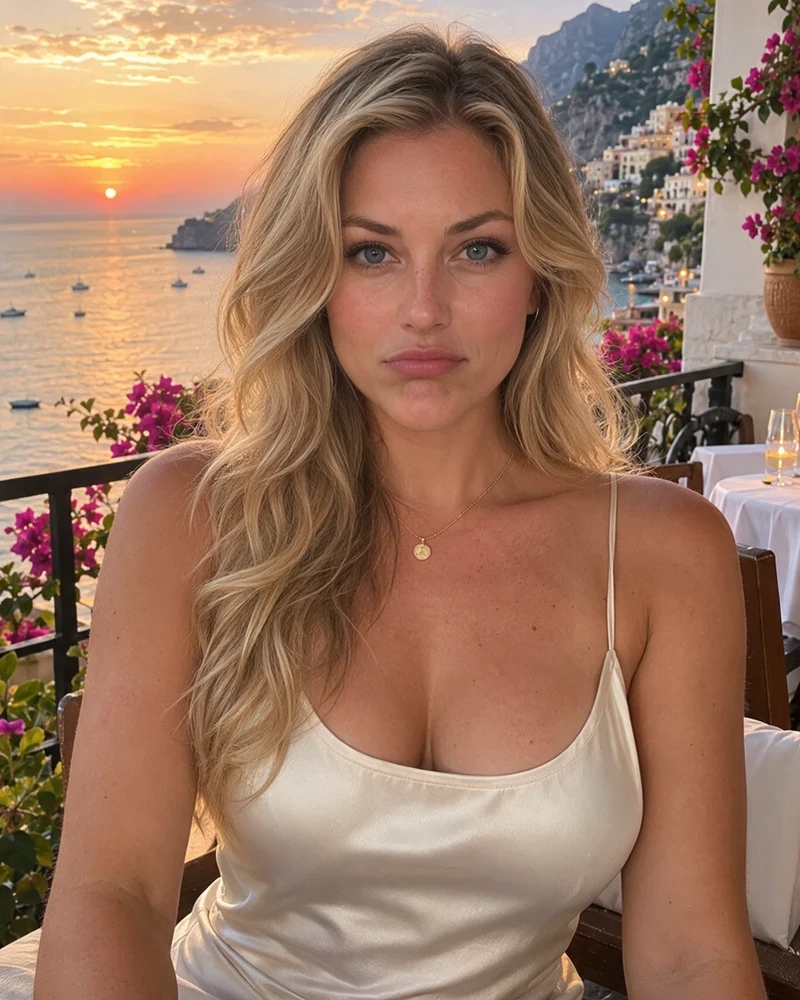
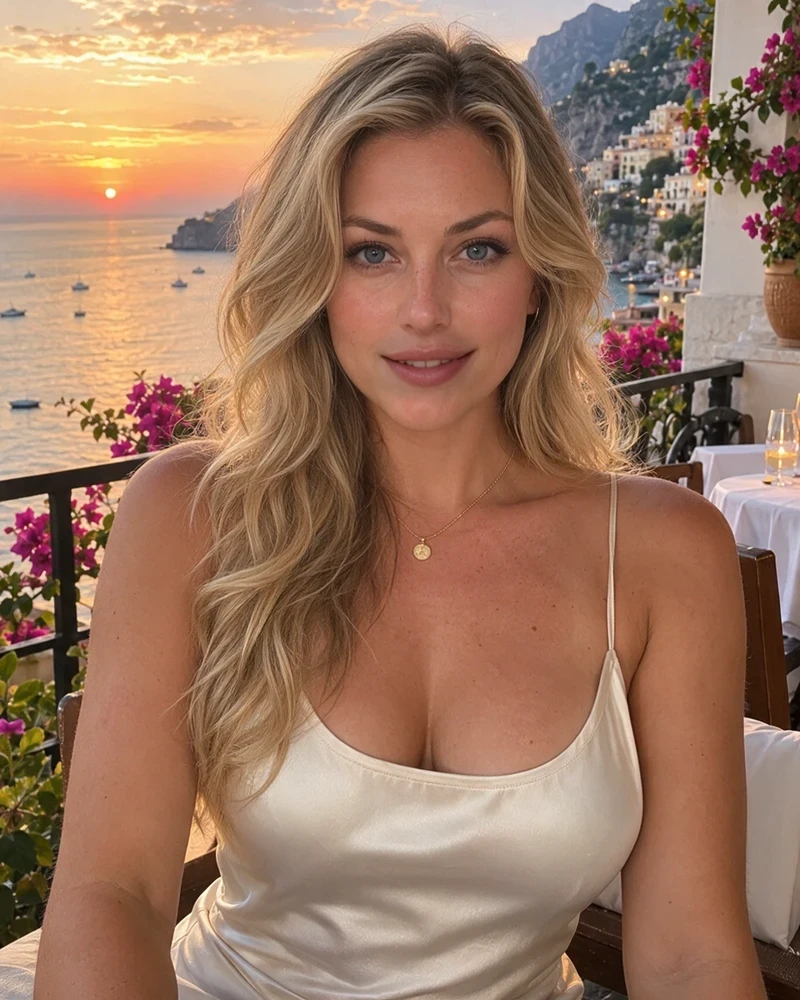
Try a natural smile or opening closed eyes. Retake blends the selected facial area back into your original photo; pixels outside that area stay original.
Use Repose for a subtle change to head angle, expression or lighting. This edits the full image, so review the scene as well as the face.
Smooth skin, reduce shine, soften dark circles and adjust facial details with local Retouch sliders. No account or AI generation is needed.
Open a photo, select a face and choose the part to adjust. Optional reference photos can help guide appearance.
Use free local Retouch sliders, or review the total price and confirm AI generation. Choose one, two or four alternatives.
Compare with the original, adjust the strength and download a PNG at the original image dimensions.
The sample preview and local Retouch sliders are free without an account. AI generation requires sign-in and uses your WaveSpeed balance. The button shows your total price, including any account discount, before you confirm.
The original photo guides generation; optional references can help. No personal model is trained here. Generated expressions can vary, so compare alternatives and reduce the strength if needed. Exact identity preservation is not guaranteed.
Photo analysis and local retouching run in your browser. Uploading for a quote sends the original and selected references to WaveSpeed; AI generation then uses the online model. The free sample uses public example images. See our privacy policy for online processing.
The place, the people, the perfect photo—except for one expression. Give it another take, right in your browser.