Open your photo
Drop, paste or choose a photo. Large camera photos open too; the editor works on a light preview and saves from the original.
Fix light and color with sliders, curves and 31 looks, crop and straighten, remove spots, then add text, stickers and frames.
Every edit can be changed or undone, and the download keeps your photo’s full resolution.
Drop a photo here, or paste one
JPG, PNG, WebP, GIF, AVIF, BMP, SVG · Up to 100 megapixels · Nothing is uploadedEach example opens with a starting edit. Change anything, then download.
Drop, paste or choose a photo. Large camera photos open too; the editor works on a light preview and saves from the original.
Use the tools on the left: Adjust, Looks, Curves and Color for the picture; Crop and Retouch to fix it; Text, Elements and Draw to design on top.
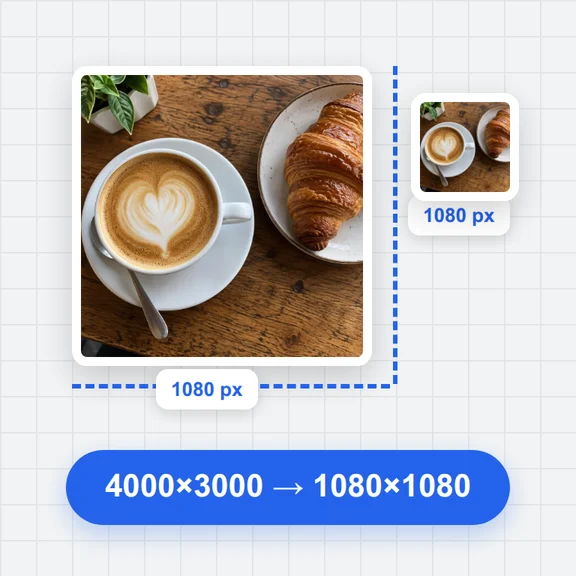
Pick JPG, PNG or WebP, the quality and size, and download. Save a project file to keep editing later.
Exposure, contrast, highlights, shadows, whites and blacks; temperature, tint, vibrance and saturation; curves and levels per channel; an eight-color mixer, black and white with its own channel mix, and split-tone color grading.
31 looks, from Golden Hour and Cinematic to Matte, Noir and Sepia, previewed on your own photo. A strength slider sets how much, and your own sliders still work on top.
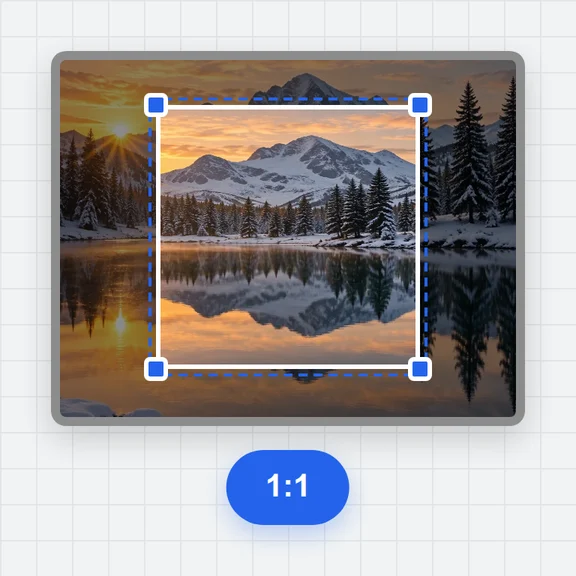
Free or fixed-ratio crop with thirds and golden-ratio guides, straighten up to 45°, rotate, flip, fix leaning buildings with the perspective sliders or by moving four corners, and add a border or extra canvas.
Spot heal, heal and clone for blemishes and distractions, red-eye removal, blur or pixelate faces and number plates, and dodge and burn to shape the light.
Change exposure, contrast, saturation and warmth in part of the photo only, with a brush, a straight gradient for skies, or a radial mask for a subject.
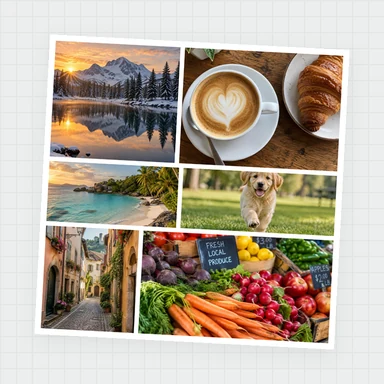
Text with 25 fonts, outline, shadow, background box and curved text; shapes, 43 stickers, pictures with blend modes, freehand drawing, frames and a tiled watermark, all on movable layers.
Set exposure first, then pull highlights down and lift shadows. Use Auto tone for a quick starting point and adjust from there.
Hold the eye button (or the \ key) to see the original, or turn on the split view to compare both halves while you work.
Zoom to 1:1 before healing small spots. [ and ] change the brush size; Space and drag moves around the photo.
Text, stickers and drawings stay separate until you download, so you can move, restyle or delete them at any time.
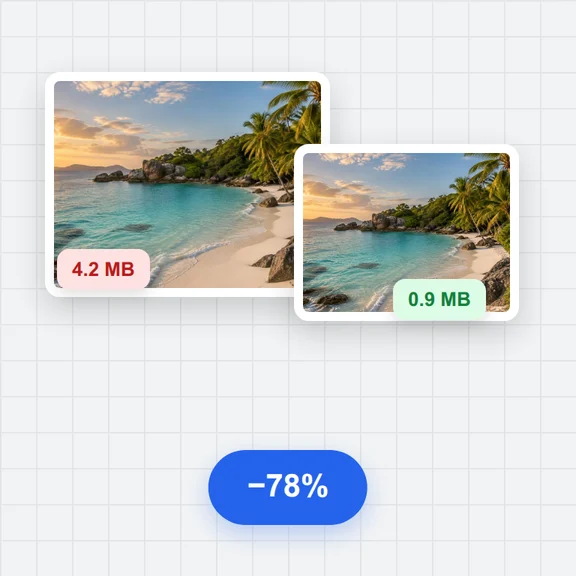
JPG for photos, PNG for transparency or sharp graphics, WebP for small files on the web. The size estimate updates as you change quality.
Your last session is kept in this browser automatically. Save a project file to move it to another device or keep several versions.
Create photos, portraits and illustrations from a short prompt with WaveSpeed AI, then finish them here.
Make photos, product shots and illustrations from a prompt, or change a photo with words.
Turn a still photo into a short video clip.
Turn a picture into a 3D model.
$1 in free credits for eligible new accounts. No card needed. Generators have separate account and credit requirements. The photo editor is free.
Yes. Every tool and every download is free, with no account, no watermark and no limit on how many photos you edit.
No. The photo is opened, edited and saved in your browser and never leaves your device. Your last session is kept in this browser only, so you can continue after a reload.
You can open JPG, PNG, WebP, GIF (first frame), AVIF, BMP and SVG, plus HEIC in browsers that read it. Camera RAW and layered design files aren’t supported. You can save JPG, PNG or WebP, copy the result to the clipboard, or save a project file.
No. While you edit, the screen shows a light preview so sliders respond instantly, but the download is made from your original photo at full resolution, or at the size you choose.
Up to 100 megapixels. Big photos take longer to save, and phones and tablets may not be able to hold very large downloads in memory; choose a smaller size if saving fails.
Yes. Up to 200 steps can be undone and redone, and the history list lets you jump back to any step. Hold the eye button or press \ to compare with the original.
Yes. Add text with a choice of fonts, outline, shadow, background and curve, plus shapes, 43 stickers, a second picture, freehand drawing, frames and a tiled watermark. Each sits on its own layer with opacity and blend mode.
Open Retouch and choose Spot heal, then brush over the spot. For larger areas, use Heal or Clone: pick a clean source with Alt-click, then brush over what you want to cover.
No. Every tool here is classic image processing that runs in your browser. To create new images or change a photo with words, use WaveSpeed AI’s image generator.
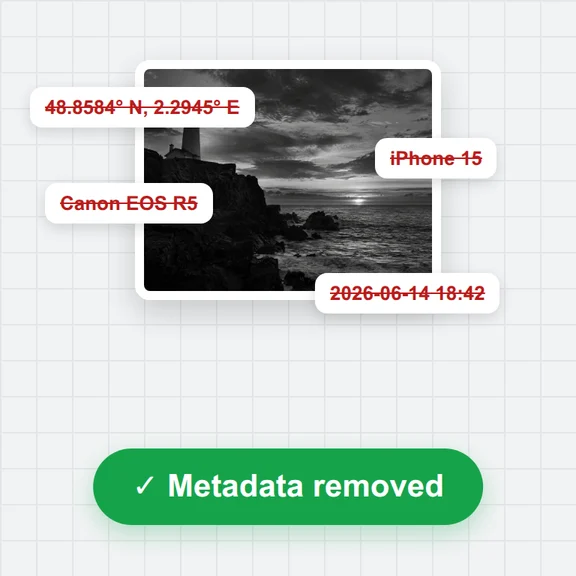
Not by default: the downloaded file has no camera or location details. Switch on Keep camera details in Export to copy them from a JPG original.
Yes. The tools move to the bottom of the screen, sliders go full width, and you can pinch to zoom and drag with two fingers.
Free, private and no sign-up.
/filters:quality(82)/media/images/1791123751656780930_IfFPY7R0.webp)
/filters:quality(82)/media/images/1791123737177812425_RjKT3cku.webp)
/filters:quality(82)/media/images/1791123748309870128_xlkNgK8N.webp)
/filters:quality(82)/media/images/1791123738630744263_oR09R0aj.webp)
/filters:quality(82)/media/images/1791177033162457776_uQ09OY7g.webp)
/filters:quality(82)/media/images/1791123734319125607_JdnwGPY7.webp)
/filters:quality(82)/media/images/1791123746355630206_udnxGPY7.webp)
/filters:quality(82)/media/images/1791123744771362580_yC0sPezZ.webp)
/filters:quality(82)/media/images/1791123738606970169_5KIR1ais.webp)
/filters:quality(82)/media/images/1791123748197655725_EUmuFNW6.webp)