Add your images
Drop, paste or choose one or more images. Each one appears as a card with its size.
Reduce the file size of one image or a whole batch.
Pick the quality, see each file before and after, and download one file or a ZIP.
Drop one or many images here, or paste them
JPG, PNG, WebP, GIF, BMP, AVIF · Up to 100 MB each · Nothing is uploadedLoad a set of photos with the settings already chosen, then compress them all at once.
Drop, paste or choose one or more images. Each one appears as a card with its size.
Set the quality, pick JPG, PNG or WebP, and limit the largest side if you want smaller pictures too.
Compress them all at once, see the size saved for each, and download one file or a ZIP.
Create photos, illustrations and graphics from a short prompt with WaveSpeed AI.
Make photos, product shots and illustrations from a prompt.
Turn a still image into a short video clip.
Turn a picture into a 3D model.
$1 in free credits for eligible new accounts. No card needed. Generators have separate account and credit requirements. The image compressor is free.
Yes. Compress as many images as you like, as often as you like, with no account and no watermark.
No. Images are compressed in your browser and never leave your device.
It depends on the picture. Photos usually shrink by half or more at 70–85% quality with no visible change. Screenshots and graphics saved as PNG shrink less unless you switch to WebP or JPG.
80% is a good start for photos. Go down to 60–70% for email and web pages, and up to 90% when you need the best look. Lower quality makes smaller files.
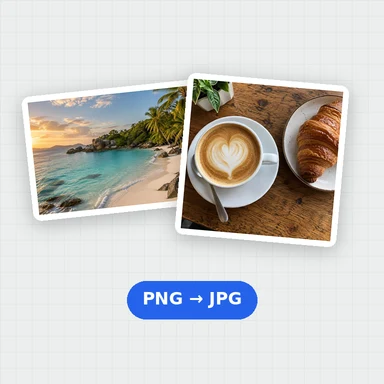
WebP is usually the smallest for the same look, then JPG. PNG keeps every pixel, so its files are larger; use it for graphics that need sharp edges or transparency.
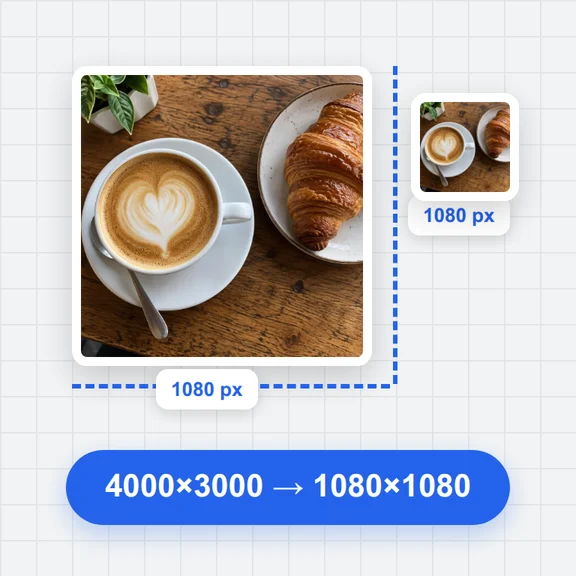
Yes. Set the largest side, for example 1920 px, and bigger pictures are reduced to fit. Smaller pictures are never enlarged.
PNG and WebP keep transparency. JPG can’t store it, so transparent areas become white.
Compressed images are saved without camera details and location. Photos taken sideways or upside down are turned the right way up first.
Each image can be up to 100 MB. Very large images (tens of megapixels) may fail on phones with little memory.
Free, private and in batches.
/filters:quality(82)/media/images/1791123751656780930_IfFPY7R0.webp)
/filters:quality(82)/media/images/1791123737177812425_RjKT3cku.webp)
/filters:quality(82)/media/images/1791123748309870128_xlkNgK8N.webp)
/filters:quality(82)/media/images/1791123738630744263_oR09R0aj.webp)
/filters:quality(82)/media/images/1791177033162457776_uQ09OY7g.webp)
/filters:quality(82)/media/images/1791123734319125607_JdnwGPY7.webp)
/filters:quality(82)/media/images/1791123746355630206_udnxGPY7.webp)
/filters:quality(82)/media/images/1791123744771362580_yC0sPezZ.webp)
/filters:quality(82)/media/images/1791123738606970169_5KIR1ais.webp)
/filters:quality(82)/media/images/1791123748197655725_EUmuFNW6.webp)