Add your image
Drop, paste or choose a JPG, PNG, WebP or other image, up to 4 megapixels.
Make small photos and illustrations 2×, 3× or 4× bigger with AI that adds real detail.
Compare before and after, then download. Your image never leaves your device.
Enlarge a photo or illustration 2×, 3× or 4× with AI that adds detail instead of blur.
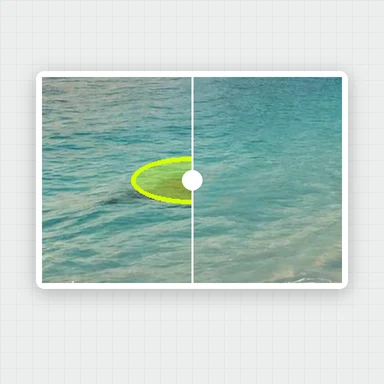
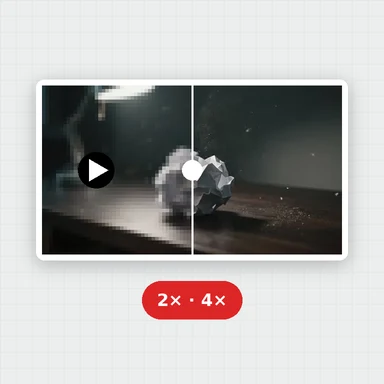
JPG, PNG, WebP, AVIF and more · up to 50 MB · or paste with Ctrl+VPhotos, a sticker and a drawing, each shown small and enlarged in your browser. Drag the slider to compare.
Drop, paste or choose a JPG, PNG, WebP or other image, up to 4 megapixels.
Choose 2×, 3× or 4× and Fast, Balanced or Best, then press Upscale.
Drag the slider to see the difference, then save the result as PNG, JPG or WebP.
When enlarging isn't enough, create a fresh image at full resolution with WaveSpeed AI.
Generate photos, illustrations and designs from a prompt, or edit a picture with words.
Bring an upscaled photo to life as a short video clip.
Turn a picture into a 3D model.
$1 in free credits for eligible new accounts. No card needed. Generators have separate account and credit requirements. The image upscaler is free.
Yes. Upscale as many images as you like, with no account, no watermark and no daily limit.
No. The AI runs in your browser and your picture never leaves your device. Only the AI model itself is downloaded, once, and then kept in your browser.
Ordinary resizing stretches the pixels you have, so edges get soft and blurry. AI upscaling predicts the missing detail, so edges, textures and text stay sharper at the larger size.
2× suits most photos. Use 3× or 4× for small images such as thumbnails, icons or old web pictures. Fast is quick and good for illustrations and simple images; Balanced adds detail to photos; Best is the sharpest and slowest, and needs a larger one-time download.
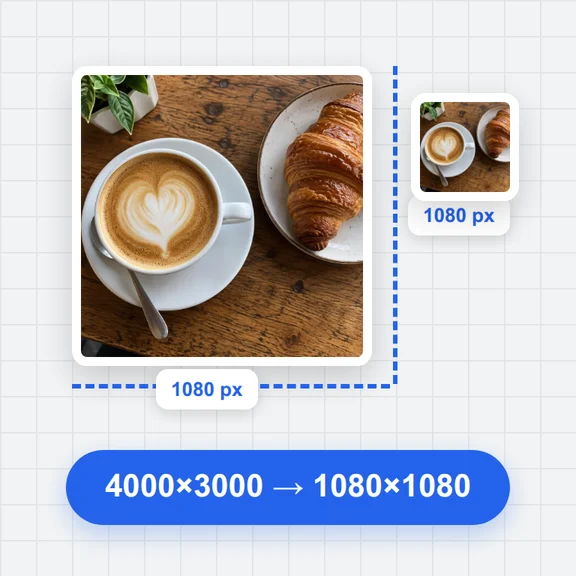
Files up to 50 MB. The result can be up to 16.7 megapixels (4096 × 4096), so the original can be up to about 4 megapixels for 2×, 1.8 megapixels for 3× and 1 megapixel for 4× (for example 2048, 1365 or 1024 pixels square). Larger scales are switched off when the result would be too big.
A few seconds for small images on a computer with graphics acceleration. Large images, Best quality, phones and browsers without graphics acceleration take longer. You can cancel at any time.
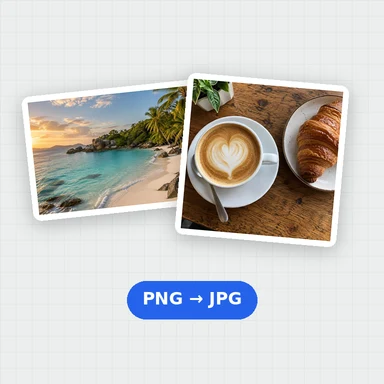
PNG (lossless), JPG or WebP. Transparent areas are filled with white, since the result has no transparency.
Yes. WaveSpeed AI's AI Image Upscaler handles larger photos and enlarges them to 4K or 8K with finer detail.
Free AI upscaling in your browser. No upload, no sign-up, no watermark.
/filters:quality(82)/media/images/1791123751656780930_IfFPY7R0.webp)
/filters:quality(82)/media/images/1791123737177812425_RjKT3cku.webp)
/filters:quality(82)/media/images/1791123748309870128_xlkNgK8N.webp)
/filters:quality(82)/media/images/1791123738630744263_oR09R0aj.webp)
/filters:quality(82)/media/images/1791177033162457776_uQ09OY7g.webp)
/filters:quality(82)/media/images/1791123734319125607_JdnwGPY7.webp)
/filters:quality(82)/media/images/1791123746355630206_udnxGPY7.webp)
/filters:quality(82)/media/images/1791123744771362580_yC0sPezZ.webp)
/filters:quality(82)/media/images/1791123738606970169_5KIR1ais.webp)
/filters:quality(82)/media/images/1791123748197655725_EUmuFNW6.webp)