Add your images
Drop, paste or choose one or more images. Each one appears as a card with its size.
Convert one image or a whole batch to JPG, PNG, WebP, GIF or BMP.
Set the quality, see each new file size, and download one file or a ZIP.
Drop one or many images here, or paste them
JPG, PNG, WebP, GIF, BMP, AVIF, SVG · Up to 100 MB each · Nothing is uploadedLoad a set of images with a target format already picked, then convert them all at once.
Drop, paste or choose one or more images. Each one appears as a card with its size.
Choose JPG, PNG, WebP, GIF or BMP, and set the quality for JPG or WebP.
Convert them all at once and download one file, or a ZIP when there are several.
Create photos, illustrations and graphics from a short prompt with WaveSpeed AI.
Make photos, product shots and illustrations from a prompt.
Turn a still image into a short video clip.
Turn a picture into a 3D model.
$1 in free credits for eligible new accounts. No card needed. Generators have separate account and credit requirements. The image converter is free.
Yes. Convert as many images as you like, as often as you like, with no account and no watermark.
No. Images are converted in your browser and never leave your device.
You can convert to JPG, PNG, WebP, GIF and BMP. You can open JPG, PNG, WebP, GIF, BMP, AVIF and SVG images, plus any other format your browser can show, such as HEIC in Safari.
Yes. Add as many images as you like; they are all converted to the same format. Several images download together as one ZIP file, and you can also download each one on its own.
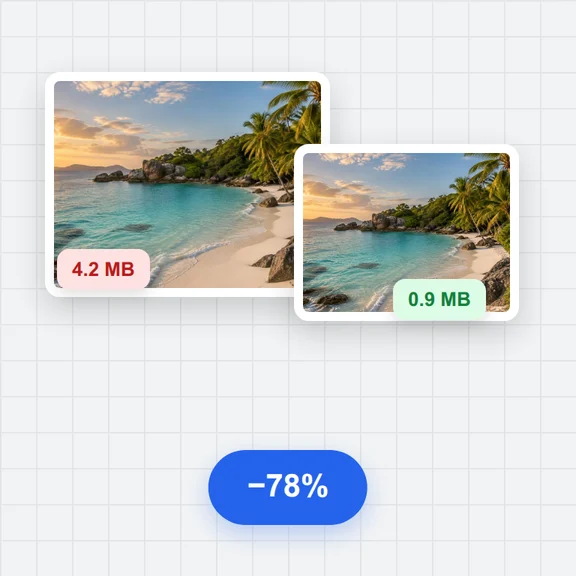
For JPG and WebP, lower quality makes smaller files. 80–90% looks the same as the original for most photos. PNG, GIF and BMP are saved without quality loss beyond the format’s own limits.
PNG and WebP keep transparency. JPG, GIF and BMP can’t store it here, so transparent areas become white.
Each image can be up to 100 MB. Very large images (tens of megapixels) may fail on phones with little memory.
No. Animated images are converted from their first frame. To make an animation, use the GIF Maker.
SVG images are drawn at a usable size (at least 1024 pixels on the long side) and then saved in the format you choose.
Free, private and in batches.
/filters:quality(82)/media/images/1791123751656780930_IfFPY7R0.webp)
/filters:quality(82)/media/images/1791123737177812425_RjKT3cku.webp)
/filters:quality(82)/media/images/1791123748309870128_xlkNgK8N.webp)
/filters:quality(82)/media/images/1791123738630744263_oR09R0aj.webp)
/filters:quality(82)/media/images/1791177033162457776_uQ09OY7g.webp)
/filters:quality(82)/media/images/1791123734319125607_JdnwGPY7.webp)
/filters:quality(82)/media/images/1791123746355630206_udnxGPY7.webp)
/filters:quality(82)/media/images/1791123744771362580_yC0sPezZ.webp)
/filters:quality(82)/media/images/1791123738606970169_5KIR1ais.webp)
/filters:quality(82)/media/images/1791123748197655725_EUmuFNW6.webp)