Meshy API
Meshy API on WaveSpeedAI — the official Meshy 7.1, 7, 6 and 6 Lite models over REST: text, image and multi-image to 3D with PBR textures up to 8K, plus retexture, rigging, animation, remesh, UV unwrap, convert, resize and 3D printing tools.
Turn a prompt, a photo or up to four views into a textured 3D model, then rig and animate characters, remesh to a target polycount, unwrap UVs, convert formats or prepare the model for 3D printing. Every endpoint runs on the same REST prediction flow as every other model on WaveSpeedAI.


Overview
About the Meshy API
What Meshy does, how it fits in the Meshy model lineup, and why teams reach for it.
Meshy is a 3D asset generation model from Meshy, available through the WaveSpeedAI REST API. Meshy API on WaveSpeedAI — the official Meshy 7.1, 7, 6 and 6 Lite models over REST: text, image and multi-image to 3D with PBR textures up to 8K, plus retexture, rigging, animation, remesh, UV unwrap, convert, resize and 3D printing tools.
Turn a prompt, a photo or up to four views into a textured 3D model, then rig and animate characters, remesh to a target polycount, unwrap UVs, convert formats or prepare the model for 3D printing. Every endpoint runs on the same REST prediction flow as every other model on WaveSpeedAI.
The Meshy family on WaveSpeedAI ships 24 REST endpoints covering Image-To-3d, Text-To-3d workflows. Each variant carries its own pricing, parameter knobs, and example outputs — pick the one that matches your input modality and production constraints, or call several from the same API key to compose multi-step pipelines.
Run Meshy through the same API key, billing account, and rate-limit envelope you use for the other 1,000+ AI models on WaveSpeedAI. No separate vendor setup, no per-provider SDKs, no per-vendor rate-limit envelopes — one integration covers everything from text-to-image and text-to-video through audio synthesis, 3D generation, upscaling, and editing.
Specs
Meshy API capabilities and release status
The model-specific details developers search for before choosing an API: availability, expected output length, reference support, and the current live fallback.
Models
Meshy 7.1, 7, 6, 6 Lite
Meshy 7.1 is the newest, with Ultra geometry; 6 Lite is the fastest and cheapest; smart-topology builds clean low-poly meshes.
Textures
Up to 8K, PBR
Textures at 2K, 4K or 8K with optional PBR maps, guided by a prompt or a reference image.
Characters
Rigging and animation
Rig humanoid and four-legged characters and apply up to 10 animations from the Meshy library.
3D printing
Analyze, repair, multi-color
Check printability, repair holes and broken geometry, and export multi-color 3MF files with slicer presets.
Endpoints
All Meshy API endpoints
24 Meshy endpoints available now on WaveSpeedAI — pick the variant that matches your workflow.
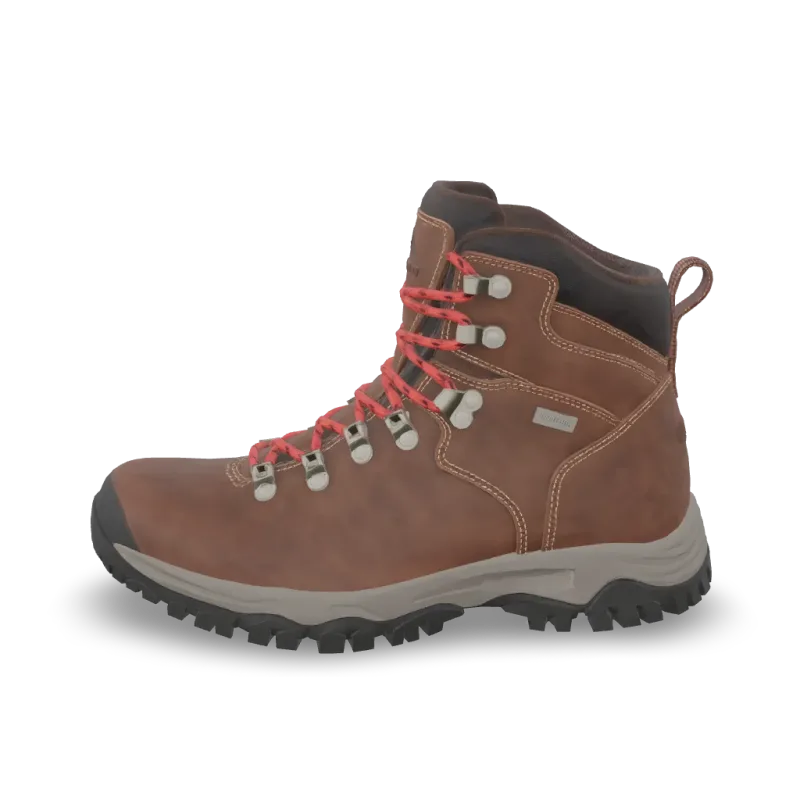
Print Repair
Meshy Print Repair repairs a 3D model for printing: closes holes and fixes broken geometry. Ready-to-use REST inference API, best performance, no coldstarts, affordable pricing.

Print Multi Color
Meshy Multi-Color Print turns a textured 3D model into a multi-color 3MF ready for the slicer. Ready-to-use REST inference API, best performance, no coldstarts, affordable pricing.
Print Analyze
Meshy Printability Analysis checks whether a 3D model is ready to 3D print and reports the issues it finds. Ready-to-use REST inference API, best performance, no coldstarts, affordable pricing.
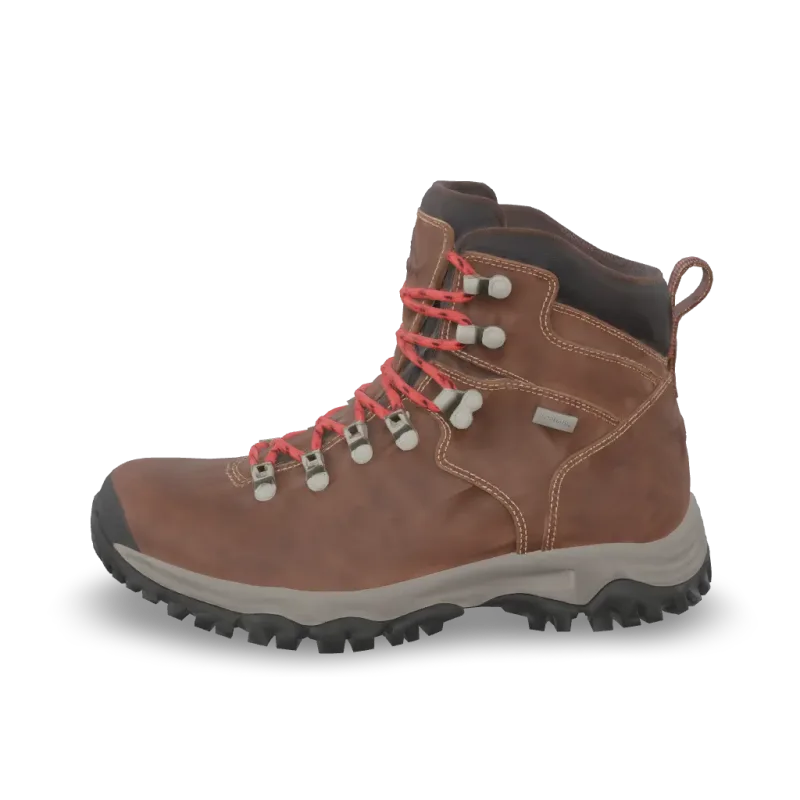
Resize
Meshy Resize scales a 3D model to a real-world height or size and sets its origin. Ready-to-use REST inference API, best performance, no coldstarts, affordable pricing.
Convert
Meshy Convert converts a 3D model to GLB, OBJ, FBX, STL, USDZ, BLEND or 3MF. Ready-to-use REST inference API, best performance, no coldstarts, affordable pricing.
Uv Unwrap
Meshy UV Unwrap unwraps the UVs of a 3D model. Ready-to-use REST inference API, best performance, no coldstarts, affordable pricing.

Remesh
Meshy Remesh rebuilds a 3D model at a target polycount, as triangles or quads. Ready-to-use REST inference API, best performance, no coldstarts, affordable pricing.
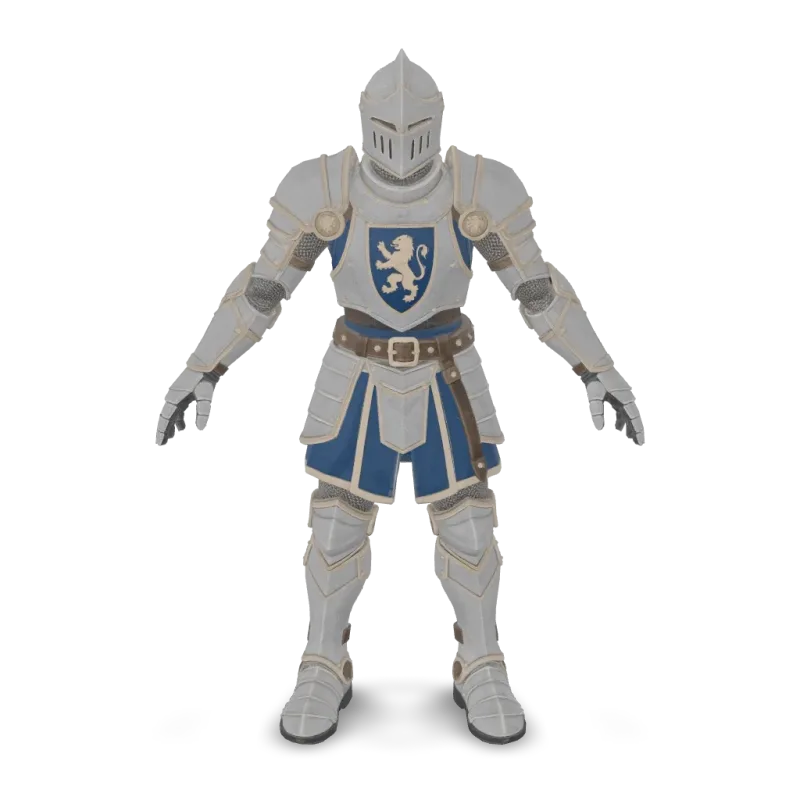
Animation
Meshy Animation rigs a character model and applies up to 10 animations from the Meshy library. Ready-to-use REST inference API, best performance, no coldstarts, affordable pricing.
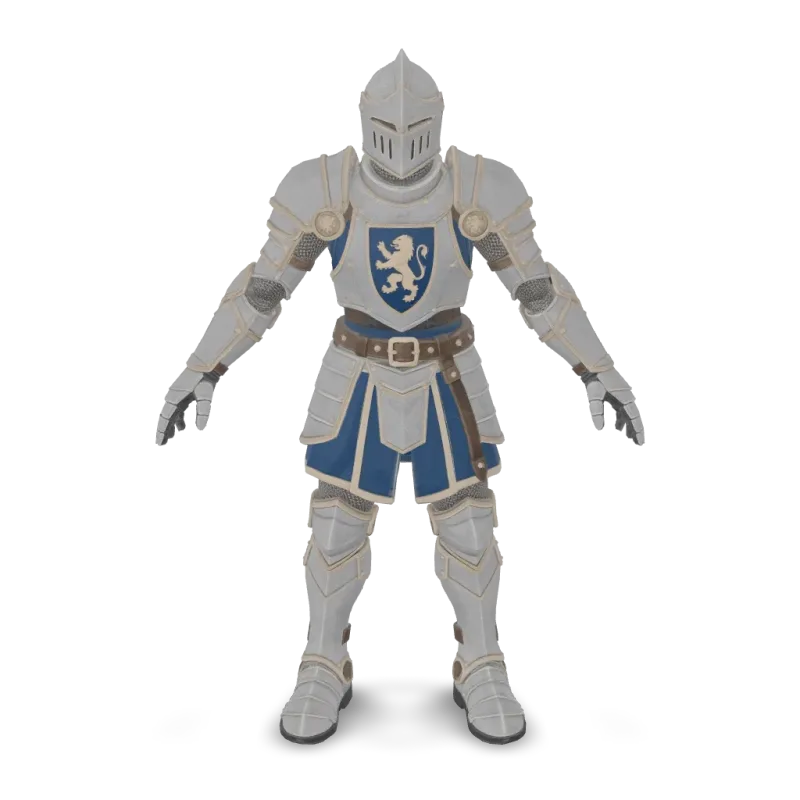
Rigging
Meshy Rigging adds a skeleton to a humanoid or four-legged character model. Ready-to-use REST inference API, best performance, no coldstarts, affordable pricing.
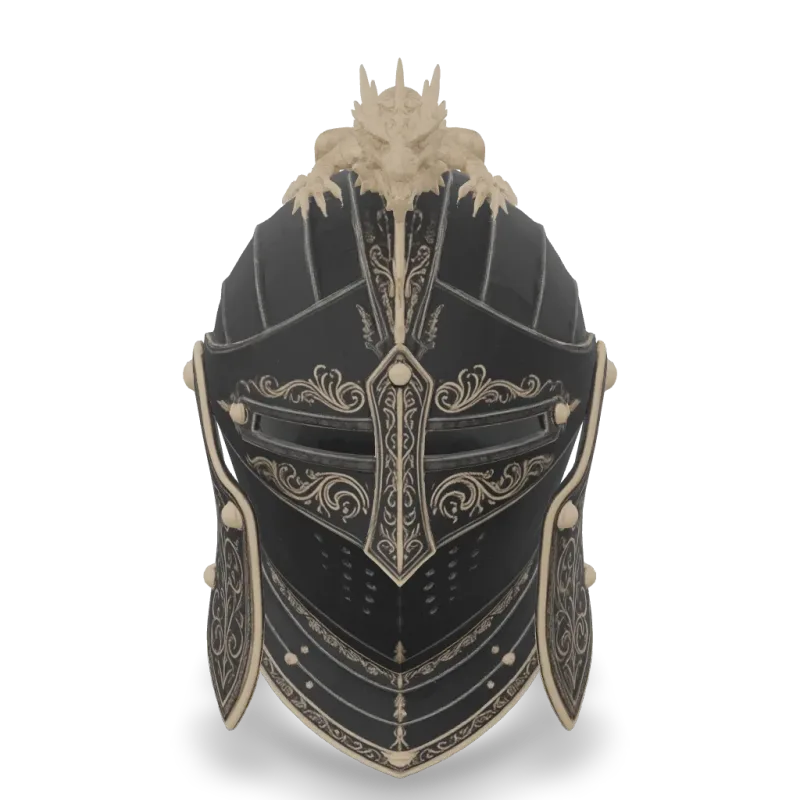
v6 Lite Multi Image To 3d
Meshy 6 Lite Multi-Image-to-3D turns 1 to 4 views of one object into a textured 3D model with Meshy's lightweight model. Ready-to-use REST inference API, best performance, no coldstarts, affordable pricing.

v6 Lite Image To 3d
Meshy 6 Lite Image-to-3D turns a single image into a textured 3D model with Meshy's lightweight model. Ready-to-use REST inference API, best performance, no coldstarts, affordable pricing.

v6 Lite Text To 3d
Meshy 6 Lite Text-to-3D turns a text description into a textured 3D model with Meshy's lightweight model. Ready-to-use REST inference API, best performance, no coldstarts, affordable pricing.

v6 Multi Image To 3d
Meshy 6 Multi-Image-to-3D turns 1 to 4 views of one object into a textured 3D model. Ready-to-use REST inference API, best performance, no coldstarts, affordable pricing.
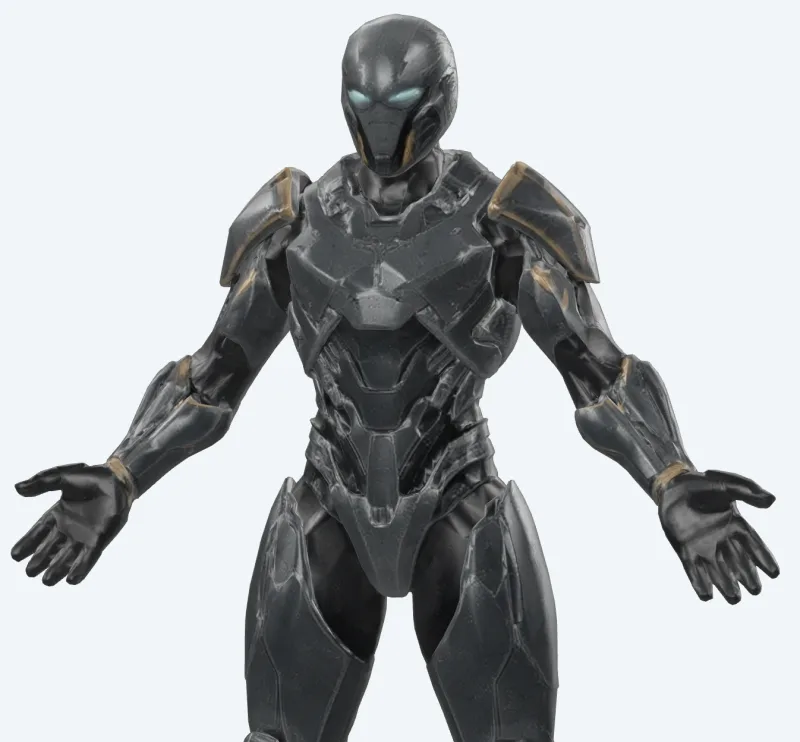
v6 Lite Retexture
Meshy 6 Lite Retexture re-textures an existing 3D model from a text prompt or a reference image. Ready-to-use REST inference API, best performance, no coldstarts, affordable pricing.

v7.1 Multi Image To 3d
Meshy 7.1 Multi-Image-to-3D turns 1 to 4 views of one object into a textured 3D model. Ready-to-use REST inference API, best performance, no coldstarts, affordable pricing.

v7.1 Image To 3d
Meshy 7.1 Image-to-3D turns a single image into a textured 3D model. Ready-to-use REST inference API, best performance, no coldstarts, affordable pricing.
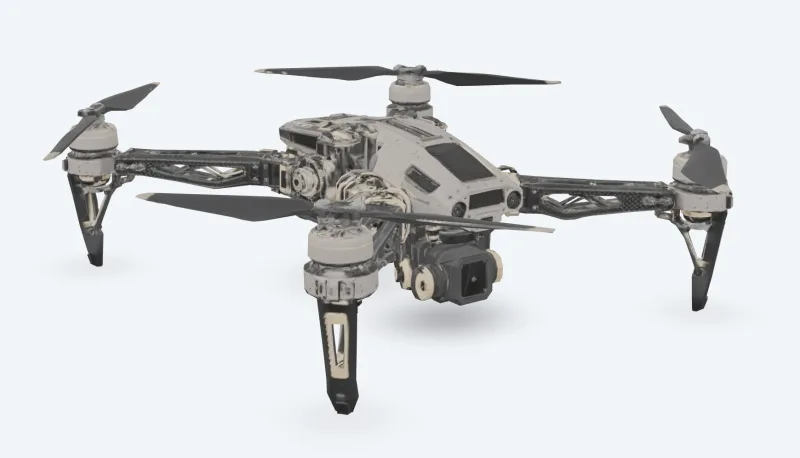
v7 Multi Image To 3d
Meshy 7 Multi-Image-to-3D turns 1 to 4 views of one object into a textured 3D model. Ready-to-use REST inference API, best performance, no coldstarts, affordable pricing.
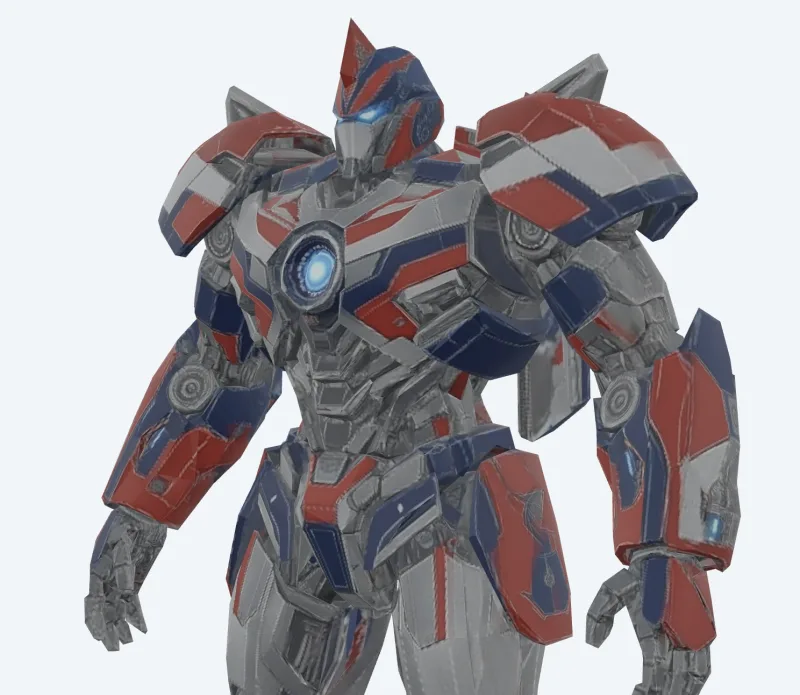
v7 Image To 3d
Meshy 7 Image-to-3D turns a single image into a textured 3D model. Ready-to-use REST inference API, best performance, no coldstarts, affordable pricing.
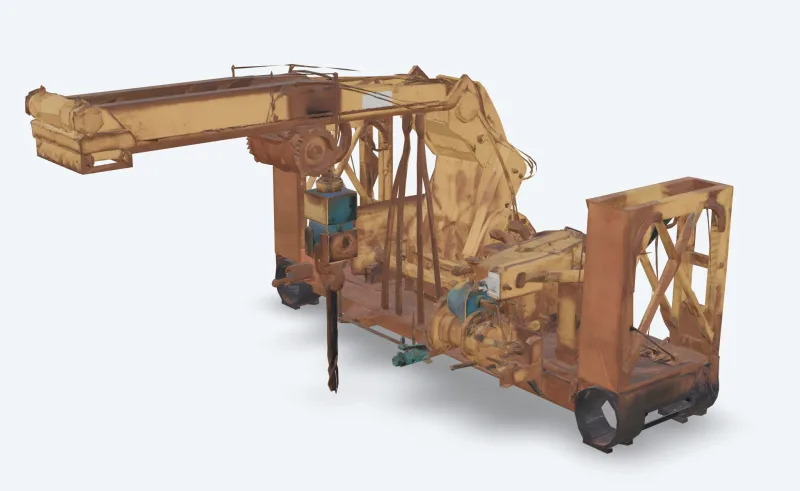
v6 Text To 3d
Meshy 6 Text-to-3D turns a text description into a textured 3D model. Ready-to-use REST inference API, best performance, no coldstarts, affordable pricing.
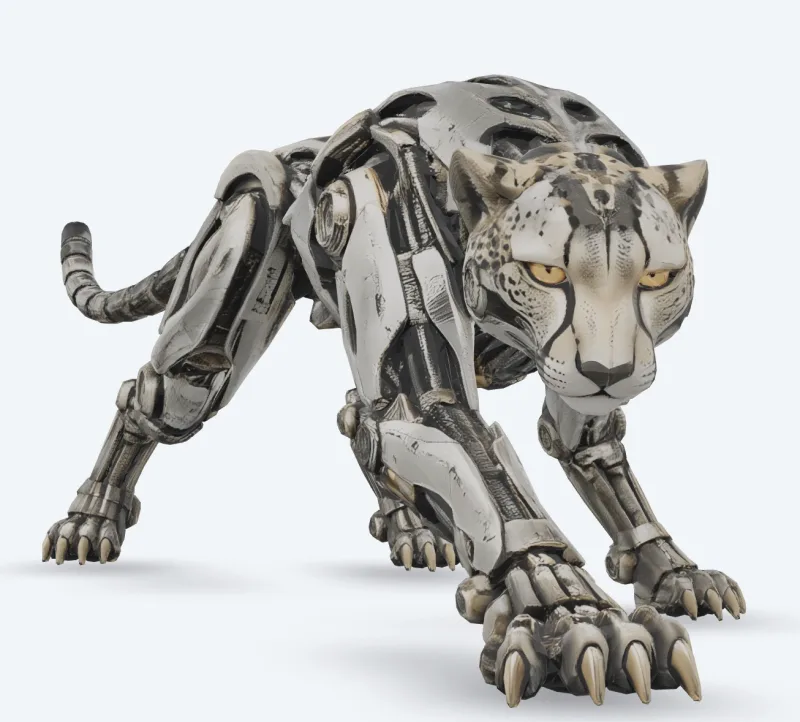
v6 Image To 3d
Meshy 6 Image-to-3D turns a single image into a textured 3D model. Ready-to-use REST inference API, best performance, no coldstarts, affordable pricing.

v7.1 Text To 3d
Meshy 7.1 Text-to-3D turns a text description into a textured 3D model. Ready-to-use REST inference API, best performance, no coldstarts, affordable pricing.
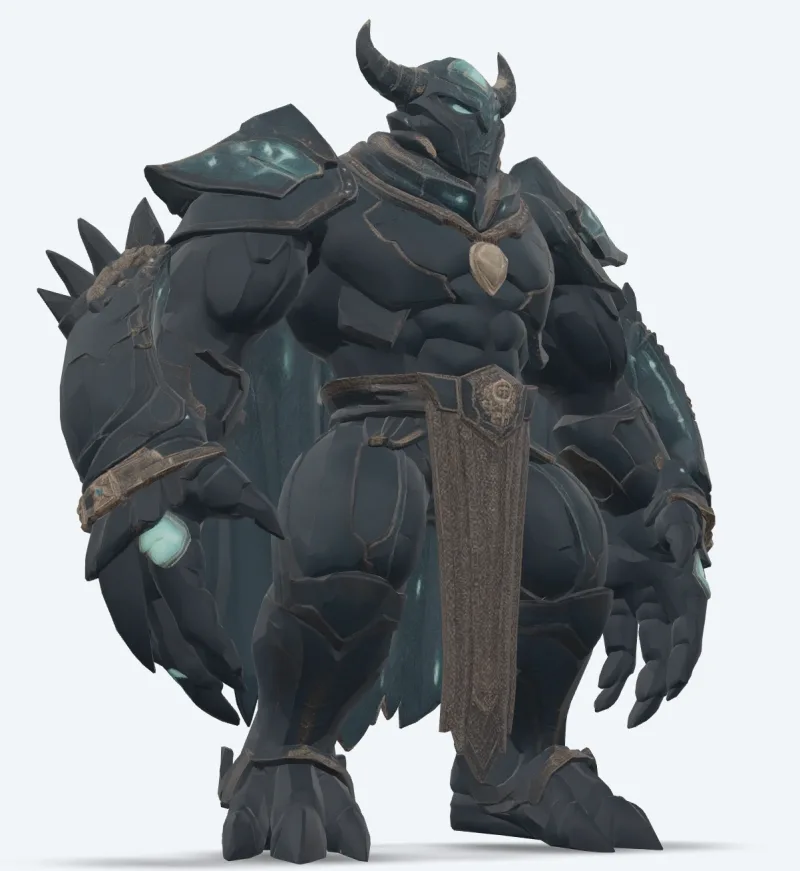
v7 Text To 3d
Meshy 7 Text-to-3D turns a text description into a textured 3D model. Ready-to-use REST inference API, best performance, no coldstarts, affordable pricing.

v7 Retexture
Meshy 7 Retexture re-textures an existing 3D model from a text prompt or a reference image. Ready-to-use REST inference API, best performance, no coldstarts, affordable pricing.

v6 Retexture
Meshy 6 Retexture re-textures an existing 3D model from a text prompt or a reference image. Ready-to-use REST inference API, best performance, no coldstarts, affordable pricing.
Examples
See Meshy in action
Real outputs generated by the Meshy API. Hover any video to preview, click to open the full-size viewer.
How to
How to use the Meshy API
Four steps from signup to a finished generation. Full Python, Node.js, and cURL examples are in the API section below.
- 01
Get an API key
Sign up for a WaveSpeedAI account and copy your API key from the dashboard. New accounts come with free starter credits — enough to run the playground a few dozen times before billing kicks in.
- 02
Submit a prediction
POST your input as JSON to https://api.wavespeed.ai/api/v3/meshy/v7.1/image-to-3d. The endpoint returns a prediction id immediately — generations are async so you don't hold an open connection during inference.
- 03
Poll for completion
GET https://api.wavespeed.ai/api/v3/predictions/{request_id}/result. Return outputs on completed; stop with an error on failed, cancelled, timeout, or deleted; continue polling for every other status.
- 04
Read the output URL
Once status is "completed", read the URL from data.outputs[0]. The URL points to your generated media on the WaveSpeedAI CDN — image, video, audio, or 3D file depending on the Meshy variant you called.
Use cases
What you can build with Meshy
Common workflows developers and creators use the Meshy API for.
Textured assets from a photo
meshy/v7.1/image-to-3d turns one image into a textured model with PBR maps; multi-image-to-3d uses up to four views for the sides you cannot see.
Concept to model from text
meshy/v7.1/text-to-3d builds a mesh from a prompt and textures it; use preview mode for a fast untextured draft.
Animated characters
meshy/animation rigs a character and applies walk, run, dance and other library animations in one file; meshy/rigging returns the rigged model.
Game and real-time optimization
meshy/remesh rebuilds a model at a target polycount in triangles or quads; meshy/uv-unwrap prepares it for texturing.
3D printing pipelines
meshy/print/analyze reports holes and non-manifold edges, meshy/print/repair fixes them, and meshy/print/multi-color exports a 3MF ready for the slicer.
New looks for existing models
meshy/v7/retexture paints a new texture onto your model from a text prompt or a style image.
Tips
Tips for prompting Meshy
Practical advice for getting better outputs from Meshy — drawn from the patterns that work across 3D models in production pipelines.
- 01
Draft in preview, then texture
Use text-to-3d in preview mode to try prompts quickly as untextured meshes, then run full mode on the one you like.
- 02
Ask for an A-pose for characters
Set pose_mode to a-pose or t-pose when you plan to rig or animate a character; it rigs more reliably.
- 03
Keep the polycount within rigging limits
Rigging accepts up to 380,000 triangles. Remesh dense models to a lower target polycount first.
- 04
Check printability before printing
Run print/analyze first; if it reports holes or non-manifold edges, print/repair fixes them before you send the model to the slicer.
Pricing
Meshy API pricing
Pricing is per-output. The final charge scales with the parameters you set in each variant's playground (resolution, duration, output count, references).
| Endpoint | Type | Starting price |
|---|---|---|
| meshy/ | image-to-3d | $0.48 |
| meshy/ | image-to-3d | $0.48 |
| meshy/ | image-to-3d | $0.048 |
| meshy/ | image-to-3d | $0.048 |
| meshy/ | image-to-3d | $0.048 |
| meshy/ | image-to-3d | $0.24 |
| meshy/ | image-to-3d | $0.24 |
| meshy/ | image-to-3d | $0.384 |
| meshy/ | image-to-3d | $0.24 |
| meshy/ | image-to-3d | $0.72 |
| meshy/ | image-to-3d | $0.72 |
| meshy/ | text-to-3d | $0.72 |
| meshy/ | image-to-3d | $1.44 |
| meshy/ | image-to-3d | $0.33 |
| meshy/ | image-to-3d | $1.44 |
| meshy/ | image-to-3d | $1.44 |
| meshy/ | image-to-3d | $1.44 |
| meshy/ | image-to-3d | $1.44 |
| meshy/ | text-to-3d | $1.44 |
| meshy/ | image-to-3d | $1.44 |
| meshy/ | text-to-3d | $1.44 |
| meshy/ | text-to-3d | $1.44 |
| meshy/ | image-to-3d | $0.33 |
| meshy/ | image-to-3d | $0.33 |
API
Call the Meshy API
Sign up for an API key at wavespeed.ai/accesskey, then submit a prediction via REST. The playground generates ready-to-paste samples for any combination of inputs.
POSThttps://api.wavespeed.ai/api/v3/meshy/v7.1/image-to-3d
# 1. Submit the prediction.
SUBMIT_RESPONSE=$(curl --silent --show-error --fail-with-body \
  -X POST "https://api.wavespeed.ai/api/v3/meshy/v7.1/image-to-3d" \
  -H "Content-Type: application/json" \
  -H "Authorization: Bearer $WAVESPEED_API_KEY" \
  -d '{
    "image": "https://interactive-examples.mdn.mozilla.net/media/cc0-images/painted-hand-298-332.jpg",
    "model_type": "standard",
    "geometry_resolution": "standard",
    "should_texture": true,
    "enable_pbr": false,
    "texture_resolution": "2k",
    "topology": "triangle",
    "target_polycount": 30000,
    "should_remesh": true,
    "symmetry_mode": "auto",
    "pose_mode": "a-pose",
    "auto_size": false,
    "enable_rigging": false,
    "rigging_height_meters": 1.7,
    "enable_animation": false,
    "animation_action_id": 92
}')

TASK=$(printf '%s' "$SUBMIT_RESPONSE" | jq 'if has("data") then .data else . end')
PREDICTION_ID=$(printf '%s' "$TASK" | jq -r '.id')
if [ -z "$PREDICTION_ID" ] || [ "$PREDICTION_ID" = "null" ]; then
  printf 'Submission response did not contain a prediction id
' >&2
  exit 1
fi
RESULT_URL="https://api.wavespeed.ai/api/v3/predictions/$PREDICTION_ID/result"

# 2. Poll until the prediction finishes.
while true; do
  RESPONSE=$(curl --silent --show-error --fail-with-body "$RESULT_URL" \
    -H "Authorization: Bearer $WAVESPEED_API_KEY")
  RESULT=$(printf '%s' "$RESPONSE" | jq 'if has("data") then .data else . end')
  STATUS=$(printf '%s' "$RESULT" | jq -r '.status')
  case "$STATUS" in
    completed) printf '%s\n' "$RESULT" | jq '.outputs'; break ;;
    failed|cancelled|timeout|deleted) printf '%s\n' "$RESULT" | jq . >&2; exit 1 ;;
    *) sleep 2 ;;
  esac
done
const submitUrl = "https://api.wavespeed.ai/api/v3/meshy/v7.1/image-to-3d";
const apiKey = process.env.WAVESPEED_API_KEY;
if (!apiKey) throw new Error('Set WAVESPEED_API_KEY');
async function requestJson(url, options = {}) {
const response = await fetch(url, options);
if (!response.ok) throw new Error(await response.text());
return response.json();
}
// 1. Submit the prediction.
const body = await requestJson(submitUrl, {
method: "POST",
headers: {
"Authorization": `Bearer ${apiKey}`,
"Content-Type": "application/json",
},
body: JSON.stringify({
"image": "https://interactive-examples.mdn.mozilla.net/media/cc0-images/painted-hand-298-332.jpg",
"model_type": "standard",
"geometry_resolution": "standard",
"should_texture": true,
"enable_pbr": false,
"texture_resolution": "2k",
"topology": "triangle",
"target_polycount": 30000,
"should_remesh": true,
"symmetry_mode": "auto",
"pose_mode": "a-pose",
"auto_size": false,
"enable_rigging": false,
"rigging_height_meters": 1.7,
"enable_animation": false,
"animation_action_id": 92
}),
});
const task = body.data ?? body;
const resultUrl = `https://api.wavespeed.ai/api/v3/predictions/${task.id}/result`;
// 2. Poll until the prediction finishes.
while (true) {
const resultBody = await requestJson(resultUrl, {
headers: { "Authorization": `Bearer ${apiKey}` },
});
const result = resultBody.data ?? resultBody;
if (result.status === "completed") {
console.log(result.outputs);
break;
}
if (["failed", "cancelled", "timeout", "deleted"].includes(result.status)) throw new Error(JSON.stringify(result));
await new Promise(resolve => setTimeout(resolve, 2000));
}import json
import os
import time
from urllib.request import Request, urlopen
api_key = os.environ["WAVESPEED_API_KEY"]
headers = {"Authorization": f"Bearer {api_key}", "Content-Type": "application/json"}
payload = {
"image": "https://interactive-examples.mdn.mozilla.net/media/cc0-images/painted-hand-298-332.jpg",
"model_type": "standard",
"geometry_resolution": "standard",
"should_texture": True,
"enable_pbr": False,
"texture_resolution": "2k",
"topology": "triangle",
"target_polycount": 30000,
"should_remesh": True,
"symmetry_mode": "auto",
"pose_mode": "a-pose",
"auto_size": False,
"enable_rigging": False,
"rigging_height_meters": 1.7,
"enable_animation": False,
"animation_action_id": 92
}
def request_json(url, data=None):
request = Request(url, data=data, headers=headers, method="POST" if data else "GET")
with urlopen(request) as response:
return json.load(response)
# 1. Submit the prediction.
body = request_json("https://api.wavespeed.ai/api/v3/meshy/v7.1/image-to-3d", json.dumps(payload).encode())
task = body.get("data", body)
result_url = f"https://api.wavespeed.ai/api/v3/predictions/{task['id']}/result"
# 2. Poll until the prediction finishes.
while True:
result_body = request_json(result_url)
result = result_body.get("data", result_body)
status = result.get("status")
if status == "completed":
print(result.get("outputs", []))
break
if status in {"failed", "cancelled", "timeout", "deleted"}:
raise RuntimeError(result)
time.sleep(2)Compare
Meshy vs alternatives
When to pick Meshy over similar models on WaveSpeedAI.
Meshy vs Meshy web app
The Meshy app is a web interface. The Meshy endpoints on WaveSpeedAI run the same models over REST, for servers, batch jobs and apps that generate 3D for their own users, with one API key for every other model too.
Meshy vs Tripo
Tripo is also on WaveSpeedAI. Meshy stands out for 8K PBR textures, a large animation library and 3D printing tools; compare both on your own inputs.
Meshy vs Hunyuan3D
Hunyuan3D generates textured meshes from text or images. Meshy adds 8K textures, character rigging and animation, and printing tools.
FAQ
Meshy API — Frequently asked questions
Pricing, license, integration — common questions about running Meshy on WaveSpeedAI.
Which Meshy models are available on WaveSpeedAI?
Meshy 7.1, 7, 6 and 6 Lite, each as text-to-3d, image-to-3d and multi-image-to-3d; retexture; and the rigging, animation, remesh, UV unwrap, convert, resize, printability analysis, print repair and multi-color print tools. Every live endpoint is listed on this page with its current price.
Can Meshy rig and animate my character?
Yes. Turn on enable_rigging or enable_animation on a generation request, or send any humanoid or four-legged model to meshy/rigging or meshy/animation.
How are Meshy endpoints priced?
Per task, at the price shown on each model page and in the table above; options such as 8K textures, Ultra geometry or rigging change the price as listed. WaveSpeedAI is pay as you go: no subscription, and credits never expire.
What is the Meshy API?
Meshy is a Meshy 3D model exposed as a REST API on WaveSpeedAI. Meshy API on WaveSpeedAI — the official Meshy 7.1, 7, 6 and 6 Lite models over REST: text, image and multi-image to 3D with PBR textures up to 8K, plus retexture, rigging, animation, remesh, UV unwrap, convert, resize and 3D printing tools. You can call it programmatically or try it from the playground linked above.
How do I call the Meshy API?
Sign up for a WaveSpeedAI account, copy your API key from /accesskey, then POST to https://api.wavespeed.ai/api/v3/meshy/v7.1/image-to-3d with your input as JSON. The endpoint returns a prediction id. Poll the result endpoint starting around every 2 seconds, increase the interval for long-running tasks, and stop on any terminal status. Production-oriented Python / Node.js / cURL examples are above.
How much does the Meshy API cost?
Meshy starts at $0.048. The exact cost scales with the parameters you set (resolution, duration, output count, references). The live cost preview next to the Generate button in the playground shows the exact price for your current input.
Which Meshy variants are available?
WaveSpeedAI hosts 24 live Meshy endpoints: meshy/print/repair, meshy/print/multi-color, meshy/print/analyze, meshy/resize, meshy/convert, meshy/uv-unwrap, meshy/remesh, meshy/animation, and more. Each variant has its own playground page and pricing.
Can I use Meshy outputs commercially?
Commercial usage rights follow the Meshy model license. Most Meshy models permit commercial output use; see each model's playground page for the specific license summary, and WaveSpeedAI's Terms of Service for platform-level conditions.
Why use Meshy on WaveSpeedAI instead of going direct?
One API key + one billing account across Meshy AND 1,000+ other AI models from other providers. No per-vendor SDK setup, no separate rate-limit envelopes, no rewrite-per-vendor integration code. Pricing is typically at parity with or below Meshy's direct API.
Provider
About Meshy
The team behind Meshy and the broader Meshy model lineup on WaveSpeedAI.
Meshy is an AI 3D generation company used by game developers, designers and 3D printing creators. Its models turn text and images into textured 3D models with PBR materials up to 8K, and its tools rig and animate characters, remesh, unwrap UVs and prepare models for printing. On WaveSpeedAI the Meshy models are available as REST endpoints with one API key and pay-as-you-go pricing.
Start building with Meshy on WaveSpeedAI
Free starter credits on signup. One API key across 1,000+ AI models from Meshy and every other provider.