Nano Banana 2.1 is LIVE — Google's Latest | Try Now →
AI Video Face Swap
Drop in a clip, add a face, and swap faces in any video with AI. This AI video face swap tool tracks the face frame by frame, works online, and is free to start with no sign up.
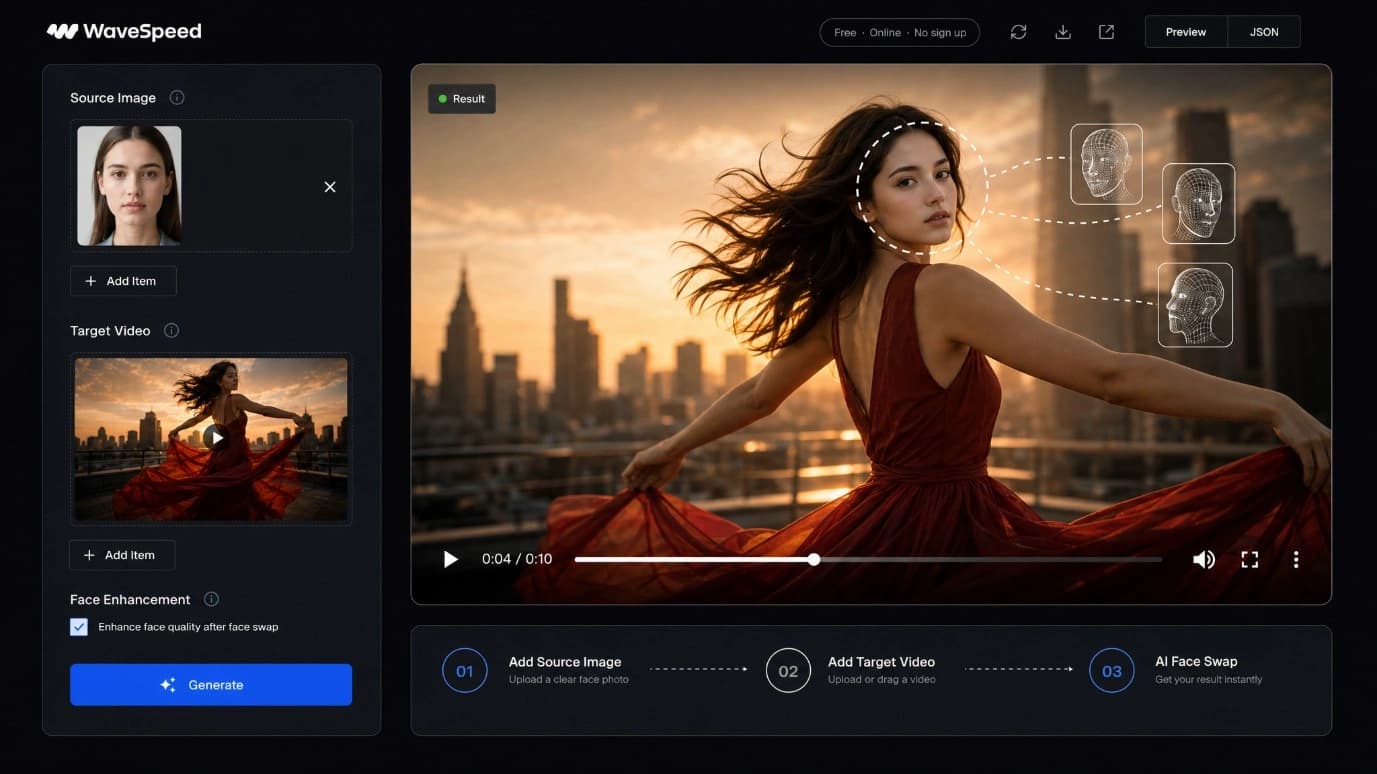
How AI Video Face Swap Works
1
Step 1 – Upload your video
Upload the clip you want to edit. MP4, MOV, and WebM work well, and short test clips are the easiest way to learn how to face swap a video.
2
Step 2 – Add the face you want to swap in
Upload a clear target face photo. A front-facing image with good lighting gives the cleanest swap.
3
Step 3 – Generate & download
Generate the result, let the AI track and swap face in video across every frame, then download a clean AI face swap video.
What Is a Video Face Swap?
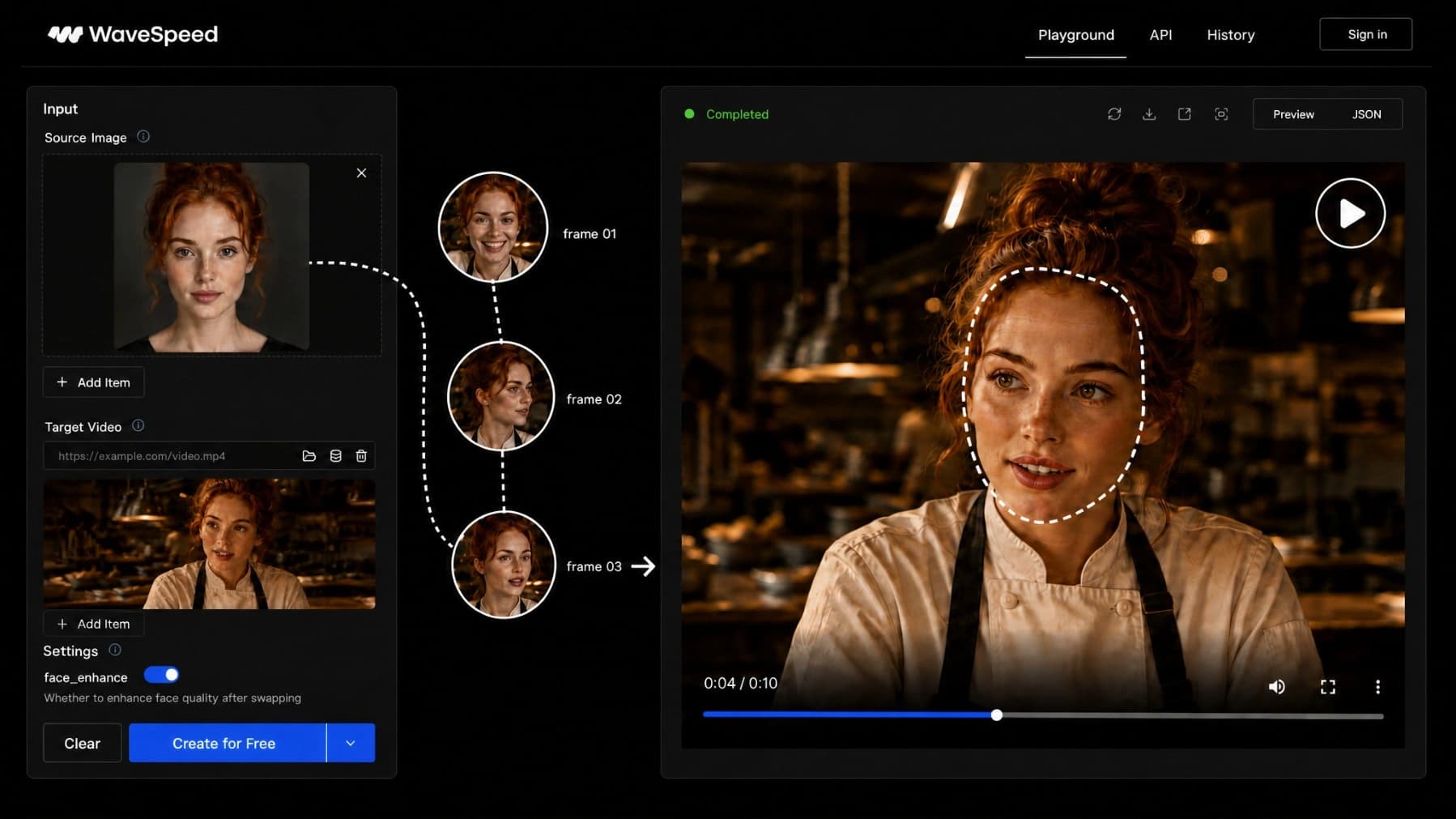
A video face swap replaces the face in an existing clip with a different face, frame by frame, using AI. Unlike a single-photo swap, the model tracks the face as it moves, turns, and changes expression, then blends the replacement into the footage automatically.
What You Can Create
Meme & reaction videos
Drop a face into a reaction clip and create a quick face swap meme video for social sharing or group chats.
Short-form & TikTok-style clips
Create TikTok video face swap clips, short-form edits, funny face swap video memes, and AI face swap video 3.0 TikTok style posts for social feeds.
Friends & family / group edits
Swap faces in home clips or group videos when you have permission from the people involved.
Concept & cosplay (your own footage)
Use your own or fictional material to test character concepts, cosplay footage, and creative video ideas.
Multiple & Group Face Swap in Video
Multiple face swap video support lets you replace more than one face in the same clip. The tool handles multi face swap video scenes by tracking each face separately through the footage.
Use multiple face swap video online free testing for group shots, reaction clips, friend edits, or fictional scenes before moving to longer or higher-volume work.
Powered by the Latest AI Video Models
latest AI video models
Use current WaveSpeedAI video models for smoother motion, cleaner edges, and more stable frame consistency.
ai video generator
Create source footage with WaveSpeedAI video generation before applying a face swap.
ai image generator
Generate or refine a source face image before swapping it into video.
ai kissing video
Explore related photo-to-video workflows for romantic or character-based clips.
Why Creators Choose This Tool
- Frame-by-frame tracking keeps the swapped face aligned through motion and head turns.
- No rotoscoping or manual masking is required.
- Short clips process quickly, making iteration easy.
- Multiple faces can be handled in group scenes.
- Downloads are clean, without a WaveSpeedAI watermark.
Free Video Face Swap – What You Get
This video face swap free workflow lets you upload, swap, and download without starting from paid software. It works as a face swap video online free tool and a free AI video face swap workflow for quick tests.
For higher volume or longer clips, usage-based pricing lets you pay for the processing you actually use instead of committing to a flat subscription.
Tips for the Best Results
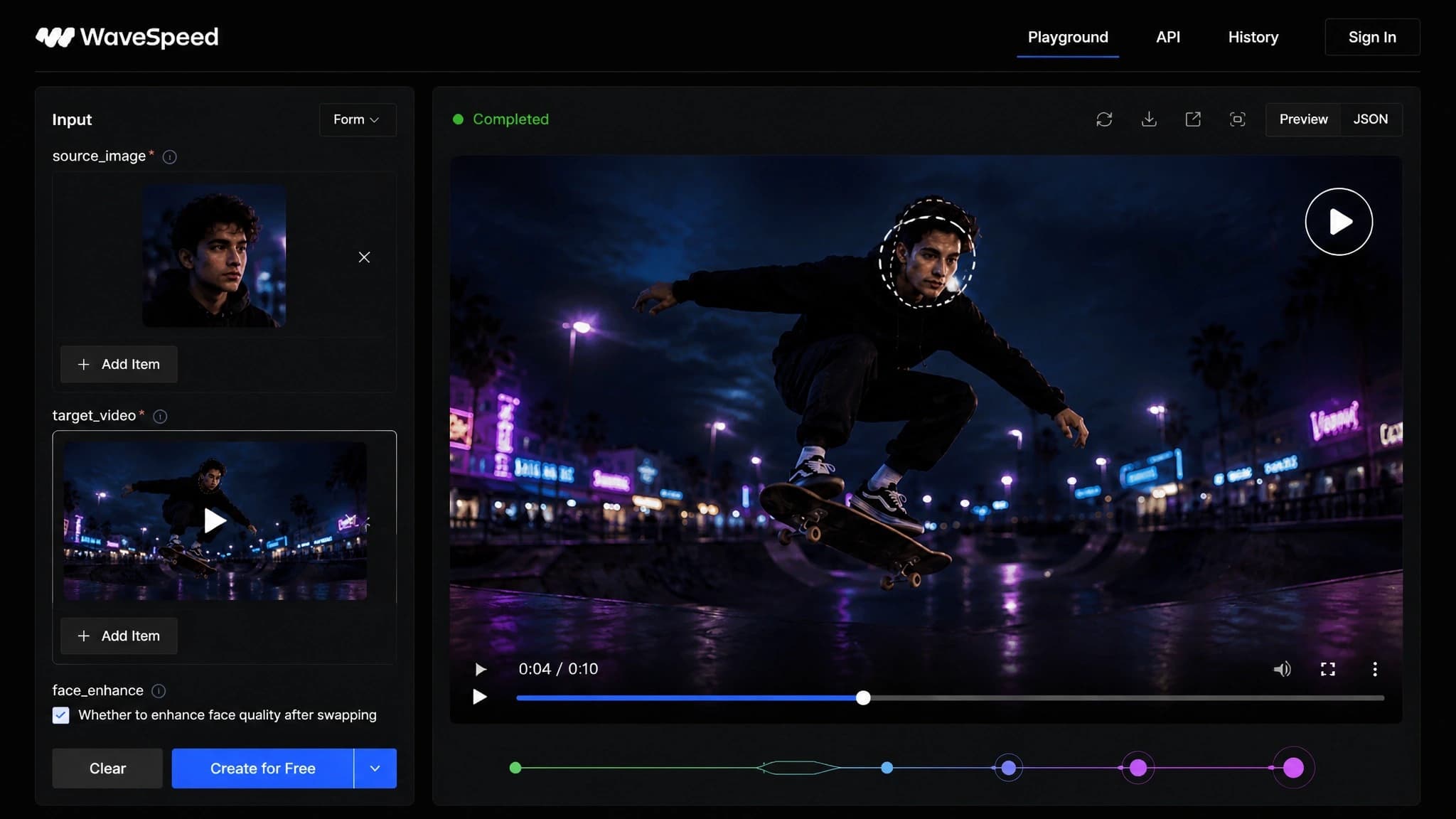
- Use a clear, front-facing target face with good lighting and visible eyes.
- Match the target face angle to the main angle in the source video.
- Use well-lit, sharp source footage so the AI has enough detail to track.
- Start with short clips to compare face swap AI video results, then move to longer HD face swap video projects when the face angle and lighting look right. This helps you find the best AI video face swap setup for each swap face video.
Build Face Swap into Your Product (API)
Use the video face swap API to process clips programmatically instead of generating one video at a time in the browser. It is built for apps, automation, and creative pipelines that need the same model quality at higher volume.
Responsible Use – Consent & Rights
Use this tool only with your own footage, fictional characters, or faces you have permission to use. Do not swap in a real person without consent, do not use it on minors, and keep it away from NSFW content. Commercial use also depends on the rights you hold and the selected model license.
Video Face Swap FAQ
Is it free?
Yes. If you are asking is video face swap free here, WaveSpeedAI is free to start with starter credits, so you can upload, swap, and download a real clip before moving to paid usage for higher volume or longer videos.
How do I swap a face in a video?
To answer how to swap face in video: upload your video, add a clear front-facing face photo, then generate and download. The AI handles how to swap face in video across every frame automatically, so you do not animate or mask anything yourself.
What formats & length are supported?
Common formats like MP4, MOV, and WebM are supported. Shorter clips process fastest, while longer videos may take more time and credits.
Can I swap multiple faces?
Yes. The tool supports multiple face swap in the same video by tracking faces separately and letting you choose the target face index.
Will there be a watermark?
No. Your download is designed as a face swap video without watermark, so there is nothing to crop out before you share or post it.
Is my data private?
Uploads are processed to generate your result, and generated outputs are stored temporarily for download before expiring according to WaveSpeedAI retention policy.
Can I use results commercially?
In most cases yes, but commercial rights depend on the model license and on you having the necessary rights and consent for the footage, people, and likenesses involved.
Explore 1,000+ AI Models
Explore the latest AI video models behind WaveSpeedAI creative tools.
wavespeed.ai/models →Build with the API
Build video face swap into your product with the WaveSpeedAI API.
wavespeed.ai/docs →Try Your First Video Face Swap
Upload a clip and a face photo to generate your first swap.
Get Started Free