
Kling 4.0 Reference-to-Video: Keep a Product Consistent
Build one Kling 4.0 reference-to-video product shot with a clear asset set, prompt references, and a consistency check before reuse.
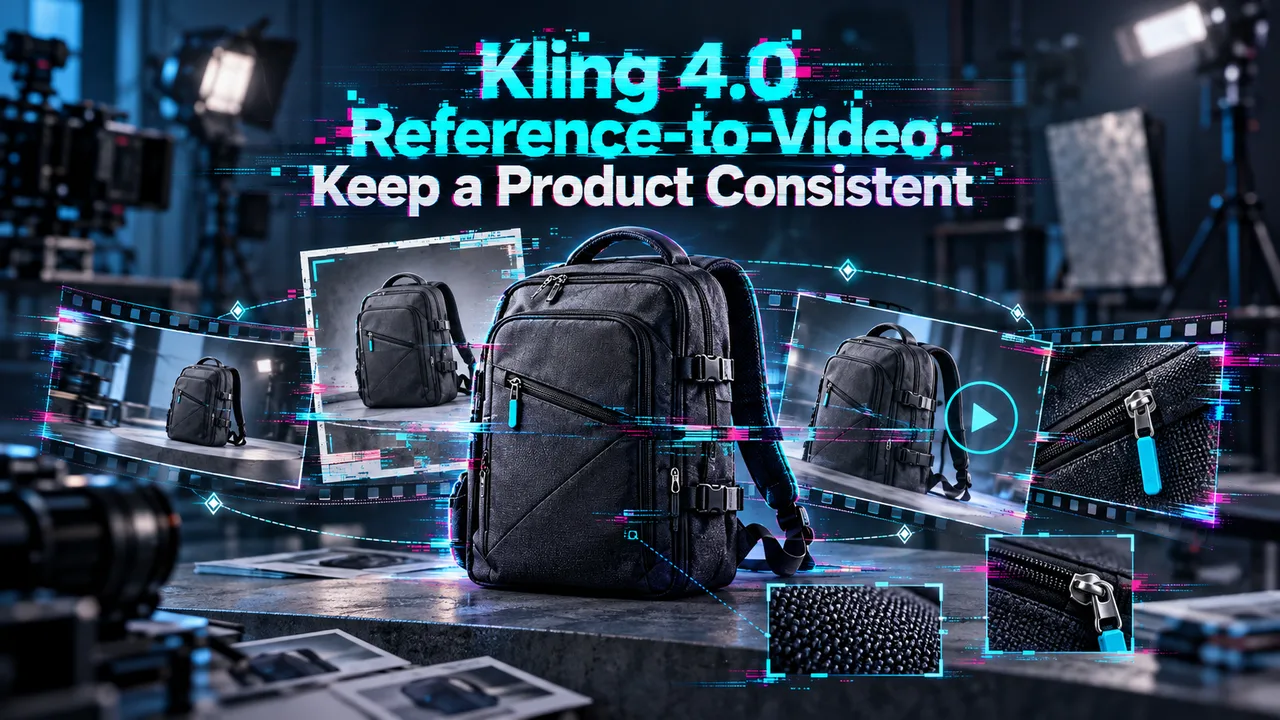
A product clip can look ready until someone pauses on the frame where the label changes or the cap takes on a new shape. For Kling 4.0 reference-to-video, I would start with one approved SKU, a small set of brand assets, and a review sheet another editor can use without asking which image was “the right one.”
I’m John. This is a first-draft workflow, not a claim that I tested this shot or that references will preserve identity in every frame. The job is to make drift easy to find before the clip enters a larger batch.
Which Product Assets Does This Shot Need?
Start with one approved front image and one alternate angle of the same SKU. Add a scene reference only if the setting matters to approval. A motion-reference video can wait: it introduces another instruction to reconcile with the product images and changes how the request is priced.
The current reference-to-video model page lists up to 10 images, five videos, and three audio references, with 15 files at most. Those are input limits, not a target for your first shot. For a labeled bottle, I would check the cap shape, bottle proportions, label position, lettering, and finish against the approved asset. A pretty background will not rescue the wrong bottle.
Prepare a Small Reference Set
Name the files by role and revision before upload: bottle-front-approved-v3 and bottle-angle-approved-v3 tell the next operator more than final-2. Confirm that both show the same colorway and packaging revision. If one image has an older label, remove it rather than asking the prompt to settle the dispute.
Kling’s 4.0 user guide says assets receive identifiers such as @Image1 and @Image2 in upload order. It also recommends stating what each reference contributes. Keep a two-line asset record with the file hash, approval date, upload position, and intended role. That record matters when a teammate reruns the shot next week.
Check the source images themselves. A clipped cap, glare across the wordmark, or a partly hidden side panel leaves the model to invent information the brand library could have supplied. Use clean, well-lit images and keep the product large enough to inspect.
Create One Reference-to-Video Draft
For the first draft, use the two product images without a reference video or audio file. Hold duration, resolution, aspect ratio, prompt, and upload order fixed. If the result fails, you will know which inputs were actually in play.
Identify Each Reference in the Prompt
Give each image a separate job. Here is a copyable motion brief for an illustrative five-second shot:
@Image1 defines the approved front of the blue pump bottle. Preserve its silhouette, white cap, wordmark spelling, label position, and matte finish. @Image2 shows the same bottle from a three-quarter angle; use it to understand the side shape, not to change the packaging. The bottle stays upright on a neutral gray tabletop while the camera moves slowly from left to right. One continuous shot, soft studio light, no subtitles or background music.
This prompt identifies what must survive the camera move. It does not ask the model to “make the product consistent” and leave the reviewer to guess what that means. Keep the text tied to visible evidence: a wordmark can be checked frame by frame; “premium” cannot.
Submit and Retrieve the Job
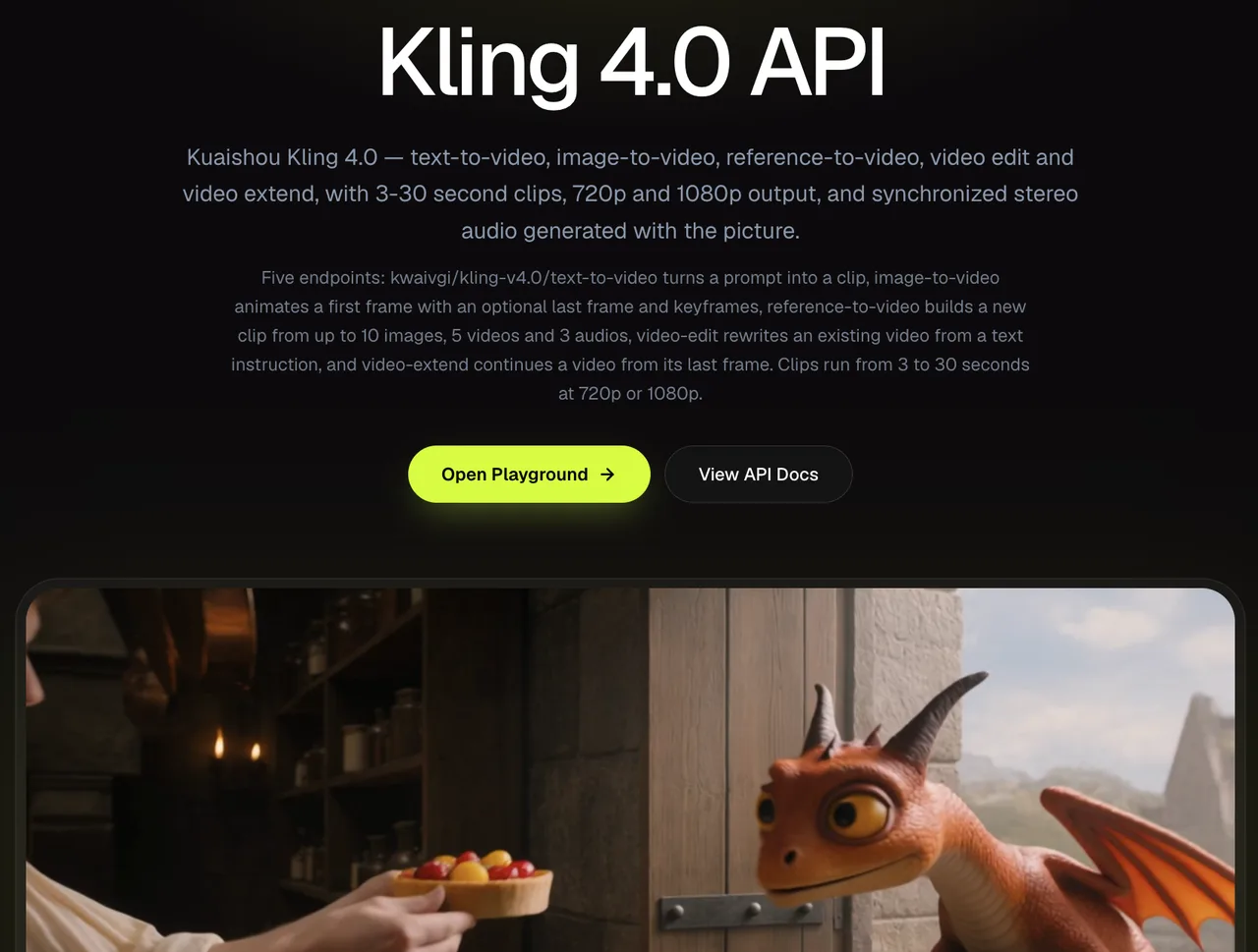
Load the images in the recorded order, paste the brief, then select five seconds and 720p for the first draft. The reference route currently offers 3–30 seconds and 720p or 1080p. Without a reference video, its published 720p rate is $0.157 per output second, making a five-second draft $0.785 at that rate. Check the displayed estimate before submission and retain the final task charge.
Submission returns a prediction ID. Poll its result until it reaches a terminal status; on completion, retrieve the output from data.outputs. Save the prediction ID beside the asset record and review notes. The Kling 4 API overview covers the wider request flow; the work here is one reference-based draft, not an integration manual.
Check Product Identity in the Output
Review the opening, middle, and final frames, then pause wherever the camera exposes a new surface. Compare each pause with the approved images. Does the cap keep its shape? Does the label stay in the same place? Are the letters readable rather than merely letter-like? Does the finish remain matte as the light moves? Watch once at normal speed for flicker, duplicated products, and sudden changes in the background.
Record a timestamp and reason for each failure: “wordmark changes at 00:03” gives the next operator something to inspect. “Product feels off” does not. Mark the clip pass, rework, or reject. Rework fits a usable shot with a limited flaw; reject fits an identity change that makes the product unsafe to hand to the brand reviewer. In team collaboration, standardization matters more than personal feel.
Kling 4.0 product consistency is a review outcome, not a switch in the settings. One accepted draft supports this shot. It does not establish a pass rate for the next 40 products.
When Do References Work Against the Brief?
References work against the brief when they disagree about the product or bring in scene details you never meant to copy. Two packaging revisions may lead to a hybrid label. A motion clip may pull attention toward its original subject instead of your product. Before adding more files, remove the conflicting reference and rerun with one change at a time.
References also serve a different purpose from frames fixed at particular moments. If the requirement is “show the front label at second four,” a reference image alone is a weak way to specify that timing. Move that task to a keyframe workflow; the Kling 4.0 keyframe comparison distinguishes its frame controls from reference inputs. This cannot be judged by feel. It needs a sample run against the actual approval brief.
FAQ
Can a completed Kling 4.0 reference-based clip be extended with the same assets?
A separate video-extension route can continue a completed clip, but its published inputs are the source video, a prompt, and an optional ending image—not the original reference-image set. Keep the approved product images in your review record and inspect the new segment for identity drift.
Can the same product reference appear more than once in a prompt?
The documentation explains identifiers such as @Image1, but does not say that repeating one increases its influence. Give the image one clear role first. If a later test repeats the identifier, treat any difference as an observation, not a documented control.
Does reference audio become the final clip’s soundtrack?
No such copying is documented. Kling describes audio inputs as voice-profile references, while the route’s keep_original_sound option applies to a reference video. If the client supplied an approved soundtrack, handle it as a separate delivery asset and check its usage rights.
Does the finished job identify which references were used?
The documented result flow provides a prediction ID and output, but I could not verify a per-reference manifest in the finished job. Preserve the upload order, asset hashes, filenames, and prompt with that ID. Otherwise, a later reviewer may have the clip but no reliable way to reconstruct its inputs.
Are uploaded brand references retained after generation?
I found no fixed retention period for these specific uploads. Kling’s API privacy policy describes retention by service and legal need rather than a set number of days; the access route has its own applicable policies. Get the retention and deletion terms confirmed before uploading confidential packaging or unreleased products.
Previous posts:
/filters:quality(82)/media/images/660b4b48-6351-40cd-ba00-51322b7455f4.webp)
/filters:quality(82)/media/images/273bf240-30e3-4e6c-8ae4-e3346b487bc7.webp)
/filters:quality(82)/media/images/444431ee-1387-4a40-81ad-866e095a7c75.webp)
/filters:quality(82)/media/images/81212eb5-4b43-4cc4-92f4-38a0c439d258.webp)
/filters:quality(82)/media/images/5f15570a-6a68-432e-a6f1-1dcbf799ba81.webp)
/filters:quality(82)/media/images/b73c2438-6bdd-4b80-a229-8d71d8f819cf.webp)