
Best AI Video Previsualization Tools for 2027
Best AI video tools for previsualization in 2027: compare storyboard control, shot planning, continuity, approvals, and production handoff.
Six attractive frames do not make usable previs. A director needs to change shot four without rebuilding the sequence. A producer needs the approved version. An editor needs shot order, timing, notes, and media that survive handoff.
The best AI video tools for previsualization resolve those decisions before production becomes expensive. This comparison prioritizes storyboard, animatic, camera, blocking, continuity, revisions, approval, and export. Final-image quality matters, but it is not the main ranking criterion.
Capabilities, prices, licenses, and policies were checked against official sources.
| Tool | Best production role | Main limitation |
|---|---|---|
| LTX Studio | End-to-end story planning | Limited structured-data export |
| Katalist | Rapid storyboard sequences | Unclear version and guest controls |
| Boords | Team review and approval | No physical 3D camera validation |
| Storyboarder.ai | Fast shot exploration | Video is separately metered |
| Runway | Motion concept clips | Partial previs, not a production record |
| Higgsfield for Blender | Editable 3D camera planning | No native approval workflow |
How We Evaluated AI Previsualization Tools
Every product was checked against the same six-shot brief: a performer enters a studio kitchen from frame left, places a labeled bottle on an island, opens it in an insert, pours into a glass, crosses behind the island during a lateral camera move, and returns for a product close-up.
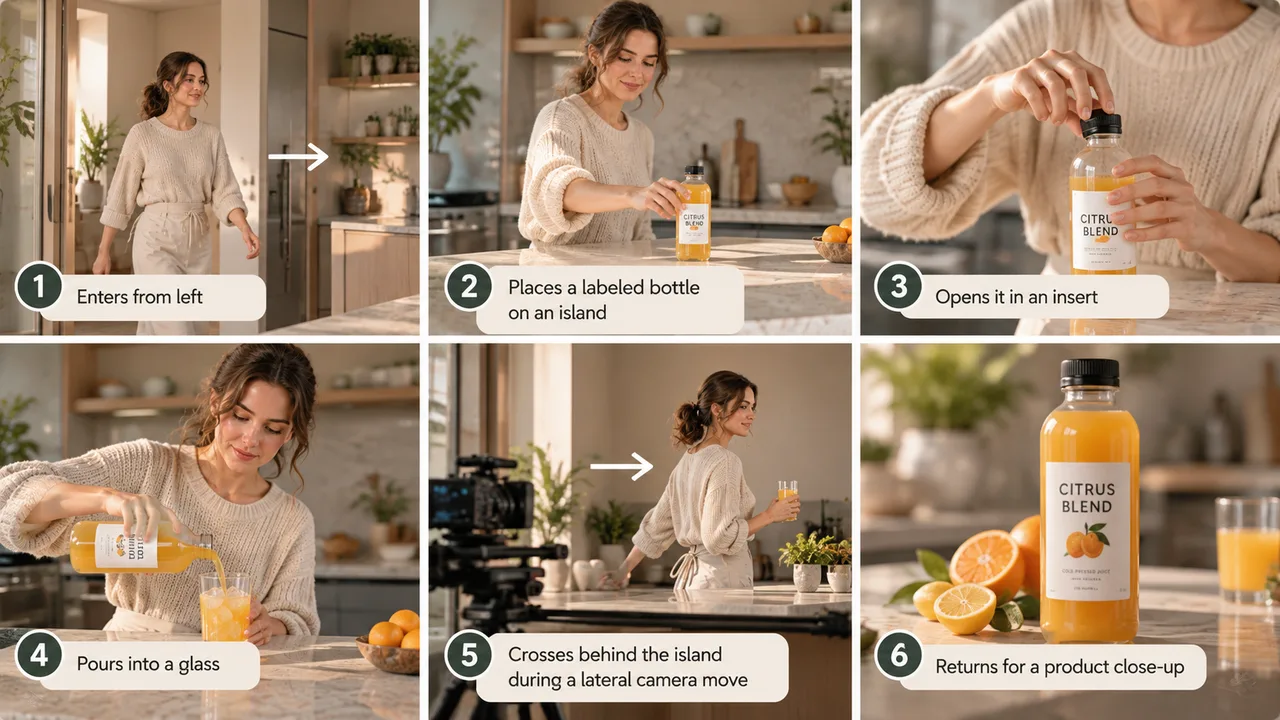
The label, wardrobe, screen direction, and props must remain consistent. Shot four must be replaceable without rebuilding the other five. Ranking the best AI video tools for previsualization requires that test.
Storyboard, Animatic, Camera, Blocking, and Continuity Control
The review looked for documented control over order, duration, framing, camera direction, characters, props, blocking, and motion. Writing “35mm dolly left” in a prompt did not count as editable camera data. The decision must remain revisable after generation.
Revision History, Approval, Export, and Production Handoff
Each product faced four handoff questions:
- Can one shot be changed independently?
- Can the team identify an earlier version?
- Can reviewers comment on the relevant frame?
- Does the export preserve useful structure rather than six flattened images?
“Documented” means a current official source describes the capability. “Not publicly disclosed” means the documentation does not answer the question. It does not mean the feature is absent. No undocumented capability was converted into a convenient conclusion.
1. LTX Studio — Best for End-to-End Story Planning
Best Previsualization Use Case
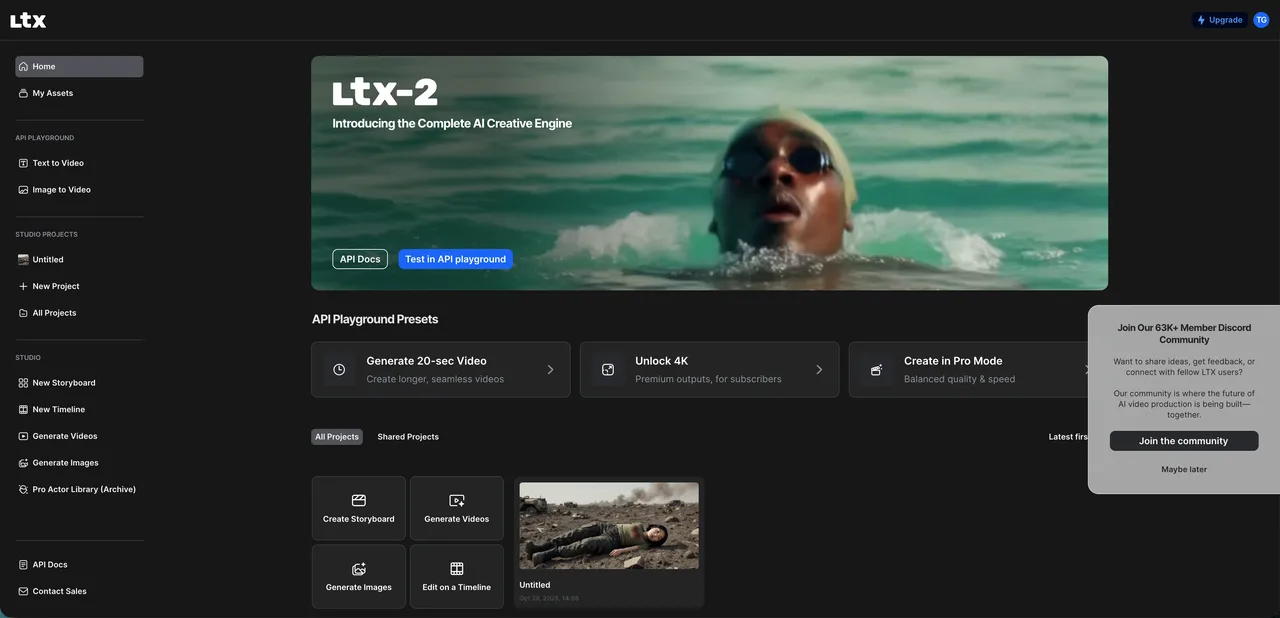
LTX Studio combines script ingestion, dynamic storyboards, recurring Elements, camera controls, and timeline editing. The performer, bottle, kitchen, and sequence can live inside one project instead of becoming unrelated generations. It is useful while coverage and story structure are still changing.
Standard is the entry point for paid client work at $35 monthly or $28 per month when billed annually. Free and Lite carry personal-use licenses.
Key Limits and Handoff Quality
Six-shot check: Shots can be edited in sequence. Video, PDF pitch-deck, and ZIP exports are available. Pro supports up to three collaborators. The official LTX collaboration guide says collaborators require their own accounts and use the capabilities and credits attached to their plans.
XLSX, FDX, and production XML export are not publicly documented. LTX can carry story development, but teams needing a structured shot database may require another handoff step.
2. Katalist — Best for Rapid Storyboard Sequences
Best Previsualization Use Case
Katalist is an AI storyboard generator for converting a script into scenes, recurring characters, voiceover, boards, and a timed sequence. It suits teams that need a fast first pass and expect to repair individual frames afterward.
Monthly plans begin at $19. Pro adds Premiere integration. Unlimited adds real-time collaboration, more than 200 frames, ZIP and PowerPoint export, and two seats.
Key Limits and Handoff Quality
Six-shot check: Frames, descriptions, and order can be changed. Unlimited documents real-time collaboration, and shareable client links are advertised. Version rollback and granular guest permissions are not clearly explained.
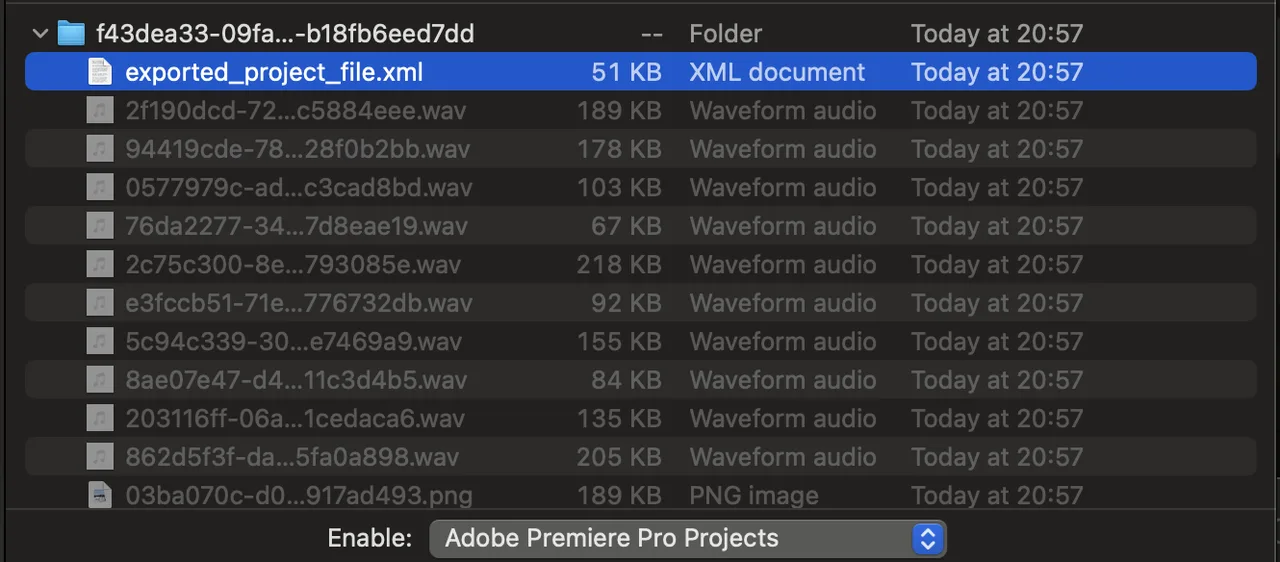
The documented Premiere XML workflow packages XML with the corresponding media in timeline order. That is more useful to an editor than unnamed images. Some displayed annual totals do not align cleanly with their monthly equivalents, so use the checkout total for budgeting.
3. Boords — Best for Team Storyboard Review
Best Previsualization Use Case
Boords is strongest when approval is the bottleneck. Scripts, frames, notes, versions, comments, and timing stay attached to one storyboard. A client can place “keep the label visible” on shot five instead of sending an ambiguous email.
Its value is not spectacular generation. It is maintaining a readable record of what changed, what was reviewed, and what was approved.
Key Limits and Handoff Quality
Six-shot check: Frames, shot notes, timing, and camera overlays are editable. Versions are tracked, and external reviewers can comment without accounts. Exports include PDF, images, MP4, Word, and XLSX.
The Boords export documentation shows that spreadsheet exports can contain thumbnails and comments. This creates one of the clearest structured handoffs in the comparison. Camera overlays communicate intent, but they cannot validate lens clearance, physical blocking, or whether a move fits a real location.
4. Storyboarder.ai — Best for Fast Shot Exploration
Best Previsualization Use Case
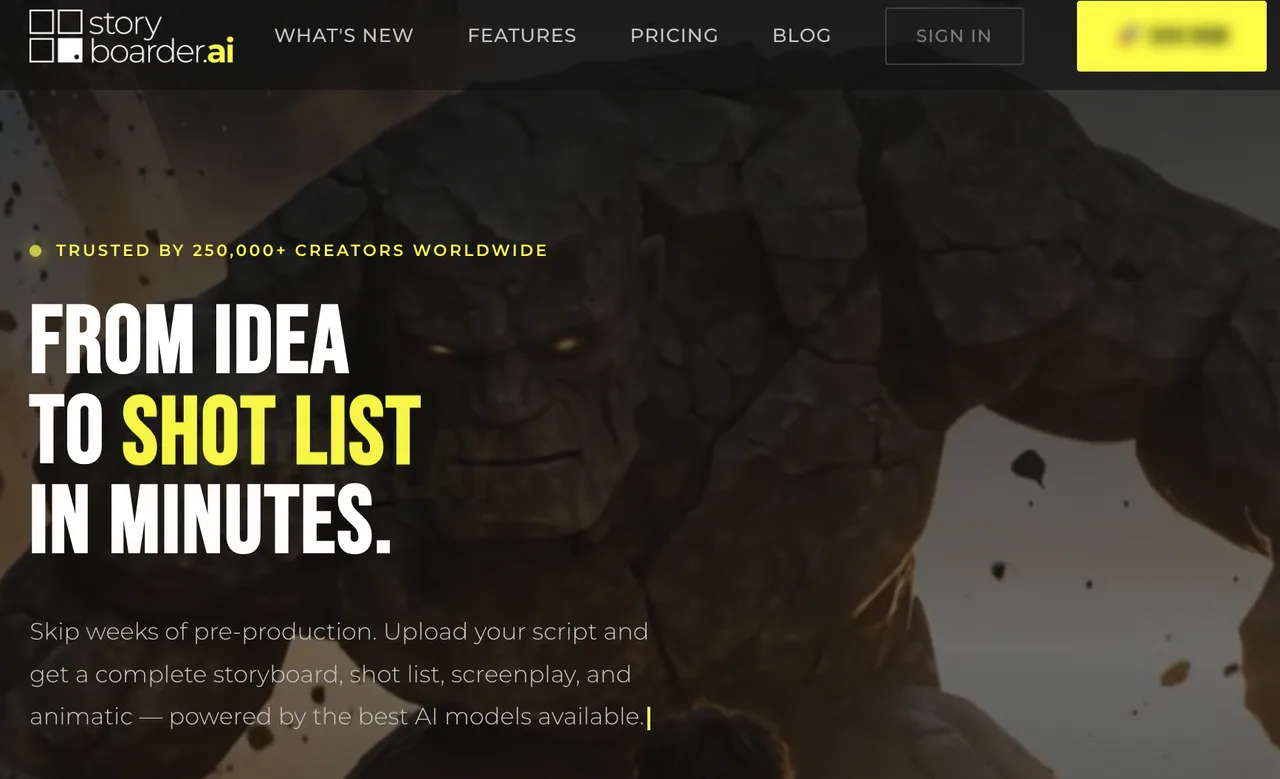
Storyboarder.ai converts a screenplay into a scene breakdown, shot list, storyboard, and animatic. The six-shot brief fits within its nine-shot free-project limit.
It works as an AI animatic tool for exploring coverage, timing, and order before investing in finished motion. Generated breakdowns and frames remain editable.
Key Limits and Handoff Quality
Six-shot check: Descriptions and frames can be revised independently. Version restoration and frame-level guest comments are not clearly documented. The official storyboard export guide lists PDF, XML, and MP4. Its XML schema is not published, so downstream compatibility requires confirmation.
The free tier is watermarked and non-commercial; video generation is separately metered. The pricing panel displayed a promotion ending September 30, 2026 after that date had passed. Verify checkout rather than treating promotional copy as permanent pricing.
5. Runway — Best for Motion Concept Clips
Best Previsualization Use Case
Runway belongs in previs when motion is the unresolved variable. Its Story Panels guide describes a feature that takes one source image and a prompt, then returns two related panels. One run can use up to 48 credits.
For the brief, it can explore whether the performer crosses before or after the insert, or whether a lateral move communicates the geography. That is evidence for one directorial decision.
Why It Is a Partial Previsualization Tool
Six-shot check: Individual visual branches can be regenerated. Story Panels does not document screenplay breakdown, sequence-wide version history, frame-level client approval, structured shot-list export, or 3D camera data. Its outputs can support a board, but they are not the board’s production record.
Runway Standard is $15 monthly or $12 per month with annual billing and includes 625 monthly credits. At 48 credits per run, that covers roughly 13 runs. The useful measure is how many production questions those runs answer.
6. Higgsfield for Blender — Best for 3D Camera Planning
Best Previsualization Use Case
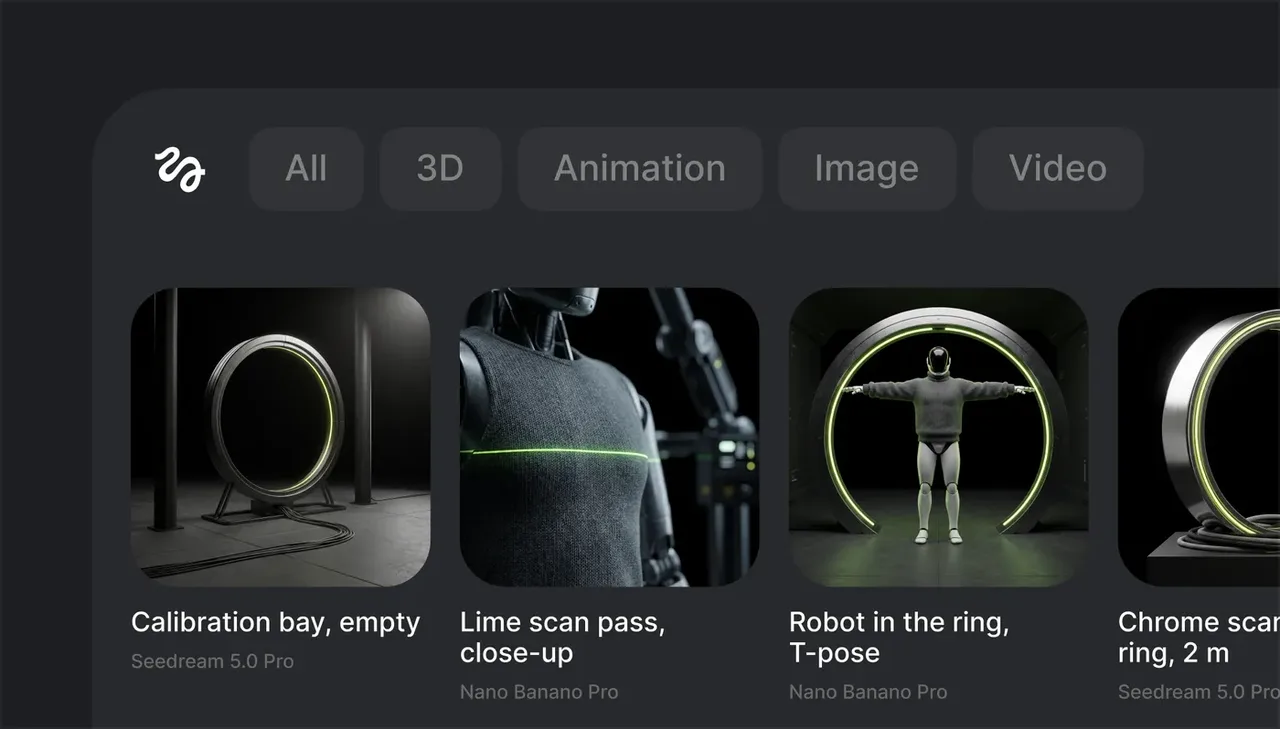
Higgsfield for Blender is strongest when the unresolved question is spatial. Will the move clear the island? Does the performer block the bottle? Can the camera change while the set remains intact?
The add-on places scene building, 3D, animation, image, video, camera, and asset controls inside Blender 5.1. Its Blender integration guide says supported results enter the open scene instead of becoming disconnected downloads.
Key Limits and Handoff Quality
Six-shot check: Scene objects, layout, lighting, blocking, and cameras remain editable. Blender files preserve named cameras, scene structure, and local versions. Higgsfield does not document native frame comments, client sign-off, or a structured storyboard package. The .blend file is the technical handoff.
This makes it useful film previsualization software for camera and blocking, but only one part of an approval workflow.
Before You Upload an Unreleased Script: Privacy, Rights, and Access Control
Commercial-use rights do not guarantee confidentiality. This is a frequently missed distinction when teams evaluate AI previs tools.
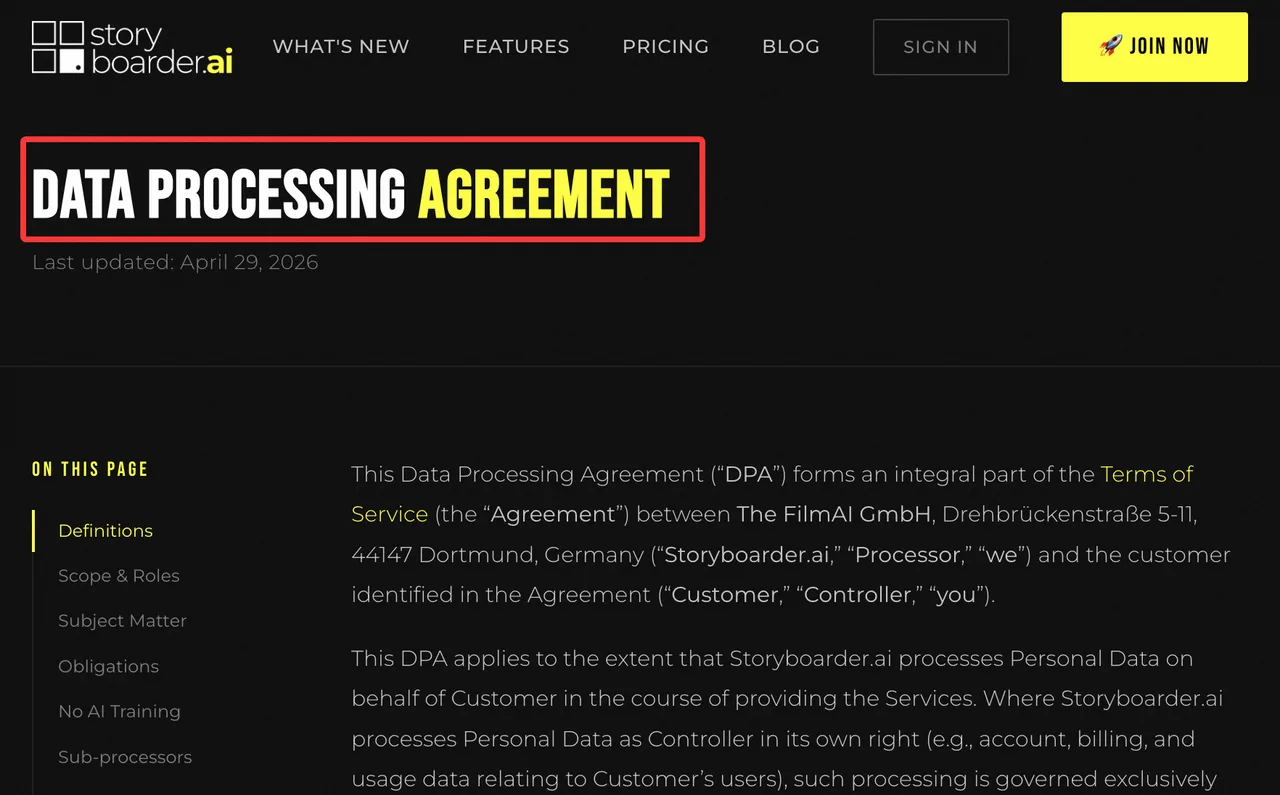
Boords states that it does not train on customer data, encrypts stored assets, and lets accounts disable AI. Storyboarder.ai also rejects training on customer scripts and outputs. Its Data Processing Agreement requires relevant model-provider subprocessors to disable training on customer data.
LTX promises no training on enterprise inputs or outputs. Confirm that protection for the selected plan before uploading confidential material.
Standard Runway and Higgsfield terms need more caution. Runway’s current terms state that inputs and outputs may be used to train or improve models. Higgsfield’s standard terms permit similar use, although enterprise agreements may differ. Katalist does not clearly disclose current prompt-retention or model-training controls.
None of the reviewed products documents automatic redaction. Remove confidential dialogue, names, product codes, plot details, and identifying metadata when the complete script is unnecessary. Sharing permissions control access; they do not anonymize the source material.
Choose by the Artifact Your Team Needs
Storyboard, Animatic, Camera Plan, or Approval Package
LTX and Katalist fit sequence development. Boords fits comments, versions, and sign-off. Storyboarder.ai supports fast shot exploration. Runway answers motion questions. Higgsfield for Blender answers spatial and camera questions.
Compare the best AI video tools for previsualization by naming the next required artifact and working backward. If an editor needs a timeline, prioritize structured export. If a client needs to approve frames, prioritize comments and versions. If a director needs to validate a physical move, use a 3D scene.
Final Generators and Previsualization Systems Serve Different Jobs
Video preproduction AI earns its place by removing uncertainty. A final generator may create the best-looking clip and still fail the team if it loses shot IDs, approval history, camera intent, continuity notes, or editable structure.
One planning system plus one specialist motion or 3D tool is enough for most jobs. Having many tools is not the problem. Keeping their decisions connected is.
FAQ
Which tools export shot lists as structured data?
Boords exports XLSX and provides an API. Katalist exports Premiere XML with media. Storyboarder.ai lists XML without publishing its schema. LTX does not publicly document structured shot-list export. Confirm that shot IDs, descriptions, timing, comments, and media relationships survive the required handoff.
Can teams redact unreleased scripts from shared previews?
No reviewed product documents automatic redaction. Sanitize scripts before upload. Replace confidential names, dialogue, product details, plot points, and internal codes when they are unnecessary. Link permissions limit access but do not remove information embedded in frames, filenames, or metadata.
Can a previsualization storyboard be reviewed offline on set?
Yes, after export. Boords supports PDF, XLSX, images, and MP4. Storyboarder.ai supports PDF and MP4. Katalist provides editorial packages. LTX is not supported on mobile, so export before reaching the set. Include shot numbers, frames, notes, durations, camera intent, and the approved version date.
Do any tools export camera data to a 3D package?
Higgsfield avoids export because the camera already lives in Blender. The other products document camera direction or overlays, not production-grade 3D camera export. An arrow over a frame is useful communication. It is not a transform, focal length, or editable camera path.
Can external clients review without paid seats?
Boords clearly supports no-account guest review. Katalist advertises shareable links, but granular permissions are not publicly specified. LTX collaborators need accounts. Guest-review terms for Storyboarder.ai, Runway, and Higgsfield remain undisclosed. Test commenting, version switching, downloads, and link exposure before purchase.
Conclusion
The best AI video tools for previsualization leave fewer decisions unresolved at handoff. Pick the approval artifact first, then select the generator.
LTX provides broad story planning. Katalist accelerates sequences. Boords maintains the clearest review trail. Storyboarder.ai supports quick exploration. Runway answers motion questions. Higgsfield for Blender handles spatial and camera decisions.
A polished clip cannot repair a missing shot list, an untraceable approval, or a camera move that never worked in space.
Previous posts:
Related Articles
/filters:quality(82)/media/images/cd4db796-7728-45fb-8267-6813ed28e173.webp)
Best ModelsLab Alternatives in 2027 for Media APIs
/filters:quality(82)/media/images/1791535252286714222_v4jvJT2a.webp)
ModelsLab Review 2027: One API for Media Models?
/filters:quality(82)/media/images/1791451065663755033_qNqAKS1a.webp)
Best AI Video Background Removal Tools in 2027
/filters:quality(82)/media/images/1791359984291066138_tW5eOX6f.webp)
Best Comfy Cloud Alternatives in 2027
/filters:quality(82)/media/images/1773962750383987480_n3hqzHRZ.webp)
Qwen Image 2.1 vs Qwen Image 3.0: What Changes and When to Upgrade