
Best LTX Studio Alternatives in 2027 for Video Teams
LTX Studio alternatives for video teams: compare storyboard continuity, shot control, revision work, and production handoff.

I stopped treating “replace LTX Studio” as one migration ticket after I mapped a three-scene product film: one script, one character sheet, six planned shots, two revision rounds, and one final cut. Generating clips was only one row in the sheet. The harder rows were shot order, character continuity, review notes, and the hours required to rebuild context after moving a scene.
That is the useful way to assess LTX Studio alternatives. I reviewed the official product, help, pricing, collaboration, and licensing materials available, then built one matched evaluation protocol for Runway, Google Flow, Krea, and Kling. I did not run a paid four-platform test, so this is a documented shortlist and reproducible test plan, not a disguised winner table.
Which Part of LTX Studio Needs Replacing?

Storyboards, Shot Generation, and Final Editing Are Different Jobs
LTX is difficult to replace because it connects jobs that teams often buy separately. Its browser platform combines Gen Space, storyboards, consistent elements, and a video editor; LTX treats the platform, API, and self-hosted model as distinct routes in its official platform comparison. That is why alternatives to LTX Studio must name the job being replaced: ideation, footage generation, scene management, review, or assembly.
Runway is the broadest workspace here. Flow organizes scenes, Krea supports multi-model exploration, and Kling centers generation. An attractive ten-second shot does not make any of them a full replacement. AI storyboard tools preserve planning context; a clip alone does not.
Test Character Continuity and Revision Cost Across Scenes
My comparison sheet uses one three-scene brief: a courier enters a kitchen, places a green bottle on the counter, then opens it in close-up. The character sheet fixes wardrobe, face, label, lighting, and aspect ratio. The revision changes only the jacket from red to navy.
Record inputs, model version, settings, queue time, failures, approved shots, and assembly minutes. Score identity, wardrobe, prop, background, and camera continuity separately. Approved-scene cost equals generation spend plus review and assembly labor, divided by accepted scenes. Credits are only one ingredient.
-
Runway for Shot-Level Video Control
Visual Iteration and Reference Use
Best use case: a campaign team has an approved script and storyboard but needs to generate, revise, and organize many shots. Unlike narrow script to video tools, Runway supports reference images, single or multi-shot video, clip editing, and timeline assembly. Its Runway Agent documentation also covers scripts, storyboards, reference sheets, voiceover, and music.
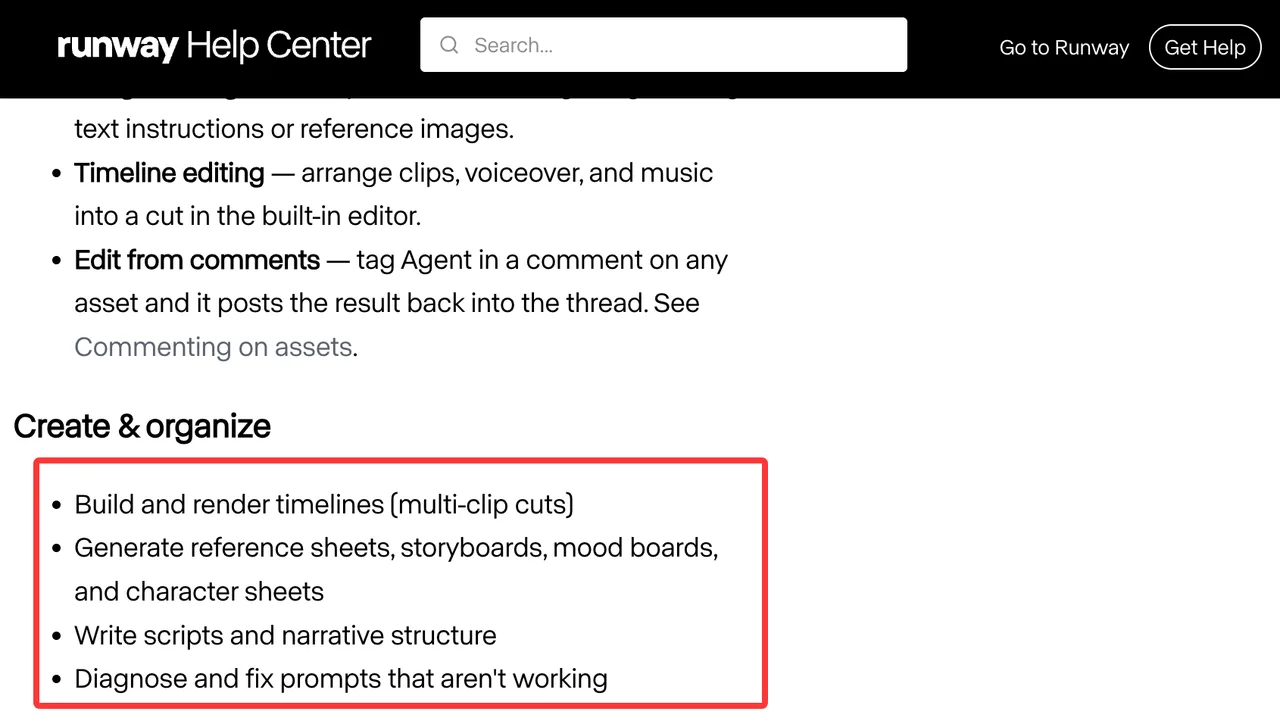
Import the character pack, generate each numbered shot in one project, pin the accepted take, then revise only the affected material. The real test is whether that clip still cuts against untouched scenes and how many decisions the editor repeats.
The Storyboard Layer You May Still Need
Runway now covers more planning than a simple clip generator, but a team migrating from LTX needs to verify whether its shot metadata, approval gates, and script-to-scene relationships survive. Runway’s Projects documentation confirms shared sessions, workflows, assets, project membership, and project-level credit visibility. It does not document a native LTX project or timeline importer.
Runway is a broad partial replacement, and potentially a fuller one when teams rebuild planning conventions. I would migrate the shot list, prompt history, references, exports, and review notes separately. A rendered video preserves pixels, not decisions.
-
Google Flow for Scene-Led Generation
Sequence Planning and Model Access
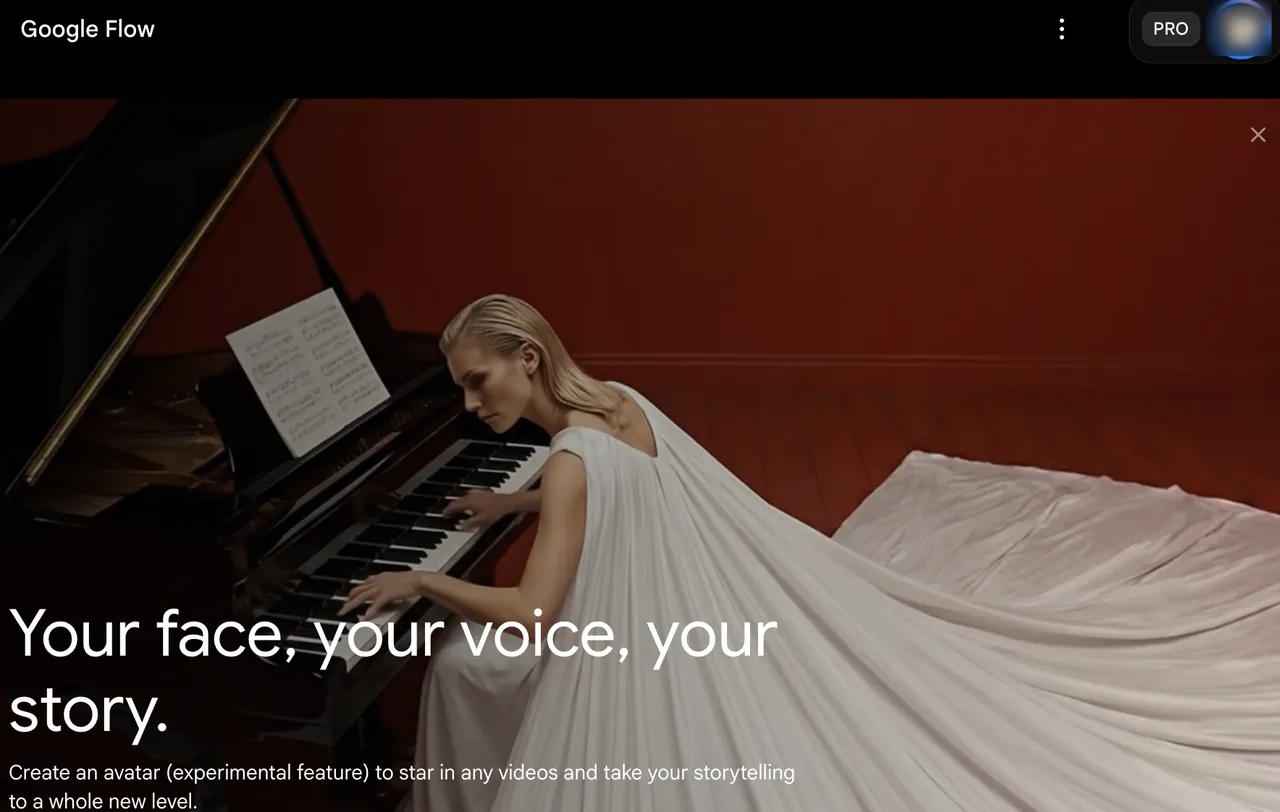
Best use case: a director or previsualization team wants connected scenes using Google’s current Veo, Gemini, and image-generation capabilities. Google’s Flow product page lists Scenebuilder, Characters, Ingredients to Video, Frames to Video, video extension, and video-to-video editing; availability varies by plan and region.
For the matched brief, create the courier and bottle as fixed source assets, generate three shots in one project, and change only the jacket instruction. Measure identity, label survival through camera changes, and external bookkeeping for prompts and approvals.
Production Handoff Limits
Flow is scene-led, but it is not automatically complete AI film production software. Teams still need to verify collaboration roles, comment history, export granularity, and handoff for their plan and region. Consumer credits are not API capacity or a guaranteed per-shot rate.
Flow fits when Google’s models are central and the final cut moves elsewhere. If the LTX project is the production record, scene names, revision notes, ownership, and approvals need an external home.
-
Krea for Multi-Model Visual Exploration
Fast Visual Directions and Iteration
Best use case: a creative team needs to compare visual directions or models before expensive video runs. Krea’s Nodes workflow page describes reusable image and video graphs, model comparison, shared templates, team controls, and video models. It fits reference-frame and style development early in a multi-scene video workflow.
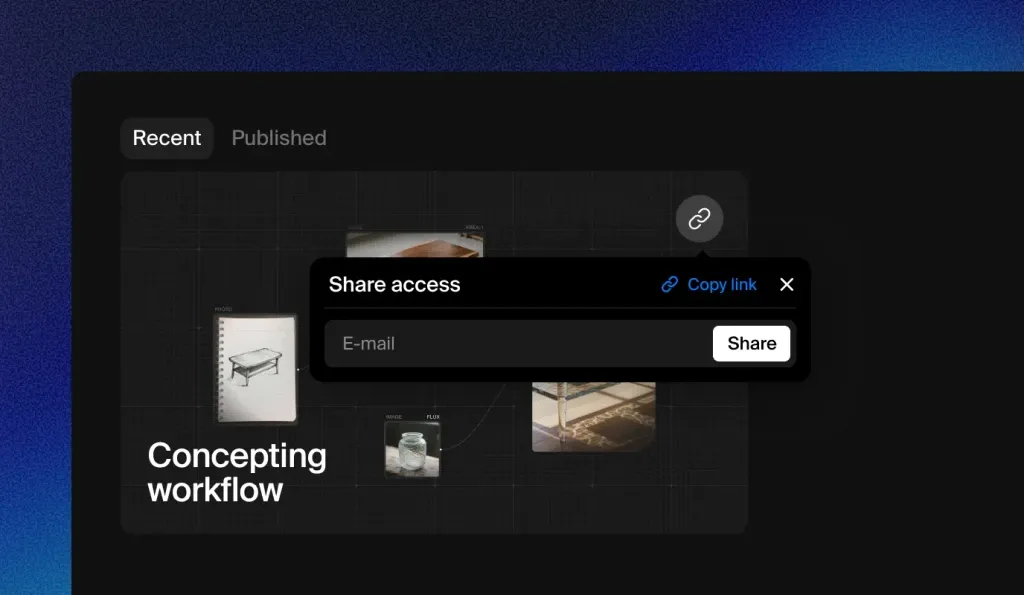
One graph can hold the character, bottle, aspect ratio, and prompt blocks. Duplicate it per model, change only the shot description, and retain accepted stills as video inputs. This helps locate continuity failures in the source frame, model, or revision instruction.
Long-Form Planning Gaps
Krea extends beyond loose exploration, but teams must verify whether their plan preserves scene numbers, script links, review status, locked assets, and handoff notes. A reusable graph is not automatically a screenplay-aware storyboard.
Krea is a strong partial replacement for model selection, visual development, and repeatable generation. When production depends on a fixed script-to-shot hierarchy, I would keep that hierarchy in a storyboard or tracker and let Krea own media experiments.
-
Kling for Generated Shot Production
Image-to-Video and Motion Workflow
Best use case: a team has approved keyframes and needs image-to-video shots, motion variants, or short multi-shot outputs. The Kling Video 3.0 guide documents start and end frames, element references, multi-shot controls, native audio options, and flexible duration. This fits production after visual direction is approved.
Feed the same courier and bottle frames into each shot, bind recurring elements where supported, and log outputs by shot ID. The jacket revision tests whether one attribute can change without identity, prop, camera, or motion drift. Acceptance rate matters more than the best sample.
Storyboard and Team Review Gaps
Kling’s model-level storyboard controls do not replace LTX’s script, sharing, reviewer roles, notes, or final edit. “Multi-shot” describes one generation, not a durable multi-scene workspace. The words are similar. The job is not.
Kling is the clearest partial replacement here: use it for footage, then keep planning, approvals, and assembly elsewhere unless current account documentation proves those controls exist. Lower shot effort can still raise handoff effort.
Choose a Full or Partial LTX Studio Replacement

Keep a Separate Storyboard When a Clip Tool Is Enough
A full replacement needs to carry the script, scene order, character references, generated takes, review state, team access, and final assembly with acceptable loss. Runway is the nearest candidate here, but migration still requires rebuilding rather than importing the LTX workspace. Flow can own scene-led exploration. Krea can own visual systems and model experiments. Kling can own approved-frame animation.
A partial stack is often cleaner: keep the canonical storyboard in one place, assign immutable shot IDs, store owned reference assets centrally, and send only generation-ready packets to each tool. I paused here. Adding another platform is not automatically workflow fragmentation; unclear ownership of the scene record is.
Compare Approved-Scene Cost, Not Only Credits
The test ledger needs five fields per scene: generation charges, failed attempts, reviewer minutes, editor minutes, and approved status. Cost per approved scene is (generation spend + labor cost) / approved scenes. Also record the time required to reproduce an accepted shot after a model update. A cheap take that cannot survive a revision is an expensive placeholder.
No unconditional winner follows from the public documents. Runway fits broad shot production and collaboration; Flow fits Google-centered scene exploration; Krea fits multi-model visual development; Kling fits controlled generation from approved references. The right result depends on which LTX job is actually causing friction.
FAQ
Can an LTX Studio project timeline be imported into Runway?
No native LTX-to-Runway project or timeline importer is documented as of September 30, 2026. Exported clips, images, and audio can be uploaded, but scene structure, prompts, timing, and notes require a manual rebuild unless both vendors publish a supported interchange path.
Can character reference images be reused across replacement accounts?
Usually, when the team owns or is licensed to use the source images and the destination accepts them. Reusing files does not transfer an LTX Element, trained identity, consent record, or model-specific settings. Keep originals, permissions, and release records outside the source platform, then check each destination’s current upload and biometric-content terms.
What happens to unused LTX Studio credits after cancellation?
LTX says a canceled subscription remains active until the current billing period ends. Its credit policy says paid monthly credits do not roll over and expire at the cycle boundary. The public policy does not promise a cash payout or transfer, so remaining work needs to be scheduled before access changes.
Do replacement tools preserve scene notes when a project is shared?
Not consistently. Runway documents shared project assets, sessions, and workflows; LTX documents project roles; other products organize scenes or templates differently. None of that proves notes migrate between services. I would export the shot list, revision history, approvals, and unresolved comments as a separate handoff file.
Who owns a video assembled from assets generated in different tools?
There is no single platform-wide answer. Each input and output remains subject to its source license, plan, contributor permissions, and any restrictions on faces, voices, brands, or third-party media. LTX, for example, limits commercial use by plan in its license guidance. A mixed-tool production needs an asset ledger and a terms check for every contributing service. This is general information, not legal advice.
Conclusion
The useful question is not which product looks most like LTX Studio on a feature page. It is which part of the production record must remain intact. Among the current LTX Studio alternatives, Runway offers the broadest route for shot work and shared projects, Flow handles Google-centered scene creation, Krea supports repeatable multi-model exploration, and Kling handles reference-led generated footage.
Replace the whole workspace only when script, scene state, review, and edit handoff survive the move. Otherwise, replace the expensive stage and keep the storyboard independent. This conclusion has an expiration date. Models, plans, collaboration controls, and licenses need another check before a 2027 production commitment.
Previous posts:
/filters:quality(82)/media/images/1790757954084144412_1AJT2bku.webp)
/filters:quality(82)/media/images/1790757509548436753_yzIR19zJ.webp)
/filters:quality(82)/media/images/1790760268656782522_xT4frCNY.webp)
/filters:quality(82)/media/images/1790759953031965921_TxT8L5xV.webp)
/filters:quality(82)/media/images/1790758722893740431_0EQ2bkuD.webp)
/filters:quality(82)/media/images/1790673203845090867_ZwbkuCLU.webp)