
Best Realistic AI Image Generators to Test for 2027
Best realistic AI image generator options for 2027 planning: compare portrait, product, and scene briefs with API access and usable-output costs.

A bottle can look convincing until the label changes in the next variant. A portrait can pass at thumbnail size; at full size, one ear melts into the hair. That is the gap I care about when an image product team asks for the best realistic AI image generator.
I’m Dora. For 2027 planning, GPT Image, Seedream, FLUX, and Gemini Image belong in the same evaluation queue. The scorecard stays blank until the team runs the same assets through each route.
How Should Teams Compare Image Realism?
I start with three briefs. A realistic portrait AI model needs to hold a licensed reference face under side lighting, with a hand near the cheek. The product brief asks for a new background around an approved bottle with exact label copy. The scene brief puts both subjects beside a window and readable small print. Skin texture says little about whether a logo survives an edit.
For each brief, fix the subject, required details, ratio, and acceptance rules. Run text-only generation and source-image editing as separate tasks. The image realism comparison tracks photographic plausibility, instruction following, reference preservation, editability, and cost per usable asset. A changed face or label fails even under excellent lighting.
My proposed pilot is five outputs per brief per route, with the model ID, prompt, settings, inputs, and charge saved per result. Two reviewers inspect at delivery size and 100% zoom, recording defects before preferences. Usable-asset cost equals generation and revision spend divided by accepted assets. A cheap request that needs six repairs may lose to a pricier first-pass asset.
The Image API model catalog puts candidates under one access account. I still record the route; shared billing does not align controls or rights. The distance between choice freedom and choice fatigue is short.
-
GPT Image for Detailed Edits
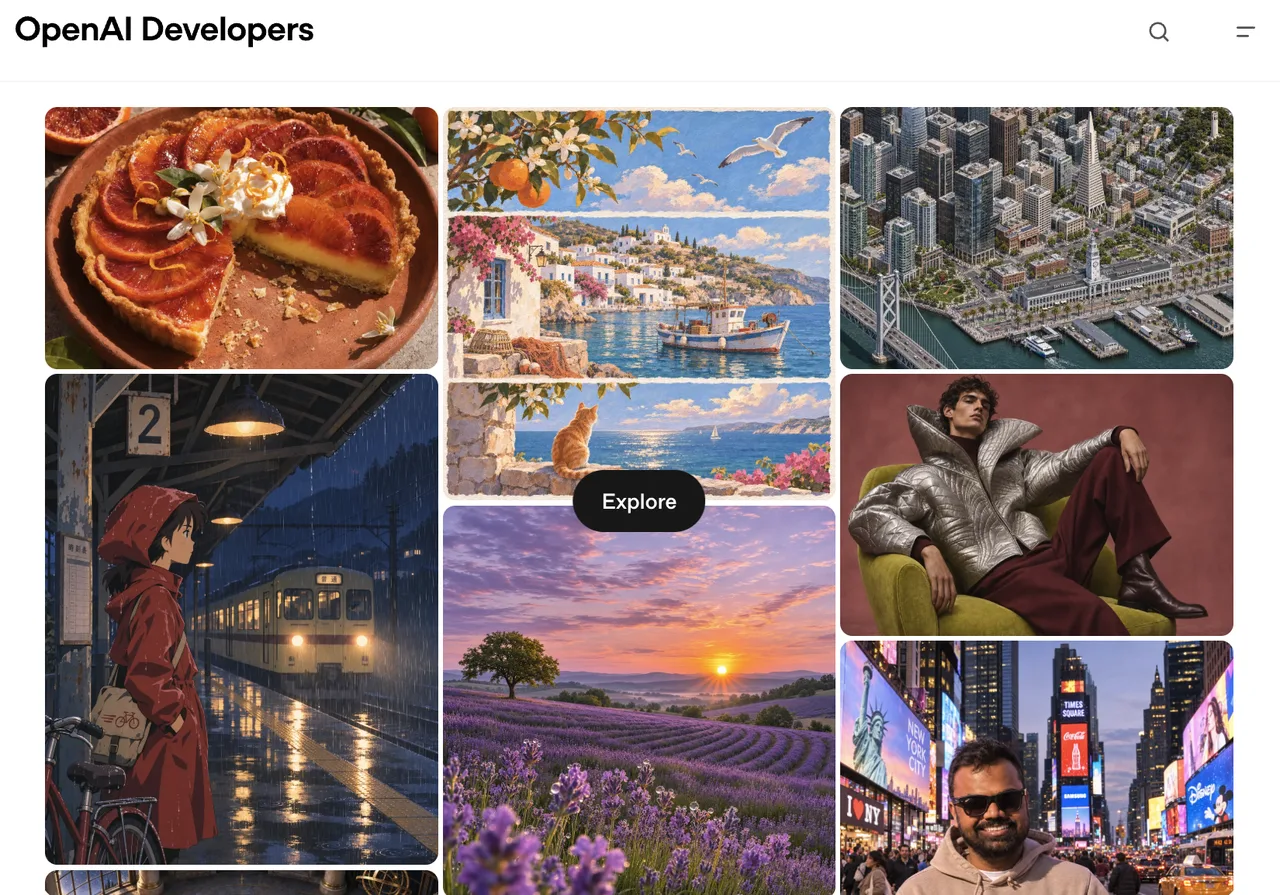
GPT-Image-2.6 Sunburst is my first candidate for a precise change: replace the background, preserve the bottle and label. OpenAI’s image generation guide documents generation and edit endpoints, references, masks, markup, and multi-turn work through the Responses API. ChatGPT’s image interface is a separate app entry. Those controls need output review.
The direct API currently bills $8 per million image input tokens and $30 per million image output tokens; text input is separate. Size and quality alter token use, so I log each request’s usage. OpenAI’s Business Services Agreement assigns output rights to the customer as between those parties and requires rights to the input.
-
Seedream for Reference-Led Assets
Seedream 5.0 Pro enters when an approved product or character image anchors several assets. BytePlus’s image generation API reference describes text generation and edits with one or multiple references; ModelArk Playground is its separate web entry. The checked third-party edit route accepts up to ten images. I assign each a role: bottle shape, label crop, material, or scene. Conflicting references waste slots.
The direct ModelArk ID is dola-seedream-5-0-pro-260628. BytePlus currently lists $0.045 per output up to 1.5K and $0.09 above it, plus charges for input images after the first. The third-party route prices by resolution. An AI product photography generator earns its place when the label, cap, and proportions survive review.
BytePlus does not assert ownership of generated content; use remains subject to model agreements. The source photo needs its own permission record. Direct API transparency requires an edit from one input with an alpha channel and PNG output. The checked third-party route does not expose that background setting.
-
FLUX for Controlled Image Generation
FLUX.2 [pro] offers a different control surface. Black Forest Labs’ API endpoint reference shows editing through input_image, explicit dimensions, output format, and optional seed. The provider allows up to eight references on its Pro API. The checked WaveSpeed Pro Edit route accepts three and exposes seed. That route limit goes on my test sheet.
The provider’s FLUX.2 model guide lists Pro generation from $0.03 per megapixel and editing from $0.045 per megapixel. Its Playground and API use the same credit pricing. Reference processing changes the bill. The checked third-party edit route displays $0.06 per image. I compare bills for the same approved asset.
For the portrait brief, I lock crop, dimensions, prompt, and seed while changing one input at a time. A seed helps compare requests; it cannot guarantee the same face after an update. FLUX.2 [dev] has different licensing from hosted Pro, so I check the terms of the route the product calls.
-
Gemini Image for Product Scenes
Gemini 3.1 Flash Image, or Nano Banana 2, is a candidate for the mixed scene: person, package, reflections, and text. Google’s image generation documentation describes editing and multi-image input; AI Studio is its web test entry. It accepts up to fourteen images, with narrower stated high-fidelity coverage for objects and people. I inspect the bottle and face separately.
The direct Gemini API currently prices 1K image output at about $0.067, plus inputs and any text or thinking output. The third-party edit route has its own per-run price and optional search. I leave search off; retrieved images would change the brief. Google’s API terms restrict access by available region and distinguish paid-service data handling.
Google says native image generation does not support transparency. A white background is still pixels. A separate removal step belongs in the usable-asset cost.
Which Model Fits Each Production Brief?
The first route to test follows the job that currently consumes review time:
| Production brief | First candidate to test | What would disqualify it |
|---|---|---|
| Local change to an approved asset | GPT-Image-2.6 Sunburst edit | Label, face, or untouched area changes |
| Many assets anchored to supplied references | Seedream 5.0 Pro edit | Product geometry or identity drifts across variants |
| Repeatable parameter study | FLUX.2 [pro] | Seed and fixed settings still leave too many unusable outputs |
| Person and product in one scene | Gemini 3.1 Flash Image | Either subject loses its required details |
The table sets test order by task; it assigns no image-quality scores. If a brief requires a transparent cutout, the direct GPT Image API has an explicit transparent-output option. If it requires four references on the checked FLUX edit route, that route fails the input requirement before generation. Exact packaging copy requires visual review against the source asset. The scorecard records acceptance against the brief.
Where Do Realistic Images Still Fail?
They fail at details that a campaign brief treats as fixed: a bottle shoulder, a brand mark, a sleeve seam, a familiar face. Hands, jewelry, mirrored surfaces, and small text deserve a second look at full resolution. An image can be physically plausible and commercially unusable. The defect log should name the element and the crop where it appears, so an edit request has a target.
The rights check belongs beside that defect log. A model’s output terms do not grant permission to upload a person’s likeness, a client’s product photo, or a protected logo. Keep the source license, consent, intended use, and selected provider terms with the asset record. For a photorealistic AI image API, privacy and retention also change with the access route. The same model name in a consumer app, a direct developer API, and a third-party endpoint does not mean the same data handling.
I would stop the pilot when a route repeatedly changes a non-negotiable detail after a targeted edit. More prompt adjectives will not repair a broken acceptance rule. A different route, a compositing step, or a conventional retouch may clear the brief faster.
FAQ
Which of these model APIs accepts a source image for editing?
All four selected families have a current edit path. GPT Image uses the Images edit endpoint or a Responses image workflow; Seedream 5.0 Pro accepts image input; FLUX.2 [pro] uses input_image; Gemini 3.1 Flash Image accepts image input for editing. The field names, limits, and available controls differ by endpoint.
Can any of these routes return a transparent background?
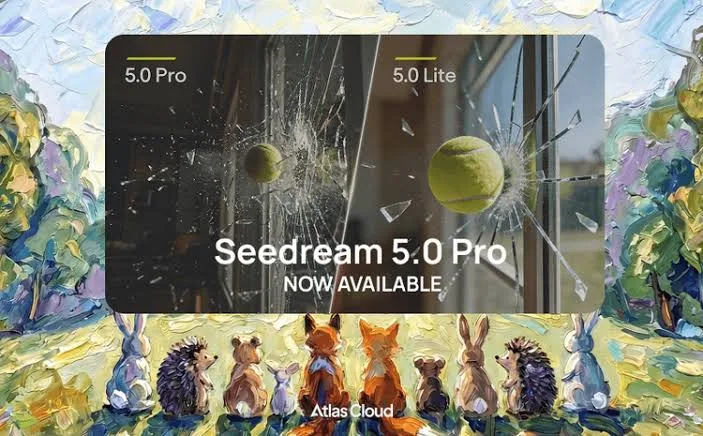
Yes, on specific direct APIs. GPT Image supports background: "transparent" with PNG or WebP output. Direct Seedream 5.0 Pro supports it only when editing one transparent input image and returning PNG. Google’s Gemini image route does not offer native transparency. The checked FLUX.2 [pro] route documents PNG output but no alpha-background control; PNG format alone does not establish one.
Does an app subscription cover the same access as its image API?
No. OpenAI bills ChatGPT and API use separately. Google’s Gemini API billing guide ties paid API access to a billed project and API key. For Seedream and FLUX, check the exact web, playground, or hosted API agreement before moving an app workflow into production code.
Can a team pass the same reference set to all four model families?
Yes, if the set fits the smallest selected route and each image is accepted in its required format. In the routes checked here, the third-party FLUX.2 Pro Edit endpoint caps images at three; the GPT Image, Seedream, and Gemini edit routes expose higher caps. A four-image set therefore needs a different FLUX route or a reduced reference set. Equal inputs still do not mean equal weighting of those inputs.
Which current API routes expose a repeatable seed setting?
The direct FLUX.2 [pro] API and the checked third-party FLUX.2 Pro Edit route expose seed. The selected GPT-Image-2.6 Sunburst, Seedream 5.0 Pro, and Gemini 3.1 Flash Image edit schemas do not list it. Record the model version and every other input beside the seed; a number alone is not an identity or output guarantee.
Conclusion
The best realistic AI image generator for a 2027 product queue is the route that clears its own brief at the lowest cost per accepted asset.
My shortlist starts with four current families and three shared briefs; it ends with the team’s files, charges, and defect notes. The next model release can change the shortlist.
Previous posts:
Related Articles
Midjourney Alternatives for Image API Workflows

9 Best A2E Alternatives in 2026 (Avatars, Lip-Sync, Free & API)

Best AI Video Generation APIs for a First Build
9 Best Higgsfield Alternatives in 2026 (Free, Paid & API)
8 Best Magnific Alternatives in 2026 (Upscalers and AI Suites)