
Best AI Video Background Removal Tools in 2027
Best AI video background removal tools: compare edge quality, temporal stability, alpha export, workflow, and usable cost.

I had four product pages open and one delivery question: which tool gives me a reusable subject cutout, not just an MP4 with a different background? They all said, “remove background.” Their export documentation told four different stories. I paused here. A checkerboard is not a file format.
Anyone shipping 20 versions of the same presenter clip will meet this problem quickly. Finding out at export that the “transparent” preview only existed inside the editor means running the batch again. Small problem on clip one. Less small on clip 38.
That is why I compared the best AI video background removal tools by delivery asset, not demo quality. I looked at difficult edges, real alpha export, API access, batch handling, cost, and retention. Full-scene generation and video inpainting stay out. Different job.
The short answer: VEED has the clearest path to transparency and automation. Adobe Express is faster for finished replacements. Kapwing suits team review. Runway belongs in the generative-editing branch.
Features, prices, export formats, and retention details were checked against official documentation on October 8, 2026.
| Tool | True transparent output | Background-removal API | Current public price | Clip limit | Retention note |
|---|---|---|---|---|---|
| Runway Edit Studio | Not promised for every web export | Aleph video editing, not a dedicated removal endpoint | From $12/month billed annually | 2–30 seconds | API output URLs expire in 24–48 hours |
| Adobe Express | No documented alpha export from this feature | No public Express video-removal endpoint found | $9.99/month in the US | Up to 2 minutes | Deleted Creative Cloud files recoverable for 30 days |
| VEED | Yes through API: alpha WebM or video plus matte | Yes | Standard/Fast API: $0.008–$0.0225 per 30 frames; green screen: $0.025 per 30 frames | Not stated in the cited API guide | API result URLs: 1 day by default; request/response bodies: 7 days |
| Kapwing | No documented alpha-video export | No public removal endpoint found | Pro: $16/month billed annually or $24 monthly | Background-removal clip limit not documented; Pro project exports up to 120 minutes | Unlinked assets removed after 30 days |
Runway, Adobe, and Kapwing sell subscriptions; VEED publishes usage-based API processing. The prices are not directly equivalent.
How We Evaluated Video Background Removal
One acceptance clip should contain wispy hair, a blurred hand movement, and a second person crossing the subject. A clean opening frame proves little; the evidence sits at the overlap and immediately after it.
I do not score vendor demos. Without same-clip outputs, “Tool A preserved more hair” is guesswork. Documentation can establish the cutout method, correction controls, and whether failures can be inspected or repaired.
Hair, Motion Blur, Multiple Subjects, and Edge Flicker

Hair tests detail. Motion blur tests whether softness becomes background. Occlusion tests whether the intended subject survives merged silhouettes. Edge flicker is the shimmer caused by a boundary changing between frames. A screenshot hides it perfectly.
VEED offers refined edges and a separate matte, making problems easiest to inspect. Adobe documents fewer correction controls. Kapwing supports review but not manual tracking. Runway may reinterpret blurred or overlapping detail because it generates an edited shot. These are workflow findings, not invented visual scores.
Transparent Export, Batch Handling, and Cost per Finished Clip
Alpha means transparency stored in the video. A matte is a black-and-white map of which pixels to keep. ProRes 4444 can carry alpha, but “ProRes” alone does not prove transparency.
Uploading several clips is not batch processing. I count only repeatable API or queue-based jobs.
Effective cost per finished clip = processing cost + failed retries + cleanup + review time
The cheapest subscription can lose once someone spends twelve minutes fixing every five-second cutout.
The 30-Frame Matte Audit Before Batch Export
Thirty difficult frames expose bad assumptions without making review a second editing job.
Sample the Frames Most Likely to Fail
Take ten frames from peak motion, ten from fine detail, and ten from overlap or subject entry and exit. Use identical frames for every AI video background remover.
Test the Cutout on Black, White, and Brand-Color Backgrounds
Black exposes pale halos. White shows dark contamination. A saturated brand color reveals gaps and spill. Leave the checkerboard out; it is an interface pattern, not a delivery environment.
Record Pass Rate and Rework Minutes
Record acceptance, lost detail, flicker, reruns, and cleanup minutes. Reopen the project once; some tools preserve the effect without its editable mask. Pass rate matters more than the prettiest frame.
Runway Edit Studio for AI-Assisted Cutouts

Runway’s standalone Remove Background tool was retired in 2026. Edit Studio powered by Aleph 2.0 generates an altered shot. It is a generative alternative, not a traditional batch matting tool.
Subject Separation and Editing Workflow
Edit Studio accepts 2–30 second, 480p–1080p clips, downsamples footage above 30 fps, and rejects more than ten cuts. A keyframe guides the range.
With hair, blur, and crossing subjects, the risk is source fidelity: detail can be reinterpreted instead of separated. Runway’s editing integrations describe alpha-ready removal, but web documentation does not promise a reusable mask for every export.
Output and Access Limits
Edit Studio costs 28 credits per second, with a 56-credit minimum. ProRes or PNG-sequence output adds 5 credits per second and requires Max, legacy Unlimited, or Enterprise. The Standard plan starts at $12 per month when billed annually. The API exposes Aleph video editing, not a dedicated background-removal endpoint. API output URLs expire within 24–48 hours; ephemeral upload URIs expire after 24 hours. Enterprise agreements can include zero-retention terms.
Adobe Express for Browser Editing
Adobe Express is the cleanest remove-add-text-publish option. The removal workflow is one browser control. No keyframes. No matte management.
Remove-and-Replace Workflow
Premium costs $9.99 monthly in the US. Videos can run up to two minutes and publish as MP4.
Adobe does not document manual mask tracking or frame-level repair in Express. Failed hair, transparent fabric, or person overlap therefore becomes a rerun-or-accept decision.
Export and Plan Limits
I paused at “transparent.” Express can import ProRes 4444 with transparency, but that page does not document alpha export from Remove Video Background. Reading a format is not writing it.
I treat Express as a background replacement video editor. Adobe’s public Remove Background API handles still images; I found no public Express video-removal endpoint. Adobe says deleted Creative Cloud files remain recoverable for 30 days. That does not establish a 30-day retention limit for every Express upload.
VEED for Caption-and-Composite Teams
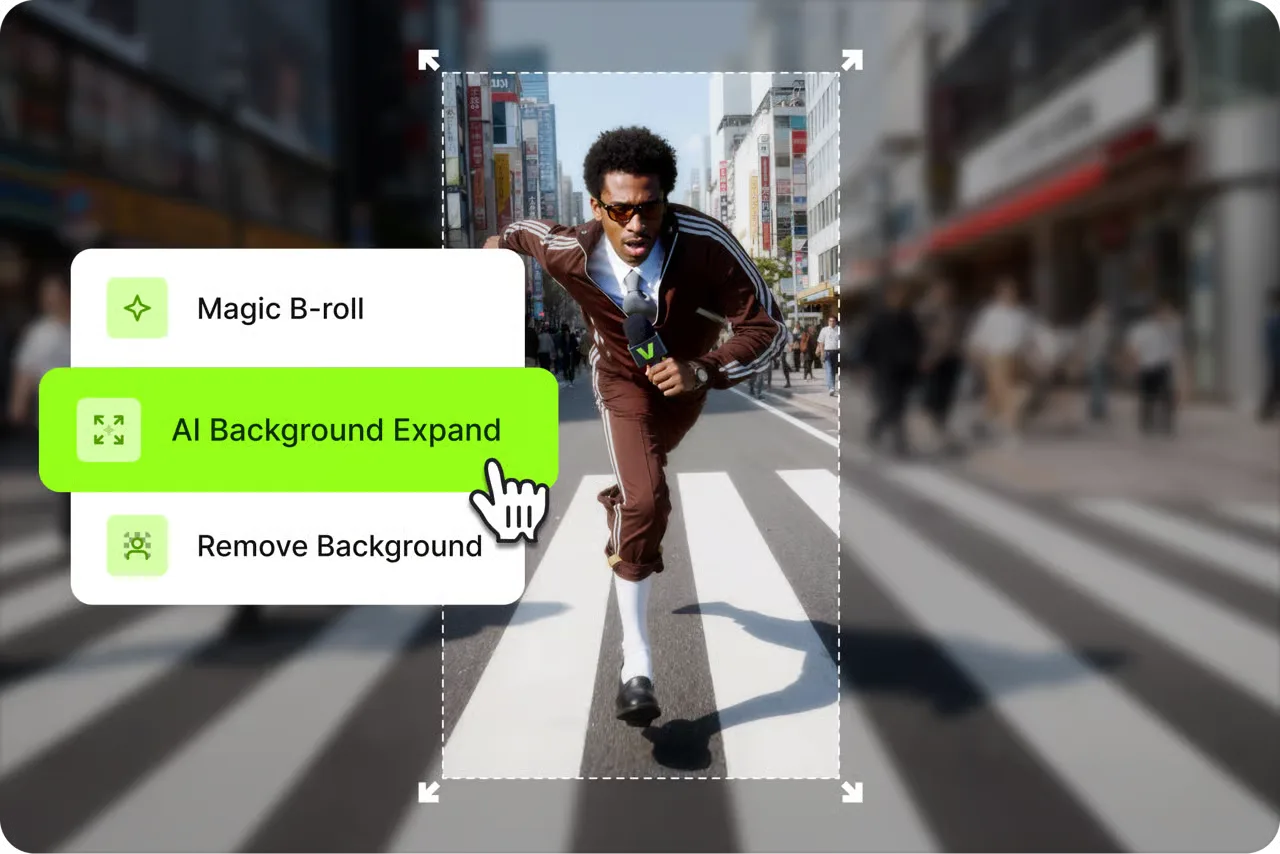
VEED clearly separates its editor workflow from its API deliverables.
Background Removal in the Editor
The editor detects a person and places color or media behind them. Green Screen handles solid-color footage. Free accounts receive one AI trial.
VEED’s editor help says editor exports are never transparent. The removed area takes the project background. For finished composites, that is fine.
Batch and Quality Limits
The VEED Background Removal API is the strongest documented batch option here. Standard accepts 4K; Fast accepts 1080p. VP9 returns transparent WebM; H.264 returns RGB plus a grayscale matte.
Refined edges and a separate matte expose problems a finished MP4 hides. That does not prove better hair or less flicker, but it makes failures easier to inspect and route.
VEED’s API bills in blocks of 30 output frames. Standard costs $0.0225 per block with edge refinement or $0.015 without it. Fast costs $0.012 with refinement or $0.008 without it. A ten-second, 30 fps clip costs $0.225 on refined Standard. API result URLs expire 24 hours after the job is ready by default, with a maximum setting of 30 days. Request and response bodies are kept for seven days unless X-Veed-Store-IO: 0 disables that storage for the request.
Kapwing for Collaborative Short Clips
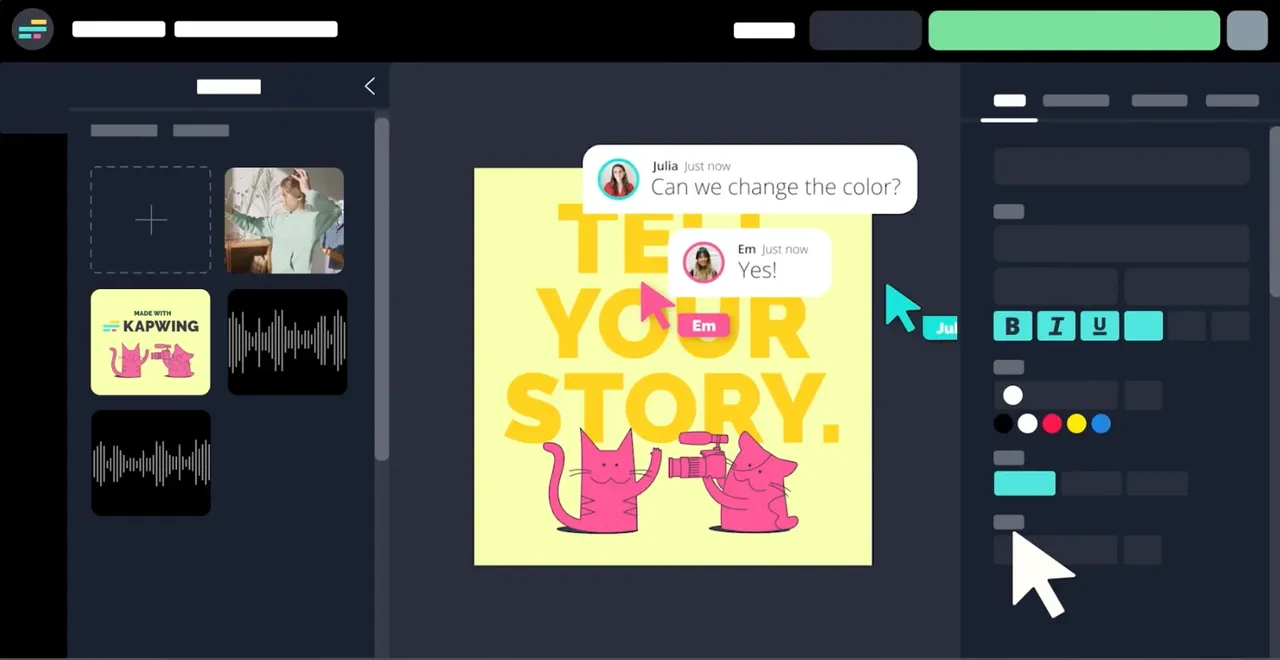
Kapwing makes sense when review is part of the edit. Comments, brand assets, subtitles, and resizing sit beside removal. One fewer handoff. Adds up fast.
Cutout and Review Workflow
The editor layers color, image, or video behind the subject. Chroma Key handles solid-color footage separately. Kapwing states that manual object tracking is unavailable.
That matters during occlusion. Reviewers can flag where a second person crosses the subject, but repair options are limited. Kapwing is stronger at finding a problem than correcting a complex matte.
Output and Reuse Limits
Pro costs $16 per member per month annually or $24 monthly. Kapwing’s credits guide lists video background removal as a tool that does not use credits. Paid plans currently have unlimited access to it.
Exports include MP4, GIF, PNG, JPG, and MP3. I found no documented alpha-video export or public removal API. Kapwing’s beta MCP retrieves MP4 but does not expose removal.
Unlinked Media Library assets are removed after 30 days; free projects can be deleted after three. Kapwing’s subprocessor list names external background-removal providers. I would clear that path before uploading unreleased footage.
Choose by Delivery Asset
Transparent Master Versus Flattened Replacement
For transparent video export or automated batch video matting, VEED’s API is the clearest documented choice. For a flattened social clip, Adobe Express is the shortest path. VEED’s editor suits caption-heavy work; Kapwing suits collaborative review. Runway belongs in the generative-editing branch.
A transparent master takes more attention now and saves work later. A flattened MP4 is easier to publish and harder to reuse. I pick that branch before I pick the tool.
When Object Inpainting Is the Actual Task
Background removal keeps the subject. Video inpainting removes an object and invents the missing pixels behind it. If the brief says “remove the passerby behind the presenter,” this list solves the wrong problem.
FAQ
Can reviewers approve difficult hair edges before batch export?
Yes. Put the same 30 difficult frames on black, white, and a brand color. Approve only after halos, missing strands, and edge chatter are visible outside the editor’s checkerboard.
Can a cutout keep the source clip’s audio and timing?
A flattened editor export usually does. An API may return video-only assets or separate color and matte files. Keep the source as the audio and timing master, then replace only the picture layer.
Are green-screen inputs treated differently from ordinary footage?
Yes. Chroma key removes a selected color instead of predicting a person. VEED provides separate green-screen controls, including spill suppression in its API.
Can teams restrict who may download the uncut source?
Sometimes. Team and enterprise plans offer workspace controls, but share links may still permit downloads. Test the viewer role with a second account before uploading client masters.
Do tools retain masks when a project is reopened?
Not reliably. A project may preserve the effect without exposing its mask. Save the alpha master or matte outside the editor whenever one exists.
Conclusion
My list of the best AI video background removal tools is really a list of four delivery paths.
- VEED API is the practical pick for real alpha and automation.
- Adobe Express is for fast browser replacement.
- Kapwing is for collaborative short-form composites.
- Runway Edit Studio is a generative alternative, not a conventional cutout winner.
The decision still ends with the same 30 frames: hair, blur, and occlusion. Export the real file and reopen it somewhere else. Run it yourself. That will tell you more than the checkerboard ever will.
Previous posts:
Related Articles
/filters:quality(82)/media/images/1791359984291066138_tW5eOX6f.webp)
Best Comfy Cloud Alternatives in 2027
/filters:quality(82)/media/images/1773962750383987480_n3hqzHRZ.webp)
Qwen Image 2.1 vs Qwen Image 3.0: What Changes and When to Upgrade
What's Next for Wan Video Generation, and What It Means for Creators
/filters:quality(82)/media/images/1791271002496939282_TBLU3cmv.webp)
Best AI Texture Generators for 3D Assets in 2027
/filters:quality(82)/media/images/1791192288445452271_ToxGQZ8i.webp)
Holo4 27B vs 35B-A3B: Which Fits Your Agent?
/filters:quality(82)/media/images/1791194933461111356_WeoxGPY8.webp)