
Best Topaz Video AI Alternatives in 2027
Topaz Video AI alternatives: compare local and cloud enhancement, artifact control, batch fit, and cost per usable clip.
If a team is leaving Topaz because one render was slow, I would stop the migration. The expensive failure comes later: custom presets no longer map, project history disappears, and operators rebuild restoration decisions from screenshots.
The best Topaz Video AI alternatives depend on which workflow layer must move. AVCLabs is the closest guided desktop option here. Aiarty offers a simpler local path. Video2X suits teams willing to own an open pipeline; TensorPix moves compute into the cloud. I have not run one authorized source set through all four, so this is an evidence review and reproducible test plan.
What Would Replace Topaz Video AI?

Separate Upscaling, Denoising, and Frame Interpolation
When comparing alternatives to Topaz Video AI, first define “replace.” Topaz combines enhancement, denoising, deinterlacing, stabilization, interpolation, presets, queues, codec controls, local processing, and cloud rendering. A product may match two filters and still fail production.
Topaz’s current preset documentation shows the migration problem. A preset can bind an enhancement model, resolution, interpolation, stabilization, and a second pass. I did not find a documented direct importer in the reviewed official materials.
Build a replacement map before installing anything:
| Topaz job layer | Matched test | Migration risk |
|---|---|---|
| Upscaling and detail recovery | Faces, text, hair, grain, AI-generated edges | Invented texture or waxy detail |
| Denoising and compression repair | Low light, blocking, ringing, chroma noise | Lost grain and smeared motion |
| Interpolation and deinterlacing | Pans, cuts, occlusion, mixed field order | Ghosting, duplicate frames, cadence errors |
| Workflow state | Presets, batches, project files, exports | Settings rebuilt by hand |
Do not test all four rows with one clip. A clean talking head says little about damaged MiniDV, while a slow pan may hide interpolation failure around occlusion.
Compare Source Fidelity, Render Work, and Usable Output Cost
Use authorized low-light, compressed, and high-motion clips. Keep trim, target resolution, frame rate, codec, bitrate, and review display constant. Save the version, model, settings, hardware, elapsed time, failures, and output checksum.
I score source fidelity before sharpness. Check whether faces, signs, line art, grain, and soft backgrounds remain believable. Count usable clips, reruns, operator minutes, and export failures. Divide license or credits, compute, and labor by approved minutes. Cheap does not always mean cost-saving. Unusable generations are expensive.
Use a blind review where possible. Show reviewers the source and outputs without product names, randomize order, and record rejection reasons in a taxonomy: lost detail, invented detail, temporal flicker, motion artifact, color shift, or export failure. This separates brand preference from footage behavior and makes the preset revision traceable.
-
AVCLabs for Guided Desktop Enhancement
Restoration Workflow and Controls
AVCLabs is the most direct candidate for teams wanting another desktop interface. Its current AI model guide separates standard and multi-frame enhancement, denoise, face enhancement, colorization, interpolation, and SDR-to-HDR processing. Detail Balance can pull processing back toward the source.
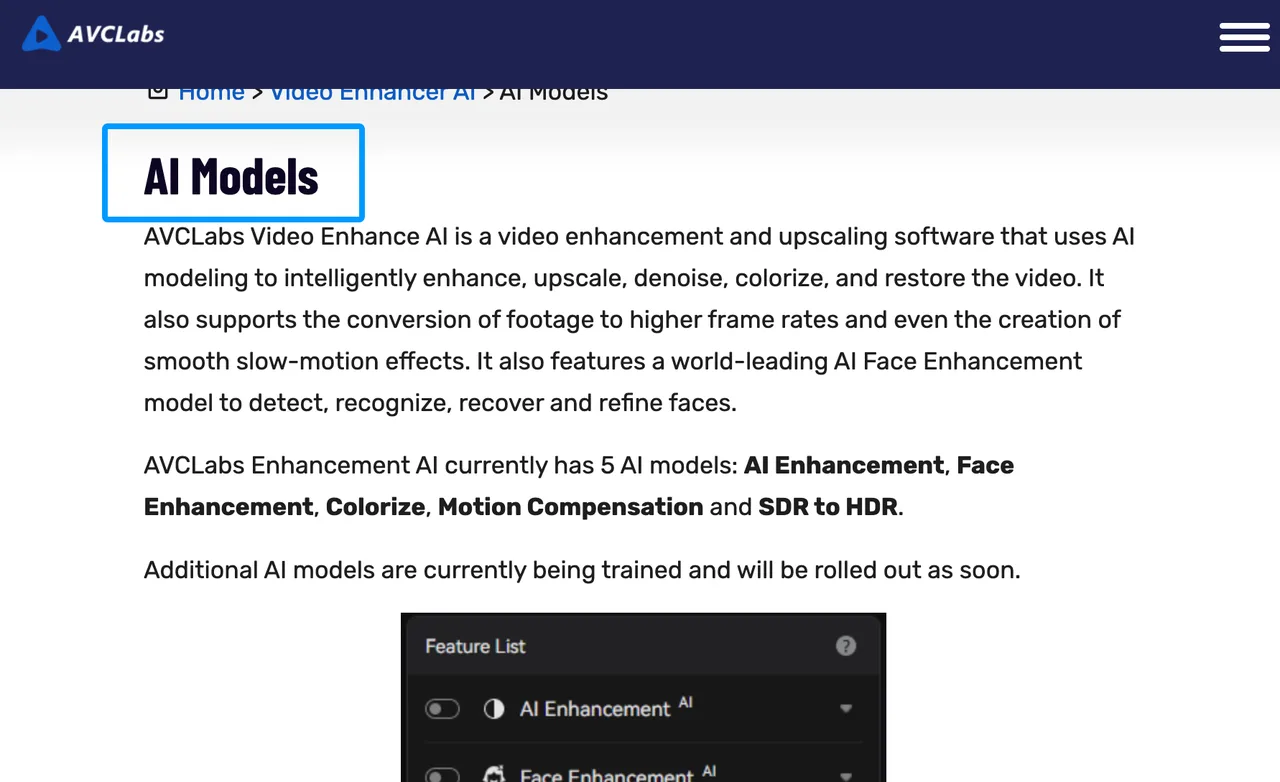
That coverage suits archive work and AI video restoration, but Topaz presets remain nonportable. Rebuild each as a recipe: input class, model, scale, denoise, frame-rate change, encoder, and audio. Compare a short clip with the approved Topaz output before batching.
AVCLabs exposes deinterlacing and applies settings across files. The review burden remains: face recovery and colorization may look cleaner while moving farther from the photographed source.
Hardware and Batch Limits
AVCLabs processes locally and supports batch queues, keeping masters off the cloud. Official requirements list 4 GB of GPU memory as a Windows minimum and 8 GB as recommended. Heavier multi-frame modes demand more; Ultra multi-frame is Windows-only.
These are launch requirements, not throughput promises. Test actual delivery resolution, sustained speed, and VRAM use. Batch saves time only when the queue finishes unattended. Add job splitting and memory-error recovery to the cost sheet.
-
Aiarty for Local Upscaling
Detail Recovery and Video Workflow
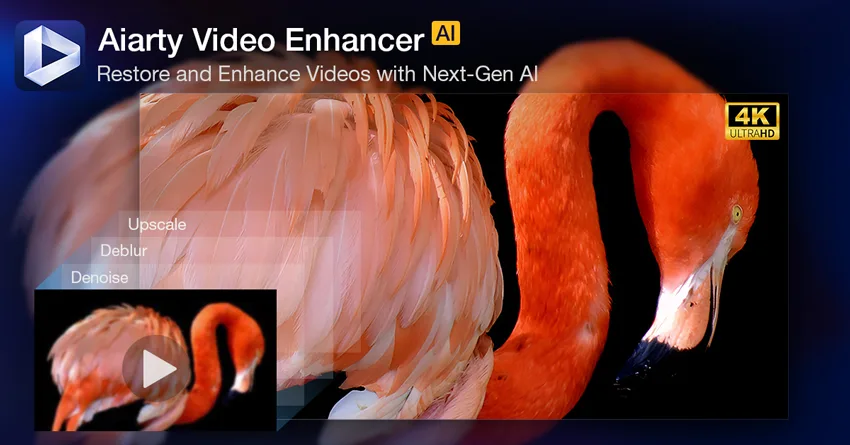
Aiarty is a narrower local video enhancement choice with upscaling, denoising, deblurring, interpolation, audio cleanup, and batch export. Its current Video Enhancer guide supports shared batch settings or per-file settings. That matters when an archive mixes animation, camera footage, and AI-generated clips.
Test detail strength at fixed values. Inspect eyelashes, fabric, subtitles, and repeating patterns. Generative recovery can create a convincing surface absent from the source. For preservation, reject output when reviewers cannot separate evidence from invented texture.
Aiarty fits teams wanting local enhancement without a command-line pipeline. Annual and lifetime licenses can simplify budgeting, but hardware, power, storage, and review labor remain. Recheck commercial terms and source rights; this is general information, not legal advice.
Model Choice and Export Limits
Model choice is simpler than Topaz’s catalog. That cuts setup but may remove a control an old preset used. Record targeted defects, retained texture, and the failure that forced each rerun.
The user guide lists MP4, MOV, and MKV export with H.264, H.265, and AV1; the technical-spec page is less consistent. Check the installed build. Test chroma subsampling, bit depth, audio pass-through, and required metadata. “MOV supported” does not settle the handoff.
-
Video2X for an Open Local Pipeline
Scriptable Upscaling and Dependencies
Video2X is the strongest scriptable, inspectable video upscaling software here. The official Video2X repository documents Windows and Linux support, GUI and CLI use, Vulkan-based Real-ESRGAN, Real-CUGAN and RIFE, Anime4K shaders, and FFmpeg controls. It covers upscaling and interpolation, not a guided restoration suite.
The CLI is the reason to consider it. Teams can version commands, lock model files, name outputs predictably, and rerun jobs. That beats undocumented operator memory. Review Video2X’s AGPL-3.0 license and dependency licenses for the intended deployment.
Setup and Quality-Review Burden
The team owns packages, GPU drivers, Vulkan compatibility, FFmpeg settings, model versions, monitoring, and recovery. Prebuilt binaries require AVX2 CPUs and Vulkan GPUs. Containers standardize deployment but cannot choose the source-faithful model.
Video2X has fewer restoration guardrails. Assign a visual owner, retain source/output frame pairs, and review cuts. Open software removes purchase price, not operator cost.
-
TensorPix for Cloud Processing
Upload-to-Export Workflow
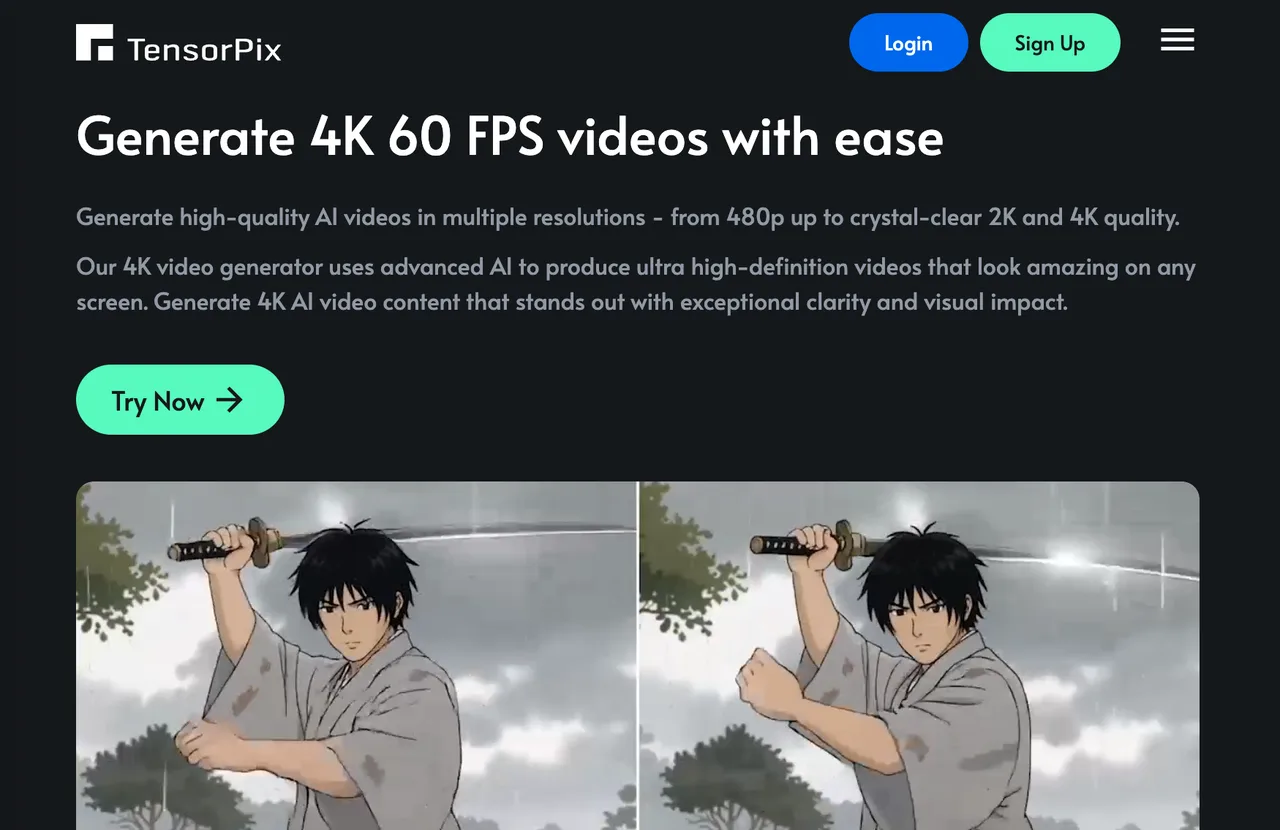
TensorPix changes the compute model. The current Video Enhancer help center documents cloud filters for upscaling, deep cleaning, noise reduction, frame-rate boosting, slow motion, deinterlacing, dust removal, and stabilization. Users upload footage, choose filters and export settings, then retrieve the processed result.
This can fit teams with uneven local hardware or bursty jobs. Cloud capacity also avoids tying up an edit workstation for a long render. But cloud video enhancement adds upload time, storage rules, credit accounting, download checks, and an external service to the delivery path. Measure wall-clock time from upload start to verified local file, not processing time alone.
Privacy and Repeat-Job Trade-Offs
Private masters change the decision. Confirm who may upload, which region processes the file, how long sources and outputs remain stored, who can delete them, and whether the contract covers confidential or personal data. TensorPix’s public retention currently varies by plan, so do not turn today’s plan table into a permanent policy assumption.
Repeatability needs attention too. Record filter names, versions, order, settings, and output options outside the account. If a cloud model changes, the same visible controls may not reproduce the prior result. Download approved masters and job records promptly. A browser history is not an archive system.
Choose by Footage and Compute Budget
Private Master Files Versus Elastic Cloud Capacity
For restricted footage, AVCLabs, Aiarty, or Video2X keeps the main processing local. AVCLabs offers the most guided restoration coverage; Aiarty reduces model-selection overhead; Video2X gives engineering teams the clearest scripted path. The price is local GPU capacity and staff time.
TensorPix fits work that can leave the network and arrives in bursts large enough to justify elastic capacity. Compare upload, storage, credits, concurrency, failed-job handling, and download verification. Use the same approved-minute calculation for both paths. Local electricity and cloud credits belong in different rows of the same cost sheet.
When Keeping Topaz Is the Lowest-Risk Choice
Keep Topaz when custom presets, .tvai projects, model-specific looks, staff training, or approved outputs carry more value than the expected savings. Its current workflow supports local rendering, batch queues, and optional cloud rendering. Replacing the license while recreating months of decisions is not a saving.
I would also keep it when no candidate clears a matched test. Set gates before the comparison: acceptable source-fidelity score, minimum usable-clip rate, maximum operator minutes, required codecs, and a recovery procedure. Demos show the ceiling. Production shows the floor.
FAQ
Can old Topaz presets be imported into an alternative?
No documented direct importer exists for these four alternatives. Treat a Topaz preset as a specification to rebuild manually. Capture every model, filter, scale, frame-rate, codec, audio, and second-pass setting, then validate the recreated recipe against an approved reference clip.
Will another enhancer preserve a Topaz project’s edit history?
I did not find documented .tvai import support in the reviewed official materials. Topaz stores project state in .tvai files, and the alternatives do not document support for that project format. Export setting records, preview frames, source paths, notes, and approved renders before migrating. The final video preserves pixels, not the decisions that produced them.
Can a replacement process interlaced footage without deinterlacing first?
Yes, when it has an explicit deinterlacing input mode or filter. It is still deinterlacing inside the job. AVCLabs and TensorPix expose deinterlacing; other pipelines may need a separate FFmpeg step. Never label interlaced footage as progressive merely to make an upscale run.
Do Topaz cloud uploads remain accessible after cancellation?
Do not rely on cancellation as storage. Topaz currently says completed cloud renders remain on its servers for up to seven days after processing. Download sources and outputs before changing the plan, and confirm current credit-expiry and account-access rules with support.
Can the same enhancement job be resumed after a local crash?
Only when the application explicitly checkpoints the job. Topaz can pause and resume supported exports after closing or rebooting when the relevant preference is enabled, with exceptions. Aiarty documents resuming paused or stopped queue tasks, but that is not a blanket crash-recovery guarantee. Video2X does not document transparent job checkpointing. Split long jobs and keep restartable commands.
Conclusion
The best Topaz Video AI alternatives replace a specific production layer, not a product name. Choose AVCLabs for guided desktop restoration, Aiarty for a simpler local workflow, Video2X for an owned scriptable pipeline, or TensorPix when cloud capacity outweighs upload and retention risk.
Before moving, rebuild one important Topaz preset in the candidate tool and process the same low-light, compressed, and motion samples. Measure approved minutes and the labor required to obtain them. If the replacement cannot preserve source fidelity or shorten the full job, keep Topaz. This conclusion only fits the workflow you actually tested.
Previous posts:
/filters:quality(82)/media/images/1790849370111158730_PwWhA3tW.webp)
/filters:quality(82)/media/images/1790848844523023001_D5foyHQZ.webp)
/filters:quality(82)/media/images/1790849835318146022_z3cmuCLV.webp)
/filters:quality(82)/media/images/1790849535778418416_2CLU4enx.webp)
/filters:quality(82)/media/images/1790757954084144412_1AJT2bku.webp)
/filters:quality(82)/media/images/1790757509548436753_yzIR19zJ.webp)