
Best Pollo AI Alternatives in 2027 for Video Work
Pollo AI alternatives for production teams: compare model access, creative control, repeatability, and cost per approved clip.

On a busy video team, the problem is rarely generating one impressive clip. The problem appears on revision three: nobody can reconstruct the winning settings, rejected runs have consumed the budget, and the ap-iuproved file is sitting in someone’s personal workspace. That is the production lens I use for this review of Pollo AI alternatives.
This is an evidence review, not a hands-on benchmark. Product access, catalogs, prices, and terms were checked against public vendor information in September, 2026.
Why Move Beyond Pollo AI?
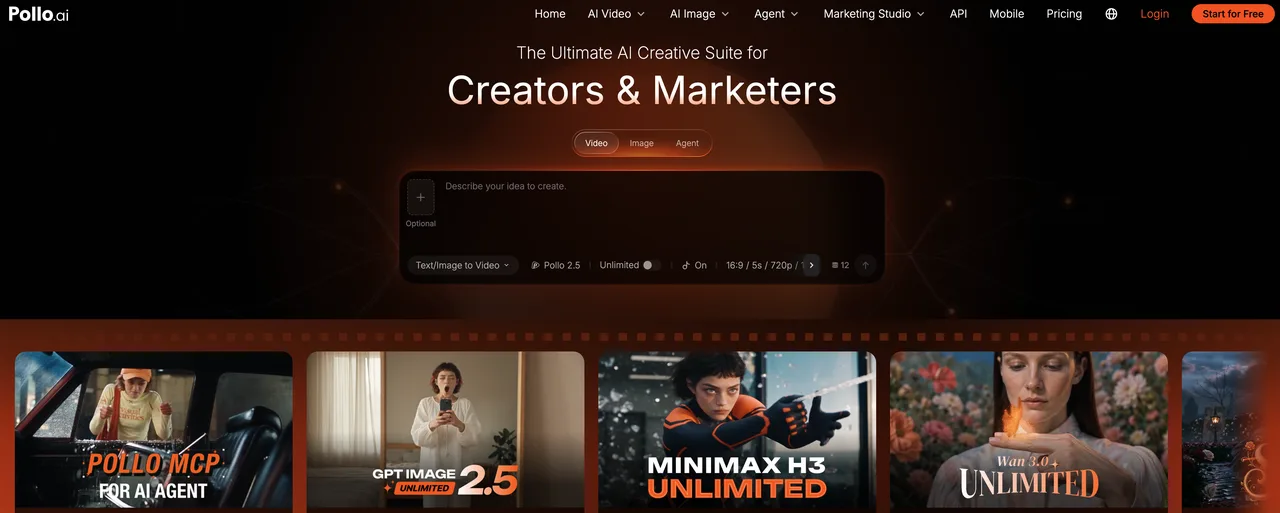
Pollo AI already combines models, guided tools, an agent, editing, and reusable assets. Do not leave merely because another model has a stronger demo. Move when the operating layer no longer fits: approvals happen elsewhere, costs cannot be attributed to deliverables, or settings are hard to reproduce.
Compare Model Access and Reusable Video Workflows
Start with one controlled job: a five-to-ten-second product shot using the same brief, source image, aspect ratio, duration, and acceptance checklist. Check what survives after generation: prompt, seed where available, sources, model version, settings, revisions, comments, and export.
This separates model access from workflow reuse. Multi-model video generators can make exploration easier, but video model switching is only useful when inputs and decisions remain traceable. If changing models forces the operator to rebuild the job manually, the catalog is broad while the workflow is still fragile.
Measure Failed Runs, Revisions, and Approved-Clip Cost
Do not rank tools by subscription price or the prettiest first output. Log submitted jobs, failures, rejects, revisions, queue time, operator minutes, and generation spend. Then calculate:
Approved-clip cost = generation spend + review labor + rework labor, divided by approved clips.
Set the acceptance threshold before anyone sees the outputs. For this sample, it might require readable packaging, stable product proportions, one specified camera move, no face or hand defects, and an export that enters the editor without repair. Without that gate, “usable” shifts from tool to tool and the cost comparison stops meaning anything.
I also track usable-output rate: the share of completed generations that pass review without repair. Cheap runs become expensive when hands, text, geometry, or motion repeatedly fail. A good single output does not mean the production workflow is ready.
-
Runway for Video Editing Control
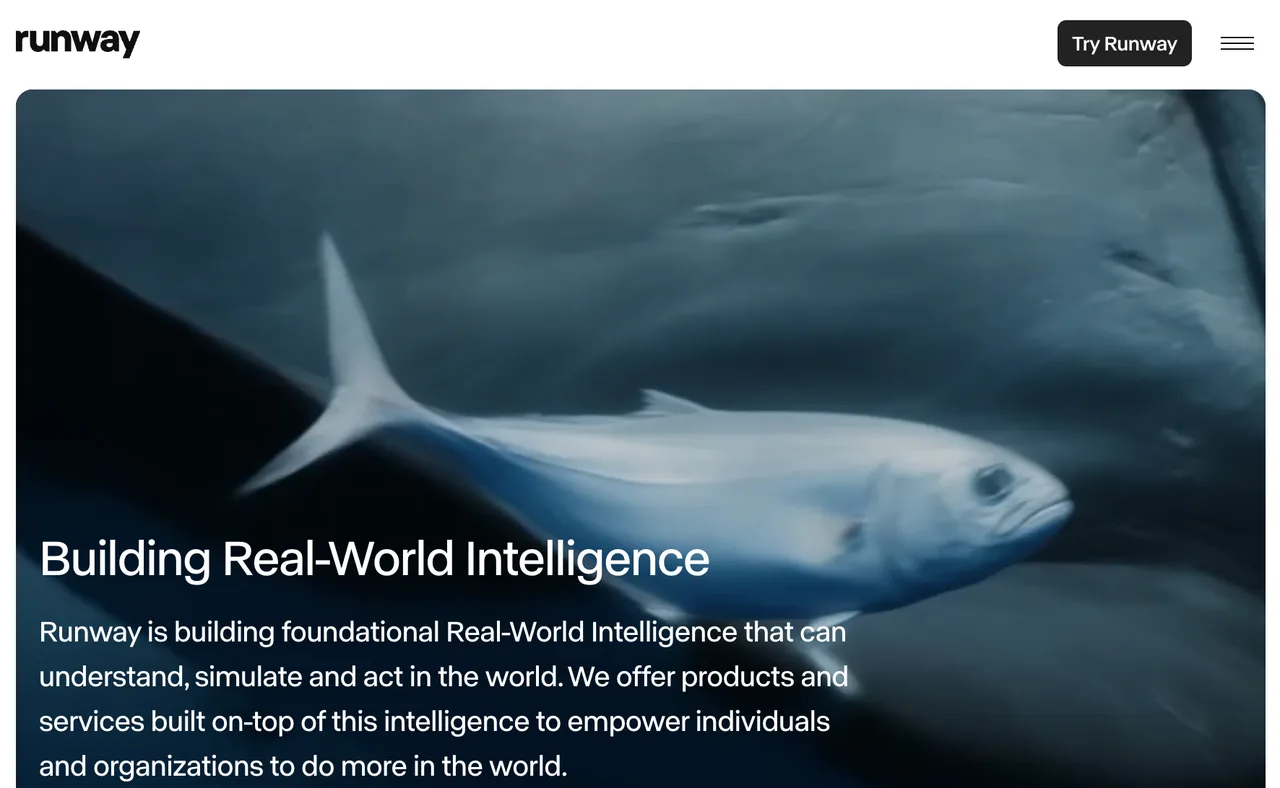
Runway is strongest here when work begins with footage or needs shot-level intervention after generation.
Source Footage and Generated-Clip Workflows
Runway’s Edit Studio documentation describes prompt-based changes to uploaded or generated footage, including objects, backgrounds, characters, lighting, and effects. That matters when a nearly approved shot needs a contained fix rather than another full generation.
Measure how often an edit preserves approved motion, framing, faces, and product shape. Editing control matters only if it reduces full reruns without creating continuity problems.
Limits When Switching Between Model Families
Runway now exposes its own and selected third-party models, but do not treat model names as interchangeable render engines. Input types, reference limits, duration, audio, resolution, seeds, and professional export support can differ. Web-app access and API access may also have separate catalogs and billing.
Test whether your job specification maps cleanly to each model. Store a neutral brief and asset manifest outside model-specific presets, then document every translation.
-
Kling for Focused Video Generation
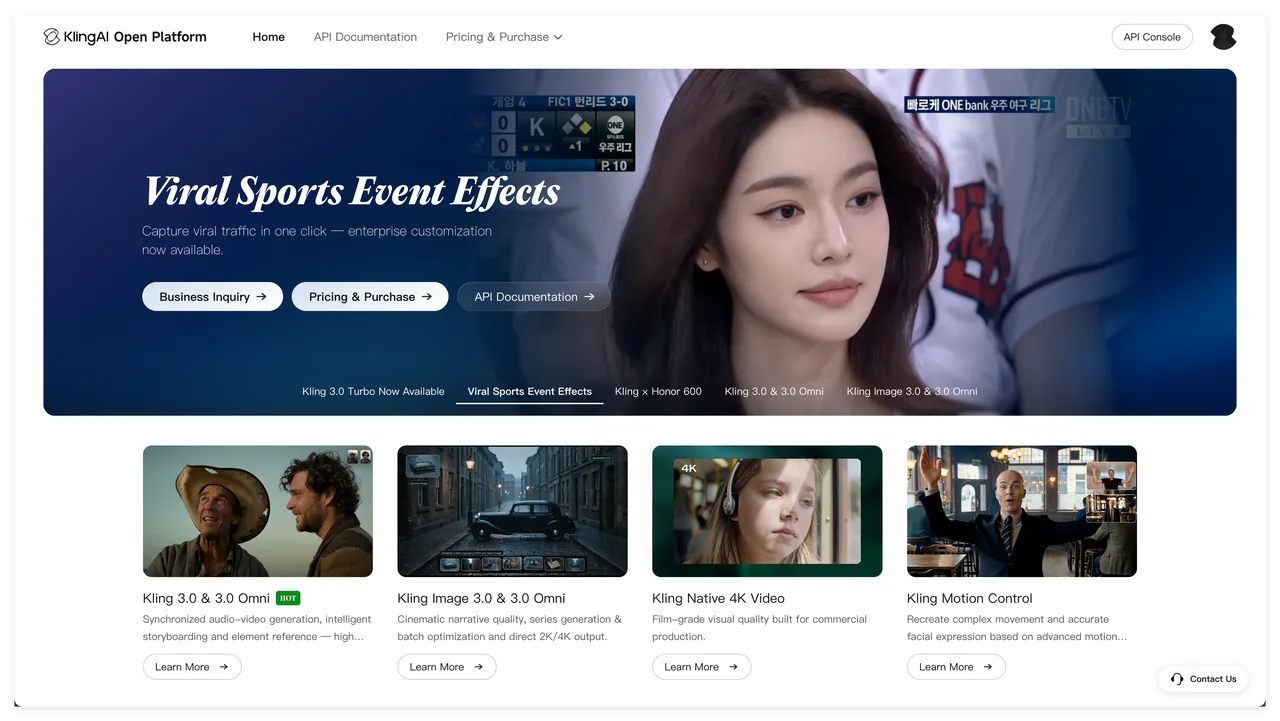
Kling fits teams that prioritize motion and reference control over a broad creative suite.
Motion and Reference Inputs
The current Kling AI API documentation separates web and developer access. Video documentation covers text, image, reference, multi-shot, motion-control, duration, mode, and callback options, with availability varying by model.
For the repeatable scene, score subject identity, requested action, camera path, start-frame fidelity, end-state accuracy, and temporal defects. Keep sound off unless audio is part of the brief; otherwise, you change two variables at once. Compare standard and higher-quality modes only after recording their exact settings and deductions.
Editing and Team Handoff Gaps
Focused generation is not production coordination. Confirm how reviewers see prompts, references, versions, and failures; how approved clips are locked; and whether another operator can reopen a job. Kling’s API can support a custom handoff layer, but your team must build the review and audit experience.
If the web product misses your approval chain, budget for external storage and review. Do not credit the model with functions supplied by your own system.
-
Krea for Multi-Model Exploration
Krea fits teams comparing visual directions in one interface.
Comparing Visual Directions in One Workspace
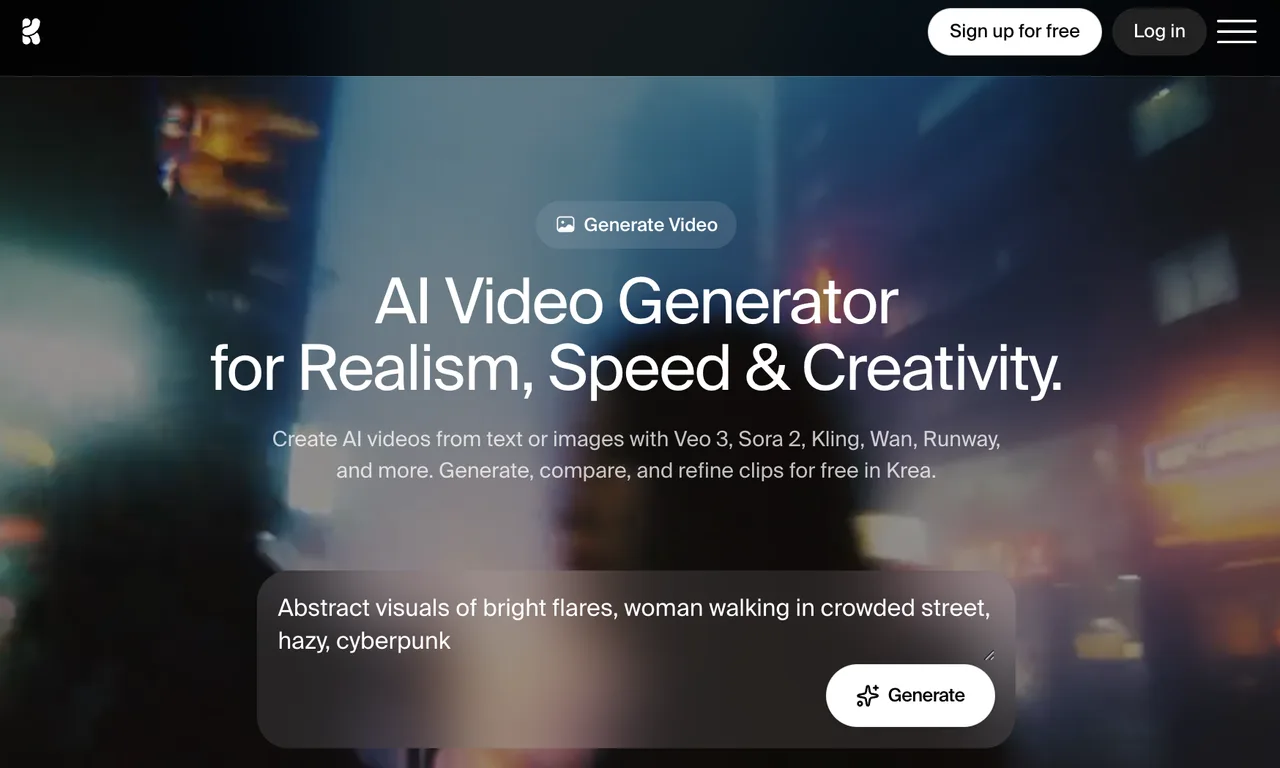
Krea’s current AI video workspace supports multiple video families, parallel generations, start and end frames, extension, merging, and supported audio workflows. That makes it useful for holding a brief steady while testing how different models interpret motion, composition, and style.
Use a fixed review grid. Generate the same attempts per model, hide model names during review if possible, and tag rejection reasons. Otherwise, reputation can outweigh the clip.
Repeatability and Governance Limits
Exploration speed can hide governance gaps. Verify retained settings, session duplication, version identification, admin restrictions, and usage exports by user, project, and model. Krea advertises stronger business and enterprise controls, so do not assume self-serve tiers match them.
If a direction must run hundreds of times, reproduce it through the intended production path. Visual approval does not prove stable capacity or integration readiness.
-
WaveSpeedAI for API-Led Production
WaveSpeedAI belongs here especially when the replacement layer is programmatic generation. It is not a like-for-like substitute for Pollo’s full agent/project workflow, although WaveSpeedAI also offers browser-based generators, apps, and an AI video editor.
Model Access From an Application Workflow
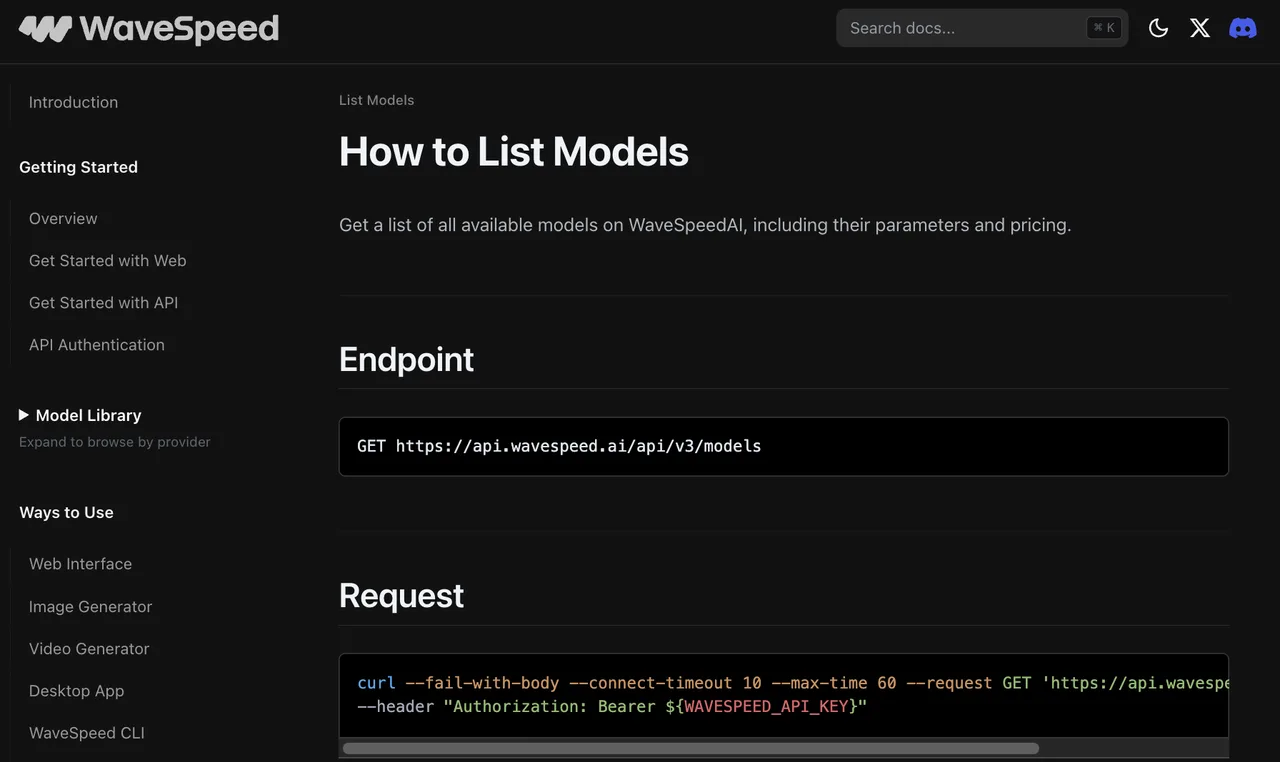
WaveSpeedAI’s model-list API documentation shows a catalog with model identifiers, parameters, and pricing data. It can fit an application that already owns briefs, permissions, job records, review states, and storage.
Retain each request, response, model ID, timestamps, error state, asset, and review decision. Add retries only after classifying failures; automation can multiply the cost of bad input.
Why an API Is Not a Creative Studio Replacement
An API supplies callable capability. It does not decide briefs, present alternatives, manage comments, protect approved versions, or assemble edits unless you build those functions. Include that cost.
WaveSpeedAI is therefore a conditional option for repeatable volume, not a predetermined winner among Pollo video competitors. It fits when the organization already has, or intends to build, the surrounding production system. For a small team that needs immediate visual iteration, a finished creative UI may produce a lower approved-clip cost.
Choose the Right Replacement Layer
Ask what is failing. Choose Runway for repair and editing control, Kling for focused motion and reference behavior, Krea for side-by-side exploration, and WaveSpeedAI especially when generation must live inside an application.
Keep a Creative UI or Build a Repeatable API Pipeline
Keep a creative UI when humans are still discovering the shot, references change often, and approvals depend on visual comparison. Build an API pipeline when the brief is stable, volume is material, metadata must be retained, and downstream storage and review states already exist.
Many teams need both. Let artists establish a recipe in a UI, then represent it through an API. Preserve sources, prompt, negative instructions, model/version, parameters, output schema, acceptance rules, and failure responses.
When Pollo AI Still Fits Rapid One-Off Work
Pollo can remain better for one-off work when guided applications, broad model access, reusable assets, and an agent shorten delivery. Small volumes may never recover migration and retraining costs.
Stay if the team can reliably find prior assets, understand credit use, and complete review without shadow spreadsheets. Move only when a measured bottleneck persists across several real jobs.
FAQ
Can Pollo AI prompt and generation history be exported?
Not through a publicly documented bulk-export function I could verify. Pollo documents reusable and downloadable project assets, and its business offering mentions shared generation history, but that is not the same as a portable export of prompts, settings, failures, and timestamps. Ask support for the required format and test it before migration.
Do Pollo AI assets remain available after a plan ends?
Do not rely on indefinite access. Pollo says cancellation remains effective through the current billing cycle and that purchased add-on credits can survive subscription end, but its public terms do not state a retention period for every project asset. Download approved media, references, and a settings record before canceling. Credit survival is not asset-retention assurance.
Can a Pollo AI team transfer ownership of a project?
No self-service project-ownership transfer procedure is publicly documented. Pollo promotes shared business workspaces, projects, assets, and history, but account collaboration is different from transferring project ownership. Confirm the process with business support before an employee or agency account becomes the system of record.
Are outputs from different Pollo AI models licensed identically?
Do not assume so. Pollo’s current terms say users retain ownership of uploaded or generated content, while the homepage states that paid-plan content may be used commercially. Those general statements do not provide a model-by-model licensing matrix. Check the selected model, plan, input rights, publicity rights, and current provider terms. This is general information, not legal advice.
Can a Pollo AI webhook be replaced without changing downstream storage?
Usually, if the integration is decoupled correctly, but verify the payload. Pollo API documents both task polling and an optional webhook URL; the creative web interface is a separate product and should not be assumed to expose the same automation. Put an adapter between Pollo and storage, normalize job IDs and statuses, and copy approved files into storage you control. Then another callback or polling worker can replace Pollo without changing the storage contract.
Conclusion
The best Pollo AI alternatives depend on which production layer needs replacement. Runway emphasizes footage editing, Kling offers focused generation controls, Krea supports multi-model exploration, and WaveSpeedAI can power an API-led system. None wins on catalog size alone.
Run one fixed brief, count failures and revisions, measure human review time, and calculate cost per approved clip. Preserve the evidence needed to reproduce the result. Models, prices, access routes, API behavior, and commercial terms may change before or during 2027, so recheck each vendor’s official documentation at the point of purchase and deployment.
Previous posts:
/filters:quality(82)/media/images/1790757954084144412_1AJT2bku.webp)
/filters:quality(82)/media/images/1790757509548436753_yzIR19zJ.webp)
/filters:quality(82)/media/images/1790760268656782522_xT4frCNY.webp)
/filters:quality(82)/media/images/1790758509393182709_xXaltBLV.webp)
/filters:quality(82)/media/images/1790759953031965921_TxT8L5xV.webp)
/filters:quality(82)/media/images/1790673203845090867_ZwbkuCLU.webp)