
Midjourney Alternatives for Image API Workflows
Midjourney alternatives for image teams: compare API-friendly options for reference control, editing, and repeatable production workflows.
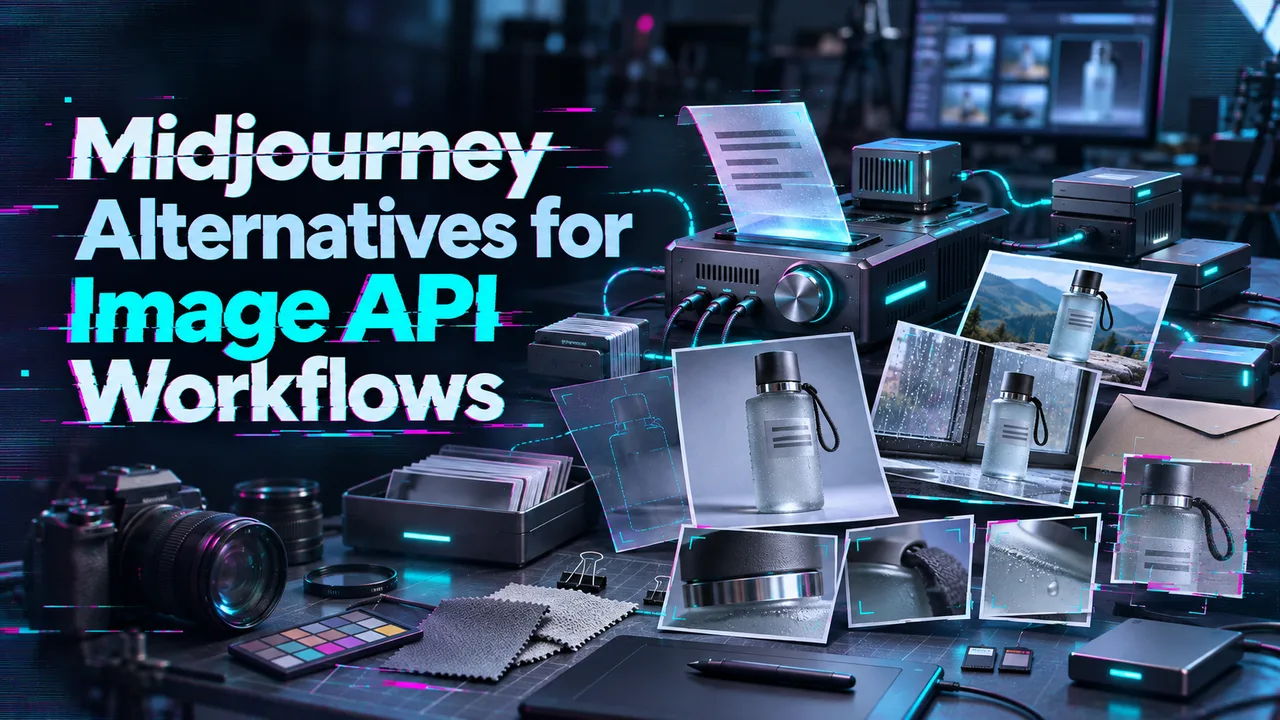
A team can make a strong campaign image in Midjourney and still struggle to produce the next 40 assets. The approved product changes shape between variations. A copy correction means another manual pass. By delivery, the files are scattered across accounts, and nobody can tell which reference produced the approved version.
That is the migration problem behind these Midjourney alternatives. The goal is to turn owned brand material into images a team can request, revise, review, and deliver repeatedly. I would choose a replacement by the work that currently gets stuck, then test that work with the same source assets on each candidate API.
What Would a Team Need to Replace Midjourney?
Start with the assets the team already owns: approved product photographs, logos, packaging, character artwork, and campaign layouts. Record which details must survive every generation. For a product image, that might mean label spelling, bottle proportions, cap shape, and brand color. For a character, it might mean clothing, face, and silhouette across several scenes.
Then identify the operation that consumes the most time. Is the team creating scenes, changing one region of an approved image, placing readable text, or producing many size variants? A Midjourney replacement for teams should shorten that specific path.
The API also has to fit the handoff. Save the source file, prompt, model version, settings, output, and approval decision together. One person can remember parameters. A team cannot.
Midjourney can remain the place where a designer explores directions. Its community guidelines prohibit unauthorized automation and say it offers no public API apart from rare, expressly granted exceptions. A third-party service advertised as a “Midjourney API” therefore needs separate scrutiny before it enters a production plan.
How Do We Compare One Owned-Product Brief?
Use one approved product photograph, a logo file, two brand colors, and a short campaign brief. Ask each route to produce a square product scene, change only the background, make a second aspect ratio, and create an asset with a specified headline. Keep the requested output size and acceptance rules as close as each API allows.
Review the results in this order:
- Brand retention: Did the product, logo, colors, and proportions survive?
- Edit scope: Did a background change disturb the approved object?
- Text and delivery: Is the headline correct, and can the file enter the layout workflow?
- Handoff: Can another operator find the source, settings, and approved result?
- Cost per usable output: Divide all generation and edit charges by the number of accepted assets. Include the attempts rejected for brand drift or bad copy.
This cannot be judged by feel. It needs a sample run. The four options below have documented routes for these tasks; their results on your product remain to be measured.
1. GPT Image for Iterative Edits
Start here when revision is the expensive step. OpenAI’s Image API separates generation from edits, while its Responses API supports multi-turn image work. The current GPT Image 2.5 routes include Sunburst for editing precision and Flare for faster everyday generation. An edit can take multiple reference images; a mask guides changes on the first input image. The image-generation documentation describes those controls and their limits.
For the sample brief, send the approved product photo as the image to edit, then request a new setting while specifying the package details to retain. If the change belongs in one area, supply a mask and inspect the untouched regions as closely as the new background. A mask guides the model; it is not a promise that every edge will remain identical.
I would use GPT Image first when reviewers repeatedly say, “Keep this asset, change this detail.” Its API also supports batch image generation and editing. Budget from the API’s image and text token usage, including references and revisions, rather than from a ChatGPT subscription price. Keep the approved master file outside the generation loop so the team can return to it after an edit drifts.
2. FLUX for API Image Pipelines
Choose a specific FLUX route before estimating the pipeline. Black Forest Labs offers several FLUX.2 API variants with different reference limits and pricing. For example, the FLUX.2 [klein] 4B endpoint documentation accepts a prompt and up to four input images. It returns a task ID and polling URL; the request can also include a webhook URL.
That response shape suits an application that queues jobs, stores their IDs, retrieves completed files, and associates each result with its source brief. For the sample, test the same product references at the intended output size and record whether the team can reproduce the accepted composition without repairing it by hand.
FLUX.2 [pro] and [klein] have different limits and rates, so **“FLUX price per image” is too broad for a purchase sheet**. Confirm the exact variant, resolution, input count, and generation or editing rate before comparing costs. Black Forest Labs says commercial rights are included with use of its hosted API; self-hosted weights have their own licenses.
3. Seedream for Reference-Led Variations
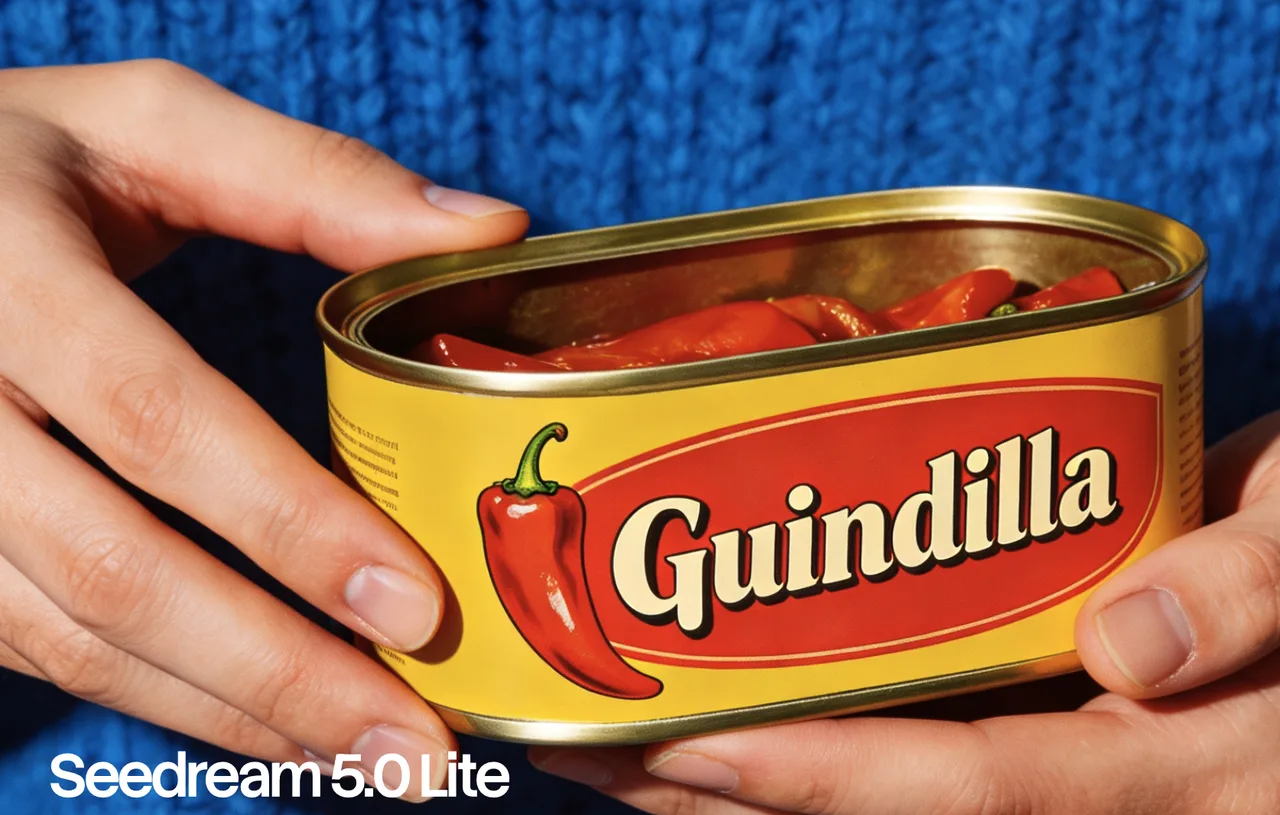
Test Seedream when several approved images need to guide one output. BytePlus’s current image-generation API documents Seedream 5.0 pro, flash, and lite alongside older routes. Pro and flash accept up to ten reference images for a single output. Lite supports multiple references and sequential generation of related images, with different limits and request fields.
That distinction matters for a brand with a product photograph, packaging close-up, material sample, and approved setting. A single image made from several references answers one question: can the route combine those constraints? A sequence answers another: can it maintain them across a family of assets? Run both only when the campaign needs both.
For this brief, label each reference by purpose in the prompt. Inspect package geometry and color across outputs, then save accepted files promptly: BytePlus documents a 24-hour validity period for generated image URLs when the response format is url. Its public pricing varies by Seedream version and, for some routes, output size or input count. Quote the exact request before treating a sequence as a cheap batch.
4. Ideogram for Text-Led Assets
Use Ideogram when words are part of the image deliverable. Its current v2 API has model-specific routes, including Ideogram 4.5 generation and Precise Edit. The Precise Edit route accepts a source image, optional mask, and up to four guide images. For supported edits, it copies pixels outside the changed region from the source image.
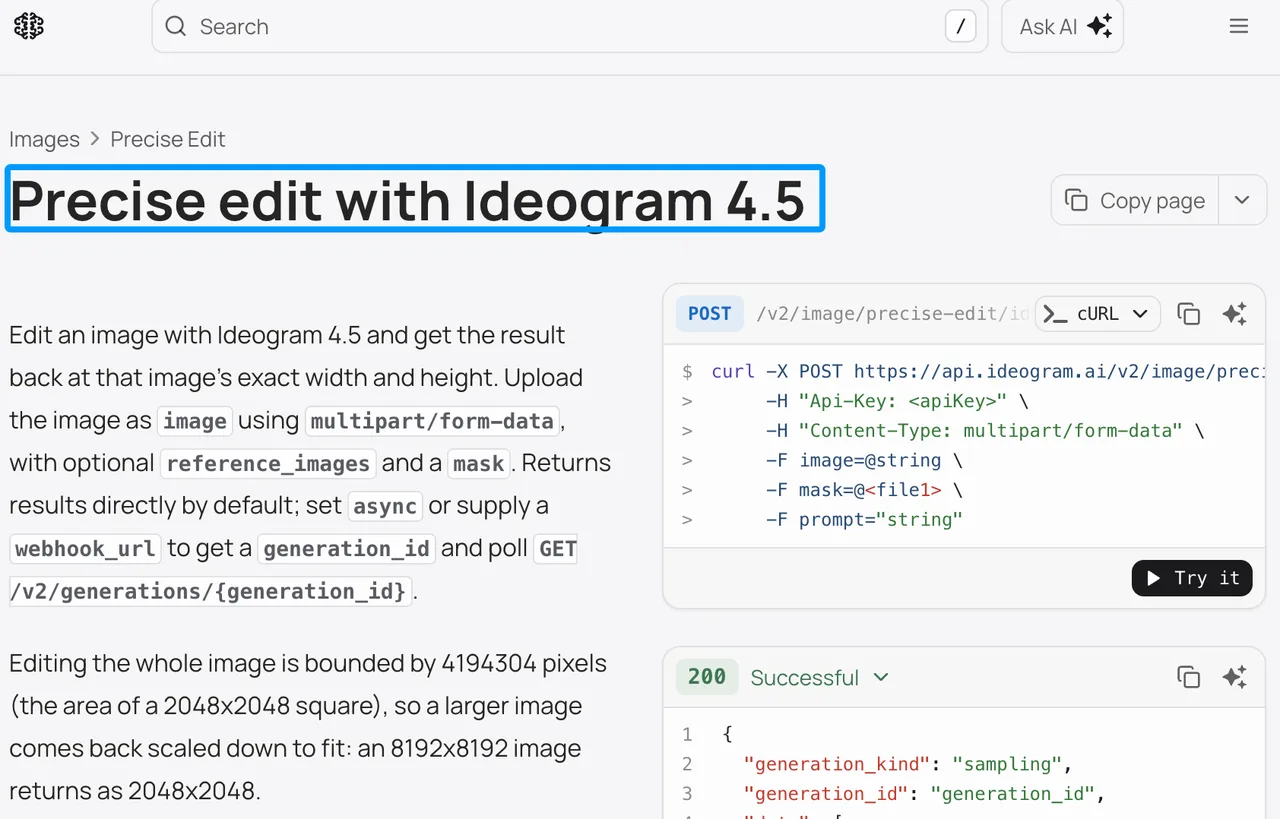
That makes a useful test for a promotion: keep the approved product and change the surrounding design or a limited text area. Check every letter, number, and legal line in the rendered result. If the offer changes frequently, the safer production layout may still be a generated background with final copy placed in the team’s design template.
Ideogram also offers a separate Ideogram Vector 1 SVG route for graphics that need vector output. It is a different request from Ideogram 4.5 raster generation. API charges depend on the selected route and quality tier, so compare the price of a finished, accepted asset rather than a single low-quality draft. Teams building a customer-facing product should also review Ideogram’s developer API agreement, including its application attribution requirements.
Which Alternative Fits Each Migration Goal?
| Migration goal | First route to pilot | What decides the result |
|---|---|---|
| Repeated changes to an approved image | GPT Image edits or Ideogram Precise Edit | Preservation of unchanged regions and revision time |
| Multiple visual references in one new asset | Seedream or a suitable FLUX.2 route | Product and character consistency across accepted outputs |
| Automated image jobs | FLUX or the relevant batch and job routes above | Job tracking, file retrieval, and operator handoff |
| Campaign artwork with embedded words | Ideogram, then GPT Image as a comparison | Exact copy and amount of layout repair |
| Editable vector artwork | Ideogram Vector 1 or a supported GPT Image SVG generation route | Quality of paths, shapes, and colors in the delivered file |
These are starting points for an AI image API comparison, not winners from a shared image test. A multi-model access layer such as WaveSpeed can be considered if it carries the exact route the team selects. Verify that route’s model version, parameters, terms, and billing before adding the layer.
For the purchase decision, calculate cost per usable output from the pilot. A lower request price can lose its advantage when logo repair, text correction, or repeated reference setup consumes the team’s time. Keep this page focused on migration; a general ranking of realistic image generators answers a different question.
When Should Teams Keep Midjourney?
Keep Midjourney when designers use it for manual exploration and the accepted images already move cleanly into the rest of the workflow. A team making a small number of distinct concepts may gain little from building and maintaining an API integration.
It can also remain upstream of an API workflow: explore a direction in Midjourney, approve an asset the team is entitled to use, then place that file in a controlled reference library. Check the applicable Midjourney plan and commercial terms for the organization. The migration starts when the approved material needs repeatable variations, traceable revisions, or software-driven delivery.
FAQ
Can a Midjourney project’s history be exported to a new API?
There is no documented one-step transfer of a Midjourney project into these image APIs. Midjourney supports downloading creations and submitting an account data export request. Curate the images the team may reuse, then build a separate manifest for source files, prompts, approvals, and rights. The receiving API takes those assets and instructions; it does not inherit Midjourney’s project structure.
Which alternative can reuse more than one reference image?
All four have documented multi-image paths, with route-specific limits. GPT Image edits accept multiple images; FLUX.2 limits vary by variant; Seedream 5.0 limits vary by version and generation mode; and Ideogram 4.5 Precise Edit accepts guide images alongside the image being changed. Compare the exact route and the role of each image, not a platform-wide “supports references” label.
Can any listed API return an editable SVG asset?
Yes. Ideogram Vector 1 has an SVG generation route. OpenAI also documents SVG output from supported GPT Image generation routes where the project has access; its image edit endpoint does not return SVG. Open the delivered file in a vector editor and inspect its paths, text treatment, and colors before approving it.
Do API image routes preserve camera metadata in exported files?
Do not treat camera metadata as preserved. A generated image is a new output file, and the documented response fields do not establish a common EXIF-preservation rule across these routes. Keep the original photograph and its camera metadata in the asset record. If metadata is required in delivery, inspect the generated file and add the approved fields through the team’s export process.
Can one team share character references across API accounts?
The team can share reference files it has the right to use; provider-held file IDs and account features need route-specific handling. Store the approved character sheet in a team-controlled asset library, record its version, and supply it through each account’s supported upload or URL method. Use separate API credentials and keep the same acceptance checklist across operators.
Conclusion
Choose the first pilot by the work Midjourney leaves manual: revision, reference-led variation, text assets, or job handoff. Run one owned-product brief through the relevant routes, save the full asset record, and count only outputs the team would deliver. I would make the integration decision from that accepted set and the rework it required.
Previous posts:
Related Articles
Best Realistic AI Image Generators to Test for 2027

9 Best A2E Alternatives in 2026 (Avatars, Lip-Sync, Free & API)
Best AI Video Generation APIs for a First Build
9 Best Higgsfield Alternatives in 2026 (Free, Paid & API)
8 Best Magnific Alternatives in 2026 (Upscalers and AI Suites)