
FLUX 3 Max API: Plan an Image-to-Video Pilot
FLUX 3 Max is a new video model. Plan one image-to-video API pilot, check current access, and measure usable output, latency, and cost.

A team preparing a batch of product clips cannot choose a new video API because one sample looks good.
The problem appears at handoff: a clip may finish quickly, then fail review because the label bends, the product changes shape, or nobody saved the settings needed to explain it.
It’s John here. I would give FLUX 3 Max one narrow job first: animate one authorized product image under a fixed motion brief. This is a pilot plan, not a report of tests I have run. Its purpose is to find out whether the route can produce usable clips at a cost and pace the team can work with.
What Is New About FLUX 3 Max?
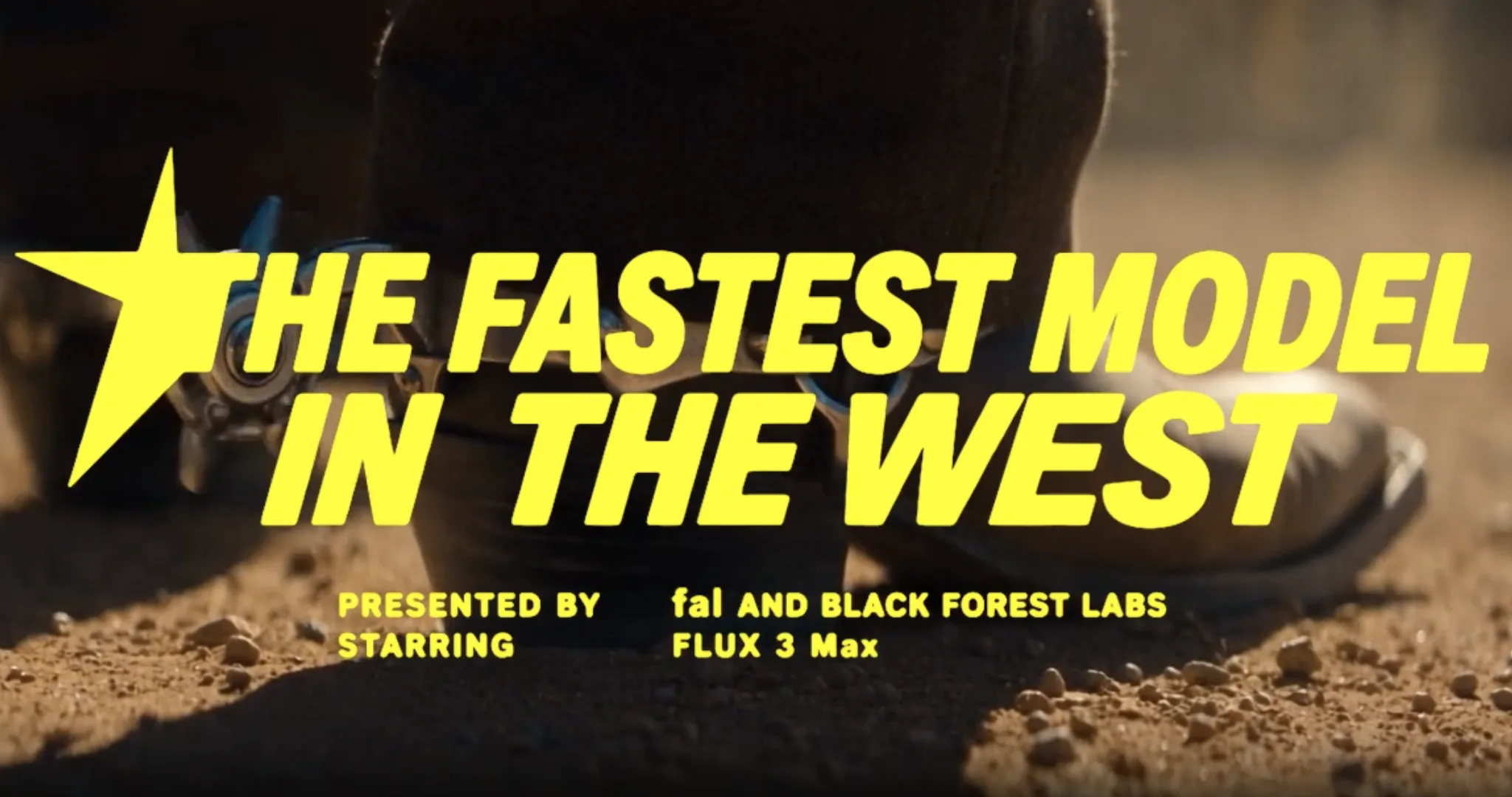
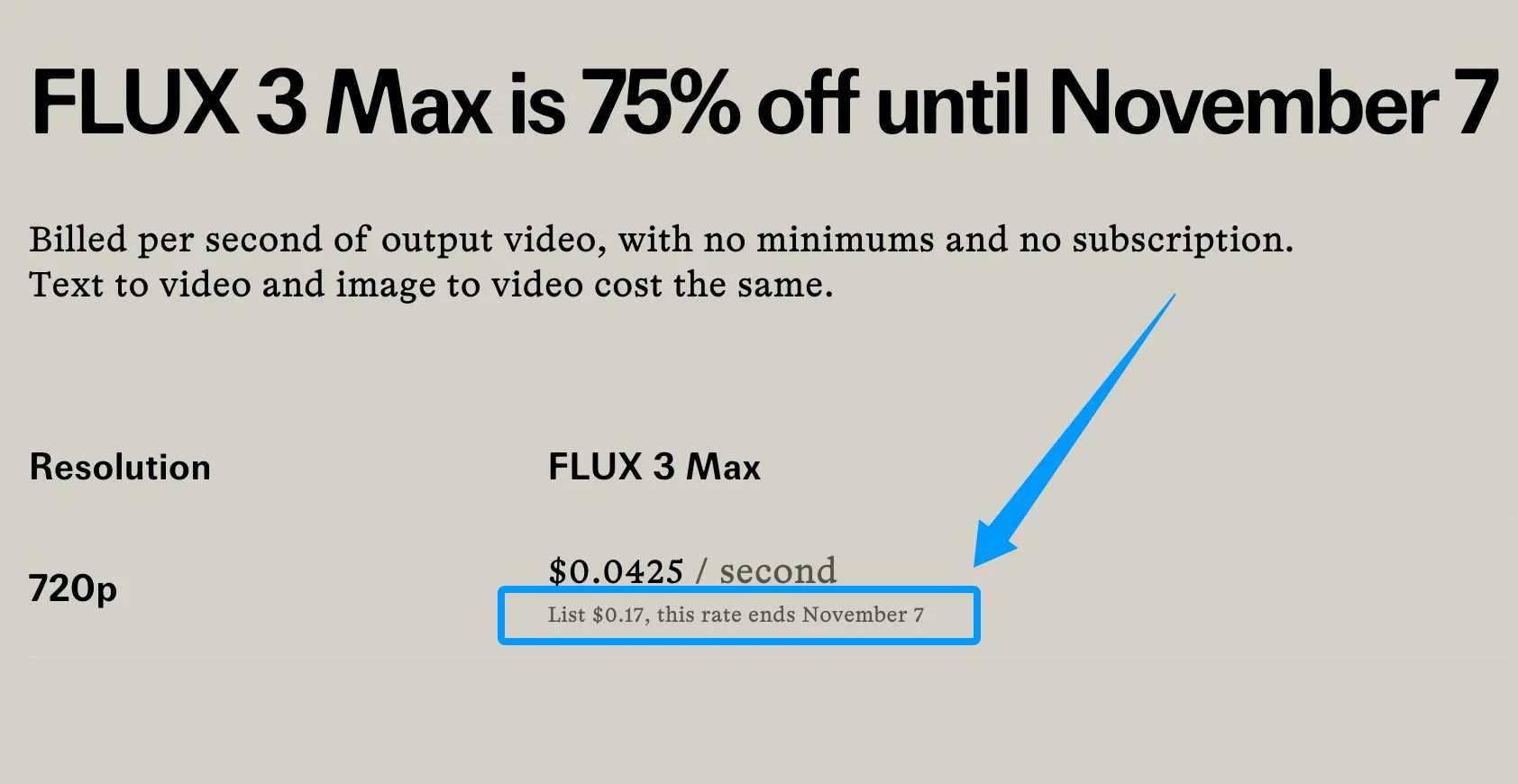
FLUX 3 Max is a post-trained video variant made by Fal Research in collaboration with Black Forest Labs (BFL), using the FLUX 3 video foundation. Fal reports better image-to-video results and faster generation than the base model. Its quality comparison uses a preliminary arena snapshot; its speed figure describes generation under specified conditions. Neither tells me how long a team will wait from upload to downloaded file. Fal’s launch page also lists a promotional 720p price of $0.0425 per output second through November 7, compared with a $0.17 list price. Check the price again on the day you run the pilot.
How It Relates to FLUX 3 Video
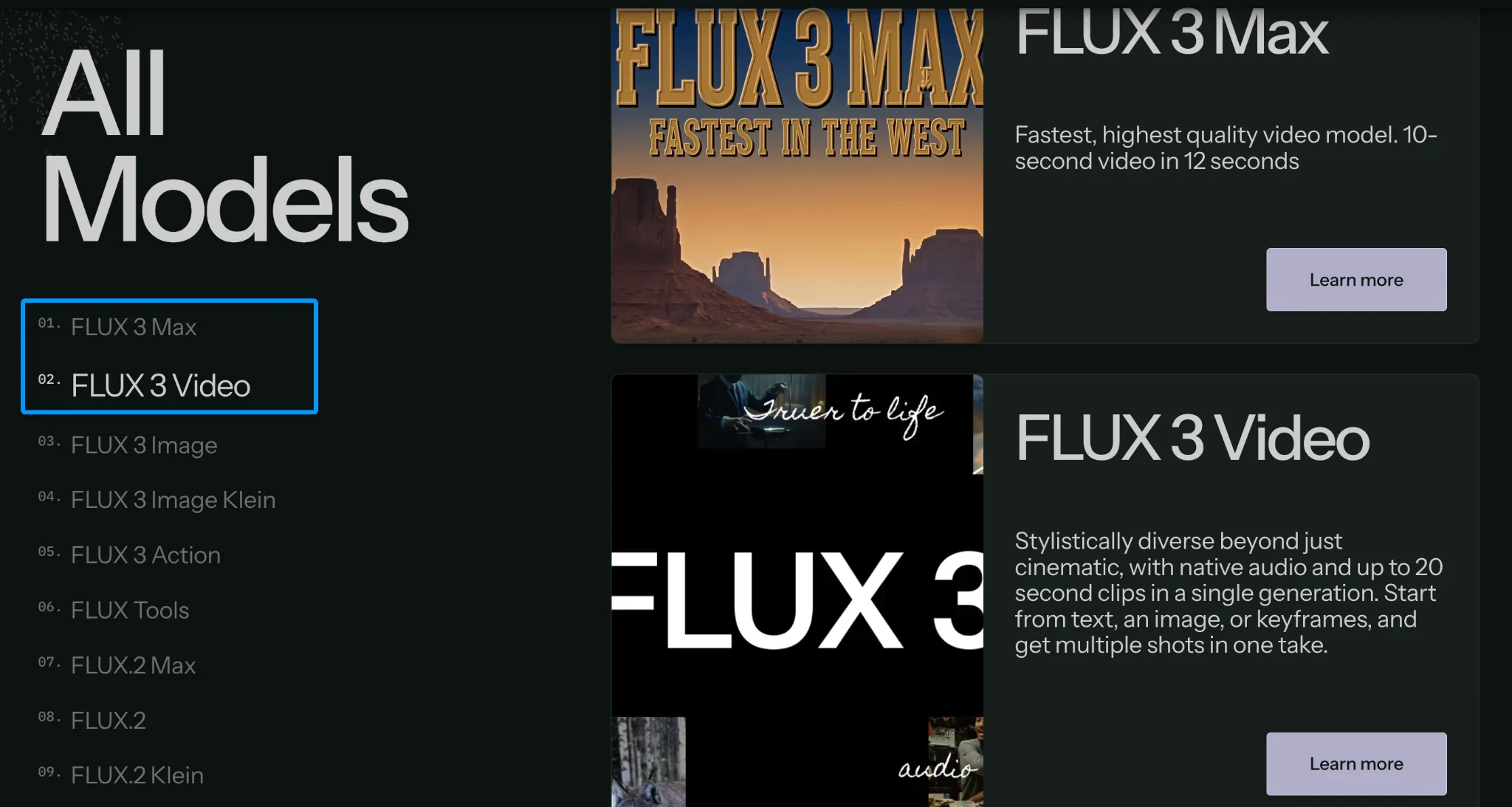
A Flux 3 Max vs. Flux 3 video decision needs the same task on both sides. Max has its own image-to-video route. Do not carry settings, pricing, or quality assumptions over from a base FLUX 3 route. This article plans the Max test; it makes no experimental comparison between the two.
Where Can Builders Access the API?
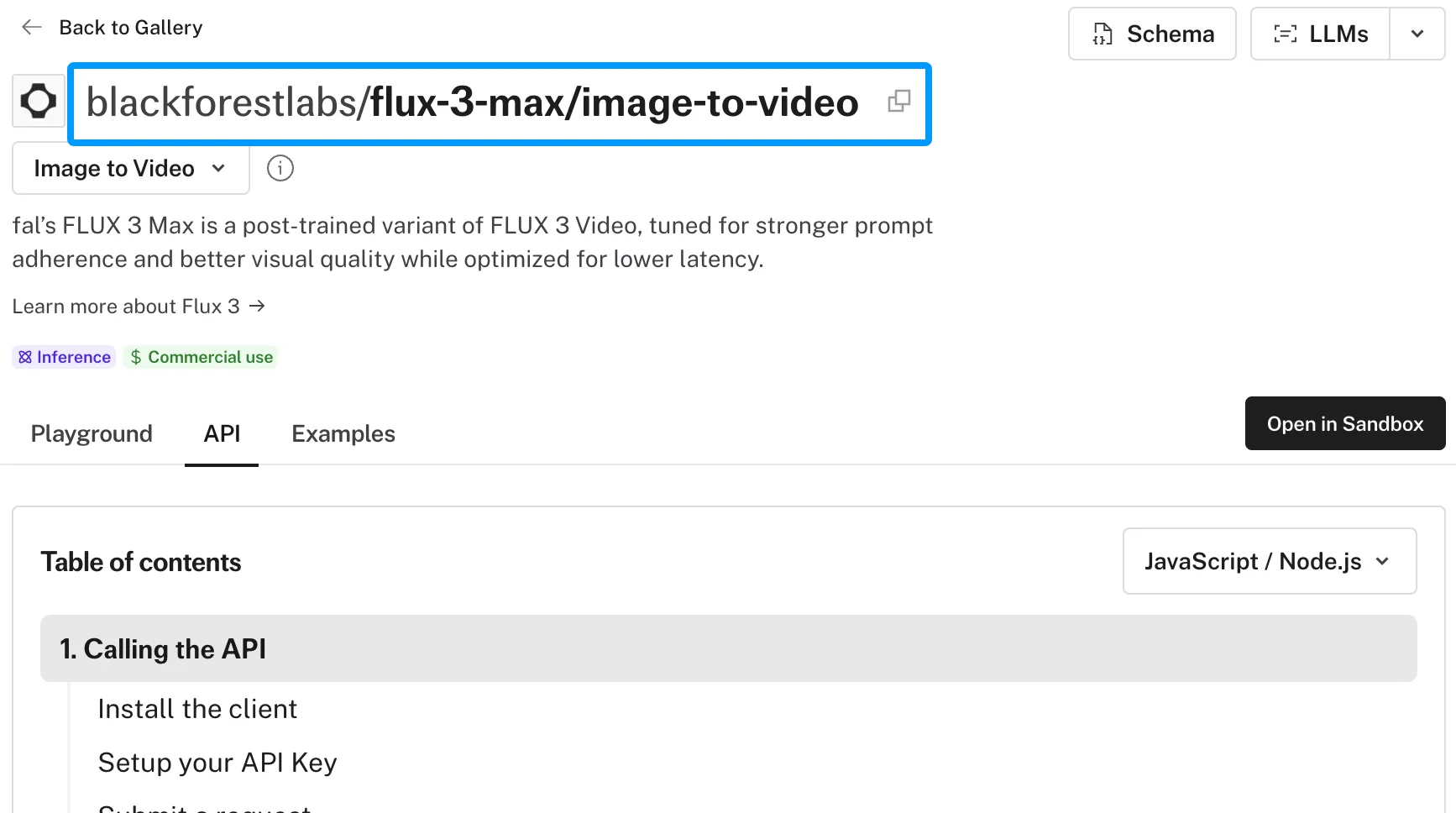
Fal documents the image-to-video route as blackforestlabs/flux-3-max/image-to-video. That is the route to use for this pilot. As of October 20, 2026, I could see base FLUX 3 variants in WaveSpeed’s public FLUX 3 collection, but no Max route there. Confirm a WaveSpeed Max route before putting one in an integration plan.
Check the Current Provider and Model Route
The live fal API reference requires prompt and image_url. It documents PNG, JPEG, and WebP inputs; clips from five to 20 seconds; 720p and 1080p output; reasoning level; aspect ratio; optional end image; audio generation; and an optional seed. Keep the API key on the server. Save the route, schema, and price with a check date. One person can remember parameters. A team cannot.
How to Plan One Image-to-Video Pilot
Use one image, one brief, and one review rule across ten attempts. Ten is enough to expose obvious workflow problems; it is too small to establish a general model success rate.
Fix the Source Image and Motion Brief
Choose a product still your team has permission to upload. A clear shape and printed label make drift easier to spot. Hash the image file and store the hash with each request. For example, the motion brief could be:
Make a slow, straight camera push toward the product over five seconds. Keep its shape, label lettering, color, tabletop, and background consistent. No cuts, added objects, or product rotation.
Submit the same settings each time. Leave seed unset to sample different outputs, then record the seed returned with each result.
{
  "image_url": "<approved-source-image-url>",
  "prompt": "Make a slow, straight camera push toward the product over five seconds. Keep its shape, label lettering, color, tabletop, and background consistent. No cuts, added objects, or product rotation.",
  "duration": 5,
  "resolution": "720p",
  "reasoning_level": "high",
  "aspect_ratio": "auto",
  "generate_audio": false
}
Before the first request, give the reviewer a pass rule: the file opens, the product stays recognizable, the label remains legible, the camera motion follows the brief, and there is no disruptive flicker or cut. Record one failure reason per rejected clip. “Looks off” will not tell the operator what to change on the next task.
Track Usable Clips, Latency, and Cost
Keep one row per attempt: request ID, source hash, payload, returned seed, status, output properties, reviewer decision, rejection reason, and ledger charge. Start the clock before upload and stop it when the video file is available locally. Log review minutes separately. Fal’s optional timings.inference measures denoising only; it is not the full interval.
Count API completions and review passes separately. Then divide total billed pilot spend by the number of passing clips. A low price per generated second can still produce an expensive approved clip when rejections and reruns accumulate. If nothing passes, record the spend and a zero yield; do not report a cost-per-usable figure.
What Can This Pilot Tell a Video Team?
It can tell you whether this route fits this image, motion brief, and review standard. It cannot tell you how Max will handle every client image or a larger concurrent batch. A good single output does not mean the production workflow is ready.
Separate Provider Claims From Your Own Results
Keep fal’s published benchmark in a “provider claim” column and your ten-request results in a “team observation” column. Record upload-to-file time and review effort alongside visual quality. BFL lists FLUX 3 Max and FLUX 3 Video separately; if you later compare them, hold the source image and acceptance rules constant. Otherwise, the comparison mostly measures different briefs.
Set a Decision Rule for the Next Test
Write your minimum pass count, maximum turnaround time, and cost ceiling before opening the outputs. If the pilot misses a threshold, sort failures into API errors, source-image problems, motion failures, and visual drift. That tells you whether to adjust the input, change the brief, or stop testing this route for the task. If it passes, the next test should use a different authorized image.
FAQ
Can a team pin a FLUX 3 Max model version for regression tests?
The current route schema does not document a version-pin field. Save the route, date, input, source hash, seed, and output, then ask fal about version guarantees before relying on repeat runs for regression testing.
Does a failed generation incur a charge?
The Max route documentation does not state a route-specific failed-job billing rule. Match failed request IDs to ledger entries and confirm the rule with fal before setting a batch budget.
What generation metadata can a team retain for review?
The API exposes a request ID, returned seed, video URL and properties, and optional inference timing. Keep these with your own timestamps, payload, charge, and review decision. Do not assume the response identifies an immutable model version.
How long does the provider retain uploaded source images?
The Max API reference does not give a retention period for source uploads. Confirm storage and deletion terms before sending confidential client files.
Which commercial-use terms apply to client-supplied images?
Fal says API outputs may be used commercially, subject to its current terms of service. Your team still needs permission to upload the source image and use any depicted person, brand, or protected material. This is general information, not legal advice; check current provider terms and rights-holder permissions before client delivery.
Conclusion
FLUX 3 Max access gives the team a route to test, not delivery approval. So, I would keep the ten-row pilot record, make a pass-or-stop decision against the preset thresholds, and test a second image only if the first case clears them.
Previous posts:
/filters:quality(82)/media/images/b73c2438-6bdd-4b80-a229-8d71d8f819cf.webp)
/filters:quality(82)/media/images/427fd9f2-347d-4f86-a2d5-aee110cda01d.webp)
/filters:quality(82)/media/images/1773962750383987480_n3hqzHRZ.webp)
/filters:quality(82)/media/images/43fa0e7f-a0db-48d7-9bab-921d1225db30.webp)
/filters:quality(82)/media/images/5799ff56-3a73-40ca-a666-e4965d878496.webp)
/filters:quality(82)/media/images/7a8850fc-caf6-482f-ac4d-5ddbe64ec47c.webp)