
How to Make a 3D Model from a Picture
How to make a 3D model from a picture: prepare one reference photo, generate a GLB, and check geometry the image cannot reveal.
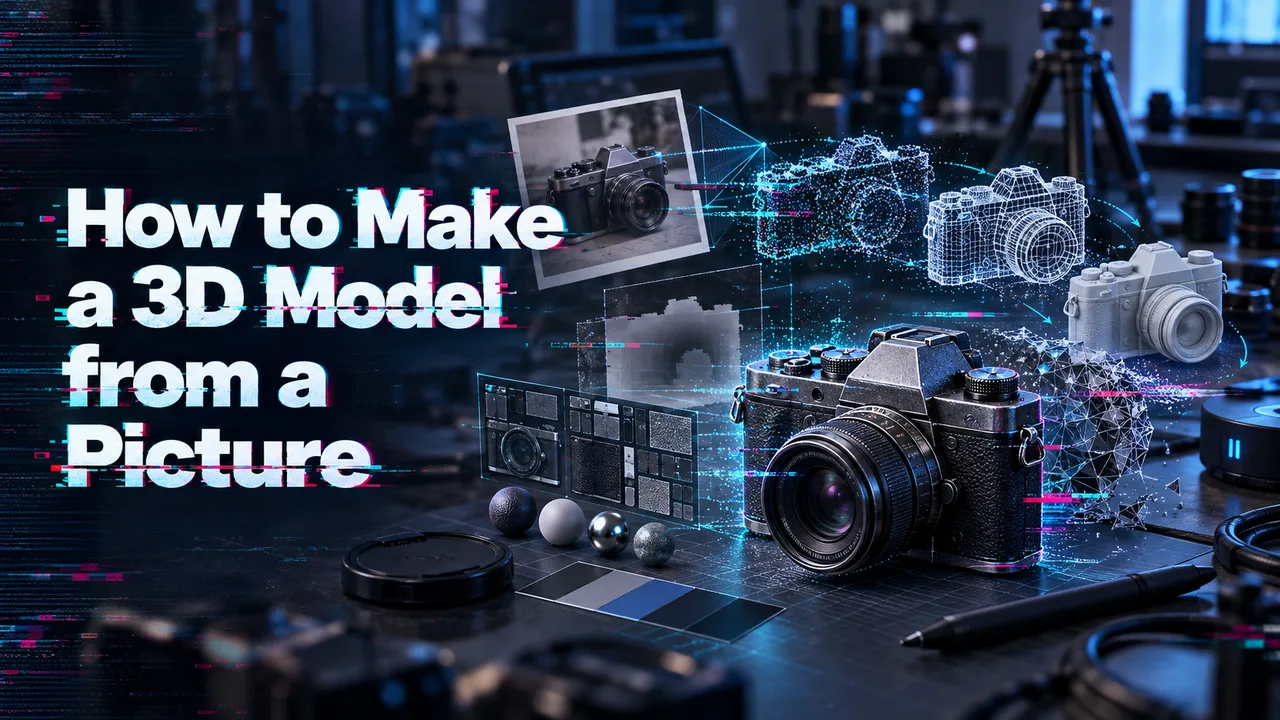
The front of a generated object is easy to trust. It resembles the photo. Then someone rotates the GLB and finds a handle joined to the wrong surface. That is where the question of how to make a 3D model from a picture becomes useful to a product or game team. The deliverable is a file they can inspect, place, and reject if it fails.
It’s Dora here now. I checked WaveSpeedAI’s model documentation. I have no approved source photo or test GLB for this article, so the inspection below is a method, not a reported result.
What Can One Picture Tell a 3D Generator?
Visible Shape and Hidden Surfaces
A photo supplies color, edges, and one projected silhouette. It does not supply the object’s actual depth, its underside, or the surface behind it. A chair leg hidden by the seat could continue straight or angle backward. Both shapes fit the visible pixels. I paused at that distinction because it decides what “accurate” can mean here.
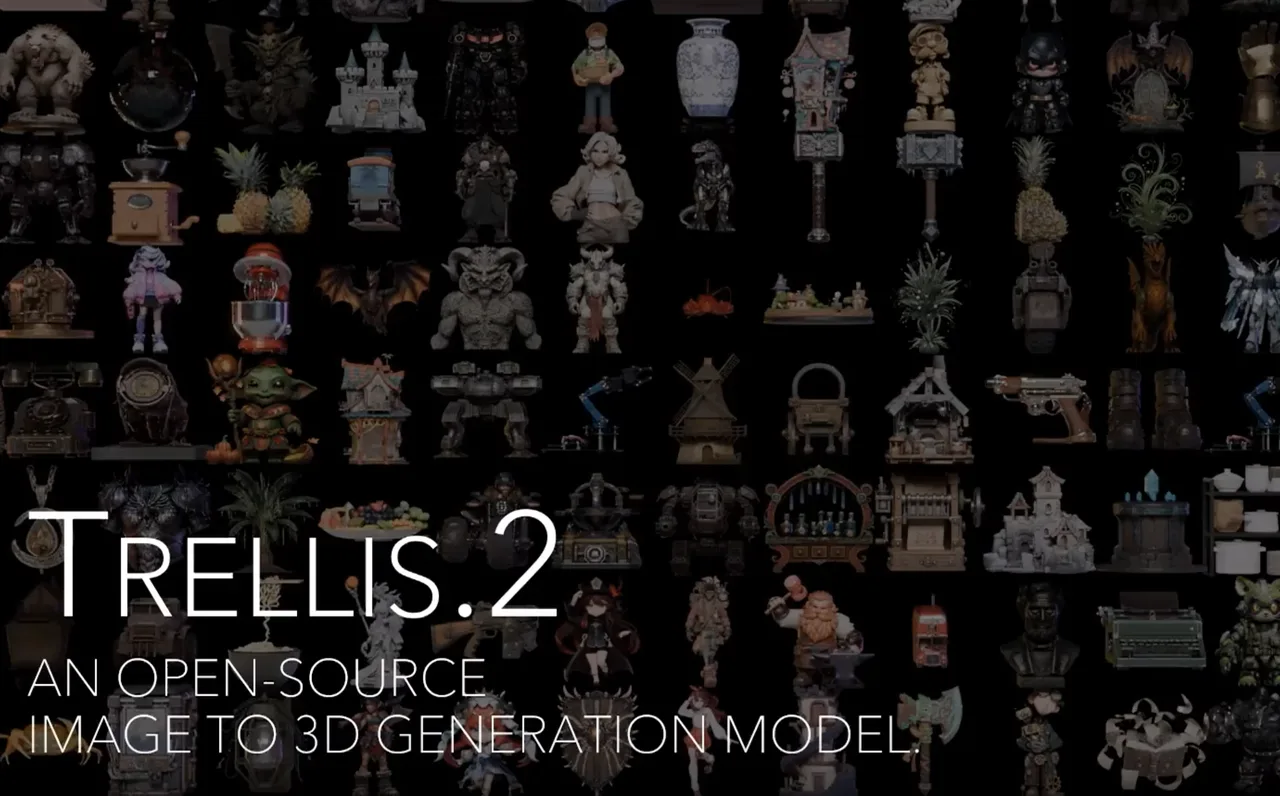
That is why a single image to 3D model is an interpretation. Microsoft Research’s TRELLIS.2 project describes image-conditioned 3D generation; WaveSpeedAI’s endpoint notes say its output is not an exact scan and may not be watertight. An attractive file can still misrepresent unseen geometry.
Before I choose a model, I want to know what the prototype camera will show. A rear surface outside a fixed product shot has a different acceptance bar from the back of a prop a player can pick up. A hidden hinge needs another source of evidence or manual modeling.
Prepare a Single Object Photo
Framing, Background, and Occlusion
The photo has to be one the team is authorized to process. I would keep the whole object in frame, including feet and handles. A clean edge matters more than decorative lighting. Reflections can look like painted markings; a hand crossing the object makes its shape ambiguous. WaveSpeedAI’s TRELLIS.2 input guidance warns against clutter, strong shadows, reflections, and occlusion.
A small margin keeps the outline intact. If a narrow support is blurry at full size, I would not expect the mesh to recover it reliably. I would keep both the original and prepared copy, plus a note on background removal. Otherwise, a missing edge has three possible causes and no clear owner.
If the team has several angles, use a separate multi-view route. This procedure uses one image.
Generate and Download the 3D Asset
Choose an Available Image-to-3D Route
I start at the exact model page in WaveSpeedAI’s directory. Input types, output formats, and rights can differ. A documented photo to GLB route is Microsoft Research’s TRELLIS.2, hosted as wavespeed-ai/trellis-2/image-to-3d. It takes one image as a URL, data URI, or Base64 string and returns a textured GLB with PBR materials. This route accepts neither multiple reference images nor text-only requests. WaveSpeedAI hosts the model; Microsoft Research developed it.
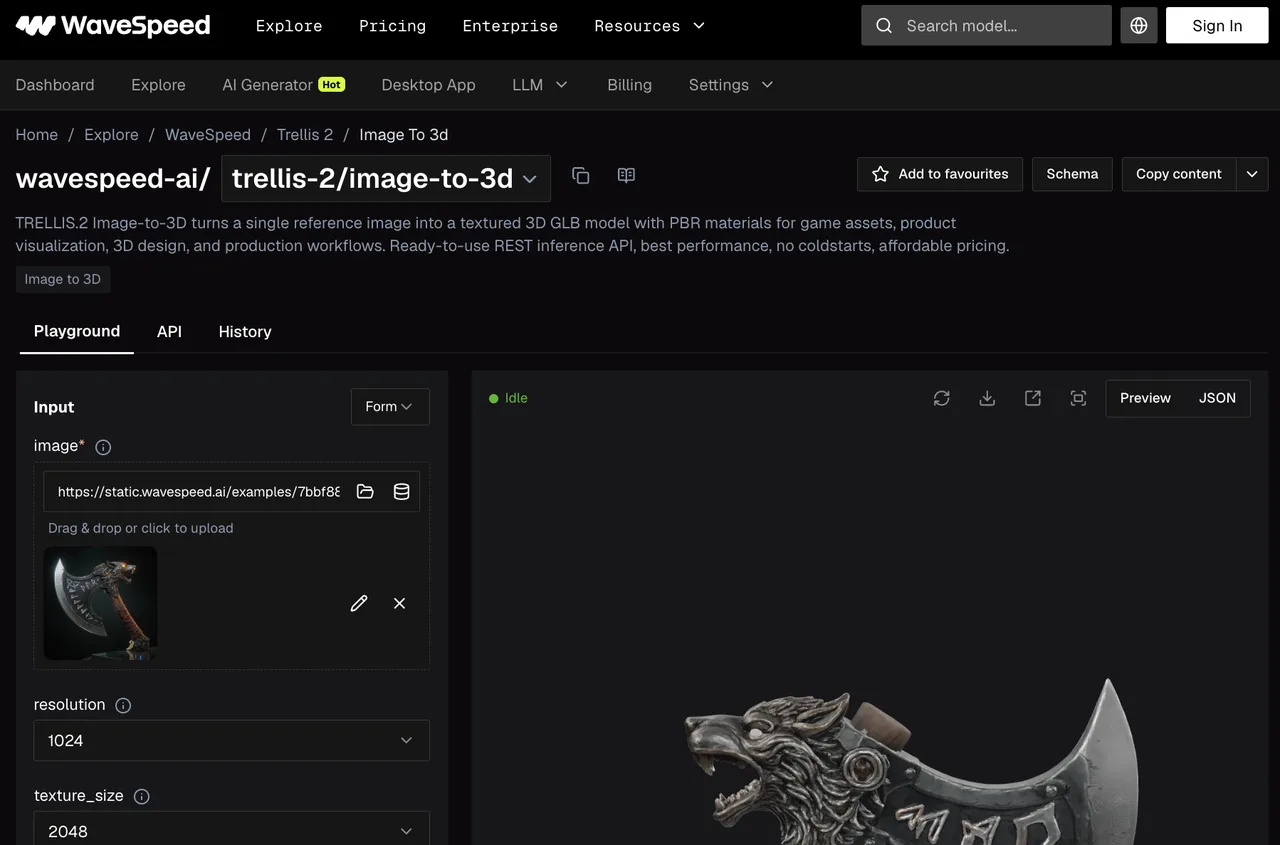 The controls matter more than the model gallery.
 resolution offers 512, 1024, or 1536; texture_size offers 1024, 2048, or 4096. target_face_count is approximate; remove_background and seed control preprocessing and variation. The documentation reviewed does not state a model-specific minimum image size or pixel-dimension limit. I would not borrow limits from another route. That is how bad setup notes spread.
For API work, WaveSpeedAI’s file-upload guide explains how to obtain an input URL. It lists JPG, PNG, and WebP among supported uploads; general upload support does not replace the model schema.
Record the Input and Generation Settings
My run record would hold the source filename or hash, permission owner, model ID, date, settings, task ID, and GLB filename. Rejected outputs belong there too. Otherwise the team cannot explain what changed between runs.
I would begin with defaults unless the prototype has a specific budget. Changing five settings at once makes a better-looking second result impossible to explain. One variable per rerun is slower to set up and easier to learn from. A face-count target is a request, not a census; count triangles in the GLB.
Download the GLB promptly. WaveSpeedAI’s data-retention policy says generated media generally expires within seven days. Keep the photo, settings, GLB, and screenshots in controlled project storage.
Inspect the GLB from Every Side
Silhouette, Back Surface, and Material
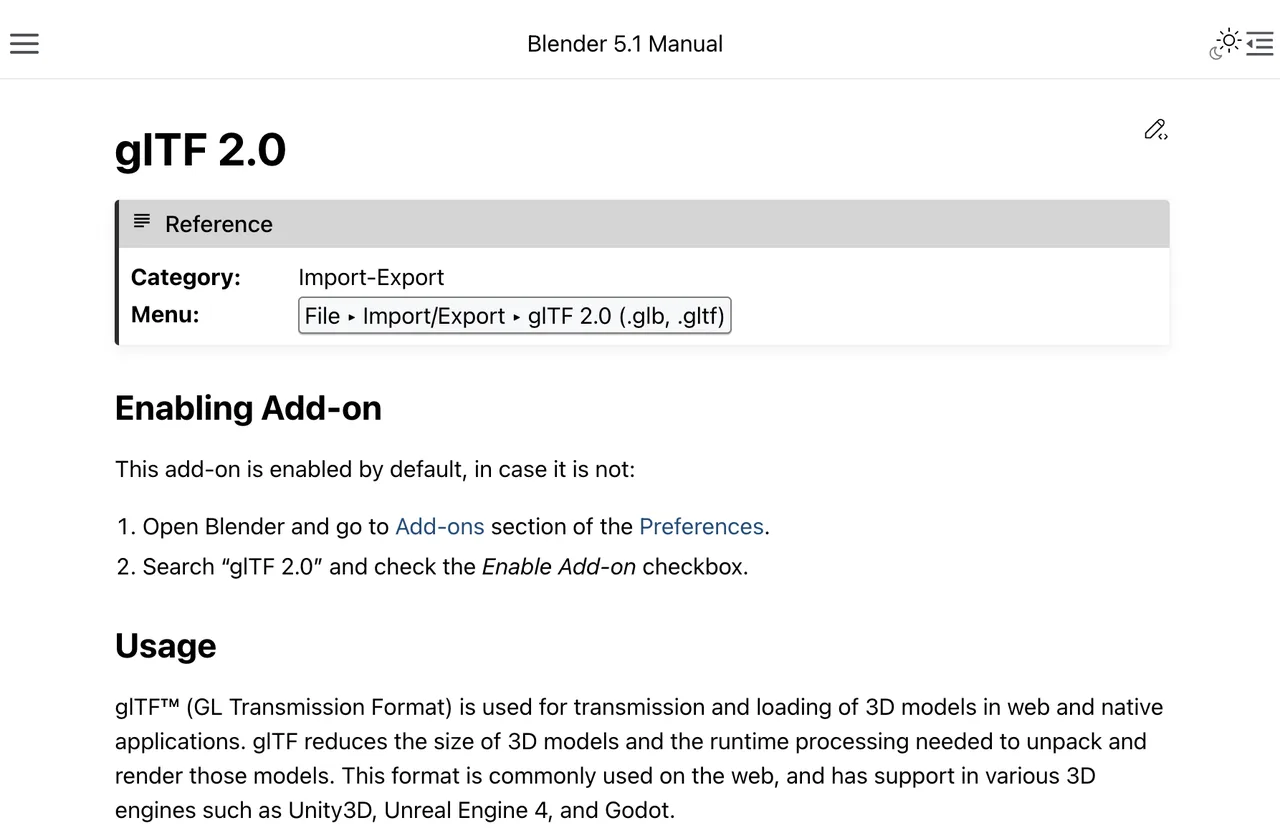
The preview is a first look, not the inspection. Blender’s glTF importer offers one documented way to open a GLB outside the model page. I would compare the front with the photo, then inspect the side, back, top, and underside. Front and rear screenshots make the guess visible to someone who was not in the room.
Look for swollen handles, filled gaps, fragments, holes, and thin parts that vanish at an angle. Under neutral lighting, check whether metal behaves like metal or carries a bright patch copied from the photo. TRELLIS.2 documents base-color and metallic/roughness materials; it cannot verify the product’s actual material.
I keep three judgments separate: faithful to the visible reference, plausible on unseen surfaces, and usable in the target application. Calling all three “good quality” hides the reason for a rejection. The glTF specification defines the file format and coordinate conventions. It cannot tell you whether the unseen side of a photographed object is true.
Does the GLB Pass a Prototype Handoff Test?
Check Scale and Placement Against a Known Dimension
Put the GLB in the actual viewer or game scene and compare it with one known dimension. A photograph does not establish real-world scale. glTF uses meters, but a file expressed in meters can still be the wrong size. Record the intended dimension, imported bounding box, and scale correction. With no measurement, mark scale provisional.
Check the origin and orientation. Does the object sit on the floor? Does its front face the expected camera? A placement fix does not prove accurate reconstruction.
Test the Asset in Its Intended Scene
Run the prototype’s camera movement. A rear flaw may pass in a fixed shot and fail in a rotatable view. Check loading, material appearance, triangle count, and texture size against the project budget. There is no universal “game-ready” face count.
For a rotatable inventory prop, my acceptance card would name the checks before anyone sees a pleasing render: rear surface visible, silhouette acceptable from the actual camera path, no floating geometry, imported height within the team’s agreed tolerance, and a GLB that opens in the target tool. If the team has not set a tolerance, I would mark scale unverified. A blank criterion is more useful than a fictional pass.
The Khronos glTF Validator checks format correctness and reports asset statistics; it cannot approve likeness, rights, or device performance. For teams with defined limits, the Khronos glTF Asset Auditor can check dimensions, triangle count, and textures against a chosen profile. I would record those results beside the camera check and the accept/edit/regenerate decision. Attach front and back screenshots. The asset delivery workflow can take over after acceptance.

When Should You Regenerate or Edit the Mesh?
Regenerate when the input or global shape is wrong. A cropped support or cluttered background calls for a cleaner reference. Higher texture settings will not repair a wrong front silhouette. If that persists, try another documented single-image route.
Edit when one local defect blocks handoff: a floating fragment, rough seam, misplaced origin, or bad material. Regenerating a sound shape to fix one rear patch may cost more review time than a mesh edit.
An exact hidden feature, mechanical fit, or reliable collision needs more evidence or manual modeling. TRELLIS.2 does not guarantee a watertight mesh, so printability needs separate checks. The acceptance card makes those limits visible.
FAQ
Can a transparent product photo be used as the reference?
Yes. TRELLIS.2 lets you disable remove_background to use existing image alpha. Inspect transparent edges first. Alpha can help isolate the object; it cannot reveal hidden geometry or guarantee a clean mesh.
Does the model retain embedded EXIF data from the photo?
The model and upload documentation does not clearly say whether photo EXIF is preserved, discarded, or copied into output. I would remove sensitive EXIF before upload and inspect the GLB and extracted textures. Seven-day upload retention is not an EXIF-removal guarantee.
Can a reference with a visible logo be used commercially?
Input rights and output rights are separate. WaveSpeedAI’s commercial-use policy points to model and provider terms and requires rights for inputs and intended commercial uses. Confirm current terms and the logo owner’s permission before publication or sale. This is general information, not legal advice.
Can the chosen model return more than one asset from the same photo?
The published TRELLIS.2 request schema has no num_outputs setting. Its generic response has an outputs array, which does not promise multiple GLBs per request. For variants, submit separate tasks and record each ID and seed. Recheck the schema before automating.
Can the same photo be reused to request a different output size?
Yes. Reuse the image with another resolution (512/1024/1536) or texture_size (1024/2048/4096). Those settings change detail or texture dimensions, not verified physical size. Inspect the new GLB again. A larger number does not make the back more accurate.
That is how to make a 3D model from a picture without quietly promoting a plausible guess into a measured asset. Keep the photo, settings, GLB, rear view, and acceptance decision together. The back is still a guess. The record makes that hard to forget.
Previous posts:
/filters:quality(82)/media/images/5799ff56-3a73-40ca-a666-e4965d878496.webp)
/filters:quality(82)/media/images/7a8850fc-caf6-482f-ac4d-5ddbe64ec47c.webp)
/filters:quality(82)/media/images/64b08aeb-92bb-48b8-924c-2e2535731f28.webp)
/filters:quality(82)/media/images/6cd1ca63-9e7e-493b-8a68-97bad82fb7b4.webp)
/filters:quality(82)/media/images/567077af-c3bd-4701-ba96-1b981a515d79.webp)
/filters:quality(82)/media/images/1773962750383987480_n3hqzHRZ.webp)