

AI Lip Sync Dialogue Scenes with Seedance 2.5: Prompts and Settings
Make AI lip sync dialogue scenes with Seedance 2.5: native-audio dialogue prompts, voice references, Talking Avatar for recorded lines, and fixes for bad takes.
How to Make an AI Short Drama with Seedance 2.5, Wan 3.0 and Kling 4.0
How to make an AI short drama end to end: script, character references, shot list, shots on Seedance 2.5, Wan 3.0 or Kling 4.0, and 9:16 delivery.
How to Keep the Same Character Across AI Video Shots
Keep the same character across AI video shots using reference images, first frames and last-frame continuation in Seedance 2.5, Wan 3.0 and Kling 4.0.
Multi-Shot Action Scenes with Kling 4.0: Long Takes, Keyframes and Extends
Build multi-shot action scenes with Kling 4.0: long single takes up to 30 s, keyframed image-to-video, video extend and reference camera moves, with prompts.
Vertical 9:16 AI Video Settings for Shorts and Reels
The vertical 9:16 AI video settings for Shorts and Reels: aspect ratio, resolution, duration and audio on Seedance 2.5, Wan 3.0 and Kling 4.0, plus safe zones.
How to Write a Vertical AI Short Drama Script That Ends on a Cliffhanger
Write a vertical AI short drama script that ends on a cliffhanger: episode structure, shot-sized scenes, dialogue timing and prompts that turn it into video.
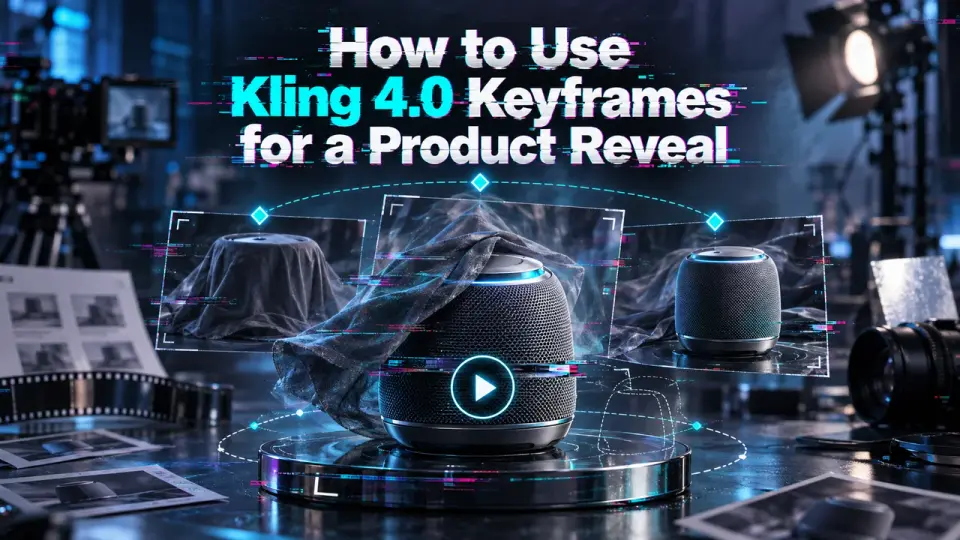
How to Use Kling 4.0 Keyframes for a Product Reveal
Use Kling 4.0 keyframes to plan one product reveal: prepare frames, set their order, submit a draft, and check whether motion matches the brief.
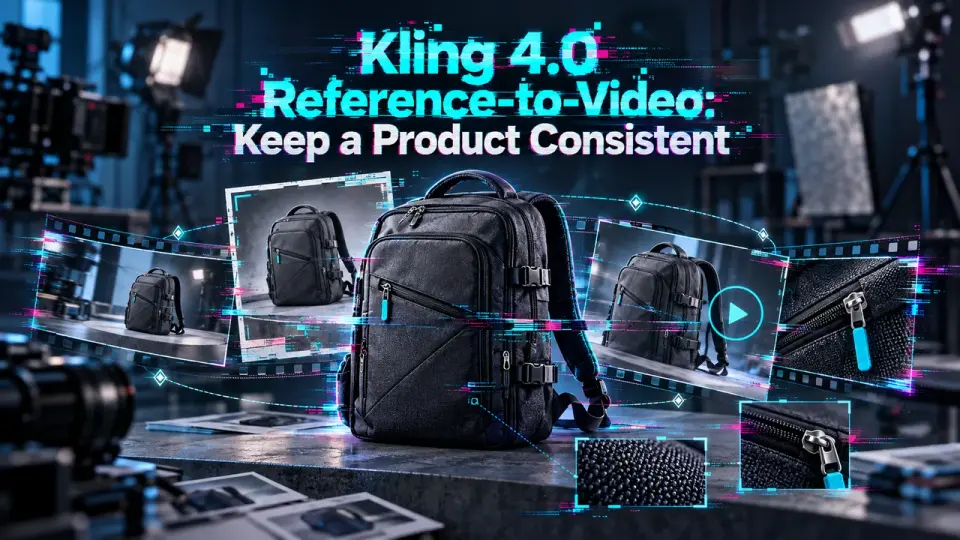
Kling 4.0 Reference-to-Video: Keep a Product Consistent
Build one Kling 4.0 reference-to-video product shot with a clear asset set, prompt references, and a consistency check before reuse.

FLUX 3 Max API: Plan an Image-to-Video Pilot
FLUX 3 Max is a new video model. Plan one image-to-video API pilot, check current access, and measure usable output, latency, and cost.
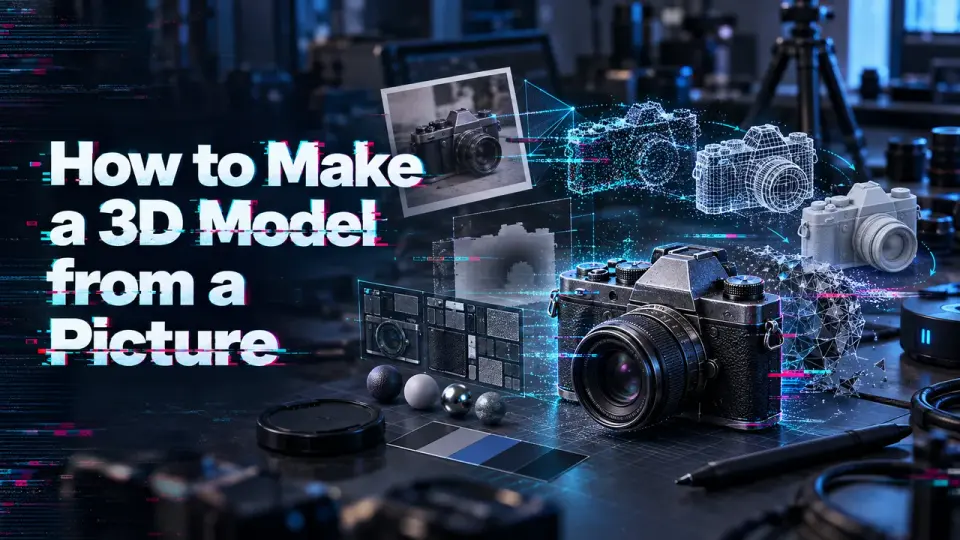
How to Make a 3D Model from a Picture
How to make a 3D model from a picture: prepare one reference photo, generate a GLB, and check geometry the image cannot reveal.
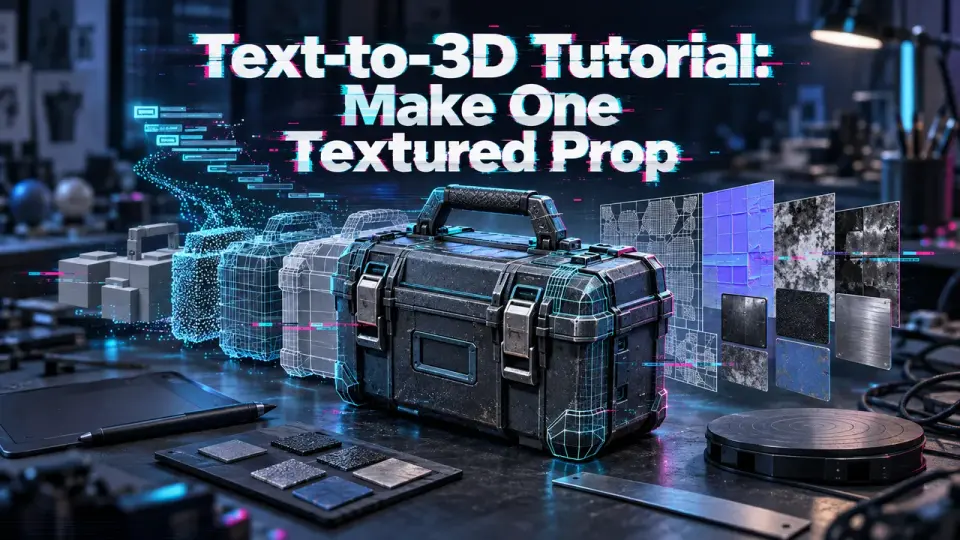
Text-to-3D Tutorial: Make One Textured Prop
Text to 3D tutorial for one textured prop: write a constrained brief, generate the asset, and inspect its scale and materials.
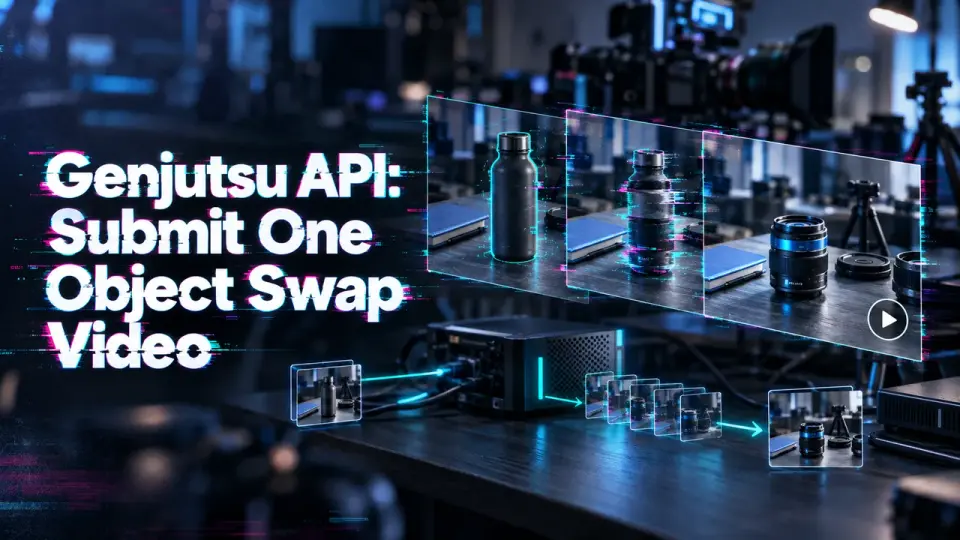
Genjutsu API: Submit One Object Swap Video
Use the Genjutsu API for one Object Swap request: prepare a source clip, submit the job, and retrieve the edited video.