
Best AI Texture Generators for 3D Assets in 2027
Best AI texture generators for 3D assets in 2027: compare mesh awareness, PBR maps, UV seams, material control, resolution, and export.
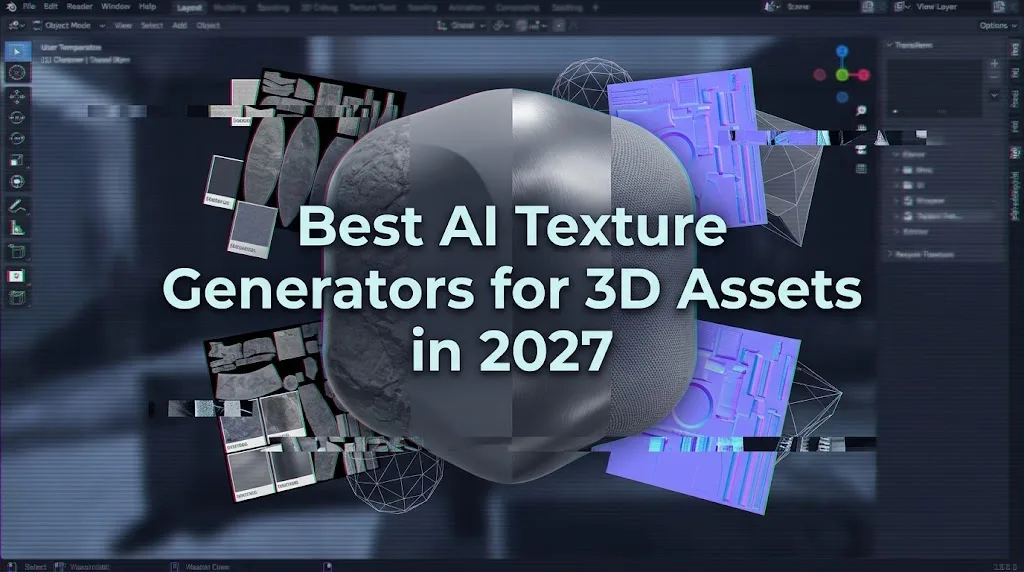
A texture can look finished in a vendor preview and fall apart five minutes after export. The base color may contain baked lighting, the normal map may be weak, or a UV seam may become obvious under a moving light. For production teams, the best AI texture generators for 3D assets are the ones whose material packages survive the target renderer, not the ones with the prettiest gallery images.
It’s Dora here now. I reviewed the official documentation available on October 5, 2026. Because I did not have a shared source mesh, exported packages, or repeatable render logs from every product, this is a documentation-led 2027 shortlist rather than a claimed hands-on ranking. Each “best” label describes a suitable workflow, not a universal winner.
How We Evaluated AI Texture Generators
Mesh-Aware Retexturing Versus Tileable Material Generation
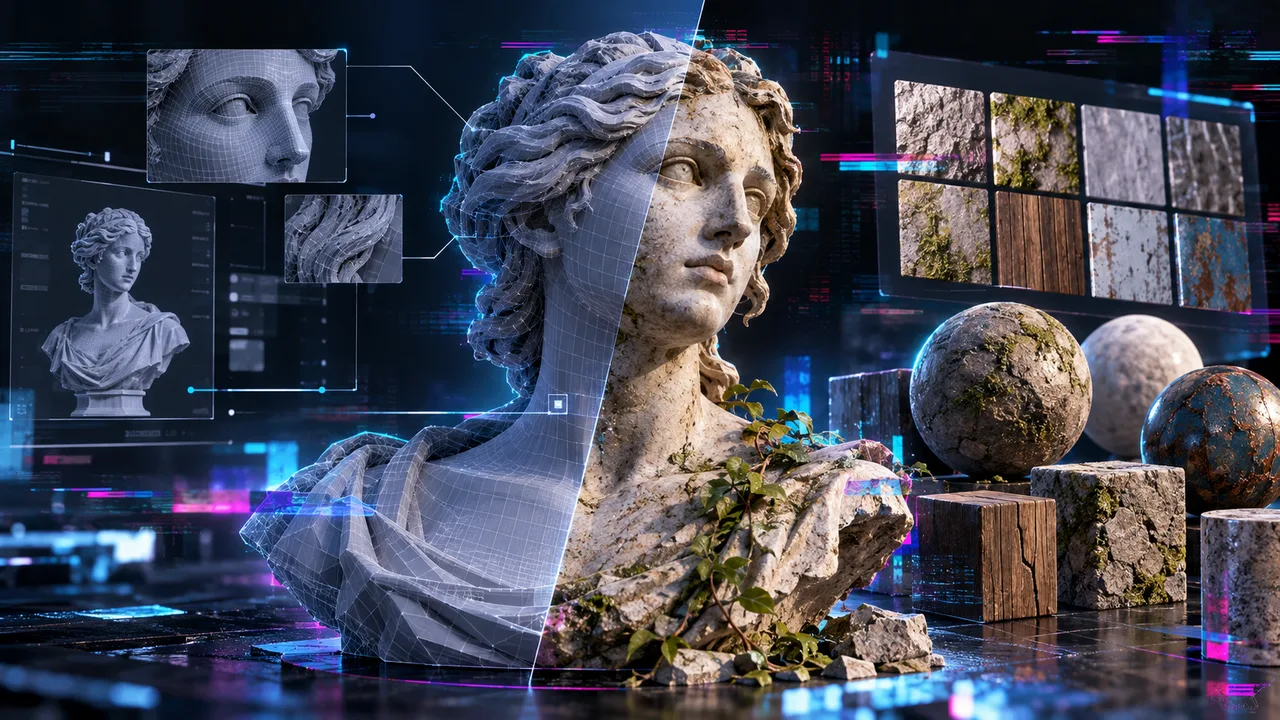
Mesh-aware retexturing applies a new appearance to an existing model while accounting for its UVs, geometry, and sometimes material regions. It suits props, characters, and product assets that already have approved topology.
A seamless material generator produces a repeatable surface such as brick, fabric, or stone. It may create excellent PBR maps without understanding where a mesh has handles, trim, separate material slots, or hidden faces. Scenario-style concept generation is a third category: useful for exploring an art direction, but incomplete until those images become renderer-ready maps.
A fair evaluation therefore needs two tracks:
- Retexture the same authorized, UV-unwrapped prop with unchanged geometry and material slots.
- Generate a 2K tileable material, repeat it across a large plane, and inspect every boundary.
- Import both results into the same Blender, Unity, or Unreal scene.
- Use identical lighting, color management, tangent settings, and texture compression.
PBR Maps, UV Seams, Resolution, Export, and Editing
For every output, inspect base color, normal, roughness, metallic, AO, UV seams, resolution, file format, and material-slot assignment. A “PBR” checkbox does not prove that each channel is exported or physically meaningful.
The Khronos glTF 2.0 specification is a useful neutral reference: base color uses different color-space handling from metallic, roughness, and occlusion data, while metallic and roughness occupy defined channels. A misplaced color-space setting can invalidate an otherwise good texture.
| Tool | Primary Role | Documented Material Evidence | Main Verification Point |
|---|---|---|---|
| Meshy | Existing-mesh retexturing | Base color, normal, roughness, metallic | AO and material-slot behavior |
| Adobe Substance 3D | Material authoring and mesh painting | Configurable PBR channels and packing | Cloud AI versus local editing |
| Tripo | Texturing generated or imported models | Baked texture and PBR outputs | Exact exported channel structure |
| Polycam | Scan texture capture and enhancement | Textures referenced by exported meshes | Limited PBR channel control |
| Scenario | Style exploration and model-specific texture editing | Capability varies by selected model | Model card and export contract |
| ArmorLab | Local photo/text-to-material nodes | Base color, AO, roughness, normal, height | Preview maturity and platform support |
-
Meshy — Best for Fast Mesh Retexturing
Best Use Case and Workflow
Meshy is a practical fit when a team already has a mesh and wants several visual treatments without rebuilding its geometry. Its Retexture API accepts uploaded models or earlier Meshy tasks, supports prompts and reference images, and can preserve the original UV layout or generate another unwrap.
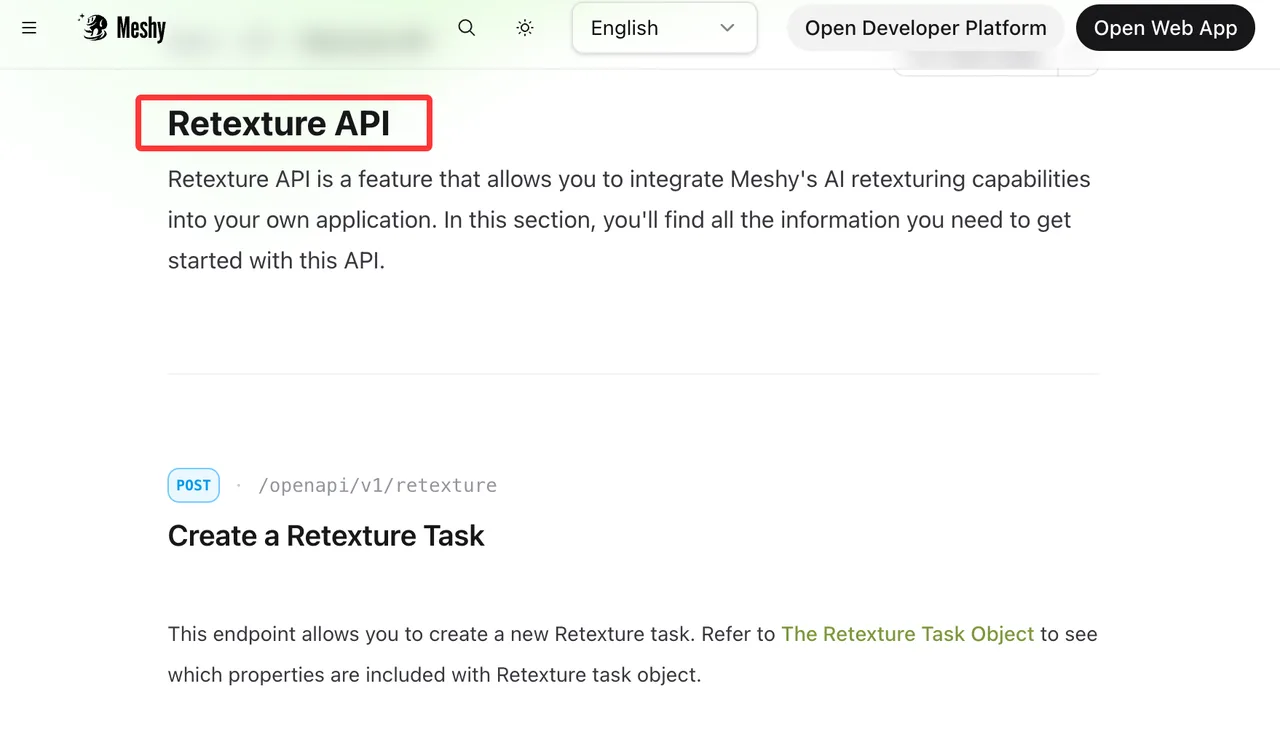
A reproducible workflow would upload one GLB or FBX, retain its original UVs, request a fixed texture resolution, and run three prompt variations. Export GLB for embedded delivery and OBJ or FBX when separate files are needed for inspection.
Key Limits and Export Checks
Meshy documents base color plus optional metallic, roughness, and normal maps. AO is not included in that documented list, so do not infer its presence from the word “PBR.” Check whether multiple material slots survive, whether mirrored UV regions receive appropriate content, and whether the normal convention matches the destination renderer.
“Fast” here refers to the short retexturing path, not independently measured latency. Current model retirement notices also make model-version logging important for repeatable production.
-
Adobe Substance 3D — Best for Controlled Material Authoring
Best Use Case and Workflow
Adobe Substance 3D fits teams that need editable materials rather than a single generated result. Sampler can turn an image into material channels or create a tileable texture through Firefly-assisted features. Painter then applies and edits materials directly on a mesh, with masks, texture sets, baking, and manual corrections.
This is the strongest candidate for a controlled handoff: generate or derive the surface, inspect each map, paint out seams, and export through a renderer-specific preset.
Key Limits and Export Checks
Adobe’s generative texture features have been documented as beta, so their interface and behavior can change. They also should not be confused with the mature non-generative Painter workflow.
Painter’s output templates control naming, bit depth, file format, and channel packing. That makes ORM delivery possible, including an Unreal packed preset. Confirm texture-set names, UDIM handling, normal orientation, and whether the target expects roughness or inverted smoothness.
-
Tripo — Best for Texturing Generated 3D Assets
Best Use Case and Workflow
Tripo fits a pipeline where geometry and textures are produced together. Its current generation API exposes texture and PBR controls, texture quality levels, UV export, texture seeds, and alignment choices. Keeping the model seed fixed while changing the texture seed provides a documented route to visual variants without intentionally changing the object.
Imported models can also enter post-processing, but Tripo remains clearest when texturing belongs to a Tripo-generated asset lifecycle.
Key Limits and Export Checks
The API documents baked-texture and PBR model outputs, but that is not enough to assume a particular separate-map package or packed ORM file. Download the actual archive and inventory its channels, dimensions, bit depth, and material references.
Check thin parts, rear surfaces, texture alignment, UV padding, and slot names. Record the precise model version because Tripo exposes both versioned IDs and a changing default.
-
Polycam — Best for Scan-to-Asset Workflows
Best Use Case and Workflow
Polycam is most relevant when the starting point is a captured real object or environment. Its role is preserving observed surface appearance through reconstruction, editing, and export rather than inventing a fully art-directed material system.
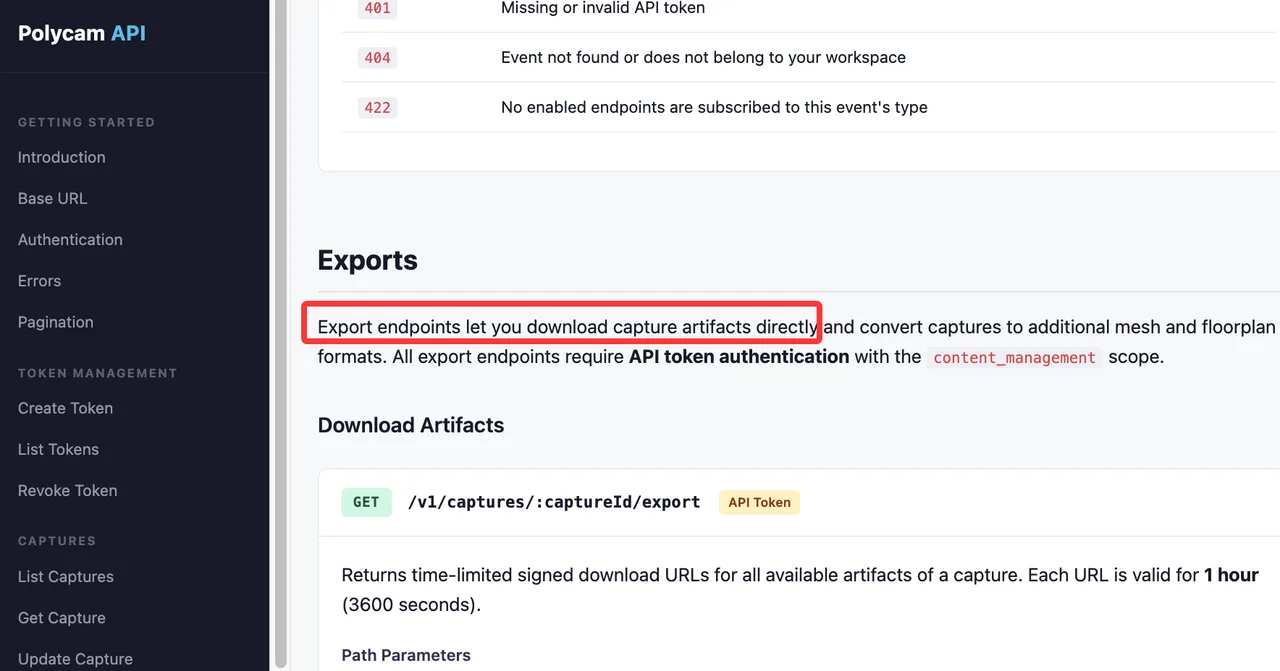
The Polycam Content Management API can expose capture artifacts, glTF files, referenced texture images, conversion jobs, and signed download URLs. That makes it useful for moving scan-derived assets into a managed library or cleanup queue.
Key Limits and Export Checks
Polycam’s exported photographic textures should not be treated as a guaranteed base-color, normal, roughness, metallic, and AO package. Public API documentation lists texture image artifacts, but not a universal generated PBR channel set.
I paused here because scan realism can conceal missing material data. Inspect the exported shader graph, baked lighting, gloss response, UV density, and holes before calling the asset production-ready. Polycam’s own Blender guidance notes that missing roughness information can make imports appear unexpectedly glossy.
-
Scenario — Best for Style-Controlled Texture Concepts
Best Use Case and Workflow
Scenario is useful when art direction must remain consistent across many concepts. Teams can use controlled references or custom style models to explore surfaces before committing to final PBR authoring.
Scenario also documents model-specific 3D operations. For example, its Tencent Texture Edit workflow accepts an FBX mesh and a prompt or reference image while preserving geometry. That route is more mesh-aware than ordinary image generation.
Why It Is a Partial 3D Texturing Tool
Scenario is a multi-model creative platform, so texture capabilities and output contracts depend on the selected model. Its public material does not establish one platform-wide guarantee for base color, normal, roughness, metallic, AO, slot preservation, and packed export.
Use it for style development or a verified model-specific retexture route. Keep Substance, Blender, or another material-authoring stage available when the deliverable requires deterministic PBR channels.
-
ArmorLab — Best for Local Material Generation
Best Use Case and Workflow
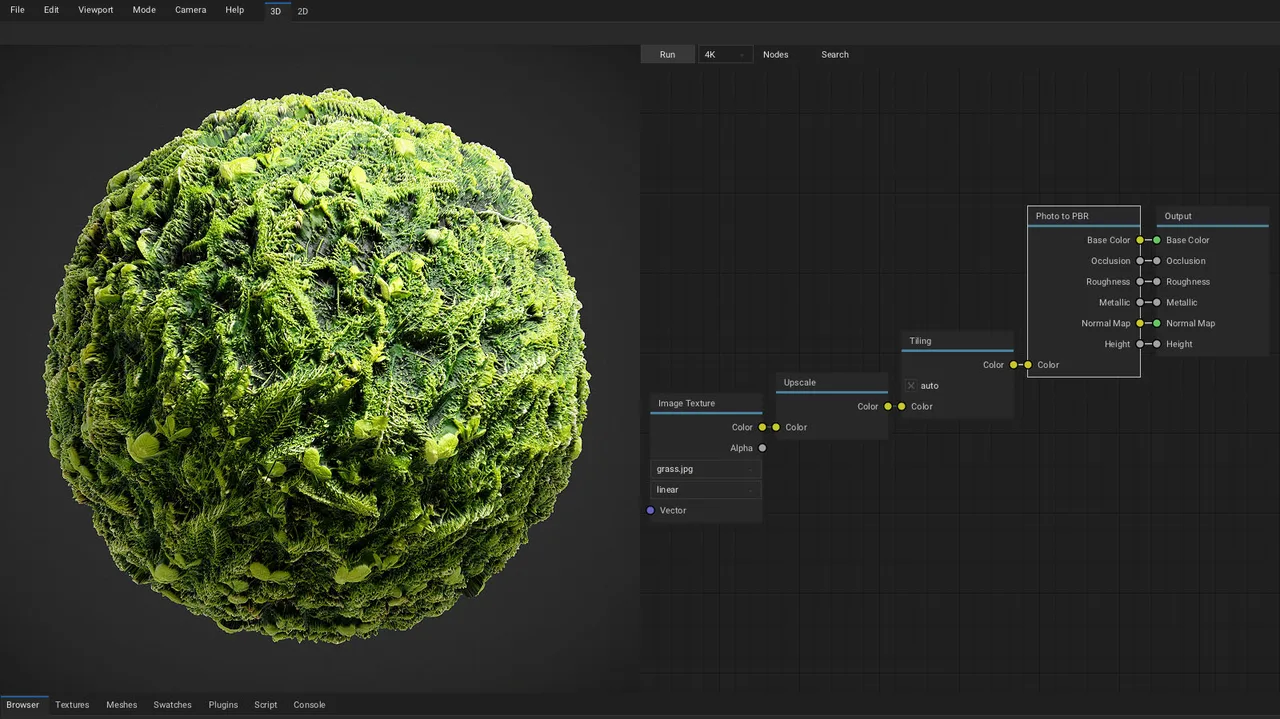
ArmorLab is the local-first candidate. Its node workflow can derive base color, occlusion, roughness, normal, and height from a photograph, remove tiling seams, and export individual or channel-packed textures. The Unreal preset packs occlusion, roughness, and metallic, while custom presets support channel swizzling.
That makes it interesting for sensitive references or teams that want local GPU or CPU processing without a hosted asset library.
Key Limits and Export Checks
The official ArmorLab manual and repository describe version 0.1 as a preview with rough edges. The documentation repository is archived, and its published binary guidance identifies Windows while listing other platforms as future work.
Treat ArmorLab as an evaluation path, not an assumed maintained production dependency. Test importer reliability, local model availability, project recovery, GPU compatibility, and the exact build before adopting it.
Choose by Asset and Material Pipeline
Match Retexturing, Material Generation, or Concept Exploration
Choose Meshy when an existing mesh needs prompt-led variants with a short API path. Choose Tripo when texturing is part of generating or post-processing a Tripo asset. Use Substance when artists must inspect, mask, repaint, pack, and approve every channel.
Polycam belongs in capture-led pipelines. Scenario fits controlled visual exploration and selected model-specific edits. ArmorLab is the most clearly local option, but its maturity needs a careful technical review.
Keeping the current tool can also be the right decision. Migration cost includes material remapping, revised shader presets, new approval rules, and loss of reproducibility across existing assets.
Validate PBR Maps in the Target Renderer
The acceptance test should include neutral studio lighting, a harsh grazing light, close views of UV seams, and motion around reflective surfaces. Compare the generated material against an untextured reference mesh so geometry defects are not mistaken for texture defects.
Reject an output when it has baked highlights in base color, inconsistent texel density, broken tangent-space normals, unexplained slot merging, missing files, or materially different results after export. Store the prompt, reference hash, tool and model version, UV file, exported maps, and renderer screenshot with every approved asset.
FAQ
Which tools offer a texture-job completion webhook?
Meshy documents webhook delivery for Retexture task status changes. Scenario supports signed generation webhooks, which can cover subscribed texture-generation jobs. Polycam offers capture-change webhooks, while export conversion jobs are documented for polling; that is not evidence of a dedicated AI texture-completion event. I found no current official texture webhook commitment for Tripo, Adobe Substance 3D, or ArmorLab; use documented task polling or local process state instead.
Can teams block model training on uploaded asset references?
Controls differ. Adobe states that customer content is not used to train generative AI models. Scenario’s self-serve terms allow content to be used to improve its Services and AI models; enterprise customers under a signed MSA/DPA receive stronger contractual no-training commitments. Tripo excludes paid-user inputs and outputs from training. Polycam workspace owners can disable content training, while Business and Enterprise settings are documented as off by default.
Meshy’s current terms allow training use of non-enterprise user content, although its help material says uploaded reference images are not currently used. Enterprise content is excluded. Recheck the exact plan contract before uploading confidential assets.
Which tools export packed ORM maps?
ArmorLab documents an Unreal preset that packs occlusion, roughness, and metallic. Adobe Substance 3D Painter supports channel packing and an Unreal packed output template. The reviewed public documentation does not promise a standard packed ORM deliverable from Meshy, Tripo, Polycam, or every Scenario texture model. Separate maps can be packed downstream after validating channel order and color space.
Do local tools support offline model downloads?
ArmorLab documents local GPU or CPU processing, but its archived preview documentation does not provide a current, maintained offline model-download lifecycle. Substance Painter’s conventional authoring runs on the desktop, while Firefly-assisted generation is a connected service. The other candidates are primarily hosted workflows. For air-gapped use, obtain explicit installation, activation, update, and model-file commitments rather than assuming “desktop” means fully offline.
Can generated materials be redistributed with 3D assets?
Sometimes, but plan and source rights matter. Meshy permits commercial use under paid plans and uses CC BY 4.0 for free outputs. Tripo grants paid users broader commercial and distribution rights, while its free terms differ. Scenario requires checking the selected model card. Polycam permits commercial use of generated models under stated conditions, including attribution for public display. Adobe users retain their content, subject to its generative AI terms.
ArmorLab’s software license permits commercial software use, but it does not grant rights to an uploaded photograph or third-party model. This is general information, not legal advice; review the current provider terms and every reference asset’s license before redistributing a material pack.
Conclusion
The best AI texture generators for 3D assets depend on what the pipeline is actually missing. Meshy and Tripo shorten hosted retexturing paths, Substance provides the deepest authoring control, Polycam preserves scan-derived appearance, Scenario helps establish visual direction, and ArmorLab offers a local but less mature route.
Do not approve any of them from a showcase render. Approve the exported maps, UV behavior, material slots, licensing record, and final target-renderer result.
Previous posts:
Related Articles
/filters:quality(82)/media/images/1791192288445452271_ToxGQZ8i.webp)
Holo4 27B vs 35B-A3B: Which Fits Your Agent?
/filters:quality(82)/media/images/1791194933461111356_WeoxGPY8.webp)
Holo4 API vs Local Deployment: Which Fits Your Agent?
/filters:quality(82)/media/images/1790934318687045151_6DhqzIS1.webp)
Best AI Video APIs for High-Volume Workflows in 2027
/filters:quality(82)/media/images/1790879706333726948_TmjHVhrF.webp)
Introducing AI Cinema Studio on WaveSpeedAI: Direct Cinematic AI Video Shots
/filters:quality(82)/media/images/1790934887466368319_r2GQZ8hr.webp)
LTX Studio Review 2027: Does the Video Workflow Hold Up?
/filters:quality(82)/media/images/1790935090456133598_u9CLU4dm.webp)