
Best Meshy AI Alternatives for 2027
Compare Meshy AI alternatives for 2027 by geometry, topology, rigging, local control, API access, export, licensing, and total cleanup cost.
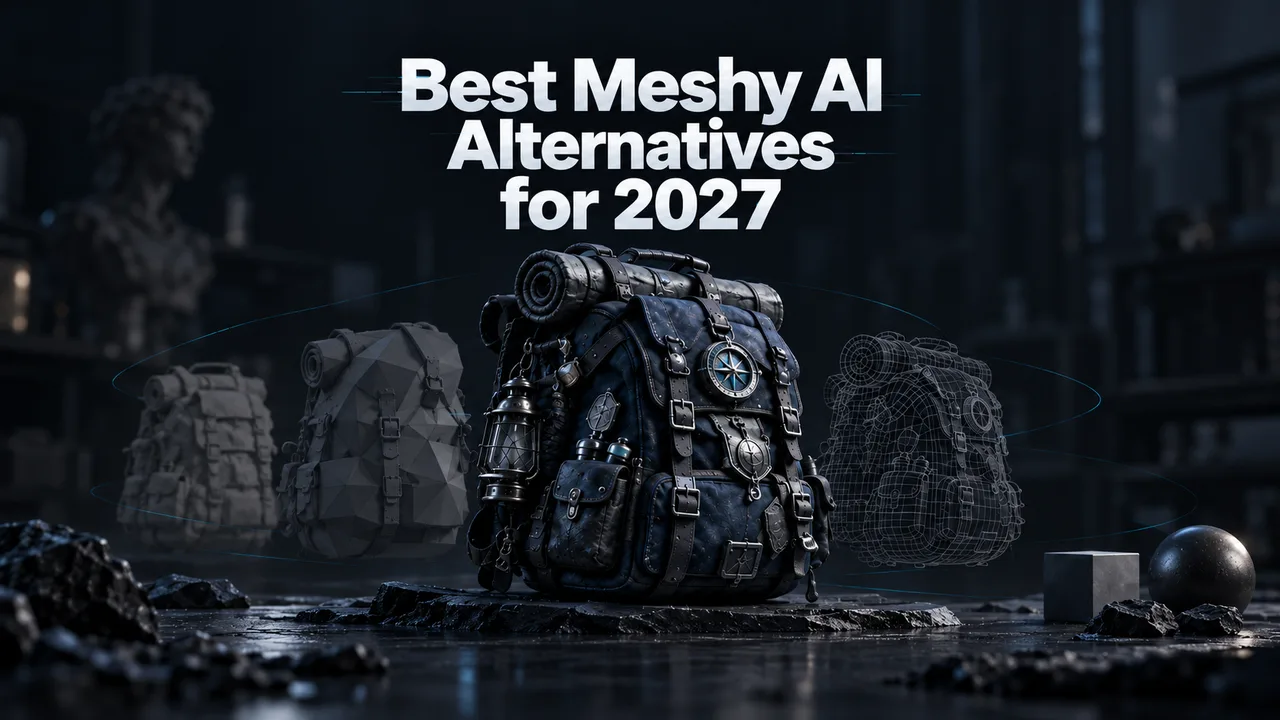
I’m John, and when a 3D team tells me Meshy is the problem, I do not start by comparing beauty renders. I open the exported asset in Blender and inspect what the next person must repair. Broken topology, fused moving parts, missing material maps, unreliable scale, or an awkward API can erase every minute saved during generation.
Do not switch models yet. Look at the workflow first. The best Meshy AI alternatives depend on the specific production constraint you need to remove—not on which generator produces the most impressive demo.
This is an evidence-based migration guide, not a fabricated paid hands-on test.
Why Teams Look for a Meshy Alternative
Geometry, Topology, Rigging, Local Control, API, and Cost
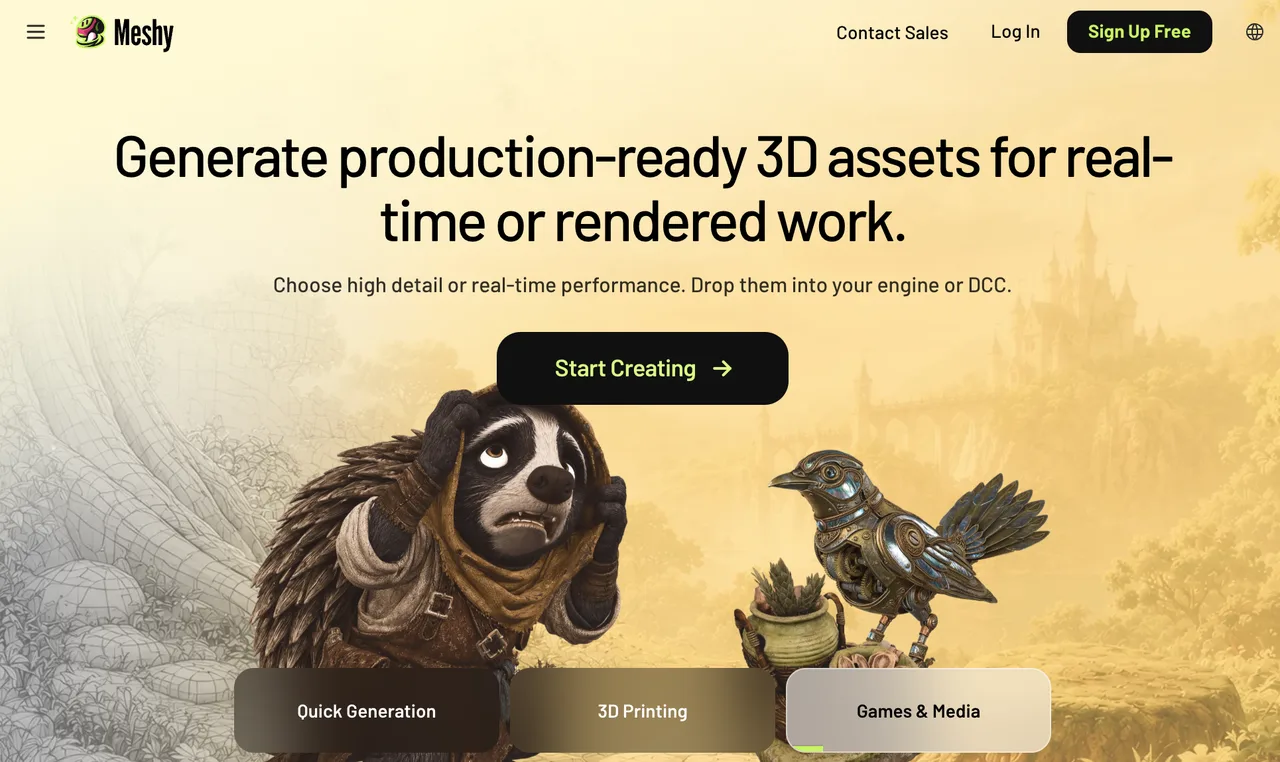
Meshy combines text-to-3D, image-to-3D, texturing, remeshing, rigging, animation, exports, and API access. That breadth is useful, but it also means a team may pay for a complete platform when only one stage is causing trouble.
Common reasons for evaluating Meshy competitors include:
- Topology that requires too much manual retopology
- Characters or props that do not rig cleanly
- A requirement to run weights on local infrastructure
- Insufficient control over object parts, pivots, scale, or materials
- API economics that deteriorate after retries and cleanup
- A need for higher-detail presentation assets rather than game-ready meshes
The real metric is cost per approved asset:
Usable cost = generation charges + retries + post-processing + cleanup labor + pipeline overhead
A cheap generation that takes an artist 90 minutes to rebuild is not cheap.
Full Replacements Versus Specialized Alternatives
A full replacement covers generation, processing, export, automation, and operational management. Tripo and Hyper3D Rodin come closest to that hosted-platform definition.
Sloyd is a stronger specialized replacement for controlled game props. Hunyuan3D and TRELLIS are local or research routes that replace the model layer but leave deployment, monitoring, and support to your team. Blender with AI add-ons replaces the production workspace, not necessarily the generator.
That distinction matters when comparing text to 3D alternatives. A downloadable checkpoint and a managed production API solve different problems.
How We Compared the Alternatives
One Shared Asset Brief and Downstream Cleanup Checks
I would test every route with the same owned reference set: a stylized delivery rover with four wheels, a hinged compartment, a sensor mast, and four clearly separated material zones.
The acceptance checklist is:
- Silhouette and proportions match the references
- Wheels, lid, body, and mast remain separate editable parts
- No critical non-manifold geometry or inverted normals
- Production version stays below 25,000 triangles
- UVs contain no unacceptable overlaps
- PBR maps reconnect without manual reconstruction
- Scale is one metre, with the pivot at the centre-bottom
- GLB and FBX exports reopen correctly
- Lid and wheels can be rigged without rebuilding the mesh
Each route should receive three generations with identical inputs. Record model version, settings, task ID, runtime, generation charge, failures, cleanup minutes, and final acceptance.
The following prices are request-level planning figures, not measured pass rates:
| Route | Replacement role | Current starting cost basis |
|---|---|---|
| Meshy baseline | Full hosted workflow | 30 credits for textured Image-to-3D; processing costs extra |
| Tripo | Full hosted generation; partial production replacement | 30 credits, or $0.30, for standard textured Image-to-3D |
| Rodin | Full visual-generation replacement | Gen-2.5 starts at 0.5 API credit; direct credits are plan-dependent |
| Sloyd | Specialized prop workflow | 20 API credits for image generation plus texture; quads add 5 |
| Hunyuan3D | Self-hosted model layer | Compute, storage, integration, and engineering labor |
| TRELLIS | Research-led model layer | GPU infrastructure and pipeline engineering |
| Blender route | Manual production layer | Blender is free; add-ons and artist time vary |
Do not turn these figures into cost-per-asset claims until you know the acceptance rate. The longer the rework path, the worse the cost looks.
-
Tripo — Best for Fast Image-to-3D Workflows

Where It Replaces Meshy
Tripo is the closest full replacement when the priority is a programmable image-to-3D pipeline. Its API supports text, image, and multiview generation, explicit model versions, geometry and texture seeds, low-poly processing, part generation, retopology, format conversion, rigging, and animation retargeting.
The current Tripo API rate card prices standard textured Image-to-3D at 30 credits, with one credit equal to $0.01. Smart low-poly processing adds 10 credits, generated parts add 20, and auto-rigging adds 25.
Tripo is a full replacement for teams that need fast hosted generation and clear per-operation billing. It is only a partial replacement if your workflow depends on Meshy’s particular workspace, history, or animation library.
Where Meshy May Still Fit Better
Meshy keeps generation, texture refinement, remeshing, rigging, animation, and asset management inside one product surface. A Tripo integration may require several task types and more application-side state.
Before migrating, compare complete chains—not a 30-credit Tripo generation against only Meshy’s initial mesh charge.
-
Hyper3D Rodin — Best for Detailed Visual Assets
Where It Replaces Meshy
Rodin is the strongest candidate here when detailed geometry, high-resolution textures, or presentation-ready visual assets matter more than the smallest production mesh.
The current Rodin Gen-2.5 API specification supports one to five images, text input, raw or quad meshes, target face counts, PBR materials, multiple export formats, bounding-box control, and a seed. Higher tiers can return very dense geometry and higher-resolution texture options.
Rodin can fully replace Meshy for hosted visual-asset generation. For game-ready rigging and animation, treat it as a partial replacement until the shared brief passes the complete Blender handoff.
Where Meshy May Still Fit Better
Standard Rodin API access currently belongs to its Business route, while Meshy exposes API access on lower individual paid tiers. Rodin’s detail can also increase decimation, UV, baking, and rigging work.
Choose Rodin when retained detail survives downstream processing—not simply because the first render looks richer.
-
Sloyd — Best for Controlled Game Props
Where It Replaces Meshy
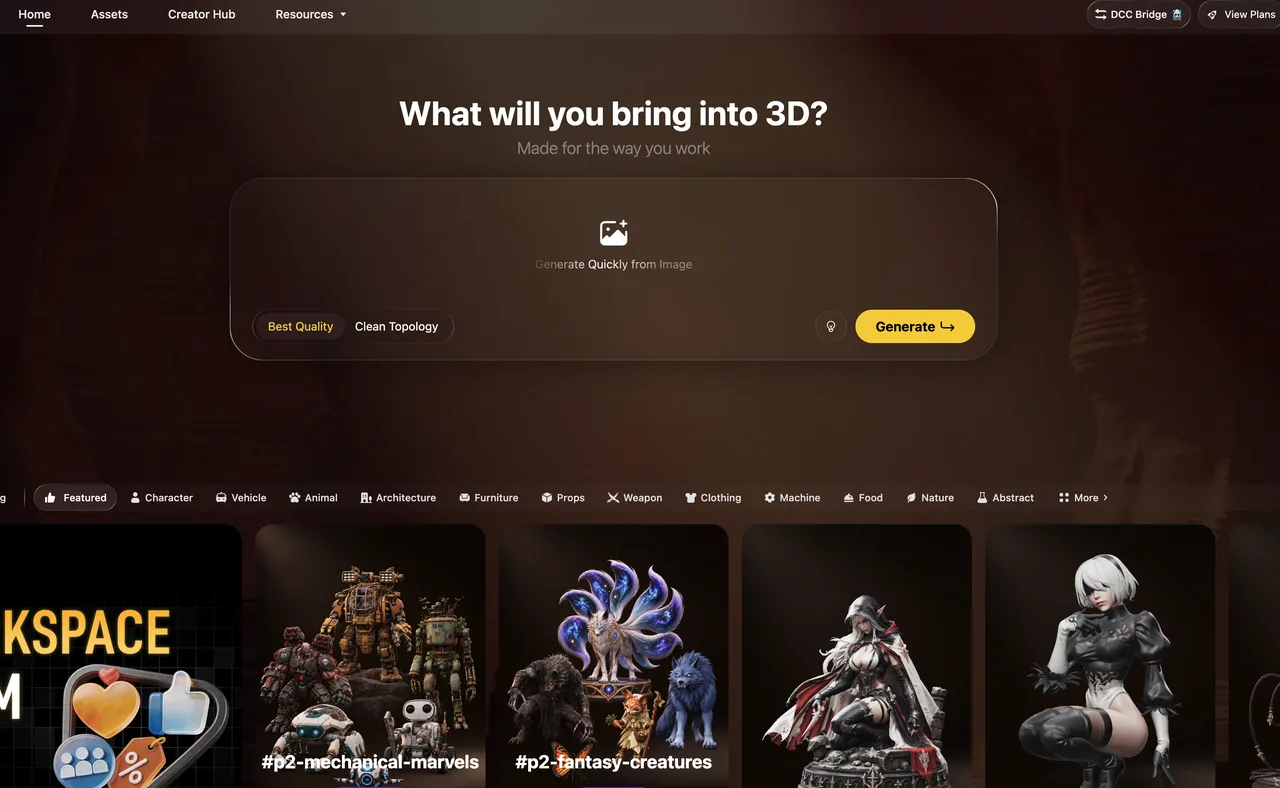
Sloyd is a specialized replacement for props that fit its generation and template-driven controls. It emphasizes editable parameters, controlled polygon counts, quads, and game-oriented exports.
Its API pricing is additive: image-to-3D geometry costs 10 credits, texture adds 10, text input adds 5, and quads add 5. At the published rate of 75 credits per dollar, a textured single-image request has a raw generation cost of about $0.27 before retries or cleanup.
For repeatable crates, furniture, weapons, buildings, and modular environment assets, Sloyd may provide more predictable structural control than less constrained image to 3D tools.
Where Meshy May Still Fit Better
Sloyd is not a universal replacement. Characters, unusual organic subjects, or reference-critical products may exceed the useful range of its controlled workflow. Its browser subscription and prepaid API billing are also separate.
Meshy remains the broader choice when one team needs diverse asset categories, integrated rigging, and a single generation workspace.
-
Hunyuan3D — Best for Open Deployment Evaluation
Where It Replaces Meshy
Hunyuan3D is a partial replacement for teams whose main requirement is local control. The official project provides code, weights, an API server, a Blender add-on, shape generation, and texture generation. That gives engineers more control over deployment, logging, checkpoint retention, and data boundaries than a hosted-only workflow.
It is more accurate to call this an open-weight, community-licensed route than automatically label it production-ready open source 3D AI.
Engineering and Licensing Checks
Local deployment transfers responsibility for GPU capacity, dependency pinning, security patches, artifact storage, moderation, and failure recovery to your team.
The 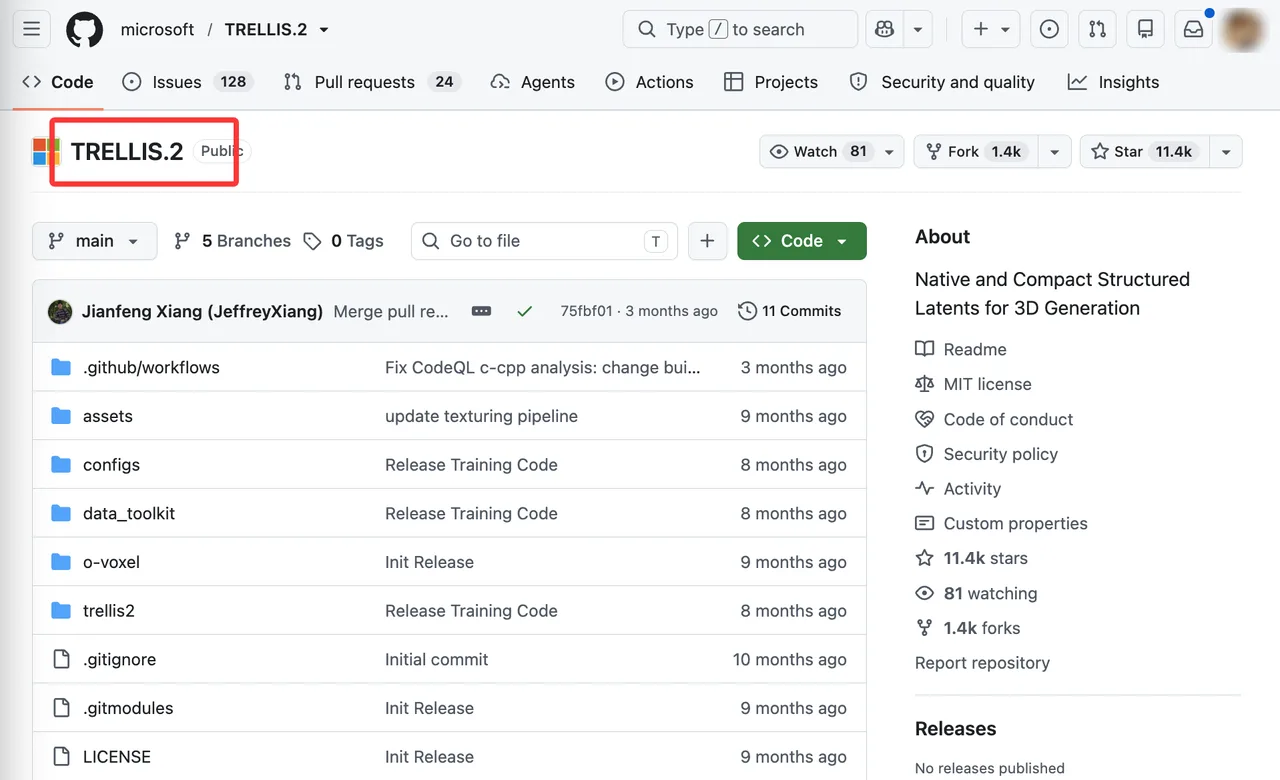 Tencent Hunyuan3D 2.0 Community License also has material restrictions, including territorial exclusions and separate conditions for organizations exceeding its stated user threshold. Review the exact checkpoint license with counsel before commercial deployment. This article is general information, not legal advice.
-
TRELLIS — Best for Research-Led Custom Pipelines
Where It Replaces Meshy
TRELLIS is a partial replacement for teams building a custom image-to-3D research stack. It provides access to model code and weights without forcing the team into a hosted credit system.
That freedom is valuable when researchers need to inspect intermediate representations, modify post-processing, pin a revision, or connect generation to internal geometry tooling. It does not provide Meshy’s managed accounts, billing, task history, support, or service guarantees.
Engineering and Licensing Checks
The official TRELLIS.2 repository states that its model and code use the MIT License, while warning that some dependencies have separate terms. The documented setup was verified on NVIDIA A100 and H100 hardware with CUDA-related dependencies; that is not a promise that every smaller GPU is supported.
Before production, create a software bill of materials, record every model and dependency revision, test export consistency, and calculate GPU utilization per accepted asset.
-
Blender With AI Add-Ons — Best for Maximum Manual Control
Where It Replaces Meshy
Blender can become the central production route when topology, rigging, material structure, scale, and revision control matter more than one-click generation. Artists can combine an approved generator with modifiers, retopology tools, Geometry Nodes, armatures, scripts, and reusable material libraries.
It is a full replacement for Meshy’s editing and finishing workspace. It is only a partial replacement for AI generation unless the team selects and validates a specific add-on or API provider.
Why It Is Not a One-Click Replacement
“Blender with AI add-ons” is not one product. Every add-on has its own provider, update cycle, data handling, pricing, and license.
This route produces maximum control by keeping a human in the pipeline. It also introduces installation, compatibility, training, and support work that a hosted platform absorbs.
Choose by the Reason You Are Leaving Meshy
Prioritize Topology, Rigging, Local Control, API, or Predictable Cost
Use the departure reason as the routing rule:
- Topology: Start with Sloyd for controlled props or Tripo’s low-poly and quad routes.
- Rigging: Compare Meshy, Tripo, and Sloyd with the same skeleton acceptance test; finish complex deformation in Blender.
- Visual detail: Test Rodin before accepting the cleanup cost.
- Local control: Evaluate Hunyuan3D first, then TRELLIS for deeper research customization.
- API breadth: Shortlist Tripo and Rodin; include Sloyd for game-prop workloads.
- Predictable cost: Model retries and cleanup instead of comparing subscription headlines.
Estimate Cleanup and Pipeline Changes Before Migrating
Run a shadow batch before moving production. Keep Meshy active while the candidate generates ten representative assets. Measure accepted outputs, artist minutes, export failures, integration work, and provider charges.
Migration is justified only when the alternative reduces the constraint that caused the search without creating a larger downstream problem.
FAQ
Can Meshy projects be exported with generation history?
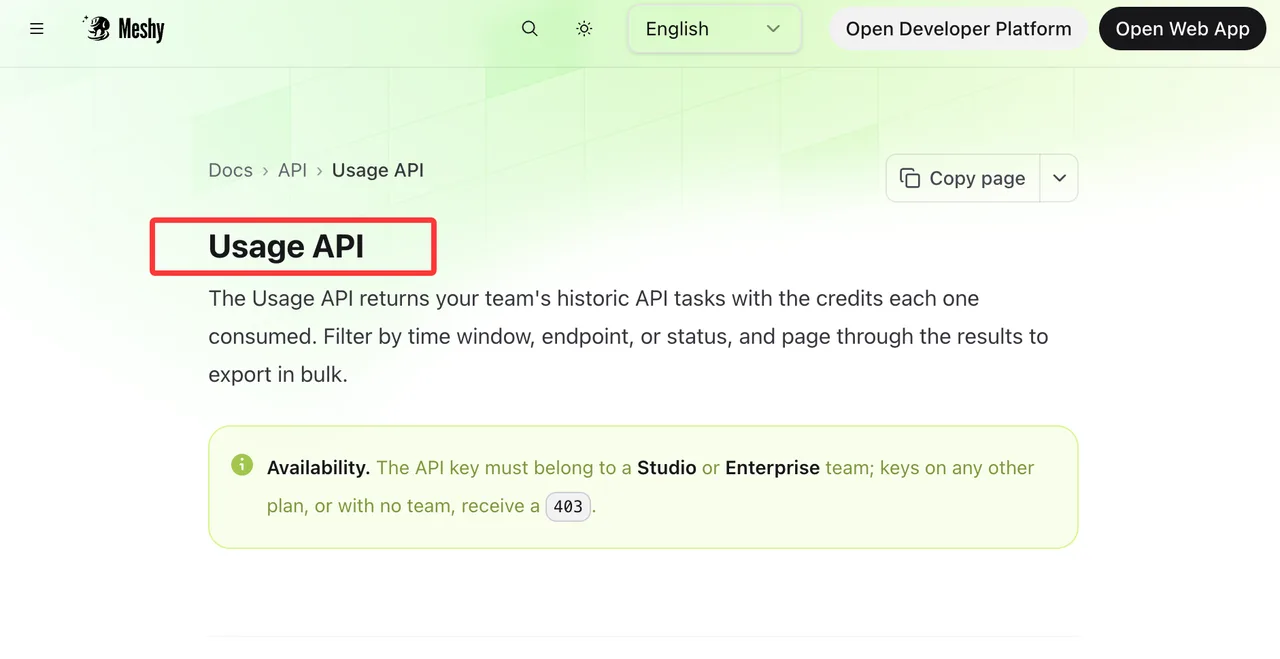
Not as one documented, portable project package. Meshy supports workspace history, asset downloads, request logs, and a Studio/Enterprise Usage API for exporting historical task and credit records, but teams should maintain their own prompt, setting, task-ID, and file ledger for migration.
Which alternatives expose deterministic seeds?
Tripo documents separate geometry and texture seeds on supported versions. Rodin Gen-2.5 exposes a seed for mesh and texture randomization. Meshy’s current Image-to-3D specification and Sloyd’s public API documentation do not document equivalent generation-seed controls.
A seed still does not guarantee identical output after a model or runtime revision.
Do open alternatives publish signed model files?
I found revision-controlled repositories and hosted weight files for Hunyuan3D and TRELLIS, but no documented vendor system of cryptographically signed model releases. Pin commits and weight revisions, record hashes internally, scan files, and restrict who can promote them into production.
Which tools support organization-level asset ownership?
Meshy and Hyper3D advertise team or enterprise controls, but workspace administration is not the same as legal ownership. Tripo, Sloyd, and self-hosted routes also require plan- and license-specific review. Put ownership, permitted client delivery, training use, and account termination rules into the procurement checklist.
Can teams migrate custom material libraries?
Usually only at the file level. Standard texture maps and materials can be rebuilt or organized inside Blender, but I found no documented one-click migration of proprietary Meshy material libraries into the other generators. Preserve source maps, naming conventions, node documentation, and material metadata before moving.
Conclusion
The best Meshy AI alternatives are Tripo for fast hosted image workflows, Rodin for detailed visual assets, Sloyd for controlled game props, Hunyuan3D for local deployment evaluation, TRELLIS for research pipelines, and Blender for manual production control.
None is automatically a better platform. Use one owned asset brief, count every retry and cleanup minute, verify current commercial terms, and migrate only when the replacement lowers your cost per approved 3D asset.
Previous posts:
/filters:quality(82)/media/images/1790673203845090867_ZwbkuCLU.webp)
/filters:quality(82)/media/images/1790673621210536798_7KpzHQZ8.webp)
/filters:quality(82)/media/images/1790667061147571629_q61iPczX.webp)
/filters:quality(82)/media/images/1790674802528777336_lzVsEXlH.webp)
/filters:quality(82)/media/images/1790675047405706000_iR5fnwFP.webp)
/filters:quality(82)/media/images/1790589731632080935_0wwFPY8h.webp)