Build a GPT-6 Astra 3D Workflow With Blender Assets
Build one GPT-6 Astra 3D workflow that imports AI-generated assets into Blender, validates them, and prepares an editable scene.
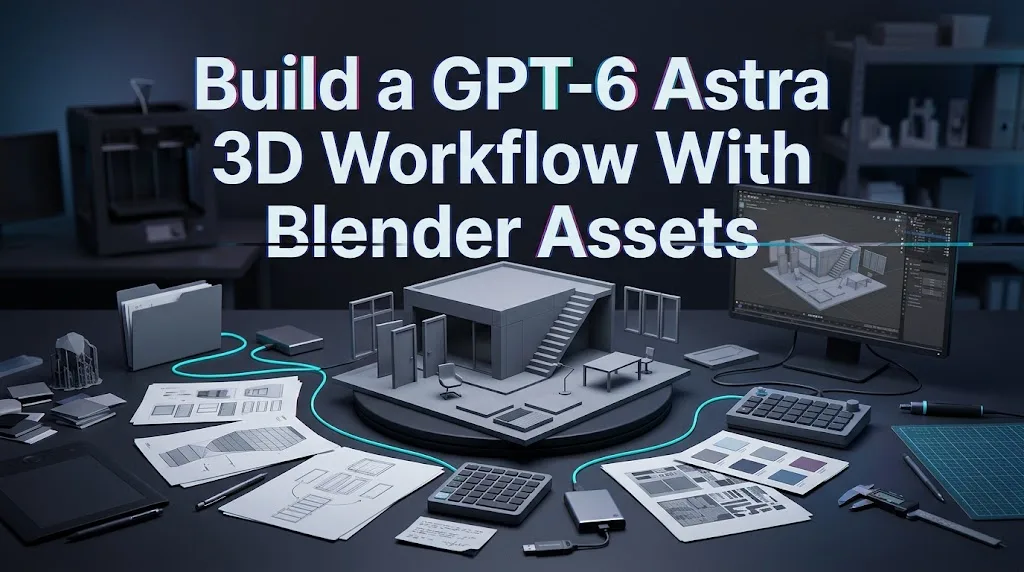
A familiar delivery failure is easy to picture: the viewport looks finished, but the chair is ten meters tall, three textures point to a Downloads folder, and the camera is named Camera.014. I paused here. A gpt-6 astra 3d workflow earns its place only when it leaves behind an editable, portable Blender project, not merely a convincing render.
The process below covers one bounded job: import AI-generated assets, organize a small product-staging scene, validate it, and export both the Blender source and a GLB package. It is a reproducible evaluation workflow based on documentation, not a claim of hands-on production testing. Astra can coordinate tools through MCP, but it is not a native 3D generator.
Define the 3D Deliverable
Choose one scene and export target
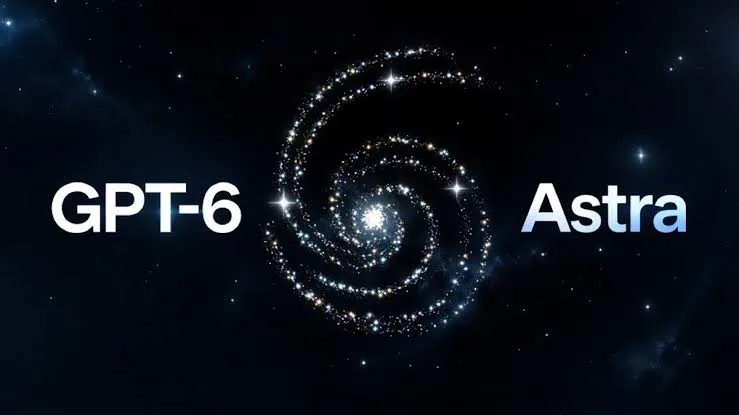
Start with a deliberately small scene: one chair, one side table, one lamp, a floor, two lights, and one camera. The assets may come from a verified 3D generator, but the deliverable is an editable Blender scene.
Freeze these outputs before beginning:
| Deliverable | Acceptance condition |
|---|---|
| studio_v003.blend | Objects remain independently editable |
| studio.glb | Opens without missing materials or textures |
| Preview render | Camera, lighting, and placement match the brief |
| Validation report | Records scale, object names, missing files, and mesh warnings |
Use meters as the scene unit. Define approximate dimensions for every asset and establish naming conventions such as PROP_chair_A, PROP_table_A, and CAM_product_01. That prevents subjective approval from replacing structural checks.
Prepare owned reference assets and acceptance checks
Keep only assets your team owns or is licensed to use. Store source models and textures inside the project instead of referencing personal folders:
project/
  assets/source/
  assets/textures/
  scenes/
  exports/
  renders/
  scripts/
  reports/
Record each asset’s source, license, original format, expected dimensions, and required attribution. Acceptance checks should cover object separation, editable geometry, material assignments, relative scale, camera framing, and successful export. A polished render cannot compensate for a scene that breaks as soon as another developer opens it.
Connect Astra to the Blender Workflow
Set up the tool boundary and project files
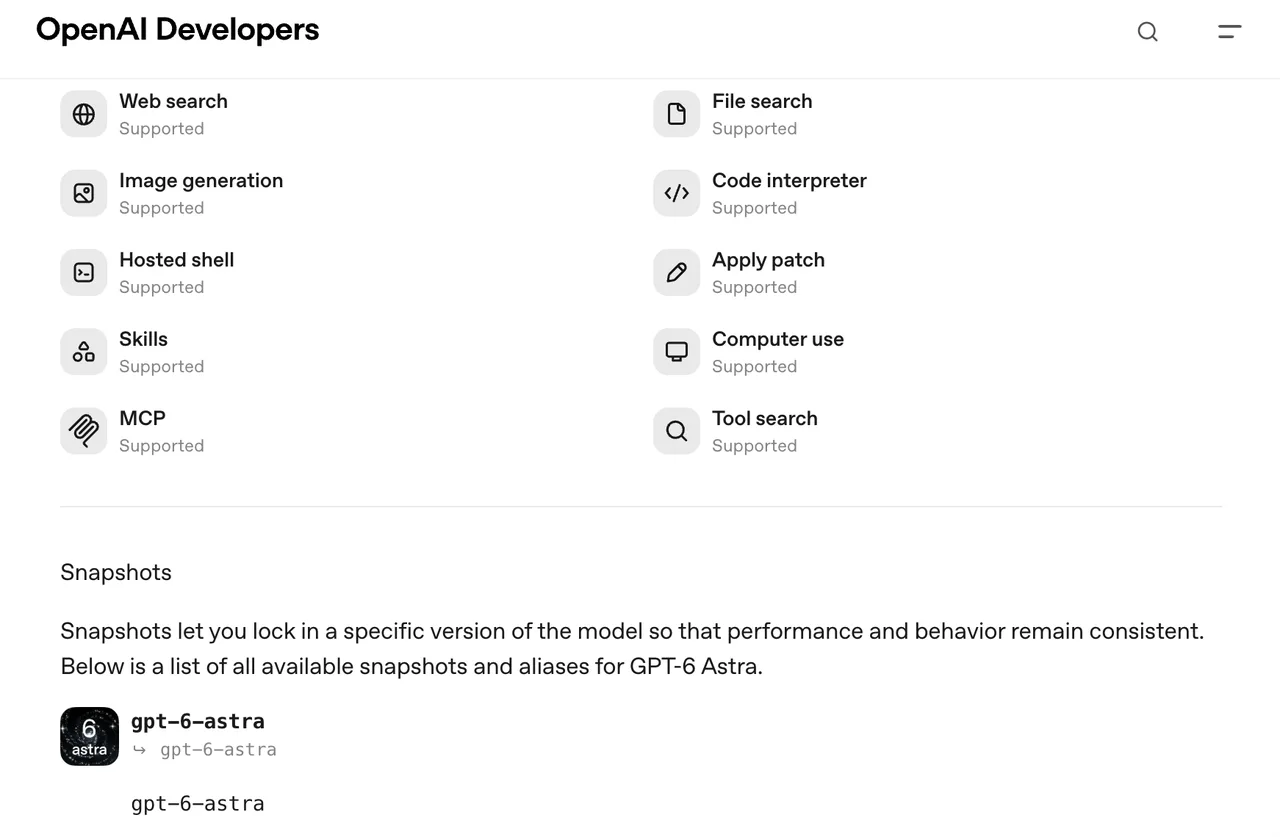
The official GPT-6 Astra model page lists MCP and tool calling among its supported capabilities. The application still controls the actual tools, files, approvals, and recovery policy.
Blender’s official MCP server currently requires Blender 5.1 or newer, its add-on, an MCP server package, and a compatible client. Installation is offered through an MCP bundle or source setup, so use the launch command supplied by the package you install rather than copying a command from an unrelated community repository.
A project-scoped Codex configuration can keep Blender access explicit:
[mcp_servers.blender]
command = "/absolute/path/from-the-official-install"
cwd = "/absolute/path/to/project"
default_tools_approval_mode = "prompt"
Confirm the available tools with /mcp before running the workflow. Codex supports server and tool approval controls, while the Blender project warns that its server executes model-generated Python without built-in protection against deletion or data exposure. This makes a restricted project directory, versioned files, and human approval essential parts of the Blender MCP workflow.
Import, place, and organize generated assets
Copy approved files into assets/source/ first. Do not permit the agent to download arbitrary models during the Blender session.
Ask Astra to propose a sequence before execution:
- Import the chair, table, and lamp.
- Create
ENV,PROPS,LIGHTS, andCAMERAScollections. - Rename objects and materials according to the manifest.
- Position assets using the frozen dimensions.
- Save a new numbered Blender revision.
Review imports before allowing geometry deletion, modifier application, texture replacement, external scripts, or file export. This keeps 3D scene automation useful without granting it authority over the entire workstation.
Validate the Scene Before Export
Check scale, topology, materials, and cameras
Inspect object dimensions and transforms against the manifest. Check normals, non-manifold geometry, duplicate faces, UV availability, material slots, and missing image paths. Apply transforms or destructive modifiers only when the export requires them and a developer has approved the change.
Keep a repository script such as scripts/validate_scene.py that exits unsuccessfully when required objects, textures, or cameras are absent. Run it without opening the interface:
blender --background scenes/studio_v003.blend \
  --python-exit-code 1 \
  --python scripts/validate_scene.py
Then produce one deterministic inspection frame:
blender --background scenes/studio_v003.blend \
  --render-output //renders/check_ \
  --render-frame 1
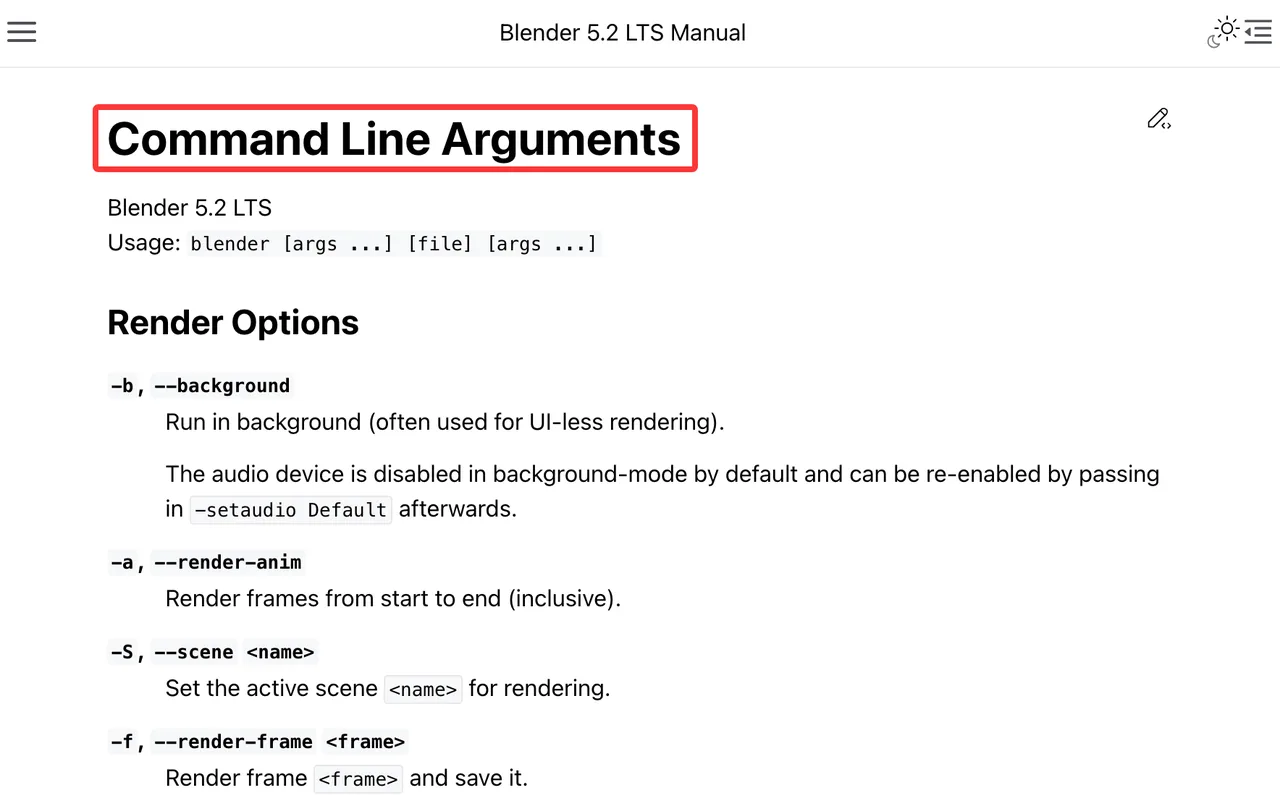
Blender documents these options in its command-line arguments reference. Save the validation output alongside the scene instead of relying on chat history as the audit record.
Save revisions and verify the final package
Save a new revision after import, arrangement, validation, and export. Never let a recovery attempt overwrite the last accepted file.
Before handoff, use File > External Data > Pack Resources, then save again. Blender notes that packing occurs on the next save and that some resources cannot be embedded. Its packed-data documentation should therefore be treated as a packaging step, not proof that every dependency is present.
Open the final .blend from a clean account or workspace. Import the GLB into a blank scene, compare object counts and materials, and retain the source files when the export loses Blender-specific structure.
Limits and Trade-Offs
Generated assets still need human inspection
AI-generated 3D assets may contain hidden intersections, weak topology, distorted UVs, excessive polygons, or geometry that only works from one camera. Astra can identify and organize potential problems, but it cannot turn visual plausibility into production validity automatically.
An Astra Blender workflow is strongest when the acceptance rules are machine-readable and a developer reviews the resulting scene. It is weaker when “looks good” is the only requirement.
Tool permissions should stay narrowly scoped
Give the MCP process access only to the project directory. Keep network access disabled unless a reviewed step needs it, and require confirmation for deletion, script execution, external writes, and exports. The current Blender MCP warning is unusually direct: generated code can affect data, and the server does not provide a complete safety boundary.
FAQ

Can Astra recover from a failed Blender command?
It can inspect a returned error and propose a corrected action, but automatic rollback is not guaranteed. Reopen the last numbered checkpoint and retry an idempotent step instead of continuing from an uncertain scene state.
How are external texture files packaged with a scene?
Use Blender’s Pack Resources command and save the file again. Also retain relative-path textures in the delivery archive because not every external resource is packable. Verify the GLB separately.
Can teams review every proposed tool action first?
Yes. Codex MCP configuration supports approval policies at server and tool level. Set Blender actions to prompt, especially for writes and script execution. That approval comes from the client boundary, not the Blender server itself.
Does the workflow support headless Blender rendering?
Blender supports background validation and rendering with --background. The current official MCP page does not promise that every add-on operation works headlessly, so use MCP for controlled editing and Blender’s CLI for repeatable validation and rendering.
Where should API credentials be stored during automation?
Use a managed secret store or narrowly scoped environment variables supplied to the client process. Never place credentials in .blend custom properties, prompts, Python files, asset metadata, or source control.
Conclusion
A useful gpt-6 astra 3d workflow does not end when the scene looks finished. It ends when another developer can open, inspect, modify, validate, and export it without reconstructing hidden context. Astra can coordinate the work, Blender remains the execution environment, and human approval remains the boundary for destructive changes.
Previous posts: