
Seedream 5.5 Review: Image Quality and Editing Limits
Seedream 5.5 review for image teams: examine ByteDance’s quality evidence, repeated editing, RGBA output, and the limits to test before production.

A small error can settle an image review. The lighting looks right, but one digit on the package is wrong. Or an edit changes the product beside the object it was meant to replace. Those are the cases that matter to teams producing assets every day.
ByteDance released Seedream 5.5 on November 9, 2026. This Seedream 5.5 review uses its published demonstrations and evaluation results, checked against the current generation and edit listings on November 10.
What Do ByteDance’s Image-Quality Tests Show?
They show vendor-reported gains in realism, usability, and text rendering, with limits on what a reader can verify. In its launch report, ByteDance says experienced evaluators used MagicArena to assess outputs across six production scenarios: e-commerce, marketing, film and television, gaming, office productivity, and fashion design. It reports higher quality scores and usability rates than Seedream 5.0 Pro in all six. Film and television and office productivity had more than twice the previous version’s usability rate.
ByteDance also reports a 0.4% severe text-corruption rate and a 1.7% minor rate in Chinese and English evaluations that included dense small text. The public report does not provide the full prompt set, sample counts, or enough method detail to turn those figures into an expected error rate for packaging copy. A label with one wrong digit remains a rejected asset, regardless of the aggregate score.
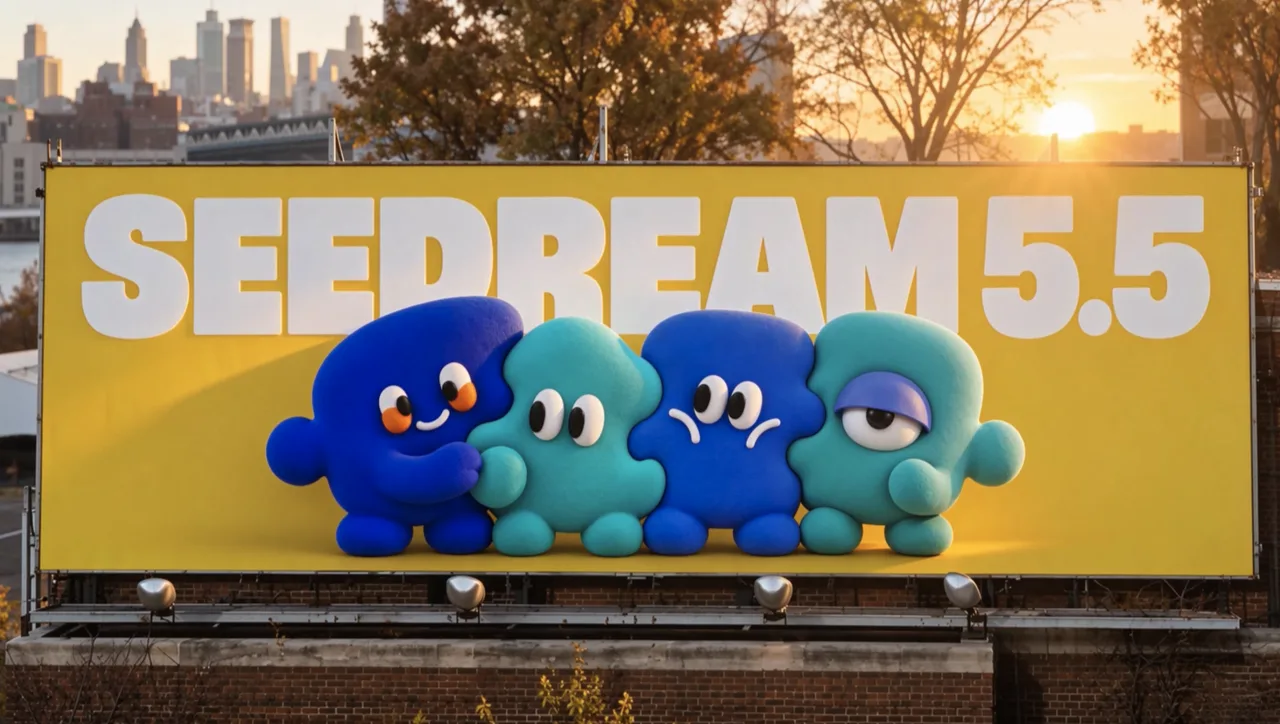
The examples on ByteDance’s Seedream 5.5 product page show the intended direction: less artificial gloss, more convincing materials and light, and finer text. They are selected examples, not a matched independent comparison.
How Does Seedream 5.5 Handle Repeated Edits?

In ByteDance’s demonstration, one portrait went through 100 successive edits, with each result used as the next input. Clothing, accessories, and tabletop objects changed while the company showed small details and untouched areas holding together. That is a useful demonstration of one editing chain. It is not a promise that any image can survive 100 changes.
For production, the revealing test is smaller. Take an approved product image. Change one prop, then the background light, then a nearby object. Keep the product, label, crop, and untouched region fixed in the instructions. Compare every output with both the previous round and the original. A drift that appears on edit three may be easy to miss when reviewers see only edit four.
ByteDance says the model is trained to preserve unedited regions at the pixel level. The approval check still belongs to the team: inspect edges, reflections, small type, and any area the prompt said to leave alone.
Where Does Native RGBA Help Asset Production?
Native RGBA helps when an asset must move between layouts without being cut out again. ByteDance demonstrates fully and partly transparent output, including fine edges such as feathers. A product, character, or decorative wordmark could be generated as a separate layer for a designer to place on different backgrounds.
The output needs an alpha-channel check before it enters an asset library. Open the PNG over both a light and a dark background. Look for halos, missing thin parts, and shadows that turn into hard edges. Glass, hair, smoke, and soft fabric are useful tests because partial transparency matters there. The listed generation and edit routes both expose a transparent-background option; it requires PNG output. Requesting transparency does not make every edge ready for delivery.
What Should Builders Test Before Production Use?
Builders should test acceptance rate and edit stability on their own assets before moving a recurring job to 5.5. Use a small set that includes realistic materials, exact brand text, dense bilingual type, several consecutive edits, and transparent edges. Record the prompt, source images, settings, output, rejection reason, and time to an approved asset. Compare against the model currently doing that job.
The current listings offer 1K, 1.5K, and 2K output tiers. Listed generation starts at $0.02 for 1K or 1.5K; a 1K edit with one reference is $0.028. Those are attempt prices. Rejected images and review time determine the cost of a usable asset.
The two model pages do not clearly disclose model-specific throughput limits, a regional availability matrix, or complete commercial-use rights. Validate those against the account and applicable provider terms before committing an asset pipeline. None of the published evidence replaces a team’s own acceptance log.
FAQ
Does WaveSpeed offer separate 5.5 generation and edit endpoints?
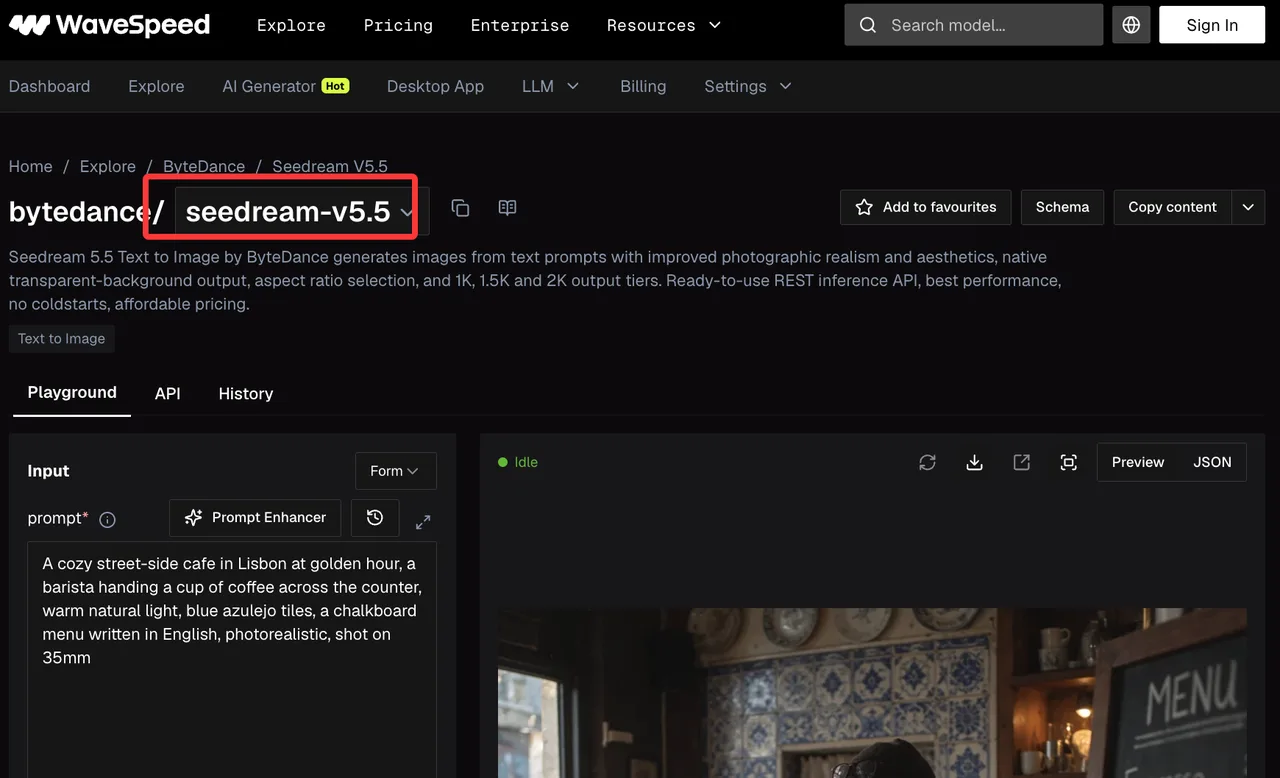
Yes. The current generation listing uses bytedance/seedream-v5.5; the edit listing uses bytedance/seedream-v5.5/edit. The first takes a text prompt, while the second requires reference images as well as an edit prompt.
How many reference images can the WaveSpeed edit route accept?
Up to ten, according to its current parameter list. Each added image affects the listed edit charge, so record which reference served which purpose.
Does the edit schema expose a seed or mask control?
Neither seed nor mask appears in the published edit parameters checked on November 10. Do not build a workflow around either control without confirming a later schema change.
What aspect ratio applies when an edit request leaves it blank?
The edit listing says the output keeps the aspect ratio of the first input image. An explicit aspect ratio is needed when the deliverable requires a different shape.
Has ByteDance given a date for Seedream 5.5 Pro?
No. The November 9 announcement says a Pro version will follow, without a release date. Seedream 5.5 should not be labeled or evaluated as 5.5 Pro.
Conclusion
Seedream 5.5 has credible questions to test: whether its reported text gains hold on real labels, whether repeated edits preserve approved details, and whether RGBA edges survive compositing. The launch material makes those tests worth running. It does not supply the independent production results needed to skip them.
Previous posts:
Related Articles
Seedream 5.5 vs Seedream 5.0 Pro: Should Teams Switch?

Seedance 3.0 Rumors: Native Audio-Video Sync, Multi-Shot Storytelling, and What to Expect
GPT Image 2.6: What Is Confirmed, What Is Rumor, and What to Build On Today
Pika H3 Flex Explained: What It Is and How to Try the H3 Family via API
Seedream 5.5: What to Expect, and How to Get Ready