
HUMAIN M3 API: Build a Bilingual Preview Request
HUMAIN M3 API guide for one bilingual preview request, covering gated access, the OpenAI-compatible call, and preview limitations.

An API preview is where teams accidentally turn a test into a product. Keep this one small. This HUMAIN M3 API walkthrough covers one Arabic-English text request for a developer who already has HUMAIN Node limited-preview access. No agent harness. No multimodal upload. No production deployment. The goal is to prove the request path without crossing the preview boundary.
Confirm Preview Access Before Coding
Start with access, not code. The HUMAIN Node page says HUMAIN M3 is available in limited preview through the Playground and as humain-m3 through an OpenAI-compatible API. It describes limited preview with the Saudi alignment guardrail, plus research preview for the full checkpoint after separate approval.
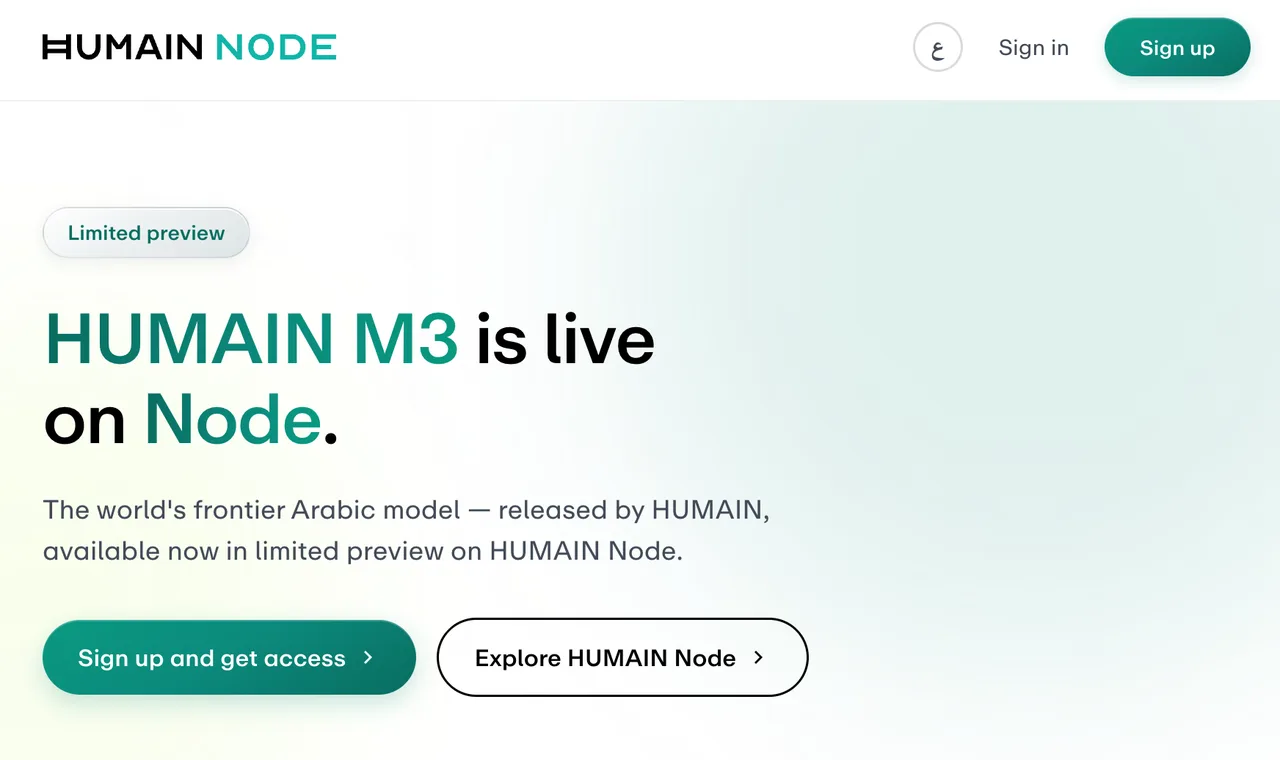
That distinction affects your first request. HUMAIN says the guardrail adds some latency and has thinking and streaming off. Research preview is the path where HUMAIN describes thinking, streaming, and lower latency. Do not design your first HUMAIN Node API test around streaming tokens unless your activation notice says that mode is enabled.
The limited preview terms are blunt: HUMAIN M3 is experimental, incomplete, and not production-grade. API access may be limited by account, organization, country, volume, rate, use case, and technical controls. Keep the key server-side. Do not expose it in a browser app, mobile build, shared notebook, or customer-facing demo.
Send One Arabic-English Request
Client, Base URL, and Model Name
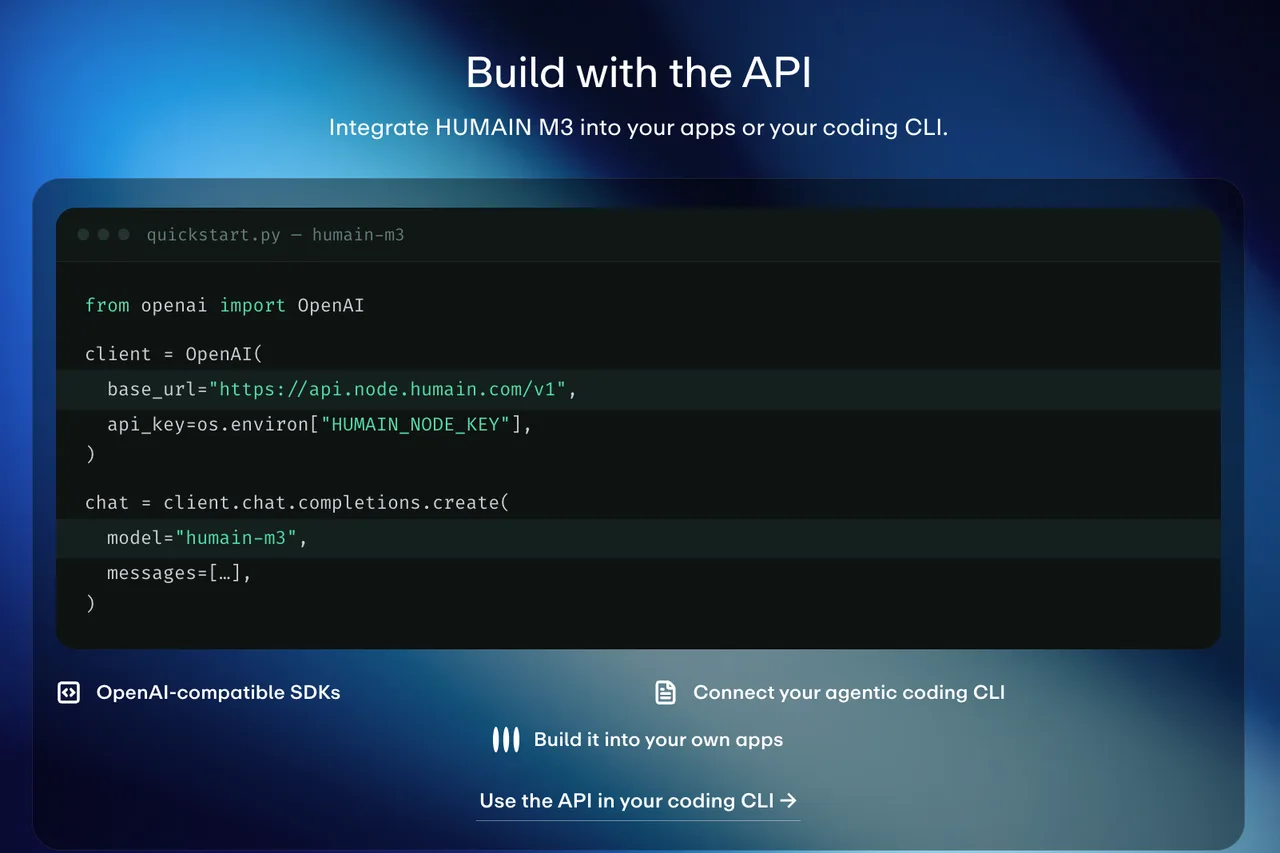
Use the OpenAI-compatible shape HUMAIN shows publicly. I have not executed this request because preview access requires an approved key; treat it as a minimal request pattern to verify against your dashboard and activation notice.
import os
from openai import OpenAI

client = OpenAI(
    base_url="https://api.node.humain.com/v1",
    api_key=os.environ["HUMAIN_NODE_KEY"],
)

chat = client.chat.completions.create(
    model="humain-m3",
    messages=[
        {
            "role": "system",
            "content": "Answer first in Arabic, then in English. Keep both answers short and aligned."
        },
        {
            "role": "user",
            "content": "اشرح لماذا يحتاج فريق API إلى اختبار ثنائي اللغة قبل الإطلاق."
        }
    ],
)

print(chat.choices[0].message.content)
One person can remember parameters. A team cannot. Put base_url, model name, prompt version, and access mode into a small config file or secret-backed runtime setting. Keep the key in HUMAIN_NODE_KEY, not in a shareable workflow or repo.
Messages and Response Handling
For the first Arabic English prompt, keep the content synthetic. Ask for a short bilingual answer, then check three things: Arabic meaning, English meaning, and whether the two versions stay aligned. Do not test with user records, customer tickets, private contracts, medical text, financial data, source code, or credentials.
Response handling should be boring. Read the assistant message, check whether refusal or safety text appeared, then store only allowed metadata: timestamp, model, access mode, prompt version, HTTP status, latency, and request identifier if your client exposes one.
Account for Preview Guardrails
Streaming and Thinking Availability
The public Node page says limited preview uses a guardrail with thinking and streaming off. That means your first integration should be plain request-response. If your team needs token streaming for a chat UI, mark that as a research-preview or later-access dependency, not as a confirmed limited-preview feature.
Thinking mode needs the same treatment. HUMAIN advertises three thinking modes for the model, but the limited-preview access description does not make them available there. Technical capability does not equal account permission.
Logging Errors and Request IDs
Log failures at the wrapper layer, not inside the prompt. Capture status code, error body, request ID if present, retry count, timeout, prompt version, and access mode. Avoid logging full prompt text unless your privacy review allows it.
The model terms say HUMAIN may change model behavior, safeguards, context limits, output format, and availability. Lock a small canary prompt set and rerun it after any activation or document change.
Stop Before Production Deployment
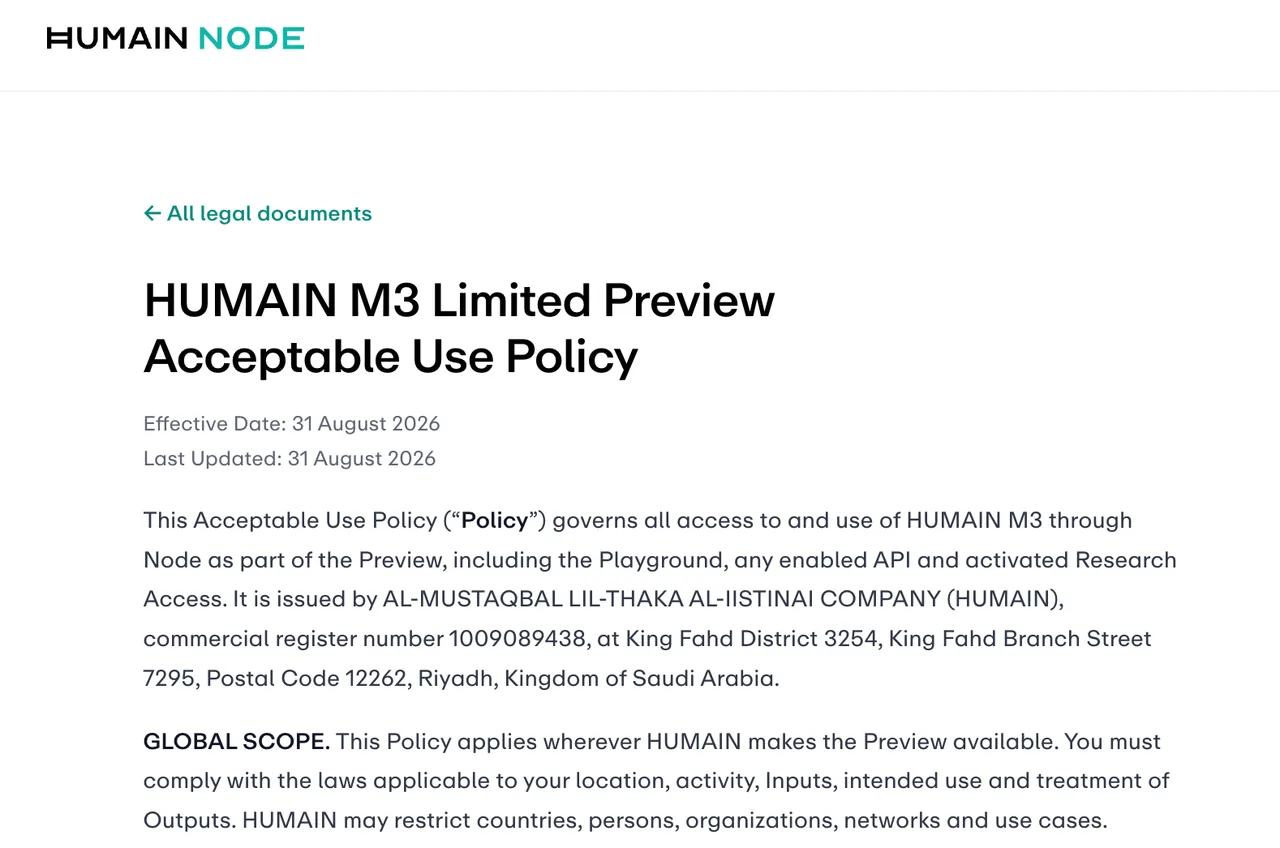
The Acceptable Use Policy says the preview is for lawful evaluation, testing, feedback, and non-production prototyping. It also says not to use it as a production service, expose it to third-party users, rely on it operationally, or deploy it in regulated, high-impact, or safety-critical activity.
That is the stop sign. A successful response only proves your preview API access works. It does not approve customer release, production traffic, public support workflows, or automated decisions.
FAQ
Which SDKs officially support HUMAIN Node?
HUMAIN publicly shows an OpenAI Python client pattern and refers to OpenAI-compatible SDKs. The terms say HUMAIN does not distribute a Node-specific SDK or warrant a third-party client library. Treat SDK support as protocol compatibility, not a dedicated SDK list.
Can preview keys be scoped by project or team?
The public Node page says Node includes budgets, access, and limits by team and project as access widens. The terms also describe scoped API access. Exact key-scoping controls are not fully disclosed publicly, so confirm them inside your approved account.
Can HUMAIN M3 API usage be exported for cost reporting?
HUMAIN says usage and cost appear in one view, but I did not find a public export format, billing API, or CSV guarantee for preview usage. For now, keep your own request ledger.
Does HUMAIN publish a status page for preview outages?
I did not find a public HUMAIN Node status page. The terms say the preview has no service level, uptime, support, data-recovery, or continuity commitment.
What data-retention options apply to HUMAIN M3 API requests?
The privacy notice says every prompt and response is recorded. It lists raw user-linked inputs and outputs as ordinarily retained for twelve months, then deleted or de-identified unless an exception applies. It does not describe a zero-retention preview mode.
Conclusion
A good first HUMAIN M3 API task is one bilingual text request with a synthetic Arabic prompt, an English alignment check, server-side credentials, and clean error logging. That is enough for this round.
Do not let a working request become a production plan. HUMAIN’s own documents still frame M3 as limited preview, non-production, recorded, and changeable as of September 7, 2026.
Previous post:
/filters:quality(82)/media/images/5f15570a-6a68-432e-a6f1-1dcbf799ba81.webp)
/filters:quality(82)/media/images/b73c2438-6bdd-4b80-a229-8d71d8f819cf.webp)
/filters:quality(82)/media/images/427fd9f2-347d-4f86-a2d5-aee110cda01d.webp)
/filters:quality(82)/media/images/1773962750383987480_n3hqzHRZ.webp)
/filters:quality(82)/media/images/43fa0e7f-a0db-48d7-9bab-921d1225db30.webp)
/filters:quality(82)/media/images/5799ff56-3a73-40ca-a666-e4965d878496.webp)