Add your files
Choose, drop or paste your .psd or .psb files. PNG is already selected.
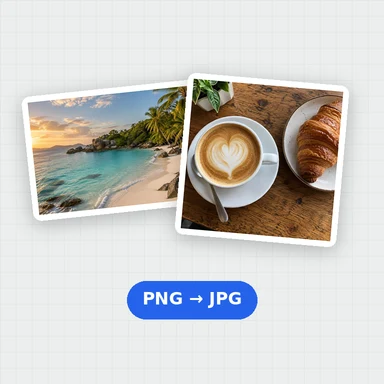
Turn Photoshop PSD and PSB files into PNG pictures that open anywhere, with transparency kept. Choose JPG or WebP instead if you want smaller files.
See the size, colour mode and layer list of each file, convert several at once and download them in one ZIP.
Convert camera RAW photos and Photoshop files to JPG, PNG or WebP. You can also paste files.
CR2, CR3, NEF, ARW, DNG, ORF, RW2, RAF, PEF, SRW, PSD and more. Up to 100 files.Choose, drop or paste your .psd or .psb files. PNG is already selected.
Keep PNG for transparency, or pick JPG or WebP for smaller files. JPG fills transparent areas with white.
Press Convert: one file downloads as a PNG, several come together in a ZIP.
Create photos, illustrations and graphics from a short prompt with WaveSpeed AI.
Make photos, product shots and illustrations from a prompt.
Turn a still image into a short video clip.
Turn a picture into a 3D model.
$1 in free credits for eligible new accounts. No card needed. Generators have separate account and credit requirements. The RAW & PSD Converter is free.
The flattened picture stored in the PSD, the same one Photoshop shows. Layers are listed but not rendered one by one, and hidden layers stay hidden.
Photoshop only stores one when Maximize Compatibility is on. Save the file again with that option on, or export a PNG from Photoshop.
In PNG and WebP, yes. JPG has no transparency, so transparent areas become white.
Up to 500 MB and 120 megapixels.
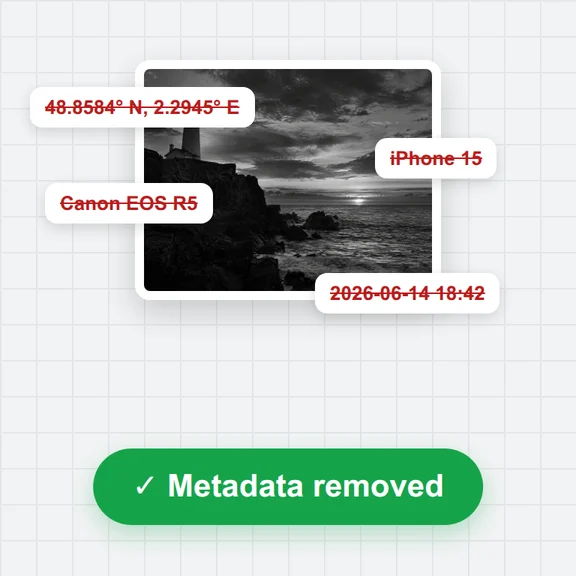
No. Photos are read and converted on your own device and never leave it.
Transparency kept in PNG · Layer list · Done in your browser. Your files are not uploaded.