Add your files
Choose, drop or paste your .cr2 files straight from your card or computer. JPG is already selected.
Turn Canon CR2 files from your EOS camera into JPG files that open on any computer, phone or website. Canon CR3 files from newer cameras work as well.
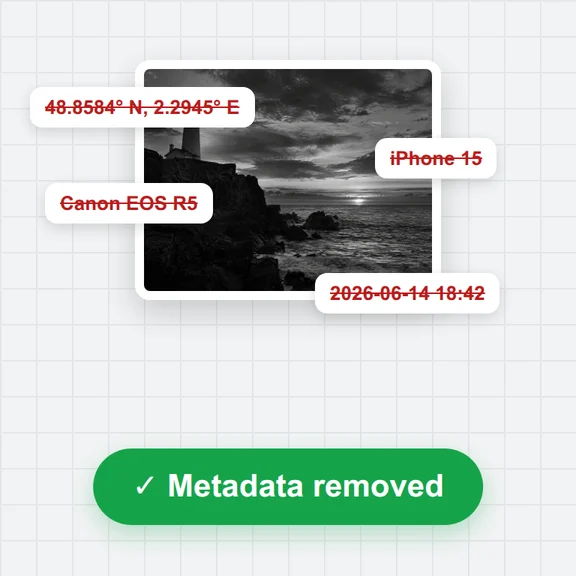
See the camera, lens, exposure and ISO of each photo, convert a whole card at once and download the JPGs in one ZIP.
Convert camera RAW photos and Photoshop files to JPG, PNG or WebP. You can also paste files.
CR2, CR3, NEF, ARW, DNG, ORF, RW2, RAF, PEF, SRW, PSD and more. Up to 100 files.Choose, drop or paste your .cr2 files straight from your card or computer. JPG is already selected.
Pick the quality. Full size keeps every pixel; half size is much quicker for a first look.
Press Convert: one photo downloads as a JPG, several come together in a ZIP.
Create photos, illustrations and graphics from a short prompt with WaveSpeed AI.
Make photos, product shots and illustrations from a prompt.
Turn a still image into a short video clip.
Turn a picture into a 3D model.
$1 in free credits for eligible new accounts. No card needed. Generators have separate account and credit requirements. The RAW & PSD Converter is free.
CR2 is the RAW format Canon EOS cameras used before CR3. It holds the unprocessed sensor data, so most apps and websites can't open it.
Many Canon CR3 files from newer cameras open too. If a file can't be read, the page tells you.
They are close: the page uses the white balance set in the camera and converts to sRGB. Canon's picture styles are not applied, so contrast can differ a little.
Yes. Add up to 100 files. They are converted one after another and downloaded together in a ZIP.
No. Photos are read and converted on your own device and never leave it.
Canon EOS CR2 and CR3 · Camera and lens details · Done in your browser. Your files are not uploaded.