
Light Parse Pricing for High-Volume Document Parsing
Light Parse pricing explained through current credits, page volume, optional processing, and cost per accepted document in one batch workflow.
A high-volume parsing batch can look cheap in the first cell. Then rejected documents, retries, and parser upgrades arrive. This Light Parse pricing review answers one decision: cost per accepted document for a text-heavy batch.
Snapshot date: September 1, 2026. Recheck live rates before signing a production commitment.
Start With the Current Pricing Structure
Credits, Pages, and Parser Selection
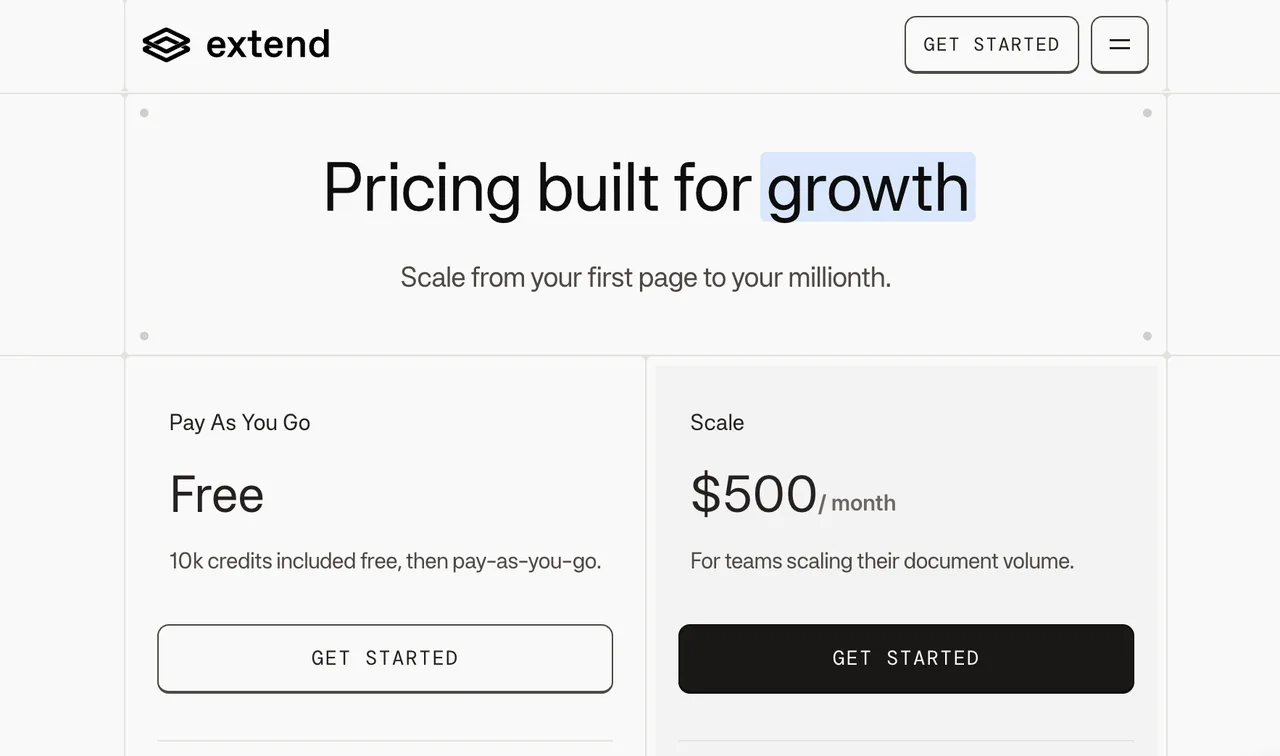
Extend’s current pricing page lists Pay As You Go with 10,000 free credits and $0.0125 per additional credit. Scale is listed at $500/month with 50,000 included credits and $0.01 per additional credit. Enterprise pricing is custom.
Base document parsing pricing starts from the parser mode. Light Parse is not a separate vendor layer and it is not WaveSpeed inference pricing. It is Extend’s third-party document parsing layer.
Optional Processing and Account Terms
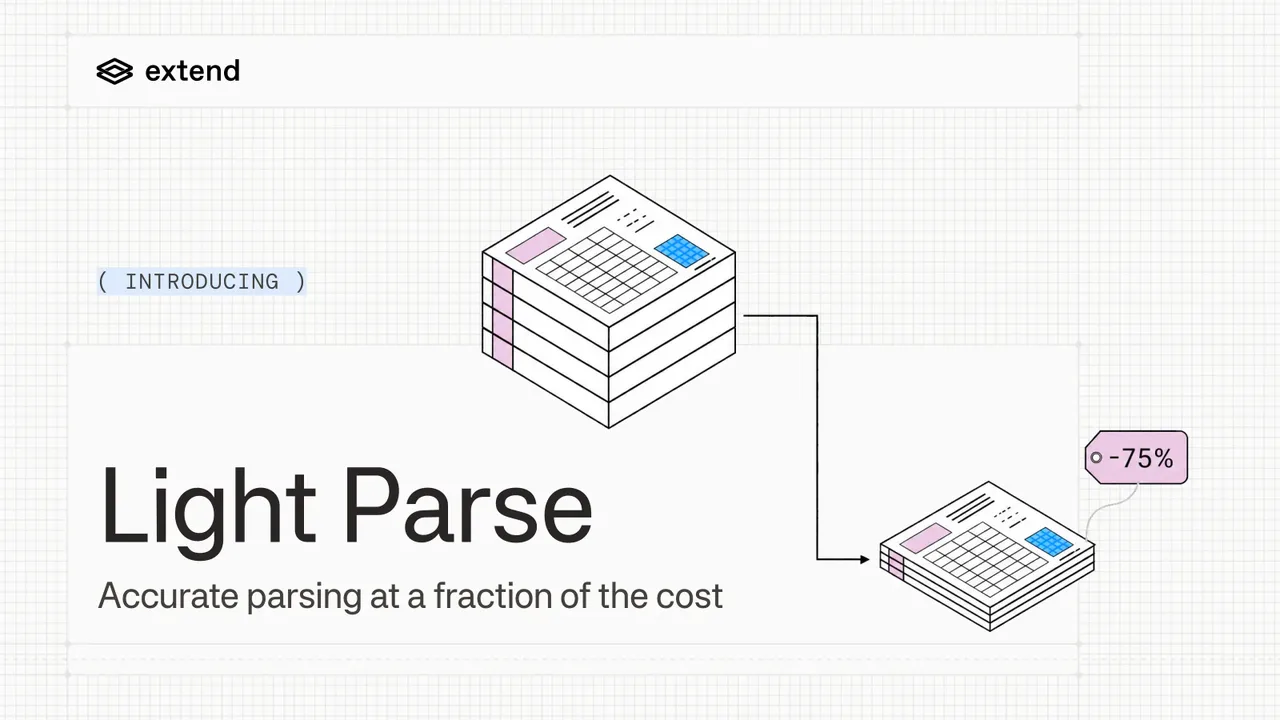
The credits guide lists Light Parse at 0.5 credits per page. At current public rates, that means $0.00625 per page on Pay As You Go and $0.005 per page on Scale.
Optional settings can move the number. Agentic Text Correction and Agentic Table Correction each add 1 credit per triggered page. Priority Parsing applies a 2x multiplier to parsing credits. Contract terms, taxes, currency, and custom retention need account-level confirmation.
Model One High-Volume Batch
Input Pages and Successful Outputs
Do not model cost only from submitted pages. That is how a tidy spreadsheet lies.
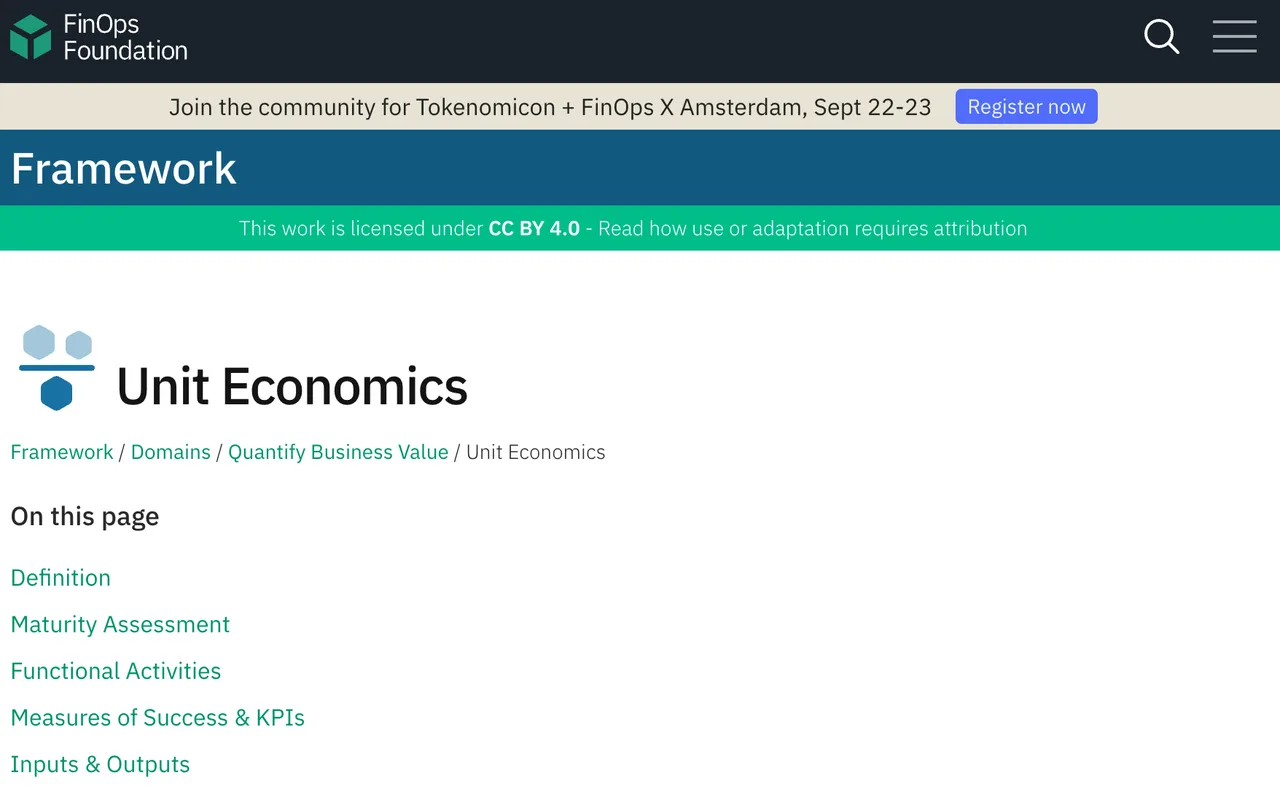
Track first-pass pages, retry pages, pages upgraded to Performance Parse, surcharge pages, and accepted documents after validation. This follows the same practical logic as the FinOps unit economics framework: cost should be tied to the unit that creates value.
Cost per Accepted Document
Use replaceable variables:
batch_cost = light_pages * light_rate + retry_pages * light_rate + performance_pages * performance_rate + surcharge_credits * credit_rate
Then divide by output:
cost_per_accepted_document = batch_cost / accepted_documents
That is the Light Parse cost that matters. Not cost per submitted file. Not cost per page in isolation. Accepted document.
Test the Main Cost Drivers
Page Mix, Retries, and Validation
A clean contract page and a messy scanned form are both “one page” in planning. In production, they do not behave the same.
Set acceptance rules before the batch: no missing pages, markdown usable for RAG, tables preserved enough for downstream extraction, and no unreadable key sections. This cannot be judged by feel. It needs a sample run.
Light Parse Versus Performance Parse Spend
The parsing configuration docs show the engine can be set to parse_light or parse_performance. They position Light as the cost-sensitive high-volume option, while Performance is better for stronger checkbox support, complex tables, handwriting, and multilingual handling.
So do not keep retrying weak pages just because the base cost per page is lower. Route clean text to Light. Route suspicious pages upward before rework becomes the hidden parser mode.
Recheck Pricing Before a Production Commitment
Current Rates, Credits, and Contract Terms
Before production, confirm the plan, credit rate, free-credit applicability, parser mode, optional features, retention terms, SLA, tax treatment, and billing currency.
The rate limit docs also matter. Plans differ by request and processor-throughput limits. If a batch misses its delivery window, labor and delay become part of the cost model.
Workloads Where Parsing Errors Dominate Cost
When accepted rate drops, parsing price stops being the loudest number. Review time, reruns, failed extraction, and manual repair take over.
For batch document processing, keep the rule plain: clean text documents go to Light Parse, complex pages go to Performance or review, and every rejected document gets a failure reason.
FAQ
Can teams cap Light Parse spending by workspace or key?
Public docs mention dashboards, alerts, top-ups, usage tags, API key grouping, and workspace rate limits. I did not find a disclosed hard spending cap by workspace or key.
Does Extend export Light Parse usage by individual document?
Run responses include usage objects and breakdowns. A public invoice export by individual document is not clearly disclosed.
Does Light Parse offer preflight cost estimates through its API?
The docs say the configuration builder shows per-page credit cost before saving. I did not find a standalone public API estimate before processing.
How are partial Light Parse outputs itemized on customer invoices?
Extend documents run-level usage and charge breakdowns. Invoice treatment for partial outputs is not clearly disclosed.
Which billing currencies does Extend support for Light Parse invoices?
The public pages show USD-style pricing. A supported billing-currency list was not disclosed in the pages checked.
Conclusion
Light Parse pricing works when documents stay in the straightforward, text-heavy lane: 0.5 credits per page, few retries, and clear validation. Run one sample batch, calculate cost per accepted document, then decide whether Light, Performance, or mixed routing belongs in production.
Previous posts:
/filters:quality(82)/media/images/b73c2438-6bdd-4b80-a229-8d71d8f819cf.webp)
/filters:quality(82)/media/images/427fd9f2-347d-4f86-a2d5-aee110cda01d.webp)
/filters:quality(82)/media/images/1773962750383987480_n3hqzHRZ.webp)
/filters:quality(82)/media/images/43fa0e7f-a0db-48d7-9bab-921d1225db30.webp)
/filters:quality(82)/media/images/5799ff56-3a73-40ca-a666-e4965d878496.webp)
/filters:quality(82)/media/images/7a8850fc-caf6-482f-ac4d-5ddbe64ec47c.webp)