
Light Parse Review for High-Volume Document Workflows
Light Parse review for teams evaluating a lower-cost parser for high-volume, text-heavy documents, with workflow fit and evidence limits.
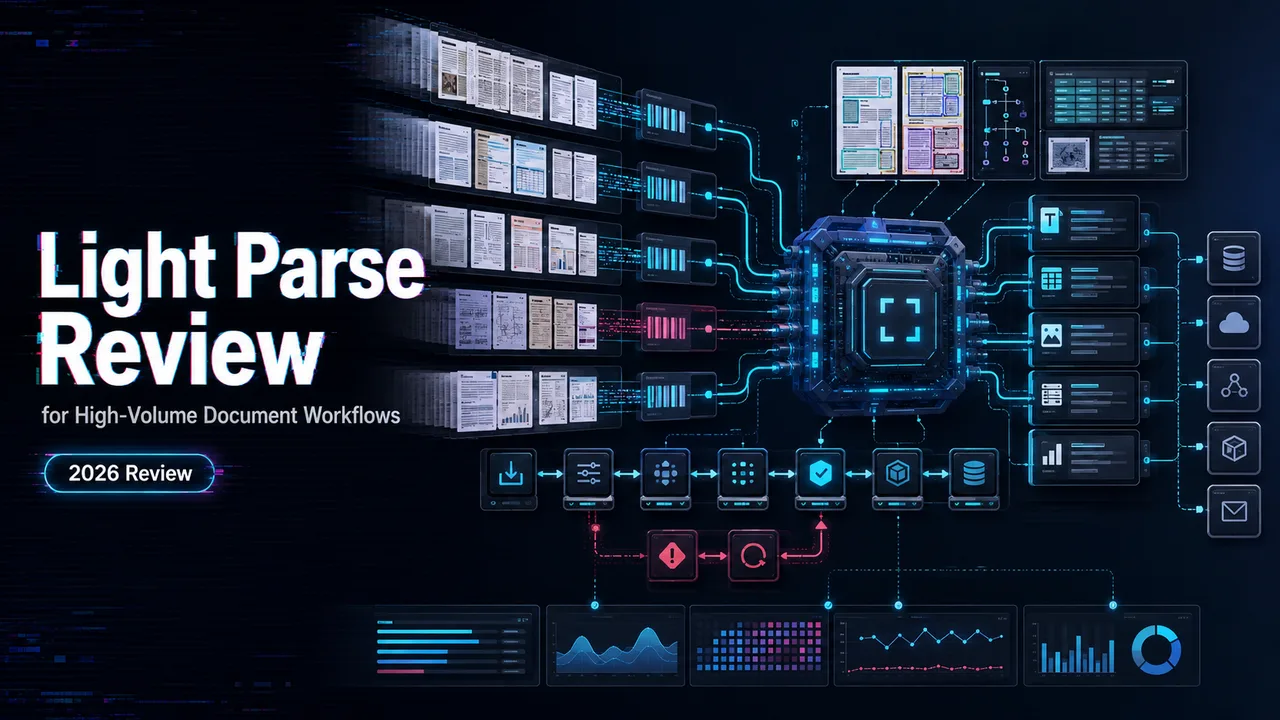
This Light Parse review is for one narrow production question: should a developer use Extend Light Parse for high-volume, text-heavy documents going into a RAG, document AI, or ingestion pipeline?
I’m John. I would not evaluate it as a universal OCR system. That is the wrong frame. The useful test is cleaner: send many readable PDFs or office-style documents through a document parsing API, get structured text or markdown back, validate the result, and decide whether the cost and quality are good enough to keep.
One boundary matters before the review starts. Extend Light Parse is a third-party parsing layer. I found no current official evidence that WaveSpeed has integrated Light Parse, so this should not be described as a WaveSpeed parsing feature. WaveSpeed may still sit elsewhere in a stack as an independent model access or inference layer, but Light Parse behavior belongs to Extend.
Verdict for High-Volume Text Documents
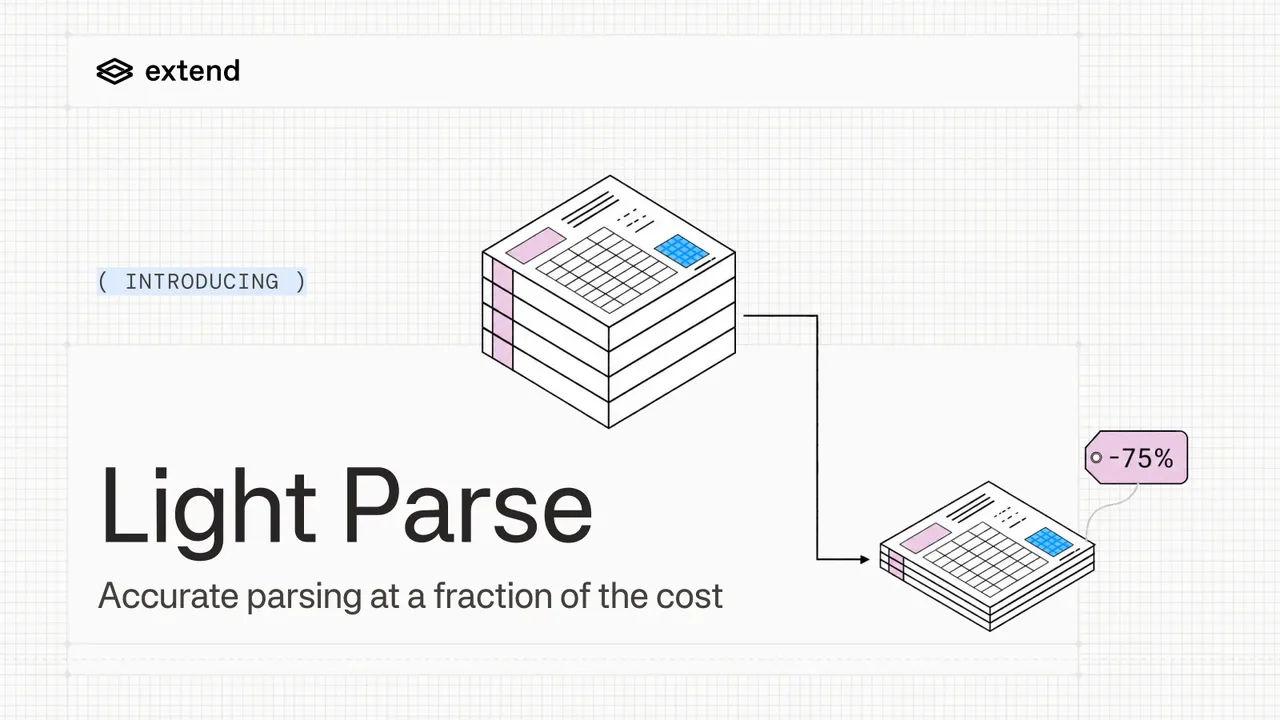
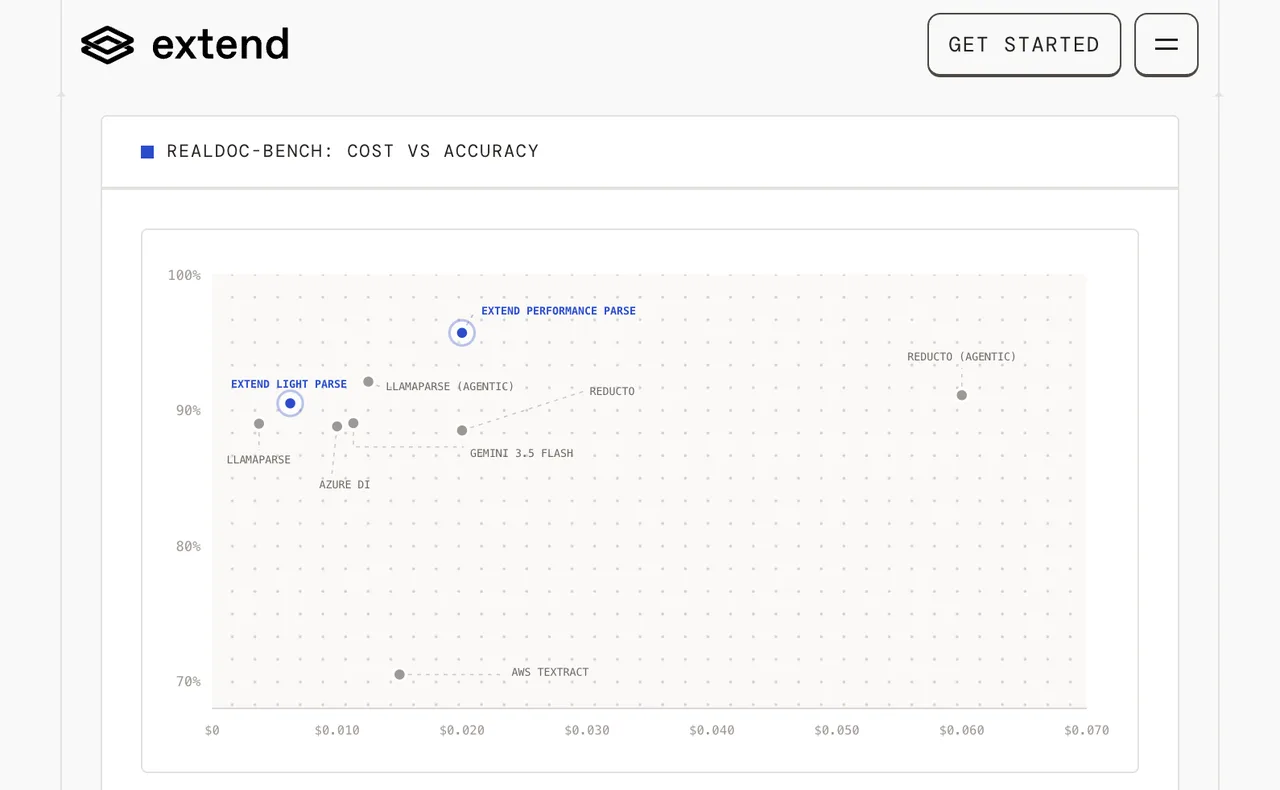
For straightforward, text-heavy documents, Light Parse looks like a sensible first parser to test. Extend’s launch post says Light Parse is generally available, uses the parse_light engine, and is designed for high-volume workflows where cost matters. The same Light Parse announcement reports 90.5% per-field accuracy and 82.7% per-question accuracy on RealDocBench.
That is promising, but it is not a substitute for your own sample run. Light Parse accuracy depends heavily on document shape. Clean reports, agreements, and simple text documents are a different workload from poor scans, dense tables, handwritten notes, and complex forms.
My practical verdict: evaluate Light Parse first when the documents are boring. Boring is good here. Boring means readable text, stable layouts, limited visual complexity, and failures that can be caught before embeddings or extraction.
A good single output does not mean the production workflow is ready. It needs a sample run.
Review One Document Parsing Workflow
Submit a Text-Heavy Document
For this workflow, I would start with 50 to 100 representative documents, not a demo PDF. Include the common files, the messy-but-normal files, and the files that usually create support tickets.
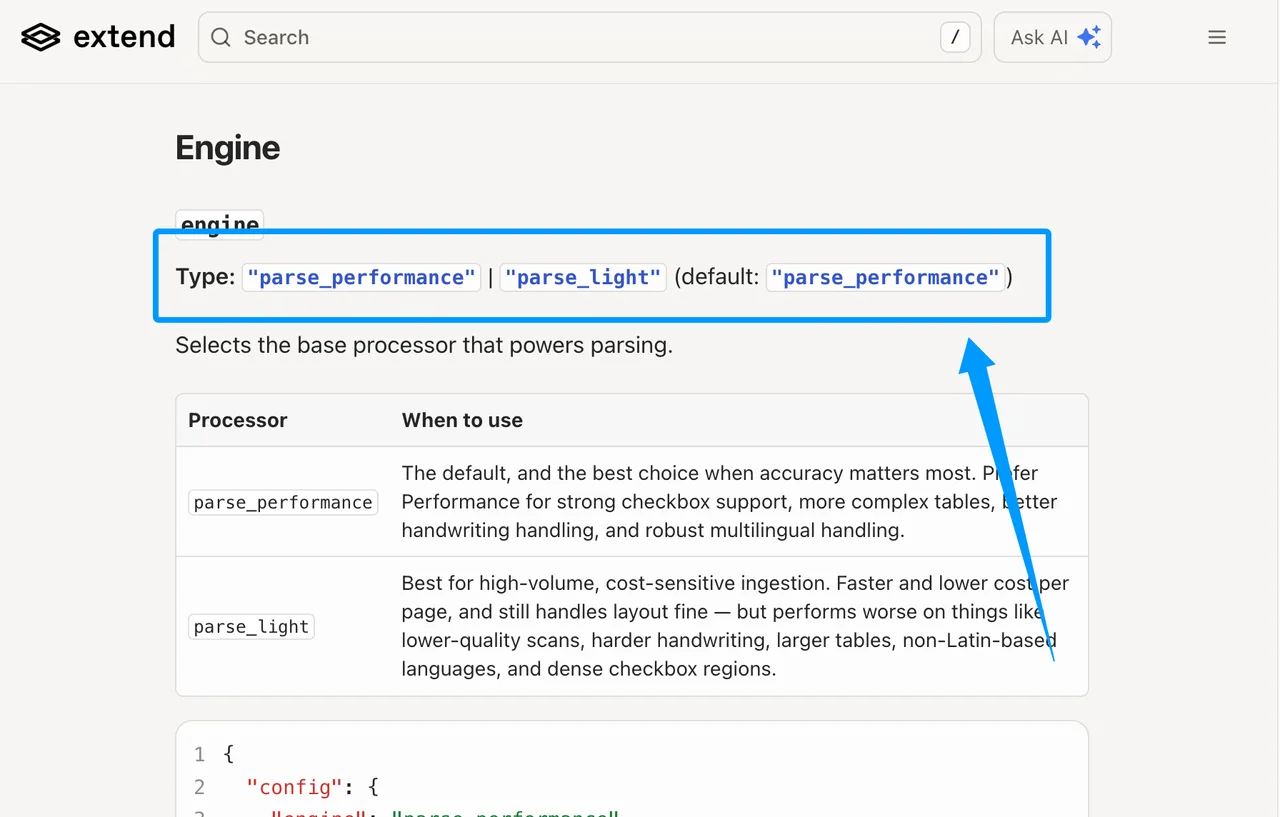
The configuration should explicitly select parse_light. Extend’s parsing configuration shows parse_light and parse_performance as engine options, with parse_performance as the default. That small detail can ruin a test. If the engine is not specified, the team may think it reviewed Light Parse while actually testing a different parser.
For RAG, I would compare page-level chunks against section-level chunks. Page chunks are easier to debug. Section chunks may work better when headings, lists, and related paragraphs need to stay together.
Validate the Parsed Output
Validation should happen before the AI document pipeline writes anything into a vector database or downstream extraction system. Once bad chunks are embedded, the problem becomes quiet and expensive.
I would check:
| Validation Check | Production Reason |
|---|---|
| Missing body text | Prevents recall gaps |
| Reading order | Avoids scrambled answers |
| Header and footer noise | Reduces retrieval junk |
| Section boundaries | Keeps chunks useful |
| Table flattening | Catches layout loss |
| Failure codes | Separates parser issues from file issues |
This cannot be judged by feeling. It needs a sample run with logged outputs.
Evaluate Accuracy and Operating Fit
Layout Fidelity and Failure Cases
Light Parse is not trying to be the strongest parser for every document type. That is part of the product decision. The public positioning is that it fits straightforward, text-heavy documents, while more complex pages may need a stronger parser.
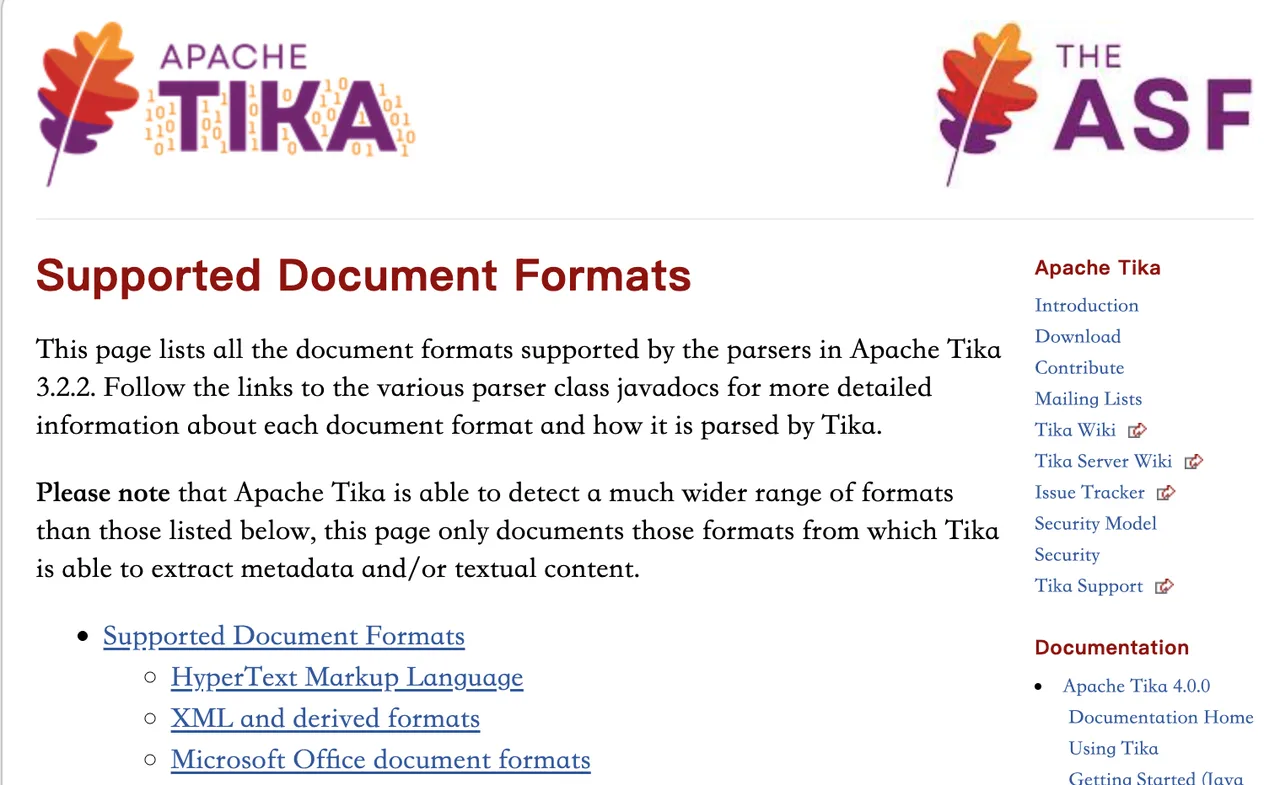
For context, Apache Tika’s supported formats show how wide the document parsing problem can get across PDFs, office files, images, mail formats, and many other containers. Format support is only the entry ticket. It does not mean every layout inside every file will parse equally well.
I would watch for these failure cases:
| Risk Area | What It Usually Breaks |
|---|---|
| Dense tables | Columns, row grouping, totals |
| Poor scans | Missing or distorted text |
| Handwriting | Recognition quality |
| Checkbox forms | Boolean state extraction |
| Non-Latin-heavy files | Language and layout reliability |
| Multi-column pages | Reading order |
If the corpus includes many of these cases, I would test Performance Parse or another parser alongside Light Parse before making a production call.
Latency, Throughput, and Cost Trade-Offs
The appeal of Extend Light Parse is operating fit: lower cost, simpler parsing, and high-volume use. Extend states that Light Parse starts at 0.5 credits per page. That matters if the pipeline parses millions of pages rather than a few hundred documents a month.
Latency needs a separate test. Public docs can tell you how the API is shaped, but they cannot tell you your p95 latency on your files, in your region, with your batch size. I would measure queue time, processing time, retry count, and output size.
For high volume, I would avoid treating synchronous parsing as the main production path. Async processing, polling, and webhooks are a better fit for backfills, nightly ingestion, and large document queues. Speed matters, but stable speed matters more.
Decide Whether Light Parse Fits
Strong Fits for Straightforward Documents
Light Parse is a strong candidate when the parser is supposed to be reliable infrastructure, not the most intelligent part of the system.
It fits when you have:
Clean digital PDFs.
Reports, agreements, notices, and policy documents.
Mostly Latin-based text.
Simple tables.
Large ingestion volume.
RAG workflows that need markdown or structured chunks.
A validation layer after parsing.
A fallback path for harder documents.
In that setup, the lower-cost parser handles the common path, while harder files are routed elsewhere.
Cases That Need a More Capable Parser
Use a stronger parser when the document itself is the hard problem. That includes scanned packets, forms with dense fields, checkboxes, handwritten content, complex invoices, degraded images, and documents where table structure is more important than body text.
The trap is thinking a cheaper parser always lowers cost. If it creates manual review, duplicate parsing, or bad retrieval results, the bill simply moves to another team.
One person can remember edge cases. A team cannot. Put the routing rule in the pipeline.
FAQ
Can Light Parse process password-protected PDFs without preprocessing?
Yes, if the password is provided through the file settings supported by Extend. It should not be treated as automatic password bypass. If the pipeline receives protected PDFs, detect them early and pass credentials through a controlled secret-handling path.
Which Light Parse data residency regions are currently available?
Extend documents cloud regions for US and EU deployments, plus BYOC and Hybrid options for stricter residency needs. Confirm the exact region during procurement because residency is both a technical and contractual question.
Does Light Parse retain uploaded documents after parsing completes?
Extend’s data handling docs describe encrypted storage, retention controls, deletion APIs, and zero-retention options for eligible organizations. Treat this as vendor documentation, not legal advice. For regulated documents, legal and security teams should confirm the signed policy, not just the marketing page.
Can teams pin Light Parse behavior to a parser version?
Yes. Extend’s configuration supports engineVersion, and its Parse Light version page lists stable and beta versions. Production teams should pin parser behavior, run regression tests, and upgrade deliberately rather than letting latest change unnoticed.
Which Light Parse failures qualify for support escalation?
Escalate failures that look retryable, unexplained, or service-side, especially when they include a request ID and occur across otherwise valid files. Fix client-side issues first: unsupported file type, corrupt file, oversized file, or missing password.
Conclusion
The bottom line for this Light Parse review is simple: Light Parse is worth testing for high-volume, text-heavy documents where cost, throughput, and clean markdown matter more than maximum layout recovery.
I would run a representative batch, pin parse_light, compare the output against a stronger parser on known hard files, and log every failure reason. If the common documents stay clean and the fallback route catches the rest, this workflow can stay.
Previous posts:
/filters:quality(82)/media/images/c347367a-a007-4466-b8f7-d37f5fb52819.webp)
/filters:quality(82)/media/images/cd4db796-7728-45fb-8267-6813ed28e173.webp)
/filters:quality(82)/media/images/1791535252286714222_v4jvJT2a.webp)
/filters:quality(82)/media/images/1791451065663755033_qNqAKS1a.webp)
/filters:quality(82)/media/images/1791359984291066138_tW5eOX6f.webp)
/filters:quality(82)/media/images/1773962750383987480_n3hqzHRZ.webp)