
Browser Agent Infrastructure: Why Bot Identity Matters
Browser agent infrastructure needs verifiable identity. Learn how signed requests, bot registration, and access policies fit together.
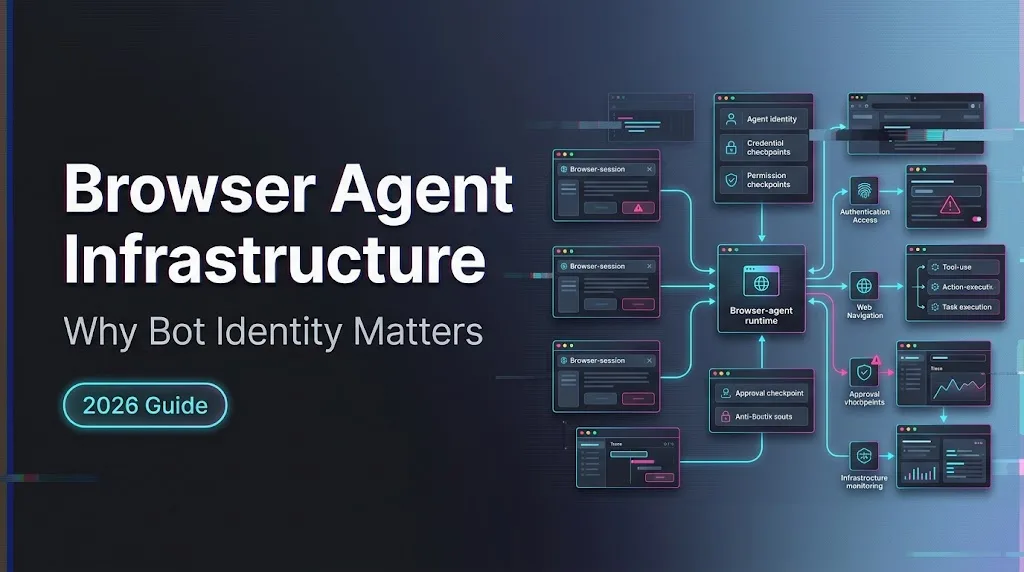
Hello, guys. I’m Dora. I have watched browser agents fail for a boring reason: the destination site could not tell who was knocking. The request had a User-Agent. Sometimes it had a stable IP. Neither was enough. In Browser Agent infrastructure, identity has to be verifiable before policy can be fair.
This is not about slipping past bot defenses. That is the wrong goal. The useful goal is cleaner traffic: an agent says who operates it, signs the request, lets the origin or edge verify that claim, and still follows the site’s rules. A signed bot can be trusted more precisely. It still does not get a free pass.
I am using the official names Web Bot Auth and Cloudflare Browser Run. I am not treating “Cloudflare Bot Mode” as a verified Cloudflare product name here.
Why Browser Agents Need Verifiable Identity
User Agents and IP Lists Are Weak Identity Signals
A User-Agent string is a label, not proof. Any HTTP client can copy one. Cloudflare says the default User-Agent for Browser Run depends on the access method, and that User-Agent is not a reliable way to identify Browser Run requests because it can be configured in most methods and changes with Chrome versions. That line is worth sitting with for a second. The label everyone logs is the weak part.
IP lists are better, but they age badly. Providers add infrastructure. Traffic moves through intermediaries. Shared egress gets messy. Residential or third-party networks make the operator question even harder. If an origin only has IP and User-Agent, it can either over-trust traffic or over-block it. Neither is great.
Signed Requests Create a Verifiable Trust Signal
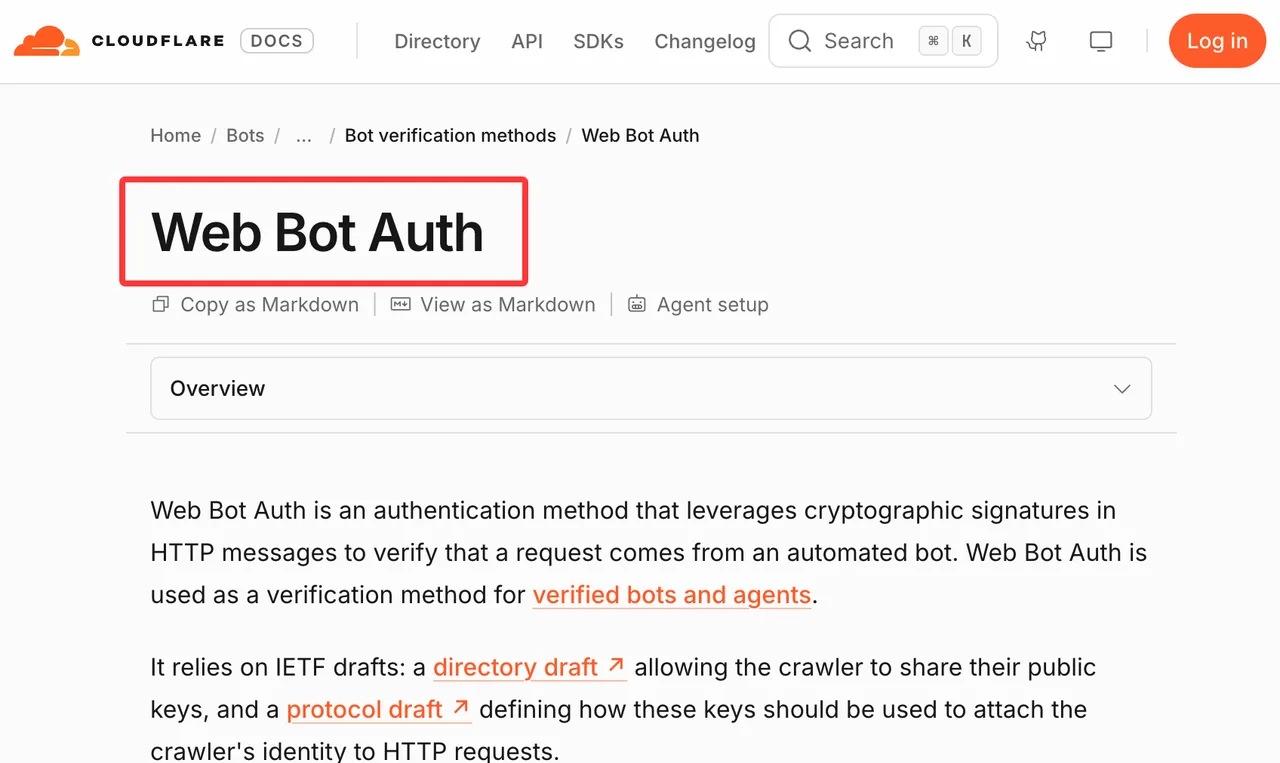
Signed requests change the shape of the problem. Web Bot Auth uses cryptographic signatures in HTTP messages to verify that a request came from an automated bot. The Cloudflare implementation is described in its Web Bot Auth documentation, which is the main source I would use before shipping.
The important word is verify. A signature can prove that a request was signed by the holder of a private key associated with a registered public key. It does not prove the crawl is allowed. It does not prove the end user has authorization. It does not override robots.txt, site terms, rate limits, or product policy.
How Web Bot Auth Fits the Request Flow
Key Directories, Registration, and Request Signatures
The flow is simple enough on paper. Generate an Ed25519 signing key. Host a public key directory at /.well-known/http-message-signatures-directory over HTTPS. Serve a JWKS. Sign the key-directory HTTP response as required by Cloudflare, including the required Content-Type, Signature, and Signature-Input headers. Register the bot and key directory through Cloudflare’s bot submission flow, using Request Signature as the verification method.
After verification, the agent signs requests. Cloudflare’s docs call for Signature-Agent, Signature-Input, and Signature headers. The Signature-Input includes parameters such as tag, keyid, created, expires, and optionally nonce. For Web Bot Auth requests, the tag is web-bot-auth.
This is where I slow down. Short-lived signatures matter. Cloudflare recommends short expires values to reduce replay risk and notes that nonce validation is not currently backed by a seen-nonce database. A minute is often enough, according to the docs. Use shorter windows before inventing more complicated defenses.
Verification at the Cloudflare Edge
At the edge, Cloudflare can validate the message against the registered key material. Cloudflare also provides a test endpoint, https://crawltest.com/cdn-cgi/web-bot-auth, where a correctly formatted but unknown key can return 401, a known verified key can return 200, and malformed requests can return 400.
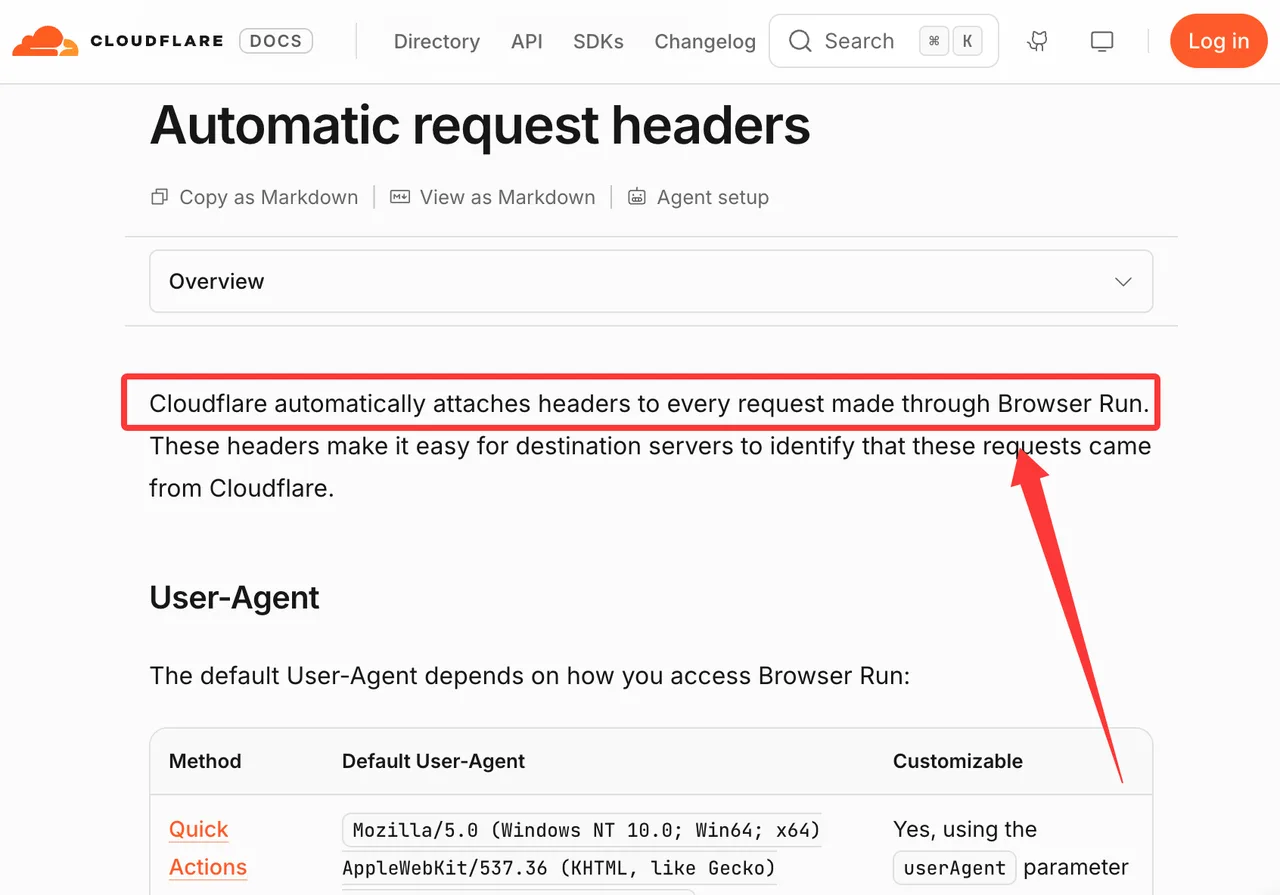
Cloudflare Browser Run already adds identity-oriented headers to its outgoing requests. The Browser Run automatic headers page says Cloudflare attaches headers to every Browser Run request, including non-configurable transparency headers and Web Bot Auth signature headers. A successful verification proves the request originated from Cloudflare Browser Run and was not tampered with in transit.
Good. That gives origins and edge policy something better than a costume.
Design the Agent Identity Layer
Separate Bot Identity From End-User Authorization
AI bot identity and user authorization are separate layers. Keep them separate in your design.
The bot identity says, “This request came from this agent operator or runtime.” End-user authorization says, “This human or customer is allowed to access this resource.” A hosted browser platform may serve thousands of customers. A valid platform signature does not mean every user-driven action should be allowed.
Cloudflare calls this transitive trust in the Web Bot Auth docs: website owner, bot operator, end user. That chain matters. If your browser agent platform acts for many customers, your logs and policy should preserve which customer, tenant, workflow, or purpose initiated the request. Do not put raw secrets in those logs. Do put enough structured context to investigate abuse.
Rotate Keys and Limit Replay Risk
Treat signing keys like production credentials. Store private keys in a managed secret system. Rotate them on a schedule and after operator changes. Publish multiple public keys during rotation so traffic does not break mid-deploy.
Keep expires short. Sign stable request components such as @authority and avoid unsupported or non-ASCII components. Cloudflare notes implementation limits around parts of RFC 9421, so do not assume every HTTP Message Signatures option works at the Cloudflare edge. The base standard is RFC 9421; the production behavior is still whatever your verifier supports.
Connect Identity to Access Policy

Allow, Challenge, Rate-Limit, or Block by Verified Purpose
Verified identity should feed policy, not replace it. Once a request is verified, decide what that verified purpose can do.
A practical policy map can be short:
| Signal | Possible action |
|---|---|
| Verified search crawler, normal rate | Allow or cache-serve |
| Verified user-directed agent | Allow selected paths, challenge sensitive flows |
| Verified training crawler | Apply content-use policy and robots rules |
| Valid signature, mismatched behavior | Rate-limit or review |
| Failed signature or unknown operator | Challenge, limit, or block |
Cloudflare’s verified bots docs frame verification as both honest self-identification and non-abusive behavior. That second half is important. A verified bot can still lose trust if its purpose and behavior diverge.
Keep robots.txt and Site Terms in the Decision
Verification does not grant permission to browse. I am repeating that because teams get this wrong.
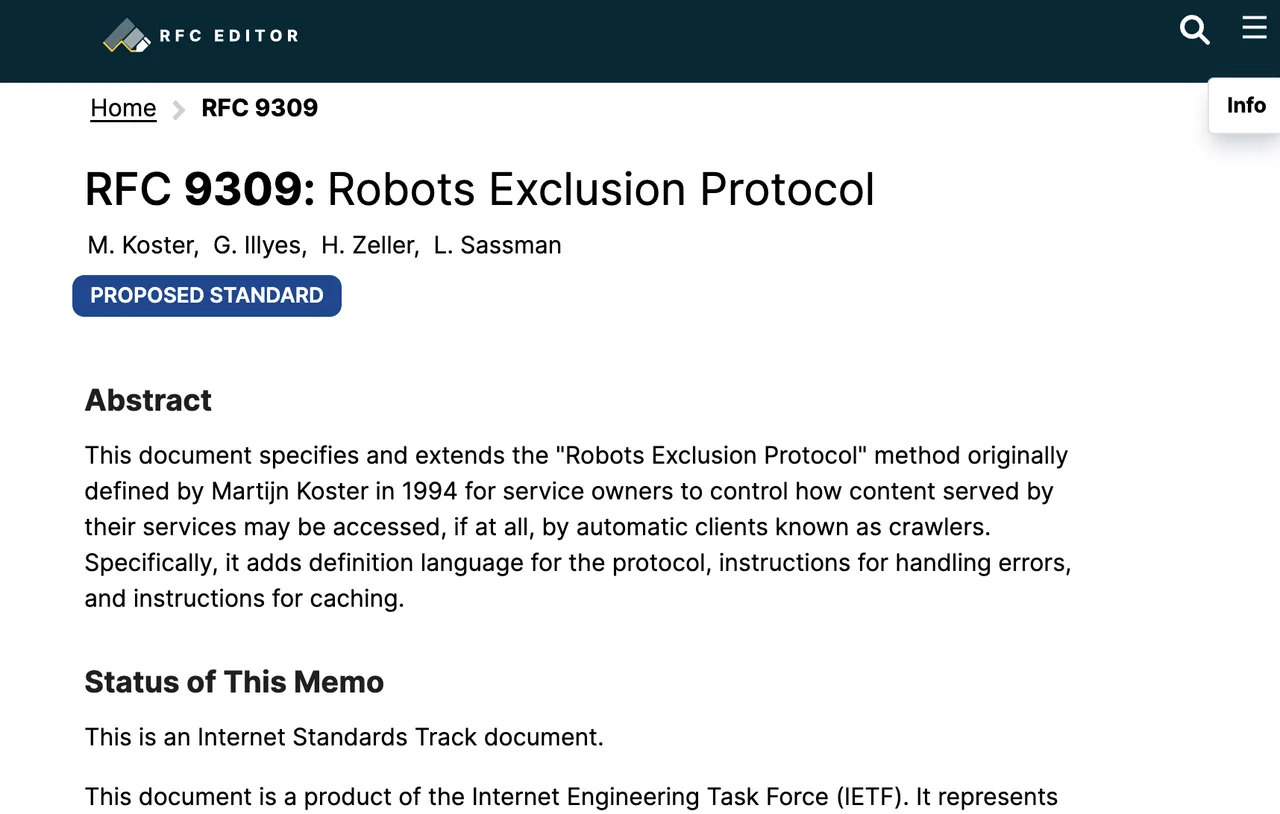
Robots.txt is still part of the decision. Site terms still matter. User consent still matters. The Robots Exclusion Protocol is documented in RFC 9309, but legal and policy interpretation depends on the site, jurisdiction, contract, and use case. This article is engineering information, not legal advice.
For browser agents, keep purpose visible: search, user-directed agent, monitoring, accessibility, security testing, or something else. Purpose is what lets the site decide whether to allow, challenge, rate-limit, or block.
Test and Observe Browser Agent Traffic
Validate Signatures Before Production Crawls
Before production traffic, test the full request path. Do not only test signing locally. Test through the actual browser runtime, proxy layer, queue, retry system, and edge.
Check that Signature-Agent is present, HTTPS, and formatted the way the verifier expects. Check that Signature-Input includes the required components. Check that clocks are synchronized enough for short expiration windows. Check that redirects do not strip headers. Check that retries generate fresh signatures when needed.
This is tedious. It is also cheaper than explaining why verified traffic arrived unsigned for six hours.
Log Verification Failures Without Storing Secrets
Log enough to debug. Not enough to leak.
Useful fields include request ID, operator ID, bot purpose, key ID or thumbprint, verification result, failure reason, target host, timestamp, runtime path, and policy action. Do not log private keys. Do not log full authorization headers. Avoid storing page content unless the customer and policy model allow it.
For Cloudflare Browser Run specifically, the automatic headers include request identifiers and signature headers. Store verification outcomes and request IDs. You rarely need to store the whole signed header value forever.
Limits and Trade-Offs
Verification Does Not Grant Permission to Browse
A signed request says who sent it. It does not say the request is welcome.
That distinction protects both sides. Sites can give verified bots more precise treatment. Agent operators can avoid being lumped in with spoofed traffic. Users and site owners still need authorization, terms, and rate limits respected.
This is the line I would put in every agent platform design review: identity is a trust signal, not access rights.
Support Varies Across Origins and Agent Runtimes
Support is uneven. Some origins verify Web Bot Auth. Some rely on Cloudflare bot fields. Some only inspect User-Agent and IP. Some do not know what to do with signed agents yet.
Agent runtimes vary too. Cloudflare Browser Run emits non-configurable transparency and signature headers. Your own Playwright fleet will not magically do that unless you build it. Another hosted browser provider may have a different signing scheme or no signing at all.
That is fine. Just do not design policy as if the whole web already supports one universal signed-agent layer.
FAQ

Are Web Bot Auth keys portable between CDN providers?
The private key can technically sign HTTP messages anywhere, but portability depends on the verifier, registration process, supported algorithms, and key directory expectations. Do not assume one provider’s approval makes the bot verified everywhere. Register and test per provider.
How should customers verify the legal operator behind an agent?
Use official directories, provider dashboards, published operator documentation, support channels, and contractual records. For higher-risk access, require a named legal entity and purpose statement. This is a governance process, not just a header check.
What incident evidence should accompany a false-positive block?
Send timestamps, request IDs, source operator, signed header presence, verification result, target host, affected paths, WAF or bot rule ID, sample failure reason, and expected purpose. Do not send private keys or customer secrets.
Can a verified bot use residential proxy networks?
A verified identity does not make every network choice acceptable. Residential proxy use can conflict with site terms, provider policy, user expectations, or abuse controls. Treat it as a policy and legal review item, not an engineering shortcut.
Who owns revocation when a bot operator changes legal entities?
The bot operator should initiate key and registration updates. The verifying provider should update or revoke directory entries. Customers should review allow rules tied to that operator. Ownership change is a trust change. Treat it that way.
Conclusion
Browser Agent infrastructure needs verifiable identity because the old signals are too easy to copy and too hard to govern. User-Agent strings are useful labels. IP lists are useful hints. Signed requests are better evidence.
Web Bot Auth gives browser and crawl agents a way to prove origin through HTTP message signatures. Cloudflare Browser Run shows how a hosted browser runtime can attach transparent, non-removable identity headers. That still does not grant permission. The clean pattern is simpler: verify identity, preserve purpose, respect site rules, log failures, and let access policy make the final call.
Previous posts:
/filters:quality(82)/media/images/c347367a-a007-4466-b8f7-d37f5fb52819.webp)
/filters:quality(82)/media/images/cd4db796-7728-45fb-8267-6813ed28e173.webp)
/filters:quality(82)/media/images/1791535252286714222_v4jvJT2a.webp)
/filters:quality(82)/media/images/1791451065663755033_qNqAKS1a.webp)
/filters:quality(82)/media/images/1791359984291066138_tW5eOX6f.webp)
/filters:quality(82)/media/images/1773962750383987480_n3hqzHRZ.webp)