Step AOS MCP for Agentic App Developers
Step AOS MCP could turn phone and app functions into agent-callable capabilities. Learn the tool, permission, recovery, and ecosystem implications.
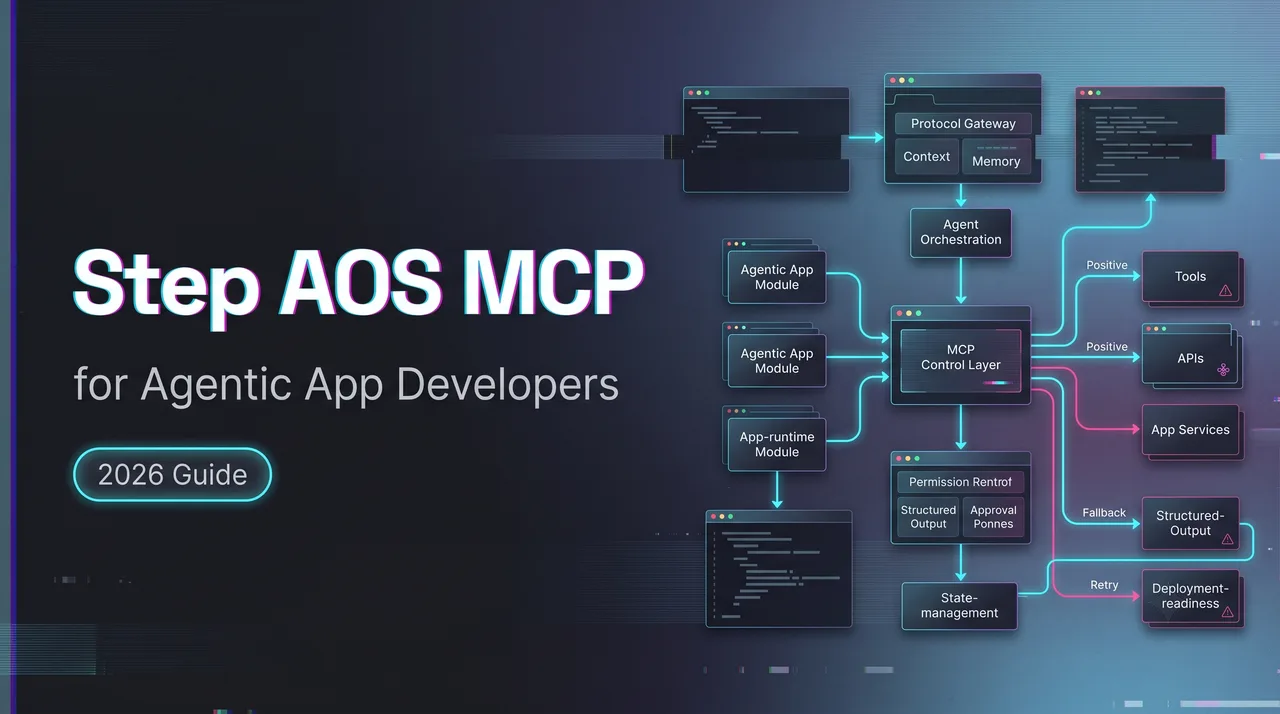
Hi, my friends. I’m Dora. I keep seeing the same shortcut in agent demos: the agent taps through screens like a fast user, then everyone calls it integration. That is not enough for app developers. Step AOS MCP matters only if mobile apps can expose stable capabilities that agents can call, recover from, and audit.
As of August 7, 2026, I could not find a complete public Step AOS SDK or third-party developer specification. Public material describes the direction. It does not yet prove the callable API surface. This piece treats Step AOS as an architecture signal, not a finished developer contract.
Why MCP Matters in an Agent-Native OS
Moving from screen automation to structured capabilities
Screen automation is brittle. It depends on labels, layout, timing, focus state, permissions, popups, and the app version installed that morning. Mobile UI changes constantly. Agents hate that, even when the demo does not show it.
An agent-native OS MCP layer points at a cleaner model. Instead of asking an agent to “open the app, tap the second tab, scroll, choose the third option,” the app exposes a capability: create reminder, send message, search file, book slot, summarize thread, update setting.
That is where the Model Context Protocol becomes relevant. The official MCP tools specification defines tools with names, descriptions, input schemas, and result objects. On a phone, that pattern could turn app functions into mobile agent tools.
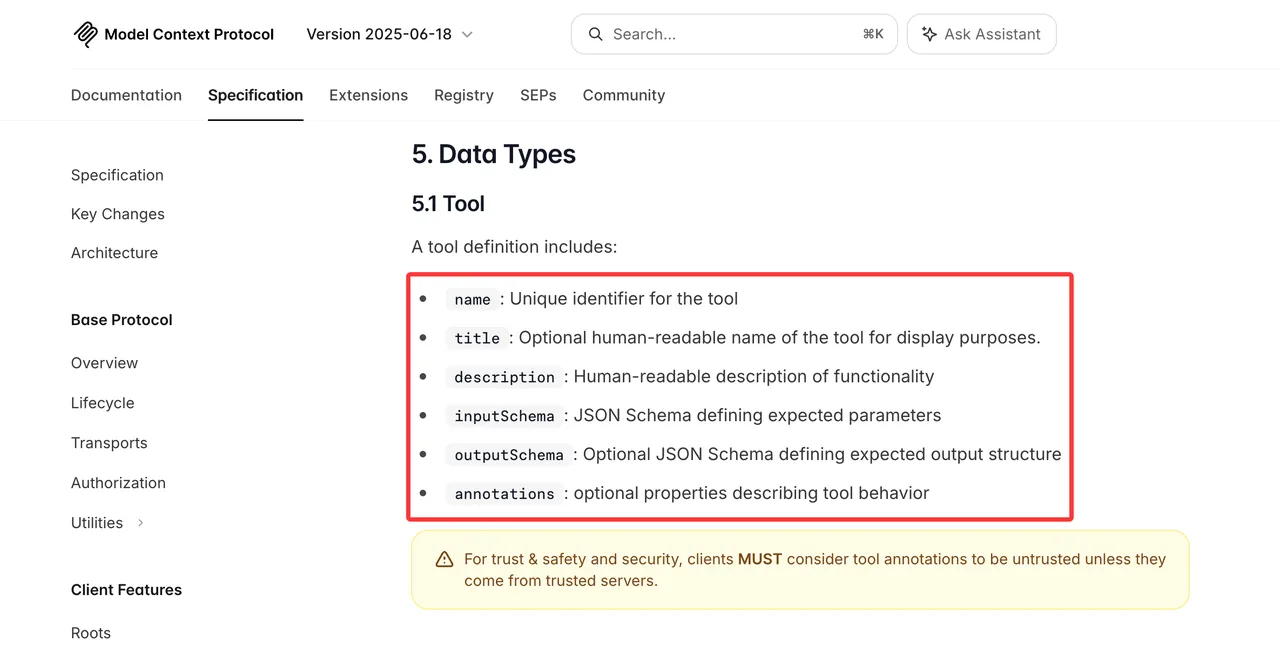
The word “could” is doing work. Step AOS-specific service categories, compatibility rules, registration flow, and review process still need confirmation from official StepFun developer documentation.
What an atomic capability needs to expose
An atomic capability is not a button. It is a contract. At minimum, it needs a name, description, input schema, output schema, permission scope, preconditions, side effects, error states, and rollback notes. If an agent can call it, the app has to explain what the action does before the call and what happened after the call.
“Send message” is too vague. “Send message to verified contact” is better, but still incomplete. A usable tool contract needs recipient identity rules, supported message types, attachment limits, confirmation requirements, delivery status, and failure classification.
That is the difference between agentic app development and UI exposure. The first gives agents a controlled interface. The second gives them a surface to poke.
Design Tools Agents Can Use Reliably
Descriptions, schemas, preconditions, and structured results
Good tool descriptions are short, specific, and boring. Boring is good here. An agent should know when to call the tool, when not to call it, and what data must exist first.
Schemas do the heavier work. They constrain the request before the app receives it. Required fields should be explicit. Enum values should be closed where possible. Dates, currency, contacts, files, and locations need clear formats.
Structured results matter just as much. The MCP schema reference includes structuredContent for machine-readable tool output and isError for tool-level failures. That gives the agent something it can reason over instead of parsing a sentence that says “something went wrong.”
A capability result should answer four questions:
| Result field | Why it matters |
|---|---|
| status | Lets the agent continue, retry, or stop |
| object_id | Gives later steps a stable reference |
| user_visible_change | Explains what changed in the app |
| next_actions | Shows allowed recovery paths |
Found the pattern on the third try: agents fail less when MCP services return state, not prose.
Idempotency, error states, and recovery actions
Mobile agents will retry. Networks fail. Users background apps. Permissions change mid-run. The same action may be called twice.
Every write action needs an idempotency strategy. “Create payment” and “send message” cannot behave like “refresh weather.” Use request IDs, duplicate detection, conflict handling, and clear final states.
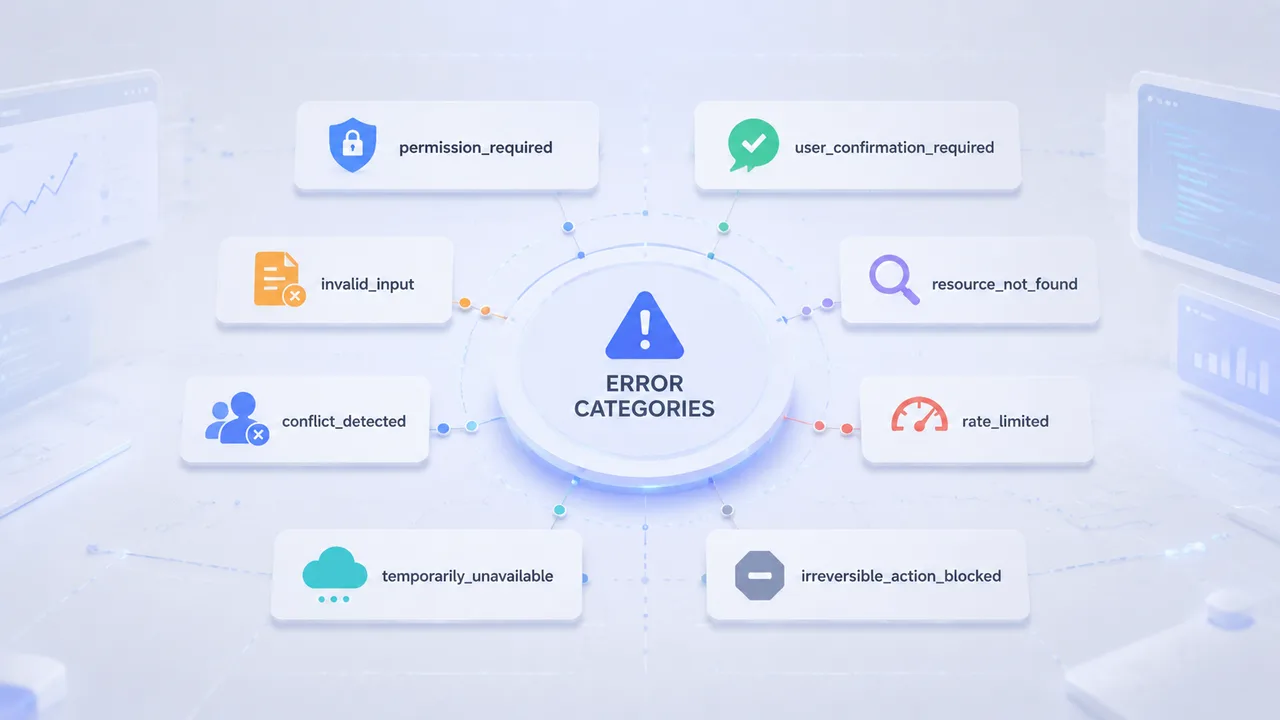
Errors need categories. A model can recover from missing_contact_permission. It cannot recover from failed.
Useful error classes include:
- permission_required
- user_confirmation_required
- invalid_input
- resource_not_found
- conflict_detected
- rate_limited
- temporarily_unavailable
- irreversible_action_blocked
Do not let the agent invent recovery. Expose recovery actions directly: retry, ask user, choose another account, open settings, cancel task, or wait for callback.
Define Permission Boundaries
User confirmation, scoped access, revocation, and audit trails
A phone is not a server process. It contains private messages, contacts, photos, location, payments, health data, and work accounts. Agent access cannot be treated like a normal API key.
The MCP authorization specification defines OAuth-style authorization for HTTP-based transports, including bearer tokens and scoped access. Step AOS may map permissions through a mobile OS-level capability system, but that exact mapping is not publicly confirmed yet.
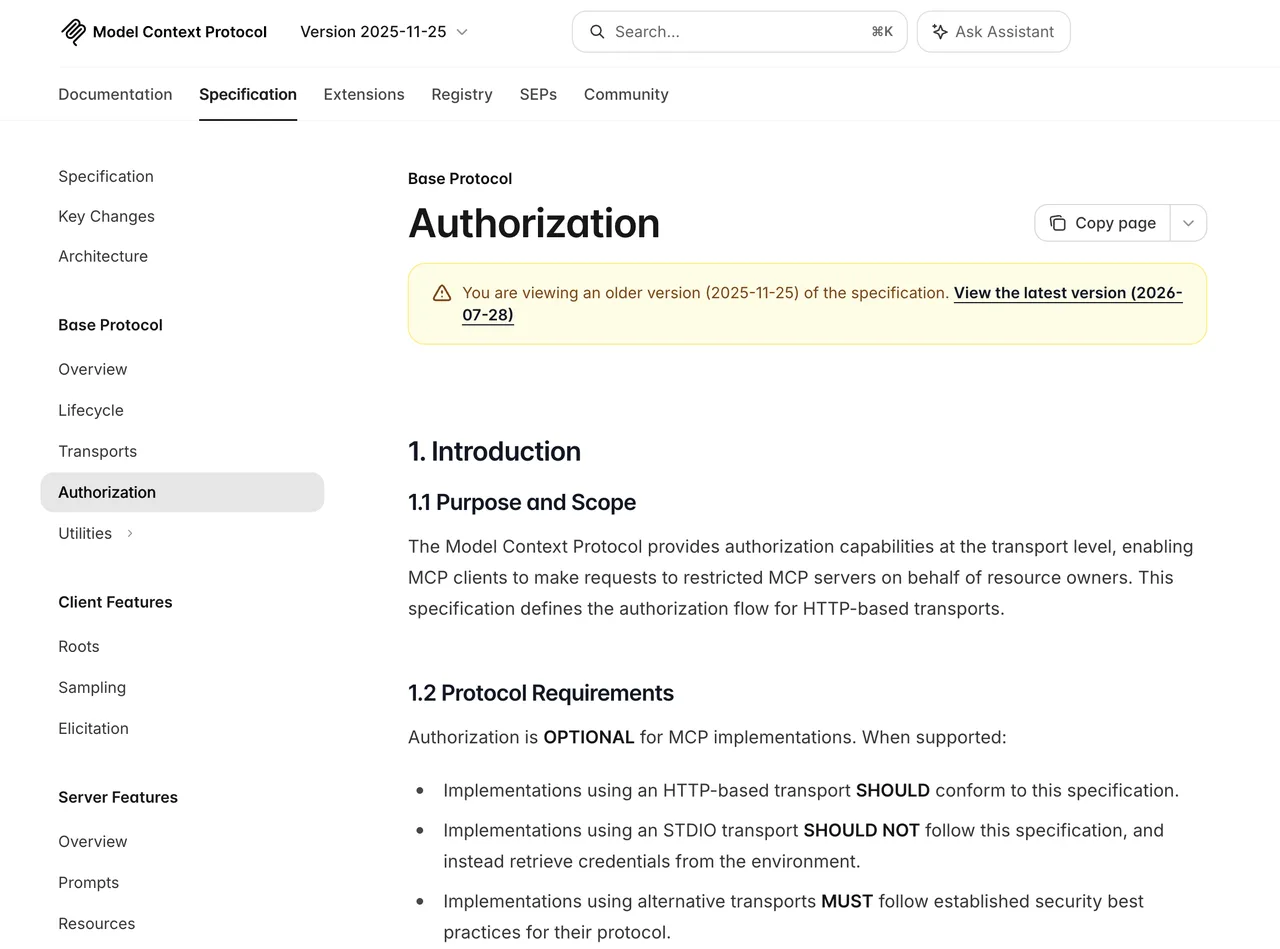
The design principle is still clear. Read access and write access are different. One-time access and persistent access are different. “Read calendar availability” and “create calendar event with guests” are not the same permission.
A reliable permission layer needs four records:
- What capability was granted
- Who granted it
- Which app, account, or data scope it covered
- When it was used, revoked, or denied
For high-risk actions, confirmation belongs near the action. Sending money, deleting files, publishing content, contacting another person, or changing security settings needs explicit user review.
Prepare Apps for Agent Orchestration
Composable actions, long-running tasks, and status updates
Agents work better when app actions compose cleanly. A travel app might expose search trips, compare options, hold itinerary, request user confirmation, and book. A messaging app might expose search contacts, draft message, attach file, request approval, and send.
That sequence should not depend on screen order. Long-running tasks need status. Mobile agent tools should not assume every action finishes inside one synchronous call. Uploading a video, exporting a file, waiting for a merchant response, or syncing a mailbox needs progress states.
A practical lifecycle looks like this:
acceptedneeds_user_confirmationrunningwaiting_on_external_servicecompletedfailedcancelledexpired
Status updates let the agent pause instead of guessing. Good infrastructure makes you forget it’s there. Bad infrastructure makes the agent narrate confusion.
Current Limits and Open Questions
Public SDK status, compatibility, discovery, and versioning
This is where the article has to stay conservative.
Public launch coverage of STEPX Neo and Step AOS frames the system as an agent-native mobile platform. StepFun’s current platform page mentions agent ecosystem compatibility and tool-calling protocols. The Step Plan documentation documents model access for coding tools and agent platforms.
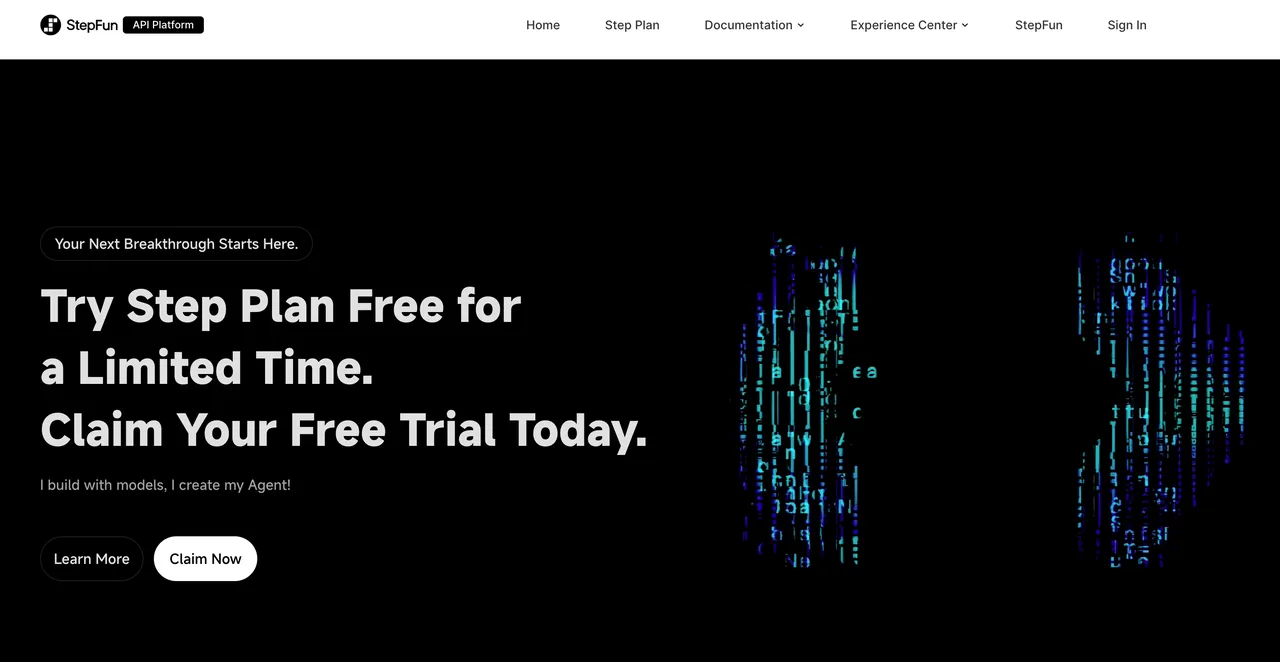
That still does not equal a public Step AOS third-party app SDK.
The open questions are practical:
- How do third-party apps register atomic capabilities?
- Are tools local-only, cloud-mediated, or both?
- How are capability versions discovered and deprecated?
- Does Step AOS require review for tool schemas?
- Which user permissions map to each capability?
- Can developers test agent calls without StepFun hardware?
Until StepFun publishes a developer SDK or repeatable app-integration test path, these are architecture assumptions. Not API facts.
This conclusion has an expiration date. Agent-native OS documentation can change quickly.
FAQ
Who owns a third-party Step AOS integration failure?
The app developer owns the app-side tool contract. StepFun would own OS-level routing, permission prompts, agent runtime behavior, and documented platform interfaces. Shared failures need evidence before blame.
A clean incident record includes app version, OS build, capability name, request payload, permission state, user confirmation state, timestamp, returned error, and whether the failure appeared through direct app use or agent orchestration. No evidence, no ownership. Just opinions with timestamps.
What evidence belongs in a capability-access dispute?
Keep the capability manifest, permission grant record, revocation history, audit log, user confirmation screen, tool call payload, structured result, and app-side state change.
Do not rely only on screenshots. Screenshots show what the user saw. They do not prove what the agent requested, what the OS allowed, or what the app executed.
For sensitive actions, store enough metadata to prove the path without exposing private content unnecessarily.
How should developers report undocumented tool behavior?
Report it as a reproducible contract gap. The report should include the expected behavior, observed behavior, exact capability name, schema version, device or emulator environment, OS build, app version, permissions, minimal reproduction steps, and sanitized logs.
Avoid framing it as “the agent was weird.” Agents are often weird. The useful question is whether the platform contract allowed that behavior or failed to document it.
Conclusion
Step AOS MCP is worth watching because it points at the real mobile-agent problem: apps need structured capabilities, not just screens for agents to operate. The useful work for developers starts before any public SDK is complete.
Define atomic actions. Write tight schemas. Return structured results. Separate permissions. Log decisions. Treat every undocumented Step AOS behavior as unconfirmed until official developer documentation or repeatable tests say otherwise.
Previous posts: