Grok Imagine Video vs Sora for Image-to-Video
Compare Grok Imagine vs Sora for one image-to-video workflow across motion control, audio, iteration speed, and access.
Watching two showcase reels is a quick way to compare editing teams, not video models. For this Grok Imagine vs Sora decision, the useful evidence comes from one owned image, one eight-second brief, repeated runs, and a strict acceptance rule.
I do not have matched raw outputs or API logs for both services, so this is a reproducible comparison protocol rather than a claimed test result.
Quick Verdict by Workflow Need
Grok Imagine for Its Current Fast I2V Route
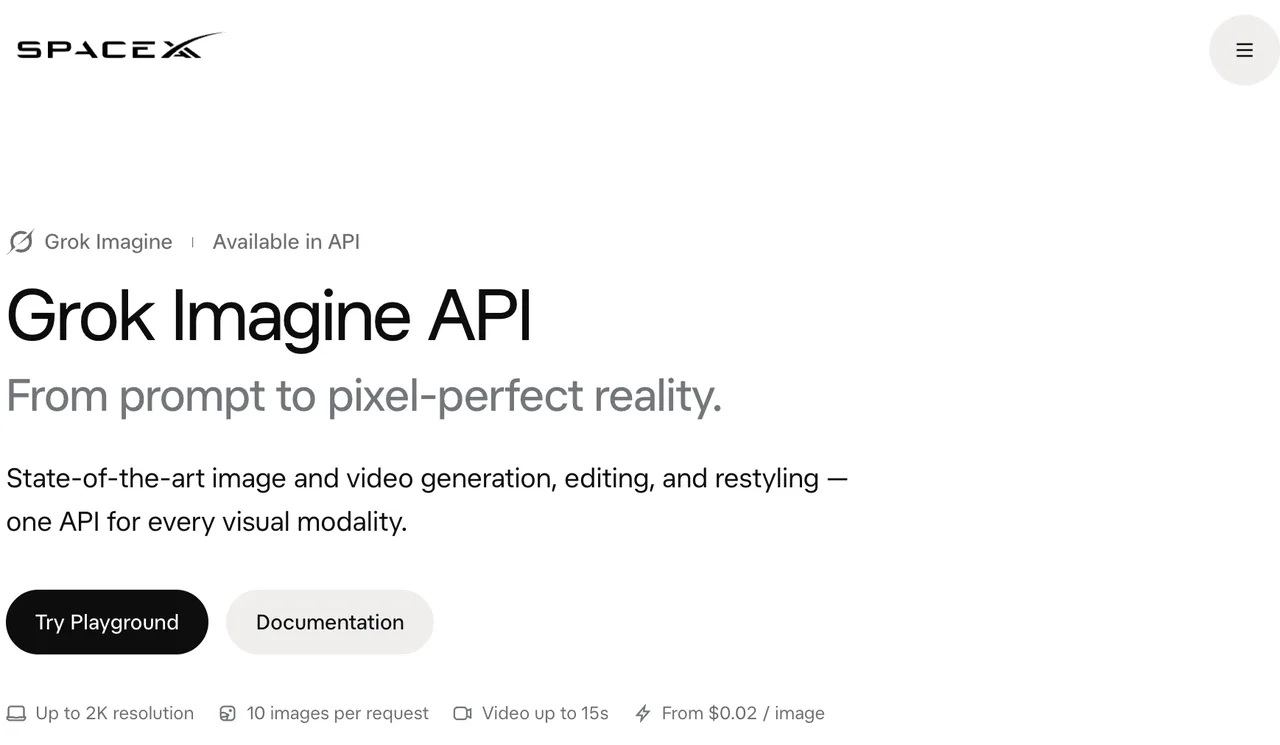
Grok Imagine is the clearer route for a new programmable image-to-video workflow. xAI says Video 1.5 is generally available through its API, while Video 1.5 Fast is available through grok.com and the mobile apps.
The xAI launch announcement reports about 25 seconds for a six-second 720p Fast clip. That is an xAI measurement, not a matched independent result. Still, the current API status and active model route make Grok the lower-migration-risk option for a new integration.
Sora for Its Verified Creative Surface
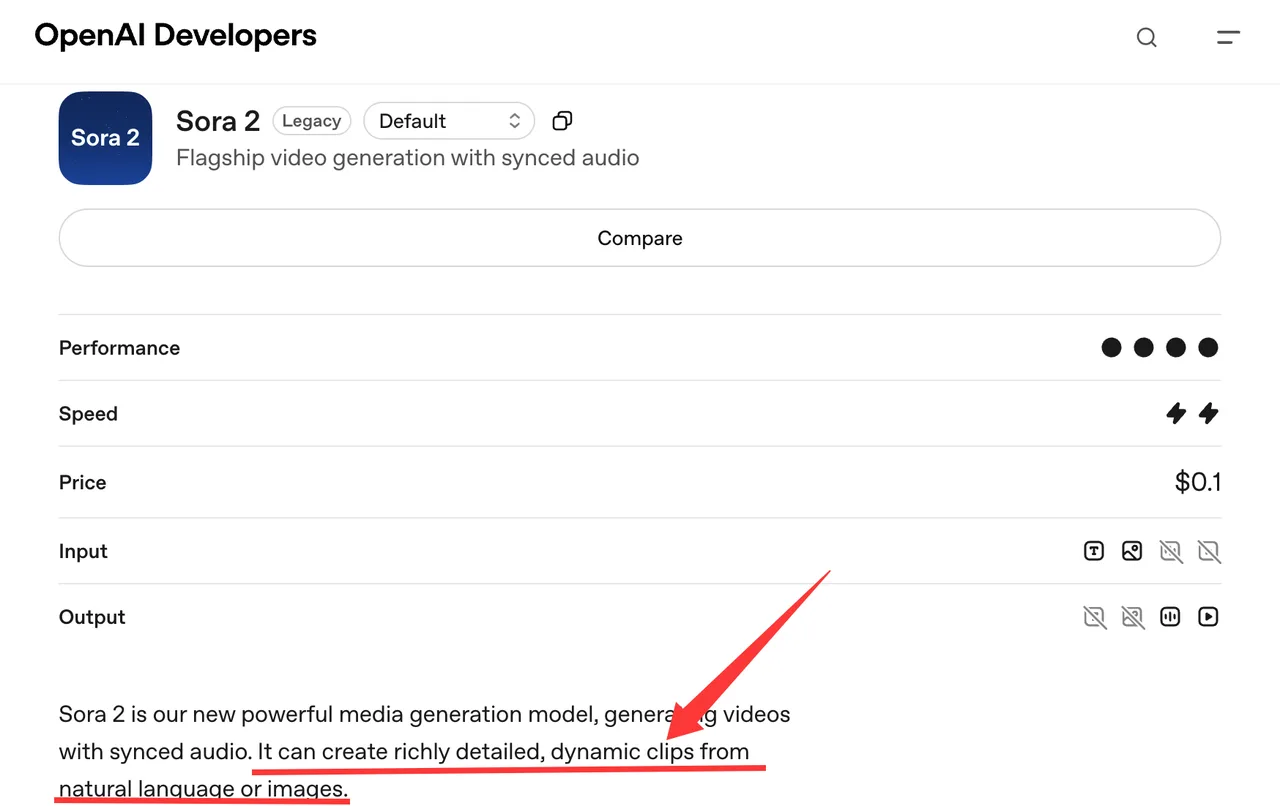
Sora’s documented API accepts an image reference, produces synchronized audio, and supports remixing completed videos. That gives existing users a defined creative surface for controlled I2V experiments.
The lifecycle changes the verdict. OpenAI currently labels Sora 2 as legacy, and its video API is scheduled to close on September 24, 2026. I paused here. A capable model with nine days of API runway is not a sensible foundation for a new production integration.
Sora can still be evaluated by teams with current access, but the experiment should answer an archival or migration question, not justify fresh API dependence.
Compare Three Decision Factors
Motion and Source-Image Consistency
Neither provider’s launch claims settle image-to-video quality. Measure whether motion looks intentional while the source subject, colors, proportions, text, and background relationships remain stable.
Grok’s Video 1.5 announcement claims better motion and physics than its previous model. OpenAI describes Sora 2 as capable of dynamic clips from text or images. These are provider statements. They were produced under different prompts, interfaces, and review methods.
Use frame-by-frame inspection at the start, midpoint, and end. Reject a clip when the main product changes shape, a logo mutates, an object appears without instruction, or the camera movement damages the source composition.
Native Audio and Editing Controls
Both routes support native audio video generation. Grok Video 1.5 generates ambience, effects, and speech in the same pass. Its current API description also lists text, image, and audio as inputs.
Sora 2 documents text and image input with synchronized audio output. The video endpoint supports an image reference and a remix operation based on a completed video ID. It does not document audio input for the same generation route.
That makes the controls unequal. Grok can be tested with an audio reference where supported. A fair matched test must omit that input, since Sora cannot receive it through the documented endpoint. Otherwise, the comparison measures interface scope rather than model behavior.
Latency, Access, and Task Cost
Current public API listings put Grok Imagine Video 1.5 output at a starting per-second rate that varies with resolution. Sora 2 lists a separate per-second rate, with Sora 2 Pro costing more. Sticker prices are not enough.
Track:
| Metric | Recording rule |
|---|---|
| Latency | Submission to downloadable file |
| Retries | Every repeated or failed request |
| Acceptance rate | Accepted clips divided by completed clips |
| Generation cost | Media input plus output charges |
| Operator effort | Review and correction minutes |
| Task cost | Total spend divided by accepted clips |
The Grok Imagine API remains an active production route. OpenAI’s video API notice makes Sora’s shutdown date the larger cost factor. Replacing an endpoint next week costs more than a small per-clip difference.
Run One Matched Test
Use the Same Owned Image and Brief
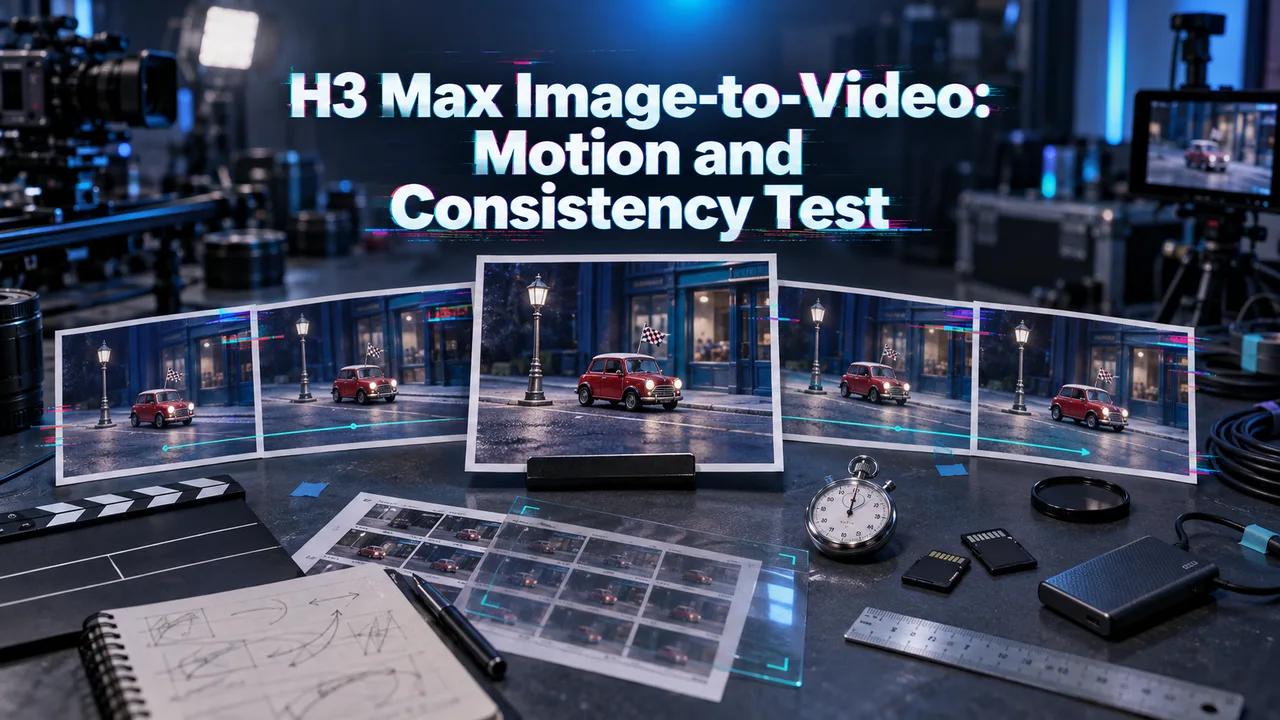
Use an owned 9:16 product photograph at 720p. Pick a scene with a bottle, printed label, table surface, and visible background lines. Avoid faces, licensed characters, and third-party trademarks.
Submit this eight-second brief to both services:
Slow camera push-in. The bottle remains fixed and keeps its exact label. A paper tag moves once in a light breeze. Add quiet room tone and one soft wooden tap at four seconds. Do not add objects or text.
Run five generations per route. Keep the image, wording, duration, orientation, and resolution fixed. Save request IDs, timestamps, downloadable files, provider-reported usage, failures, and retries.
Score Usable Results and Operator Effort
Score every completed clip from zero to two on five checks:
- Motion continuity
- Bottle and label consistency
- Background stability
- Audio relevance and timing
- Compliance with the requested camera move
Require at least eight points, no unreadable label, and no structural subject change. Record review time separately. A clip that needs sound replacement or frame repair is not equivalent to an accepted first-pass result.
Compare median latency and cost per accepted clip after all ten runs. Do not select a winner from the best output. Peak quality makes a good post. Acceptance rate makes a usable production route.
Limits and Trade-Offs
Unequal Product Controls Limit Direct Comparison
Grok offers audio input and multiple video operations that do not map exactly to Sora’s documented request. Sora provides its own remix behavior and model variants. App-level controls may also differ from API controls.
Keep the matched core narrow. Test provider-specific features afterward and label them separately.
Access Tiers Can Change Quickly
xAI resolution, rate limits, and app allowances vary by plan. Sora access now carries a published API shutdown deadline. Recheck both dashboards before every evaluation round. This comparison has an unusually short expiration date.
FAQ
Do Both Services Support Portrait Video?
Yes. Grok documents 9:16 output across supported video resolutions. Sora’s generic video endpoint lists portrait sizes including 720×1280 and 1024×1792, but the current Sora 2 model page lists 720×1280 for the base model; verify the selected model before fixing the test resolution.
Can Either Service Preserve Source Metadata?
Neither provider publicly guarantees that EXIF, camera, copyright, or editing metadata from the input image will survive in the generated video. Store source metadata in the project database instead of depending on the output file.
Do Both Outputs Include Provenance Signals?
xAI’s Imagine FAQ says generated images and videos include a Grok watermark with no removal setting. Current OpenAI developer documentation does not provide an equivalent blanket provenance guarantee for every downloaded Sora video. Inspect the actual files and current product policy.
Can Teams Pin a Model Version on Both Platforms?
Not symmetrically. OpenAI lists a dated Sora 2 snapshot, though the entire API is approaching shutdown. Both platforms provide dated model identifiers. xAI lists grok-imagine-video-1.5-2026-05-30; its model-alias policy says dated IDs refer to a specific release and are not updated.
Are Enterprise Indemnity Terms Available for Both?
Both vendors offer enterprise agreements, but their public model pages do not establish matching, model-specific indemnity. Coverage can depend on the contract, product surface, input rights, and compliance with usage policies. Procurement and legal teams need the executed terms from each provider.
Conclusion
Grok Imagine vs Sora is no longer a neutral choice for a new I2V API. Grok has the active route; Sora has documented creative controls but a near-term API shutdown. Run the matched test for output evidence, then let lifecycle risk break any close result.
Previous posts: