
Managed Agent Stack: Multica, Composio, Model APIs
Managed agent stack explained for teams separating Multica task management, Composio tools, MCP, and model APIs.
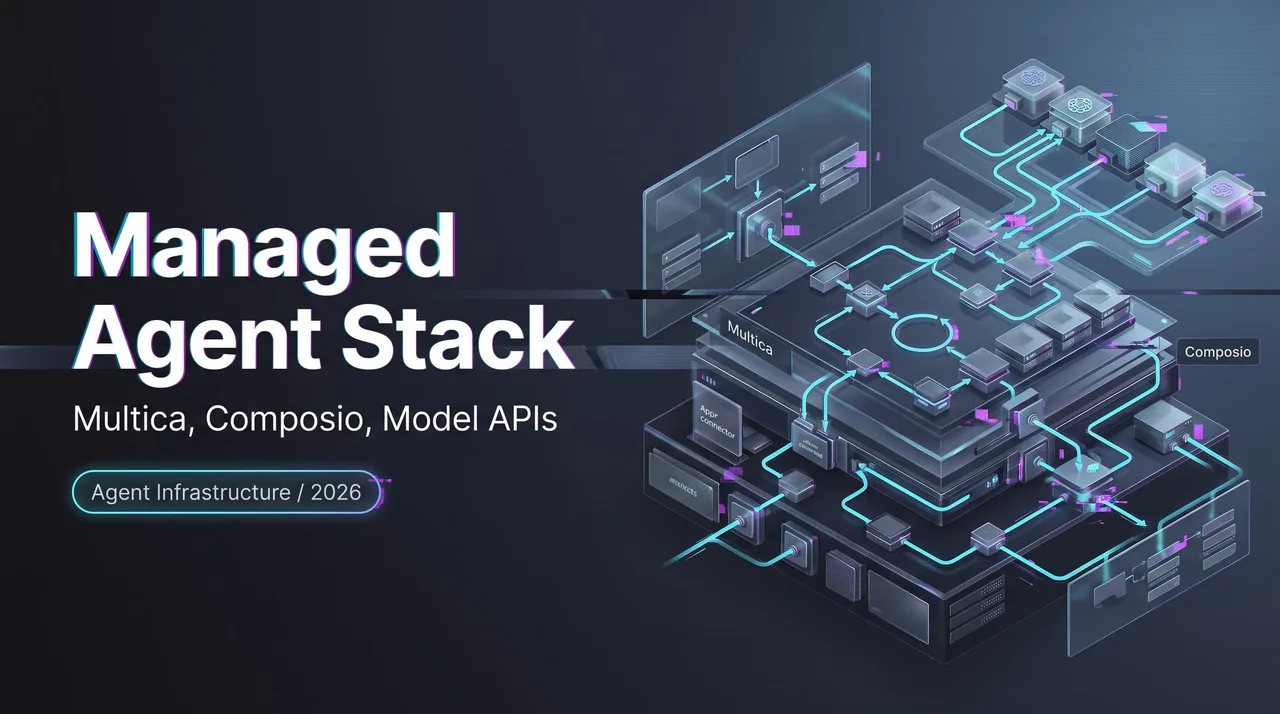
I keep seeing the same planning mistake: teams draw one box called “agent platform,” then put task routing, GitHub access, tool auth, model choice, review flow, and cost policy inside it. That box becomes useless by the second meeting.
A managed agent stack is not one vendor. It is a split of responsibilities. Multica manages tasks and agent lifecycle. Composio manages tool access and authentication. MCP standardizes how tools are exposed, discovered, and called. Model APIs provide reasoning, coding, planning, and review capabilities. Routing and infrastructure policies manage model selection, fallback, and cost controls. This piece is about that split. Not a Multica Composio comparison. Not a winner-takes-all diagram.
As of July 24, 2026, I checked the current public docs for Multica, Composio, MCP-facing sessions, and model API capabilities. Some details here have an expiration date. Agent infrastructure changes fast.

What a Managed Agent Stack Means
A managed agent stack has three layers that need different owners.
| Layer | Owns | Does not own |
|---|---|---|
| Agent lifecycle | task assignment, queue, runtime, review state | external app auth |
| Tool integration | connected accounts, tool schemas, actions, sessions | agent project ownership |
| Model API | reasoning, coding, planning, fallback, spend policy | workspace workflow |
The stack works only when these boundaries stay visible.
Agent lifecycle, tool access, and model inference as separate layers
Agent lifecycle is about work. Who assigned the task. Which agent picked it up. Which runtime is online. What state the issue is in. Whether a human needs to review the output before it ships.
Tool access is about external systems. Gmail, GitHub**, Linear, Notion, Slack, internal APIs**. Who authenticated. Which scopes were granted. Which actions are allowed. Which connected account is being used.
Model inference is about capability and tradeoff. Which model handles planning. Which one writes code. Which one reviews output. Which one runs cheap fallback. Which one is too slow or too expensive for routine work.
Mix those together and support gets ugly. A failed agent run could mean the task was never dispatched, the tool token expired, the coding runtime was offline, or the model hit a context or rate limit. Same symptom. Different owner.
Why teams confuse orchestration, tools, and model APIs
The confusion usually starts with demos. A demo shows one prompt becoming one action. It hides queueing, permission, tool selection, retries, logs, workspace state, and human review.
In production, those hidden parts are the product.
An AI agent architecture needs a boring map: one layer decides what work exists, one layer decides what actions are available, one layer decides how to reason over the request. Having many tools is not the problem. Having to manage your tools is.
Where Multica Fits
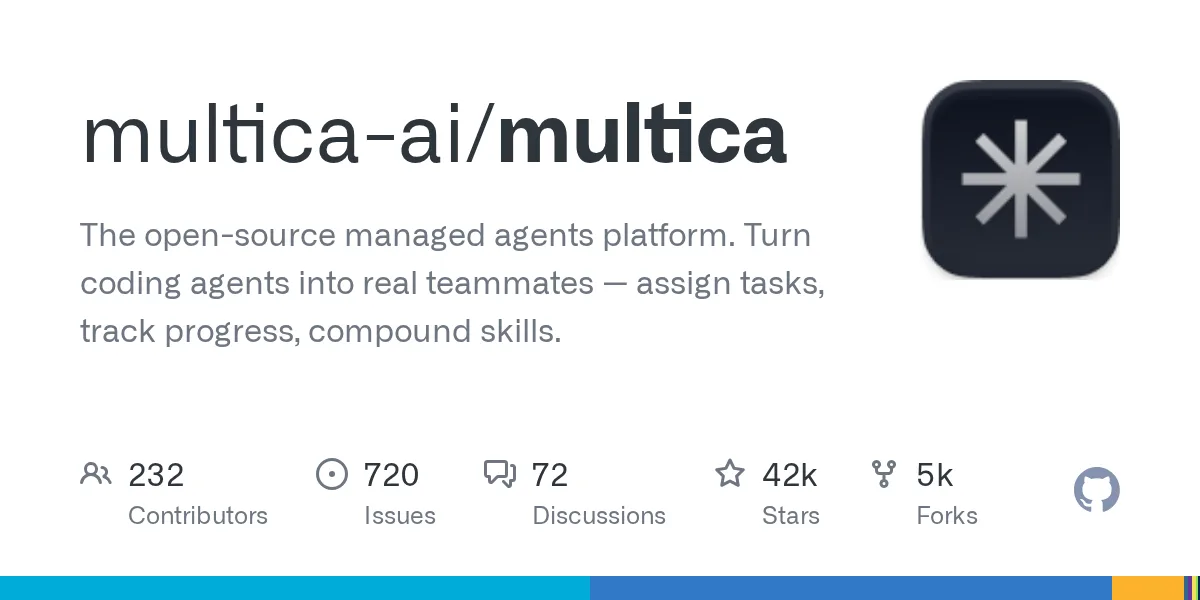 Multica belongs in the agent lifecycle layer.
The useful verified detail: Multica’s How Multica works docs describe three components: the Multica server, a local daemon, and local AI coding tools. The server owns workspaces, issues, members, task queues, agent definitions, and realtime updates. The daemon runs on your machine and drives the coding tool. The docs are explicit that agent tasks do not execute on Multica’s servers.
That is the cloud/local boundary I would care about first.
Task assignment, agent execution, workspace state, and human review
Multica treats agents as workspace members. The Multica Agents docs say an agent can be assigned issues, be mentioned in comments, post progress, lead a project, and open issues while running a task. The difference from a human is execution: assigning or mentioning the agent triggers work.
That makes Multica useful for team-facing agent management. It gives the task a place to live. It gives comments a place to accumulate. It gives review a visible surface. It also makes agent work auditable in the same workspace where humans already discuss work.
I would not use Multica to explain tool auth. That is not its job. I would not use it to explain model intelligence either. It routes work to a runtime and preserves collaboration state. That is already enough.
What should be verified in Multica docs before production planning
I would verify four things before naming Multica in a customer-facing architecture document.
-
First: runtime shape. Current docs say the supported runtime model is local daemon execution, with cloud runtimes waitlist-only. That matters for security, procurement, and laptop dependency.
-
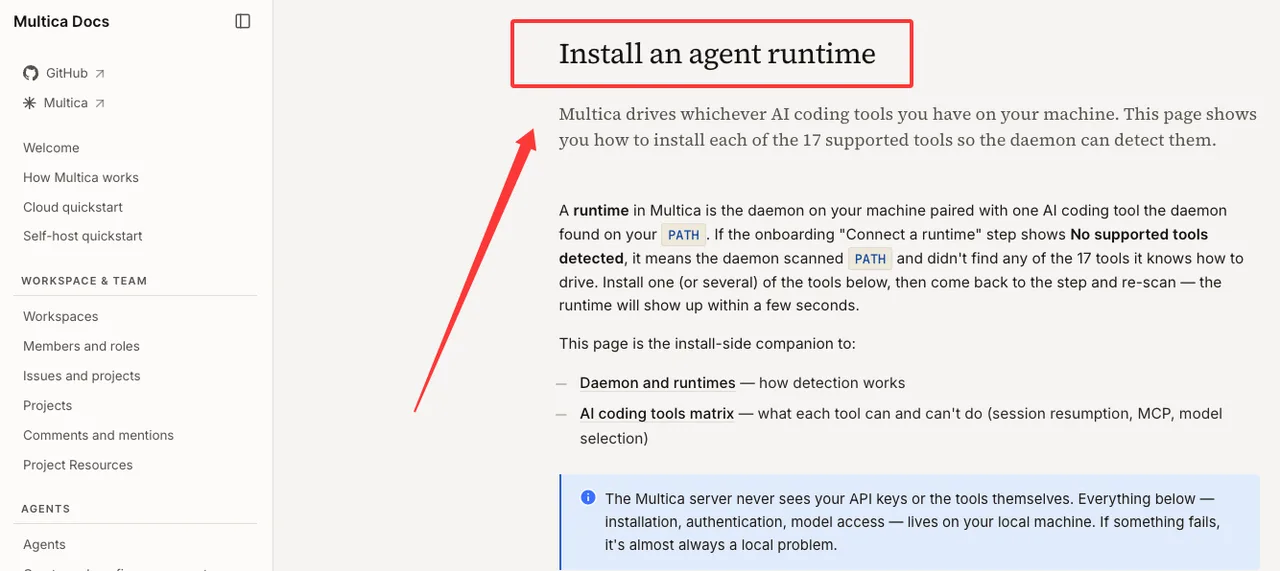
Second: supported coding tools. The runtime docs currently list 17 supported tools, including Claude Code, Codex, Cursor, Copilot, OpenCode, and Qwen Code. Do not copy that number from memory. Check the current agent runtime docs before publishing.
-
Third: session resumption and MCP support per coding tool. Multica’s own docs point to a coding tools matrix for capability differences. I would not assume every tool resumes sessions or consumes MCP config the same way.
-
Fourth: human review flow. Confirm how issues move through
in_progress,in_review,done,blocked, orcancelled, and who can assign private versus workspace agents.
Found the pattern on the third try: most “agent platform” risk is not agent quality. It is unclear ownership of runtime state.
Where Composio and MCP Fit
Composio belongs in the tool integration layer.
It should answer a different set of questions. Which external tools are available. Which users have connected accounts. Which auth scopes exist. Which actions can run. Which session exposes which tool list.
External tools, auth, actions, sessions, and integration control
Composio’s current docs are sessions-first. The Composio sessions via MCP page says sessions can expose a hosted MCP endpoint when created with MCP enabled, and that the MCP endpoint and session.tools() are backed by the same session. It also documents direct-tool presets for fixed tool lists.
That is useful when the agent runtime speaks MCP, or when the team wants a stable tool boundary between agent layer and app integrations.
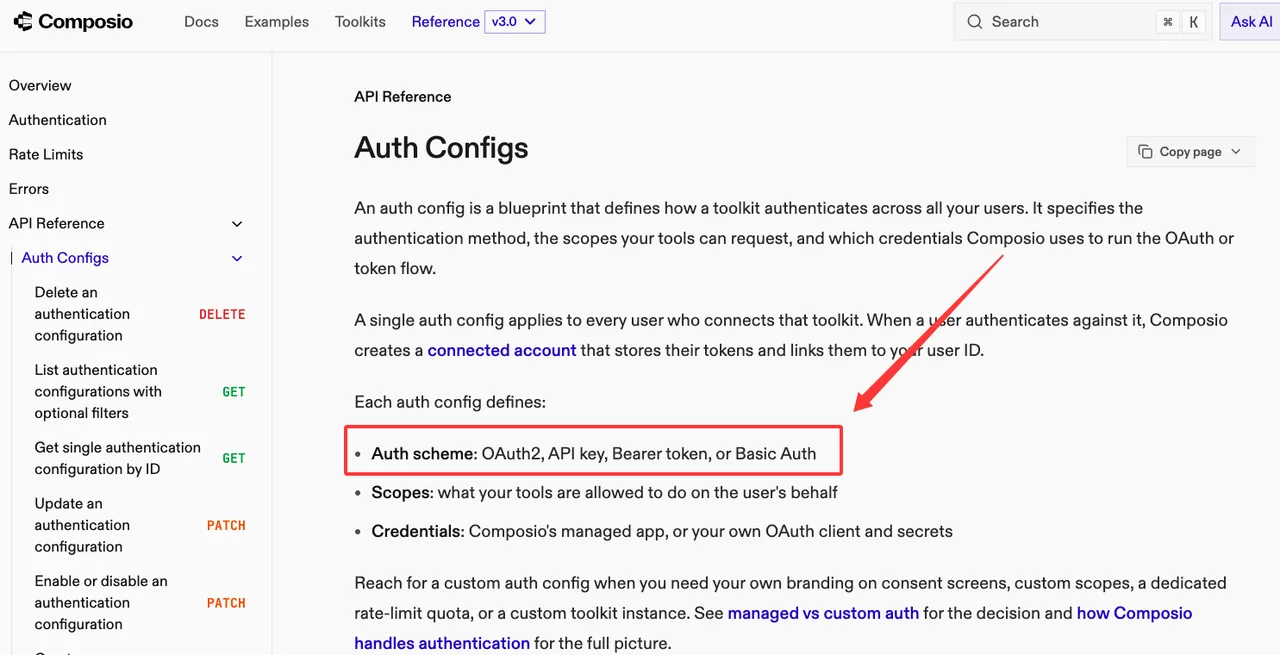
Auth is a separate concern. Composio’s Auth Configs docs define auth configs as blueprints for how toolkits authenticate, including OAuth2, API key, bearer token, and basic auth. They also tie scopes and credentials to the toolkit.
So Composio is not “the agent.” It is the tool access control plane.
Why tool access is not the same as agent management
Tool access does not assign work. It does not decide which issue is in review. It does not know whether the agent should be treated as a teammate, background worker, reviewer, or one-off chat participant.
It knows tools.
That sounds small. It is not small. Agent tool integration breaks when tool lists are too broad, auth is shared incorrectly, connected accounts are ambiguous, or destructive actions are exposed without approval. MCP does not remove those decisions. It gives the system a protocol-shaped way to expose and call tools.
The boundary I would draw is simple: Multica manages the work container. Composio manages authenticated access to external actions, while MCP standardizes how those actions are exposed and called. The inference layer decides what to request.
Where Model APIs Fit
Model APIs are the inference layer. Model routing, fallback, and spend policy sit alongside the APIs as application or infrastructure controls.
They do not replace agent management. They do not replace tool auth. They provide the reasoning and generation capability that the upper layers call.
Reasoning, coding, planning, review, fallback, and cost control
Model choice is workload choice.
A planning agent may need stronger reasoning. A coding agent may need better repository navigation and patch discipline. A review agent may need long-context inspection and stable critique. A fallback agent may need cheap, fast summaries. Same product. Different inference profile.
OpenAI’s current Models docs show this clearly: models differ by reasoning support, tool support, context, output limits, and price. The same pattern applies across providers. The model API is where teams choose capability, latency, reliability, and cost posture.
I would keep model routing outside the task platform. Put it in configuration or policy. The agent layer can say “run this code review agent.” The routing policy decides which model API handles the review today.
Why model choice remains an infrastructure decision
Model choice affects cost, retries, latency, data policy, output stability, and failure handling. That makes it infrastructure.
A team that hardcodes one model into every agent will eventually regret it. Not because the model is bad. Because work types diverge.
Coding, planning, review, customer support, data extraction, and long-running agent execution do not want the same settings. Some need reasoning. Some need speed. Some need strict structured outputs. Some need low cost because they run thousands of times per day.
This is where my data ends: no model provider should be presented as solving the whole managed agent stack alone. The model is one layer. A load-bearing one. Still one layer.
FAQ
Who owns the architecture decision across agent, tool, and model layers?
Platform engineering should own the final architecture. Product owns workflow intent. Security owns permissions and data boundaries. Engineering owns runtime behavior. Finance or operations should review model cost policy if usage is material.
I would not let one vendor owner make the whole decision. The stack crosses task management, external app permissions, runtime execution, and inference spend.
What evidence should be saved before naming a vendor in customer docs?
Save official docs links, access dates, supported runtime notes, tool capability notes, screenshots if the UI matters, and a short internal test record. For Multica, save the runtime and task lifecycle evidence. For Composio, save session, MCP, auth, and connected-account evidence. For each model API, save model IDs, pricing assumptions, context limits, and tool support.
Do not cite a sales call as product truth. I know. Annoying. Still necessary.
How should teams handle support issues that cross multiple stack layers?
Start by locating the failing layer. Was the task queued and dispatched. Was the runtime online. Was the tool account active. Did the model call fail. Did the action execute. Did the workspace state update.
Support needs one incident record that spans all layers: task ID, runtime ID, tool session ID, connected account ID, model request ID, timestamps, logs, and user-visible output. Without that, every team blames the next layer. Predictable. Not useful.
Conclusion
A managed agent stack is easier to reason about once the layers stop pretending to be each other.
Multica manages agent lifecycle and workspace execution. Composio manages tool access, authentication, and external actions, while MCP standardizes how tools are exposed and called. Model APIs provide reasoning, coding, planning, and review capabilities; routing and infrastructure policies manage model selection, fallback, and cost controls. None of these layers replaces the others.
That is the architecture decision. Keep the boundaries plain. The stack gets easier to debug when every layer has one job.
Previous posts:
Related Articles
/filters:quality(82)/media/images/1773962750383987480_n3hqzHRZ.webp)
AI Lip Sync Dialogue Scenes with Seedance 2.5: Prompts and Settings
How to Make an AI Short Drama with Seedance 2.5, Wan 3.0 and Kling 4.0
How to Keep the Same Character Across AI Video Shots
Multi-Shot Action Scenes with Kling 4.0: Long Takes, Keyframes and Extends
Vertical 9:16 AI Video Settings for Shorts and Reels