
Gemini 3.5 Transcribe Review for Real-Time Voice Apps
Gemini 3.5 Transcribe review for real-time voice apps, covering transcript quality, delay, multilingual behavior, controls, and evaluation gaps.
A real-time voice app usually fails in the handoff, not in the demo. The mic works. The WebSocket opens. Text appears. Then the product team asks whether partial captions should be shown, whether the final transcript can be trusted, and what happens when two speakers interrupt each other.
This Gemini 3.5 Transcribe review looks at one scenario only: a browser-based support copilot that listens to a live customer call, shows captions while the caller speaks, and saves final transcript segments into the case record. No pricing teardown. No full API tutorial. Just the production fit.
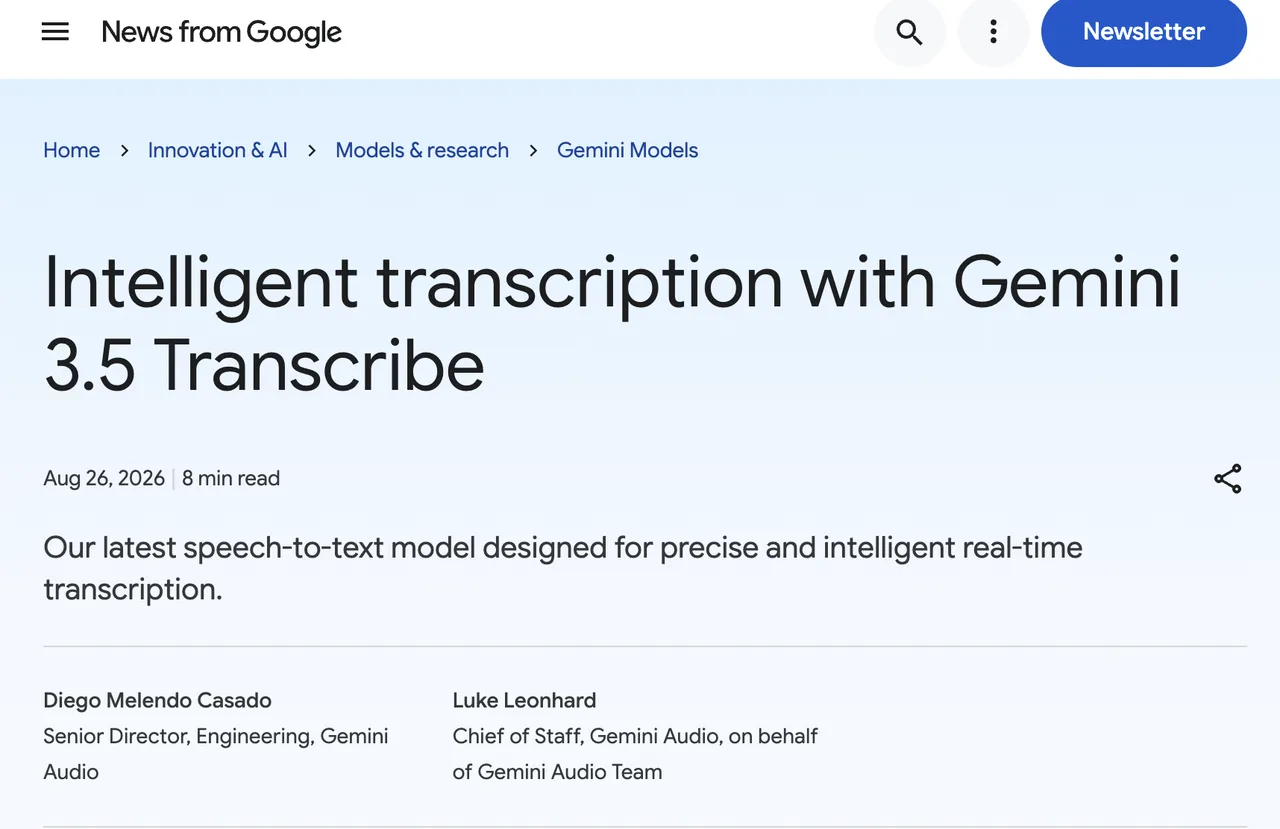
The official Gemini 3.5 Transcribe model page lists two routes: gemini-3.5-transcribe for audio files and gemini-3.5-transcribe-live for Live API streaming.
Verdict for One Real-Time Voice App
For this support copilot, my verdict is: usable for interactive captioning and live note capture, but not enough by itself for compliance-grade call records.
The fit is strongest when the app needs fast partial text, multilingual transcription, custom vocabulary, and clean final segments. The boundary shows up when the team expects live speaker diarization, word-level timestamps, or long unattended sessions.
| Requirement | Fit |
|---|---|
| Live captions | Good fit |
| Final transcript segments | Good fit |
| Domain terms | Good fit with custom vocabulary |
| Speaker labels during live call | Not supported in live mode |
| Word-level timing in live mode | Not supported |
| Long calls | Needs session handling |
A good single transcript does not mean the production workflow is ready. You still need an evaluation set.
Review the Transcription Experience
Streaming Delay, Partial Results, and Final Text
For a voice app, the main thing is not whether text arrives. It is which text the UI treats as temporary.
The Live transcription guide separates interim transcription from finalized transcription. That matters. Interim text is for the live caption area. Final text is what you append to the case note, search index, or audit trail.
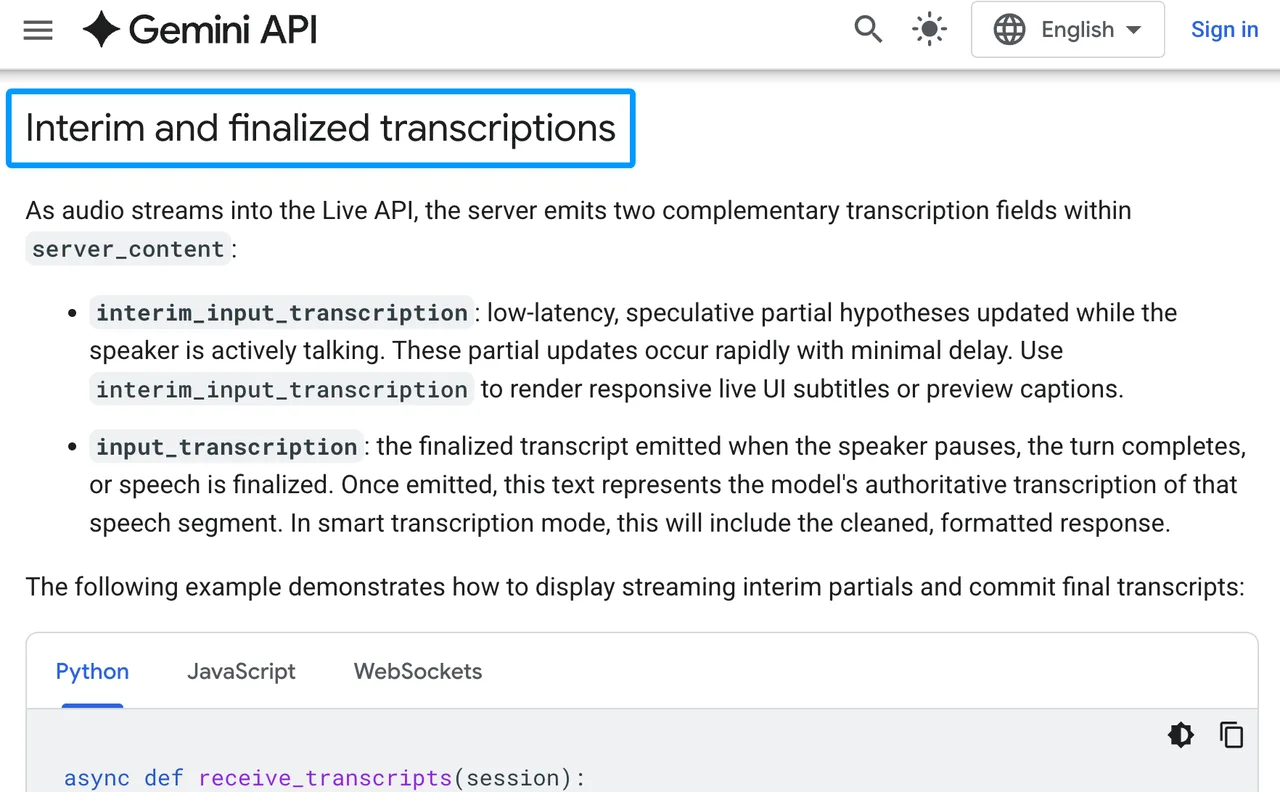
I would design the UI with two buffers:
| Buffer | Use |
|---|---|
| Interim | On-screen live caption, overwrite often |
| Final | Stored transcript segment, append only |
Do not let interim text trigger irreversible actions. That includes CRM updates, compliance labels, or customer-visible summaries. Interim output is a working guess. The final segment is the commit point.
Accuracy Across Noise, Accents, and Turn Changes
Google describes Gemini speech-to-text as handling background noise, accents, and multi-language conversations. That is useful, but I would not ship from that sentence alone.
The evaluation plan should include at least five buckets: clean audio, laptop mic audio, call-center noise, accented English, and code-switching. For a support app, I would add product names, account IDs, and messy interruptions. That is where transcripts usually start leaking trust.
Turn changes need special attention. Live transcription supports automatic language detection and VAD strategies, including automatic, hybrid, and manual push-to-talk behavior. For a browser app, hybrid VAD is worth testing because it can reduce finalization delay after local silence detection.
Speed matters, but stable speed matters more.
Evaluate Builder-Relevant Controls
Unary and Live Model Paths
The split is clean. Use gemini-3.5-transcribe-live when you need streaming STT from a microphone or live audio stream. Use gemini-3.5-transcribe when you process recorded files after the call.
The file route supports features the live route does not. According to the model page, unary audio can support word-level timestamps and speaker diarization, while live transcription does not support those two features. Live sessions are also limited to 10 minutes.
That creates a practical architecture:
- Live path: captions and draft notes.
- Post-call path: higher-detail transcript, timestamps, speaker labels, review.
This is not elegant. It is production.
Prompting, Timestamps, and Output Handling
For this voice AI model, I would treat configuration as more important than loose prompting.
Use language_codes when the app knows the user’s language. Leave it empty only when automatic detection is part of the requirement. Use custom_vocabulary for product names, regulated terms, acronyms, and customer-specific language. Google documents up to 1,000 custom vocabulary terms, with best results typically around smaller lists.
Timestamps are the trap. Live mode gives utterance-level transcript events, not word-level timestamps. If your UI only needs “what was said recently,” that is fine. If your review tool needs word timing for redaction, QA, or clipping, run a post-call pass.
For browser clients, do not put long-lived API keys into frontend code. Google’s ephemeral tokens are designed for direct client-to-server Live API access with short-lived, constrained credentials.
Decide Whether the Model Fits
Strong Fits for Interactive Transcription
I would test Gemini 3.5 Transcribe first for these real-time transcription jobs:
- Live captions for support calls.
- Voice notes inside a SaaS app.
- Agent assist transcripts.
- Multilingual support intake.
- Product-term-heavy dictation.
- Fast transcript previews before human review.
The common pattern is simple: the transcript helps the user act faster, but it does not become the only source of truth.
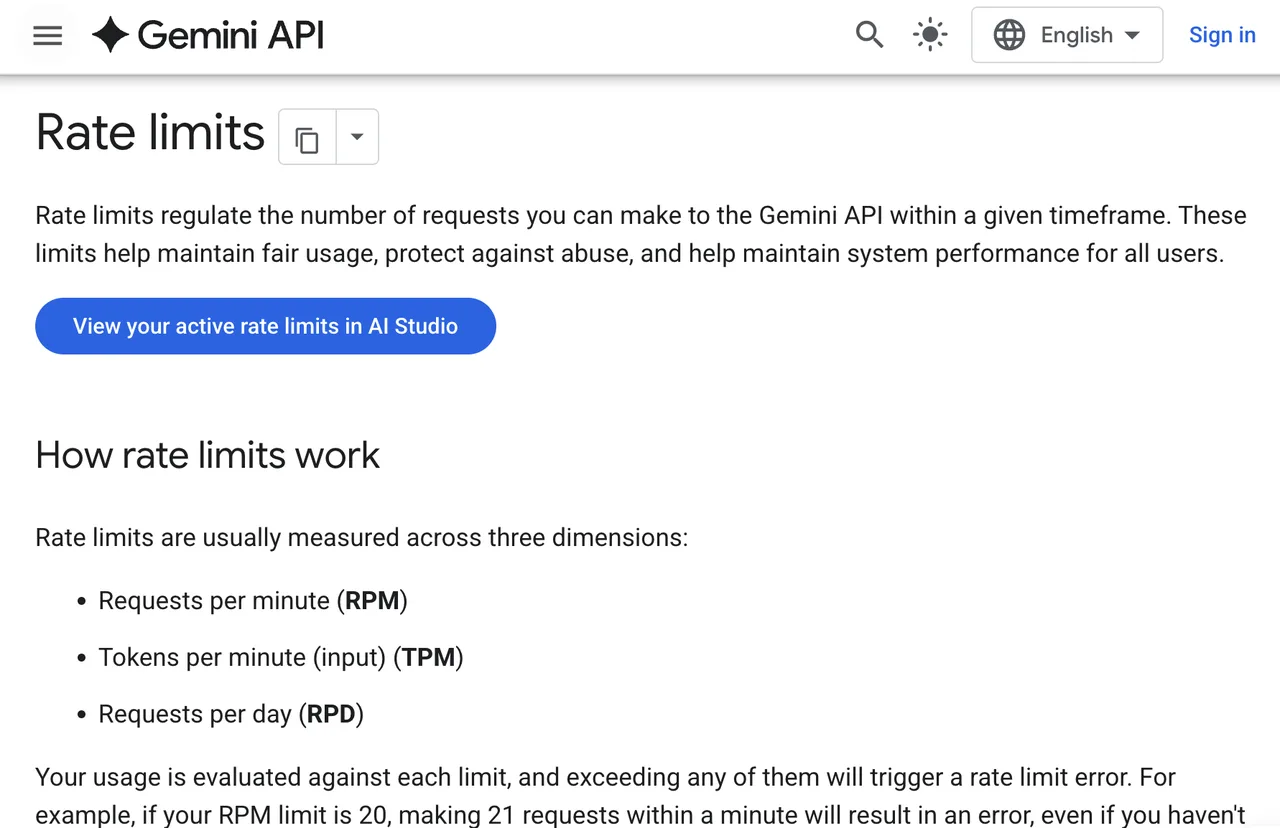
Check capacity before promising a launch date. Gemini API rate limits vary by project, model, tier, and account status. Preview features can be more restricted. I would test concurrency with real microphones, not just synthetic audio files.
Cases That Need a Different STT Workflow
Use a different workflow, or add a second pass, when the app needs live diarization, word-level timing, long-session continuity, or legally sensitive records.
Medical, legal, financial, and employment workflows need human review. Not “maybe later.” In those contexts, a transcript error can become an action error. Google’s safety guidance also puts responsibility on developers to test, monitor, and apply oversight based on use case risk.
The model may still be useful there. It just should not be the final reviewer.
FAQ
Which Gemini 3.5 Transcribe languages have separate published quality evaluations?
I found a supported language list, not separate published quality evaluations by language. Supported does not mean equally validated for your app. Build a local test set for every language and accent you plan to ship.
Can customers request regional processing for audio data?
The Gemini API publishes available regions for access, but I would not treat that as a per-request regional processing guarantee. If a customer requires data residency, confirm the exact Gemini or Vertex AI route, region controls, contract terms, and model availability before launch.
How should teams obtain consent for recorded conversations?
Get consent before recording or streaming audio. Show a clear recording state. Log the consent event with timestamp, user, session ID, and policy version. This is general product guidance, not legal advice. Jurisdiction matters.
Does Google support custom vocabulary for regulated terms?
Yes. Gemini 3.5 Transcribe supports custom vocabulary biasing. For regulated terms, keep the list narrow, version it, and test false positives. A 1,000-term list is not automatically better than a clean 80-term list.
Who reviews Gemini 3.5 Transcribe errors in high-stakes workflows?
Your team does. Google may review flagged content for abuse monitoring, but that is not your QA process. For high-stakes workflows, route transcript segments through trained human reviewers and log corrections back into your evaluation set.
Conclusion
The bottom line for this Gemini 3.5 Transcribe review is narrow but useful: it fits live captions and interactive transcript capture when the app can tolerate interim text, commit final segments carefully, and run a post-call path for timestamps or speaker labels.
I would not use it as the only record system for regulated calls. I would use it as the live layer, then pressure-test the review layer next.
Previous posts:
/filters:quality(82)/media/images/c347367a-a007-4466-b8f7-d37f5fb52819.webp)
/filters:quality(82)/media/images/cd4db796-7728-45fb-8267-6813ed28e173.webp)
/filters:quality(82)/media/images/1791535252286714222_v4jvJT2a.webp)
/filters:quality(82)/media/images/1791451065663755033_qNqAKS1a.webp)
/filters:quality(82)/media/images/1791359984291066138_tW5eOX6f.webp)
/filters:quality(82)/media/images/1773962750383987480_n3hqzHRZ.webp)