
Wan 3.0 With ComfyUI: Hosted API Workflow
Use Wan 3.0 with ComfyUI through a verified hosted API workflow while separating remote generation from unavailable local-weight inference.
I would not approve a Wan 3.0 ComfyUI API graph until I know who is doing the inference. A node can sit inside ComfyUI and still call a hosted provider. That distinction decides where assets go, which bill gets charged, and what breaks when a schema changes.
Wan 3.0 can be used in ComfyUI through hosted routes. That does not mean official Wan 3.0 local weights are sitting in your models folder. For production work, this is the first boundary to lock.
Understand the Current ComfyUI Boundary
Hosted API generation versus local-weight inference
Local inference means ComfyUI loads the weights, VAE, text encoder, and video nodes on your machine. Hosted inference means the graph submits a request, waits for a remote job, then receives a video URL or file.
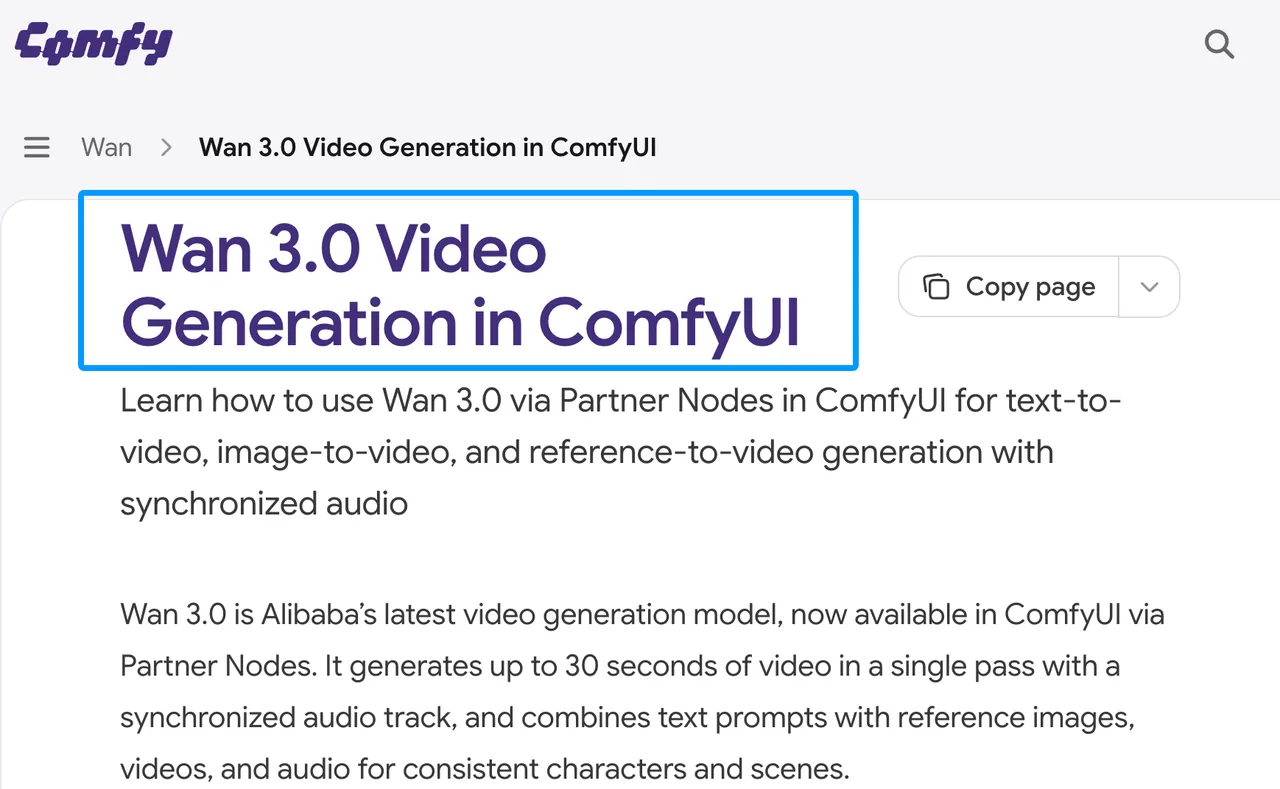
The current ComfyUI Wan 3.0 documentation describes Wan 3.0 through Partner Nodes. That makes the Wan 3.0 local vs API question practical: debug local models for local runs, and debug auth, credits, upload, polling, and retention for hosted runs.
Official support, community nodes, and provider routes
There are three routes to separate. Comfy Partner Nodes use a Comfy account and Comfy credits. Provider nodes use that provider’s API key and hosted catalog. Generic HTTP or third-party nodes can also work, but they carry more trust review.
A node name is not proof. Check the maintainer, repo, version, provider endpoint, and model ID before the graph enters team use.
Verify the Access Route
Check the active ComfyUI integration and provider
If you use Partner Nodes, read the Partner Nodes overview first. It explains that these nodes call external hosted models from inside ComfyUI.
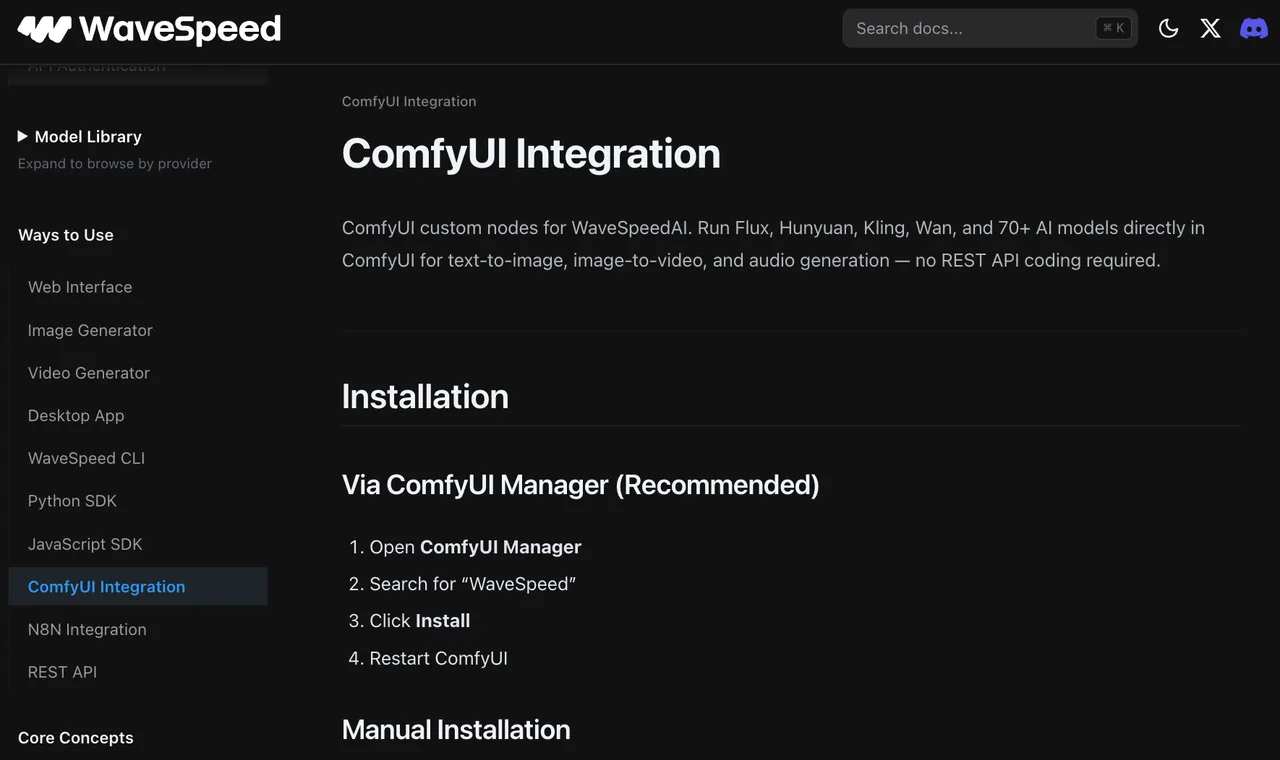
If you use WaveSpeed, verify the node comes from the official WaveSpeed ComfyUI integration. I would not treat a similarly named fork as production-safe without review. The real bottleneck is often the handoff, not the generation.
Confirm model IDs, authentication, pricing, and maintenance
For WaveSpeed, confirm the exact model ID on the live model page before shipping. Wan 3.0 routes may include text-to-video, image-to-video, reference-to-video, and Prime variants.
Also confirm pricing and maintenance status. Do not copy yesterday’s model ID from a Slack message. That is how a working Wan3 ComfyUI API workflow becomes a billing and debugging problem.
Connect Wan 3.0 to a Workflow
Load inputs and map request fields
Start with one minimal graph. For a direct WaveSpeed/API route, map prompt, duration, resolution, aspect ratio, audio, and seed; for Partner Nodes, use the fields the active node exposes. For image-to-video, add first frame and optional last frame. For reference-to-video, label what each input controls: subject, style, motion, timing, or voice.
For a hosted Wan 3.0 ComfyUI route, local files usually need to become provider-readable URLs. That upload step is part of the workflow, not a side detail.
Submit an asynchronous job and retrieve the output
For direct asynchronous API routes such as WaveSpeed, submit once, store the prediction ID, poll the result, then download the output before the retention window closes.
Do not blindly retry generation POST requests. If the provider accepted the job before the connection failed, another POST may create another billed run. Retry result checks instead. This step cannot be skipped. If you skip it, you pay it back later.
Build a Reusable Video Graph
Separate prompt, media, generation, and review nodes
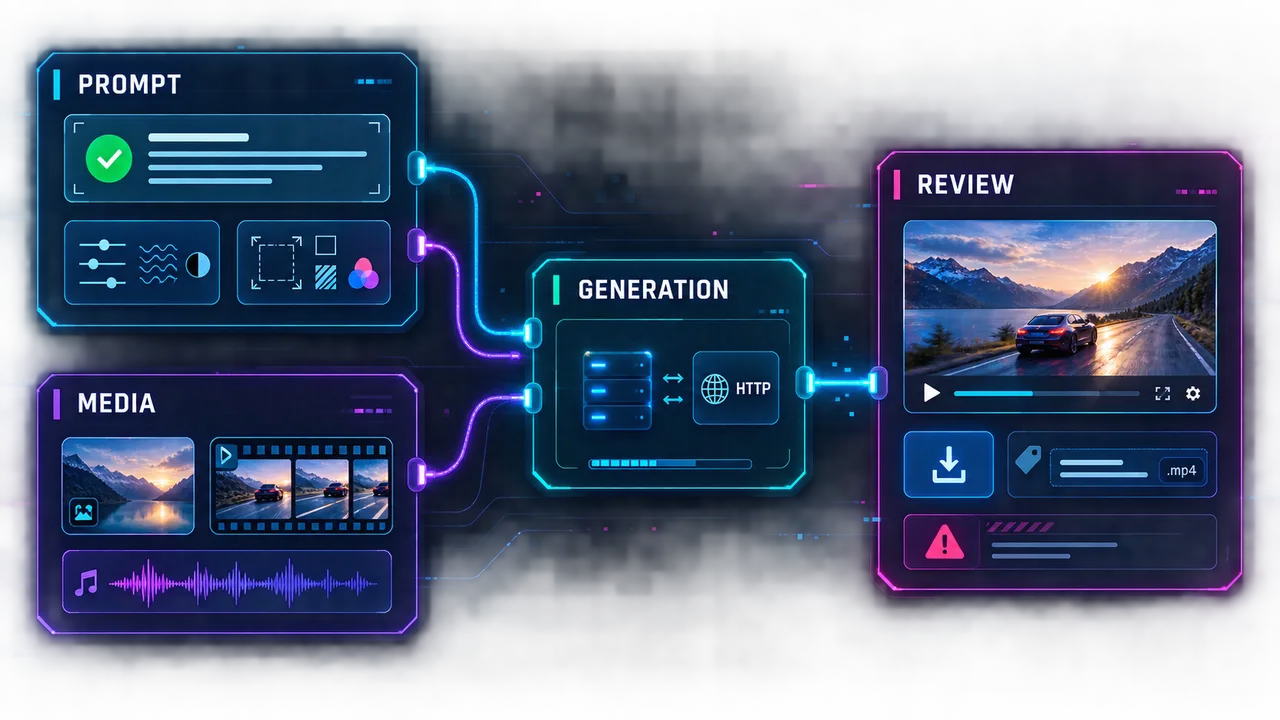
Keep the graph split into four zones:
Prompt: approved prompt, negative constraints, style notes.
Media: uploaded images, video references, audio references.
Generation: provider node or HTTP call only.
Review: preview, download, naming, and failure tagging.
One person can remember parameters. A team cannot.
Store outputs and failure evidence outside the graph
Save the request JSON, model ID, node version, prediction ID, output URL, final file, and failure reason outside ComfyUI.
Failed clips should not disappear immediately. In video production, failed runs often show whether the issue came from a dirty first frame, conflicting references, prompt expansion, duration, or provider timeout.
Harden the Workflow for Team Use
Protect credentials and restrict uploaded assets
Never hardcode API keys into workflow JSON, screenshots, shared templates, or README files. Use environment variables, local config ignored by git, or a secret manager. WaveSpeed’s API authentication guide is the right starting point for key handling.
Restrict uploads to cleared assets. Private client images, faces, voices, unreleased product shots, and campaign drafts need approval before remote processing. This is operational guidance, not legal advice.
Add timeouts, retry limits, and provider fallbacks
Set a timeout that matches video duration and provider behavior. Log timeout separately from model failure. They are not the same problem.
Add fallback routes only after review. A fallback can be Comfy Partner Nodes, WaveSpeed API, or another approved provider. It should not mean swapping providers halfway through a batch without telling the review team.
Limits and Trade-Offs
API-backed nodes do not run Wan 3.0 locally
This line belongs in the workflow notes: “Available in ComfyUI” does not mean “official 3.0 weights are running locally.”
API-backed nodes still fit production. They can reduce setup time, avoid local VRAM limits, and keep teams inside a familiar graph. But they move the critical path to provider auth, network, storage, pricing, and uptime.
Third-party nodes can change independently of the model
Wan 3.0 custom nodes can change even when the model does not. A node update may rename fields, alter output handling, change timeout logic, or add new dependencies.
For enterprise teams, pin the custom-node commit, lock dependencies, and archive the working workflow JSON. A good single output does not mean the production workflow is ready.
FAQ
Can ComfyUI compare Wan 3.0 audio and video timelines?
ComfyUI can inspect Wan 3.0 video/audio output, but I did not find public documentation establishing a dedicated frame-accurate audio/video timeline comparison feature. For final timing judgment, export to an editing or review tool.
Which preview nodes accept returned Wan 3.0 videos?
It depends on the route. Provider nodes may include their own preview handling. Generic HTTP workflows may need a download or conversion node before standard video preview nodes can read the returned file.
Can enterprise teams pin a specific custom-node revision?
Yes. Pin the Git commit or release tag, lock dependencies, and test updates in a separate ComfyUI environment. This pins the node code, not necessarily the hosted model behavior.
How are uploaded images deleted after remote generation?
Comfy Partner Node media is documented on the Comfy data retention page. For WaveSpeed or any other provider route, check the current privacy policy and deletion rules before sending production assets. If a provider does not disclose retention clearly, say that in the workflow risk notes.
Can API-backed workflows run through a headless server?
Yes, if the route supports it. Generic HTTP nodes, SDK calls, or provider APIs are usually easier to run headless. Partner Nodes may have login, localhost, secure-context, or credit requirements, so test the exact server path before promising automation.
Conclusion
A stable Wan 3.0 ComfyUI API workflow is not just a graph that generates one clip. It is a declared production route: provider, node source, model ID, credential plan, upload path, polling behavior, retention rule, and failure record.
Once those are locked, ComfyUI becomes a useful production shell for hosted Wan 3.0. Before that, it is only a graph that happened to run once.
Previous posts:
/filters:quality(82)/media/images/b73c2438-6bdd-4b80-a229-8d71d8f819cf.webp)
/filters:quality(82)/media/images/427fd9f2-347d-4f86-a2d5-aee110cda01d.webp)
/filters:quality(82)/media/images/1773962750383987480_n3hqzHRZ.webp)
/filters:quality(82)/media/images/43fa0e7f-a0db-48d7-9bab-921d1225db30.webp)
/filters:quality(82)/media/images/5799ff56-3a73-40ca-a666-e4965d878496.webp)
/filters:quality(82)/media/images/7a8850fc-caf6-482f-ac4d-5ddbe64ec47c.webp)