
Seedance 2.5 Studio Workflow: A Builder Evaluation
Evaluate a Seedance 2.5 studio workflow for prompting, references, iteration, export, and production review across verified access routes.
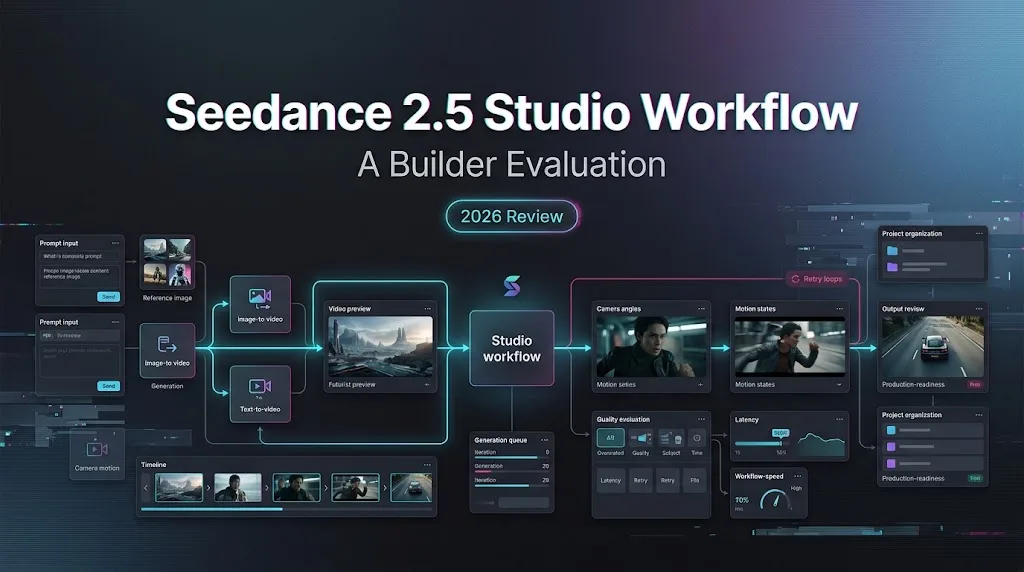
I’m Dora. I would not start a Seedance 2.5 workflow by judging the prettiest clip. I would start by proving what I actually tested. Same “2.5” label, different studio wrapper, different controls. That is where evaluation notes usually go soft.
This is for a video product team or creative developer using a studio surface to evaluate Seedance 2.5 for real work. Not API availability history. Not a ranking claim from five samples. A few samples prove very little. Annoying, but useful to remember.
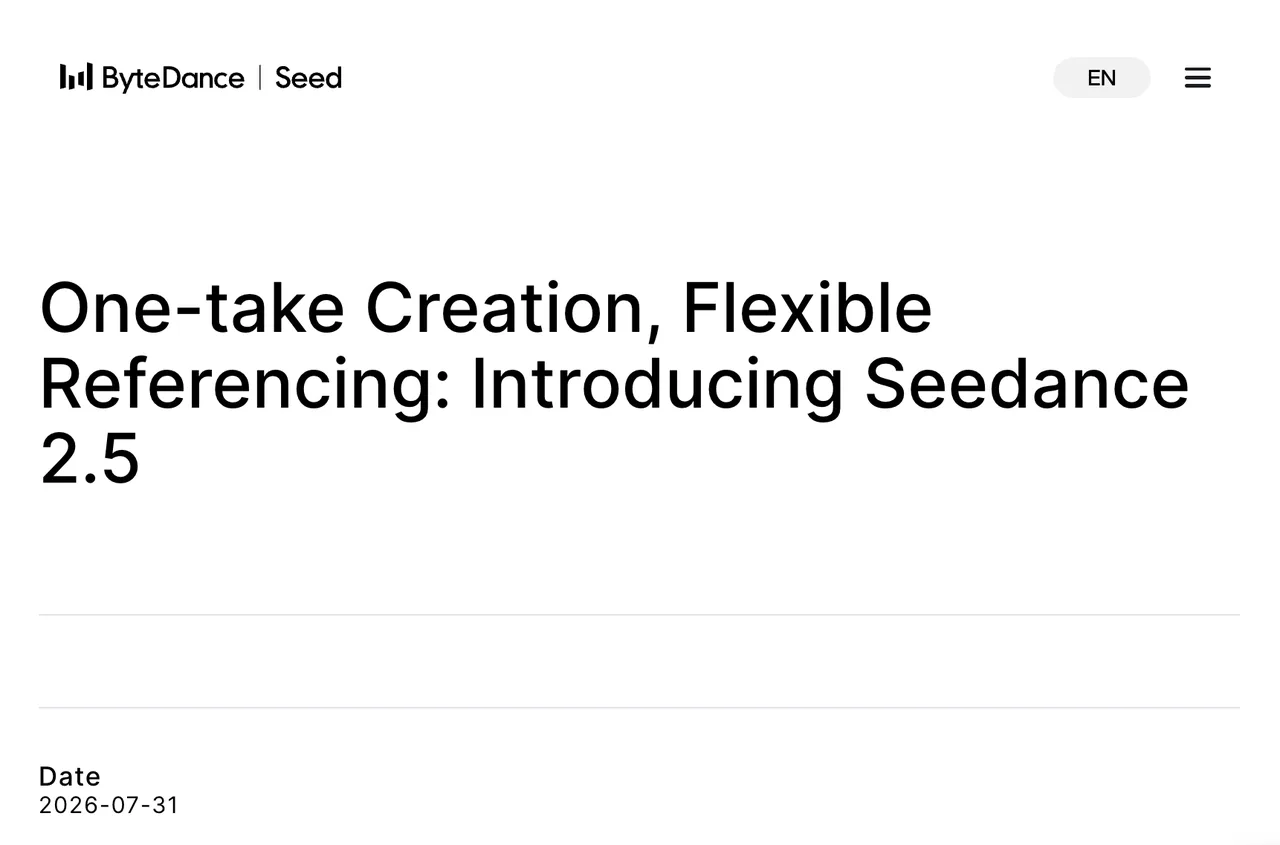
ByteDance Seed’s Seedance 2.5 launch post says the model officially launched on July 31, 2026, with rollout through Jimeng AI, Doubao Pro, and other platforms.
Confirm the Seedance 2.5 Workflow
Model Identity, Access Route, and Test Date
My first row in the sheet is boring: model label, platform, access route, account type, region, and date. Boring is good here.
If the platform exposes an official model ID, record it. BytePlus documentation lists dreamina-seedance-2-5-260628 in its enhanced video generation docs. If a studio only shows “2.5” without a first-party mapping, I mark it as platform naming.
I paused here. That distinction saves arguments later.
Supported Inputs, Outputs, and Controls
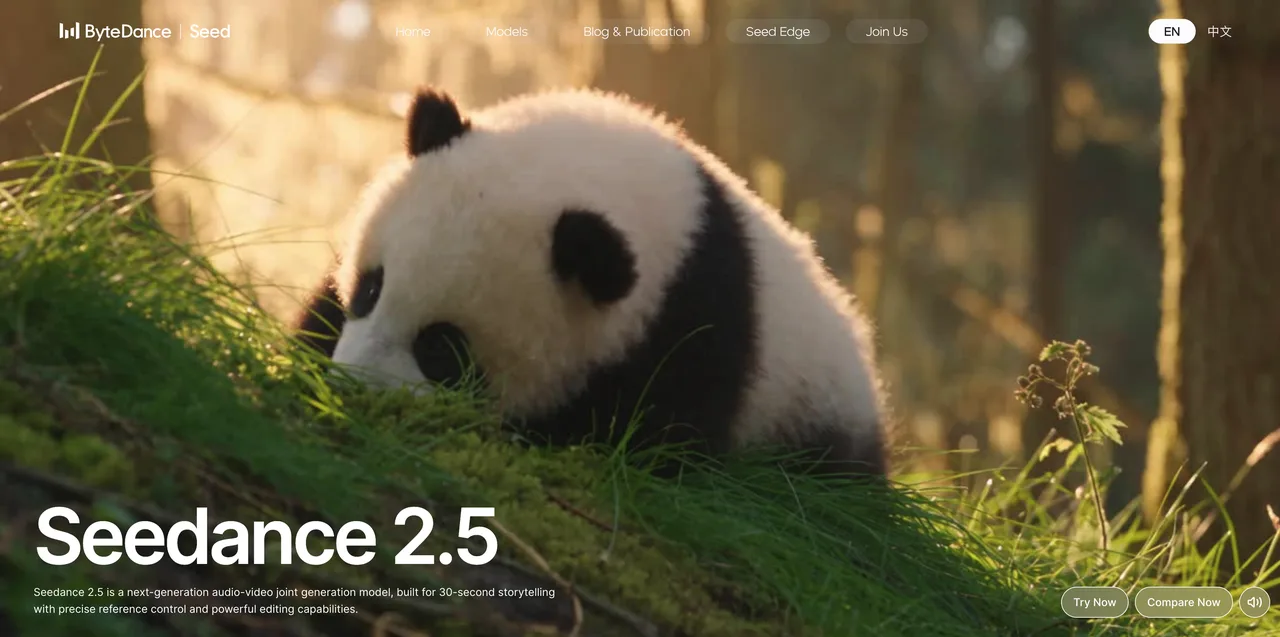
The official Seedance 2.5 model page describes 30-second storytelling, reference control, and editing capabilities. For a studio evaluation, I separate model capability from platform control.
A visible button is not always a base-model feature. A hidden preset is not always documented. Record both.
Prepare a Reproducible Video Brief
Prompt, References, Aspect Ratio, and Duration
A Seedance 2.5 video workflow needs one controlled brief. Mine has these fields: scene, subject, camera path, motion, reference files, aspect ratio, duration, audio intent, and negative constraints.
For a Seedance reference video, I write what it should carry: motion, framing, pose, timing, material, identity, or mood. “Use this as reference” is too vague. The model may obey the wrong part and still look confident. Models do that. People do too.
Acceptance Criteria for Motion and Continuity
Before generating, I set pass/fail rules. Not vibes. Rules.
| Area | Pass Condition |
|---|---|
| Motion | Main action completes without broken limbs or impossible timing |
| Continuity | Subject identity, props, and setting survive camera movement |
| Editability | A small defect can be fixed without restarting the whole brief |
| Product use | Output can enter review without hidden rights or approval gaps |
The clip does not need to be perfect. It needs to reveal where the process breaks.
Run the Iteration Cycle
Generate, Compare, Revise, and Preserve Versions
I keep every version. Prompt, inputs, settings, output file, thumbnail, failure note, and reviewer comment. Deleted versions are lost evidence.
For AI video iteration, compare against acceptance criteria, not against the best frame. A clip can have one excellent frame and still fail product use because the hand breaks at second eight or the logo changes halfway through.
Found the pattern on the third try: revision notes work better when they name the failure by timestamp.
Track Failures, Safety Blocks, and Queue Time
The log needs failed jobs too. Safety block, timeout, queue delay, unsupported input, prompt rejection, bad reference read, and export issue all count.
If the studio exposes seed, duration, aspect ratio, audio flag, task status, or queue time, store them. If it hides those fields, write “not exposed.” Missing metadata is still metadata.
Review Outputs for Product Use
Visual Quality, Consistency, and Editability
I do not rank quality from a tiny sample set. I score usability from repeated attempts.
A useful Seedance production test checks average usable output, not best output. Does the same brief produce stable motion three times. Does the reference set help or confuse the scene. Can one defect be edited without re-rolling the whole clip.
Good enough is not glamorous. It is the actual production question.
Rights, Disclosure, and Human Approval
This section is general information, not legal advice.
For people, copyrighted assets, brand files, and client media, I treat the platform terms as part of the workflow. BytePlus publishes its Terms of Service, but teams still need to review the terms that apply to their account, region, customer contract, and reference media.
Human approval stays in the record. Who approved the inputs. Who approved the final. What disclosure was required. That is not bureaucracy. That is how a clip survives client review.
Decide When to Automate
Studio Workflows for Exploration
I keep studio workflows for exploration, prompt shaping, reference testing, and visual review. The interface helps while the team is still deciding what the clip should be.
Seedance 2.5 studio work is strongest when the brief is unstable. Change the reference set. Try a shorter duration. Compare motion pacing. Watch what fails. No code needed yet.
API Workflows for Repeatable Production
I move toward API workflows only when the brief has stabilized. Same input classes. Same settings. Same output requirements. Same review gates.
The API decision is not “can we call it.” It is “do we need repeatability enough to maintain the integration.”
Speed is not the goal. Not breaking flow is.
Limits and Trade-Offs
Platform Controls May Not Match the Base Model
A studio may expose presets, upscaling, hidden safety settings, queue tiers, or post-processing that do not map cleanly to the base model.
The reverse also happens. Official model docs may mention controls the studio does not show. That is why the test record separates model identity from platform behavior.
Early Access Results May Change Rapidly
Seedance 2.5 is current. Current is not permanent.
I would timestamp every test and avoid broad quality claims. “Worked for this brief on this date” is useful. “Best model” is usually just a headline wearing a lab coat.
This conclusion has an expiration date. Models update fast.
FAQ
Can one brief be reused across several video models?
Yes, but I keep a model-neutral version and a model-specific version. The neutral brief tests the concept. The model-specific brief records controls, reference limits, and settings tied to Seedance 2.5 workflow testing.
Can exported project files open in another video tool?
Only if the studio exports a format the other tool accepts. A rendered MP4 is not a project file. I record whether the export is a flat video, editable timeline, asset bundle, or platform-only project.
Can clients request deletion of reference media after delivery?
They can ask. Whether it can be done depends on platform controls, storage design, contract terms, and privacy commitments. BytePlus also publishes a Privacy Policy, but the team still needs to verify the applicable version for its account.
What metadata should accompany an exported clip?
At minimum: platform, model label or ID, access route, generation date, prompt, reference list, settings, output version, reviewer, approval status, usage notes, and disclosure requirement. If the team uses content provenance tooling such as C2PA-style records, store that reference beside the export.
Can external auditors inspect workflow records after account closure?
Not safely by default. Platform data may be deleted or become inaccessible after closure. I keep audit records in the team’s own approved system, with client media handled under the relevant contract and policy.
Conclusion
The practical Seedance 2.5 workflow is not “generate a nice video.” It is verify the model identity, lock the brief, run controlled iterations, preserve failures, review rights, and decide when automation is worth the maintenance cost.
That is all I can confirm from a workflow evaluation. The rest needs a dated test run on the exact studio surface your team plans to use.
Previous posts:
/filters:quality(82)/media/images/b73c2438-6bdd-4b80-a229-8d71d8f819cf.webp)
/filters:quality(82)/media/images/427fd9f2-347d-4f86-a2d5-aee110cda01d.webp)
/filters:quality(82)/media/images/1773962750383987480_n3hqzHRZ.webp)
/filters:quality(82)/media/images/43fa0e7f-a0db-48d7-9bab-921d1225db30.webp)
/filters:quality(82)/media/images/5799ff56-3a73-40ca-a666-e4965d878496.webp)
/filters:quality(82)/media/images/7a8850fc-caf6-482f-ac4d-5ddbe64ec47c.webp)