
Best Image to Video AI Generator API Workflow 2026
Best image to video AI generator choices depend on source images, motion control, review evidence, and API workflow fit.
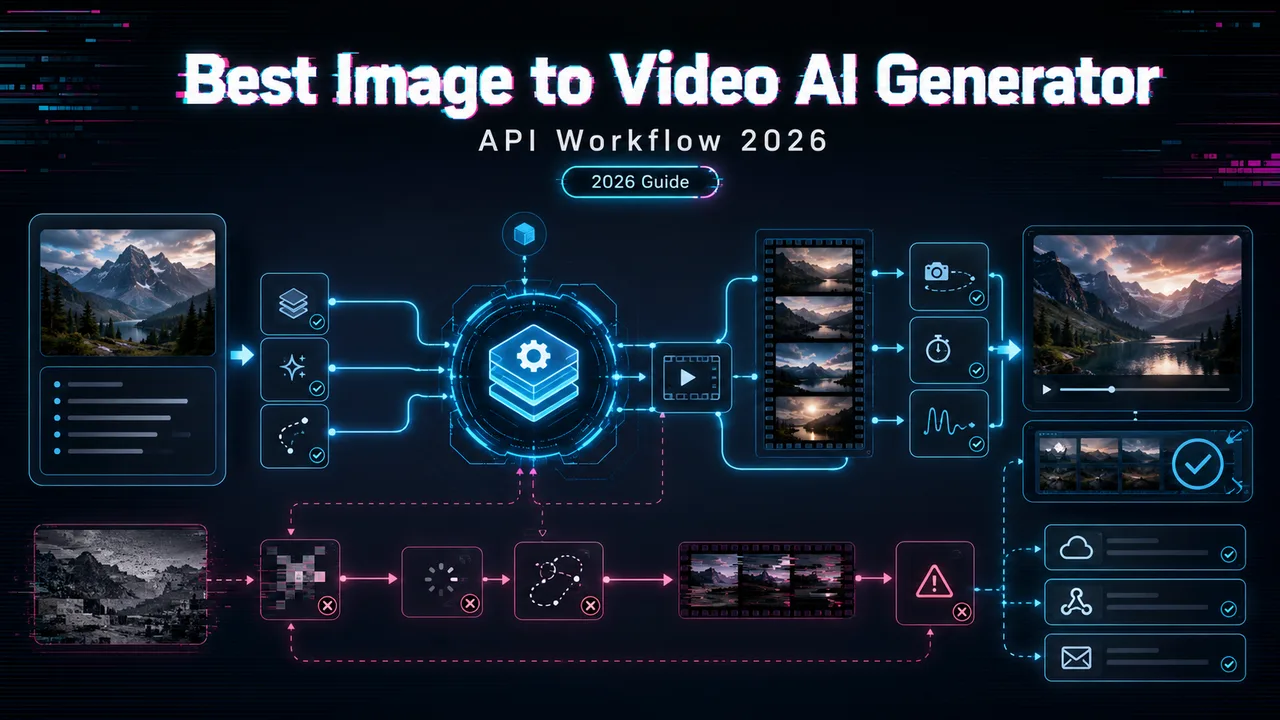
The best image to video AI generator is not the one that makes the prettiest demo from one hero image. In production, I care about a different question: can the same workflow animate 40 product photos, keep the subject intact, reject bad motion fast, and switch providers without rewriting half the app?
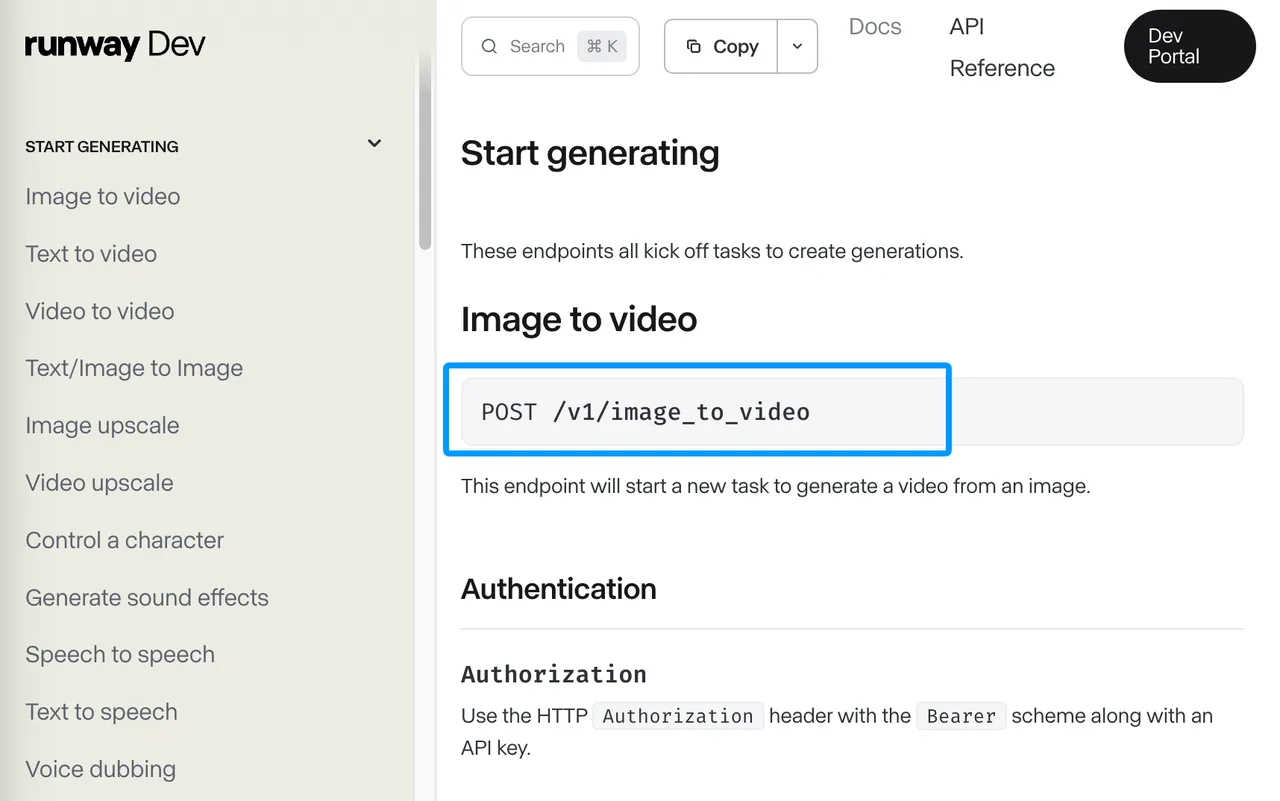
Current image-to-video API options differ a lot. Runway exposes POST /v1/image_to_video in its API reference, Google’s Veo 3.1 supports image-guided video through Gemini API, Luma’s Agents API exposes Ray 3.2 video generation, and Vidu offers dedicated image-to-video endpoints. That is enough choice to create confusion. So I split the problem into the workflow, not the brand names.
Quick Fit by Image-to-Video Workflow
Product Photo Animation, Character Motion, and Social Ads
For product photo to video AI, start with preservation. The source image is not just inspiration. It is the asset the customer already approved. If the model changes the shoe logo, rounds the bottle cap, melts the jewelry clasp, or invents a new package label, the video is not “almost right.” It is rejected.
My shortlist would separate tasks like this:
| Workflow | What to test first | Common rejection reason |
|---|---|---|
| Product photo animation | Subject shape, logo, material, camera move | Product drift |
| Character motion | Face, outfit, pose, gesture continuity | Identity shift |
| Social ads | Hook frame, aspect ratio, readable product | Over-motion |
| Editorial motion | Camera language, scene mood, pacing | Weak direction |
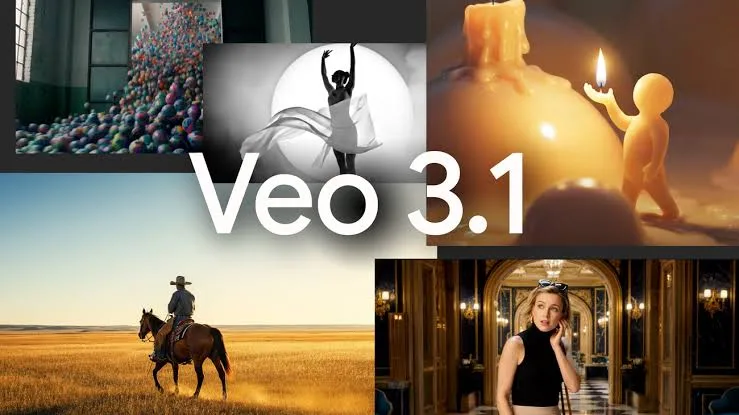
Google’s Veo 3.1 guide is a good example of why this matters: it documents image input, reference images, first and last frames, and video extension. Those are not cosmetic features. They change how you write the motion brief and how you judge whether the model respected the input.
When Text-to-Video Is the Wrong Starting Point
Text-to-video is the wrong starting point when the asset already exists. If an ecommerce team has approved product photography, a logo lockup, a seasonal campaign image, or a character sheet, the job is not “imagine a scene.” The job is “move this approved subject without breaking it.”
That is where an image to video API earns its place. It should accept the image in a documented format, preserve the subject, obey motion instructions, and return output that can move through review. If a provider only shows a web generator but does not publish an API endpoint, input limits, commercial terms, rate limits, and content policy, I would not put it on the production shortlist.
Prepare Inputs for Reliable Results
Source Image Quality and Subject Boundaries
The source image should be boringly clean. Clear subject boundary, no tiny text that must remain readable, no half-visible limbs, no heavy watermark, no confusing background object touching the main subject. This step feels tedious. It also prevents the model from working very hard to copy the mistake across every clip.
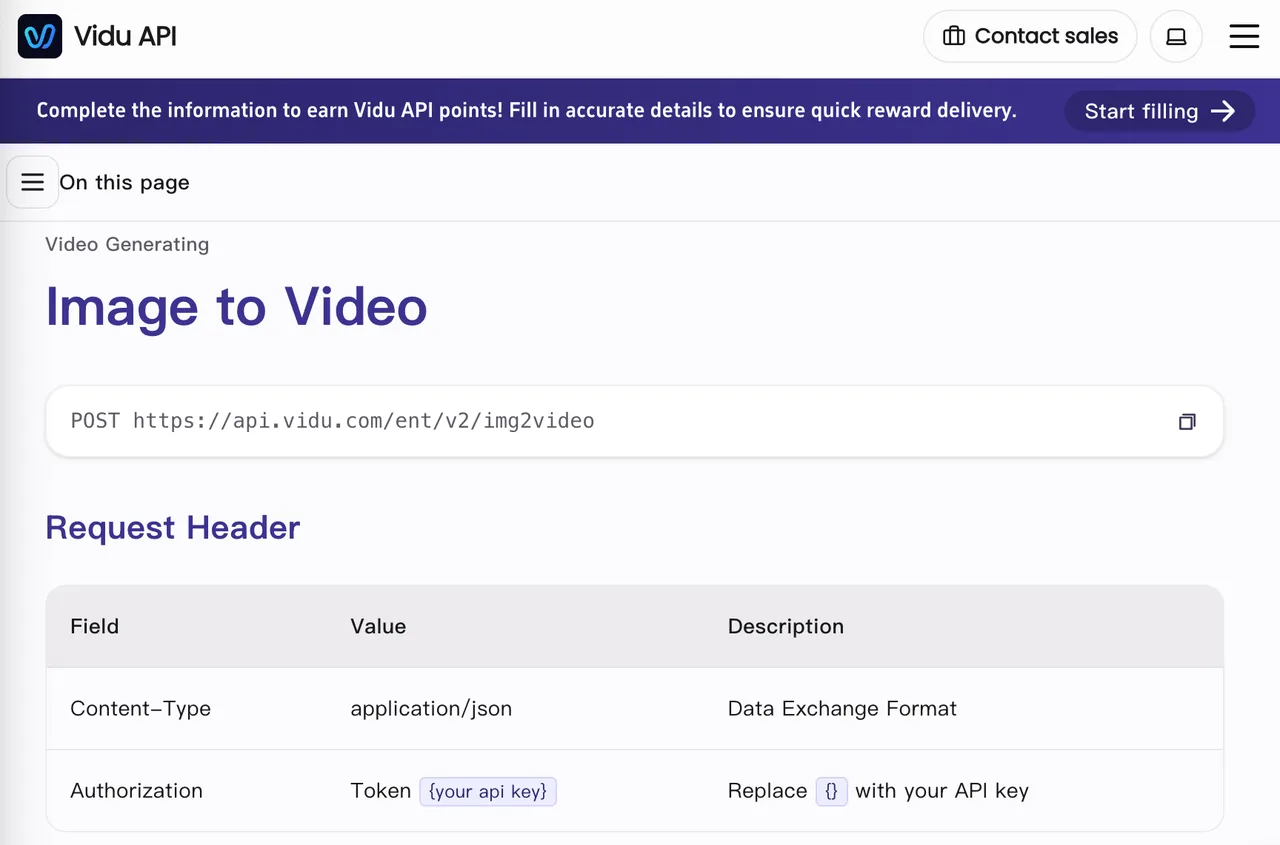
Vidu’s image-to-video docs show the kind of input evidence I want before testing: accepted image formats, public URL or Base64 support, model names, size limits, aspect ratio boundaries, prompt length, duration, resolution, and callback behavior. I am less interested in marketing adjectives than in fields the engineering team can validate.
For a test set, I would prepare 20 images:
- 5 clean product shots
- 5 difficult materials, such as glass, metal, fabric, or food
- 5 people or characters
- 5 brand-risk images with logos, text, packaging, or regulated claims
Do not run only the best images. Demos show the ceiling. Production shows the floor.
Motion Briefs, Camera Direction, and Brand Constraints
A motion brief should describe movement, not repeat the whole image. The source image already carries color, composition, subject, and style. The prompt should lock the action: “slow clockwise turntable,” “camera pushes in 10 percent,” “steam rises from the cup,” “hair moves gently in wind,” “no product deformation.”
For camera direction, I usually write three levels:
- Minimal: small parallax, slight push-in, soft environmental motion
- Medium: product rotation, hand interaction, controlled character gesture
- High: dynamic camera, scene transition, subject movement through space
The higher the motion, the more failures you should expect. Cheap does not always mean cost-saving. Unusable generations are expensive.
Luma’s generation endpoint shows why briefs need to map to provider fields. Its current API exposes ray-3.2 for video, supports type: "video", accepts image references through fields such as start frames and keyframes, and returns jobs through an async generation flow. That is a different integration shape from a simple synchronous image endpoint.
Test API Output Before Scaling
Subject Preservation, Motion Control, and Visual Defects
Before scaling, run a small canary. I would not call any video model API ready until it passes a controlled batch with the same prompts, images, aspect ratios, and rejection tags.
The test should score five things:
- Subject preservation: shape, face, logo, material, proportions
- Motion control: does the requested action happen without extra chaos?
- Camera behavior: does the camera move match the brief?
- Visual defects: warping, flicker, limb errors, texture crawling, text damage
- Output readiness: correct duration, ratio, resolution, format, and download path
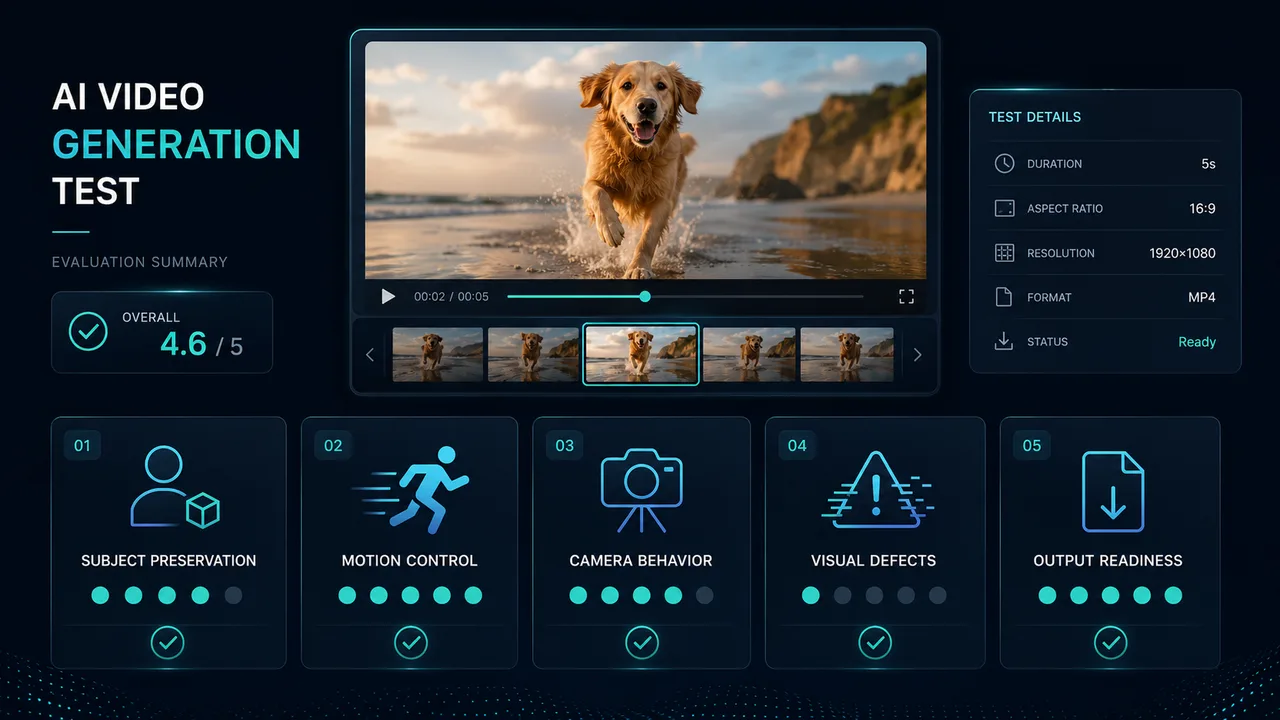
This cannot be judged by feel. It needs a sample run.
For product ads, one defect can kill the clip. A hand moving slightly wrong may be acceptable in a lifestyle shot. A changed product label is not. That distinction should be in the review sheet before anyone starts generating at volume.
Review Criteria and Rejection Tags
Bad review tags create bad data. “Looks weird” is not a useful production label. I prefer rejection tags that point to action:
subject_driftlogo_changedface_changedmotion_too_largecamera_wrongtext_unreadablebackground_collisionflickerpolicy_blockwrong_ratiodownload_failed
These tags help product, creative, and engineering talk about the same failure. One person can remember parameters. A team cannot.
The review pass should also record provider, model ID, prompt version, source image hash, aspect ratio, duration, request ID, cost estimate, latency range, and final decision. If the output is used in a customer-facing product, keep the reviewer identity or system rule that approved it.
Decide When a Unified API Layer Helps
Model Switching for Different Visual Styles
A unified API layer helps when one video model API is not enough for the range of jobs. Product turntables, fashion movement, animated characters, and UGC-style ads often prefer different models or settings. Switching manually across providers gets messy once the team has more than one workflow.
The value is not just fewer API keys. The value is keeping the test shape consistent:
- same input image storage pattern
- same prompt template versioning
- same retry policy
- same rejection tags
- same cost tracking
- same provider fallback rule
If you use WaveSpeedAI or another unified provider layer, verify the exact model IDs on the publication date. Do not assume a web model, a provider model, and an aggregator model expose the same controls.
Vendor Evidence to Collect Before Launch
Before launch, I want a vendor packet for every candidate. It should include API availability, endpoint path, authentication method, model IDs, input limits, output specs, pricing, region access, rate limits, content policy, commercial terms, data handling, support path, and deprecation policy.
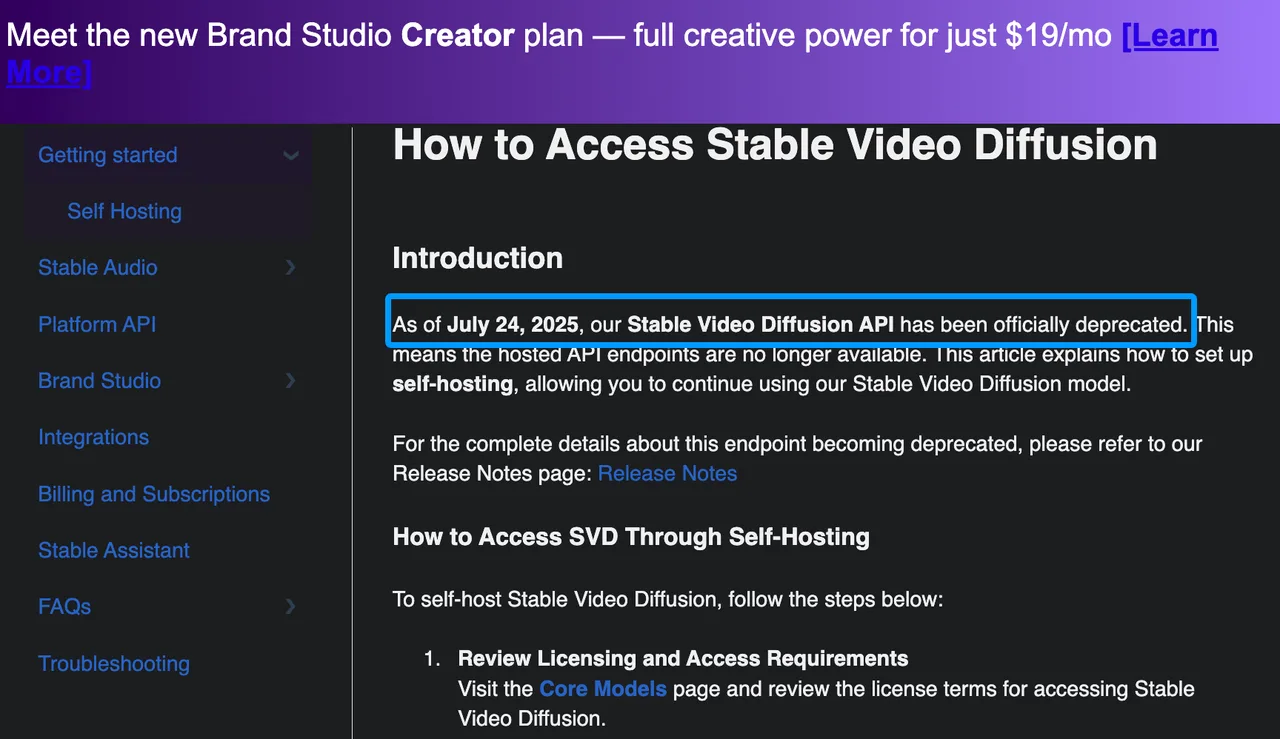
This is where old assumptions get expensive. A model that once had a hosted endpoint may no longer be a current API option. Stability AI’s own support article says the Stable Video Diffusion API was deprecated, with self-hosting as the path after the hosted endpoint ended. That does not make the model useless. It means it should not be treated as a current hosted image-to-video API without fresh evidence.
A platform does not need to be everything. It needs not to break the critical path.
FAQ
Who approves the final image-to-video provider shortlist?
The shortlist should be approved by product, engineering, legal or policy, and the creative owner. Product owns use case fit. Engineering owns API risk. Legal or policy owns rights, disclosure, and takedown rules. Creative owns output quality.
What customer disclosures are needed for generated videos?
Use conservative disclosure. Tell customers when video is AI-generated or AI-edited if the use case, market, platform policy, or customer contract requires it. For ads, likeness, product claims, regulated categories, or synthetic people, get policy review before launch.
Who responds when a provider disputes test findings?
The integration owner should respond with the test packet: source images, prompts, model IDs, request dates, failure tags, output samples, and scoring rules. Do not argue from screenshots alone. Screenshots do not prove the API path.
Who updates the model shortlist after provider changes?
Platform should own the update process, with product approval for ranking changes. Provider changes include model aliases, pricing, regions, output limits, safety behavior, terms, or rate limits. The shortlist should have a review date, not just a favorite model.
How should teams handle takedown requests for generated videos?
Assign responsibility before launch. Keep source image records, prompt logs, provider output IDs, customer account IDs, publication destinations, and reviewer decisions. If a rights holder, subject, customer, or platform requests removal, the team needs a single owner and a documented response path.
Conclusion
The best image to video AI generator for 2026 is the one that survives your workflow: clean source images, precise motion briefs, documented API controls, repeatable review tags, vendor evidence, and a fallback plan. I would not pick it from a demo wall.
Start with 20 real inputs, run the same canary across two or three verified providers, and reject anything that cannot preserve the subject under the motion your product actually needs. Batch generation is not single generation repeated many times. It is a different workflow.
Previous posts:
Related Articles
/filters:quality(82)/media/images/1791535252286714222_v4jvJT2a.webp)
ModelsLab Review 2027: One API for Media Models?
/filters:quality(82)/media/images/1791451065663755033_qNqAKS1a.webp)
Best AI Video Background Removal Tools in 2027
/filters:quality(82)/media/images/1791359984291066138_tW5eOX6f.webp)
Best Comfy Cloud Alternatives in 2027
/filters:quality(82)/media/images/1773962750383987480_n3hqzHRZ.webp)
Qwen Image 2.1 vs Qwen Image 3.0: What Changes and When to Upgrade
What's Next for Wan Video Generation, and What It Means for Creators
/filters:quality(82)/media/images/1791271002496939282_TBLU3cmv.webp)