
AG-UI Architecture: Events, State, Tools, and Transports
Explore AG-UI’s event architecture for model API applications, including run lifecycles, shared state, tool calls, transports, and error mapping.
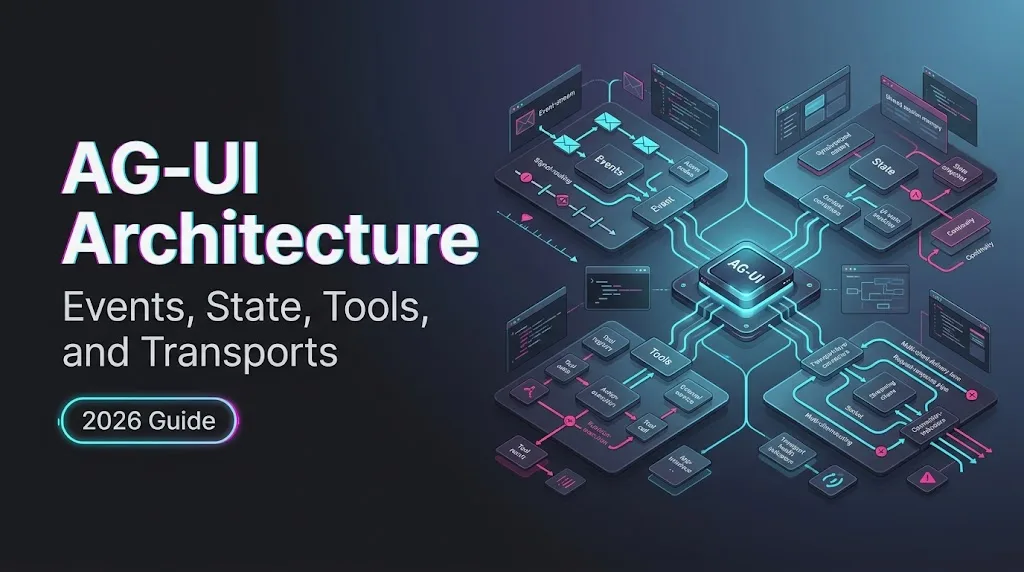
Dora. I hit the boring part after the demo worked. The agent streamed text. The UI rendered it. Then I refreshed the browser during a tool call and the whole thing lost shape: half a message, no clear run boundary, one stale approval button, and a state object that looked current until it wasn’t. That is the part AG-UI architecture is trying to make less improvised.
The official AG-UI docs describe an event-driven protocol between agent runtimes and frontends. This note stays inside that boundary: events, shared state, tool-call visibility, model API output mapping, and transport behavior. It does not treat AG-UI as authentication, model routing, provider fallback, or tool policy. It is not that layer.
Follow the AG-UI Event Model
Run lifecycle and message events
The official AG-UI architecture page frames the protocol around typed events emitted during agent execution. The run needs a frame before the UI can behave sanely.
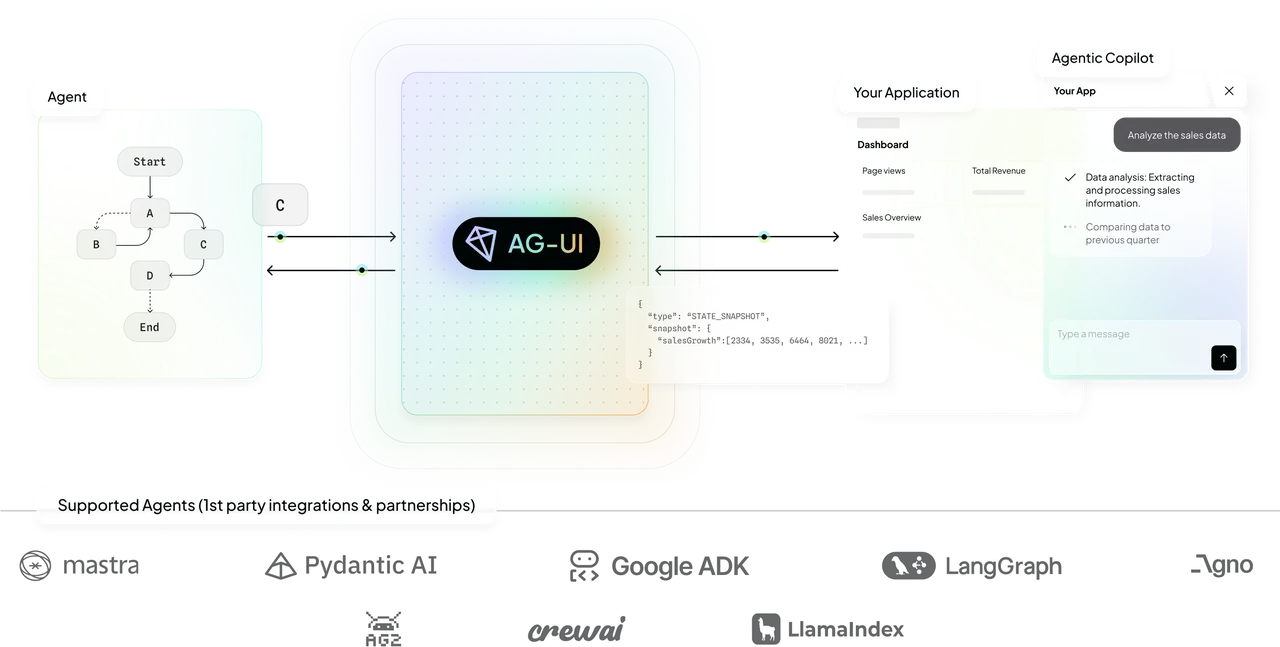
At minimum, I would treat RUN_STARTED, RUN_FINISHED, and RUN_ERROR as the outer boundary. STEP_STARTED and STEP_FINISHED are optional, but they matter when the frontend needs visible progress rather than one vague spinner. “Working” is not a state. It is a shrug with CSS.
Message streaming follows the same idea. A text response starts with TEXT_MESSAGE_START, grows through TEXT_MESSAGE_CONTENT, and closes with TEXT_MESSAGE_END. The convenience event TEXT_MESSAGE_CHUNK can reduce producer work, but the frontend should still think in start/content/end terms. It gives rendering, scrolling, retry, and persistence a stable shape.
Tool-call and state-change events
Tool calls have their own event sequence. The AG-UI events documentation describes TOOL_CALL_START, TOOL_CALL_ARGS, TOOL_CALL_END, and TOOL_CALL_RESULT. The useful part is not the name list. It is the ordering.
TOOL_CALL_ARGS can arrive in chunks. The UI has to concatenate them by toolCallId, not by timing guesswork. TOOL_CALL_RESULT should not be confused with the tool policy itself. AG-UI can show that a tool was called and what result came back. It does not decide whether that tool was allowed to run.
State changes use STATE_SNAPSHOT, STATE_DELTA, and MESSAGES_SNAPSHOT. I would keep those separate from chat text. Message history is not the same thing as application state. Mixing them is how reload bugs become archaeology.
Map Model API Output to AG-UI Events
Token, media, and structured output streams
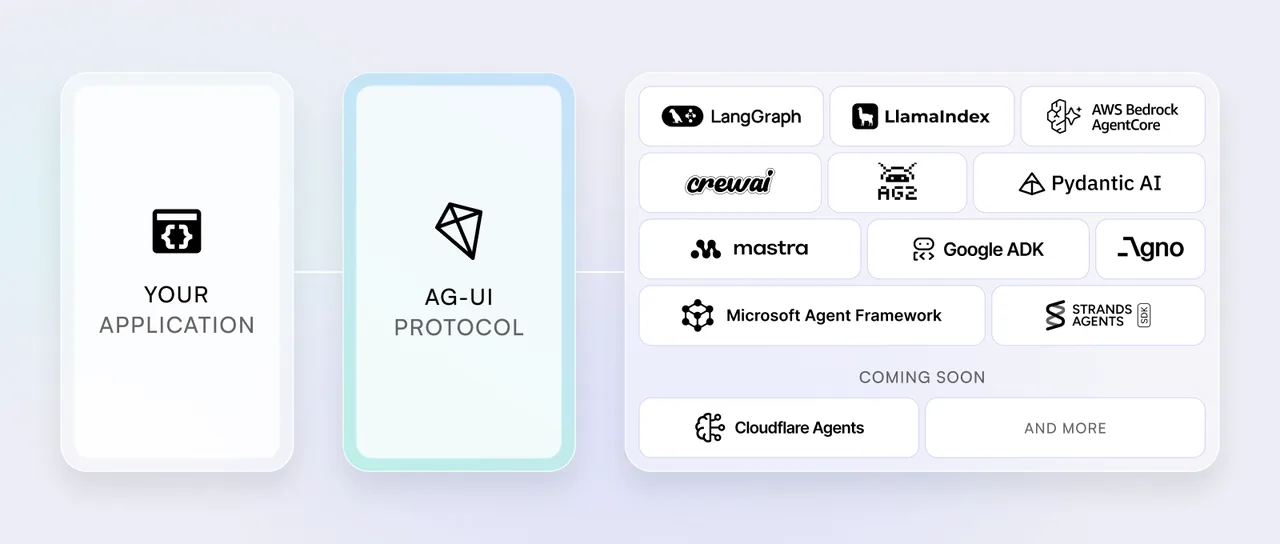
A model API frontend usually receives provider-shaped output first: text deltas, tool-call deltas, structured JSON fragments, image or file references, reasoning summaries, finish reasons, and usage metadata. AG-UI is the adapter layer that turns those into frontend-readable events.
Plain token deltas map cleanly into text message events. Structured output is less automatic. If the model returns JSON that updates a visible form, I would map the visible answer to message events and the form data to state events. That keeps the UI from parsing prose to recover application state. Found the pattern on the third try.
Media needs the same split. A generated image URL or uploaded file reference can appear as message content, metadata, or state, depending on who owns it next. If the user can edit, approve, or reuse it later, it probably belongs in state as well as display.
Upstream model API errors and protocol events
Provider errors should not leak raw into the UI as mystery failures. Timeouts, context overflow, rate limits, malformed tool arguments, and safety blocks should map into RUN_ERROR or a controlled state update that the frontend knows how to render.
I would keep the original provider payload in logs, not in user-facing state by default. AG-UI has RAW and CUSTOM events for escape hatches, but those need discipline. If every provider quirk becomes a custom frontend branch, the protocol stops buying much.
Metadata is useful for trace IDs, finish reasons, and token usage. It should not become a junk drawer. Once every team adds its own unreviewed fields, debugging gets worse in a more standardized-looking way. That is not progress.
Design State and Transport Architecture
Shared state ownership and consistency
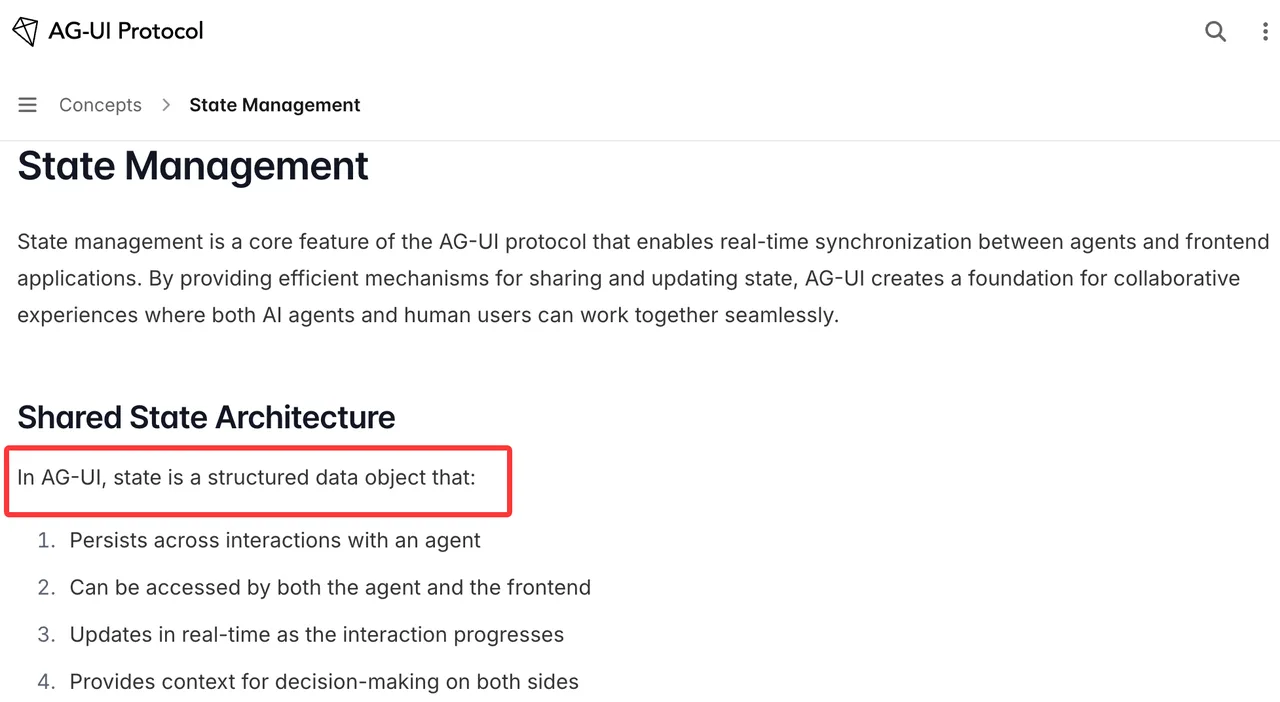
The official state management docs describe shared state as a structured object that can persist across interactions and update in real time. The mechanism is snapshot plus delta. STATE_SNAPSHOT replaces the frontend state. STATE_DELTA applies incremental JSON Patch operations.
This is where ownership has to be explicit. The agent can propose. The frontend can reflect or modify. The backend still needs to decide which state changes are accepted, persisted, audited, or rejected.
For shared agent state, I would define three buckets: read-only context, agent-owned working state, and user-editable state. Do not let all three collapse into one mutable object. It works in a demo. It gets strange after the first approval rollback.
JSON Patch is compact, but it is order-sensitive. Store enough event history to replay state in tests. If a delta fails, request or emit a fresh snapshot. Silent patch failure is the kind of bug that looks like user confusion for two weeks.
HTTP, SSE, WebSockets, and reconnection boundaries
AG-UI is transport-agnostic. The architecture docs mention SSE, webhooks, WebSockets, and an HTTP binary protocol. That does not mean they are interchangeable at the app level.
SSE is easy to debug and fits one-way event streaming well. WebSockets make sense when the client and agent need more active bidirectional traffic. Webhooks fit delayed updates after a run leaves the foreground. HTTP binary can reduce overhead, but it raises the cost of inspection.
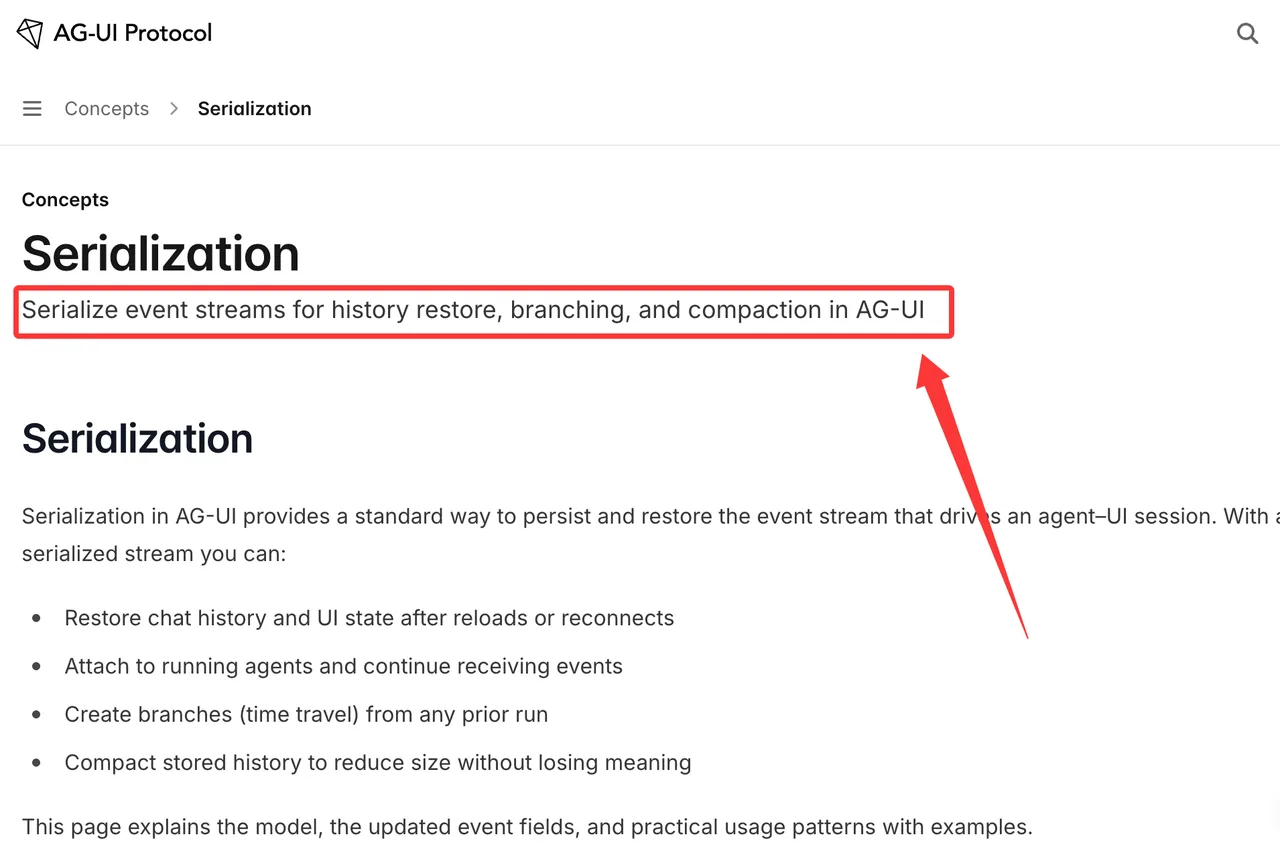
Reconnection is the real boundary. A frontend should know whether it can resume a stream, reload from stored events, or only start a new run. For archived sessions, the serialization model matters because event streams can be stored, compacted, restored, and branched with parentRunId.
This is where my data ends: I did not find a single public protocol-version label that should be treated as the whole enterprise contract. I would pin SDK package versions, docs date, event fixtures, and supported capabilities in the implementation record.
Frequently Asked Questions
How should event fixtures be stored for regression tests?
Store real event streams as append-only fixtures, then store compacted versions beside them. Include run IDs, thread IDs, timestamps when available, transport type, SDK version, and the expected rendered state.
Who should approve custom event extensions?
The frontend lead, agent runtime owner, and platform owner should approve them together. Custom events affect rendering, persistence, support, and backward compatibility.
Can archived event logs be replayed across versions?
Potentially, but only after migration testing. Replay old logs through the new parser and compare messages, state, tool-call display, and terminal run status.
What accessibility artifacts should frontend teams retain?
Keep keyboard-flow notes, screen-reader labels, focus-order checks, color-independent status rules, and examples of streaming, loading, error, and approval states.
How should support teams reproduce an event-ordering bug?
They need the raw event fixture, app version, agent version, transport, browser logs, and the exact step where UI state diverged. Screenshots alone are not enough.
AG-UI architecture is useful when the event stream is the product surface. The clean implementation line is simple: map model output into typed events, keep shared state owned, test replay and reconnection, and leave auth, routing, provider fallback, and tool-permission outside the protocol.
Previous posts:
/filters:quality(82)/media/images/b73c2438-6bdd-4b80-a229-8d71d8f819cf.webp)
/filters:quality(82)/media/images/427fd9f2-347d-4f86-a2d5-aee110cda01d.webp)
/filters:quality(82)/media/images/1773962750383987480_n3hqzHRZ.webp)
/filters:quality(82)/media/images/43fa0e7f-a0db-48d7-9bab-921d1225db30.webp)
/filters:quality(82)/media/images/5799ff56-3a73-40ca-a666-e4965d878496.webp)
/filters:quality(82)/media/images/7a8850fc-caf6-482f-ac4d-5ddbe64ec47c.webp)