
Seedance 2.5 for 2D Animation: A Controlled Test
Use Seedance 2.5 for 2D animation with a controlled workflow for references, motion, continuity, iteration, and production review.
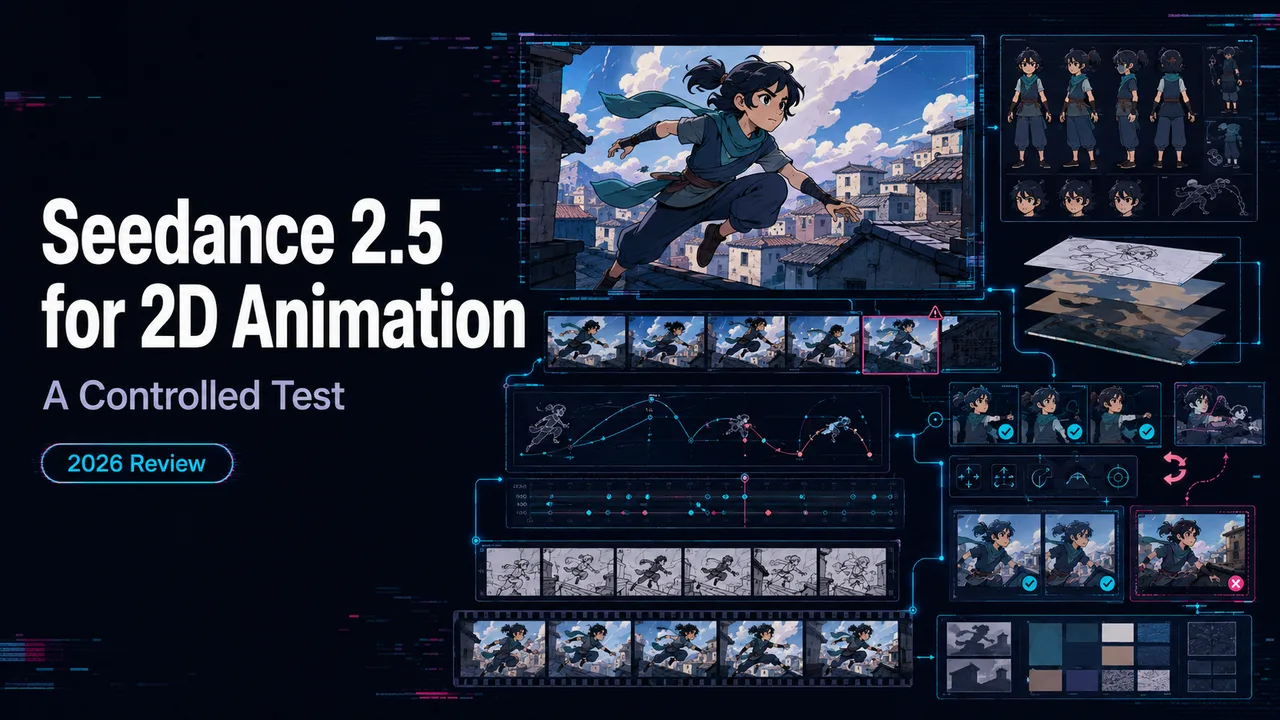
For teams searching for Seedance 2.5 animation 2d, the real question is not whether one stylized clip looks good. The question is whether the same original character can survive line work, motion, camera changes, dialogue, and shot continuity without turning the production folder into a pile of “final_v7_reallyfinal” files.
I’m John. I did not run a private generation pass for this draft. Access and docs were checked on August 24, 2026 across ByteDance Seed pages and BytePlus ModelArk/LAS documentation. So this is a reproducible test method, not a claimed hands-on scorecard.
Define the 2D Animation Test
Lock the Style, Subject, and Motion Goal
Start with one original character. Not a famous character. Not “in the style of” a living artist. Use a simple 2D cartoon design: front view, side view, three expressions, two body poses, and one clean background.
The test goal should be narrow: a 12-second cel-style scene where the character walks into frame, notices a floating paper lantern, says one short line, and turns toward camera. That is enough. If the first test includes dance choreography, weather, camera orbit, lip sync, and three supporting characters, you are not testing Seedance. You are testing patience.
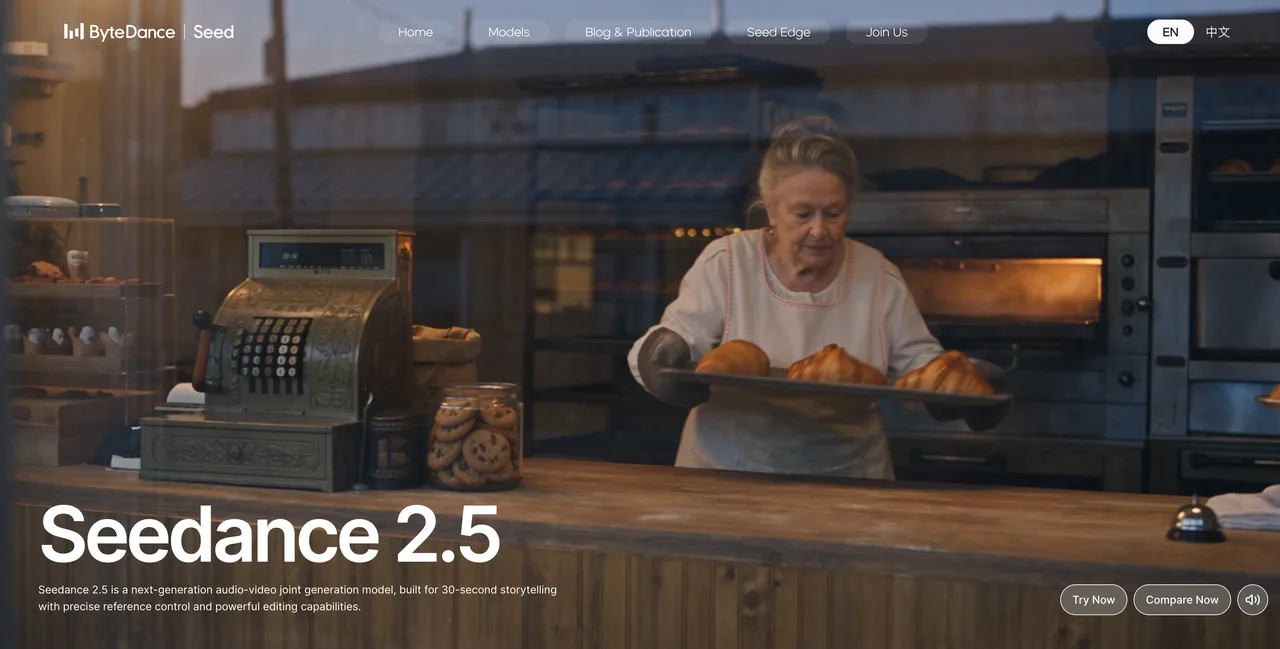
ByteDance Seed’s official Seedance 2.5 launch post says the model supports up to 30-second audio-video generation, multimodal references, and timestamp-level editing. Good. But 2D animation has its own failure points: line wobble, face drift, off-model hands, text deformation, and timing that feels one beat late.
Choose Text, Image, Video, and Audio References
For a controlled Seedance 2.5 2d cartoon test, I would use four reference groups:
| Input | Purpose | Keep It Simple |
|---|---|---|
| Character sheet | Identity, line style, colors | 3–6 images, not a collage of everything |
| Background | Scene continuity | One clean background plate |
| Motion clip | Walk cycle or head turn | Short, readable movement only |
| Audio | Dialogue timing or rhythm | One dry voice line, no music bed |
The official Seedance 2.5 model page frames the model around 30-second storytelling, reference control, white-model control, green-screen editing, and professional camera blocking. For this test, I would not use every feature at once. Before running further, I narrowed the variables.
Build a Reproducible Input Pack
Prepare Character Sheets and Background References
The input pack needs to be boring in the best possible way. Name every asset with a role: character_front.png, character_side.png, mouth_shapes.png, background_room.png, walk_cycle_ref.mp4, dialogue_clean.wav.
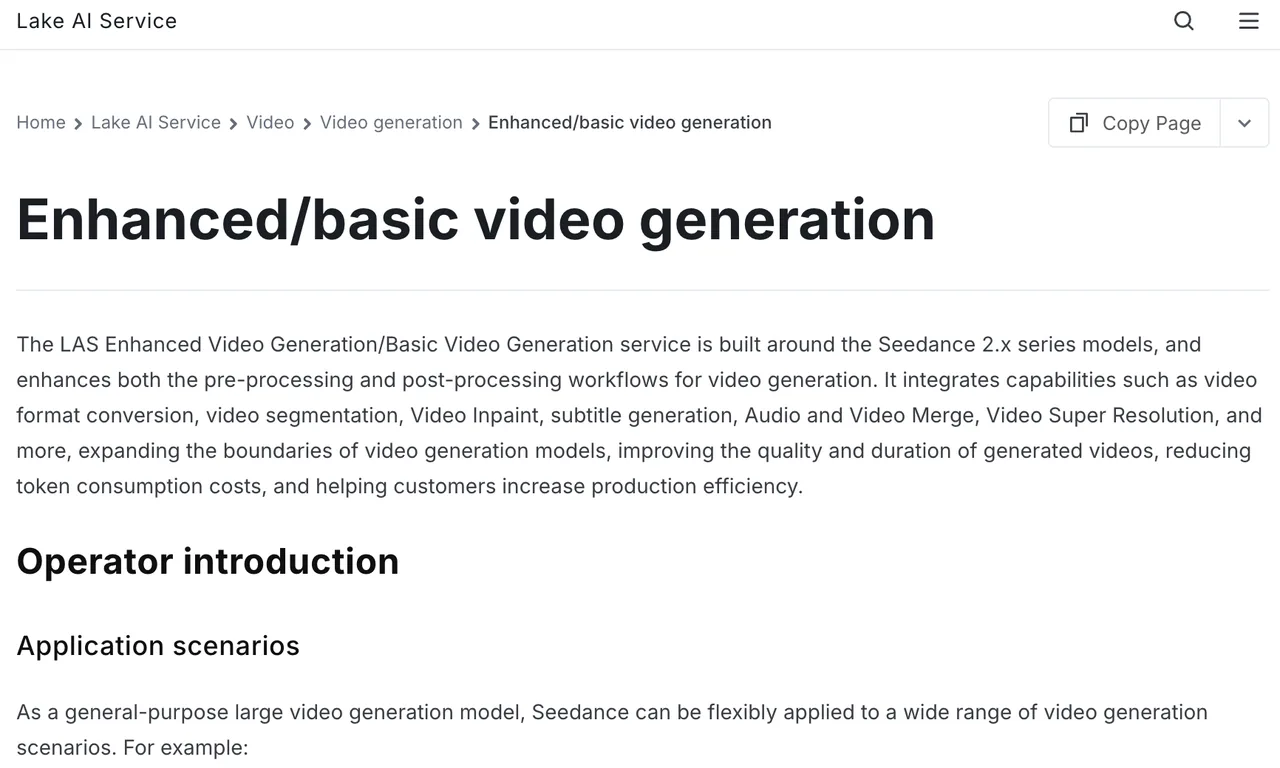
BytePlus LAS docs list Seedance 2.5 multimodal reference support for text, image, video, and audio, with image limits up to 30 for the 2.5 series in multimodal reference generation. The same BytePlus video generation docs also list supported image formats, image size limits, video formats, audio formats, and request-body constraints.
My practical rule is stricter than the maximum. Use fewer assets than the platform allows. A maximum is not a target. If an image does not tell the model exactly what to preserve, leave it out.
Set Shot Timing, Camera Motion, and Dialogue
Write timing as production beats:
- 0–3s: character enters from left, simple side walk.
- 3–6s: character stops, looks up at lantern.
- 6–9s: short dialogue line, mouth movement only.
- 9–12s: slow push-in, character smiles, hold final pose.
Keep camera motion plain. A locked camera is not boring when you are testing character consistency. It gives you a clean floor. Demos show the ceiling. Production shows the floor.
Run the First Animation Pass
Generate Controlled Variants
Run three variants with the same input pack. Change one variable per run:
- Variant A: static camera, no audio.
- Variant B: static camera, dialogue audio.
- Variant C: slow push-in, dialogue audio.
For API testing, BytePlus currently lists the model ID dreamina-Seedance-2-5-260628, a generation endpoint, callback support, generate_audio, seed, watermark, resolution, ratio, and 4–30 second duration support. The docs also say Seedance 2.5 output is MP4 at 24 fps with 480p or 720p in that LAS operator path. Do not assume another platform exposes the same switches.
Record Prompts, References, Settings, and Failures
Every run should leave a paper trail:
- Platform and model ID.
- Test date.
- Prompt text.
- Reference file names.
- Duration, ratio, resolution, seed if exposed.
- Audio on/off.
- Failure tags.
- Accepted or rejected.
For Seedance 2.5 animation generation, I would tag failures like this: face_drift, line_wobble, hand_error, mouth_timing, camera_jump, background_shift, style_change, audio_bleed, text_mutation.
Evaluate the Results
Character Consistency and Line Stability
Do not judge the clip from the thumbnail. Scrub frame by frame at the start, middle, and end. Check whether the same character still has the same silhouette, eye shape, hair outline, clothing colors, and line thickness.
2D work exposes small errors quickly. A photorealistic face can hide drift inside lighting and skin texture. A flat cel-style face has nowhere to hide. If the jawline changes every two seconds, the clip may still be charming, but it is not production-ready.
Motion, Timing, Audio, and Scene Continuity
For Seedance 2.5 ai video tests, motion quality is not only “does it move?” I split it into timing, pose readability, and continuity. Does the foot plant before the body moves? Does the lantern remain in the same part of the room? Does the dialogue begin when the mouth starts moving?
If the output has music when the brief asked for clean dialogue, tag it. If the camera moves beautifully but breaks the character, reject it. The real bottleneck is the handoff, not the generation.
Improve Weak Outputs
Simplify References and Separate Conflicting Instructions
When the result fails, do not regenerate everything with a louder prompt. Remove conflict first.
If the character sheet shows three outfits, the model may blend them. If the background image has decorative text, the model may animate or distort it. If the motion reference uses a 3D walk cycle and the style prompt asks for flat 2D, decide which part matters more.
One instruction should own each reference: “Image 1 defines the character design only.” “Video 1 defines walking rhythm only.” “Audio 1 defines dialogue timing only.”
Edit Specific Segments Instead of Regenerating Everything
Seed’s launch post describes timestamp-level editing, and the official docs list edit and extension support for Seedance 2.x. Use that for repair. If 0–8 seconds work and the smile drifts in the final beat, target 9–12 seconds. Do not throw away the accepted clip just because one shot failed.
Batch generation is not single generation repeated many times. It is a different workflow.
Prepare Outputs for a Production Workflow
Human Review, Asset Tracking, and Version Control
Accepted Seedance 2.5 videos need version names, not memory. Store the prompt, references, output, rejection notes, and edit history together. If a producer cannot trace why Variant B passed and Variant C failed, the test did not produce reusable knowledge.
The API docs state generated task IDs are retained for seven days and generated video links are valid for 24 hours in the documented path. That means your internal storage cannot depend on platform links.
Rights Checks for Characters, Styles, and Source Media
Use original characters, licensed source media, and general visual attributes: “flat inked outlines,” “limited palette,” “soft watercolor background,” “simple squash-and-stretch motion.” Do not ask for protected characters or a living artist’s style.
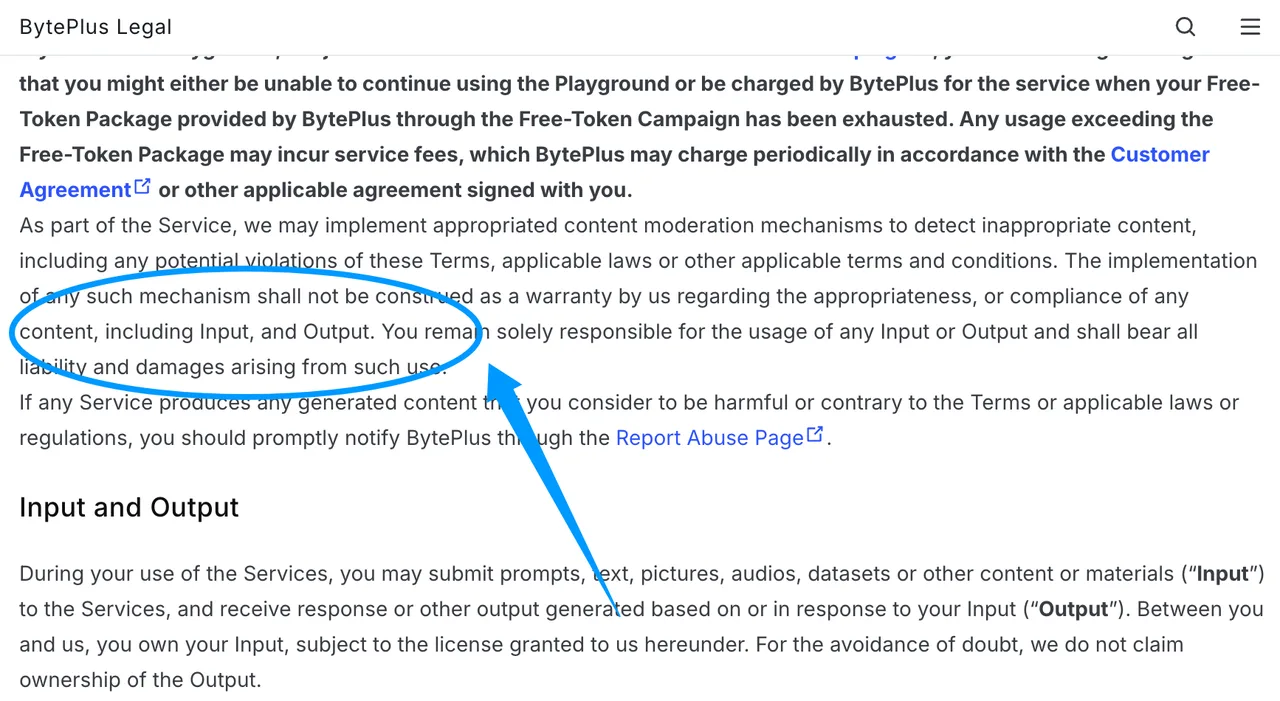
ByteDance Seed also maintains a model transparency page, and BytePlus publishes ModelArk user terms covering input, output, acceptable use, and IP responsibilities. Treat rights checks as part of production, not a legal footnote.
Limits and Trade-Offs
Stylized Motion Can Still Drift Between Shots
2D animation is unforgiving. Even if the model handles reference images and audio well, line weight, mouth shape, and background geometry can drift between beats. The more characters, props, and camera moves you add, the harder it gets to know what caused the failure.
Platform Controls May Not Expose Every Model Feature
Jimeng, Doubao Pro, Dreamina, ModelArk, and other surfaces may expose different controls, defaults, quotas, or resolutions. The current BytePlus docs list specific API fields, but a web UI may not show all of them. Record the surface. Otherwise your test cannot be repeated.
FAQ
Can Seedance 2.5 preserve transparent backgrounds for downstream compositing?
Do not assume alpha-channel export unless the active platform explicitly documents it. For compositing, I would test green-screen or flat-color backgrounds, then key the output downstream.
Can Seedance 2.5 export dialogue without background music?
The BytePlus API path includes generate_audio, including a false setting for silent output. Dialogue-only export still needs a test, because separate stems are not guaranteed by the basic output description.
Can Seedance 2.5 animate text without changing letterforms?
I would not rely on generated video for exact typography. Keep text, captions, logos, and legal copy in post-production unless the platform proves stable text preservation in your own test set.
Can Seedance 2.5 generate seamless loops for 2D assets?
Maybe for simple motion, but do not assume it. Test first and last frames, then check for position, silhouette, lighting, and timing match. A loop that clicks at frame one is not a loop.
Can Seedance 2.5 outputs include timecode for editorial handoff?
The documented API output is an MP4 video; the LAS docs do not document an editorial package or timecode metadata. Add timecode, handles, scene labels, and review markers in your editing system.
Conclusion
The right way to test Seedance 2.5 animation 2d is not to ask for the prettiest cartoon clip. Build a fixed input pack, run controlled variants, record every setting, and score character consistency, line stability, motion, audio, and continuity separately. If the 12-second test survives that, then extend the workflow. If it fails, simplify the references before scaling the mistake.
Previous posts:
/filters:quality(82)/media/images/b73c2438-6bdd-4b80-a229-8d71d8f819cf.webp)
/filters:quality(82)/media/images/427fd9f2-347d-4f86-a2d5-aee110cda01d.webp)
/filters:quality(82)/media/images/1773962750383987480_n3hqzHRZ.webp)
/filters:quality(82)/media/images/43fa0e7f-a0db-48d7-9bab-921d1225db30.webp)
/filters:quality(82)/media/images/5799ff56-3a73-40ca-a666-e4965d878496.webp)
/filters:quality(82)/media/images/7a8850fc-caf6-482f-ac4d-5ddbe64ec47c.webp)