
Nano Banana Pro Review for Production Image Work
Nano Banana Pro review focuses on production image generation, editing, text, consistency, API access, and workflow limits.
Production image work fails when package text is wrong, a logo shifts, a reference asset is unclear, or no one knows who approved the final file. This Nano Banana Pro review is an official-evidence review, not a private benchmark. I did not run live prompt tests.
Short answer: yes for a controlled pilot, no for unattended publishing.
What Nano Banana Pro Is
Gemini 3 Pro Image positioning
Google introduced Nano Banana Pro as Gemini 3 Pro Image in its Nano Banana Pro launch post, positioning it around generation, editing, text rendering, world knowledge, and higher-control visual work.
The current Gemini 3 Pro Image model page is the route to verify before build work. Checked on September 4, 2026, it lists gemini-3-pro-image with image and text inputs, image and text outputs, image generation, Search grounding, thinking, and Batch API support. It lists Live API, function calling, caching, structured outputs, and URL context as not supported.
Generation and editing access paths
Start from the Gemini API image generation docs, not from consumer app behavior. Google documents text-to-image, editing, multi-turn interactions, response_format, aspect ratio, image size, and reference-image use.
Google has described access through Google AI Studio and Vertex AI for developers and enterprises. If a third-party platform exposes a Nano Banana Pro API route, treat that company as an access layer, not the model owner. Before production, record the route, account type, model ID, auth method, rate limits, pricing source, and data terms.
Production Image Tests That Matter
Text rendering and prompt adherence
The first test should be plain: labels, banners, interface cards, store posters, and product callouts with exact approved copy. Use short text, localized text, and small required text. The pass condition is exact spelling, readable type, correct hierarchy, no invented claims, and no extra copy.
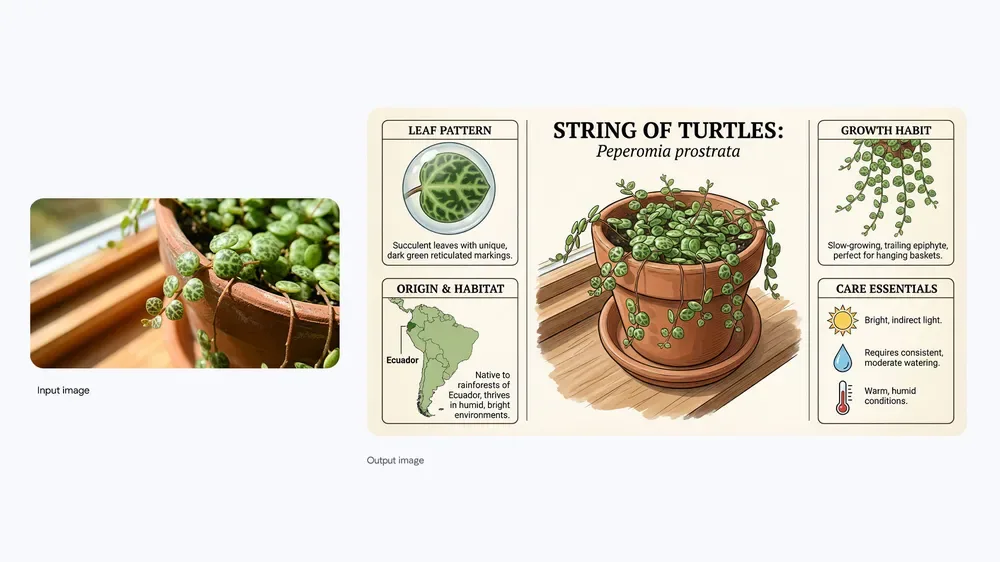
Google’s docs advise generating text first, then asking for an image with that text. For production images, source copy should come from an approved copy system. Let the model place and style approved text; do not let it create regulated claims.
Reference consistency and controlled edits
The second test is controlled editing. Give the model a product packshot, logo, material texture, and style reference. Ask for one change at a time: replace the background, change lighting, localize a sign, extend canvas, or place the product in a scene.
Score each output for product shape, brand color, logo geometry, material match, shadow plausibility, and edit containment. A good single result is not enough. Production teams need repeatability across attempts.
API and Workflow Fit
Batching, latency, cost, and review
Nano Banana Pro API use fits planned production queues better than live creative chat. Batch support is useful for SKU refreshes, seasonal variants, and backlog generation. It is less useful when a designer is waiting in a live review session.
Measure cost per approved asset, not per generated image. Count prompt tokens, image inputs, output resolution, thinking output, Search grounding, failed attempts, review, storage, and rejected variants. Pricing is dynamic, so store the pricing-page date in the evaluation report.
Version stability and fallback design
The Gemini 3 Pro Image model card is useful because it names strengths and known limits. It covers text rendering, editing, charts, infographics, and multi-input prompts, while noting issues with small text, long paragraphs, character consistency, masked editing, spatial localization, slowness, and timeouts.
That is a real production signal: promising, but not self-validating. Pin the model ID, keep a canary prompt set, rerun it after model-page updates, and define fallback rules. A fallback can be a lower-cost image model, a prior approved asset, or a traditional design tool.
Limits and Governance
Rights, retention, and moderation
Governance has to sit outside the model call. Google says generated images include SynthID watermarking, but your asset system still needs campaign IDs, source references, reviewer names, and publication status.
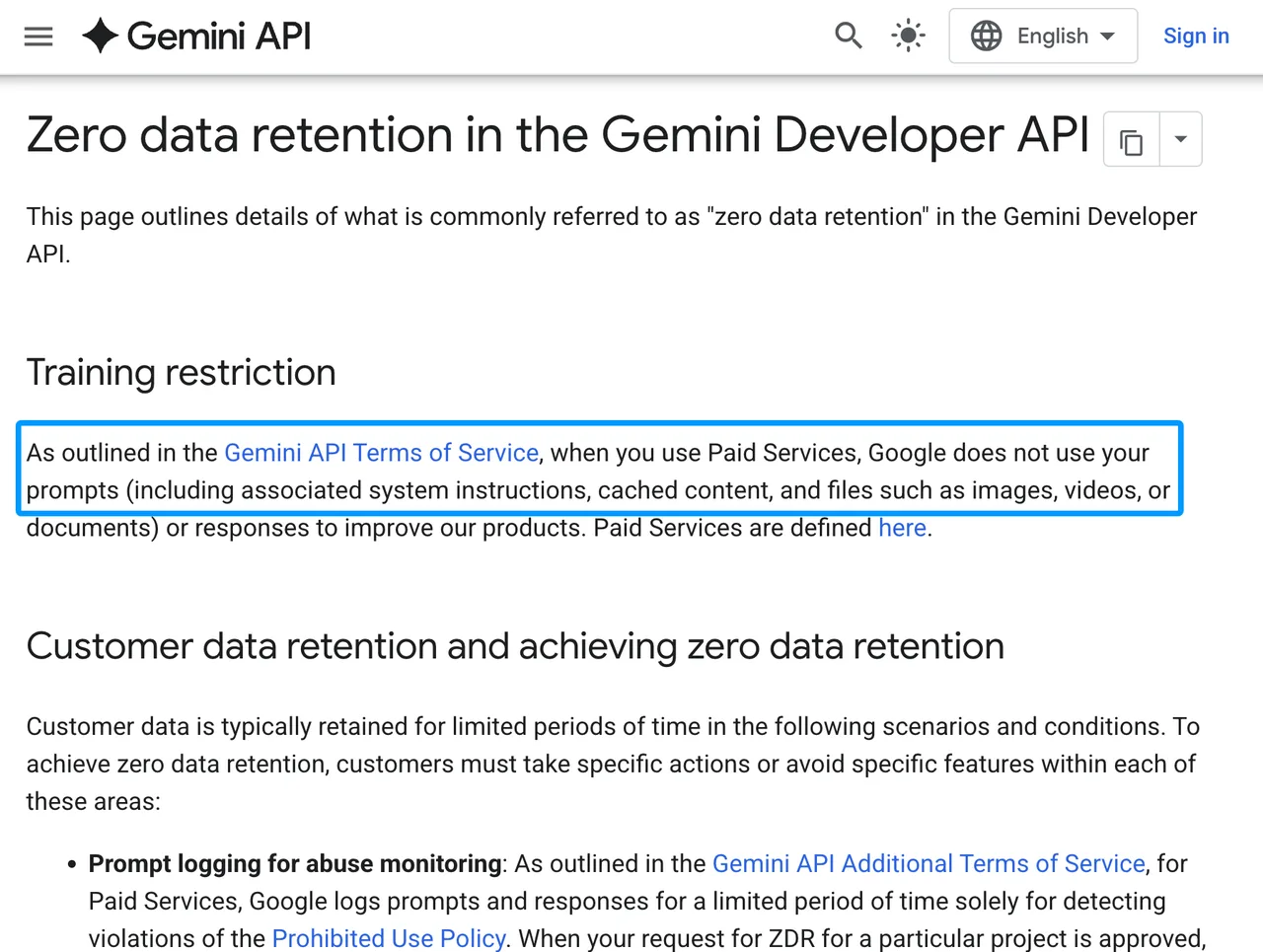
For data handling, the Gemini Developer API ZDR guide says paid services are not used to improve Google products, while some features still involve limited retention or explicit storage behavior. Search grounding, Interactions API state, File API uploads, and cached content each need their own policy check. This is operational context, not legal advice.
Cases requiring traditional design tools
Use traditional tools when the asset needs pixel-perfect logo placement, layered source files, print color control, legal microcopy, exact typography, rights-cleared photography, or final retouching. The model is useful for candidate generation and controlled edits, not final brand truth.
FAQ

Who approves publishing assets created with the image model?
The asset owner approves routine publishing. Add brand or legal review for ads, packaging, regulated products, public figures, health claims, financial claims, or licensed references.
Who reviews generated text before asset publication in production workflows?
A copy owner reviews all generated or rendered text. For regulated copy, use the same legal or compliance route used for non-AI creative.
How should failed edits be stored for debugging?
Store the prompt, model ID, input asset IDs, output, timestamp, rejection reason, and error response. Avoid storing sensitive assets unless policy allows it.
How should teams document designer overrides after image generation?
Keep the generated image, final edited asset, designer notes, changed layers, approval record, and override reason.
Who approves public campaign use of model-generated image assets?
Public campaign approval should sit with the campaign owner, brand lead, and legal reviewer, not the developer who wired the model.
Conclusion
The bottom line for this Nano Banana Pro review: treat it as a serious candidate for production images, especially text-heavy mockups, localized creative, product scene variants, and controlled image editing. Do not treat it as an automatic publishing machine.
The API surface is documented, and the official limits are specific enough to justify a pilot. The production decision should come from your fixed prompt set, approval rate, failure archive, policy review, and fallback path.
Previous posts:
/filters:quality(82)/media/images/b73c2438-6bdd-4b80-a229-8d71d8f819cf.webp)
/filters:quality(82)/media/images/427fd9f2-347d-4f86-a2d5-aee110cda01d.webp)
/filters:quality(82)/media/images/1773962750383987480_n3hqzHRZ.webp)
/filters:quality(82)/media/images/43fa0e7f-a0db-48d7-9bab-921d1225db30.webp)
/filters:quality(82)/media/images/5799ff56-3a73-40ca-a666-e4965d878496.webp)
/filters:quality(82)/media/images/7a8850fc-caf6-482f-ac4d-5ddbe64ec47c.webp)