
Real-ESRGAN API Guide: Upscale Images With WaveSpeedAI
Real-ESRGAN API requests on WaveSpeedAI use a model endpoint, prediction IDs, polling, and output checks. Build a reliable image-upscaling workflow.
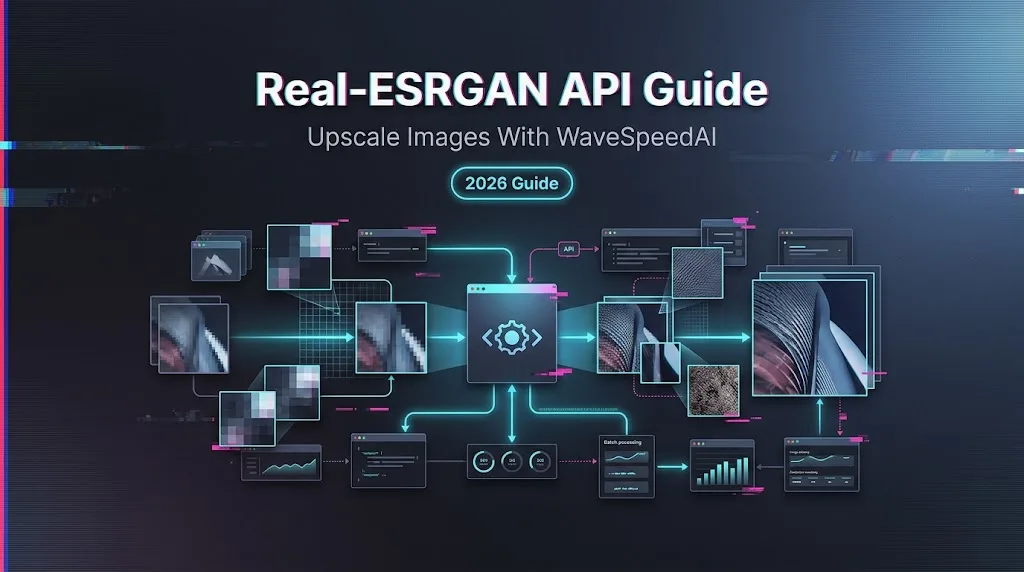
I paused here because most upscaling guides jump straight to before-and-after images. Nice for a landing page. Not enough for a product pipeline.
If you are adding image enhancement to a media app, creator tool, or content operations backend, the useful question is smaller: can your system submit a job, keep the prediction ID, poll without spamming the API, store the output, and explain what happened later. This Real-ESRGAN API guide documents that REST lifecycle on WaveSpeedAI, checked on August 14, 2026.
What the Real-ESRGAN API Does
The WaveSpeedAI Real-ESRGAN model docs describe the hosted model as image upscaling and enhancement. The current schema exposes one required input: image.
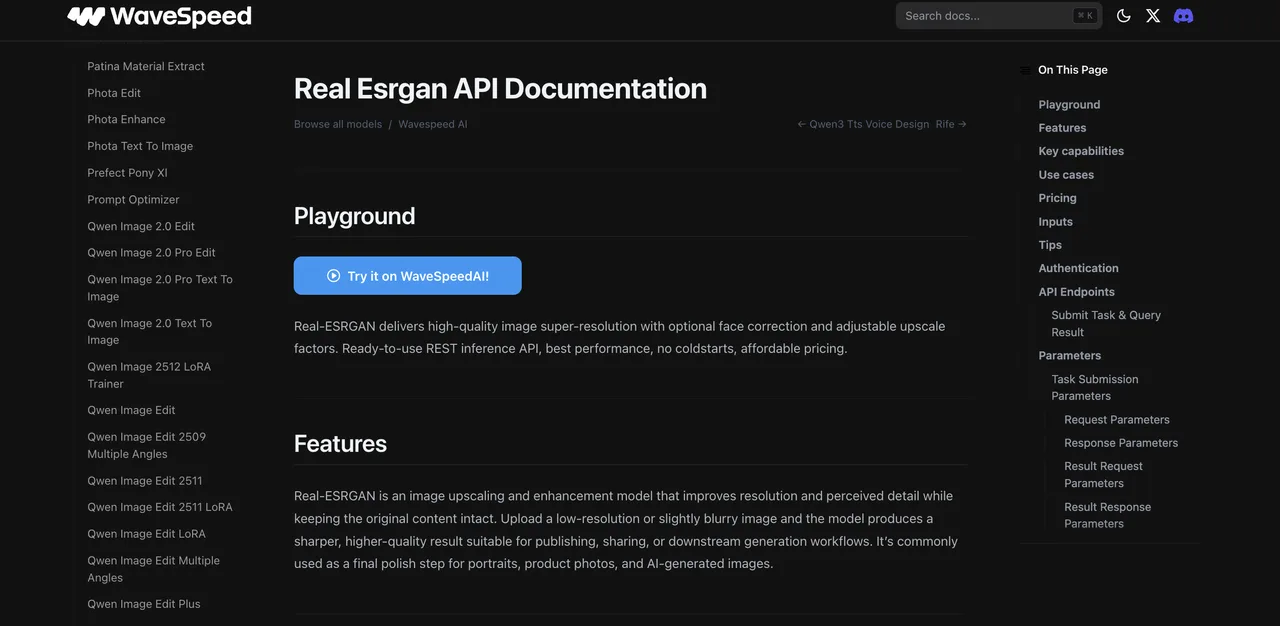
The underlying Real-ESRGAN GitHub repository frames the project as practical image and video restoration. The linked Real-ESRGAN paper explains the blind super-resolution approach behind the model.
Good model. Still not magic.
Hosted Super-Resolution Versus Local Inference
Local Real-ESRGAN gives more control over weights, tiling, runtime, and face restoration tooling. It also means owning GPU setup, dependency drift, queueing, and failure handling.
A hosted Real-ESRGAN upscaling API moves that work behind a REST endpoint. For a team shipping an app, that trade is usually about operations, not image theory.
Inputs, Outputs, and Supported Controls
As of this check, the Real-ESRGAN endpoint accepts an image URL string. The output is returned through data.outputs, usually as URL strings after the prediction reaches completed.
The model page copy mentions optional face correction and adjustable upscale factors, but the current API parameter table only lists image. I would build against the schema, not older announcement language.
Submit Your First Upscaling Request
WaveSpeedAI’s current REST lifecycle is simple: submit a task, get an ID, poll for result, then read output URLs.
Authenticate With a WaveSpeedAI API Key
Use a bearer token in the Authorization header. Keep it server-side. Do not ship it in browser code.
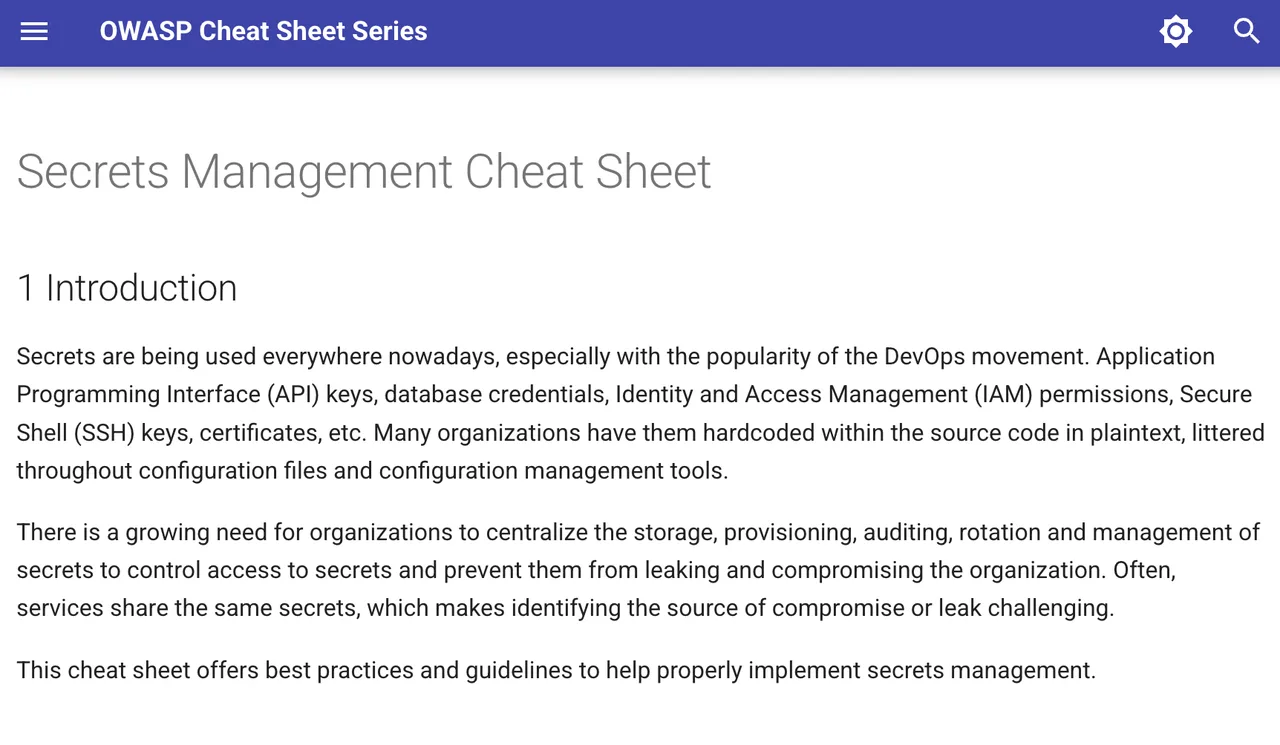
export WAVESPEED_API_KEY="your-api-key"This is not just neatness. The OWASP Secrets Management Cheat Sheet gives the same general rule: secrets need controlled storage, access, rotation, and auditability.
Send an Image to the Model Endpoint
The current Real-ESRGAN endpoint is:
POST https://api.wavespeed.ai/api/v3/wavespeed-ai/real-esrganA minimal request looks like this:
curl --fail-with-body \
  -X POST "https://api.wavespeed.ai/api/v3/wavespeed-ai/real-esrgan" \
  -H "Authorization: Bearer ${WAVESPEED_API_KEY}" \
  -H "Content-Type: application/json" \
  -d '{
    "image": "https://interactive-examples.mdn.mozilla.net/media/cc0-images/painted-hand-298-332.jpg"
  }'
If the source is a local file, upload it first and pass the returned hosted file URL into image. Treat upload URLs as temporary credentials. Do not log them casually.
Capture the Prediction ID
Store the prediction ID from data.id, then query GET /api/v3/predictions/{id}/result.
Do not treat the first response as the final image. Treat it as a job receipt. One fewer assumption. Adds up fast.
Poll and Store the Result
The WaveSpeedAI image API is asynchronous for this workflow. The result endpoint follows this pattern:
GET https://api.wavespeed.ai/api/v3/predictions/{task-id}/resultHandle Created, Processing, and Terminal States
Return outputs on completed; treat failed, cancelled, timeout, and deleted as failure terminal states; continue polling for every other status.
Poll every 2 seconds at first. For longer jobs, increase toward 5-10 seconds. Stop on a terminal state or your own client deadline.
curl --fail-with-body \
  "https://api.wavespeed.ai/api/v3/predictions/${PREDICTION_ID}/result" \
  -H "Authorization: Bearer ${WAVESPEED_API_KEY}"
On completed, read data.outputs. On failed, log data.error and the error code. Don’t hide failed upscales behind a generic “try again” message. Users notice.
Validate Output URLs and File Metadata
Before storing the result, validate that outputs is not empty, each URL is reachable, and the downloaded file matches the media type your app expects.
I usually store:
| Field | Why it matters |
|---|---|
| Internal job ID | Lets your app resume work |
| Prediction ID | Links your record to the provider job |
| Input URL or input hash | Helps dedupe jobs |
| Status and error | Keeps support sane |
| Output URL and file size | Verifies delivery |
| Created and completed timestamps | Measures real latency |
The IETF HTTP Semantics specification is useful background here. It separates request methods, response meanings, and status behavior. That matters when deciding what your client can safely retry.
Build a Reliable Production Workflow
A quick demo can use one request and one loop. Production needs state.
Add Timeouts, Backoff, and Idempotent Retries
Retry result GET calls when the failure is transient. Be more careful with submission POST calls. A disconnected POST response can still mean the prediction was accepted and billed.
If your app needs idempotency, create your own dedupe key from account ID, source image hash, model ID, and requested controls. The current Real-ESRGAN schema is simple, but the habit matters.
Batch Images Without Losing Job State
For batch image upscaling, don’t fire 2,000 requests and hope logs will reconstruct the truth. Put every image into a queue. Submit jobs in controlled batches. Persist the prediction ID immediately.
Batch state should survive worker restarts. If a worker dies after submission and before polling, another worker should recover from your database, not resubmit blind.
Limits and Trade-Offs
This is an image super-resolution API. It improves perceived detail. It does not prove the original scene.
Upscaling Cannot Recover Ground-Truth Detail
Real-ESRGAN can reduce low-resolution artifacts and create sharper-looking texture. It cannot know the exact missing pixels from the original capture.
For product photos, that may be fine. For evidence, medical images, identity documents, or regulated review flows, treat upscaling as enhancement, not factual reconstruction.
Face Enhancement Can Alter Identity Details
If face enhancement appears in the UI or a future API schema, review it separately. Face restoration can smooth skin, reshape small features, or change perceived identity.
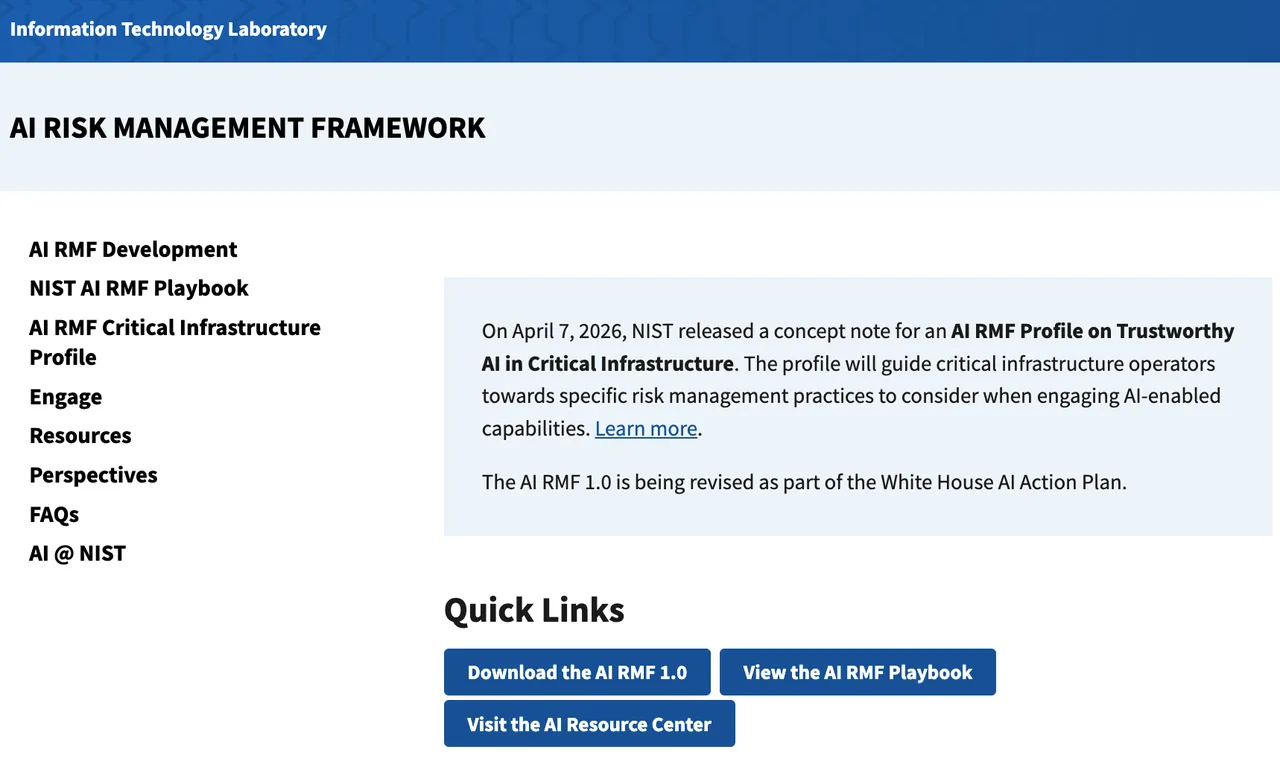
The NIST AI Risk Management Framework is a useful reference for this kind of decision. The point is not bureaucracy. The point is knowing who owns the risk before a default ships.
FAQ
Can teams delete source images after a job completes?
Yes, if the source image lives in your own storage and your retention policy allows it. If the file was uploaded to WaveSpeedAI, check the current provider retention terms before assuming immediate deletion. This is general information, not legal advice.
How should an app disclose AI upscaling to users?
Use product language that matches the risk. “Enhanced with AI upscaling” is enough for many creator workflows. Identity, marketplace, archival, or compliance-heavy use cases may need stronger disclosure.
Can one endpoint be used across deployment regions?
The public docs currently show one API base path. I did not find a region-specific Real-ESRGAN endpoint in the public docs. Data residency or regional routing should be verified before launch.
Who should approve face-enhancement defaults?
At minimum: product owner, engineering owner, and whoever owns privacy or trust policy. If faces belong to customers or third parties, get stricter. This is not a setting to bury in a config file.
What audit records should be retained for customer uploads?
Keep prediction ID, model ID, request fields, source hash, user/account ID, timestamps, status, output URL, error message, cost record, and deletion or retention action. Do not store raw images longer than your policy requires.
Conclusion
The Real-ESRGAN API path is straightforward: submit the image URL, store the prediction ID, poll the result URL, validate the output, and keep enough records to debug later.
The part that needs judgment is everything around the call: upload handling, retries, batch state, user disclosure, face enhancement defaults, and retention. That is where most production problems live.
Previous posts:
Related Articles
/filters:quality(82)/media/images/1791535252286714222_v4jvJT2a.webp)
ModelsLab Review 2027: One API for Media Models?
/filters:quality(82)/media/images/1791451065663755033_qNqAKS1a.webp)
Best AI Video Background Removal Tools in 2027
/filters:quality(82)/media/images/1791359984291066138_tW5eOX6f.webp)
Best Comfy Cloud Alternatives in 2027
/filters:quality(82)/media/images/1773962750383987480_n3hqzHRZ.webp)
Qwen Image 2.1 vs Qwen Image 3.0: What Changes and When to Upgrade
What's Next for Wan Video Generation, and What It Means for Creators
/filters:quality(82)/media/images/1791271002496939282_TBLU3cmv.webp)