
InfiniteTalk API Guide for Digital Human Video
InfiniteTalk API turns an image and audio into a talking-avatar video. Learn request setup, task polling, output controls, and production safeguards.
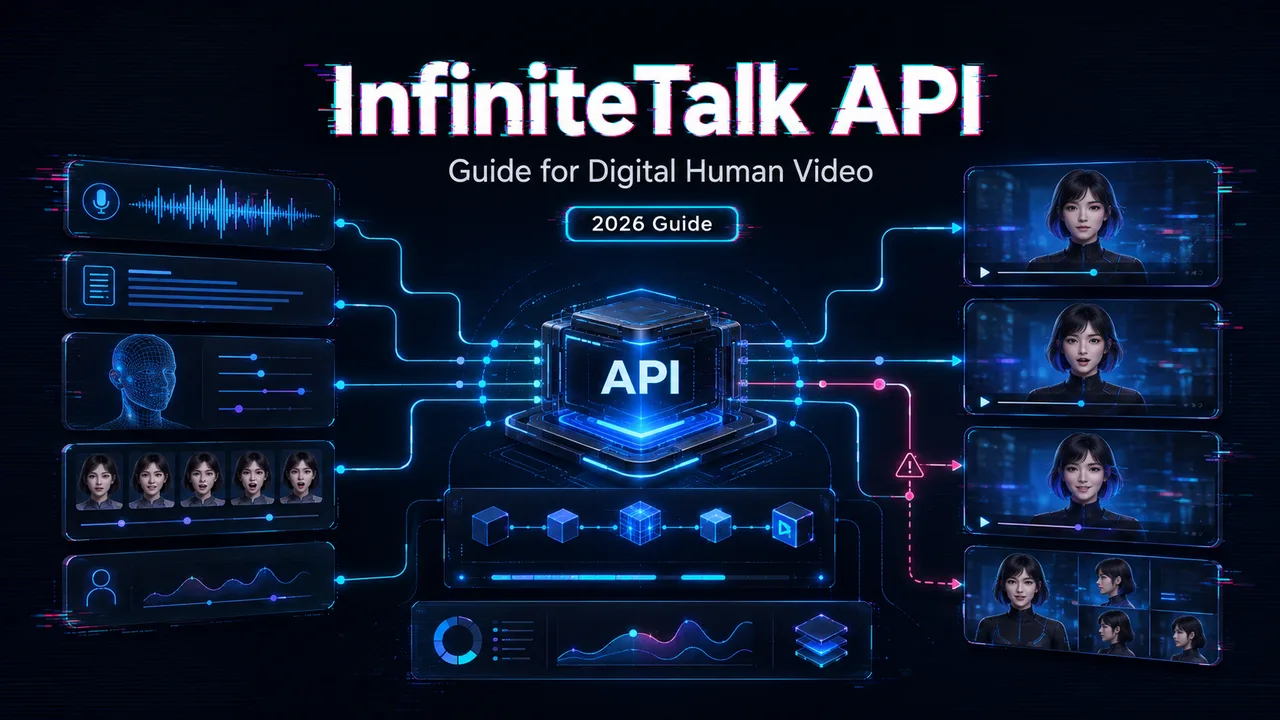
The first InfiniteTalk API test usually looks too clean. One source face, one audio file, one talking head video. Then the production questions arrive: who approved the face, who approved the voice, where did the output URL go, how long do source files stay stored, and what happens when the task fails halfway through a customer batch?
I would not treat one good avatar clip as proof that the workflow is ready. A digital human API becomes production work when source consent, task IDs, polling states, output review, storage, cost, and rollback all have owners.
This guide is for developers and platform engineers building digital human, talking avatar, or batch video workflows. It is not a creator tutorial. The goal is a reproducible InfiniteTalk WaveSpeed API workflow that can survive release pressure.
Prepare Inputs and API Access
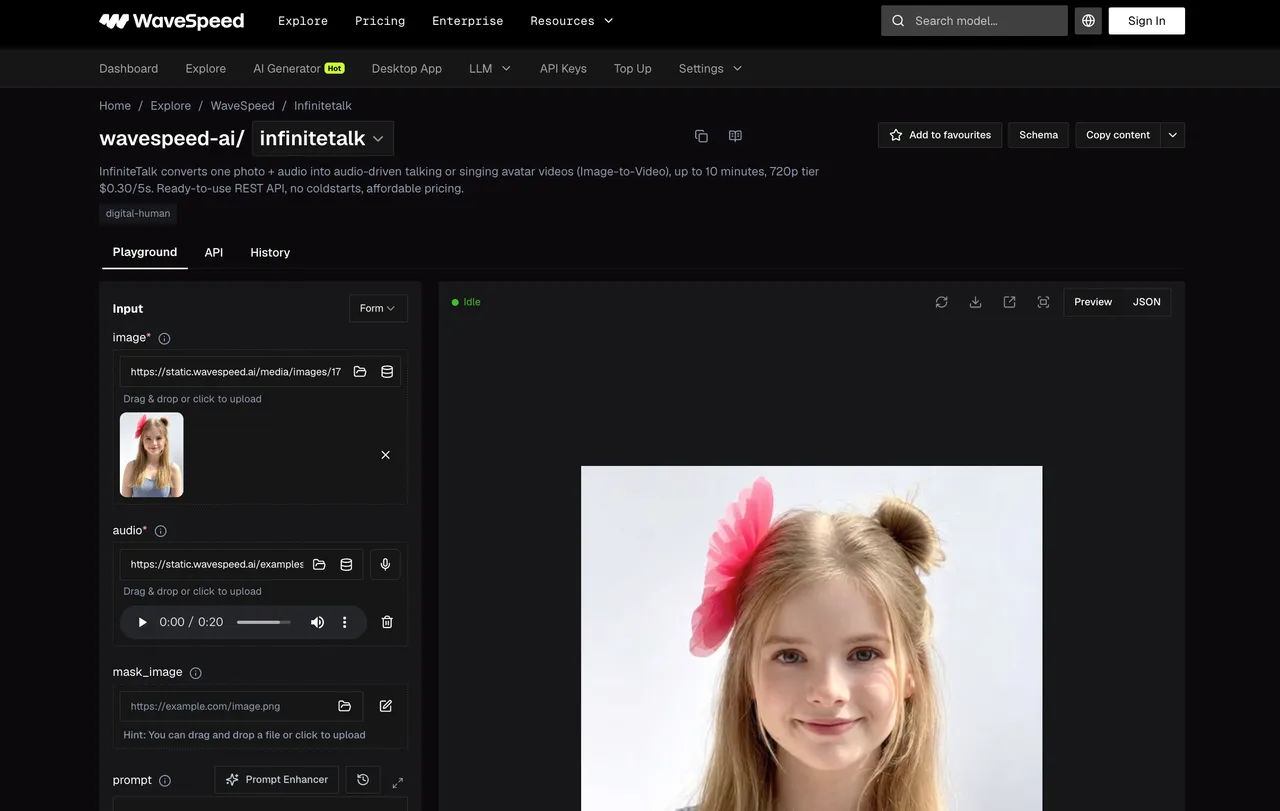
Image, Audio, Mask, and Prompt Requirements
InfiniteTalk is an audio-driven avatar API. The basic job needs a source image and an audio file.
For production, split input validation into two layers. First: can the API read the file? Second: should this file enter the workflow at all?
A valid image URL can still be a bad source if the face is off-center, low-resolution, heavily shadowed, cropped, covered, or not approved for reuse. A valid audio URL can still fail review if the voice was not cleared, the recording clips, silence is too long, or background noise makes lip sync unstable.
The current wavespeed-ai/infinitetalk schema includes required image and audio fields, plus optional mask_image, prompt, resolution, and seed. The mask deserves extra attention. Do not use the full source image as the mask. Mask only the region intended to move, or the output can break in ways that look like a model failure but are really an input failure.
Authentication and the Current Model Endpoint
Use server-side authentication. WaveSpeed’s API authentication docs confirm Bearer-token authentication through the Authorization header. Keep the API key out of browser code, mobile clients, and downloadable configs.
As of August 13, 2026, the current submit endpoint is:
POST https://api.wavespeed.ai/api/v3/wavespeed-ai/infinitetalkStore the model ID in the configuration. Also store the schema review date. A tool that enters production must first avoid creating new problems.
Submit the First InfiniteTalk Task
Build and Validate the Request Body
Start short. Not a full campaign script. Not a two-minute onboarding clip. A 5- to 10-second sample is enough to test schema, polling, audio alignment, and output retrieval.
A minimal request body looks like this:
{
  "image": "https://example.com/source-face.jpg",
  "audio": "https://example.com/source-audio.mp3",
  "resolution": "480p",
  "seed": -1
}
Before submitting, check the source URLs, file ownership, consent record, audio duration, allowed resolution, mask coverage, and seed behavior. If you use prompt, keep it short and task-specific. The model docs recommend English prompts and warn that excessive prompting can lead to noisy or unexpected outputs.
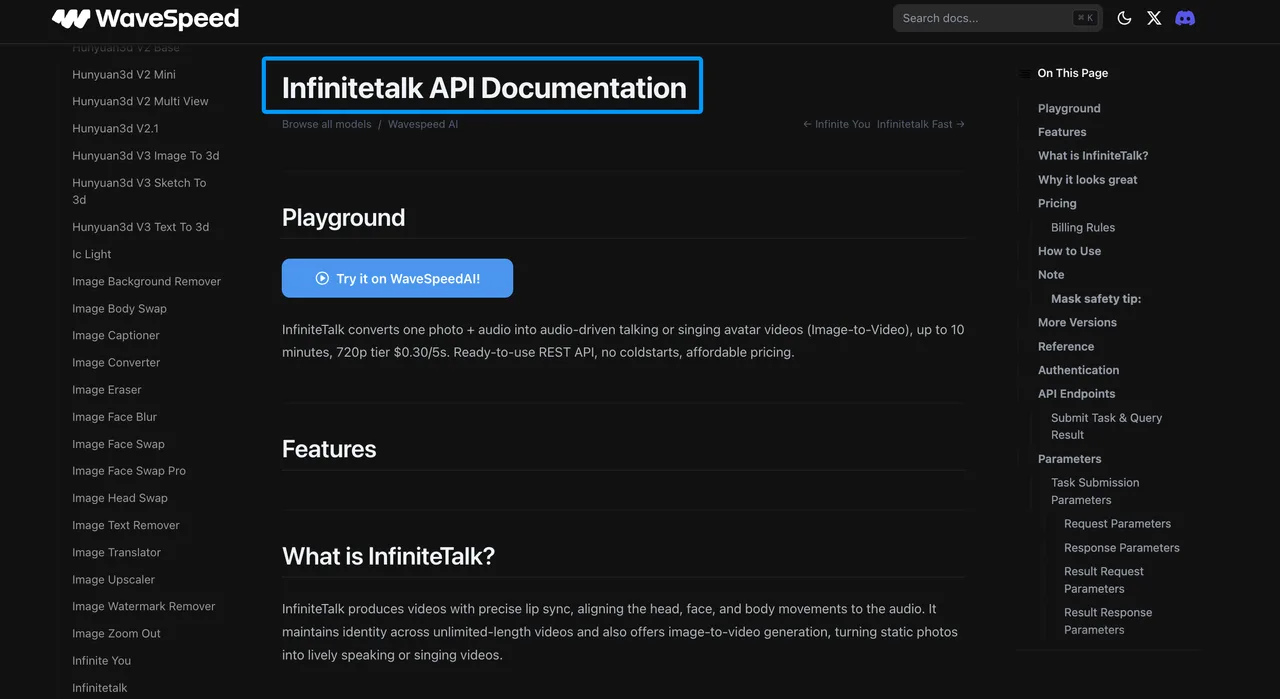
The official InfiniteTalk API documentation is the release-day source for endpoint, request schema, resolution values, maximum length, processing notes, billing unit, and minimum charge. As of August 13, 2026, it lists 480p and 720p, up to 10 minutes per job, pricing by 5-second blocks, a 5-second minimum charge, and a billing cap at 600 seconds. Recheck those details before publishing customer-facing estimates.
Capture the Prediction ID and Result URL
The submit response returns a prediction object. Capture data.id and poll GET /api/v3/predictions/{id}/result. If the response does not include a prediction ID, stop the workflow.
Store the prediction ID with your internal job ID, tenant ID, source media IDs, consent record ID, request body hash, model ID, and submission timestamp. The real bottleneck is often the handoff, not the generation. When support gets a complaint, “we generated it yesterday” is not enough.
Poll and Retrieve the Video
Handle Created, Processing, Completed, and Failed States
WaveSpeed’s prediction flow is straightforward: submit a task, poll the result endpoint, then retrieve outputs when the status becomes final. The REST API guide documents the submit-and-query pattern used across models.
For InfiniteTalk, handle these states deliberately:
| State | Product Behavior |
|---|---|
| created | Store job record and show pending state |
| processing | Continue polling within timeout rules |
| completed | Move to output validation |
| failed | Preserve error and stop publish flow |
| failed / cancelled / timeout / deleted | Mark as a failure terminal state and route for review |
Polling forever is not a strategy. Use a bounded timeout. The InfiniteTalk docs note approximate processing speed of 10-30 seconds of wall time per 1 second of video, varying by resolution and queue load. Treat that as a planning range, not a promise.
Validate Outputs Before Persisting Them
Do not persist the output just because the API returned a URL.
First check that the output array exists, the file downloads, the MIME type is video, the duration is plausible, and the resolution matches the request. Then review the content: lip sync, face stability, identity consistency, head motion, artifact level, audio alignment, and whether the result matches the approved use case.
For governance, NIST’s AI Risk Management Framework is a useful external reference because it frames AI deployment around risk identification, measurement, and management. In a talking head video API workflow, that means likeness risk and consent evidence are part of production validation, not legal paperwork added later.
Tune Motion and Output Controls
Resolution, Seed, Prompt, and Mask Trade-Offs
Use 480p for early workflow checks. Move to 720p after the source media, mask, and review labels are stable. Higher resolution can improve presentation, but it can also make artifacts more visible and raise cost.
Seed control helps comparison. -1 gives a random seed. A fixed seed can help test prompt, mask, or resolution changes under more controlled conditions. It does not guarantee identity stability. That still needs review.
Prompt control should not carry the whole job. If the source image is weak or the audio is unclear, more words usually create more noise. Before running further, narrow the variables.
Short Tests Before Longer Avatar Jobs
Short tests protect budget and review time. If a 10-second sample has poor mouth movement, unstable eyes, or a bad mask, a 3-minute render only makes the mistake longer.
Run short samples for each new source face and voice pair. Check one neutral line, one line with stronger mouth movement, and one line close to the actual campaign tone. This cannot be judged by feel. It needs a sample run.
Operate the Workflow in Production
Timeouts, Retries, Queues, and Cost Monitoring
Retry network errors and temporary server failures with backoff. Do not retry invalid requests, missing consent, blocked content, bad masks, or unauthorized media. Those need correction, not repetition.
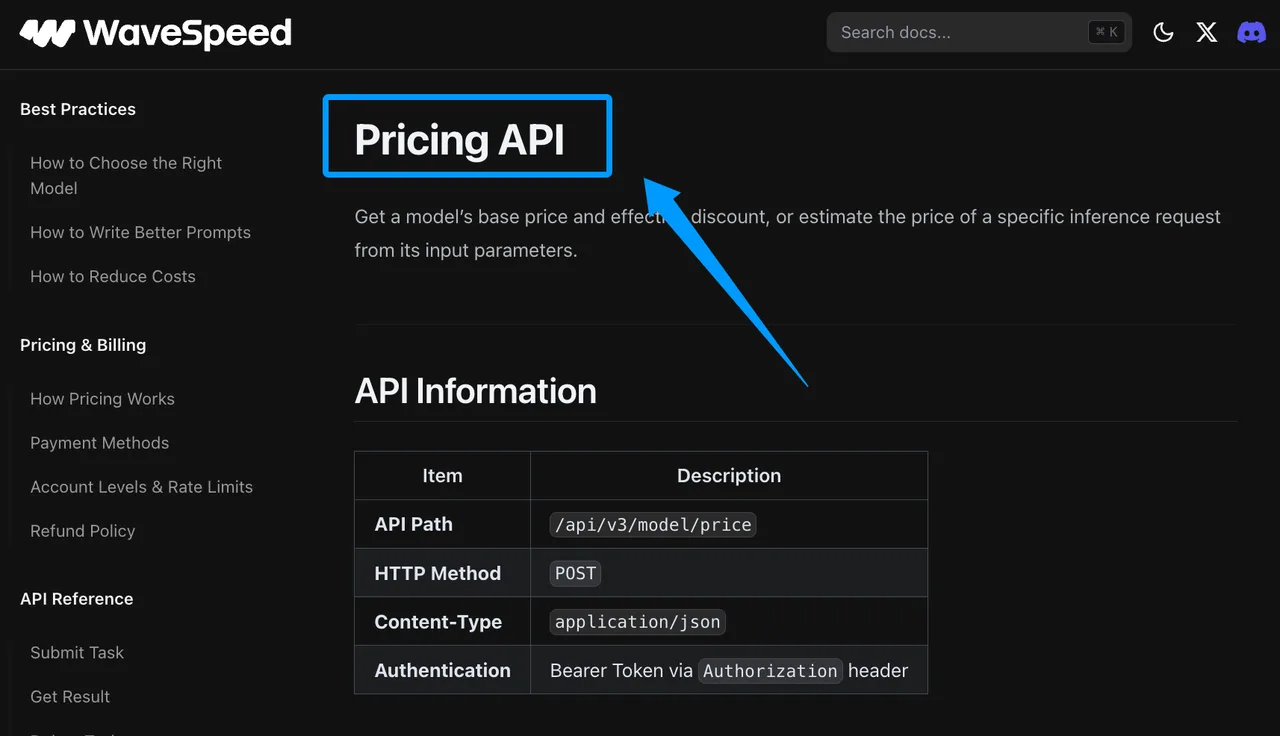
Monitor queue time, inference time, total wall time, retry count, failure rate, review rejection reason, and cost per accepted video. WaveSpeed’s Pricing API can estimate a model price from input parameters, but server-side billing remains the final source. Use estimates for preflight checks, not final accounting.
For customer-facing workflows, do not promise fixed queue speed, fixed output quality, or guaranteed identity preservation. Say what the workflow checks and what the review gate blocks.
Version Checks, Fallback Models, and Rollback
Store model ID, endpoint, schema version, pricing evidence date, fallback route, and release owner. If InfiniteTalk behavior changes after an update, you need to know which jobs used which configuration.
Fallback models are not interchangeable by default. A different lip sync API may handle masks, prompts, motion, audio length, or identity consistency differently. Run the same approved source image and audio through the fallback before it becomes an incident path.
Rollback should be boring: disable new submissions, keep polling existing jobs, stop publishing unreviewed outputs, and route urgent work to a tested fallback or manual review queue. Not elegant. Useful.
FAQ
Who approves the source face and voice for reuse?
Legal, product, and the content owner should approve reuse before generation. The record should identify the person or brand, source image, voice file, campaign, territory, duration, allowed edits, and revocation path.
Can one consent record cover multiple generated campaigns?
Only if the consent language clearly covers multiple campaigns, media types, territories, time periods, and edits. If the message, audience, geography, or voice usage changes, review it again.
How should support handle a disputed likeness complaint?
Preserve prediction ID, source files, generated output, timestamps, consent record, customer account, and distribution history. Pause further generation using that likeness until legal and trust teams review it.
When should teams delete stored avatar source files?
Delete face images, audio, masks, and intermediates when they are no longer needed for the approved workflow, support window, or legal retention period.
Who reviews cross-border processing for uploaded media?
Legal, security, and privacy owners should review it before launch. Source faces and voices can be sensitive media. The review should cover upload location, storage region, subprocessors, support access, customer contract terms, deletion rights, and whether media crosses jurisdictions during inference or support.
Conclusion
The InfiniteTalk API is not hard to call. The production workflow around it is where mistakes get expensive.
Use short samples. Validate face and voice rights. Store prediction IDs. Poll with deadlines. Retrieve outputs before expiration. Review lip sync and likeness before persistence. Monitor cost per accepted video. Keep fallback and rollback ready.
Previous posts:
Related Articles
/filters:quality(82)/media/images/1791535252286714222_v4jvJT2a.webp)
ModelsLab Review 2027: One API for Media Models?
/filters:quality(82)/media/images/1791451065663755033_qNqAKS1a.webp)
Best AI Video Background Removal Tools in 2027
/filters:quality(82)/media/images/1791359984291066138_tW5eOX6f.webp)
Best Comfy Cloud Alternatives in 2027
/filters:quality(82)/media/images/1773962750383987480_n3hqzHRZ.webp)
Qwen Image 2.1 vs Qwen Image 3.0: What Changes and When to Upgrade
What's Next for Wan Video Generation, and What It Means for Creators
/filters:quality(82)/media/images/1791271002496939282_TBLU3cmv.webp)