Meshy API
WaveSpeedAI 上的 Meshy API — 通过 REST 调用官方 Meshy 7.1、7、6 和 6 Lite 模型:支持文本、图片和多图转 3D,PBR 贴图最高 8K,并提供重新贴图、骨骼绑定、动画、重构网格、UV 展开、转换、缩放和 3D 打印工具。
将提示词、照片或最多四个视角变成带贴图的 3D 模型,再为角色绑定骨骼并添加动画、重构网格至目标多边形数、展开 UV、转换格式,或为 3D 打印准备模型。所有接口都与 WaveSpeedAI 上其他模型使用相同的 REST 预测流程。


概览
关于 Meshy API
Meshy 能做什么、它在 Meshy 模型阵容中的定位,以及团队选择它的原因。
Meshy 是 Meshy 推出的3D 资产生成模型,可通过 WaveSpeedAI REST API 使用。WaveSpeedAI 上的 Meshy API — 通过 REST 调用官方 Meshy 7.1、7、6 和 6 Lite 模型:支持文本、图片和多图转 3D,PBR 贴图最高 8K,并提供重新贴图、骨骼绑定、动画、重构网格、UV 展开、转换、缩放和 3D 打印工具。
将提示词、照片或最多四个视角变成带贴图的 3D 模型,再为角色绑定骨骼并添加动画、重构网格至目标多边形数、展开 UV、转换格式,或为 3D 打印准备模型。所有接口都与 WaveSpeedAI 上其他模型使用相同的 REST 预测流程。
WaveSpeedAI 上的 Meshy 系列提供 24 个 REST 端点,涵盖 Image-To-3d, Text-To-3d 个工作流。每个变体都有各自的定价、参数选项和示例输出——请选择与你的输入模态和生产约束相匹配的那一个,或使用同一个 API 密钥调用多个变体,组合成多步骤流水线。
使用与 WaveSpeedAI 上其他 1,000 多个 AI 模型相同的 API 密钥、账单账户和速率限制来运行 Meshy。无需单独对接供应商,无需各家 SDK,也无需应对各家不同的速率限制——一次集成即可覆盖从文生图、文生视频到音频合成、3D 生成、放大和编辑的全部能力。
规格
Meshy API 的能力与发布状态
开发者在选择 API 之前会搜索的模型细节:可用性、预期输出时长、参考素材支持情况,以及当前可用的在线替代方案。
模型
Meshy 7.1, 7, 6, 6 Lite
Meshy 7.1 是最新版本,支持 Ultra 几何精度;6 Lite 最快也最便宜;smart-topology 可生成干净的低多边形网格。
贴图
最高 8K,PBR
2K、4K 或 8K 贴图,可选 PBR 贴图,由提示词或参考图片引导。
角色
骨骼绑定与动画
为人形和四足角色绑定骨骼,并从 Meshy 动画库中应用最多 10 个动画。
3D 打印
分析、修复、多色
检查可打印性,修复孔洞和损坏的几何体,并导出带切片软件预设的多色 3MF 文件。
端点
全部 Meshy API 端点
WaveSpeedAI 现已提供 24 个 Meshy 端点——请选择适合你工作流的变体。
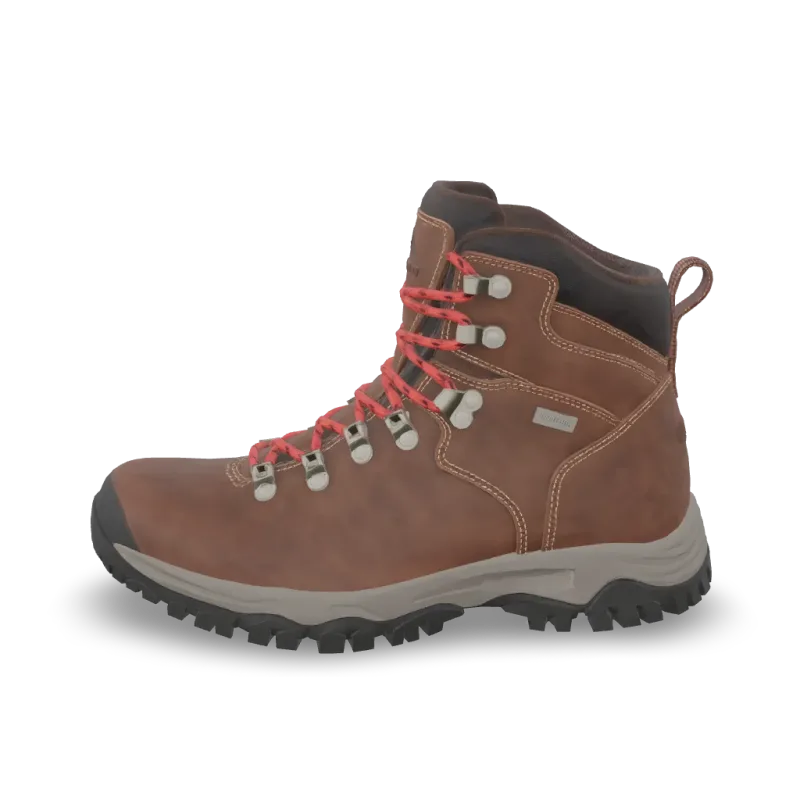
Print Repair
Meshy Print Repair repairs a 3D model for printing: closes holes and fixes broken geometry. Ready-to-use REST inference API, best performance, no coldstarts, affordable pricing.
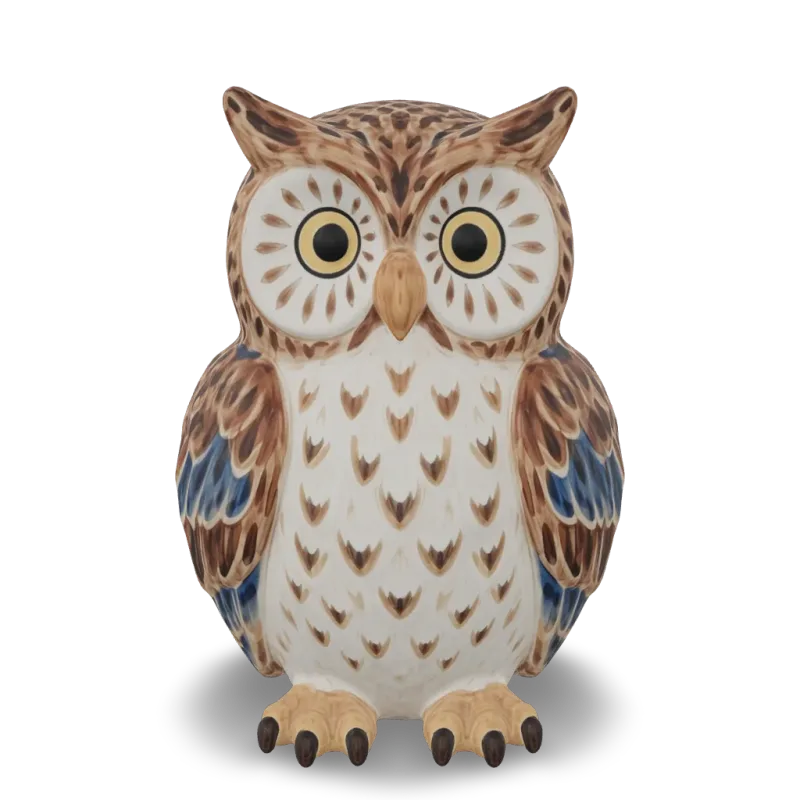
Print Multi Color
Meshy Multi-Color Print turns a textured 3D model into a multi-color 3MF ready for the slicer. Ready-to-use REST inference API, best performance, no coldstarts, affordable pricing.
Print Analyze
Meshy Printability Analysis checks whether a 3D model is ready to 3D print and reports the issues it finds. Ready-to-use REST inference API, best performance, no coldstarts, affordable pricing.
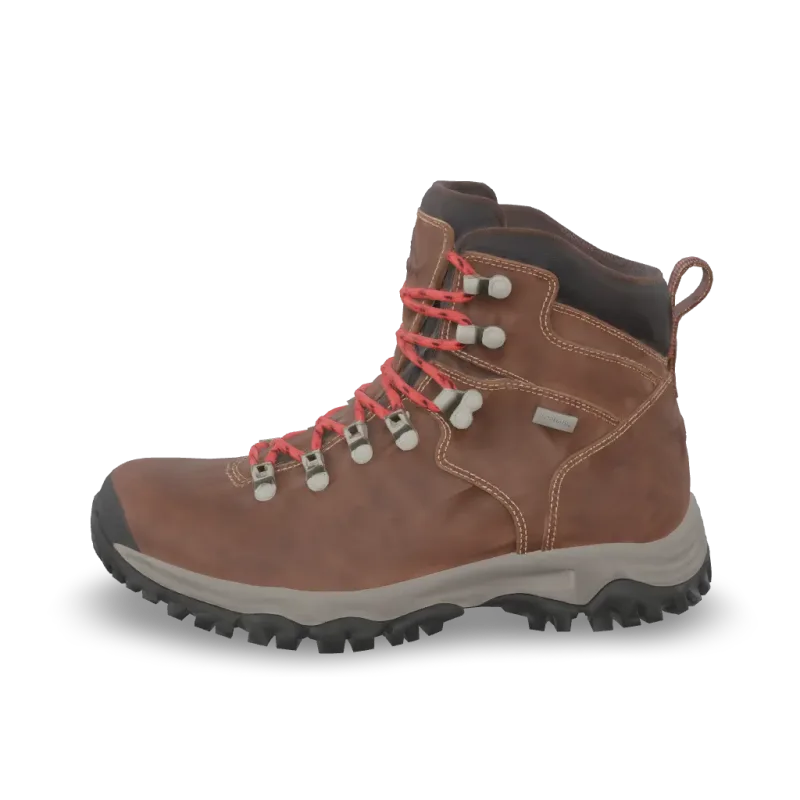
Resize
Meshy Resize scales a 3D model to a real-world height or size and sets its origin. Ready-to-use REST inference API, best performance, no coldstarts, affordable pricing.
Convert
Meshy Convert converts a 3D model to GLB, OBJ, FBX, STL, USDZ, BLEND or 3MF. Ready-to-use REST inference API, best performance, no coldstarts, affordable pricing.
Uv Unwrap
Meshy UV Unwrap unwraps the UVs of a 3D model. Ready-to-use REST inference API, best performance, no coldstarts, affordable pricing.

Remesh
Meshy Remesh rebuilds a 3D model at a target polycount, as triangles or quads. Ready-to-use REST inference API, best performance, no coldstarts, affordable pricing.
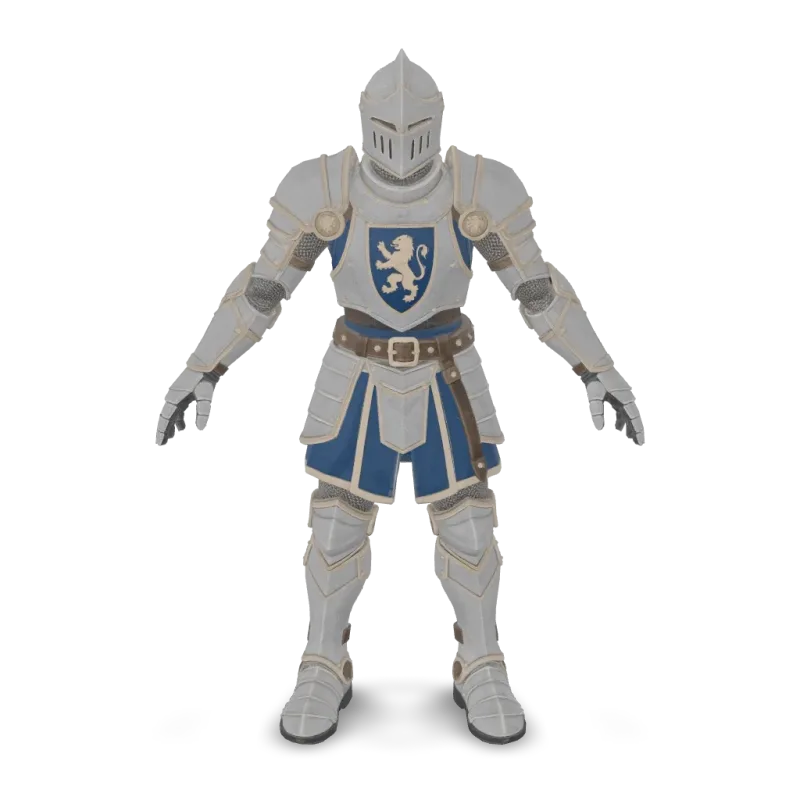
Animation
Meshy Animation rigs a character model and applies up to 10 animations from the Meshy library. Ready-to-use REST inference API, best performance, no coldstarts, affordable pricing.
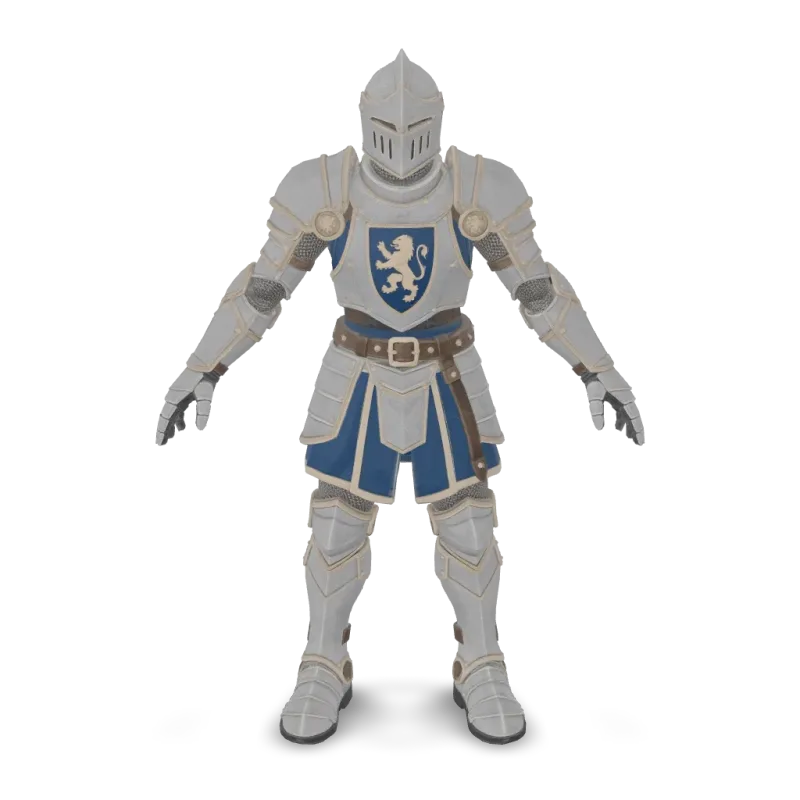
Rigging
Meshy Rigging adds a skeleton to a humanoid or four-legged character model. Ready-to-use REST inference API, best performance, no coldstarts, affordable pricing.
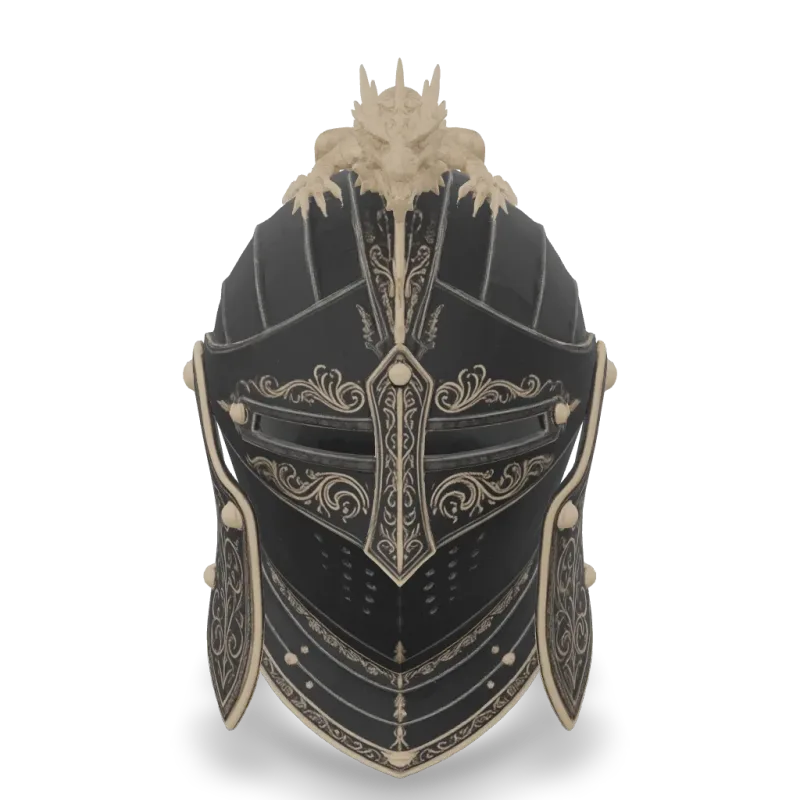
v6 Lite Multi Image To 3d
Meshy 6 Lite Multi-Image-to-3D turns 1 to 4 views of one object into a textured 3D model with Meshy's lightweight model. Ready-to-use REST inference API, best performance, no coldstarts, affordable pricing.
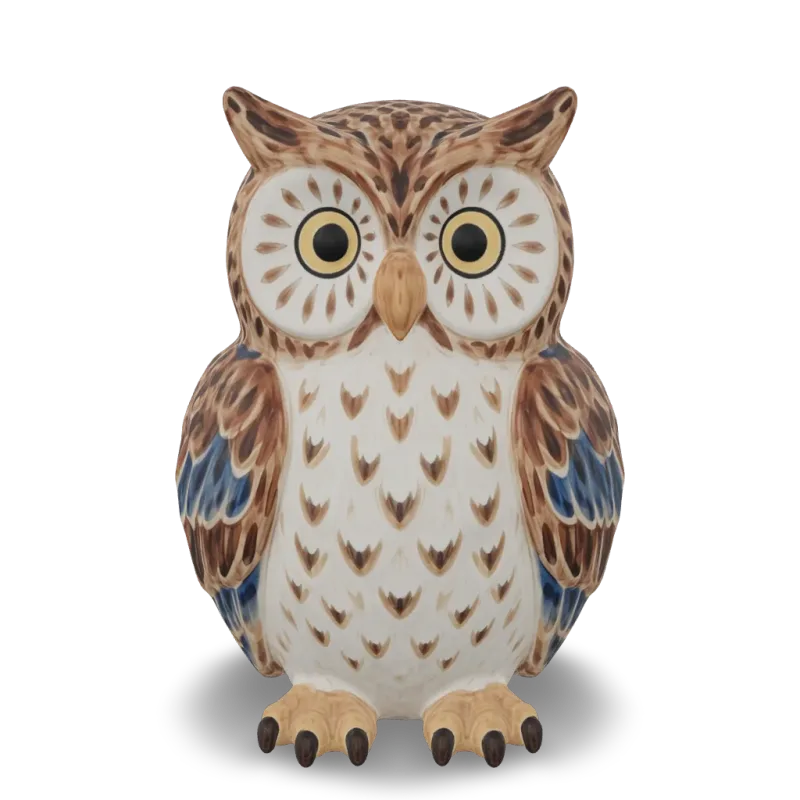
v6 Lite Image To 3d
Meshy 6 Lite Image-to-3D turns a single image into a textured 3D model with Meshy's lightweight model. Ready-to-use REST inference API, best performance, no coldstarts, affordable pricing.

v6 Lite Text To 3d
Meshy 6 Lite Text-to-3D turns a text description into a textured 3D model with Meshy's lightweight model. Ready-to-use REST inference API, best performance, no coldstarts, affordable pricing.
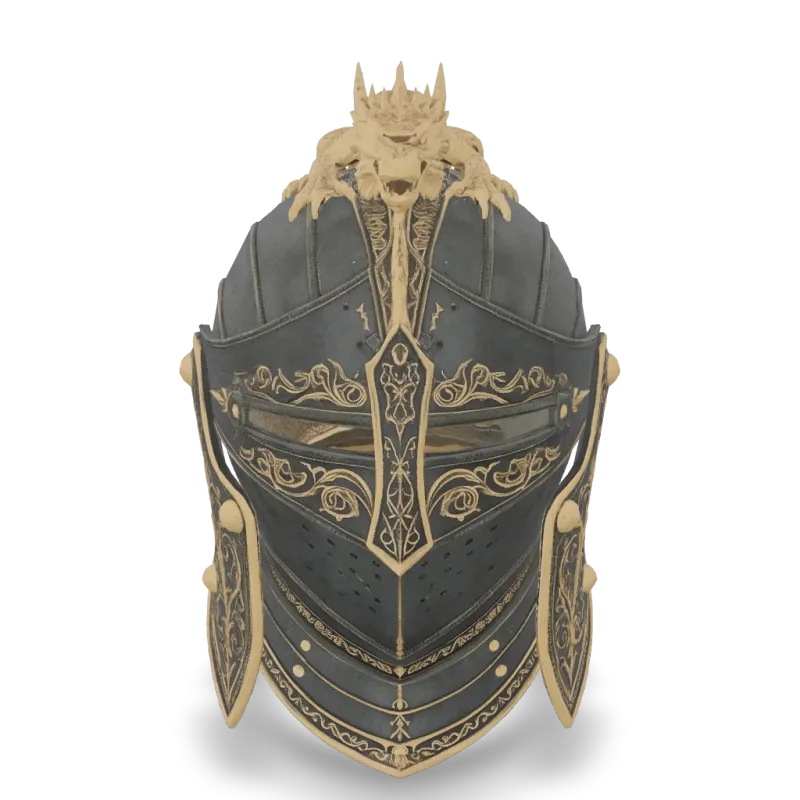
v6 Multi Image To 3d
Meshy 6 Multi-Image-to-3D turns 1 to 4 views of one object into a textured 3D model. Ready-to-use REST inference API, best performance, no coldstarts, affordable pricing.
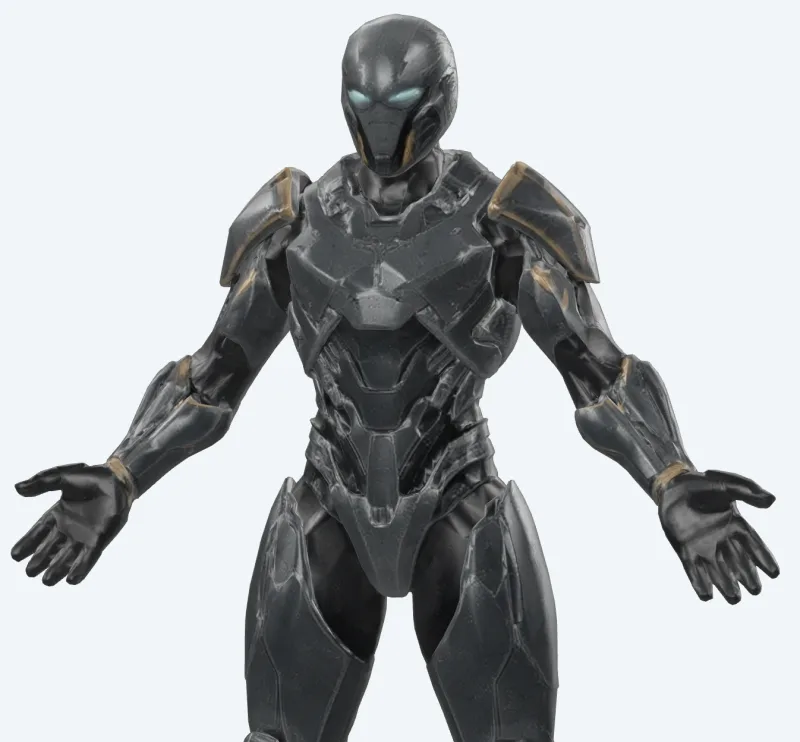
v6 Lite Retexture
Meshy 6 Lite Retexture re-textures an existing 3D model from a text prompt or a reference image. Ready-to-use REST inference API, best performance, no coldstarts, affordable pricing.
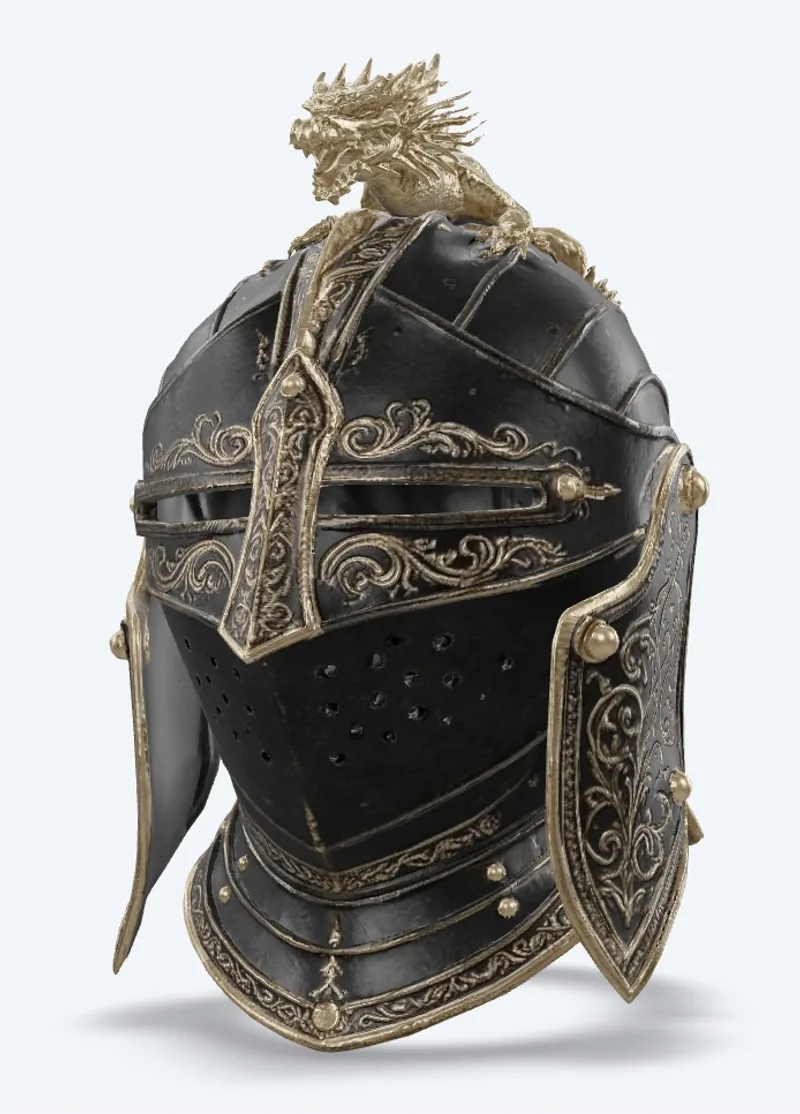
v7.1 Multi Image To 3d
Meshy 7.1 Multi-Image-to-3D turns 1 to 4 views of one object into a textured 3D model. Ready-to-use REST inference API, best performance, no coldstarts, affordable pricing.
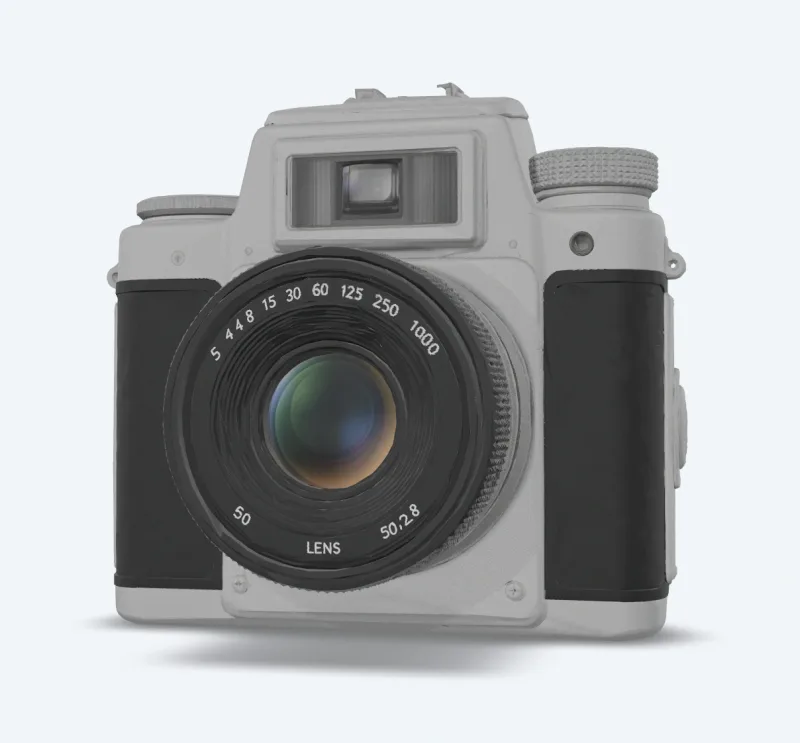
v7.1 Image To 3d
Meshy 7.1 Image-to-3D turns a single image into a textured 3D model. Ready-to-use REST inference API, best performance, no coldstarts, affordable pricing.
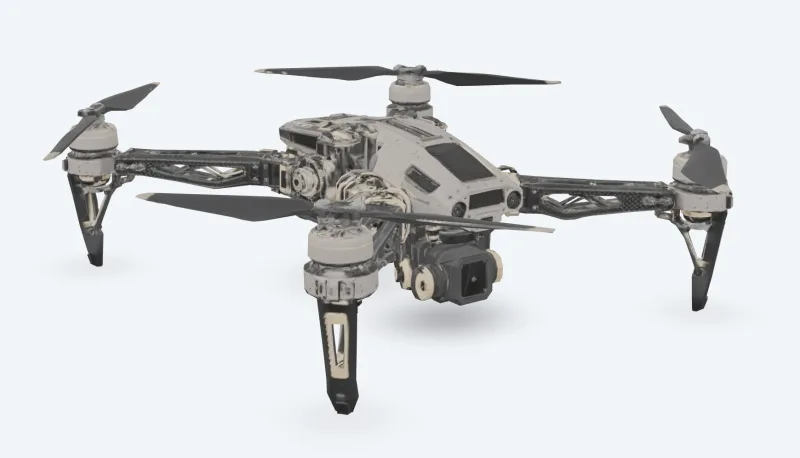
v7 Multi Image To 3d
Meshy 7 Multi-Image-to-3D turns 1 to 4 views of one object into a textured 3D model. Ready-to-use REST inference API, best performance, no coldstarts, affordable pricing.
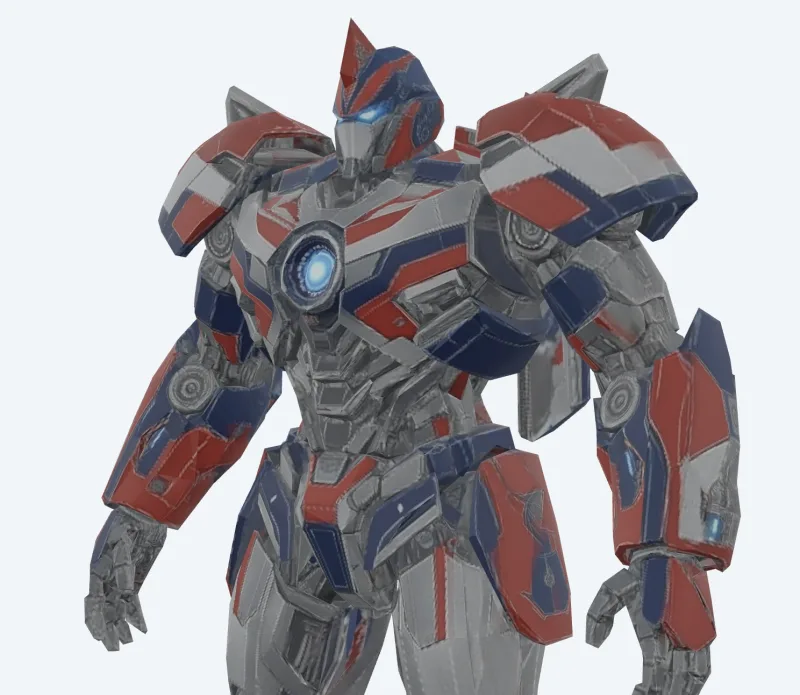
v7 Image To 3d
Meshy 7 Image-to-3D turns a single image into a textured 3D model. Ready-to-use REST inference API, best performance, no coldstarts, affordable pricing.
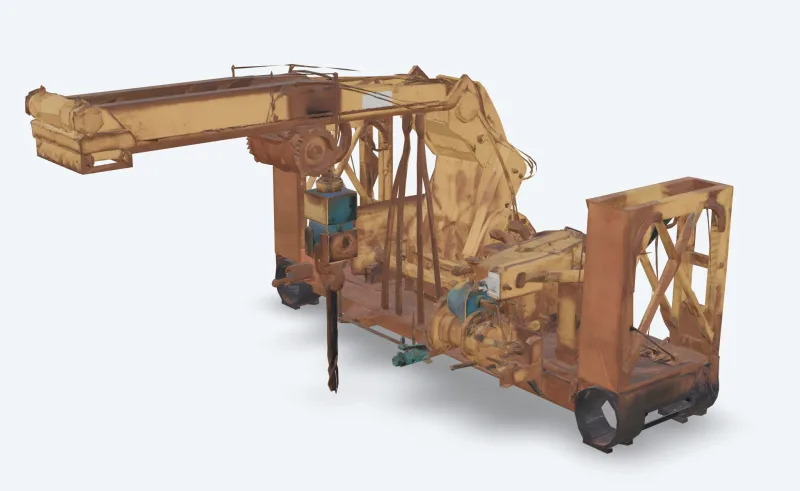
v6 Text To 3d
Meshy 6 Text-to-3D turns a text description into a textured 3D model. Ready-to-use REST inference API, best performance, no coldstarts, affordable pricing.
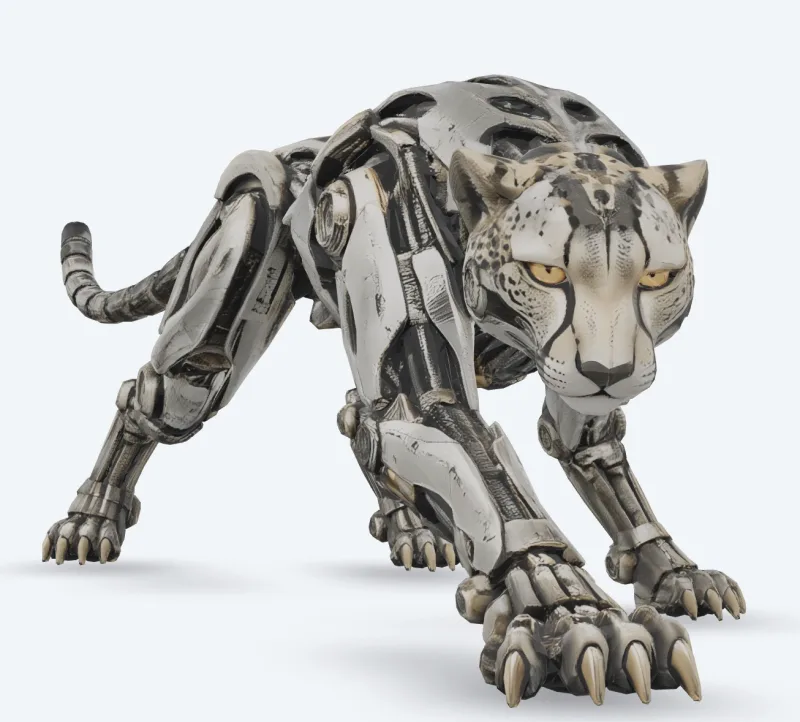
v6 Image To 3d
Meshy 6 Image-to-3D turns a single image into a textured 3D model. Ready-to-use REST inference API, best performance, no coldstarts, affordable pricing.

v7.1 Text To 3d
Meshy 7.1 Text-to-3D turns a text description into a textured 3D model. Ready-to-use REST inference API, best performance, no coldstarts, affordable pricing.
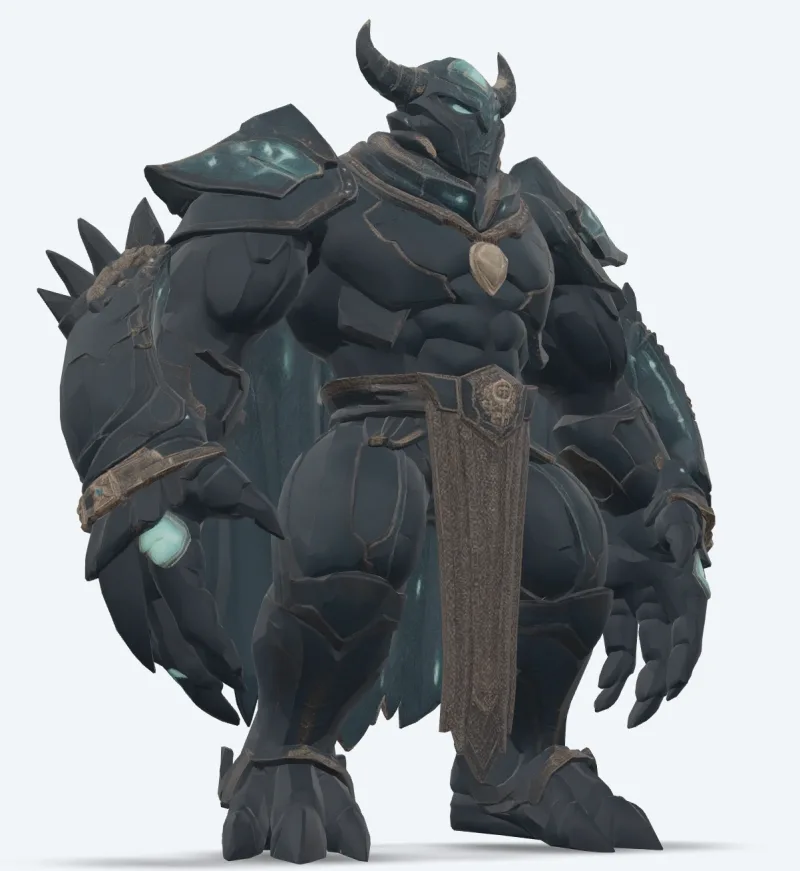
v7 Text To 3d
Meshy 7 Text-to-3D turns a text description into a textured 3D model. Ready-to-use REST inference API, best performance, no coldstarts, affordable pricing.

v7 Retexture
Meshy 7 Retexture re-textures an existing 3D model from a text prompt or a reference image. Ready-to-use REST inference API, best performance, no coldstarts, affordable pricing.
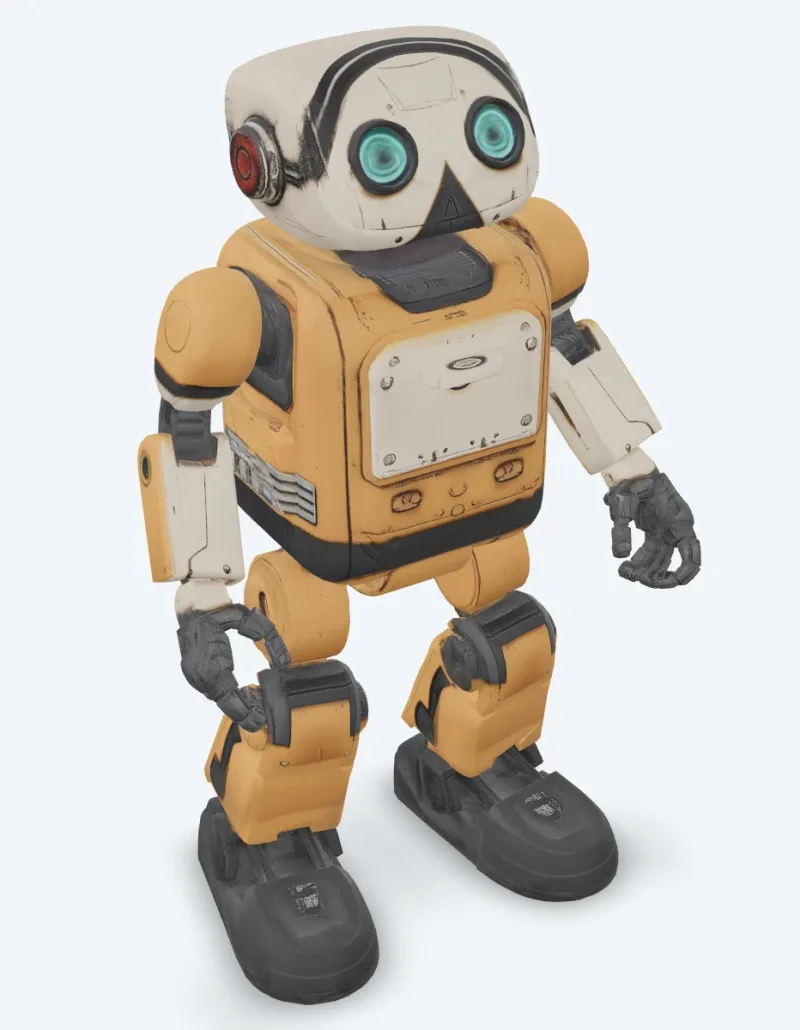
v6 Retexture
Meshy 6 Retexture re-textures an existing 3D model from a text prompt or a reference image. Ready-to-use REST inference API, best performance, no coldstarts, affordable pricing.
示例
看看 Meshy 的实际效果
由 Meshy API 生成的真实输出。悬停在任意视频上即可预览,点击可打开全尺寸查看器。
使用方法
如何使用 Meshy API
从注册到完成一次生成,只需四步。完整的 Python、Node.js 和 cURL 示例见下方的 API 部分。
- 01
获取 API 密钥
注册 WaveSpeedAI 账号,并从控制台复制你的 API 密钥。新账号附带免费体验额度——足够在开始计费前把 Playground 运行几十次。
- 02
提交预测
把你的输入以 JSON 形式 POST 到 https://api.wavespeed.ai/api/v3/meshy/v7.1/image-to-3d。端点会立即返回预测 ID——生成是异步的,因此推理期间你无需保持连接。
- 03
轮询完成状态
GET https://api.wavespeed.ai/api/v3/predictions/{request_id}/result。状态为 completed 时返回输出;状态为 failed、cancelled、timeout 或 deleted 时以错误终止;其他任何状态都继续轮询。
- 04
读取输出 URL
状态变为 "completed" 后,从 data.outputs[0] 读取 URL。该 URL 指向 WaveSpeedAI CDN 上你生成的媒体——具体是图片、视频、音频还是 3D 文件,取决于你调用的 Meshy 变体。
应用场景
用 Meshy 可以构建什么
开发者和创作者使用 Meshy API 的常见工作流。
照片生成带贴图的资产
meshy/v7.1/image-to-3d 将单张图片转换为带 PBR 贴图的模型;multi-image-to-3d 最多使用四个视角,补全看不到的侧面。
从文本到模型的概念设计
meshy/v7.1/text-to-3d 根据提示词构建网格并添加贴图;使用 preview 模式可快速得到无贴图的草稿。
动画角色
meshy/animation 为角色绑定骨骼,并将行走、奔跑、舞蹈等动画库中的动画应用到同一个文件中;meshy/rigging 返回已绑定骨骼的模型。
游戏与实时优化
meshy/remesh 按目标多边形数(三角形或四边形)重建模型;meshy/uv-unwrap 为贴图做好准备。
3D 打印流程
meshy/print/analyze 报告孔洞和非流形边,meshy/print/repair 负责修复,meshy/print/multi-color 导出可直接用于切片软件的 3MF。
为现有模型换新造型
meshy/v7/retexture 可根据文本提示词或风格图片,为你的模型绘制新的贴图。
技巧
Meshy 提示词技巧
让 Meshy 输出更好结果的实用建议——总结自生产流水线中各类3D模型都适用的做法。
- 01
先用 preview 出草稿,再贴图
使用 preview 模式的 text-to-3d,以无贴图网格快速试验提示词,然后对满意的结果运行 full 模式。
- 02
角色请使用 A 字姿势
计划为角色绑定骨骼或制作动画时,将 pose_mode 设为 a-pose 或 t-pose;这样绑定更可靠。
- 03
多边形数控制在绑定上限内
骨骼绑定最多接受 380,000 个三角形。高密度模型请先重构网格到较低的目标多边形数。
- 04
打印前先检查可打印性
先运行 print/analyze;如果报告孔洞或非流形边,请在把模型发送到切片软件之前用 print/repair 修复。
定价
Meshy API 定价
按输出计费。最终费用会随你在各变体 Playground 中设置的参数(分辨率、时长、输出数量、参考素材)而变化。
| 端点 | 类型 | 起步价 |
|---|---|---|
| meshy/ | image-to-3d | $0.48 |
| meshy/ | image-to-3d | $0.48 |
| meshy/ | image-to-3d | $0.048 |
| meshy/ | image-to-3d | $0.048 |
| meshy/ | image-to-3d | $0.048 |
| meshy/ | image-to-3d | $0.24 |
| meshy/ | image-to-3d | $0.24 |
| meshy/ | image-to-3d | $0.384 |
| meshy/ | image-to-3d | $0.24 |
| meshy/ | image-to-3d | $0.72 |
| meshy/ | image-to-3d | $0.72 |
| meshy/ | text-to-3d | $0.72 |
| meshy/ | image-to-3d | $1.44 |
| meshy/ | image-to-3d | $0.33 |
| meshy/ | image-to-3d | $1.44 |
| meshy/ | image-to-3d | $1.44 |
| meshy/ | image-to-3d | $1.44 |
| meshy/ | image-to-3d | $1.44 |
| meshy/ | text-to-3d | $1.44 |
| meshy/ | image-to-3d | $1.44 |
| meshy/ | text-to-3d | $1.44 |
| meshy/ | text-to-3d | $1.44 |
| meshy/ | image-to-3d | $0.33 |
| meshy/ | image-to-3d | $0.33 |
API
调用 Meshy API
在 wavespeed.ai/accesskey 注册并获取 API 密钥,然后通过 REST 提交预测。Playground 可以为任意输入组合生成可直接粘贴的示例代码。
POSThttps://api.wavespeed.ai/api/v3/meshy/v7.1/image-to-3d
# 1. Submit the prediction.
SUBMIT_RESPONSE=$(curl --silent --show-error --fail-with-body \
  -X POST "https://api.wavespeed.ai/api/v3/meshy/v7.1/image-to-3d" \
  -H "Content-Type: application/json" \
  -H "Authorization: Bearer $WAVESPEED_API_KEY" \
  -d '{
    "image": "https://interactive-examples.mdn.mozilla.net/media/cc0-images/painted-hand-298-332.jpg",
    "model_type": "standard",
    "geometry_resolution": "standard",
    "should_texture": true,
    "enable_pbr": false,
    "texture_resolution": "2k",
    "topology": "triangle",
    "target_polycount": 30000,
    "should_remesh": true,
    "symmetry_mode": "auto",
    "pose_mode": "a-pose",
    "auto_size": false,
    "enable_rigging": false,
    "rigging_height_meters": 1.7,
    "enable_animation": false,
    "animation_action_id": 92
}')

TASK=$(printf '%s' "$SUBMIT_RESPONSE" | jq 'if has("data") then .data else . end')
PREDICTION_ID=$(printf '%s' "$TASK" | jq -r '.id')
if [ -z "$PREDICTION_ID" ] || [ "$PREDICTION_ID" = "null" ]; then
  printf 'Submission response did not contain a prediction id
' >&2
  exit 1
fi
RESULT_URL="https://api.wavespeed.ai/api/v3/predictions/$PREDICTION_ID/result"

# 2. Poll until the prediction finishes.
while true; do
  RESPONSE=$(curl --silent --show-error --fail-with-body "$RESULT_URL" \
    -H "Authorization: Bearer $WAVESPEED_API_KEY")
  RESULT=$(printf '%s' "$RESPONSE" | jq 'if has("data") then .data else . end')
  STATUS=$(printf '%s' "$RESULT" | jq -r '.status')
  case "$STATUS" in
    completed) printf '%s\n' "$RESULT" | jq '.outputs'; break ;;
    failed|cancelled|timeout|deleted) printf '%s\n' "$RESULT" | jq . >&2; exit 1 ;;
    *) sleep 2 ;;
  esac
done
const submitUrl = "https://api.wavespeed.ai/api/v3/meshy/v7.1/image-to-3d";
const apiKey = process.env.WAVESPEED_API_KEY;
if (!apiKey) throw new Error('Set WAVESPEED_API_KEY');
async function requestJson(url, options = {}) {
const response = await fetch(url, options);
if (!response.ok) throw new Error(await response.text());
return response.json();
}
// 1. Submit the prediction.
const body = await requestJson(submitUrl, {
method: "POST",
headers: {
"Authorization": `Bearer ${apiKey}`,
"Content-Type": "application/json",
},
body: JSON.stringify({
"image": "https://interactive-examples.mdn.mozilla.net/media/cc0-images/painted-hand-298-332.jpg",
"model_type": "standard",
"geometry_resolution": "standard",
"should_texture": true,
"enable_pbr": false,
"texture_resolution": "2k",
"topology": "triangle",
"target_polycount": 30000,
"should_remesh": true,
"symmetry_mode": "auto",
"pose_mode": "a-pose",
"auto_size": false,
"enable_rigging": false,
"rigging_height_meters": 1.7,
"enable_animation": false,
"animation_action_id": 92
}),
});
const task = body.data ?? body;
const resultUrl = `https://api.wavespeed.ai/api/v3/predictions/${task.id}/result`;
// 2. Poll until the prediction finishes.
while (true) {
const resultBody = await requestJson(resultUrl, {
headers: { "Authorization": `Bearer ${apiKey}` },
});
const result = resultBody.data ?? resultBody;
if (result.status === "completed") {
console.log(result.outputs);
break;
}
if (["failed", "cancelled", "timeout", "deleted"].includes(result.status)) throw new Error(JSON.stringify(result));
await new Promise(resolve => setTimeout(resolve, 2000));
}import json
import os
import time
from urllib.request import Request, urlopen
api_key = os.environ["WAVESPEED_API_KEY"]
headers = {"Authorization": f"Bearer {api_key}", "Content-Type": "application/json"}
payload = {
"image": "https://interactive-examples.mdn.mozilla.net/media/cc0-images/painted-hand-298-332.jpg",
"model_type": "standard",
"geometry_resolution": "standard",
"should_texture": True,
"enable_pbr": False,
"texture_resolution": "2k",
"topology": "triangle",
"target_polycount": 30000,
"should_remesh": True,
"symmetry_mode": "auto",
"pose_mode": "a-pose",
"auto_size": False,
"enable_rigging": False,
"rigging_height_meters": 1.7,
"enable_animation": False,
"animation_action_id": 92
}
def request_json(url, data=None):
request = Request(url, data=data, headers=headers, method="POST" if data else "GET")
with urlopen(request) as response:
return json.load(response)
# 1. Submit the prediction.
body = request_json("https://api.wavespeed.ai/api/v3/meshy/v7.1/image-to-3d", json.dumps(payload).encode())
task = body.get("data", body)
result_url = f"https://api.wavespeed.ai/api/v3/predictions/{task['id']}/result"
# 2. Poll until the prediction finishes.
while True:
result_body = request_json(result_url)
result = result_body.get("data", result_body)
status = result.get("status")
if status == "completed":
print(result.get("outputs", []))
break
if status in {"failed", "cancelled", "timeout", "deleted"}:
raise RuntimeError(result)
time.sleep(2)对比
Meshy 与其他方案对比
在 WaveSpeedAI 上,何时应选择 Meshy 而不是同类模型。
Meshy 对比 Meshy web app
Meshy 应用是一个网页界面。WaveSpeedAI 上的 Meshy 接口通过 REST 运行相同的模型,适合服务器、批处理任务,以及为自己的用户生成 3D 的应用,而且一个 API 密钥即可调用其他所有模型。
Meshy 对比 Tripo
Tripo 同样可在 WaveSpeedAI 上使用。Meshy 的突出之处在于 8K PBR 贴图、丰富的动画库和 3D 打印工具;请用你自己的输入对比两者。
Meshy 对比 Hunyuan3D
Hunyuan3D 可根据文本或图片生成带贴图的网格。Meshy 另外提供 8K 贴图、角色骨骼绑定与动画,以及打印工具。
常见问题
Meshy API — 常见问题
定价、许可、集成——关于在 WaveSpeedAI 上运行 Meshy 的常见问题。
WaveSpeedAI 上提供哪些 Meshy 模型?
Meshy 7.1、7、6 和 6 Lite,每个都提供 text-to-3d、image-to-3d 和 multi-image-to-3d;另有重新贴图,以及骨骼绑定、动画、重构网格、UV 展开、转换、缩放、可打印性分析、打印修复和多色打印工具。本页列出了所有已上线的接口及其当前价格。
Meshy 可以为我的角色绑定骨骼并添加动画吗?
可以。在生成请求中开启 enable_rigging 或 enable_animation,或将任意人形或四足模型发送到 meshy/rigging 或 meshy/animation。
Meshy 接口如何计费?
按任务计费,价格以各模型页面和上方表格所示为准;8K 贴图、Ultra 几何精度或骨骼绑定等选项会按所列价格调整费用。WaveSpeedAI 按量付费:无需订阅,积分永不过期。
Meshy API 是什么?
Meshy 是 Meshy 的3D模型,在 WaveSpeedAI 上以 REST API 形式提供。WaveSpeedAI 上的 Meshy API — 通过 REST 调用官方 Meshy 7.1、7、6 和 6 Lite 模型:支持文本、图片和多图转 3D,PBR 贴图最高 8K,并提供重新贴图、骨骼绑定、动画、重构网格、UV 展开、转换、缩放和 3D 打印工具。你可以通过编程方式调用它,也可以在上方链接的 Playground 中试用。
如何调用 Meshy API?
注册 WaveSpeedAI 账号,从 /accesskey 复制你的 API 密钥,然后把输入以 JSON 形式 POST 到 https://api.wavespeed.ai/api/v3/meshy/v7.1/image-to-3d。端点会返回预测 ID。从大约每 2 秒一次开始轮询结果端点,长耗时任务可适当拉长间隔,并在任何终止状态时停止。上方有面向生产环境的 Python / Node.js / cURL 示例。
Meshy API 的费用是多少?
Meshy $0.048 起。实际费用会随你设置的参数(分辨率、时长、输出数量、参考素材)而变化。Playground 中“生成”按钮旁的实时费用预览会显示你当前输入对应的准确价格。
有哪些 Meshy 变体可用?
WaveSpeedAI 托管了 24 个已上线的 Meshy 端点:meshy/print/repair, meshy/print/multi-color, meshy/print/analyze, meshy/resize, meshy/convert, meshy/uv-unwrap, meshy/remesh, meshy/animation等。每个变体都有自己的 Playground 页面和定价。
Meshy 的输出可以商用吗?
商用权利遵循 Meshy 的模型许可。大多数 Meshy 模型允许商用输出;具体许可摘要请查看各模型的 Playground 页面,平台层面的条件请参阅 WaveSpeedAI 的服务条款。
为什么要在 WaveSpeedAI 上使用 Meshy,而不是直接对接?
一个 API 密钥、一个账单账户,即可使用 Meshy 以及来自其他提供方的 1,000 多个 AI 模型。无需逐家配置 SDK,无需应对各自独立的速率限制,也无需为每家重写集成代码。价格通常与 Meshy 直接提供的 API 持平或更低。
提供方
关于 Meshy
Meshy 及 WaveSpeedAI 上 Meshy 更多模型背后的团队。
Meshy 是一家 AI 3D 生成公司,服务于游戏开发者、设计师和 3D 打印创作者。其模型可将文本和图片转换为带贴图的 3D 模型,PBR 材质最高 8K;其工具可为角色绑定骨骼并添加动画、重构网格、展开 UV,并为打印准备模型。在 WaveSpeedAI 上,Meshy 模型以 REST 接口提供,只需一个 API 密钥,按量付费。
在 WaveSpeedAI 上用 Meshy 开始构建
注册即送免费体验额度。一个 API 密钥,即可使用来自 Meshy 及其他所有提供方的 1,000 多个 AI 模型。