Meshy API
Meshy API trên WaveSpeedAI — các mô hình chính thức Meshy 7.1, 7, 6 và 6 Lite qua REST: văn bản, ảnh và nhiều ảnh sang 3D với texture PBR tới 8K, cùng các công cụ retexture, rigging, hoạt ảnh, remesh, unwrap UV, chuyển đổi, đổi kích thước và in 3D.
Biến prompt, ảnh chụp hoặc tối đa bốn góc nhìn thành mô hình 3D có texture, rồi rig và tạo hoạt ảnh cho nhân vật, remesh theo polycount mục tiêu, unwrap UV, chuyển đổi định dạng hoặc chuẩn bị mô hình để in 3D. Mọi endpoint đều chạy trên cùng luồng dự đoán REST như mọi mô hình khác trên WaveSpeedAI.


Tổng quan
Giới thiệu về Meshy API
Meshy làm được gì, nằm ở đâu trong dòng mô hình của Meshy, và vì sao các đội ngũ chọn nó.
Meshy là mô hình tạo tài sản 3D từ Meshy, có sẵn qua REST API của WaveSpeedAI. Meshy API trên WaveSpeedAI — các mô hình chính thức Meshy 7.1, 7, 6 và 6 Lite qua REST: văn bản, ảnh và nhiều ảnh sang 3D với texture PBR tới 8K, cùng các công cụ retexture, rigging, hoạt ảnh, remesh, unwrap UV, chuyển đổi, đổi kích thước và in 3D.
Biến prompt, ảnh chụp hoặc tối đa bốn góc nhìn thành mô hình 3D có texture, rồi rig và tạo hoạt ảnh cho nhân vật, remesh theo polycount mục tiêu, unwrap UV, chuyển đổi định dạng hoặc chuẩn bị mô hình để in 3D. Mọi endpoint đều chạy trên cùng luồng dự đoán REST như mọi mô hình khác trên WaveSpeedAI.
Họ Meshy trên WaveSpeedAI cung cấp 24 endpoint REST bao gồm 2 quy trình Image-To-3d, Text-To-3d. Mỗi biến thể có giá, các tham số điều chỉnh và kết quả mẫu riêng — hãy chọn biến thể phù hợp với dạng đầu vào và ràng buộc sản xuất của bạn, hoặc gọi nhiều biến thể từ cùng một API key để ghép các pipeline nhiều bước.
Chạy Meshy bằng cùng API key, tài khoản thanh toán và hạn mức tốc độ bạn dùng cho hơn 1.000 mô hình AI khác trên WaveSpeedAI. Không cần thiết lập nhà cung cấp riêng, không cần SDK cho từng nhà cung cấp, không có hạn mức tốc độ riêng của từng hãng — một lần tích hợp bao quát mọi thứ, từ text-to-image và text-to-video đến tổng hợp âm thanh, tạo 3D, nâng cấp và chỉnh sửa.
Thông số
Khả năng và trạng thái phát hành của Meshy API
Các chi tiết riêng của mô hình mà nhà phát triển tìm kiếm trước khi chọn API: tình trạng khả dụng, độ dài đầu ra dự kiến, hỗ trợ tham chiếu và phương án thay thế đang hoạt động.
Mô hình
Meshy 7.1, 7, 6, 6 Lite
Meshy 7.1 là bản mới nhất, với hình học Ultra; 6 Lite nhanh nhất và rẻ nhất; smart-topology dựng mesh low-poly gọn gàng.
Texture
Tới 8K, PBR
Texture 2K, 4K hoặc 8K với các map PBR tùy chọn, được định hướng bằng prompt hoặc ảnh tham chiếu.
Nhân vật
Rigging và hoạt ảnh
Rig nhân vật hình người và bốn chân, và áp dụng tối đa 10 hoạt ảnh từ thư viện Meshy.
In 3D
Phân tích, sửa lỗi, nhiều màu
Kiểm tra khả năng in, sửa lỗ hổng và hình học hỏng, và xuất tệp 3MF nhiều màu với preset slicer.
Endpoint
Tất cả endpoint API Meshy
24 endpoint Meshy hiện có sẵn trên WaveSpeedAI — hãy chọn biến thể phù hợp với quy trình của bạn.
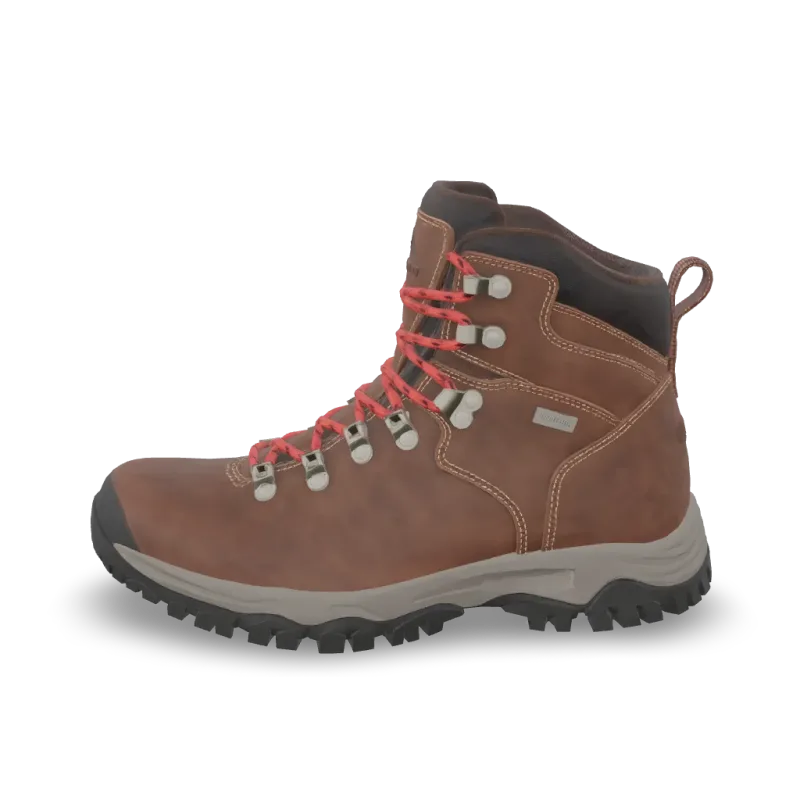
Print Repair
Meshy Print Repair repairs a 3D model for printing: closes holes and fixes broken geometry. Ready-to-use REST inference API, best performance, no coldstarts, affordable pricing.

Print Multi Color
Meshy Multi-Color Print turns a textured 3D model into a multi-color 3MF ready for the slicer. Ready-to-use REST inference API, best performance, no coldstarts, affordable pricing.
Print Analyze
Meshy Printability Analysis checks whether a 3D model is ready to 3D print and reports the issues it finds. Ready-to-use REST inference API, best performance, no coldstarts, affordable pricing.
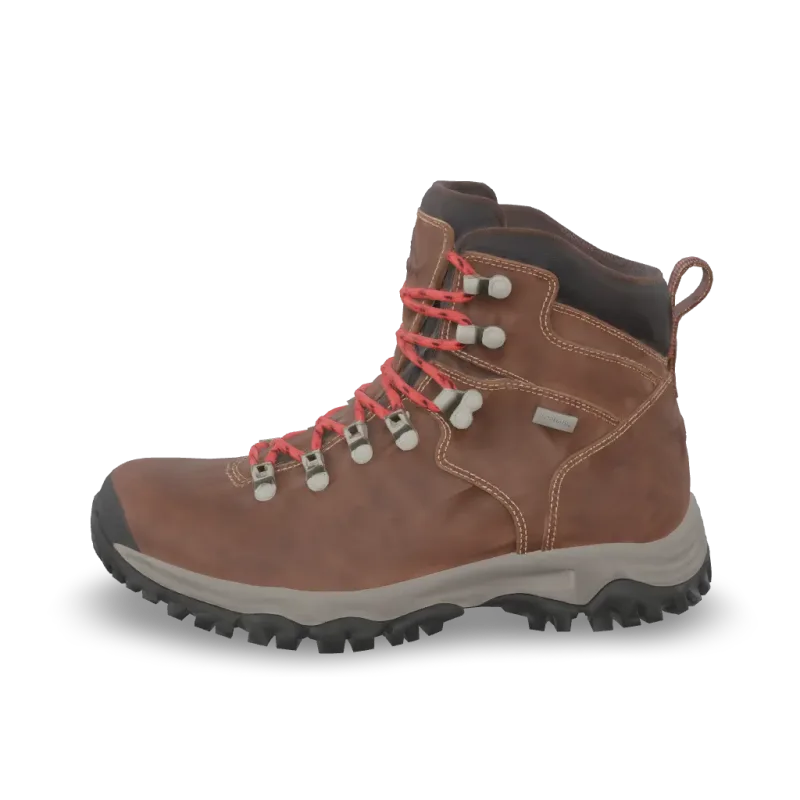
Resize
Meshy Resize scales a 3D model to a real-world height or size and sets its origin. Ready-to-use REST inference API, best performance, no coldstarts, affordable pricing.
Convert
Meshy Convert converts a 3D model to GLB, OBJ, FBX, STL, USDZ, BLEND or 3MF. Ready-to-use REST inference API, best performance, no coldstarts, affordable pricing.
Uv Unwrap
Meshy UV Unwrap unwraps the UVs of a 3D model. Ready-to-use REST inference API, best performance, no coldstarts, affordable pricing.

Remesh
Meshy Remesh rebuilds a 3D model at a target polycount, as triangles or quads. Ready-to-use REST inference API, best performance, no coldstarts, affordable pricing.
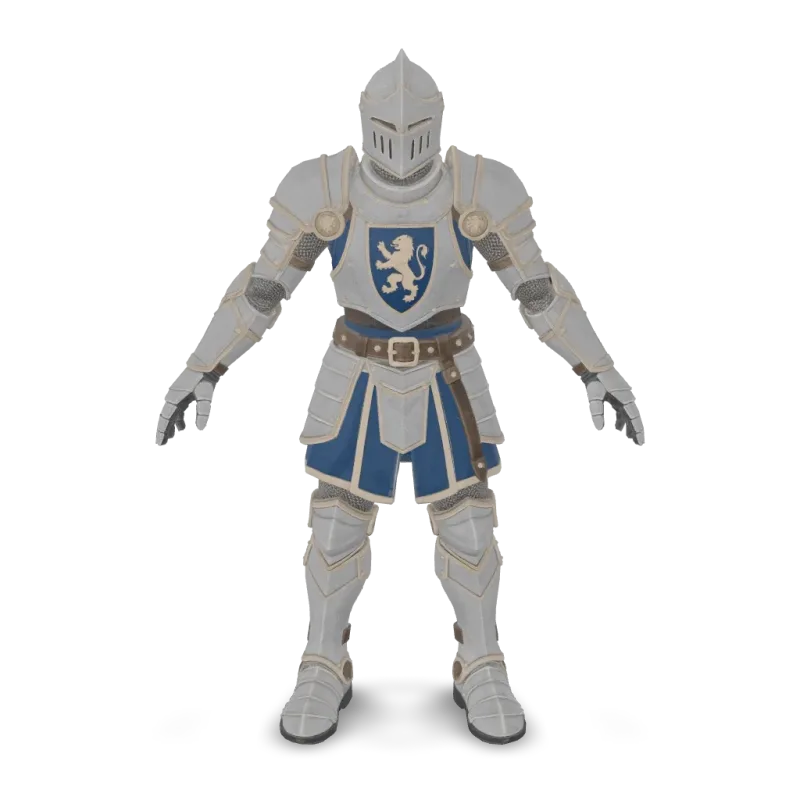
Animation
Meshy Animation rigs a character model and applies up to 10 animations from the Meshy library. Ready-to-use REST inference API, best performance, no coldstarts, affordable pricing.
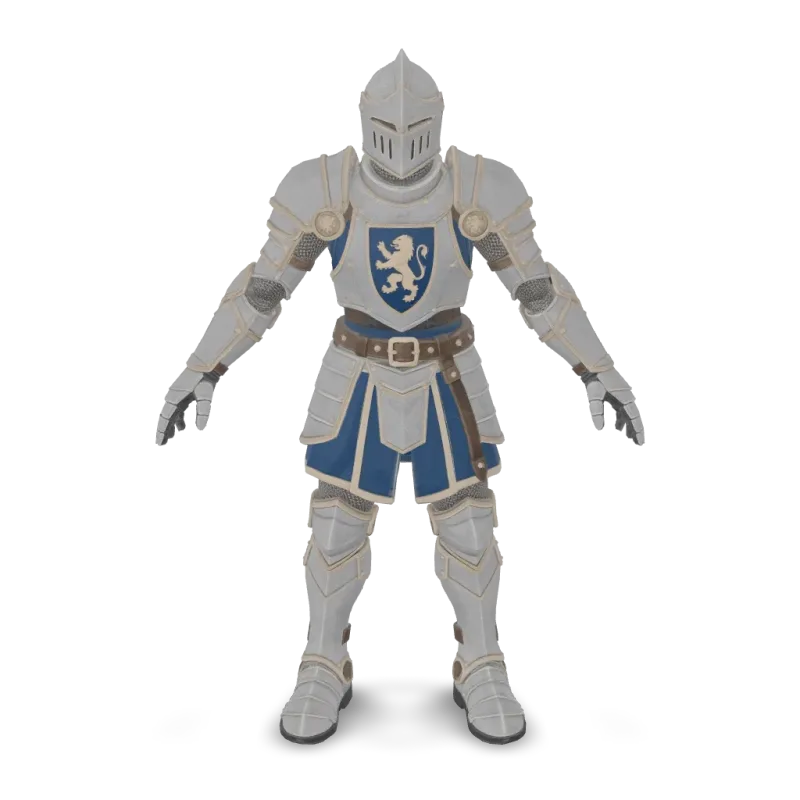
Rigging
Meshy Rigging adds a skeleton to a humanoid or four-legged character model. Ready-to-use REST inference API, best performance, no coldstarts, affordable pricing.
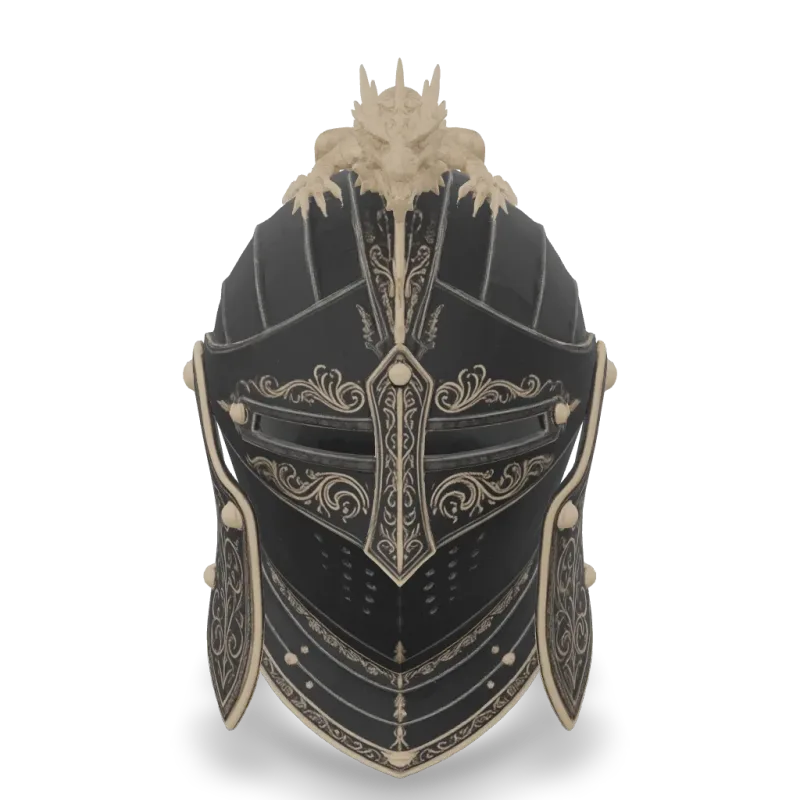
v6 Lite Multi Image To 3d
Meshy 6 Lite Multi-Image-to-3D turns 1 to 4 views of one object into a textured 3D model with Meshy's lightweight model. Ready-to-use REST inference API, best performance, no coldstarts, affordable pricing.

v6 Lite Image To 3d
Meshy 6 Lite Image-to-3D turns a single image into a textured 3D model with Meshy's lightweight model. Ready-to-use REST inference API, best performance, no coldstarts, affordable pricing.

v6 Lite Text To 3d
Meshy 6 Lite Text-to-3D turns a text description into a textured 3D model with Meshy's lightweight model. Ready-to-use REST inference API, best performance, no coldstarts, affordable pricing.
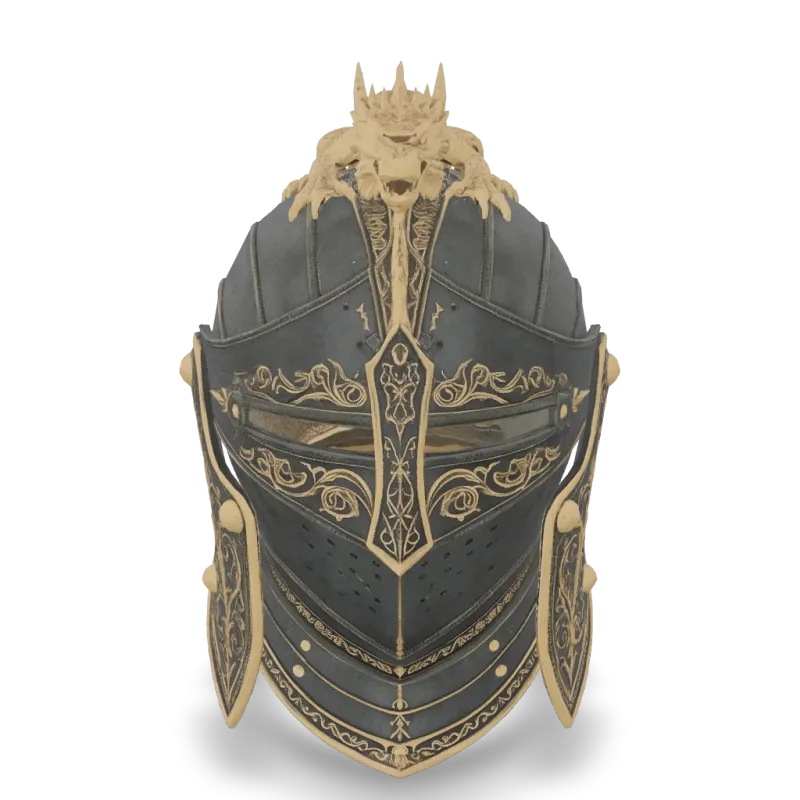
v6 Multi Image To 3d
Meshy 6 Multi-Image-to-3D turns 1 to 4 views of one object into a textured 3D model. Ready-to-use REST inference API, best performance, no coldstarts, affordable pricing.
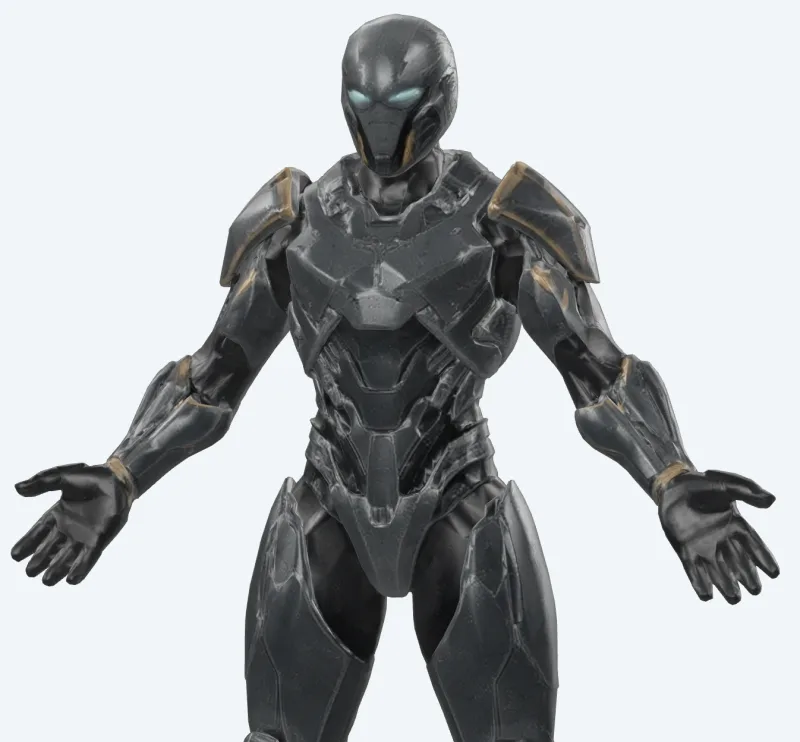
v6 Lite Retexture
Meshy 6 Lite Retexture re-textures an existing 3D model from a text prompt or a reference image. Ready-to-use REST inference API, best performance, no coldstarts, affordable pricing.
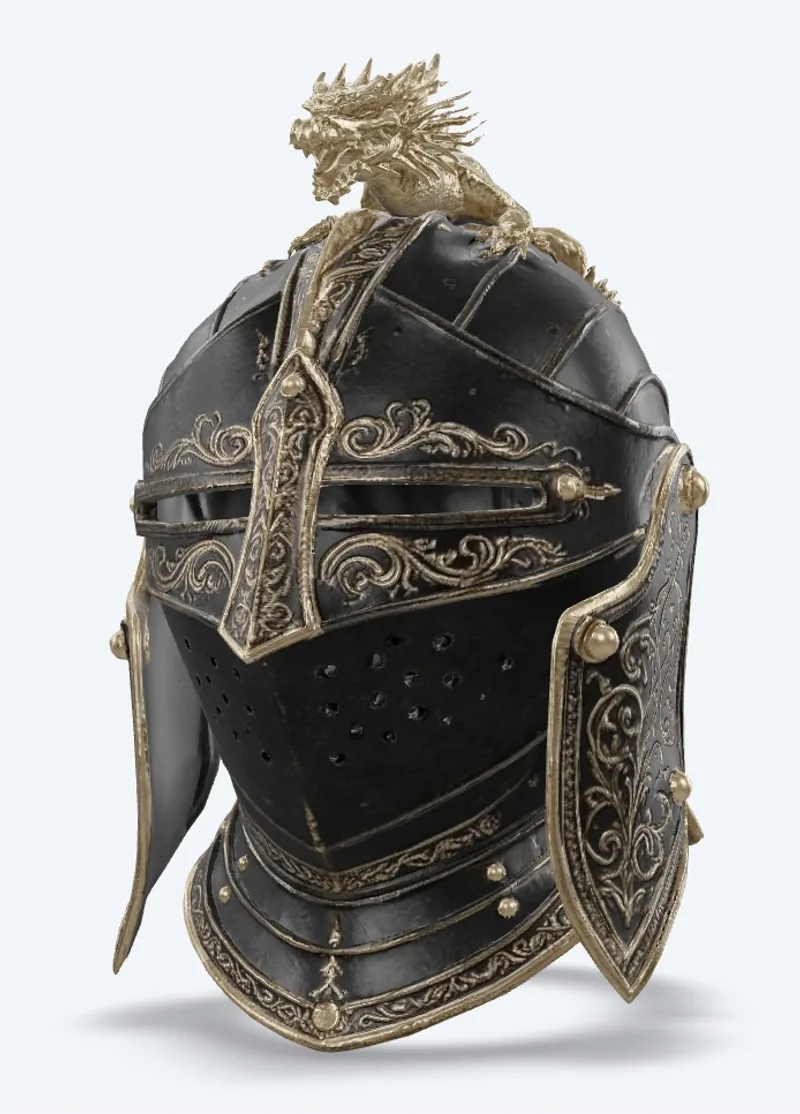
v7.1 Multi Image To 3d
Meshy 7.1 Multi-Image-to-3D turns 1 to 4 views of one object into a textured 3D model. Ready-to-use REST inference API, best performance, no coldstarts, affordable pricing.
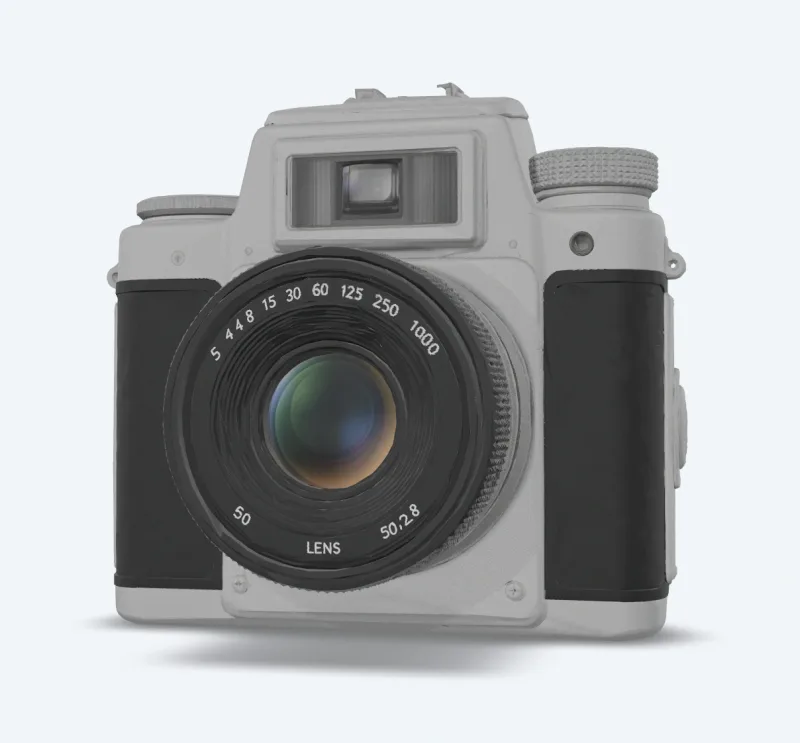
v7.1 Image To 3d
Meshy 7.1 Image-to-3D turns a single image into a textured 3D model. Ready-to-use REST inference API, best performance, no coldstarts, affordable pricing.
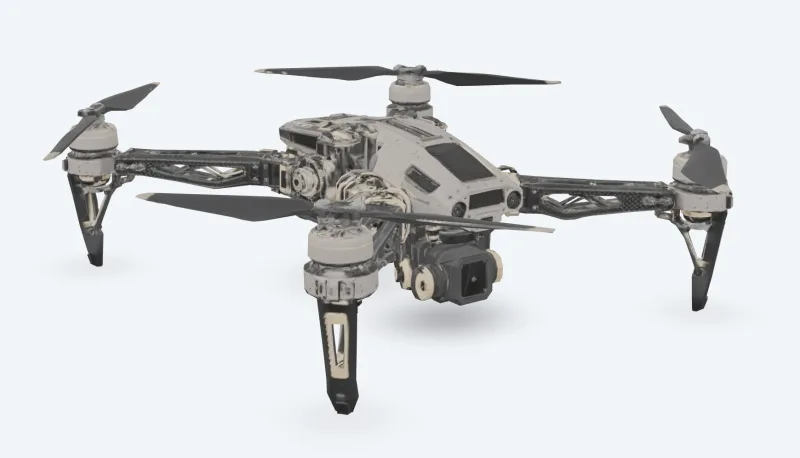
v7 Multi Image To 3d
Meshy 7 Multi-Image-to-3D turns 1 to 4 views of one object into a textured 3D model. Ready-to-use REST inference API, best performance, no coldstarts, affordable pricing.
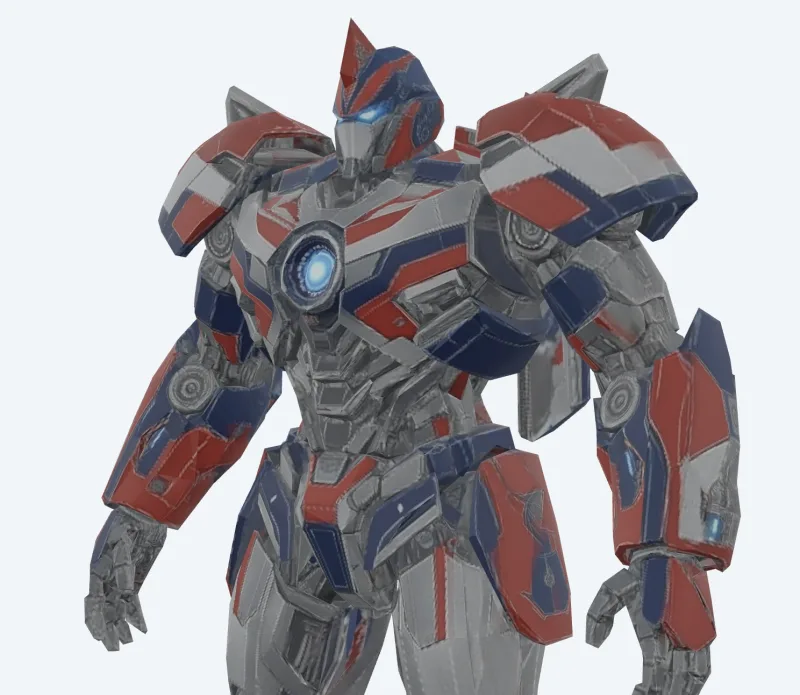
v7 Image To 3d
Meshy 7 Image-to-3D turns a single image into a textured 3D model. Ready-to-use REST inference API, best performance, no coldstarts, affordable pricing.
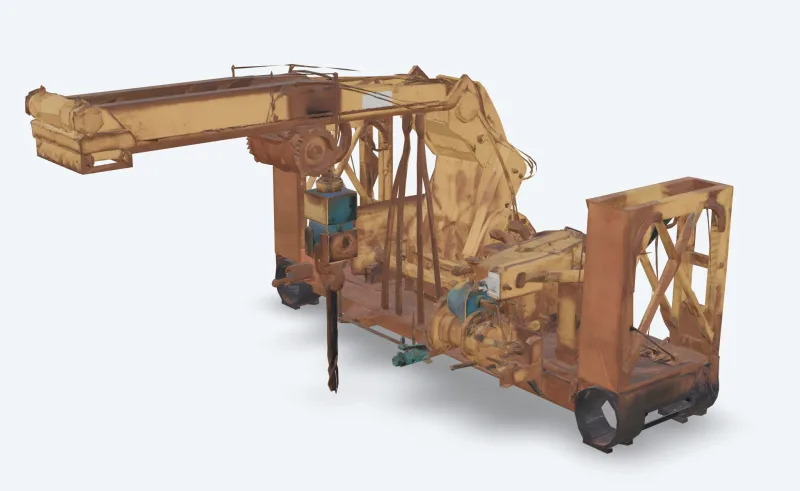
v6 Text To 3d
Meshy 6 Text-to-3D turns a text description into a textured 3D model. Ready-to-use REST inference API, best performance, no coldstarts, affordable pricing.
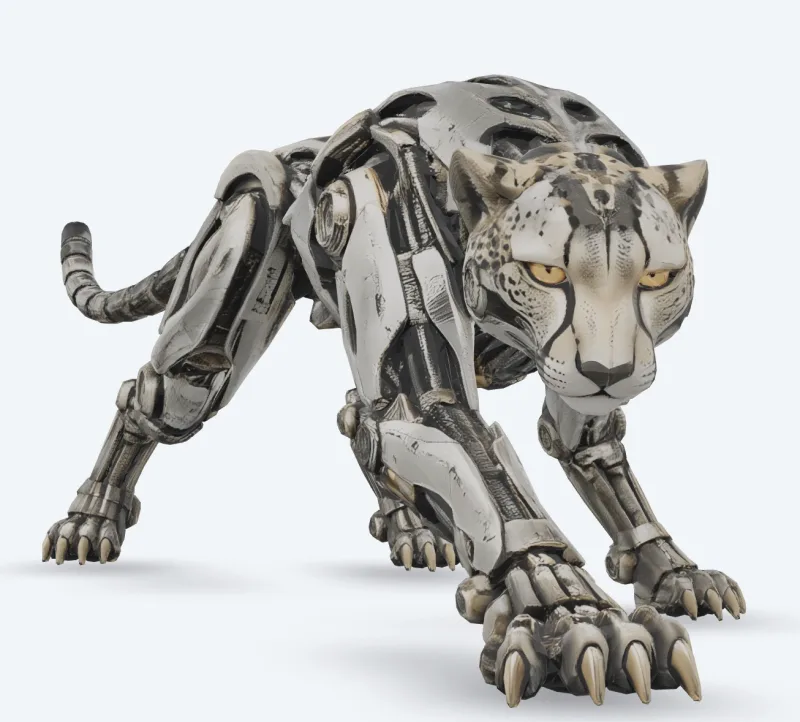
v6 Image To 3d
Meshy 6 Image-to-3D turns a single image into a textured 3D model. Ready-to-use REST inference API, best performance, no coldstarts, affordable pricing.

v7.1 Text To 3d
Meshy 7.1 Text-to-3D turns a text description into a textured 3D model. Ready-to-use REST inference API, best performance, no coldstarts, affordable pricing.
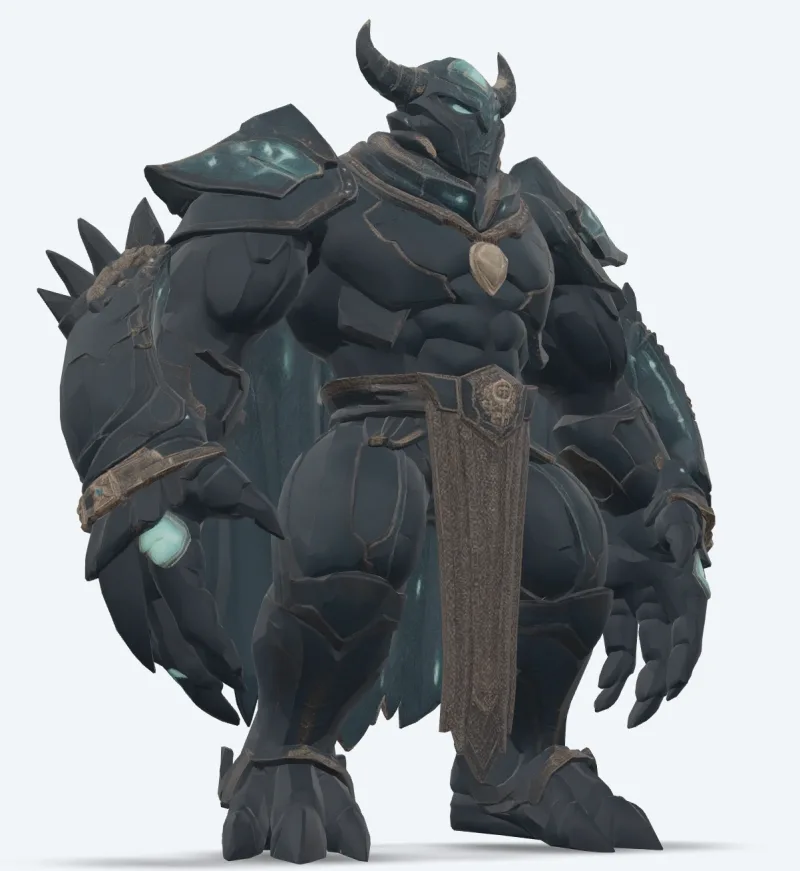
v7 Text To 3d
Meshy 7 Text-to-3D turns a text description into a textured 3D model. Ready-to-use REST inference API, best performance, no coldstarts, affordable pricing.

v7 Retexture
Meshy 7 Retexture re-textures an existing 3D model from a text prompt or a reference image. Ready-to-use REST inference API, best performance, no coldstarts, affordable pricing.
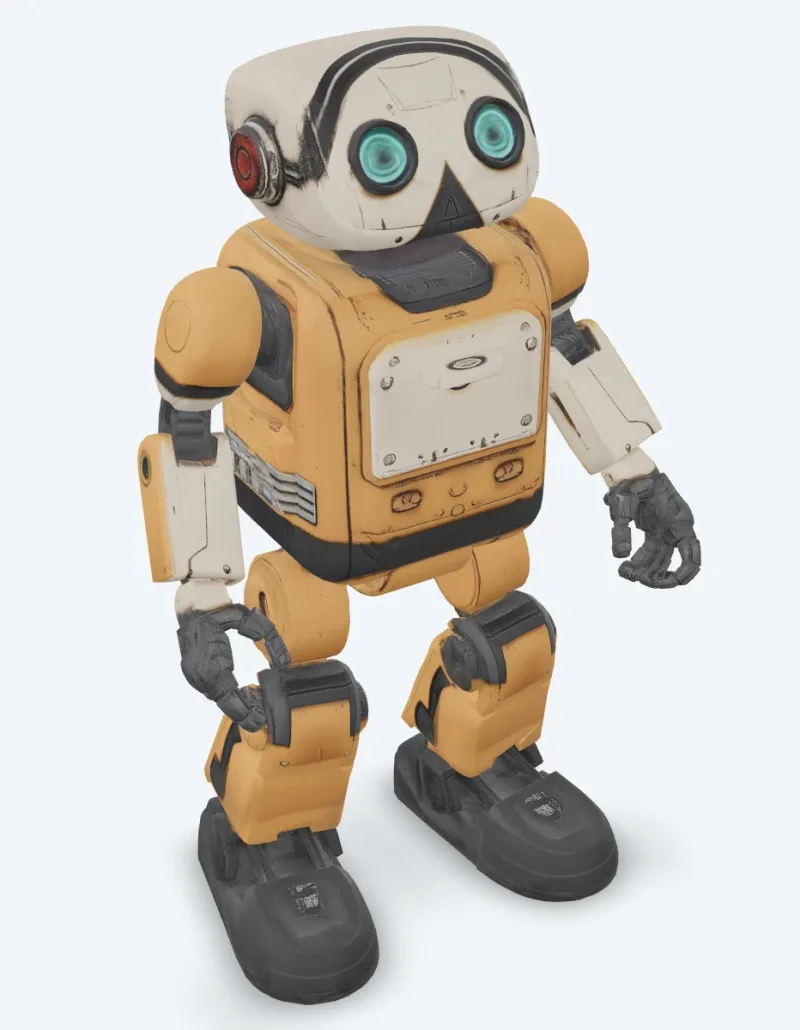
v6 Retexture
Meshy 6 Retexture re-textures an existing 3D model from a text prompt or a reference image. Ready-to-use REST inference API, best performance, no coldstarts, affordable pricing.
Ví dụ
Xem Meshy hoạt động
Kết quả thật do API Meshy tạo ra. Rê chuột lên video để xem trước, nhấp để mở trình xem kích thước đầy đủ.
Hướng dẫn
Cách dùng API Meshy
Bốn bước từ đăng ký đến khi có kết quả. Ví dụ đầy đủ bằng Python, Node.js và cURL nằm ở phần API bên dưới.
- 01
Lấy API key
Đăng ký tài khoản WaveSpeedAI và sao chép API key từ bảng điều khiển. Tài khoản mới được tặng credit dùng thử miễn phí — đủ để chạy playground vài chục lần trước khi bắt đầu tính phí.
- 02
Gửi một prediction
POST đầu vào của bạn dưới dạng JSON tới https://api.wavespeed.ai/api/v3/meshy/v7.1/image-to-3d. Endpoint trả về prediction id ngay lập tức — việc tạo là bất đồng bộ nên bạn không phải giữ kết nối mở trong lúc suy luận.
- 03
Poll để chờ hoàn tất
GET https://api.wavespeed.ai/api/v3/predictions/{request_id}/result. Trả về kết quả khi completed; dừng và báo lỗi khi failed, cancelled, timeout hoặc deleted; tiếp tục poll với mọi trạng thái khác.
- 04
Đọc URL kết quả
Khi status là "completed", đọc URL từ data.outputs[0]. URL trỏ tới media bạn đã tạo trên CDN của WaveSpeedAI — ảnh, video, âm thanh hoặc tệp 3D tùy biến thể Meshy bạn đã gọi.
Trường hợp sử dụng
Bạn có thể xây dựng gì với Meshy
Các quy trình phổ biến mà nhà phát triển và người sáng tạo dùng API Meshy cho.
Tài sản có texture từ ảnh chụp
meshy/v7.1/image-to-3d biến một ảnh thành mô hình có texture cùng các map PBR; multi-image-to-3d dùng tối đa bốn góc nhìn cho những mặt bạn không thấy được.
Từ ý tưởng đến mô hình bằng văn bản
meshy/v7.1/text-to-3d dựng mesh từ prompt rồi phủ texture; dùng chế độ preview để có bản nháp nhanh chưa có texture.
Nhân vật có hoạt ảnh
meshy/animation rig nhân vật và áp dụng các hoạt ảnh đi bộ, chạy, nhảy múa cùng nhiều hoạt ảnh khác trong thư viện vào một tệp; meshy/rigging trả về mô hình đã rig.
Tối ưu cho game và thời gian thực
meshy/remesh dựng lại mô hình theo polycount mục tiêu bằng tam giác hoặc quad; meshy/uv-unwrap chuẩn bị mô hình cho việc phủ texture.
Quy trình in 3D
meshy/print/analyze báo cáo lỗ hổng và cạnh non-manifold, meshy/print/repair sửa chúng, và meshy/print/multi-color xuất tệp 3MF sẵn sàng cho slicer.
Diện mạo mới cho mô hình có sẵn
meshy/v7/retexture vẽ texture mới lên mô hình của bạn từ prompt văn bản hoặc ảnh phong cách.
Mẹo
Mẹo viết prompt cho Meshy
Lời khuyên thực tế để có kết quả tốt hơn từ Meshy — rút ra từ các mẫu hiệu quả trên các mô hình 3D trong các pipeline sản xuất.
- 01
Làm bản nháp ở preview, rồi phủ texture
Dùng text-to-3d ở chế độ preview để thử nhanh prompt dưới dạng mesh chưa có texture, rồi chạy chế độ full cho bản bạn ưng ý.
- 02
Yêu cầu A-pose cho nhân vật
Đặt pose_mode thành a-pose hoặc t-pose khi bạn định rig hoặc tạo hoạt ảnh cho nhân vật; việc rig sẽ ổn định hơn.
- 03
Giữ polycount trong giới hạn rigging
Rigging chấp nhận tới 380.000 tam giác. Hãy remesh mô hình dày về polycount mục tiêu thấp hơn trước.
- 04
Kiểm tra khả năng in trước khi in
Chạy print/analyze trước; nếu báo có lỗ hổng hoặc cạnh non-manifold, print/repair sẽ sửa chúng trước khi bạn gửi mô hình tới slicer.
Giá
Giá API Meshy
Giá tính theo từng kết quả đầu ra. Khoản phí cuối cùng thay đổi theo các tham số bạn đặt trong playground của từng biến thể (độ phân giải, thời lượng, số kết quả, tham chiếu).
| Endpoint | Loại | Giá khởi điểm |
|---|---|---|
| meshy/ | image-to-3d | $0.48 |
| meshy/ | image-to-3d | $0.48 |
| meshy/ | image-to-3d | $0.048 |
| meshy/ | image-to-3d | $0.048 |
| meshy/ | image-to-3d | $0.048 |
| meshy/ | image-to-3d | $0.24 |
| meshy/ | image-to-3d | $0.24 |
| meshy/ | image-to-3d | $0.384 |
| meshy/ | image-to-3d | $0.24 |
| meshy/ | image-to-3d | $0.72 |
| meshy/ | image-to-3d | $0.72 |
| meshy/ | text-to-3d | $0.72 |
| meshy/ | image-to-3d | $1.44 |
| meshy/ | image-to-3d | $0.33 |
| meshy/ | image-to-3d | $1.44 |
| meshy/ | image-to-3d | $1.44 |
| meshy/ | image-to-3d | $1.44 |
| meshy/ | image-to-3d | $1.44 |
| meshy/ | text-to-3d | $1.44 |
| meshy/ | image-to-3d | $1.44 |
| meshy/ | text-to-3d | $1.44 |
| meshy/ | text-to-3d | $1.44 |
| meshy/ | image-to-3d | $0.33 |
| meshy/ | image-to-3d | $0.33 |
API
Gọi API Meshy
Đăng ký API key tại wavespeed.ai/accesskey, rồi gửi prediction qua REST. Playground tạo sẵn mã mẫu có thể dán ngay cho mọi tổ hợp đầu vào.
POSThttps://api.wavespeed.ai/api/v3/meshy/v7.1/image-to-3d
# 1. Submit the prediction.
SUBMIT_RESPONSE=$(curl --silent --show-error --fail-with-body \
  -X POST "https://api.wavespeed.ai/api/v3/meshy/v7.1/image-to-3d" \
  -H "Content-Type: application/json" \
  -H "Authorization: Bearer $WAVESPEED_API_KEY" \
  -d '{
    "image": "https://interactive-examples.mdn.mozilla.net/media/cc0-images/painted-hand-298-332.jpg",
    "model_type": "standard",
    "geometry_resolution": "standard",
    "should_texture": true,
    "enable_pbr": false,
    "texture_resolution": "2k",
    "topology": "triangle",
    "target_polycount": 30000,
    "should_remesh": true,
    "symmetry_mode": "auto",
    "pose_mode": "a-pose",
    "auto_size": false,
    "enable_rigging": false,
    "rigging_height_meters": 1.7,
    "enable_animation": false,
    "animation_action_id": 92
}')

TASK=$(printf '%s' "$SUBMIT_RESPONSE" | jq 'if has("data") then .data else . end')
PREDICTION_ID=$(printf '%s' "$TASK" | jq -r '.id')
if [ -z "$PREDICTION_ID" ] || [ "$PREDICTION_ID" = "null" ]; then
  printf 'Submission response did not contain a prediction id
' >&2
  exit 1
fi
RESULT_URL="https://api.wavespeed.ai/api/v3/predictions/$PREDICTION_ID/result"

# 2. Poll until the prediction finishes.
while true; do
  RESPONSE=$(curl --silent --show-error --fail-with-body "$RESULT_URL" \
    -H "Authorization: Bearer $WAVESPEED_API_KEY")
  RESULT=$(printf '%s' "$RESPONSE" | jq 'if has("data") then .data else . end')
  STATUS=$(printf '%s' "$RESULT" | jq -r '.status')
  case "$STATUS" in
    completed) printf '%s\n' "$RESULT" | jq '.outputs'; break ;;
    failed|cancelled|timeout|deleted) printf '%s\n' "$RESULT" | jq . >&2; exit 1 ;;
    *) sleep 2 ;;
  esac
done
const submitUrl = "https://api.wavespeed.ai/api/v3/meshy/v7.1/image-to-3d";
const apiKey = process.env.WAVESPEED_API_KEY;
if (!apiKey) throw new Error('Set WAVESPEED_API_KEY');
async function requestJson(url, options = {}) {
const response = await fetch(url, options);
if (!response.ok) throw new Error(await response.text());
return response.json();
}
// 1. Submit the prediction.
const body = await requestJson(submitUrl, {
method: "POST",
headers: {
"Authorization": `Bearer ${apiKey}`,
"Content-Type": "application/json",
},
body: JSON.stringify({
"image": "https://interactive-examples.mdn.mozilla.net/media/cc0-images/painted-hand-298-332.jpg",
"model_type": "standard",
"geometry_resolution": "standard",
"should_texture": true,
"enable_pbr": false,
"texture_resolution": "2k",
"topology": "triangle",
"target_polycount": 30000,
"should_remesh": true,
"symmetry_mode": "auto",
"pose_mode": "a-pose",
"auto_size": false,
"enable_rigging": false,
"rigging_height_meters": 1.7,
"enable_animation": false,
"animation_action_id": 92
}),
});
const task = body.data ?? body;
const resultUrl = `https://api.wavespeed.ai/api/v3/predictions/${task.id}/result`;
// 2. Poll until the prediction finishes.
while (true) {
const resultBody = await requestJson(resultUrl, {
headers: { "Authorization": `Bearer ${apiKey}` },
});
const result = resultBody.data ?? resultBody;
if (result.status === "completed") {
console.log(result.outputs);
break;
}
if (["failed", "cancelled", "timeout", "deleted"].includes(result.status)) throw new Error(JSON.stringify(result));
await new Promise(resolve => setTimeout(resolve, 2000));
}import json
import os
import time
from urllib.request import Request, urlopen
api_key = os.environ["WAVESPEED_API_KEY"]
headers = {"Authorization": f"Bearer {api_key}", "Content-Type": "application/json"}
payload = {
"image": "https://interactive-examples.mdn.mozilla.net/media/cc0-images/painted-hand-298-332.jpg",
"model_type": "standard",
"geometry_resolution": "standard",
"should_texture": True,
"enable_pbr": False,
"texture_resolution": "2k",
"topology": "triangle",
"target_polycount": 30000,
"should_remesh": True,
"symmetry_mode": "auto",
"pose_mode": "a-pose",
"auto_size": False,
"enable_rigging": False,
"rigging_height_meters": 1.7,
"enable_animation": False,
"animation_action_id": 92
}
def request_json(url, data=None):
request = Request(url, data=data, headers=headers, method="POST" if data else "GET")
with urlopen(request) as response:
return json.load(response)
# 1. Submit the prediction.
body = request_json("https://api.wavespeed.ai/api/v3/meshy/v7.1/image-to-3d", json.dumps(payload).encode())
task = body.get("data", body)
result_url = f"https://api.wavespeed.ai/api/v3/predictions/{task['id']}/result"
# 2. Poll until the prediction finishes.
while True:
result_body = request_json(result_url)
result = result_body.get("data", result_body)
status = result.get("status")
if status == "completed":
print(result.get("outputs", []))
break
if status in {"failed", "cancelled", "timeout", "deleted"}:
raise RuntimeError(result)
time.sleep(2)So sánh
Meshy so với các lựa chọn khác
Khi nào nên chọn Meshy thay vì các mô hình tương tự trên WaveSpeedAI.
Meshy so với Meshy web app
Ứng dụng Meshy là giao diện web. Các endpoint Meshy trên WaveSpeedAI chạy cùng những mô hình đó qua REST, dành cho máy chủ, tác vụ hàng loạt và ứng dụng tạo 3D cho người dùng của chính mình, với một API key dùng cho mọi mô hình khác.
Meshy so với Tripo
Tripo cũng có trên WaveSpeedAI. Meshy nổi bật ở texture PBR 8K, thư viện hoạt ảnh lớn và các công cụ in 3D; hãy so sánh cả hai bằng dữ liệu đầu vào của riêng bạn.
Meshy so với Hunyuan3D
Hunyuan3D tạo mesh có texture từ văn bản hoặc ảnh. Meshy bổ sung texture 8K, rigging và hoạt ảnh nhân vật, cùng các công cụ in.
Câu hỏi thường gặp
Meshy API — Câu hỏi thường gặp
Giá, giấy phép, tích hợp — những câu hỏi phổ biến về việc chạy Meshy trên WaveSpeedAI.
WaveSpeedAI có những mô hình Meshy nào?
Meshy 7.1, 7, 6 và 6 Lite, mỗi mô hình có text-to-3d, image-to-3d và multi-image-to-3d; retexture; cùng các công cụ rigging, hoạt ảnh, remesh, unwrap UV, chuyển đổi, đổi kích thước, phân tích khả năng in, sửa lỗi khi in và in nhiều màu. Mọi endpoint đang hoạt động đều được liệt kê trên trang này cùng mức giá hiện tại.
Meshy có thể rig và tạo hoạt ảnh cho nhân vật của tôi không?
Có. Bật enable_rigging hoặc enable_animation trong yêu cầu tạo, hoặc gửi bất kỳ mô hình hình người hay bốn chân nào tới meshy/rigging hoặc meshy/animation.
Các endpoint Meshy được tính giá như thế nào?
Theo từng tác vụ, với mức giá hiển thị trên trang của mỗi mô hình và trong bảng ở trên; các tùy chọn như texture 8K, hình học Ultra hay rigging làm thay đổi giá theo niêm yết. WaveSpeedAI trả theo mức dùng: không cần gói đăng ký, và credit không bao giờ hết hạn.
API Meshy là gì?
Meshy là mô hình 3D của Meshy, được cung cấp dưới dạng REST API trên WaveSpeedAI. Meshy API trên WaveSpeedAI — các mô hình chính thức Meshy 7.1, 7, 6 và 6 Lite qua REST: văn bản, ảnh và nhiều ảnh sang 3D với texture PBR tới 8K, cùng các công cụ retexture, rigging, hoạt ảnh, remesh, unwrap UV, chuyển đổi, đổi kích thước và in 3D. Bạn có thể gọi bằng lập trình hoặc thử từ playground ở liên kết phía trên.
Làm sao để gọi API Meshy?
Đăng ký tài khoản WaveSpeedAI, sao chép API key từ /accesskey, rồi POST tới https://api.wavespeed.ai/api/v3/meshy/v7.1/image-to-3d với đầu vào dưới dạng JSON. Endpoint trả về prediction id. Hãy poll endpoint kết quả khoảng mỗi 2 giây, tăng khoảng cách với các tác vụ chạy lâu, và dừng ở bất kỳ trạng thái kết thúc nào. Ví dụ Python / Node.js / cURL hướng tới môi trường production ở phía trên.
API Meshy có giá bao nhiêu?
Meshy bắt đầu từ $0.048. Chi phí chính xác thay đổi theo các tham số bạn đặt (độ phân giải, thời lượng, số kết quả, tham chiếu). Phần xem trước chi phí trực tiếp cạnh nút Tạo trong playground hiển thị giá chính xác cho đầu vào hiện tại của bạn.
Có những biến thể Meshy nào?
WaveSpeedAI cung cấp 24 endpoint Meshy đang hoạt động: meshy/print/repair, meshy/print/multi-color, meshy/print/analyze, meshy/resize, meshy/convert, meshy/uv-unwrap, meshy/remesh, meshy/animation, và nhiều hơn nữa. Mỗi biến thể có trang playground và giá riêng.
Tôi có thể dùng kết quả của Meshy cho mục đích thương mại không?
Quyền sử dụng thương mại tuân theo giấy phép mô hình của Meshy. Hầu hết mô hình của Meshy cho phép dùng kết quả đầu ra cho mục đích thương mại; hãy xem trang playground của từng mô hình để biết tóm tắt giấy phép cụ thể, và Điều khoản dịch vụ của WaveSpeedAI cho các điều kiện cấp nền tảng.
Tại sao dùng Meshy trên WaveSpeedAI thay vì gọi trực tiếp?
Một API key + một tài khoản thanh toán cho Meshy VÀ hơn 1.000 mô hình AI khác từ các nhà cung cấp khác. Không cần thiết lập SDK cho từng hãng, không có hạn mức tốc độ riêng, không phải viết lại mã tích hợp cho từng hãng. Giá thường ngang bằng hoặc thấp hơn API trực tiếp của Meshy.
Nhà cung cấp
Giới thiệu về Meshy
Đội ngũ đứng sau Meshy và dòng mô hình Meshy rộng hơn trên WaveSpeedAI.
Meshy là công ty tạo 3D bằng AI được các nhà phát triển game, nhà thiết kế và người làm in 3D sử dụng. Các mô hình của Meshy biến văn bản và ảnh thành mô hình 3D có texture với vật liệu PBR tới 8K, còn các công cụ của họ rig và tạo hoạt ảnh cho nhân vật, remesh, unwrap UV và chuẩn bị mô hình để in. Trên WaveSpeedAI, các mô hình Meshy có sẵn dưới dạng endpoint REST với một API key và giá trả theo mức dùng.
Bắt đầu xây dựng với Meshy trên WaveSpeedAI
Tặng credit dùng thử miễn phí khi đăng ký. Một API key cho hơn 1.000 mô hình AI từ Meshy và mọi nhà cung cấp khác.