Meshy API
Meshy API บน WaveSpeedAI — โมเดลทางการ Meshy 7.1, 7, 6 และ 6 Lite ผ่าน REST: ข้อความ ภาพ และหลายภาพเป็น 3D พร้อมเท็กซ์เจอร์ PBR สูงสุด 8K รวมถึงเครื่องมือ retexture, rigging, แอนิเมชัน, remesh, unwrap UV, แปลงไฟล์, ปรับขนาด และการพิมพ์ 3D
เปลี่ยนพรอมต์ รูปถ่าย หรือสูงสุดสี่มุมมองให้เป็นโมเดล 3D ที่มีเท็กซ์เจอร์ จากนั้น rig และทำแอนิเมชันให้ตัวละคร, remesh ตาม polycount เป้าหมาย, unwrap UV, แปลงฟอร์แมต หรือเตรียมโมเดลสำหรับการพิมพ์ 3D ทุก endpoint ทำงานบนโฟลว์การพยากรณ์ REST เดียวกับโมเดลอื่นทั้งหมดบน WaveSpeedAI


ภาพรวม
เกี่ยวกับ Meshy API
Meshy ทำอะไรได้ อยู่ตรงไหนในกลุ่มโมเดลของ Meshy และทำไมทีมต่างๆ จึงเลือกใช้
Meshy คือโมเดลการสร้างแอสเซต 3Dจาก Meshy ใช้งานได้ผ่าน REST API ของ WaveSpeedAI Meshy API บน WaveSpeedAI — โมเดลทางการ Meshy 7.1, 7, 6 และ 6 Lite ผ่าน REST: ข้อความ ภาพ และหลายภาพเป็น 3D พร้อมเท็กซ์เจอร์ PBR สูงสุด 8K รวมถึงเครื่องมือ retexture, rigging, แอนิเมชัน, remesh, unwrap UV, แปลงไฟล์, ปรับขนาด และการพิมพ์ 3D
เปลี่ยนพรอมต์ รูปถ่าย หรือสูงสุดสี่มุมมองให้เป็นโมเดล 3D ที่มีเท็กซ์เจอร์ จากนั้น rig และทำแอนิเมชันให้ตัวละคร, remesh ตาม polycount เป้าหมาย, unwrap UV, แปลงฟอร์แมต หรือเตรียมโมเดลสำหรับการพิมพ์ 3D ทุก endpoint ทำงานบนโฟลว์การพยากรณ์ REST เดียวกับโมเดลอื่นทั้งหมดบน WaveSpeedAI
กลุ่ม Meshy บน WaveSpeedAI มี 24 REST endpoint ครอบคลุมเวิร์กโฟลว์ Image-To-3d, Text-To-3d แต่ละแบบมีราคา พารามิเตอร์ที่ปรับได้ และตัวอย่างผลลัพธ์ของตัวเอง เลือกแบบที่ตรงกับประเภทอินพุตและข้อจำกัดของงานจริง หรือเรียกหลายแบบด้วย API key เดียวเพื่อประกอบเป็นไปป์ไลน์หลายขั้นตอน
รัน Meshy ผ่าน API key บัญชีเรียกเก็บเงิน และขีดจำกัดอัตราเดียวกับที่คุณใช้กับโมเดล AI กว่า 1,000 รายการอื่นบน WaveSpeedAI ไม่ต้องตั้งค่ากับผู้ให้บริการแยก ไม่ต้องใช้ SDK แยกตามผู้ให้บริการ และไม่ต้องจัดการขีดจำกัดอัตราแยกตามผู้ให้บริการ การเชื่อมต่อเดียวครอบคลุมทุกอย่างตั้งแต่ข้อความเป็นภาพและข้อความเป็นวิดีโอ ไปจนถึงการสังเคราะห์เสียง การสร้าง 3D การอัปสเกล และการแก้ไข
สเปก
ความสามารถและสถานะการเปิดตัวของ Meshy API
รายละเอียดเฉพาะของโมเดลที่นักพัฒนาค้นหาก่อนเลือก API: ความพร้อมใช้งาน ความยาวผลลัพธ์ที่คาดหวัง การรองรับภาพอ้างอิง และทางเลือกสำรองที่ใช้งานได้ในปัจจุบัน
โมเดล
Meshy 7.1, 7, 6, 6 Lite
Meshy 7.1 ใหม่ล่าสุด พร้อมรูปทรงแบบ Ultra, 6 Lite เร็วและถูกที่สุด, smart-topology สร้างเมช low-poly ที่สะอาด
เท็กซ์เจอร์
สูงสุด 8K, PBR
เท็กซ์เจอร์ 2K, 4K หรือ 8K พร้อมแมป PBR แบบเลือกได้ โดยกำหนดทิศทางด้วยพรอมต์หรือภาพอ้างอิง
ตัวละคร
Rigging และแอนิเมชัน
rig ตัวละครมนุษย์และสี่ขา แล้วใส่แอนิเมชันได้สูงสุด 10 รายการจากไลบรารีของ Meshy
การพิมพ์ 3D
วิเคราะห์ ซ่อมแซม หลายสี
ตรวจสอบความพร้อมในการพิมพ์ ซ่อมรูโหว่และรูปทรงที่เสียหาย และส่งออกไฟล์ 3MF หลายสีพร้อมพรีเซ็ต slicer
Endpoint
API endpoint ของ Meshy ทั้งหมด
24 endpoint ของ Meshy พร้อมใช้งานบน WaveSpeedAI แล้ว — เลือกแบบที่ตรงกับเวิร์กโฟลว์ของคุณ
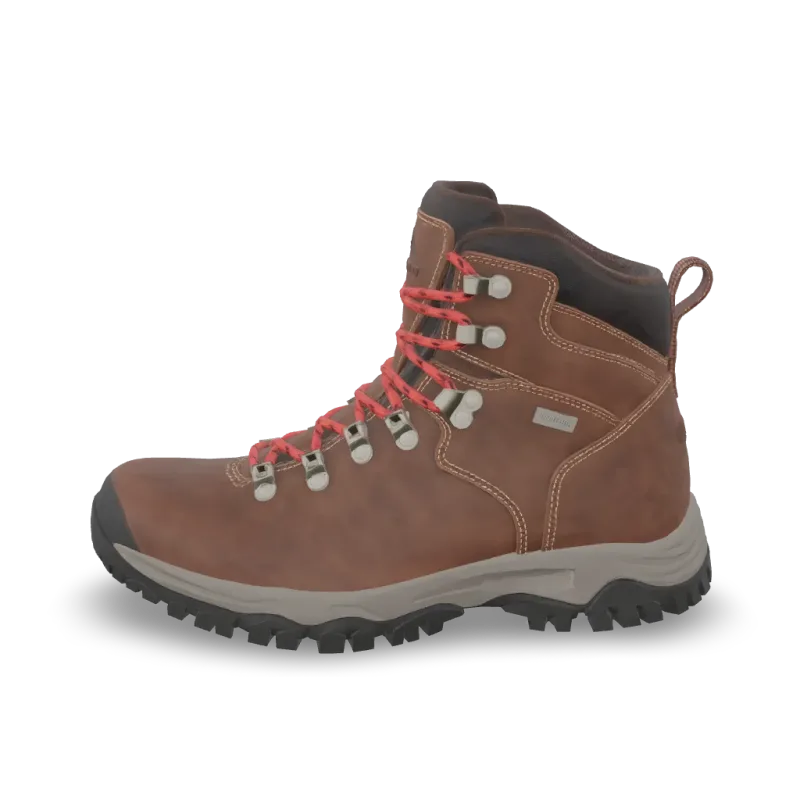
Print Repair
Meshy Print Repair repairs a 3D model for printing: closes holes and fixes broken geometry. Ready-to-use REST inference API, best performance, no coldstarts, affordable pricing.

Print Multi Color
Meshy Multi-Color Print turns a textured 3D model into a multi-color 3MF ready for the slicer. Ready-to-use REST inference API, best performance, no coldstarts, affordable pricing.
Print Analyze
Meshy Printability Analysis checks whether a 3D model is ready to 3D print and reports the issues it finds. Ready-to-use REST inference API, best performance, no coldstarts, affordable pricing.
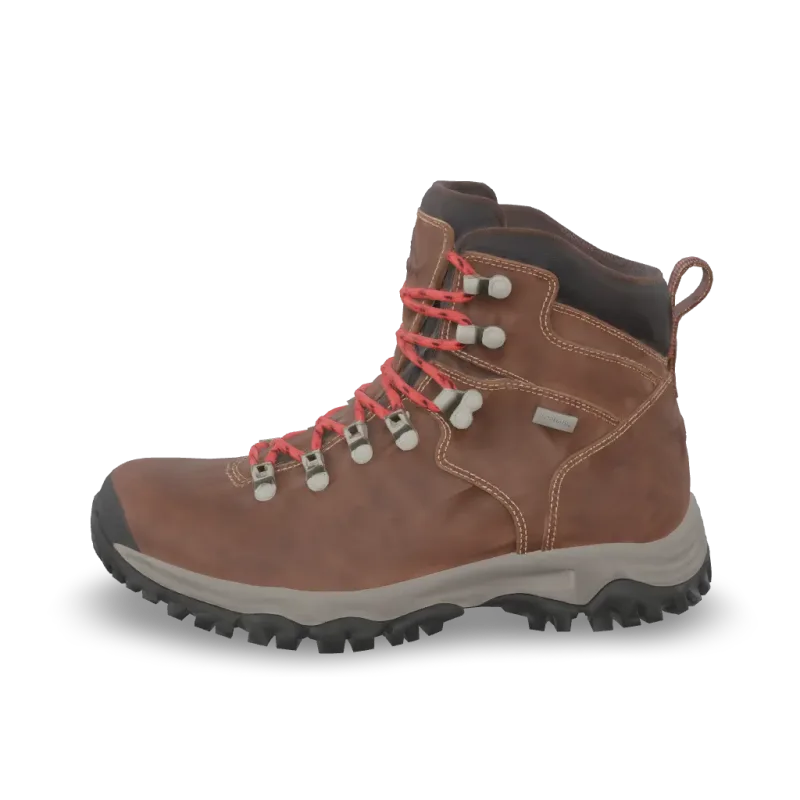
Resize
Meshy Resize scales a 3D model to a real-world height or size and sets its origin. Ready-to-use REST inference API, best performance, no coldstarts, affordable pricing.
Convert
Meshy Convert converts a 3D model to GLB, OBJ, FBX, STL, USDZ, BLEND or 3MF. Ready-to-use REST inference API, best performance, no coldstarts, affordable pricing.
Uv Unwrap
Meshy UV Unwrap unwraps the UVs of a 3D model. Ready-to-use REST inference API, best performance, no coldstarts, affordable pricing.

Remesh
Meshy Remesh rebuilds a 3D model at a target polycount, as triangles or quads. Ready-to-use REST inference API, best performance, no coldstarts, affordable pricing.
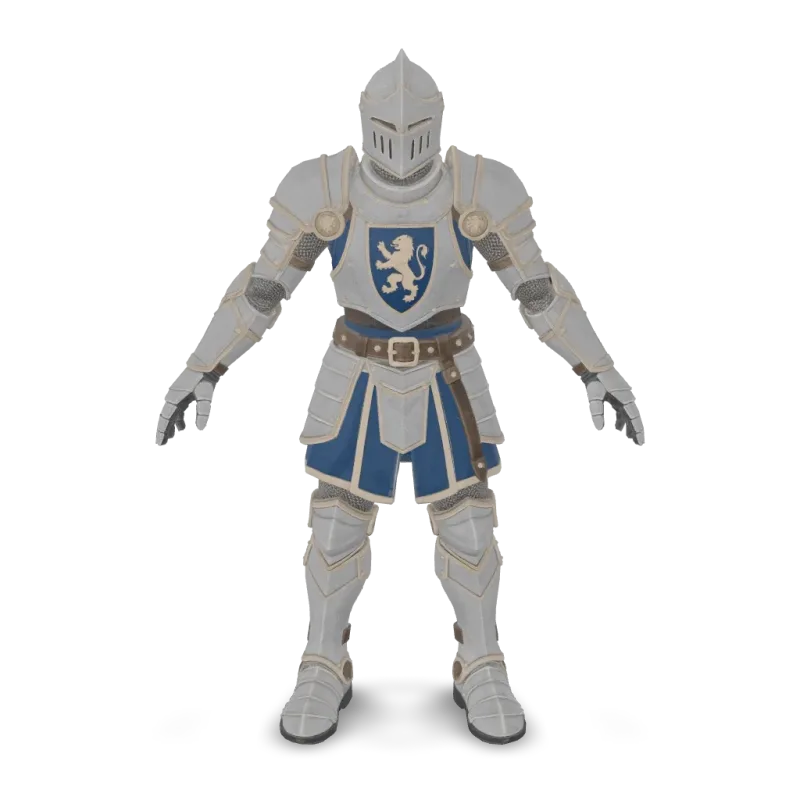
Animation
Meshy Animation rigs a character model and applies up to 10 animations from the Meshy library. Ready-to-use REST inference API, best performance, no coldstarts, affordable pricing.
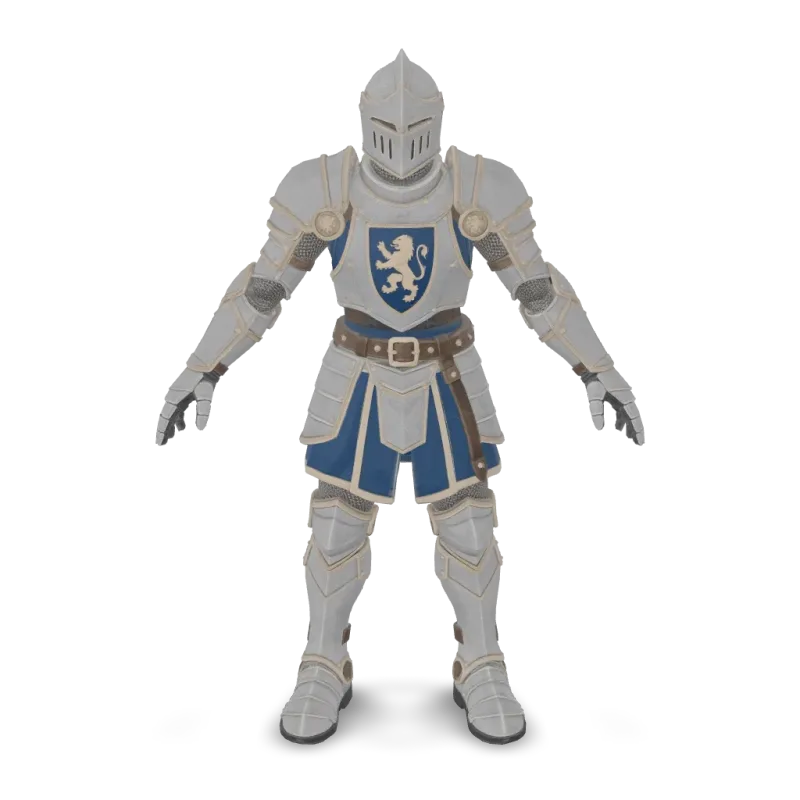
Rigging
Meshy Rigging adds a skeleton to a humanoid or four-legged character model. Ready-to-use REST inference API, best performance, no coldstarts, affordable pricing.
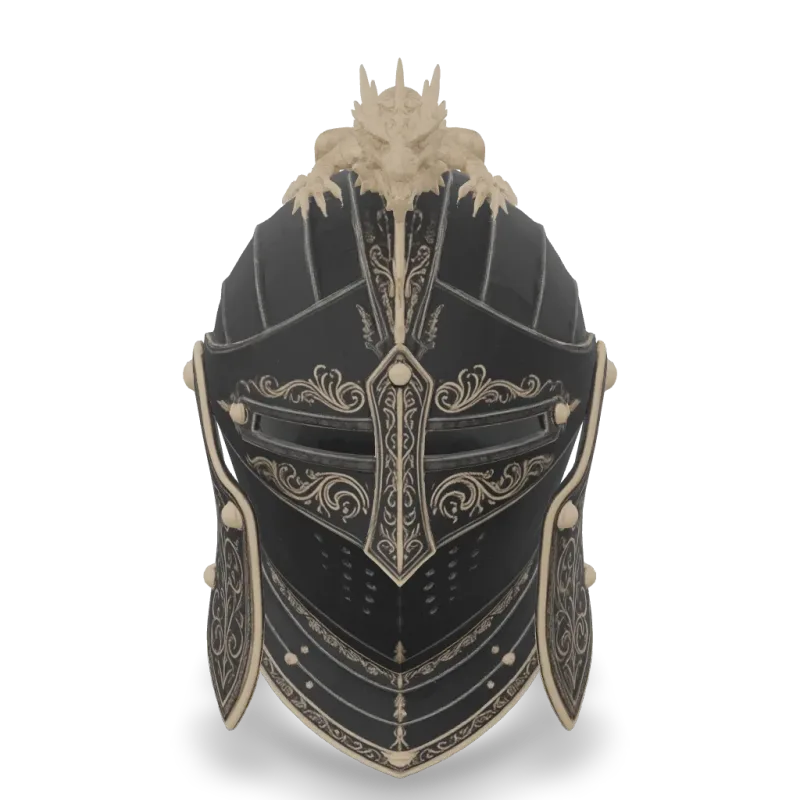
v6 Lite Multi Image To 3d
Meshy 6 Lite Multi-Image-to-3D turns 1 to 4 views of one object into a textured 3D model with Meshy's lightweight model. Ready-to-use REST inference API, best performance, no coldstarts, affordable pricing.

v6 Lite Image To 3d
Meshy 6 Lite Image-to-3D turns a single image into a textured 3D model with Meshy's lightweight model. Ready-to-use REST inference API, best performance, no coldstarts, affordable pricing.

v6 Lite Text To 3d
Meshy 6 Lite Text-to-3D turns a text description into a textured 3D model with Meshy's lightweight model. Ready-to-use REST inference API, best performance, no coldstarts, affordable pricing.
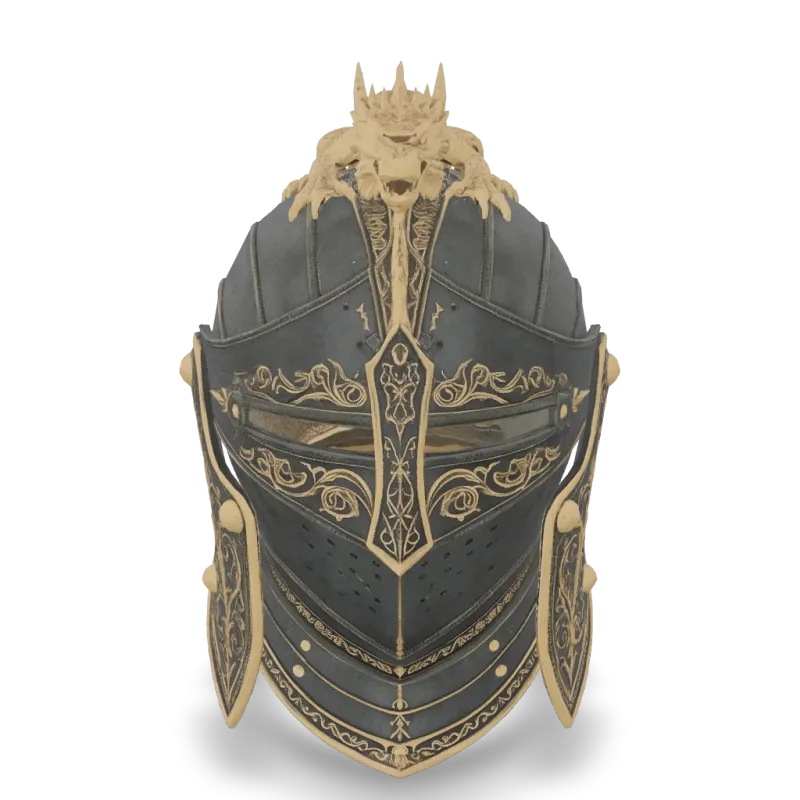
v6 Multi Image To 3d
Meshy 6 Multi-Image-to-3D turns 1 to 4 views of one object into a textured 3D model. Ready-to-use REST inference API, best performance, no coldstarts, affordable pricing.
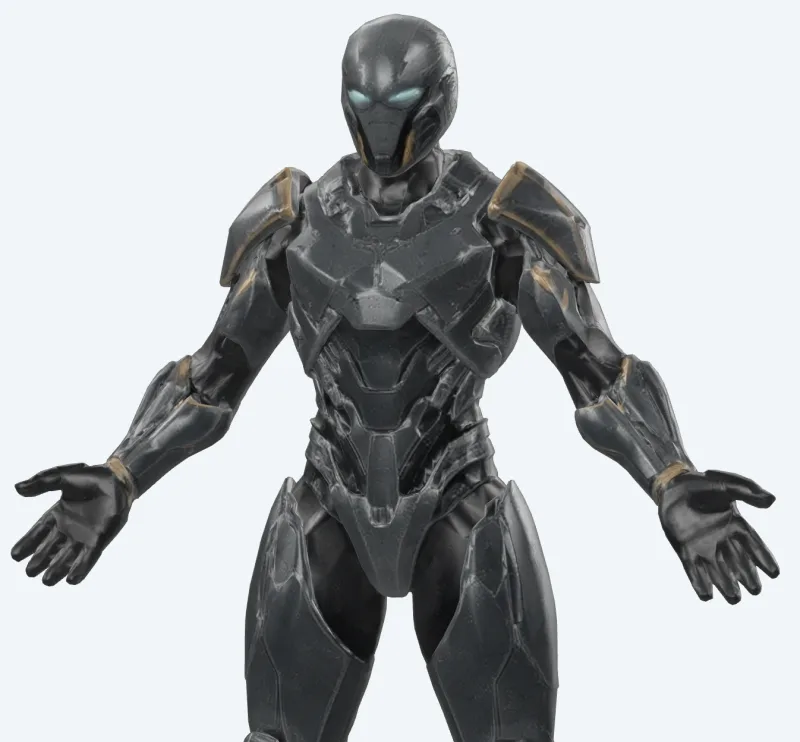
v6 Lite Retexture
Meshy 6 Lite Retexture re-textures an existing 3D model from a text prompt or a reference image. Ready-to-use REST inference API, best performance, no coldstarts, affordable pricing.
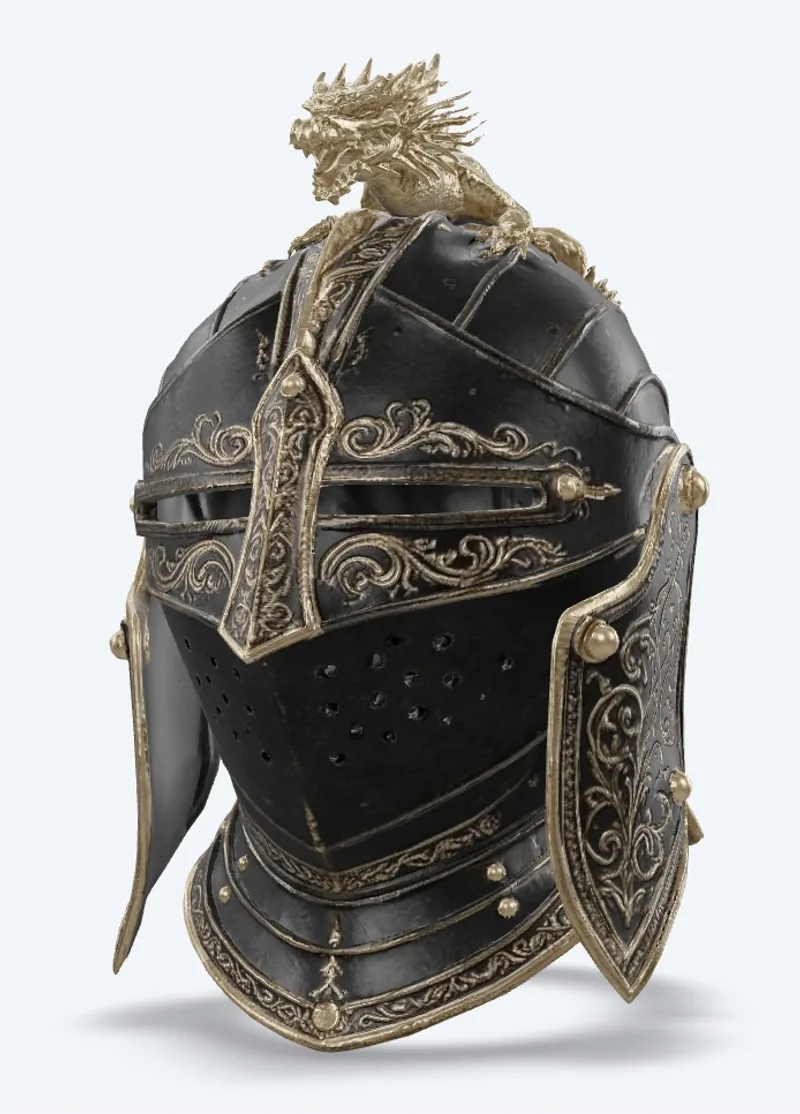
v7.1 Multi Image To 3d
Meshy 7.1 Multi-Image-to-3D turns 1 to 4 views of one object into a textured 3D model. Ready-to-use REST inference API, best performance, no coldstarts, affordable pricing.
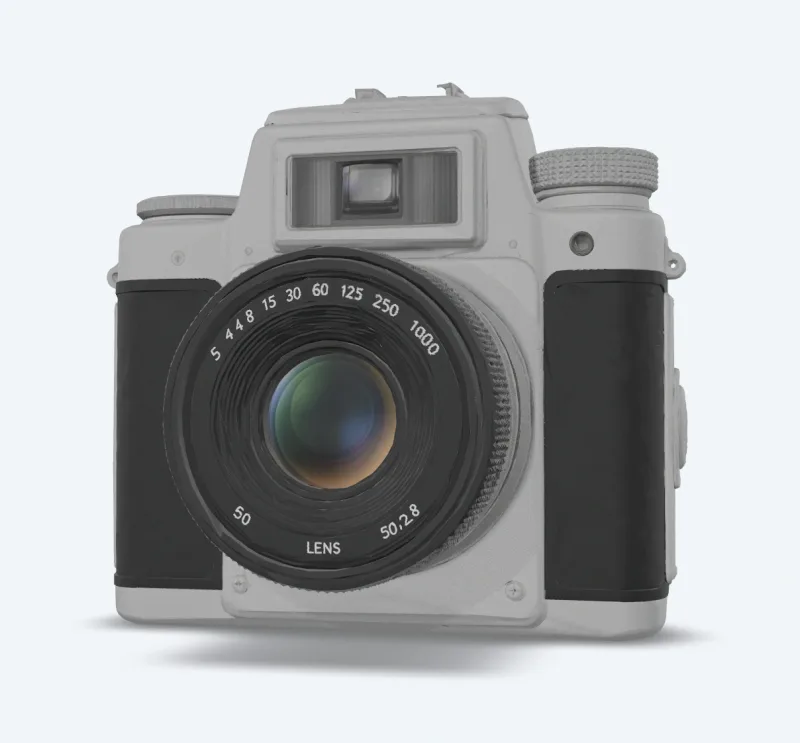
v7.1 Image To 3d
Meshy 7.1 Image-to-3D turns a single image into a textured 3D model. Ready-to-use REST inference API, best performance, no coldstarts, affordable pricing.
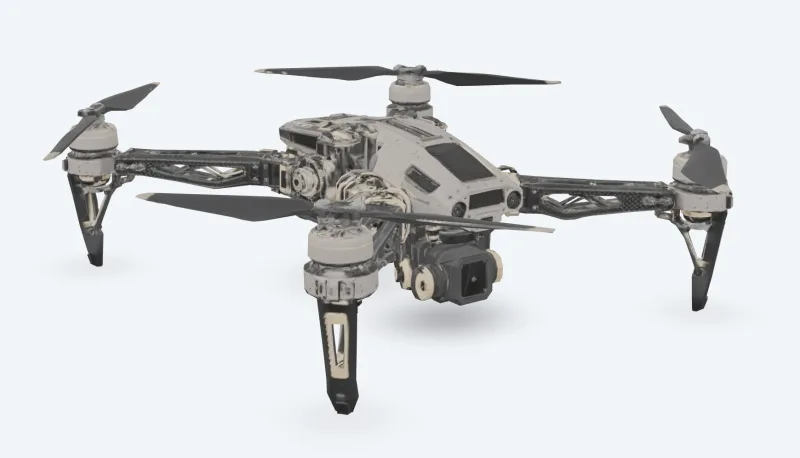
v7 Multi Image To 3d
Meshy 7 Multi-Image-to-3D turns 1 to 4 views of one object into a textured 3D model. Ready-to-use REST inference API, best performance, no coldstarts, affordable pricing.
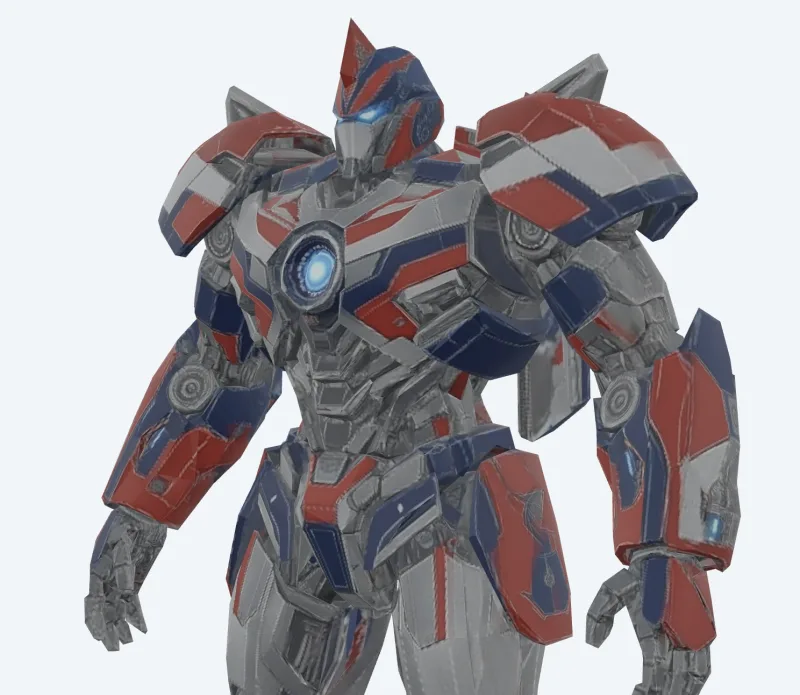
v7 Image To 3d
Meshy 7 Image-to-3D turns a single image into a textured 3D model. Ready-to-use REST inference API, best performance, no coldstarts, affordable pricing.
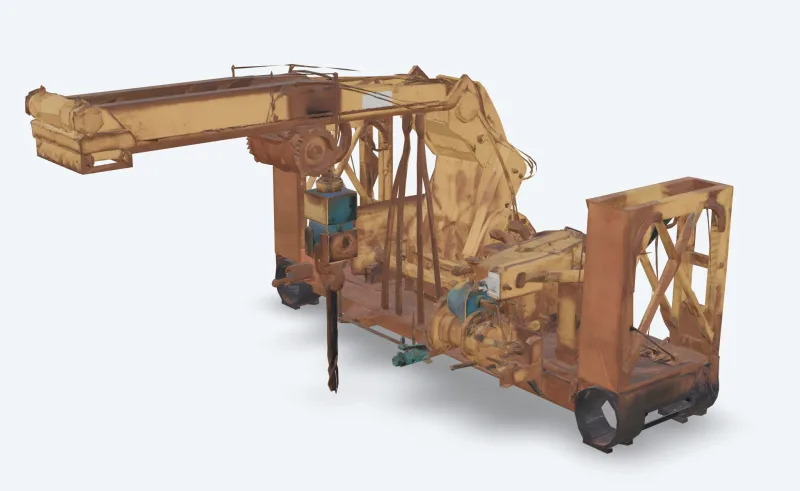
v6 Text To 3d
Meshy 6 Text-to-3D turns a text description into a textured 3D model. Ready-to-use REST inference API, best performance, no coldstarts, affordable pricing.
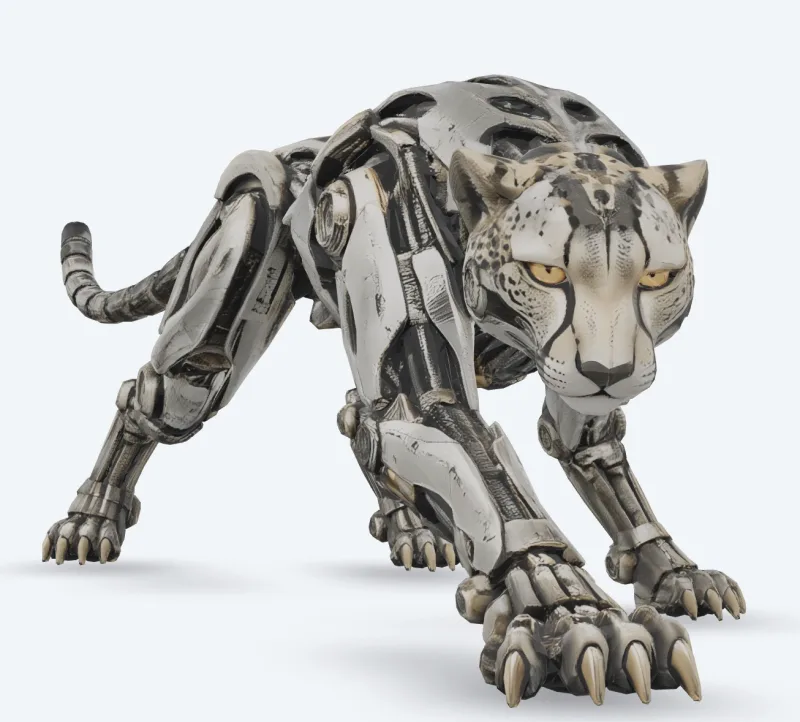
v6 Image To 3d
Meshy 6 Image-to-3D turns a single image into a textured 3D model. Ready-to-use REST inference API, best performance, no coldstarts, affordable pricing.

v7.1 Text To 3d
Meshy 7.1 Text-to-3D turns a text description into a textured 3D model. Ready-to-use REST inference API, best performance, no coldstarts, affordable pricing.
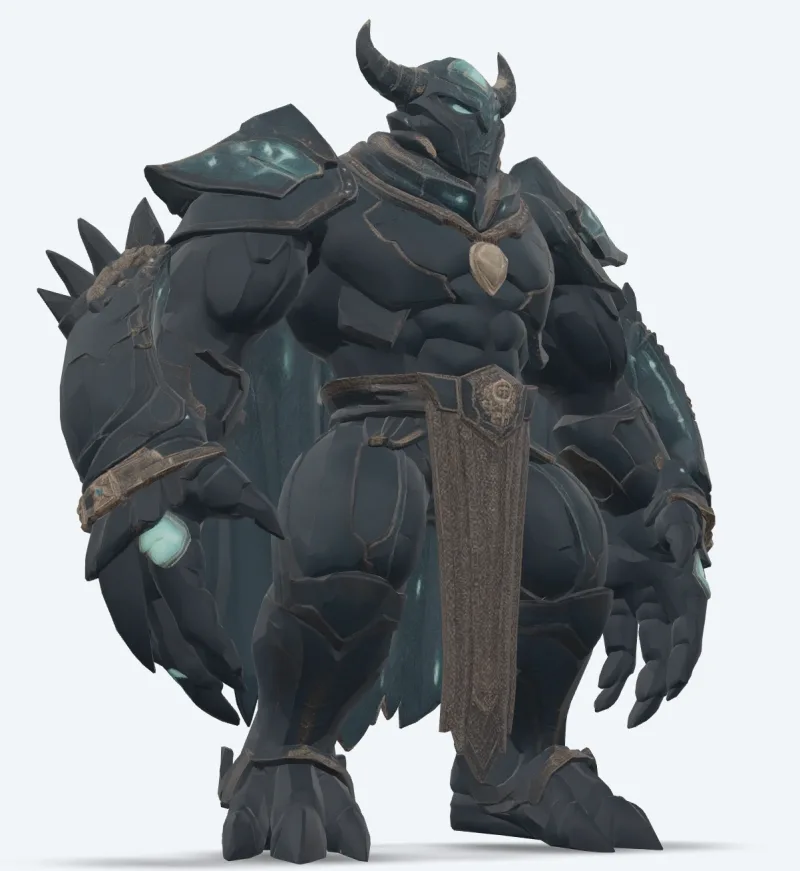
v7 Text To 3d
Meshy 7 Text-to-3D turns a text description into a textured 3D model. Ready-to-use REST inference API, best performance, no coldstarts, affordable pricing.
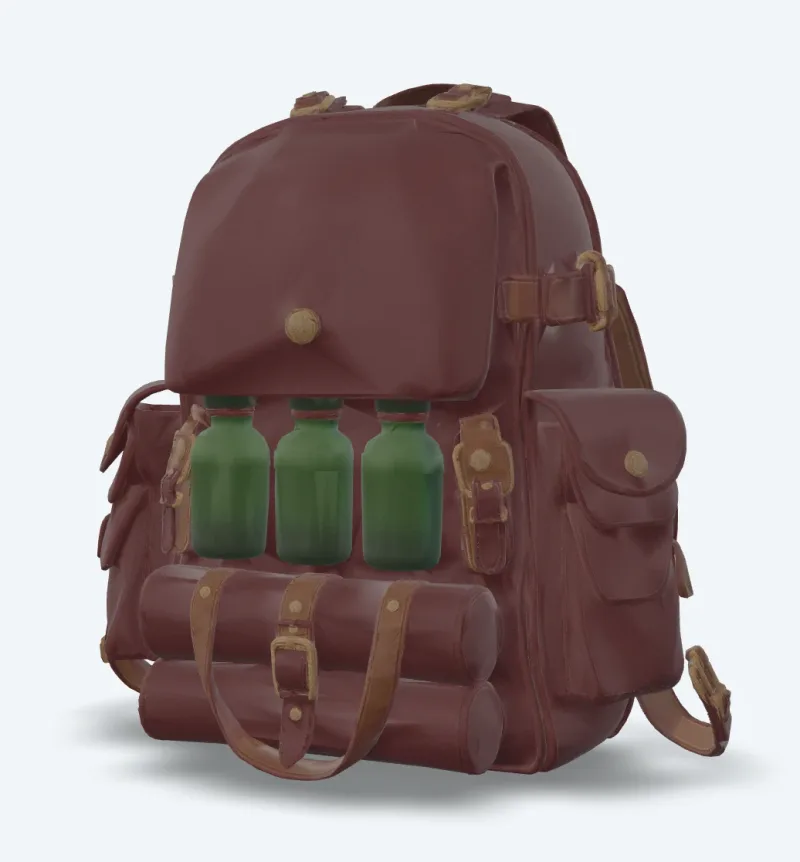
v7 Retexture
Meshy 7 Retexture re-textures an existing 3D model from a text prompt or a reference image. Ready-to-use REST inference API, best performance, no coldstarts, affordable pricing.
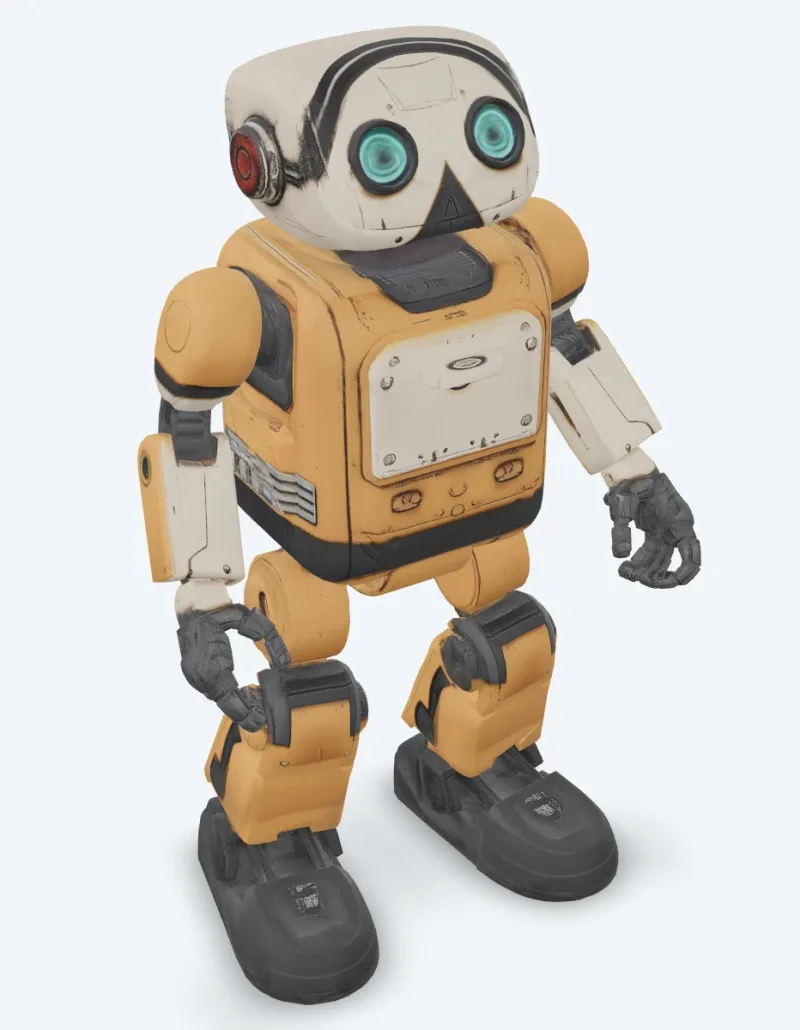
v6 Retexture
Meshy 6 Retexture re-textures an existing 3D model from a text prompt or a reference image. Ready-to-use REST inference API, best performance, no coldstarts, affordable pricing.
ตัวอย่าง
ดู Meshy ทำงานจริง
ผลลัพธ์จริงที่สร้างโดย Meshy API วางเมาส์บนวิดีโอเพื่อดูตัวอย่าง คลิกเพื่อเปิดตัวดูขนาดเต็ม
วิธีใช้
วิธีใช้ Meshy API
สี่ขั้นตอนจากการสมัครไปจนถึงผลลัพธ์ที่เสร็จสมบูรณ์ ตัวอย่าง Python, Node.js และ cURL แบบเต็มอยู่ในส่วน API ด้านล่าง
- 01
รับ API key
สมัครบัญชี WaveSpeedAI แล้วคัดลอก API key จากแดชบอร์ด บัญชีใหม่มาพร้อมเครดิตเริ่มต้นฟรี เพียงพอให้ลองใช้ playground ได้หลายสิบครั้งก่อนเริ่มเรียกเก็บเงิน
- 02
ส่ง prediction
POST อินพุตของคุณเป็น JSON ไปที่ https://api.wavespeed.ai/api/v3/meshy/v7.1/image-to-3d endpoint จะส่ง prediction id กลับมาทันที การสร้างทำงานแบบอะซิงโครนัส คุณจึงไม่ต้องเปิดการเชื่อมต่อค้างไว้ระหว่างประมวลผล
- 03
poll เพื่อรอให้เสร็จ
GET https://api.wavespeed.ai/api/v3/predictions/{request_id}/result เมื่อสถานะเป็น completed ให้นำผลลัพธ์ไปใช้ เมื่อเป็น failed, cancelled, timeout หรือ deleted ให้หยุดพร้อมแจ้งข้อผิดพลาด และ poll ต่อไปสำหรับสถานะอื่นทั้งหมด
- 04
อ่าน URL ของผลลัพธ์
เมื่อสถานะเป็น "completed" ให้อ่าน URL จาก data.outputs[0] URL ชี้ไปยังสื่อที่สร้างขึ้นของคุณบน CDN ของ WaveSpeedAI ซึ่งเป็นภาพ วิดีโอ เสียง หรือไฟล์ 3D ตามแบบของ Meshy ที่คุณเรียกใช้
กรณีการใช้งาน
สิ่งที่คุณสร้างได้ด้วย Meshy
เวิร์กโฟลว์ทั่วไปที่นักพัฒนาและครีเอเตอร์ใช้ Meshy API
แอสเซ็ตที่มีเท็กซ์เจอร์จากรูปถ่าย
meshy/v7.1/image-to-3d แปลงภาพเดียวเป็นโมเดลที่มีเท็กซ์เจอร์พร้อมแมป PBR ส่วน multi-image-to-3d ใช้ได้สูงสุดสี่มุมมองสำหรับด้านที่มองไม่เห็น
จากไอเดียเป็นโมเดลด้วยข้อความ
meshy/v7.1/text-to-3d สร้างเมชจากพรอมต์แล้วใส่เท็กซ์เจอร์ ใช้โหมด preview เพื่อทำดราฟต์เร็วที่ยังไม่มีเท็กซ์เจอร์
ตัวละครที่มีแอนิเมชัน
meshy/animation rig ตัวละครและใส่แอนิเมชันเดิน วิ่ง เต้น และอื่นๆ จากไลบรารีไว้ในไฟล์เดียว ส่วน meshy/rigging ส่งคืนโมเดลที่ rig แล้ว
การปรับแต่งสำหรับเกมและเรียลไทม์
meshy/remesh สร้างโมเดลใหม่ตาม polycount เป้าหมายเป็นสามเหลี่ยมหรือ quad ส่วน meshy/uv-unwrap เตรียมโมเดลสำหรับการใส่เท็กซ์เจอร์
ไปป์ไลน์การพิมพ์ 3D
meshy/print/analyze รายงานรูโหว่และขอบ non-manifold, meshy/print/repair ซ่อมแซมให้ และ meshy/print/multi-color ส่งออก 3MF ที่พร้อมสำหรับ slicer
ลุคใหม่ให้โมเดลที่มีอยู่
meshy/v7/retexture วาดเท็กซ์เจอร์ใหม่ลงบนโมเดลของคุณจากพรอมต์ข้อความหรือภาพสไตล์
เคล็ดลับ
เคล็ดลับการเขียนพรอมต์สำหรับ Meshy
คำแนะนำเชิงปฏิบัติเพื่อให้ได้ผลลัพธ์ที่ดีขึ้นจาก Meshy — มาจากรูปแบบที่ได้ผลกับโมเดล3Dในไปป์ไลน์การผลิตจริง
- 01
ทำดราฟต์ใน preview แล้วค่อยใส่เท็กซ์เจอร์
ใช้ text-to-3d ในโหมด preview เพื่อลองพรอมต์อย่างรวดเร็วเป็นเมชที่ยังไม่มีเท็กซ์เจอร์ แล้วรันโหมด full กับชิ้นที่คุณชอบ
- 02
ขอ A-pose สำหรับตัวละคร
ตั้ง pose_mode เป็น a-pose หรือ t-pose เมื่อคุณวางแผนจะ rig หรือทำแอนิเมชันให้ตัวละคร จะ rig ได้เสถียรกว่า
- 03
ควบคุม polycount ให้อยู่ในขีดจำกัดของ rigging
Rigging รับได้สูงสุด 380,000 สามเหลี่ยม remesh โมเดลที่หนาแน่นให้เหลือ polycount เป้าหมายที่ต่ำลงก่อน
- 04
ตรวจความพร้อมในการพิมพ์ก่อนพิมพ์
รัน print/analyze ก่อน หากรายงานรูโหว่หรือขอบ non-manifold ให้ใช้ print/repair ซ่อมก่อนส่งโมเดลไปยัง slicer
ราคา
ราคา Meshy API
คิดราคาตามผลลัพธ์ ค่าใช้จ่ายสุดท้ายขึ้นอยู่กับพารามิเตอร์ที่คุณตั้งใน playground ของแต่ละแบบ (ความละเอียด ความยาว จำนวนผลลัพธ์ ภาพอ้างอิง)
| Endpoint | ประเภท | ราคาเริ่มต้น |
|---|---|---|
| meshy/ | image-to-3d | $0.48 |
| meshy/ | image-to-3d | $0.48 |
| meshy/ | image-to-3d | $0.048 |
| meshy/ | image-to-3d | $0.048 |
| meshy/ | image-to-3d | $0.048 |
| meshy/ | image-to-3d | $0.24 |
| meshy/ | image-to-3d | $0.24 |
| meshy/ | image-to-3d | $0.384 |
| meshy/ | image-to-3d | $0.24 |
| meshy/ | image-to-3d | $0.72 |
| meshy/ | image-to-3d | $0.72 |
| meshy/ | text-to-3d | $0.72 |
| meshy/ | image-to-3d | $1.44 |
| meshy/ | image-to-3d | $0.33 |
| meshy/ | image-to-3d | $1.44 |
| meshy/ | image-to-3d | $1.44 |
| meshy/ | image-to-3d | $1.44 |
| meshy/ | image-to-3d | $1.44 |
| meshy/ | text-to-3d | $1.44 |
| meshy/ | image-to-3d | $1.44 |
| meshy/ | text-to-3d | $1.44 |
| meshy/ | text-to-3d | $1.44 |
| meshy/ | image-to-3d | $0.33 |
| meshy/ | image-to-3d | $0.33 |
API
เรียกใช้ Meshy API
สมัครรับ API key ที่ wavespeed.ai/accesskey แล้วส่ง prediction ผ่าน REST playground สร้างตัวอย่างพร้อมวางได้สำหรับอินพุตทุกแบบ
POSThttps://api.wavespeed.ai/api/v3/meshy/v7.1/image-to-3d
# 1. Submit the prediction.
SUBMIT_RESPONSE=$(curl --silent --show-error --fail-with-body \
  -X POST "https://api.wavespeed.ai/api/v3/meshy/v7.1/image-to-3d" \
  -H "Content-Type: application/json" \
  -H "Authorization: Bearer $WAVESPEED_API_KEY" \
  -d '{
    "image": "https://interactive-examples.mdn.mozilla.net/media/cc0-images/painted-hand-298-332.jpg",
    "model_type": "standard",
    "geometry_resolution": "standard",
    "should_texture": true,
    "enable_pbr": false,
    "texture_resolution": "2k",
    "topology": "triangle",
    "target_polycount": 30000,
    "should_remesh": true,
    "symmetry_mode": "auto",
    "pose_mode": "a-pose",
    "auto_size": false,
    "enable_rigging": false,
    "rigging_height_meters": 1.7,
    "enable_animation": false,
    "animation_action_id": 92
}')

TASK=$(printf '%s' "$SUBMIT_RESPONSE" | jq 'if has("data") then .data else . end')
PREDICTION_ID=$(printf '%s' "$TASK" | jq -r '.id')
if [ -z "$PREDICTION_ID" ] || [ "$PREDICTION_ID" = "null" ]; then
  printf 'Submission response did not contain a prediction id
' >&2
  exit 1
fi
RESULT_URL="https://api.wavespeed.ai/api/v3/predictions/$PREDICTION_ID/result"

# 2. Poll until the prediction finishes.
while true; do
  RESPONSE=$(curl --silent --show-error --fail-with-body "$RESULT_URL" \
    -H "Authorization: Bearer $WAVESPEED_API_KEY")
  RESULT=$(printf '%s' "$RESPONSE" | jq 'if has("data") then .data else . end')
  STATUS=$(printf '%s' "$RESULT" | jq -r '.status')
  case "$STATUS" in
    completed) printf '%s\n' "$RESULT" | jq '.outputs'; break ;;
    failed|cancelled|timeout|deleted) printf '%s\n' "$RESULT" | jq . >&2; exit 1 ;;
    *) sleep 2 ;;
  esac
done
const submitUrl = "https://api.wavespeed.ai/api/v3/meshy/v7.1/image-to-3d";
const apiKey = process.env.WAVESPEED_API_KEY;
if (!apiKey) throw new Error('Set WAVESPEED_API_KEY');
async function requestJson(url, options = {}) {
const response = await fetch(url, options);
if (!response.ok) throw new Error(await response.text());
return response.json();
}
// 1. Submit the prediction.
const body = await requestJson(submitUrl, {
method: "POST",
headers: {
"Authorization": `Bearer ${apiKey}`,
"Content-Type": "application/json",
},
body: JSON.stringify({
"image": "https://interactive-examples.mdn.mozilla.net/media/cc0-images/painted-hand-298-332.jpg",
"model_type": "standard",
"geometry_resolution": "standard",
"should_texture": true,
"enable_pbr": false,
"texture_resolution": "2k",
"topology": "triangle",
"target_polycount": 30000,
"should_remesh": true,
"symmetry_mode": "auto",
"pose_mode": "a-pose",
"auto_size": false,
"enable_rigging": false,
"rigging_height_meters": 1.7,
"enable_animation": false,
"animation_action_id": 92
}),
});
const task = body.data ?? body;
const resultUrl = `https://api.wavespeed.ai/api/v3/predictions/${task.id}/result`;
// 2. Poll until the prediction finishes.
while (true) {
const resultBody = await requestJson(resultUrl, {
headers: { "Authorization": `Bearer ${apiKey}` },
});
const result = resultBody.data ?? resultBody;
if (result.status === "completed") {
console.log(result.outputs);
break;
}
if (["failed", "cancelled", "timeout", "deleted"].includes(result.status)) throw new Error(JSON.stringify(result));
await new Promise(resolve => setTimeout(resolve, 2000));
}import json
import os
import time
from urllib.request import Request, urlopen
api_key = os.environ["WAVESPEED_API_KEY"]
headers = {"Authorization": f"Bearer {api_key}", "Content-Type": "application/json"}
payload = {
"image": "https://interactive-examples.mdn.mozilla.net/media/cc0-images/painted-hand-298-332.jpg",
"model_type": "standard",
"geometry_resolution": "standard",
"should_texture": True,
"enable_pbr": False,
"texture_resolution": "2k",
"topology": "triangle",
"target_polycount": 30000,
"should_remesh": True,
"symmetry_mode": "auto",
"pose_mode": "a-pose",
"auto_size": False,
"enable_rigging": False,
"rigging_height_meters": 1.7,
"enable_animation": False,
"animation_action_id": 92
}
def request_json(url, data=None):
request = Request(url, data=data, headers=headers, method="POST" if data else "GET")
with urlopen(request) as response:
return json.load(response)
# 1. Submit the prediction.
body = request_json("https://api.wavespeed.ai/api/v3/meshy/v7.1/image-to-3d", json.dumps(payload).encode())
task = body.get("data", body)
result_url = f"https://api.wavespeed.ai/api/v3/predictions/{task['id']}/result"
# 2. Poll until the prediction finishes.
while True:
result_body = request_json(result_url)
result = result_body.get("data", result_body)
status = result.get("status")
if status == "completed":
print(result.get("outputs", []))
break
if status in {"failed", "cancelled", "timeout", "deleted"}:
raise RuntimeError(result)
time.sleep(2)เปรียบเทียบ
Meshy เทียบกับทางเลือกอื่น
เมื่อไรควรเลือก Meshy แทนโมเดลที่คล้ายกันบน WaveSpeedAI
Meshy เทียบกับ Meshy web app
แอป Meshy เป็นอินเทอร์เฟซเว็บ ส่วน endpoint ของ Meshy บน WaveSpeedAI รันโมเดลเดียวกันผ่าน REST สำหรับเซิร์ฟเวอร์ งานแบบแบตช์ และแอปที่สร้าง 3D ให้ผู้ใช้ของตัวเอง โดยใช้ API key เดียวกับโมเดลอื่นทั้งหมด
Meshy เทียบกับ Tripo
Tripo ก็มีบน WaveSpeedAI เช่นกัน Meshy โดดเด่นเรื่องเท็กซ์เจอร์ PBR 8K ไลบรารีแอนิเมชันขนาดใหญ่ และเครื่องมือการพิมพ์ 3D ลองเปรียบเทียบทั้งสองด้วยอินพุตของคุณเอง
Meshy เทียบกับ Hunyuan3D
Hunyuan3D สร้างเมชที่มีเท็กซ์เจอร์จากข้อความหรือภาพ Meshy เพิ่มเท็กซ์เจอร์ 8K, rigging และแอนิเมชันตัวละคร และเครื่องมือสำหรับการพิมพ์
คำถามที่พบบ่อย
Meshy API — คำถามที่พบบ่อย
ราคา สัญญาอนุญาต การเชื่อมต่อ — คำถามที่พบบ่อยเกี่ยวกับการรัน Meshy บน WaveSpeedAI
มีโมเดล Meshy อะไรบ้างบน WaveSpeedAI?
Meshy 7.1, 7, 6 และ 6 Lite โดยแต่ละตัวมี text-to-3d, image-to-3d และ multi-image-to-3d, retexture และเครื่องมือ rigging, แอนิเมชัน, remesh, unwrap UV, แปลงไฟล์, ปรับขนาด, วิเคราะห์ความพร้อมในการพิมพ์, ซ่อมแซมสำหรับการพิมพ์ และการพิมพ์หลายสี ทุก endpoint ที่เปิดให้ใช้งานอยู่แสดงไว้ในหน้านี้พร้อมราคาปัจจุบัน
Meshy rig และทำแอนิเมชันให้ตัวละครของฉันได้ไหม?
ได้ เปิด enable_rigging หรือ enable_animation ในคำขอสร้าง หรือส่งโมเดลมนุษย์หรือสี่ขาใดก็ได้ไปที่ meshy/rigging หรือ meshy/animation
endpoint ของ Meshy คิดราคาอย่างไร?
คิดต่อหนึ่งงาน ตามราคาที่แสดงในหน้าโมเดลแต่ละหน้าและในตารางด้านบน ตัวเลือกอย่างเท็กซ์เจอร์ 8K รูปทรง Ultra หรือ rigging จะเปลี่ยนราคาตามที่ระบุไว้ WaveSpeedAI เป็นแบบจ่ายตามการใช้งาน: ไม่มีค่าสมาชิก และเครดิตไม่มีวันหมดอายุ
Meshy API คืออะไร
Meshy คือโมเดล3Dของ Meshy ที่เปิดให้ใช้เป็น REST API บน WaveSpeedAI Meshy API บน WaveSpeedAI — โมเดลทางการ Meshy 7.1, 7, 6 และ 6 Lite ผ่าน REST: ข้อความ ภาพ และหลายภาพเป็น 3D พร้อมเท็กซ์เจอร์ PBR สูงสุด 8K รวมถึงเครื่องมือ retexture, rigging, แอนิเมชัน, remesh, unwrap UV, แปลงไฟล์, ปรับขนาด และการพิมพ์ 3D คุณเรียกใช้ผ่านโค้ดหรือลองใช้จาก playground ที่ลิงก์ไว้ด้านบนได้
เรียกใช้ Meshy API อย่างไร
สมัครบัญชี WaveSpeedAI คัดลอก API key จาก /accesskey แล้ว POST ไปที่ https://api.wavespeed.ai/api/v3/meshy/v7.1/image-to-3d พร้อมอินพุตของคุณเป็น JSON endpoint จะส่ง prediction id กลับมา poll endpoint ผลลัพธ์โดยเริ่มประมาณทุก 2 วินาที เพิ่มช่วงเวลาสำหรับงานที่ใช้เวลานาน และหยุดเมื่อได้สถานะสิ้นสุดใดๆ ตัวอย่าง Python / Node.js / cURL ที่เหมาะกับงานจริงอยู่ด้านบน
Meshy API มีค่าใช้จ่ายเท่าไร
Meshy เริ่มต้นที่ $0.048 ค่าใช้จ่ายจริงขึ้นอยู่กับพารามิเตอร์ที่คุณตั้ง (ความละเอียด ความยาว จำนวนผลลัพธ์ ภาพอ้างอิง) ตัวอย่างค่าใช้จ่ายแบบเรียลไทม์ข้างปุ่ม Generate ใน playground แสดงราคาที่แน่นอนสำหรับอินพุตปัจจุบันของคุณ
Meshy มีแบบไหนให้ใช้บ้าง
WaveSpeedAI มี endpoint Meshy ที่ใช้งานได้ 24 รายการ: meshy/print/repair, meshy/print/multi-color, meshy/print/analyze, meshy/resize, meshy/convert, meshy/uv-unwrap, meshy/remesh, meshy/animation, และอื่นๆ แต่ละแบบมีหน้า playground และราคาของตัวเอง
ใช้ผลลัพธ์ของ Meshy เชิงพาณิชย์ได้ไหม
สิทธิ์ในการใช้เชิงพาณิชย์เป็นไปตามสัญญาอนุญาตของโมเดล Meshy โมเดลของ Meshy ส่วนใหญ่อนุญาตให้ใช้ผลลัพธ์เชิงพาณิชย์ ดูสรุปสัญญาอนุญาตเฉพาะในหน้า playground ของแต่ละโมเดล และข้อกำหนดการใช้บริการของ WaveSpeedAI สำหรับเงื่อนไขระดับแพลตฟอร์ม
ทำไมต้องใช้ Meshy บน WaveSpeedAI แทนการเชื่อมต่อตรง
API key เดียวและบัญชีเรียกเก็บเงินเดียวสำหรับ Meshy และโมเดล AI อื่นกว่า 1,000 รายการจากผู้ให้บริการอื่น ไม่ต้องตั้งค่า SDK แยกตามผู้ให้บริการ ไม่ต้องจัดการขีดจำกัดอัตราแยกกัน และไม่ต้องเขียนโค้ดเชื่อมต่อใหม่ทุกครั้งที่เปลี่ยนผู้ให้บริการ โดยทั่วไปราคาเท่ากับหรือต่ำกว่า API ตรงของ Meshy
ผู้พัฒนา
เกี่ยวกับ Meshy
ทีมเบื้องหลัง Meshy และกลุ่มโมเดลอื่นๆ ของ Meshy บน WaveSpeedAI
Meshy เป็นบริษัทสร้าง 3D ด้วย AI ที่นักพัฒนาเกม นักออกแบบ และครีเอเตอร์ด้านการพิมพ์ 3D ใช้งาน โมเดลของบริษัทเปลี่ยนข้อความและภาพเป็นโมเดล 3D ที่มีเท็กซ์เจอร์พร้อมวัสดุ PBR สูงสุด 8K และเครื่องมือของบริษัท rig และทำแอนิเมชันให้ตัวละคร, remesh, unwrap UV และเตรียมโมเดลสำหรับการพิมพ์ บน WaveSpeedAI โมเดลของ Meshy ให้บริการเป็น endpoint REST ด้วย API key เดียวและราคาแบบจ่ายตามการใช้งาน
เริ่มสร้างด้วย Meshy บน WaveSpeedAI
รับเครดิตเริ่มต้นฟรีเมื่อสมัคร API key เดียวใช้ได้กับโมเดล AI กว่า 1,000 รายการจาก Meshy และผู้ให้บริการอื่นทุกราย