3D
3D printing
Generate untextured for a clean mesh, then export to STL for your slicer — figurines, props and prototypes.
Describe an object or drop in a picture and get a textured, ready-to-use 3D model. Run Meshy 7.1, 7 and 6 in your browser or through the API — no subscription, pay only for what you generate.
Text to 3D
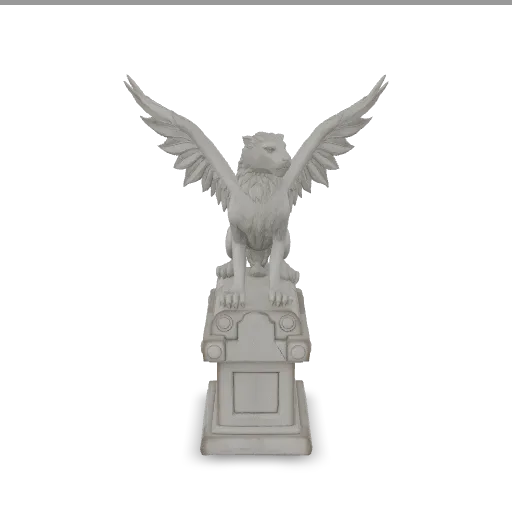
Image to 3D
GLB out
Rig + animate
3 ways in
Text, one image or several views
GLB out
Textures embedded, PBR optional
Up to 4K geometry
On Meshy 7.1 text and image to 3D
Rig + animate
Humanoids, in the same request
Pick the input you have. Every workflow produces a GLB you can rotate right in the page, download, and drop into your engine or slicer.
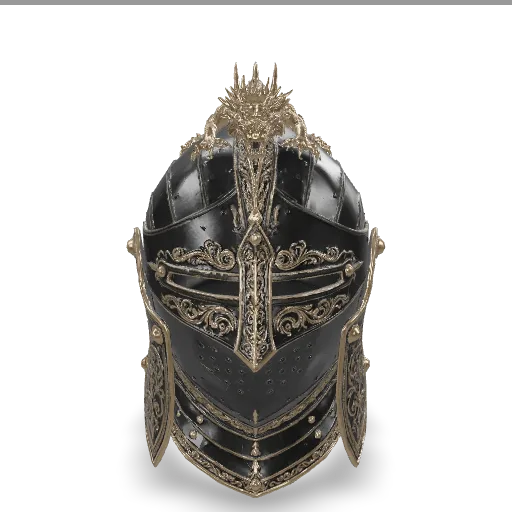
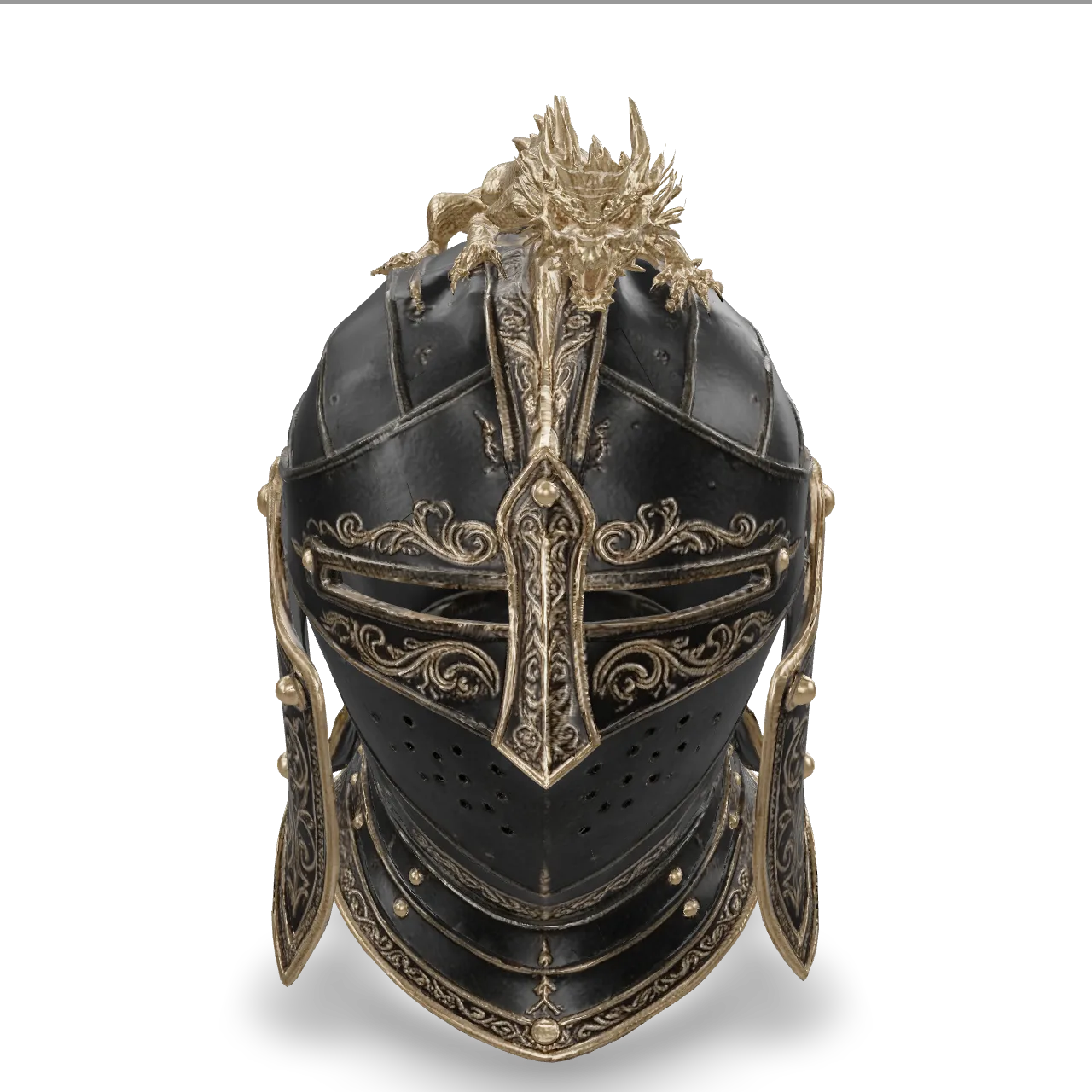
Upload a single picture of a character, prop or product. Meshy 7.1 rebuilds the full shape — including the sides you can't see — and paints textures that follow the original image.
Input
/filters:quality(82)/examples/12f3db91db3c4e7a9934e7149e3f02d2/1790235367894069055_V9BQ3bOX-c277e4a34079.webp)
3D model · drag to rotate
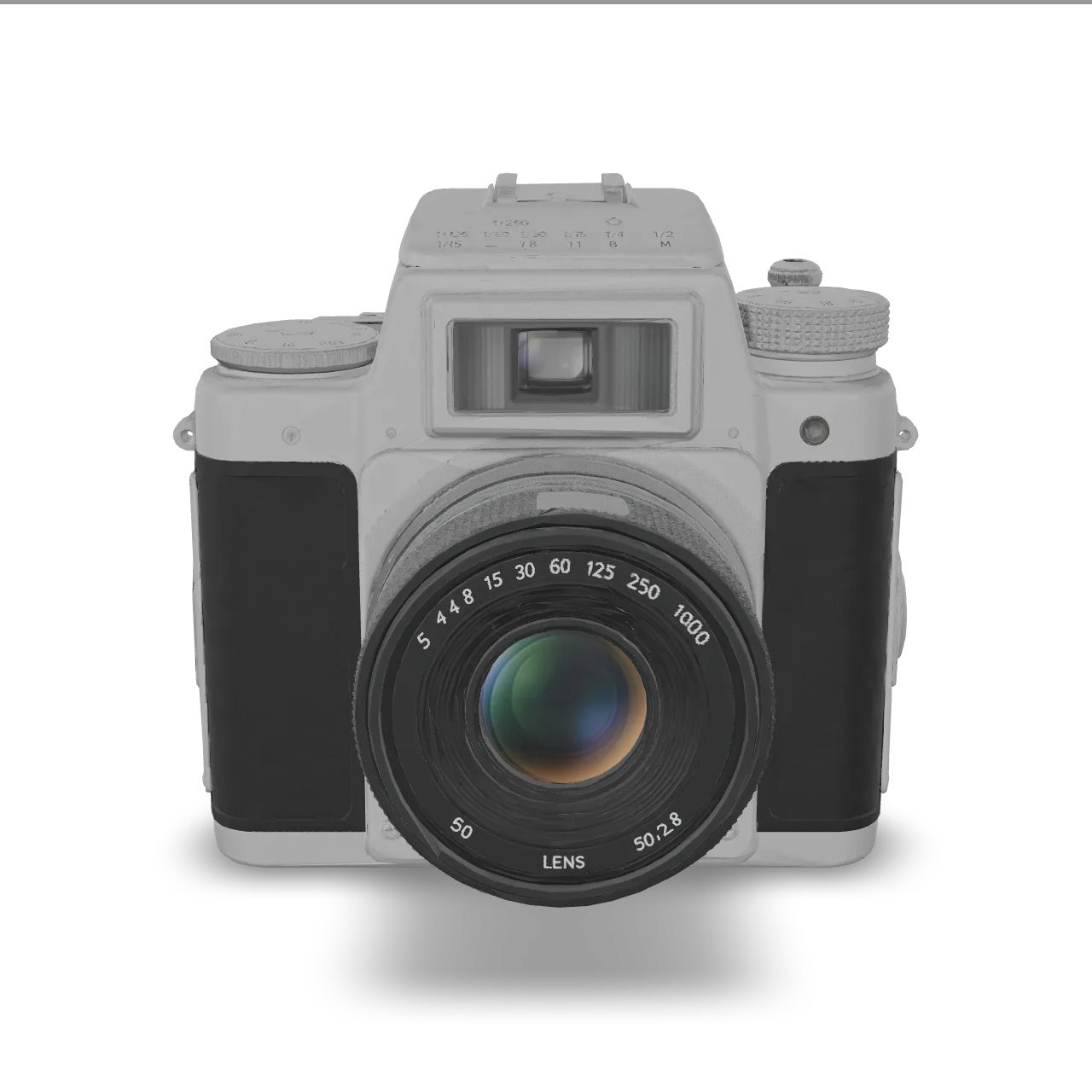
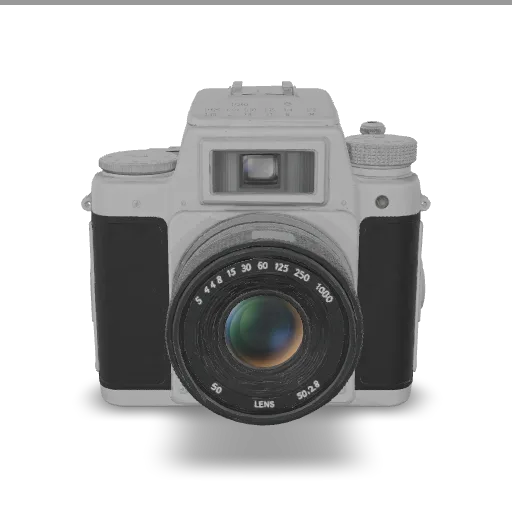
Give two to four views of the same object — front, side, back — and the model uses all of them, so proportions and hidden details come out closer to the real thing.
Input
/filters:quality(82)/examples/545b5e0854ee43dca24ab7d9e1eb6a71/afdbe0d7-3051-44c9-a0e5-6609ea278f11-1540b7242d88.webp)
/filters:quality(82)/examples/545b5e0854ee43dca24ab7d9e1eb6a71/b333f6f4-6359-45e1-86e5-5ef6c5d6374c-ad1e0a023ecd.webp)
/filters:quality(82)/examples/545b5e0854ee43dca24ab7d9e1eb6a71/4103ba96-c048-41e6-8a83-c1f7928ed52f-d14b1ba6eb0c.webp)
3D model · drag to rotate
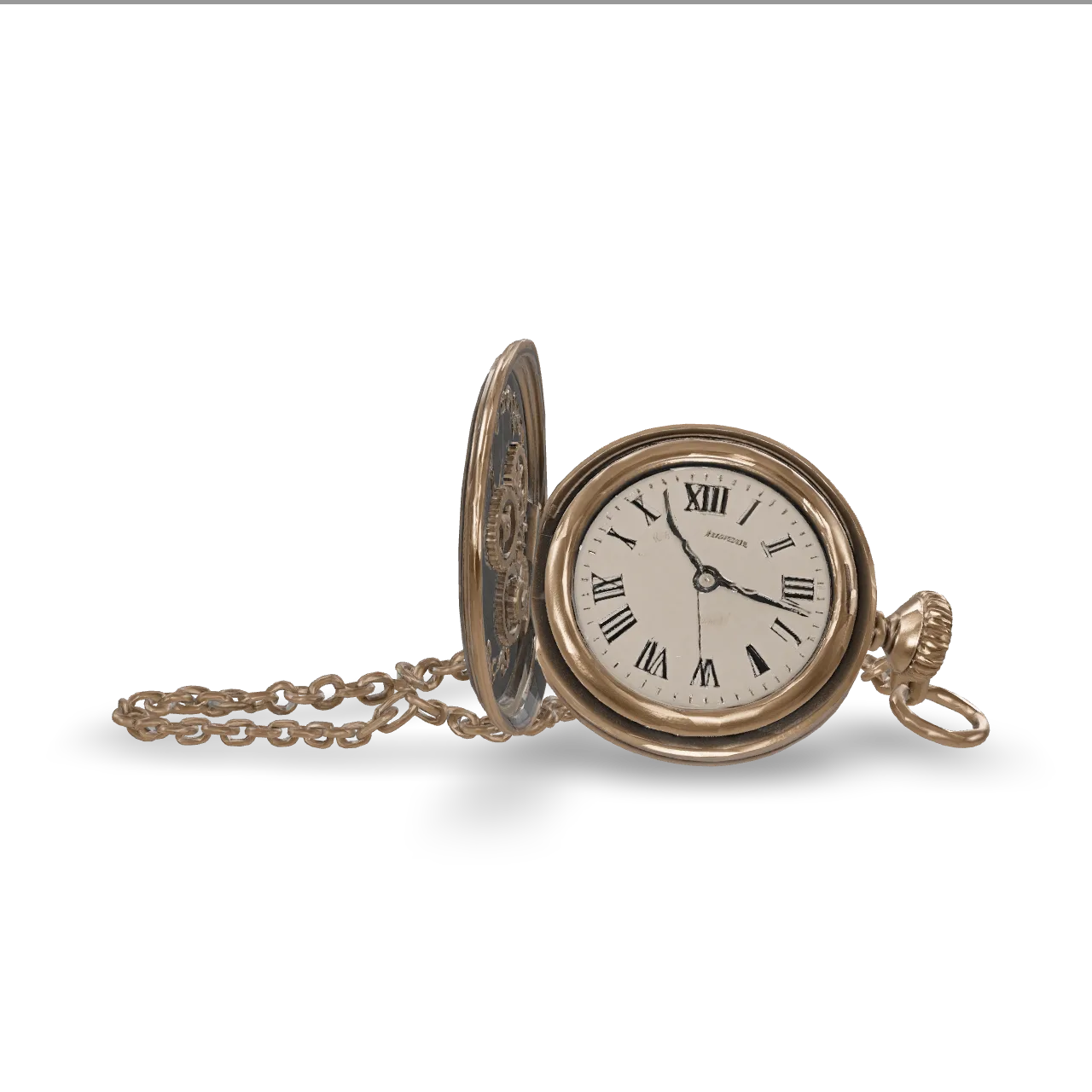
Write what you want — materials, style, pose — and get a textured model. Turn texturing off for a fast untextured preview while you explore shapes.
Input
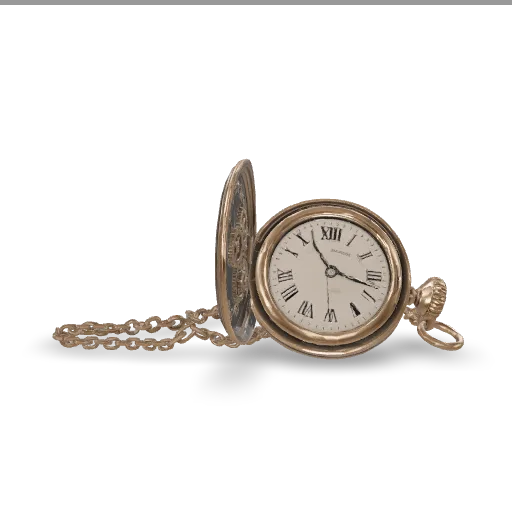
An ornate steampunk mechanical pocket watch lying open, exposed brass gears and cogs of different sizes, engraved floral patterns on the lid, a coiled chain, small rivets and screws, glass crystal over the dial with roman numerals
3D model · drag to rotate
Generate untextured for a clean mesh, then export to STL for your slicer — figurines, props and prototypes.
Generate untextured for a clean mesh, then export to STL for your slicer — figurines, props and prototypes.
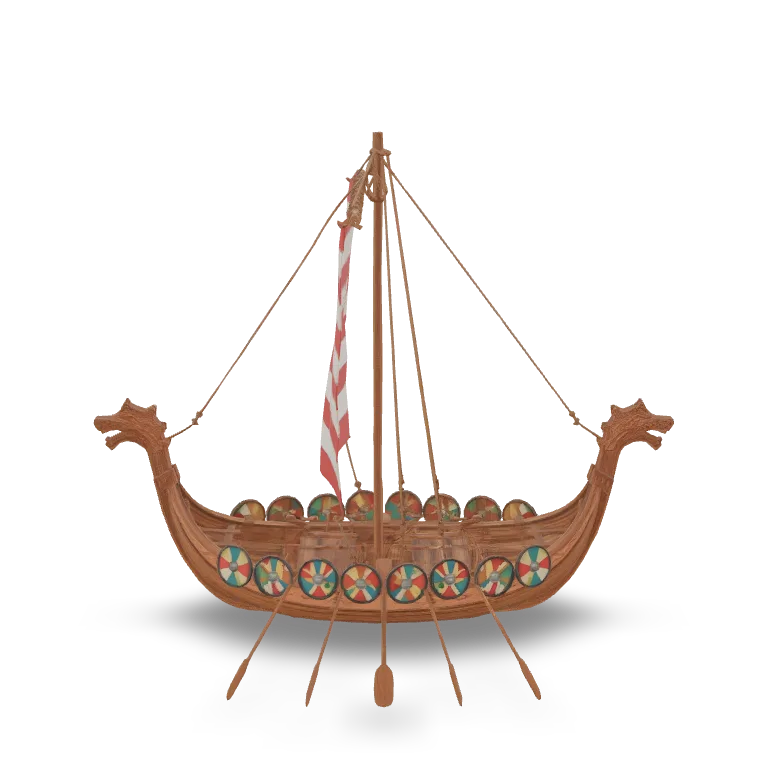
Turn product shots into rotatable models for AR previews, configurators and marketing renders.
Quad or triangle remeshing with a target polycount, symmetry control and PBR maps for Unity, Unreal and Godot.
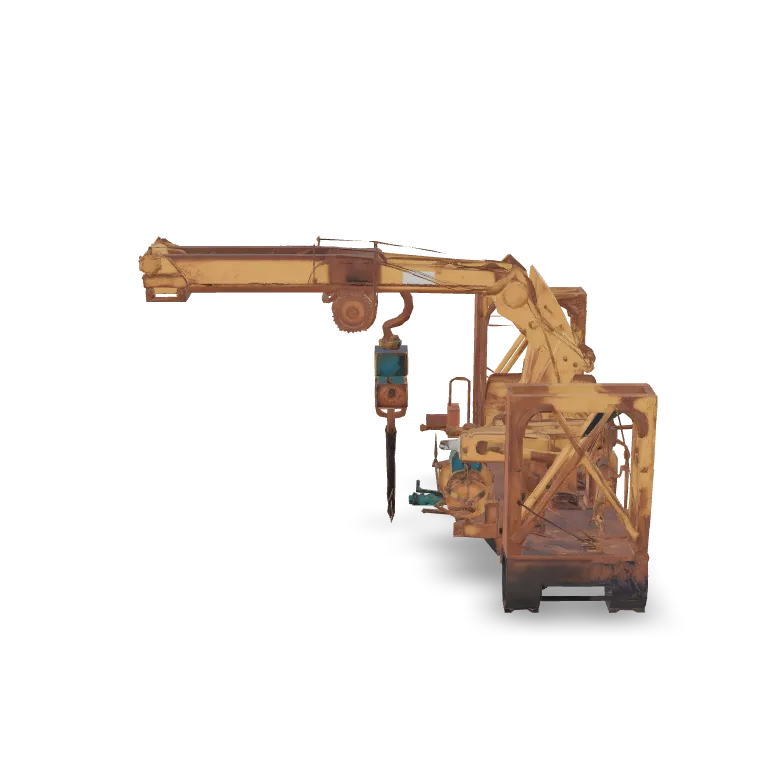
Quad or triangle remeshing with a target polycount, symmetry control and PBR maps for Unity, Unreal and Godot.
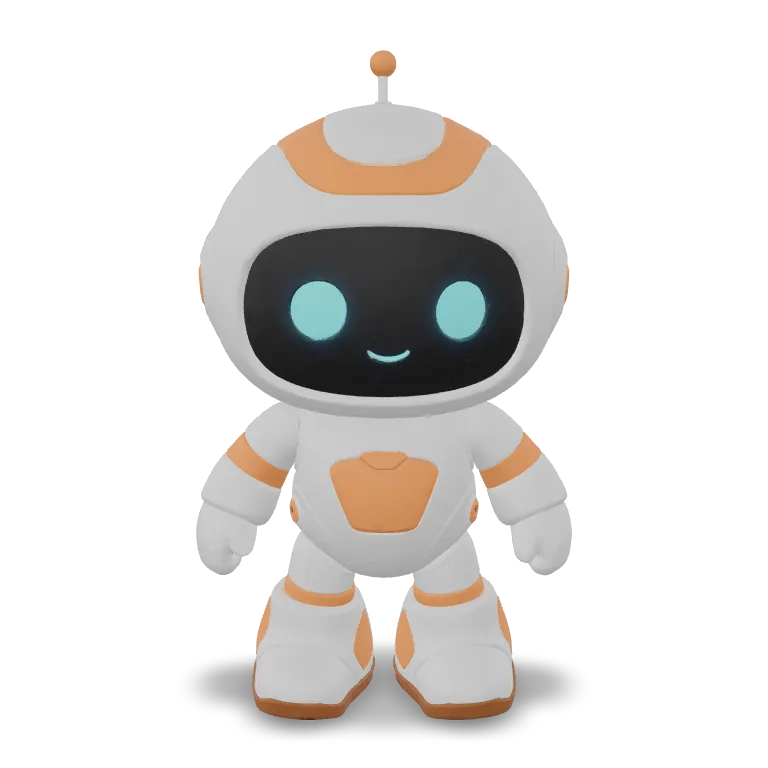
Generate in A-pose or T-pose, auto-rig humanoids and apply a preset animation without leaving the request.
3 ways in
Text, one image or several views
GLB out
Textures embedded, PBR optional
Up to 4K geometry
On Meshy 7.1 text and image to 3D
Rig + animate
Humanoids, in the same request
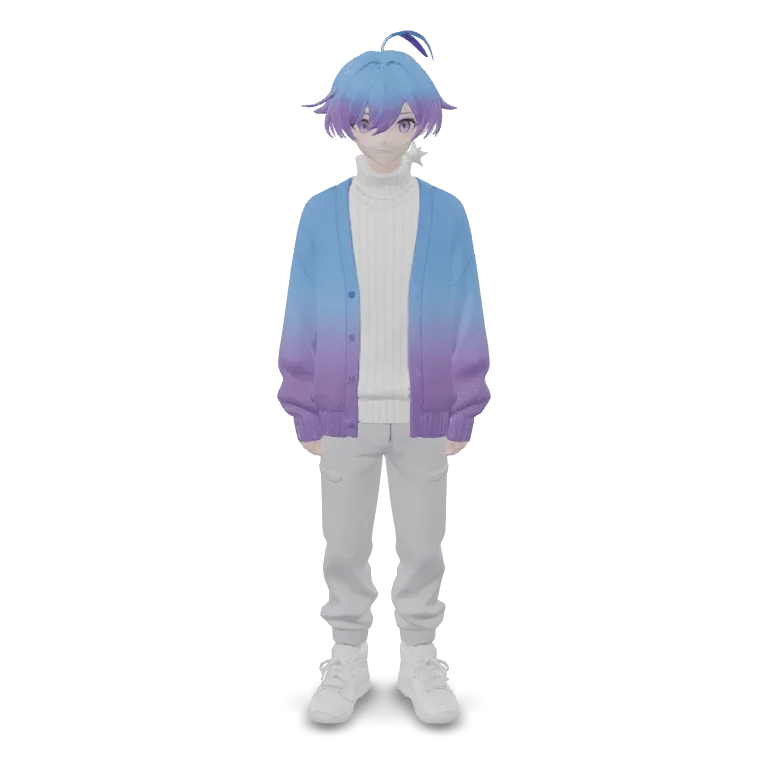
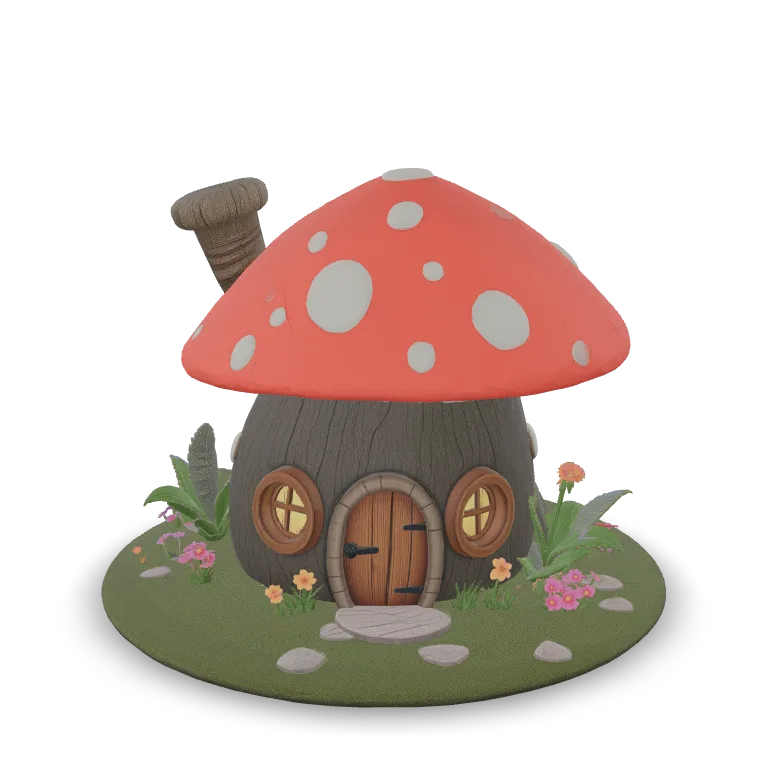
Real outputs from the models on this page. Click or drag any model to load it in 3D.
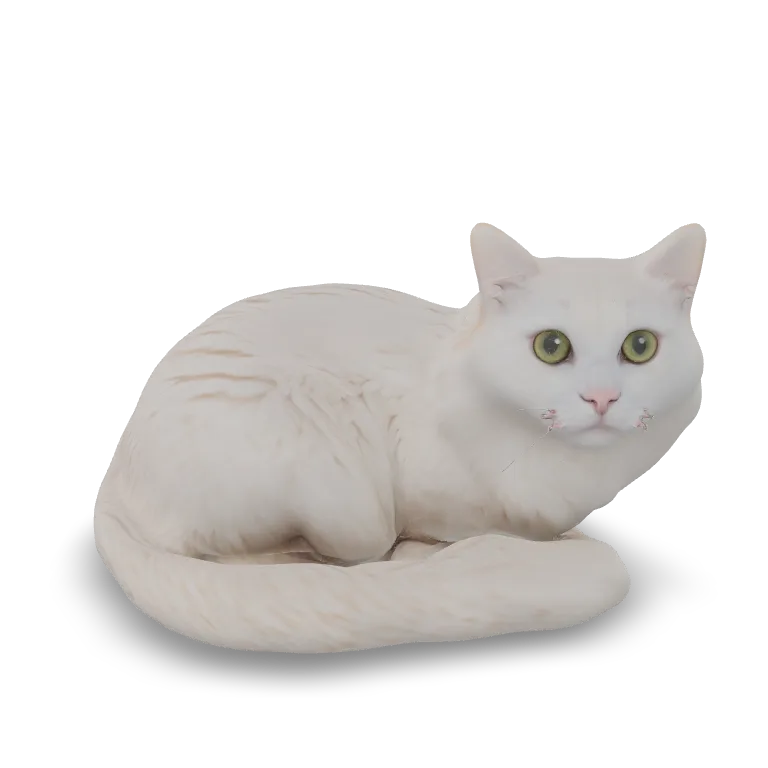
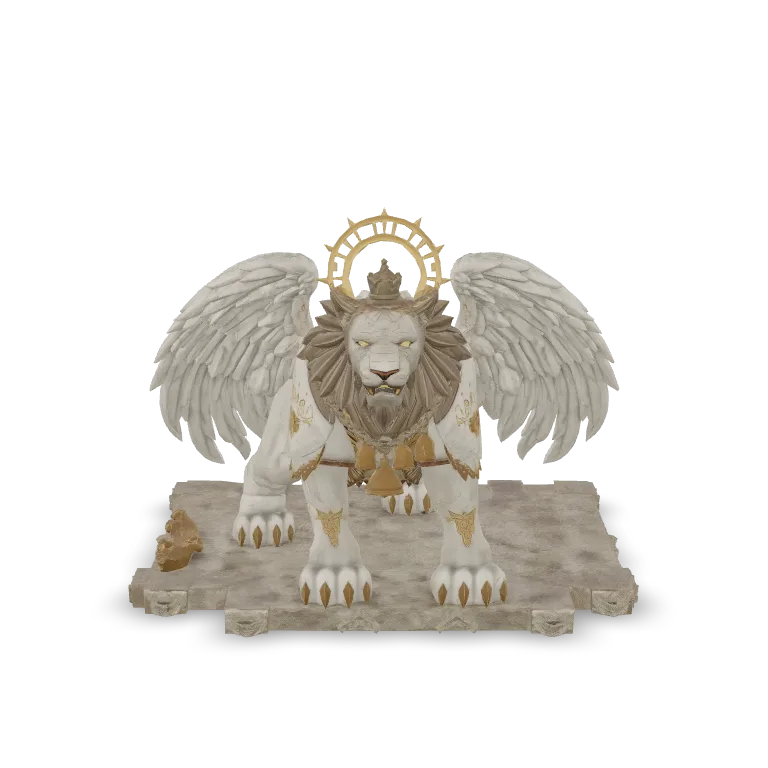
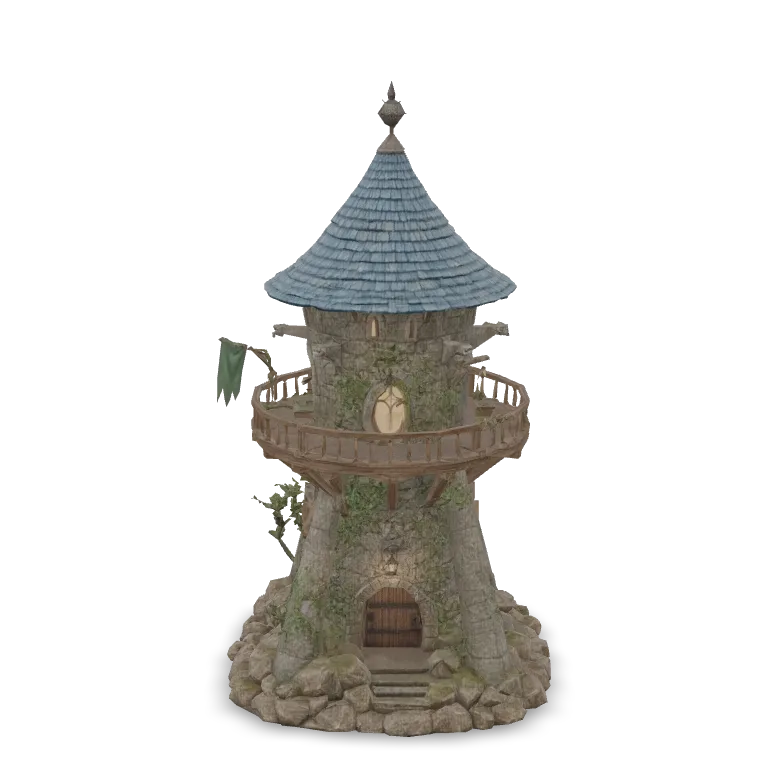
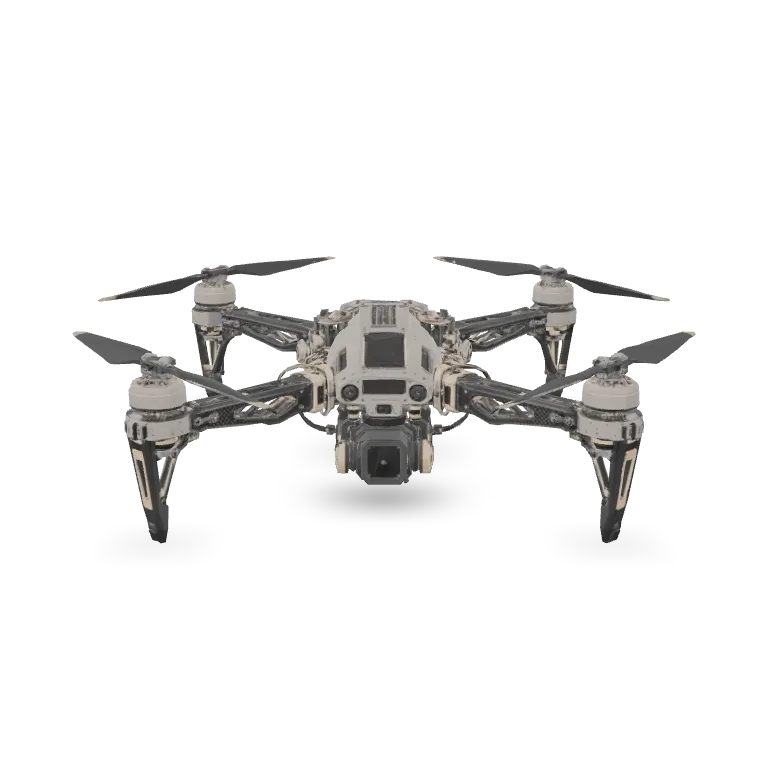
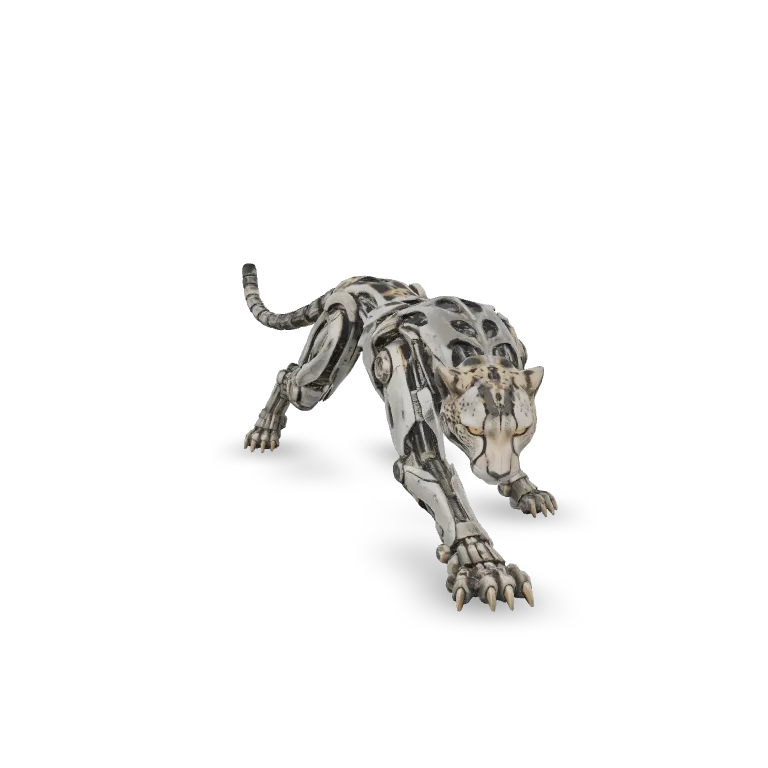
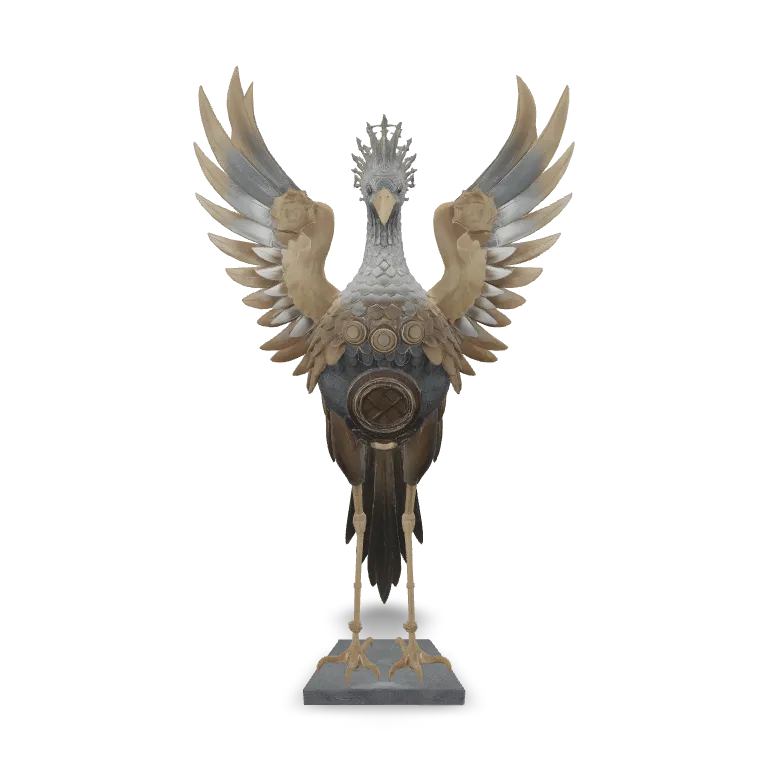
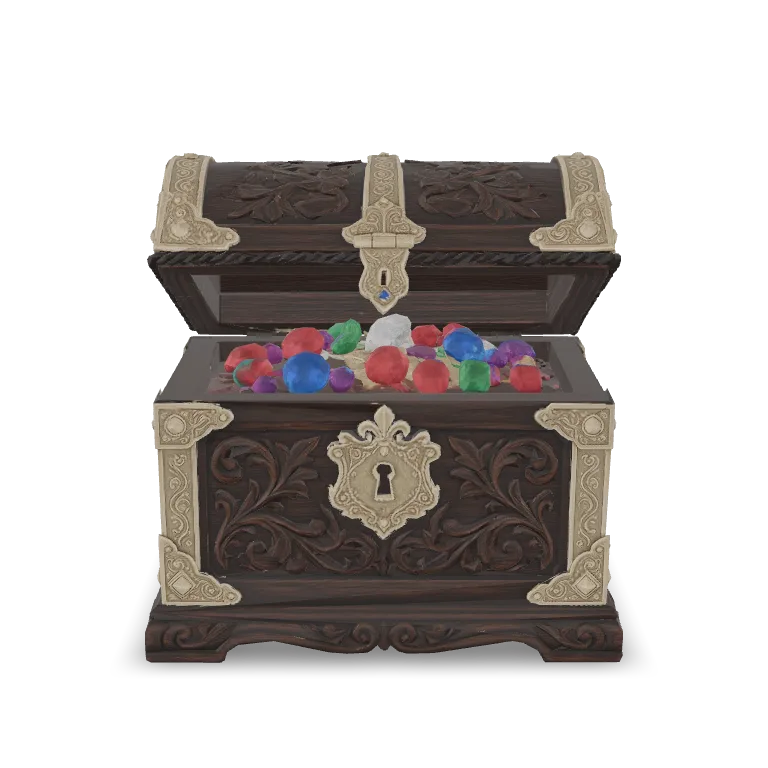
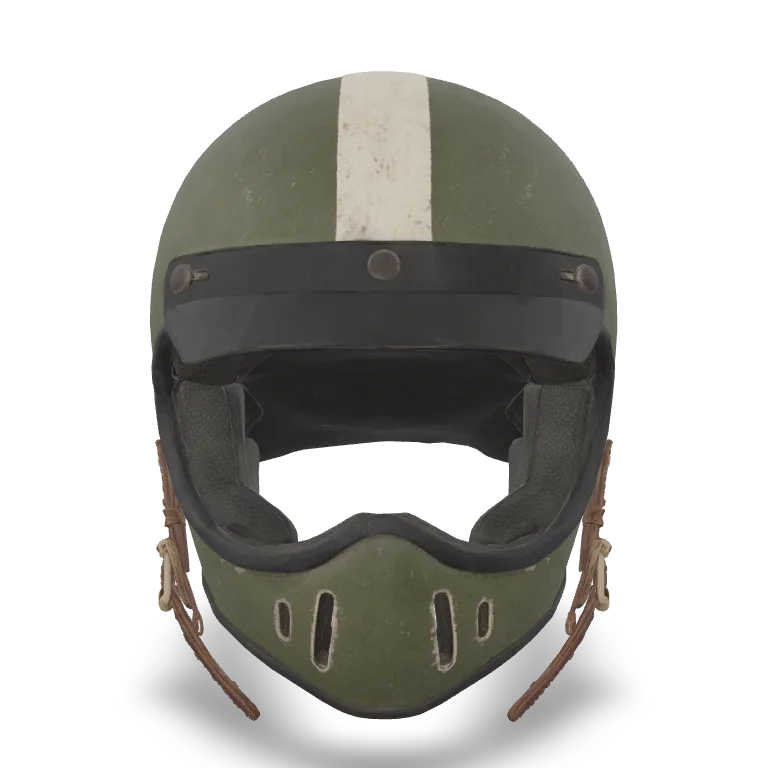
Prices are per generated model and update live. Options such as 4K geometry can change the final price, which the generator shows before you run.
| Model | Input | From | |
|---|---|---|---|
| Meshy 7.1 Image to 3D | 1 image | $1.44 | Generate |
| Meshy 7.1 Multi-Image to 3D | 2–4 views | $1.44 | Generate |
| Meshy 7.1 Text to 3D | Prompt | $1.44 | Generate |
| Meshy 7 Multi-Image to 3D | 1–4 views | $1.44 | Generate |
| Meshy 6 Image to 3D | 1 image | $1.44 | Generate |
| Meshy 6 Text to 3D | Prompt | $1.44 | Generate |
Every Meshy model is also a REST endpoint with Python and JavaScript SDKs. Submit a prompt or image URL, poll for the result, and download the GLB.
curl -X POST https://api.wavespeed.ai/api/v3/meshy/v7.1/image-to-3d \
  -H "Authorization: Bearer $WAVESPEED_API_KEY" \
  -H "Content-Type: application/json" \
-d '{"image": "https://example.com/chair.png"}'Start with Meshy 7.1. Use Image to 3D for a single reference picture, Multi-Image to 3D when you have front, side or back views of the same object, and Text to 3D when you only have an idea. Meshy 7 and Meshy 6 remain available for consistency with older projects.
Every generation returns a GLB file with its textures embedded. GLB opens directly in Blender, Unity, Unreal Engine, Godot, three.js and most 3D viewers, and can be converted to FBX, OBJ or STL in Blender.
Yes. You can remesh to quads or triangles with a target polycount, set symmetry, turn PBR maps on or off, steer the texture with a separate prompt or reference image, and on Meshy 7.1 raise geometry resolution to 2K or 4K.
Meshy 7 and 7.1 can auto-rig humanoid characters, generate them in an A-pose or T-pose, and apply a preset animation, all in the same request.
Generate without texture for a clean mesh, then export the GLB to STL in Blender or your slicer. Check wall thickness and scale in your slicer before printing, as with any generated mesh.
You pay per generated model with no subscription; the table on this page shows the current price of each Meshy model. New accounts receive free starter credits.
Yes. Every Meshy model has a REST API endpoint with the same parameters as the web generator, plus Python and JavaScript SDKs, so you can batch-generate 3D assets from your own pipeline.
Free starter credits for new accounts. No subscription.