Meshy API
WaveSpeedAI의 Meshy API — 공식 Meshy 7.1, 7, 6, 6 Lite 모델을 REST로 사용하세요. 텍스트, 이미지, 멀티 이미지로 최대 8K PBR 텍스처가 적용된 3D를 생성할 수 있으며, 리텍스처, 리깅, 애니메이션, 리메시, UV 언랩, 변환, 리사이즈, 3D 프린팅 도구도 제공합니다.
프롬프트, 사진 또는 최대 4장의 뷰로 텍스처가 입혀진 3D 모델을 만든 뒤, 캐릭터를 리깅하고 애니메이션하거나, 목표 폴리곤 수로 리메시하고, UV를 언랩하고, 포맷을 변환하고, 3D 프린팅용으로 모델을 준비할 수 있습니다. 모든 엔드포인트는 WaveSpeedAI의 다른 모델과 동일한 REST 예측 플로우로 실행됩니다.


개요
Meshy API 소개
Meshy의 기능, Meshy 모델 라인업에서의 위치, 그리고 팀들이 이 모델을 선택하는 이유.
Meshy의 3D 에셋 생성 모델 Meshy. WaveSpeedAI REST API로 바로 사용할 수 있습니다. WaveSpeedAI의 Meshy API — 공식 Meshy 7.1, 7, 6, 6 Lite 모델을 REST로 사용하세요. 텍스트, 이미지, 멀티 이미지로 최대 8K PBR 텍스처가 적용된 3D를 생성할 수 있으며, 리텍스처, 리깅, 애니메이션, 리메시, UV 언랩, 변환, 리사이즈, 3D 프린팅 도구도 제공합니다.
프롬프트, 사진 또는 최대 4장의 뷰로 텍스처가 입혀진 3D 모델을 만든 뒤, 캐릭터를 리깅하고 애니메이션하거나, 목표 폴리곤 수로 리메시하고, UV를 언랩하고, 포맷을 변환하고, 3D 프린팅용으로 모델을 준비할 수 있습니다. 모든 엔드포인트는 WaveSpeedAI의 다른 모델과 동일한 REST 예측 플로우로 실행됩니다.
WaveSpeedAI의 Meshy 제품군은 Image-To-3d, Text-To-3d 워크플로를 아우르는 REST 엔드포인트 24개를 제공합니다. 각 변형은 고유한 가격, 파라미터, 예시 출력을 갖고 있으니 입력 방식과 운영 조건에 맞는 것을 고르거나, 같은 API 키로 여러 개를 호출해 다단계 파이프라인을 구성하세요.
Meshy 실행에도 WaveSpeedAI의 다른 1,000개 이상의 AI 모델과 같은 API 키, 결제 계정, 요청 한도 체계를 그대로 사용합니다. 별도의 벤더 설정도, 제공사별 SDK도, 벤더별 요청 한도 체계도 필요 없습니다. 하나의 연동으로 텍스트 → 이미지, 텍스트 → 비디오부터 오디오 합성, 3D 생성, 업스케일링, 편집까지 모두 지원합니다.
사양
Meshy API 기능 및 출시 현황
API를 고르기 전에 개발자가 찾아보는 모델별 세부 정보입니다. 제공 여부, 예상 출력 길이, 레퍼런스 지원, 현재 사용 가능한 대체 모델을 담았습니다.
모델
Meshy 7.1, 7, 6, 6 Lite
Meshy 7.1은 Ultra 지오메트리를 지원하는 최신 모델, 6 Lite는 가장 빠르고 저렴하며, smart-topology는 깔끔한 로우폴리 메시를 만듭니다.
텍스처
최대 8K, PBR
2K, 4K, 8K 텍스처를 프롬프트나 참조 이미지로 유도할 수 있으며, PBR 맵은 선택 사항입니다.
캐릭터
리깅과 애니메이션
휴머노이드와 네발 캐릭터를 리깅하고 Meshy 라이브러리의 애니메이션을 최대 10개까지 적용할 수 있습니다.
3D 프린팅
분석, 수리, 멀티 컬러
출력 가능 여부를 확인하고, 구멍과 손상된 지오메트리를 수리하며, 슬라이서 프리셋이 포함된 멀티 컬러 3MF 파일을 내보냅니다.
엔드포인트
Meshy API 전체 엔드포인트
Meshy 엔드포인트 24개를 지금 WaveSpeedAI에서 사용할 수 있습니다. 워크플로에 맞는 변형을 고르세요.
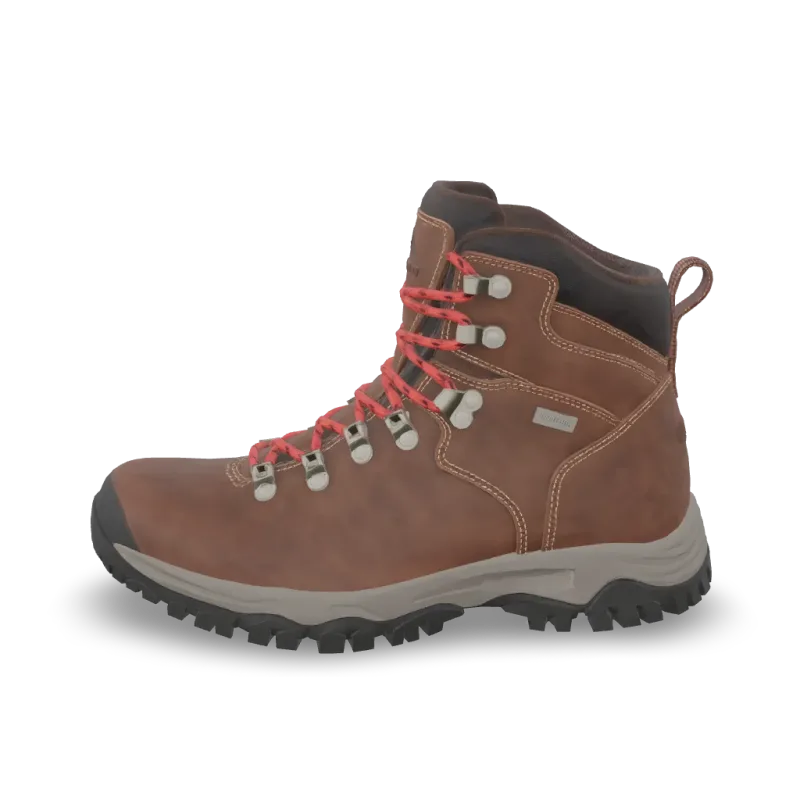
Print Repair
Meshy Print Repair repairs a 3D model for printing: closes holes and fixes broken geometry. Ready-to-use REST inference API, best performance, no coldstarts, affordable pricing.
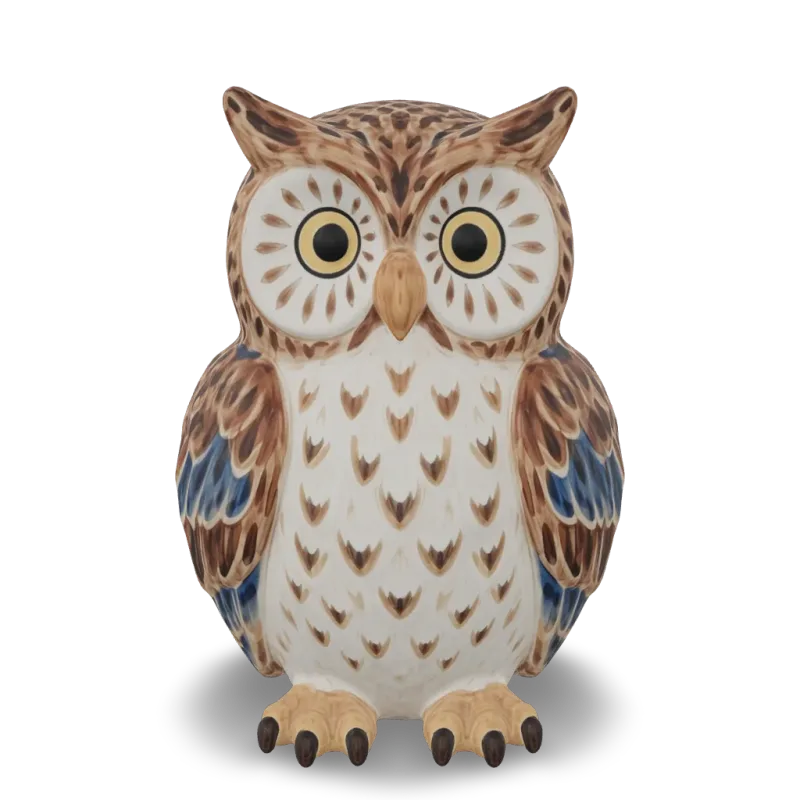
Print Multi Color
Meshy Multi-Color Print turns a textured 3D model into a multi-color 3MF ready for the slicer. Ready-to-use REST inference API, best performance, no coldstarts, affordable pricing.
Print Analyze
Meshy Printability Analysis checks whether a 3D model is ready to 3D print and reports the issues it finds. Ready-to-use REST inference API, best performance, no coldstarts, affordable pricing.
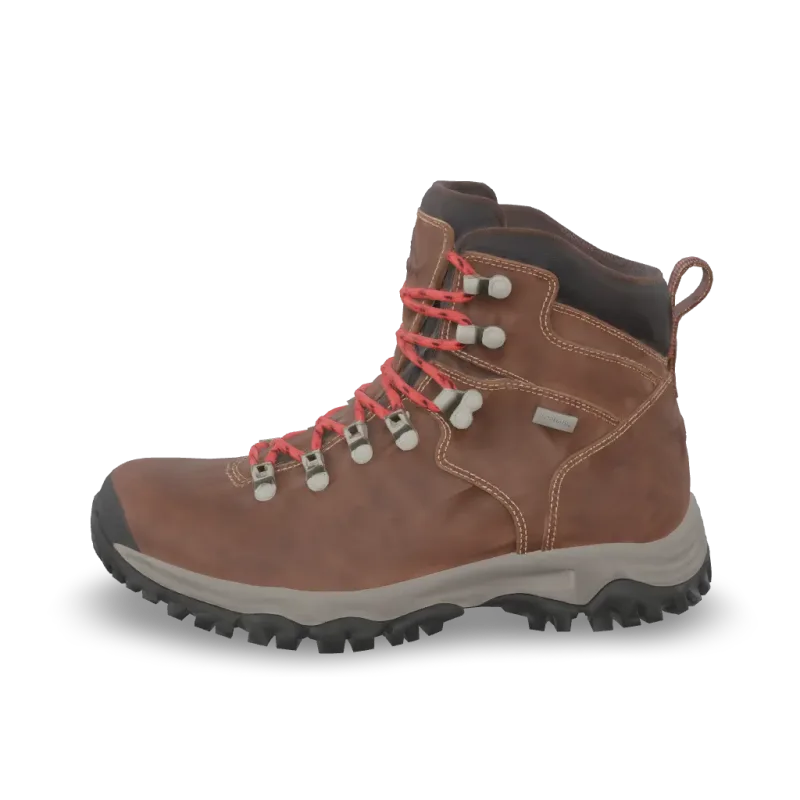
Resize
Meshy Resize scales a 3D model to a real-world height or size and sets its origin. Ready-to-use REST inference API, best performance, no coldstarts, affordable pricing.
Convert
Meshy Convert converts a 3D model to GLB, OBJ, FBX, STL, USDZ, BLEND or 3MF. Ready-to-use REST inference API, best performance, no coldstarts, affordable pricing.
Uv Unwrap
Meshy UV Unwrap unwraps the UVs of a 3D model. Ready-to-use REST inference API, best performance, no coldstarts, affordable pricing.

Remesh
Meshy Remesh rebuilds a 3D model at a target polycount, as triangles or quads. Ready-to-use REST inference API, best performance, no coldstarts, affordable pricing.
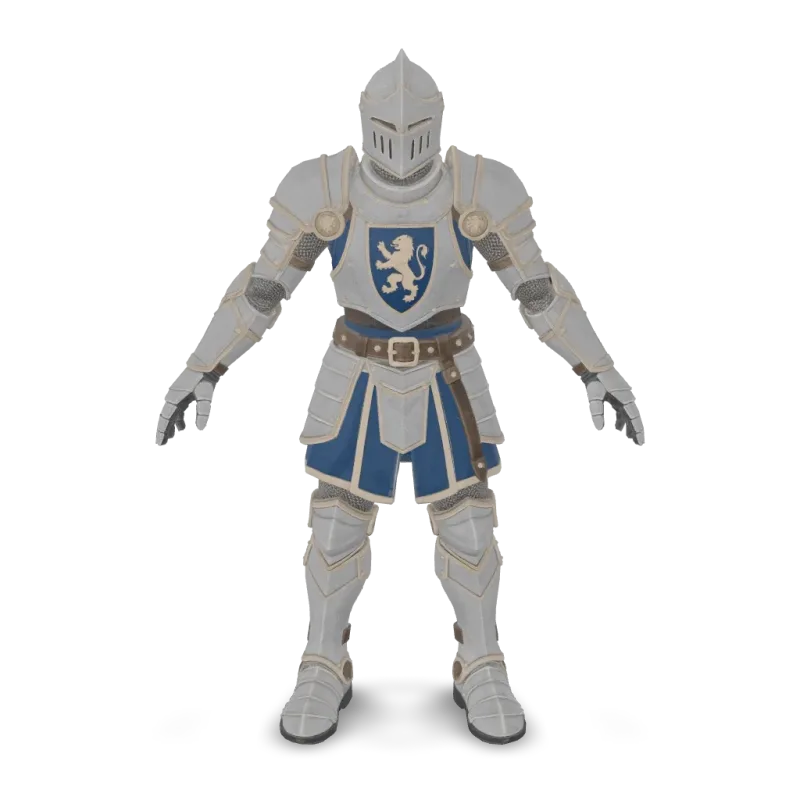
Animation
Meshy Animation rigs a character model and applies up to 10 animations from the Meshy library. Ready-to-use REST inference API, best performance, no coldstarts, affordable pricing.
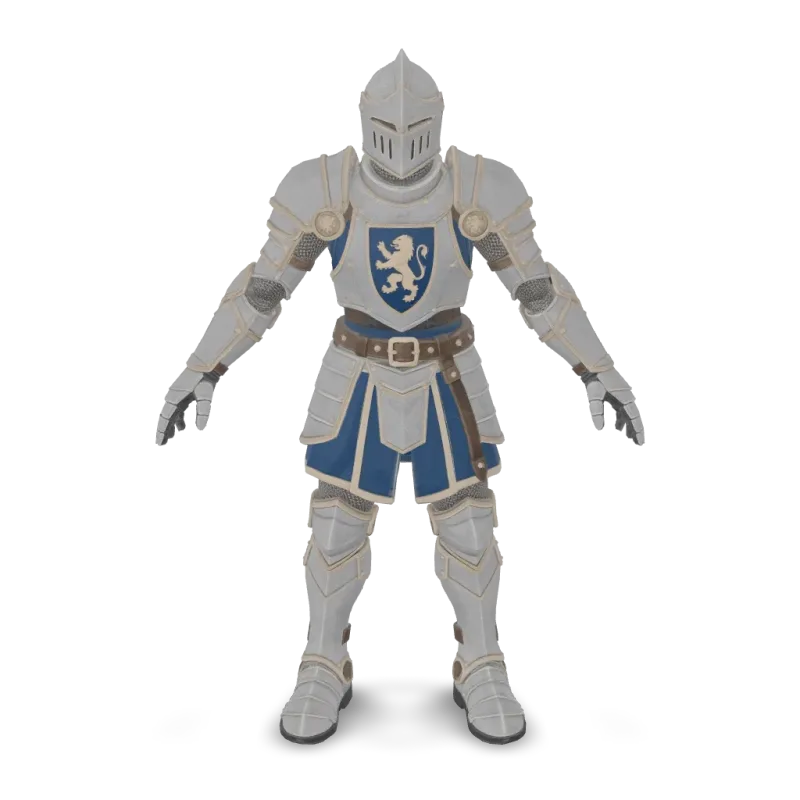
Rigging
Meshy Rigging adds a skeleton to a humanoid or four-legged character model. Ready-to-use REST inference API, best performance, no coldstarts, affordable pricing.
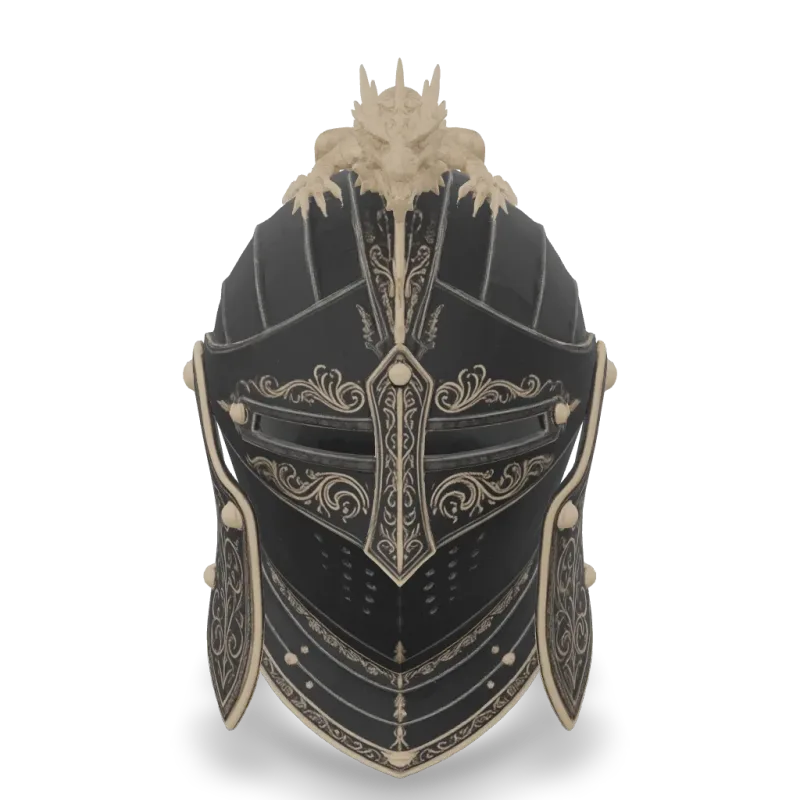
v6 Lite Multi Image To 3d
Meshy 6 Lite Multi-Image-to-3D turns 1 to 4 views of one object into a textured 3D model with Meshy's lightweight model. Ready-to-use REST inference API, best performance, no coldstarts, affordable pricing.
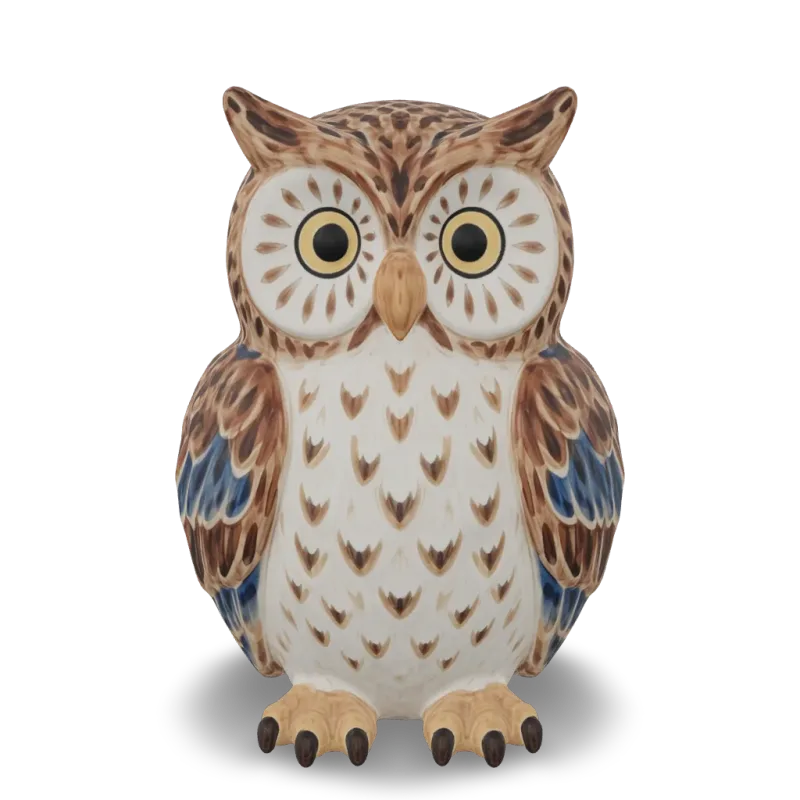
v6 Lite Image To 3d
Meshy 6 Lite Image-to-3D turns a single image into a textured 3D model with Meshy's lightweight model. Ready-to-use REST inference API, best performance, no coldstarts, affordable pricing.

v6 Lite Text To 3d
Meshy 6 Lite Text-to-3D turns a text description into a textured 3D model with Meshy's lightweight model. Ready-to-use REST inference API, best performance, no coldstarts, affordable pricing.
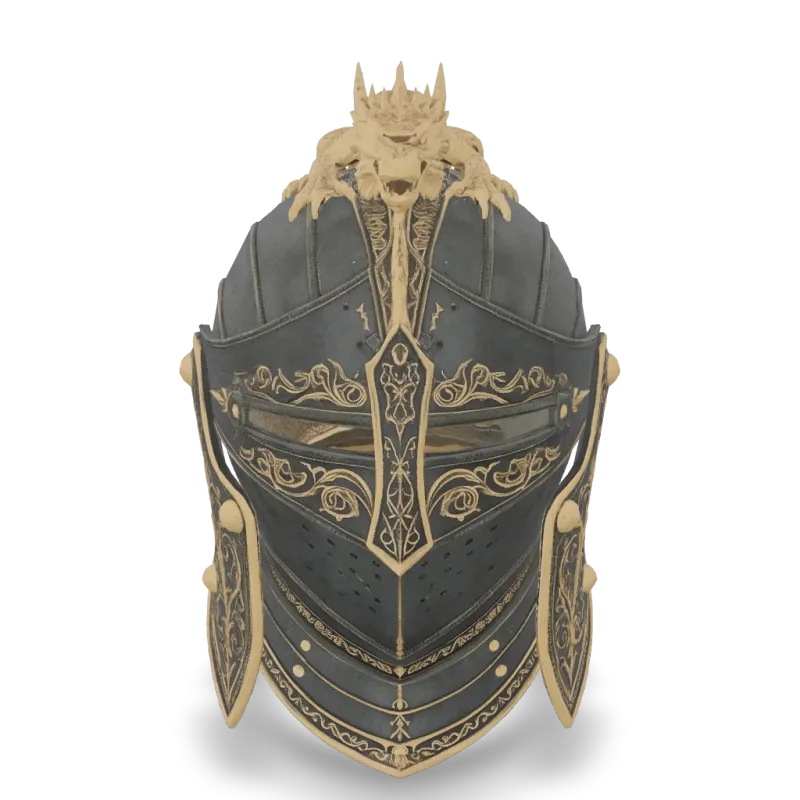
v6 Multi Image To 3d
Meshy 6 Multi-Image-to-3D turns 1 to 4 views of one object into a textured 3D model. Ready-to-use REST inference API, best performance, no coldstarts, affordable pricing.
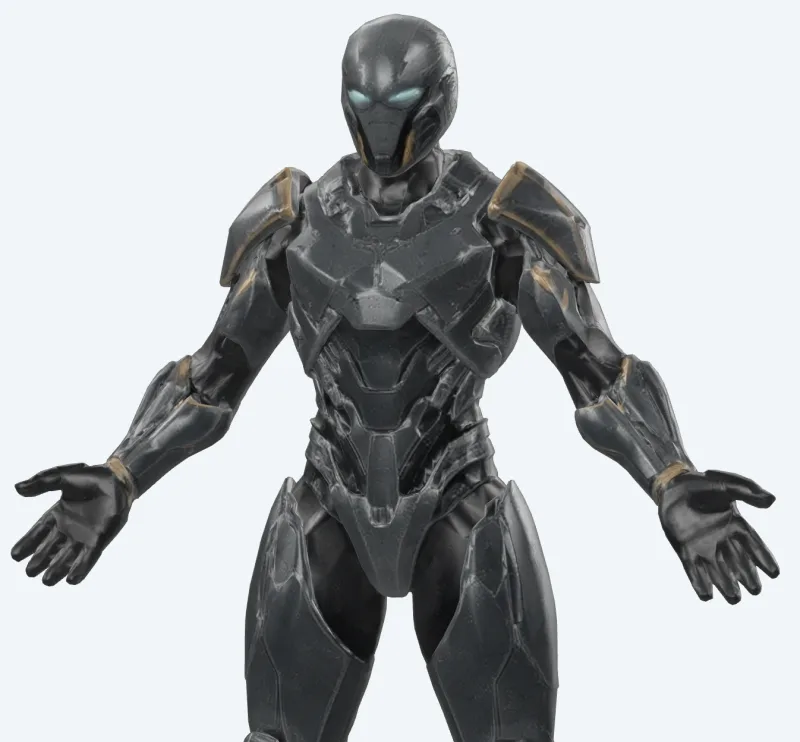
v6 Lite Retexture
Meshy 6 Lite Retexture re-textures an existing 3D model from a text prompt or a reference image. Ready-to-use REST inference API, best performance, no coldstarts, affordable pricing.
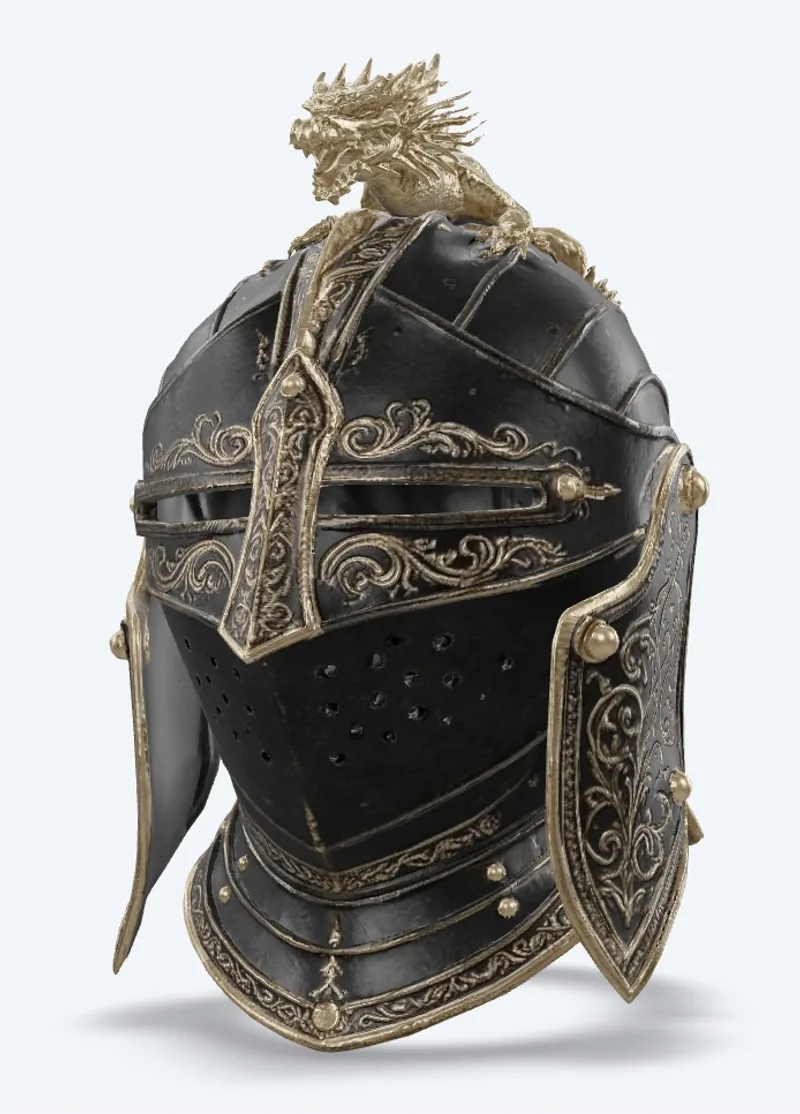
v7.1 Multi Image To 3d
Meshy 7.1 Multi-Image-to-3D turns 1 to 4 views of one object into a textured 3D model. Ready-to-use REST inference API, best performance, no coldstarts, affordable pricing.
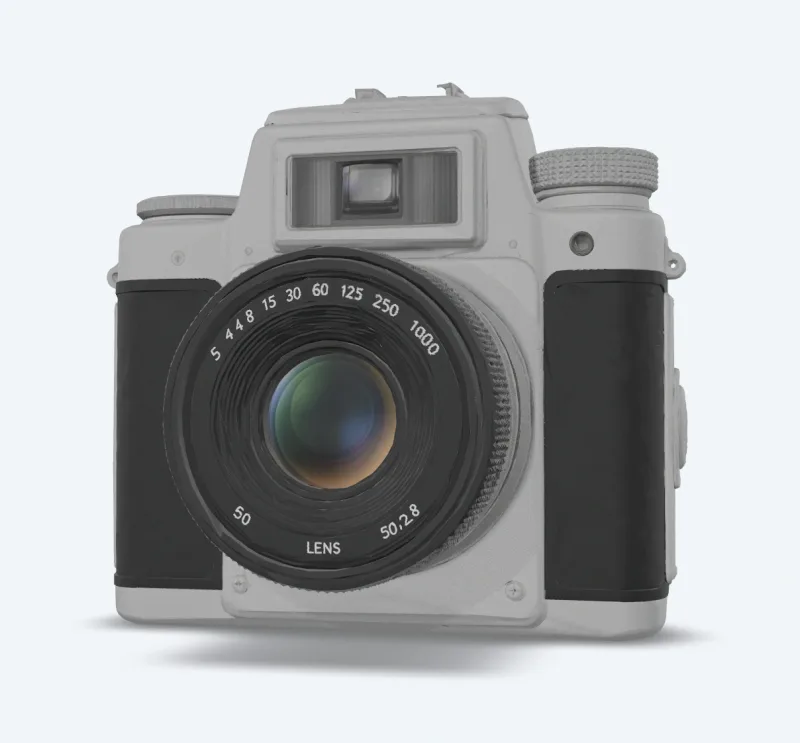
v7.1 Image To 3d
Meshy 7.1 Image-to-3D turns a single image into a textured 3D model. Ready-to-use REST inference API, best performance, no coldstarts, affordable pricing.
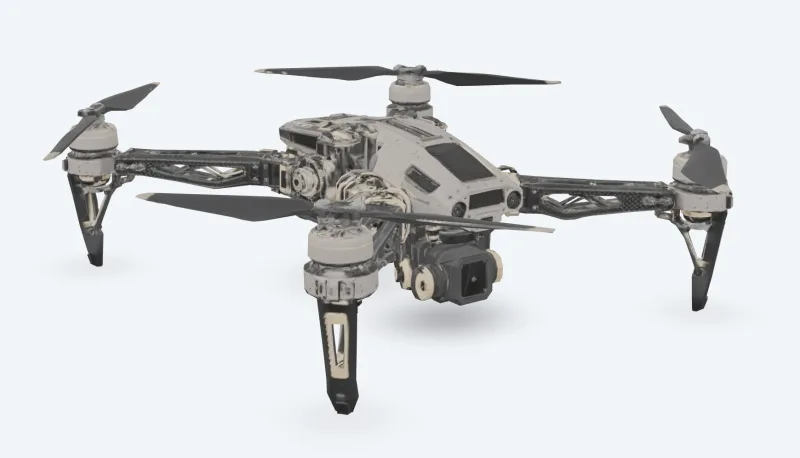
v7 Multi Image To 3d
Meshy 7 Multi-Image-to-3D turns 1 to 4 views of one object into a textured 3D model. Ready-to-use REST inference API, best performance, no coldstarts, affordable pricing.
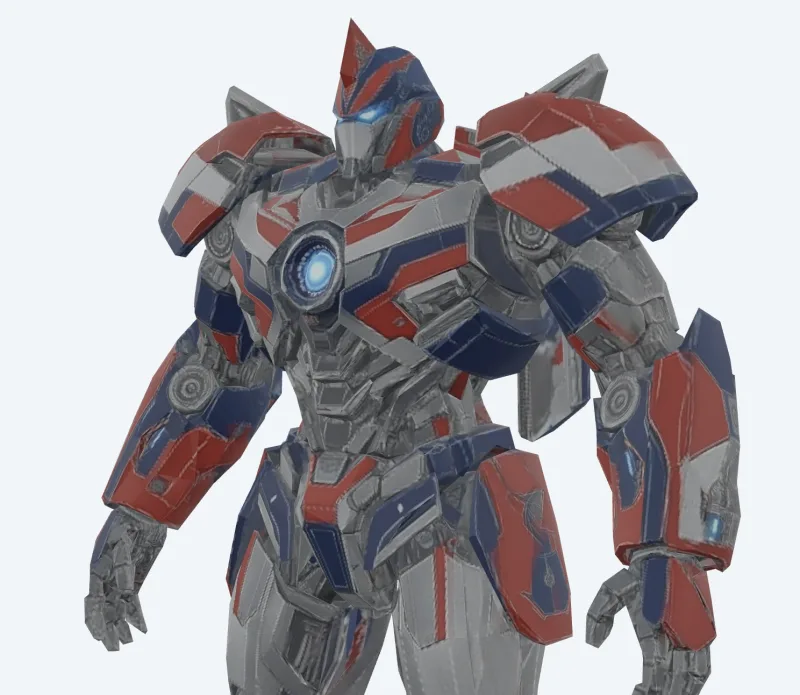
v7 Image To 3d
Meshy 7 Image-to-3D turns a single image into a textured 3D model. Ready-to-use REST inference API, best performance, no coldstarts, affordable pricing.
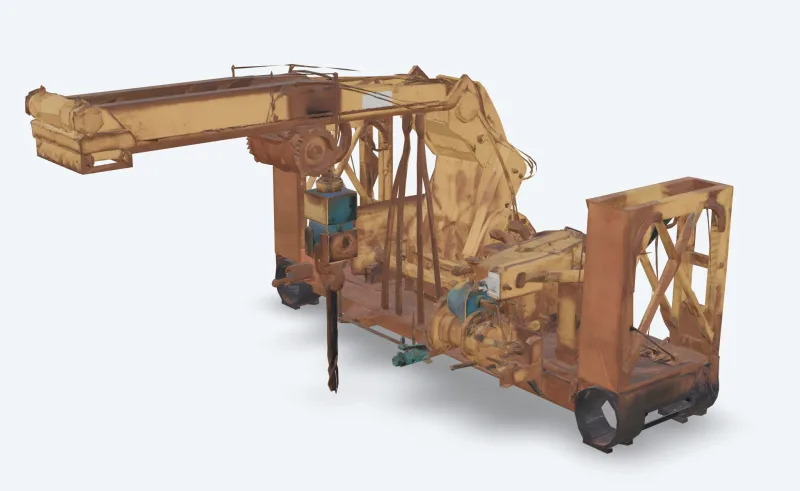
v6 Text To 3d
Meshy 6 Text-to-3D turns a text description into a textured 3D model. Ready-to-use REST inference API, best performance, no coldstarts, affordable pricing.
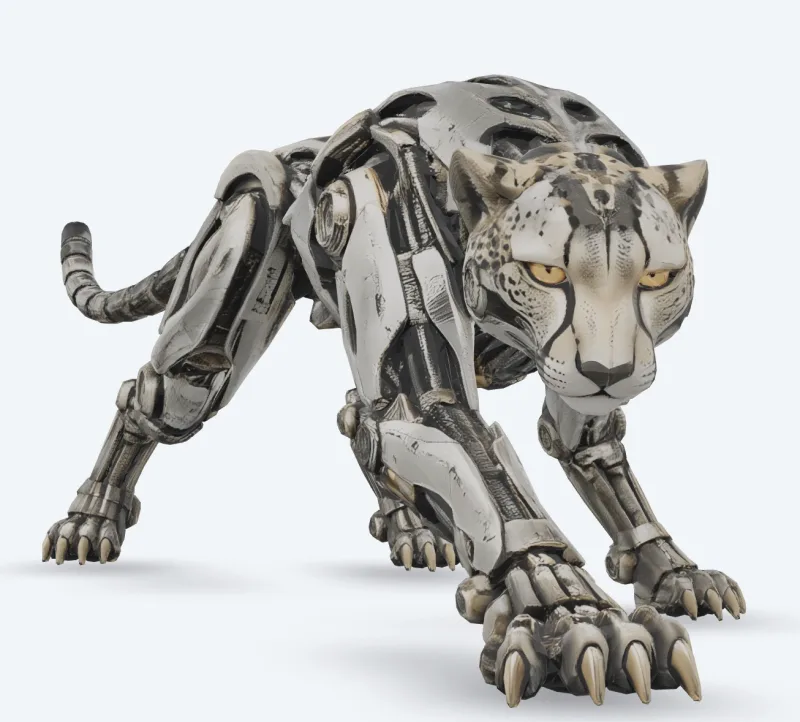
v6 Image To 3d
Meshy 6 Image-to-3D turns a single image into a textured 3D model. Ready-to-use REST inference API, best performance, no coldstarts, affordable pricing.
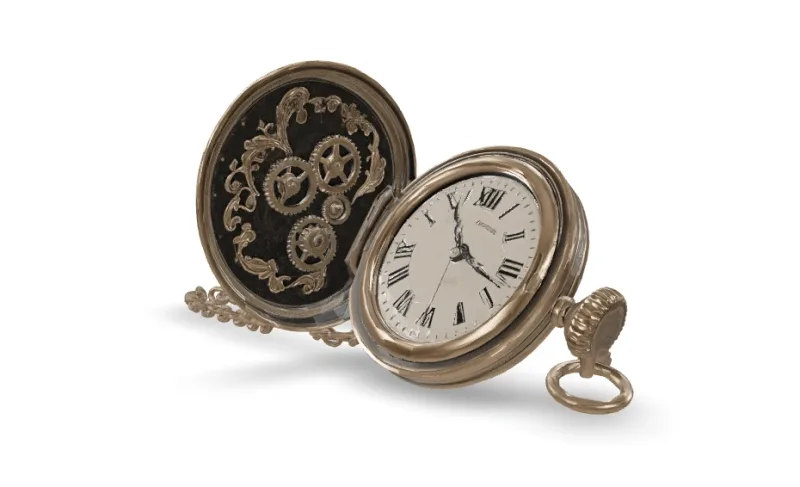
v7.1 Text To 3d
Meshy 7.1 Text-to-3D turns a text description into a textured 3D model. Ready-to-use REST inference API, best performance, no coldstarts, affordable pricing.
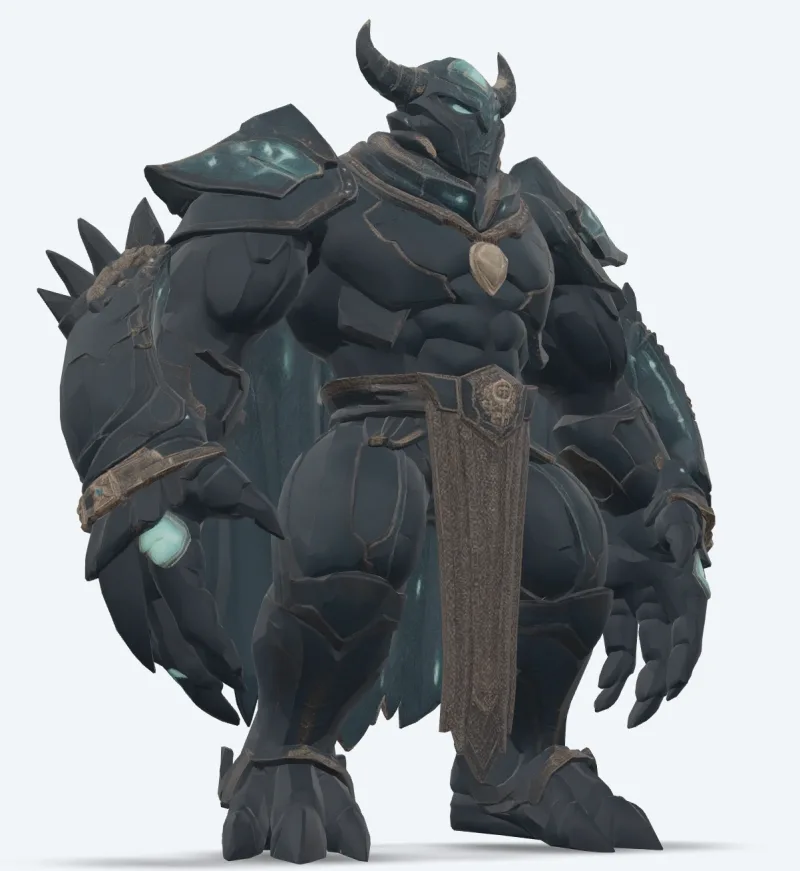
v7 Text To 3d
Meshy 7 Text-to-3D turns a text description into a textured 3D model. Ready-to-use REST inference API, best performance, no coldstarts, affordable pricing.
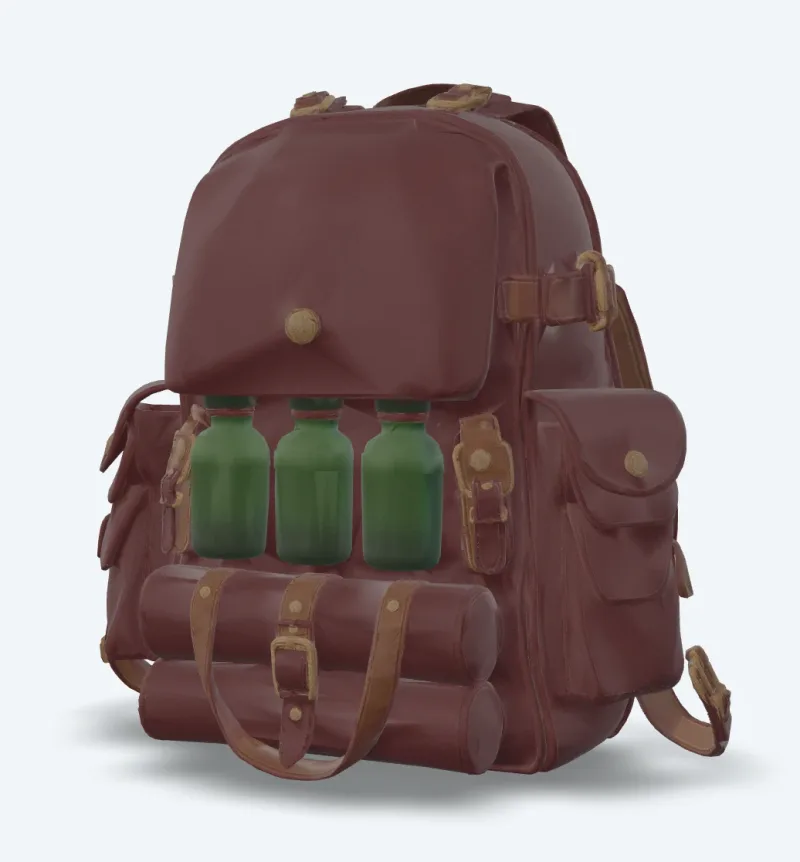
v7 Retexture
Meshy 7 Retexture re-textures an existing 3D model from a text prompt or a reference image. Ready-to-use REST inference API, best performance, no coldstarts, affordable pricing.
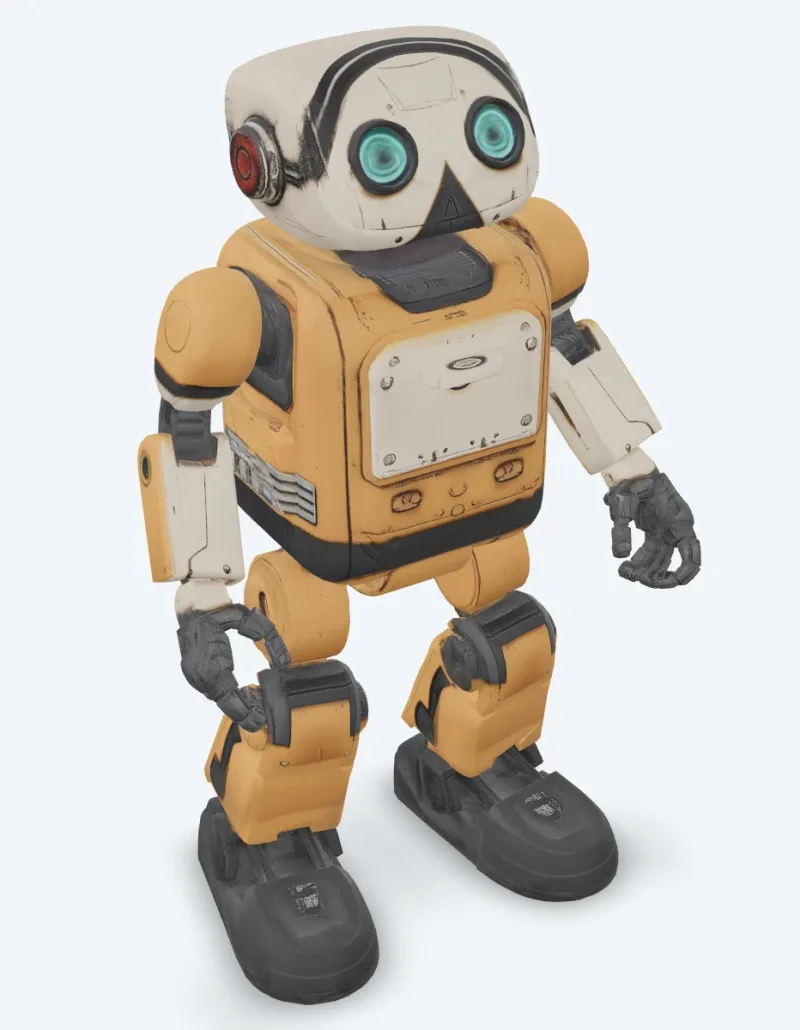
v6 Retexture
Meshy 6 Retexture re-textures an existing 3D model from a text prompt or a reference image. Ready-to-use REST inference API, best performance, no coldstarts, affordable pricing.
예시
Meshy 활용 예시
Meshy API로 생성한 실제 출력물입니다. 비디오 위에 마우스를 올리면 미리 보고, 클릭하면 전체 크기 뷰어가 열립니다.
사용 방법
Meshy API 사용 방법
가입부터 결과물 생성까지 네 단계입니다. Python, Node.js, cURL 전체 예시는 아래 API 섹션에 있습니다.
- 01
API 키 받기
WaveSpeedAI 계정을 만들고 대시보드에서 API 키를 복사하세요. 신규 계정에는 무료 스타터 크레딧이 제공되어, 요금이 청구되기 전에 Playground를 수십 번 실행해 볼 수 있습니다.
- 02
Prediction 제출
입력을 JSON으로 https://api.wavespeed.ai/api/v3/meshy/v7.1/image-to-3d에 POST하세요. 엔드포인트가 prediction id를 즉시 반환합니다. 생성은 비동기로 처리되므로 추론 중에 연결을 계속 열어 둘 필요가 없습니다.
- 03
완료될 때까지 폴링
https://api.wavespeed.ai/api/v3/predictions/{request_id}/result로 GET 요청을 보내세요. completed이면 outputs를 반환하고, failed, cancelled, timeout, deleted이면 오류로 종료하며, 그 밖의 모든 status에서는 폴링을 계속합니다.
- 04
출력 URL 읽기
status가 "completed"가 되면 data.outputs[0]에서 URL을 읽으세요. 이 URL은 WaveSpeedAI CDN에 있는 생성된 미디어를 가리키며, 호출한 Meshy 변형에 따라 이미지, 비디오, 오디오 또는 3D 파일입니다.
활용 사례
Meshy 활용 사례
개발자와 크리에이터가 Meshy API를 사용하는 대표적인 워크플로입니다.
사진으로 텍스처 에셋 만들기
meshy/v7.1/image-to-3d는 이미지 한 장을 PBR 맵이 포함된 텍스처 모델로 변환하고, multi-image-to-3d는 최대 4장의 뷰를 사용해 보이지 않는 면을 보완합니다.
텍스트로 콘셉트를 모델로
meshy/v7.1/text-to-3d는 프롬프트로 메시를 만들고 텍스처를 입힙니다. 텍스처 없는 빠른 초안에는 preview 모드를 사용하세요.
애니메이션 캐릭터
meshy/animation은 캐릭터를 리깅하고 걷기, 달리기, 댄스 등 라이브러리 애니메이션을 하나의 파일에 적용합니다. meshy/rigging은 리깅된 모델을 반환합니다.
게임 및 실시간 최적화
meshy/remesh는 모델을 삼각형 또는 쿼드 기준의 목표 폴리곤 수로 재구성하고, meshy/uv-unwrap은 텍스처링을 위해 준비합니다.
3D 프린팅 파이프라인
meshy/print/analyze는 구멍과 논매니폴드 에지를 보고하고, meshy/print/repair는 이를 수정하며, meshy/print/multi-color는 슬라이서에서 바로 쓸 수 있는 3MF를 내보냅니다.
기존 모델의 새로운 룩
meshy/v7/retexture는 텍스트 프롬프트나 스타일 이미지로 내 모델에 새 텍스처를 입힙니다.
팁
Meshy 프롬프트 작성 팁
Meshy에서 더 나은 결과를 얻기 위한 실용적인 조언입니다. 운영 파이프라인에서 3D 모델 전반에 통하는 패턴을 바탕으로 했습니다.
- 01
preview로 초안을 만든 뒤 텍스처링
text-to-3d를 preview 모드로 사용해 텍스처 없는 메시로 프롬프트를 빠르게 시험해 보고, 마음에 드는 것을 full 모드로 실행하세요.
- 02
캐릭터에는 A 포즈 요청
캐릭터를 리깅하거나 애니메이션할 계획이라면 pose_mode를 a-pose 또는 t-pose로 설정하세요. 더 안정적으로 리깅됩니다.
- 03
폴리곤 수는 리깅 한도 이내로
리깅은 최대 380,000 삼각형까지 지원합니다. 조밀한 모델은 먼저 더 낮은 목표 폴리곤 수로 리메시하세요.
- 04
프린팅 전에 출력 가능 여부 확인
먼저 print/analyze를 실행하세요. 구멍이나 논매니폴드 에지가 보고되면, 모델을 슬라이서로 보내기 전에 print/repair로 수정할 수 있습니다.
가격
Meshy API 가격
가격은 출력당 책정됩니다. 최종 요금은 각 변형의 Playground에서 설정한 파라미터(해상도, 길이, 출력 수, 레퍼런스)에 따라 달라집니다.
| 엔드포인트 | 유형 | 시작 가격 |
|---|---|---|
| meshy/ | image-to-3d | $0.48 |
| meshy/ | image-to-3d | $0.48 |
| meshy/ | image-to-3d | $0.048 |
| meshy/ | image-to-3d | $0.048 |
| meshy/ | image-to-3d | $0.048 |
| meshy/ | image-to-3d | $0.24 |
| meshy/ | image-to-3d | $0.24 |
| meshy/ | image-to-3d | $0.384 |
| meshy/ | image-to-3d | $0.24 |
| meshy/ | image-to-3d | $0.72 |
| meshy/ | image-to-3d | $0.72 |
| meshy/ | text-to-3d | $0.72 |
| meshy/ | image-to-3d | $1.44 |
| meshy/ | image-to-3d | $0.33 |
| meshy/ | image-to-3d | $1.44 |
| meshy/ | image-to-3d | $1.44 |
| meshy/ | image-to-3d | $1.44 |
| meshy/ | image-to-3d | $1.44 |
| meshy/ | text-to-3d | $1.44 |
| meshy/ | image-to-3d | $1.44 |
| meshy/ | text-to-3d | $1.44 |
| meshy/ | text-to-3d | $1.44 |
| meshy/ | image-to-3d | $0.33 |
| meshy/ | image-to-3d | $0.33 |
API
Meshy API 호출하기
wavespeed.ai/accesskey에서 API 키를 발급받은 뒤 REST로 prediction을 제출하세요. Playground에서 입력 조합별로 바로 붙여넣을 수 있는 샘플이 생성됩니다.
POSThttps://api.wavespeed.ai/api/v3/meshy/v7.1/image-to-3d
# 1. Submit the prediction.
SUBMIT_RESPONSE=$(curl --silent --show-error --fail-with-body \
  -X POST "https://api.wavespeed.ai/api/v3/meshy/v7.1/image-to-3d" \
  -H "Content-Type: application/json" \
  -H "Authorization: Bearer $WAVESPEED_API_KEY" \
  -d '{
    "image": "https://interactive-examples.mdn.mozilla.net/media/cc0-images/painted-hand-298-332.jpg",
    "model_type": "standard",
    "geometry_resolution": "standard",
    "should_texture": true,
    "enable_pbr": false,
    "texture_resolution": "2k",
    "topology": "triangle",
    "target_polycount": 30000,
    "should_remesh": true,
    "symmetry_mode": "auto",
    "pose_mode": "a-pose",
    "auto_size": false,
    "enable_rigging": false,
    "rigging_height_meters": 1.7,
    "enable_animation": false,
    "animation_action_id": 92
}')

TASK=$(printf '%s' "$SUBMIT_RESPONSE" | jq 'if has("data") then .data else . end')
PREDICTION_ID=$(printf '%s' "$TASK" | jq -r '.id')
if [ -z "$PREDICTION_ID" ] || [ "$PREDICTION_ID" = "null" ]; then
  printf 'Submission response did not contain a prediction id
' >&2
  exit 1
fi
RESULT_URL="https://api.wavespeed.ai/api/v3/predictions/$PREDICTION_ID/result"

# 2. Poll until the prediction finishes.
while true; do
  RESPONSE=$(curl --silent --show-error --fail-with-body "$RESULT_URL" \
    -H "Authorization: Bearer $WAVESPEED_API_KEY")
  RESULT=$(printf '%s' "$RESPONSE" | jq 'if has("data") then .data else . end')
  STATUS=$(printf '%s' "$RESULT" | jq -r '.status')
  case "$STATUS" in
    completed) printf '%s\n' "$RESULT" | jq '.outputs'; break ;;
    failed|cancelled|timeout|deleted) printf '%s\n' "$RESULT" | jq . >&2; exit 1 ;;
    *) sleep 2 ;;
  esac
done
const submitUrl = "https://api.wavespeed.ai/api/v3/meshy/v7.1/image-to-3d";
const apiKey = process.env.WAVESPEED_API_KEY;
if (!apiKey) throw new Error('Set WAVESPEED_API_KEY');
async function requestJson(url, options = {}) {
const response = await fetch(url, options);
if (!response.ok) throw new Error(await response.text());
return response.json();
}
// 1. Submit the prediction.
const body = await requestJson(submitUrl, {
method: "POST",
headers: {
"Authorization": `Bearer ${apiKey}`,
"Content-Type": "application/json",
},
body: JSON.stringify({
"image": "https://interactive-examples.mdn.mozilla.net/media/cc0-images/painted-hand-298-332.jpg",
"model_type": "standard",
"geometry_resolution": "standard",
"should_texture": true,
"enable_pbr": false,
"texture_resolution": "2k",
"topology": "triangle",
"target_polycount": 30000,
"should_remesh": true,
"symmetry_mode": "auto",
"pose_mode": "a-pose",
"auto_size": false,
"enable_rigging": false,
"rigging_height_meters": 1.7,
"enable_animation": false,
"animation_action_id": 92
}),
});
const task = body.data ?? body;
const resultUrl = `https://api.wavespeed.ai/api/v3/predictions/${task.id}/result`;
// 2. Poll until the prediction finishes.
while (true) {
const resultBody = await requestJson(resultUrl, {
headers: { "Authorization": `Bearer ${apiKey}` },
});
const result = resultBody.data ?? resultBody;
if (result.status === "completed") {
console.log(result.outputs);
break;
}
if (["failed", "cancelled", "timeout", "deleted"].includes(result.status)) throw new Error(JSON.stringify(result));
await new Promise(resolve => setTimeout(resolve, 2000));
}import json
import os
import time
from urllib.request import Request, urlopen
api_key = os.environ["WAVESPEED_API_KEY"]
headers = {"Authorization": f"Bearer {api_key}", "Content-Type": "application/json"}
payload = {
"image": "https://interactive-examples.mdn.mozilla.net/media/cc0-images/painted-hand-298-332.jpg",
"model_type": "standard",
"geometry_resolution": "standard",
"should_texture": True,
"enable_pbr": False,
"texture_resolution": "2k",
"topology": "triangle",
"target_polycount": 30000,
"should_remesh": True,
"symmetry_mode": "auto",
"pose_mode": "a-pose",
"auto_size": False,
"enable_rigging": False,
"rigging_height_meters": 1.7,
"enable_animation": False,
"animation_action_id": 92
}
def request_json(url, data=None):
request = Request(url, data=data, headers=headers, method="POST" if data else "GET")
with urlopen(request) as response:
return json.load(response)
# 1. Submit the prediction.
body = request_json("https://api.wavespeed.ai/api/v3/meshy/v7.1/image-to-3d", json.dumps(payload).encode())
task = body.get("data", body)
result_url = f"https://api.wavespeed.ai/api/v3/predictions/{task['id']}/result"
# 2. Poll until the prediction finishes.
while True:
result_body = request_json(result_url)
result = result_body.get("data", result_body)
status = result.get("status")
if status == "completed":
print(result.get("outputs", []))
break
if status in {"failed", "cancelled", "timeout", "deleted"}:
raise RuntimeError(result)
time.sleep(2)비교
Meshy vs 대안
비슷한 WaveSpeedAI 모델과 비교한 Meshy의 선택 기준.
Meshy vs Meshy web app
Meshy 앱은 웹 인터페이스입니다. WaveSpeedAI의 Meshy 엔드포인트는 동일한 모델을 REST로 실행하므로, 서버, 배치 작업, 사용자에게 3D를 생성해 주는 앱에 적합하며, API 키 하나로 다른 모든 모델도 사용할 수 있습니다.
Meshy vs Tripo
Tripo도 WaveSpeedAI에서 사용할 수 있습니다. Meshy는 8K PBR 텍스처, 풍부한 애니메이션 라이브러리, 3D 프린팅 도구에서 강점을 보입니다. 직접 입력으로 두 가지를 비교해 보세요.
Meshy vs Hunyuan3D
Hunyuan3D는 텍스트나 이미지로 텍스처가 입혀진 메시를 생성합니다. Meshy는 8K 텍스처, 캐릭터 리깅과 애니메이션, 프린팅 도구를 더했습니다.
FAQ
Meshy API — 자주 묻는 질문
가격, 라이선스, 연동 — WaveSpeedAI에서 Meshy 실행에 관한 자주 묻는 질문.
WaveSpeedAI에서 어떤 Meshy 모델을 사용할 수 있나요?
Meshy 7.1, 7, 6, 6 Lite를 각각 text-to-3d, image-to-3d, multi-image-to-3d로 사용할 수 있으며, 리텍스처와 리깅, 애니메이션, 리메시, UV 언랩, 변환, 리사이즈, 출력 가능 여부 분석, 프린트 수리, 멀티 컬러 프린트 도구도 있습니다. 운영 중인 모든 엔드포인트는 현재 가격과 함께 이 페이지에 나열되어 있습니다.
Meshy로 내 캐릭터를 리깅하고 애니메이션할 수 있나요?
네. 생성 요청에서 enable_rigging 또는 enable_animation을 켜거나, 휴머노이드 또는 네발 모델을 meshy/rigging 또는 meshy/animation으로 보내세요.
Meshy 엔드포인트의 요금은 어떻게 되나요?
작업당 과금되며, 각 모델 페이지와 위 표에 표시된 가격이 적용됩니다. 8K 텍스처, Ultra 지오메트리, 리깅 같은 옵션은 표기된 대로 가격이 달라집니다. WaveSpeedAI는 종량제로, 구독이 없고 크레딧은 만료되지 않습니다.
Meshy API란 무엇인가요?
Meshy — WaveSpeedAI에서 REST API로 제공되는 Meshy의 3D 모델입니다. WaveSpeedAI의 Meshy API — 공식 Meshy 7.1, 7, 6, 6 Lite 모델을 REST로 사용하세요. 텍스트, 이미지, 멀티 이미지로 최대 8K PBR 텍스처가 적용된 3D를 생성할 수 있으며, 리텍스처, 리깅, 애니메이션, 리메시, UV 언랩, 변환, 리사이즈, 3D 프린팅 도구도 제공합니다. 프로그래밍 방식으로 호출하거나 위에 링크된 Playground에서 체험해 볼 수 있습니다.
Meshy API는 어떻게 호출하나요?
WaveSpeedAI 계정을 만들고 /accesskey에서 API 키를 복사한 뒤, 입력을 JSON으로 https://api.wavespeed.ai/api/v3/meshy/v7.1/image-to-3d에 POST하세요. 엔드포인트가 prediction id를 반환합니다. 결과 엔드포인트 폴링은 약 2초마다 시작하고, 오래 걸리는 작업은 간격을 늘리며, 종료 status가 나오면 중단하세요. 운영 환경용 Python / Node.js / cURL 예시는 위에 있습니다.
Meshy API 요금은 얼마인가요?
Meshy의 가격은 $0.048부터입니다. 정확한 비용은 설정한 파라미터(해상도, 길이, 출력 수, 레퍼런스)에 따라 달라집니다. Playground의 생성 버튼 옆 실시간 비용 미리보기에서 현재 입력 기준의 정확한 가격을 확인할 수 있습니다.
Meshy에는 어떤 변형이 있나요?
WaveSpeedAI에는 라이브 Meshy 엔드포인트가 24개 있습니다: meshy/print/repair, meshy/print/multi-color, meshy/print/analyze, meshy/resize, meshy/convert, meshy/uv-unwrap, meshy/remesh, meshy/animation 외 다수. 각 변형에는 고유한 Playground 페이지와 가격이 있습니다.
Meshy 출력물을 상업적으로 사용할 수 있나요?
상업적 사용 권한은 Meshy 모델 라이선스를 따릅니다. 대부분의 Meshy 모델은 출력물의 상업적 사용을 허용합니다. 구체적인 라이선스 요약은 각 모델의 Playground 페이지를, 플랫폼 수준의 조건은 WaveSpeedAI 이용약관을 참고하세요.
직접 연동하지 않고 WaveSpeedAI에서 Meshy 모델을 사용하는 이유는 무엇인가요?
API 키 하나와 결제 계정 하나로 Meshy 모델과 다른 제공사의 1,000개 이상의 AI 모델을 모두 사용합니다. 벤더별 SDK 설정도, 별도의 요청 한도 체계도, 벤더마다 연동 코드를 다시 쓸 일도 없습니다. 가격은 대체로 Meshy의 직접 API와 같거나 더 저렴합니다.
제공사
Meshy 소개
WaveSpeedAI의 Meshy 및 Meshy 전체 모델 라인업을 만든 팀.
Meshy는 게임 개발자, 디자이너, 3D 프린팅 크리에이터가 사용하는 AI 3D 생성 기업입니다. 이 모델들은 텍스트와 이미지를 최대 8K PBR 머티리얼이 적용된 텍스처 3D 모델로 변환하며, 도구로 캐릭터 리깅과 애니메이션, 리메시, UV 언랩, 프린팅용 모델 준비를 할 수 있습니다. WaveSpeedAI에서는 Meshy 모델을 REST 엔드포인트로, API 키 하나와 종량제 요금으로 사용할 수 있습니다.
WaveSpeedAI에서 Meshy 시작하기
가입 시 무료 스타터 크레딧 제공. Meshy 및 다른 모든 제공사의 1,000개 이상 AI 모델을 API 키 하나로.