Meshy API
WaveSpeedAI の Meshy API — 公式 Meshy 7.1、7、6、6 Lite モデルを REST で利用できます。テキスト、画像、複数画像から最大8Kの PBR テクスチャ付き3Dを生成でき、リテクスチャ、リギング、アニメーション、リメッシュ、UV展開、変換、リサイズ、3Dプリント用ツールも備えています。
プロンプト、写真、または最大4枚のビューからテクスチャ付き3Dモデルを作成し、キャラクターのリギングとアニメーション、目標ポリゴン数へのリメッシュ、UV展開、フォーマット変換、3Dプリント用のモデル準備まで行えます。すべてのエンドポイントは、WaveSpeedAI の他のモデルと同じ REST 予測フローで動作します。


概要
Meshy APIについて
Meshyでできること、Meshyのモデルラインナップにおける位置づけ、そして多くのチームに選ばれる理由。
MeshyはMeshyの3Dアセット生成モデルで、WaveSpeedAIのREST APIから利用できます。WaveSpeedAI の Meshy API — 公式 Meshy 7.1、7、6、6 Lite モデルを REST で利用できます。テキスト、画像、複数画像から最大8Kの PBR テクスチャ付き3Dを生成でき、リテクスチャ、リギング、アニメーション、リメッシュ、UV展開、変換、リサイズ、3Dプリント用ツールも備えています。
プロンプト、写真、または最大4枚のビューからテクスチャ付き3Dモデルを作成し、キャラクターのリギングとアニメーション、目標ポリゴン数へのリメッシュ、UV展開、フォーマット変換、3Dプリント用のモデル準備まで行えます。すべてのエンドポイントは、WaveSpeedAI の他のモデルと同じ REST 予測フローで動作します。
WaveSpeedAIのMeshyファミリーには、Image-To-3d, Text-To-3dのワークフローをカバーする24個のRESTエンドポイントがあります。各バリアントには、それぞれ独自の料金、パラメーター、作例があります。入力の種類と本番環境の制約に合うものを選ぶか、同じAPIキーで複数を呼び出して、多段階のパイプラインを組み立ててください。
WaveSpeedAIの他の1,000以上のAIモデルと同じAPIキー、請求アカウント、レート制限の枠組みでMeshyを実行できます。ベンダーごとの設定も、プロバイダーごとのSDKも、ベンダーごとのレート制限も不要です。1つの連携で、テキストから画像、テキストから動画から、音声合成、3D生成、高画質化、編集まで、すべてカバーできます。
仕様
Meshy APIの機能とリリース状況
APIを選ぶ前に開発者が調べる、モデル固有の詳細情報:提供状況、想定される出力の長さ、参照入力への対応、そして現在利用できる代替エンドポイント。
モデル
Meshy 7.1, 7, 6, 6 Lite
Meshy 7.1 は最新で Ultra ジオメトリに対応、6 Lite は最速かつ最安、smart-topology はクリーンなローポリメッシュを作成します。
テクスチャ
最大8K、PBR
2K、4K、8K のテクスチャに、プロンプトや参照画像で誘導しながら、PBR マップをオプションで追加できます。
キャラクター
リギングとアニメーション
人型および四足キャラクターをリギングし、Meshy ライブラリから最大10種類のアニメーションを適用できます。
3Dプリント
解析、修復、マルチカラー
プリント可否のチェック、穴や壊れたジオメトリの修復、スライサー用プリセット付きのマルチカラー 3MF ファイルのエクスポートができます。
エンドポイント
MeshyのAPIエンドポイント一覧
WaveSpeedAIで現在利用可能なMeshyのエンドポイントは24個です。ワークフローに合ったバリアントを選んでください。
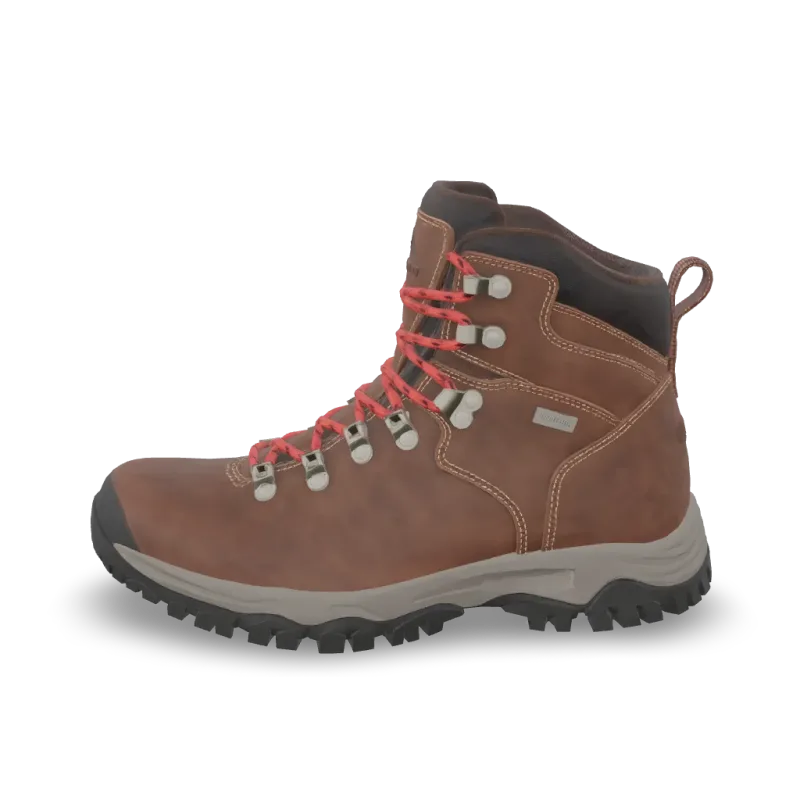
Print Repair
Meshy Print Repair repairs a 3D model for printing: closes holes and fixes broken geometry. Ready-to-use REST inference API, best performance, no coldstarts, affordable pricing.
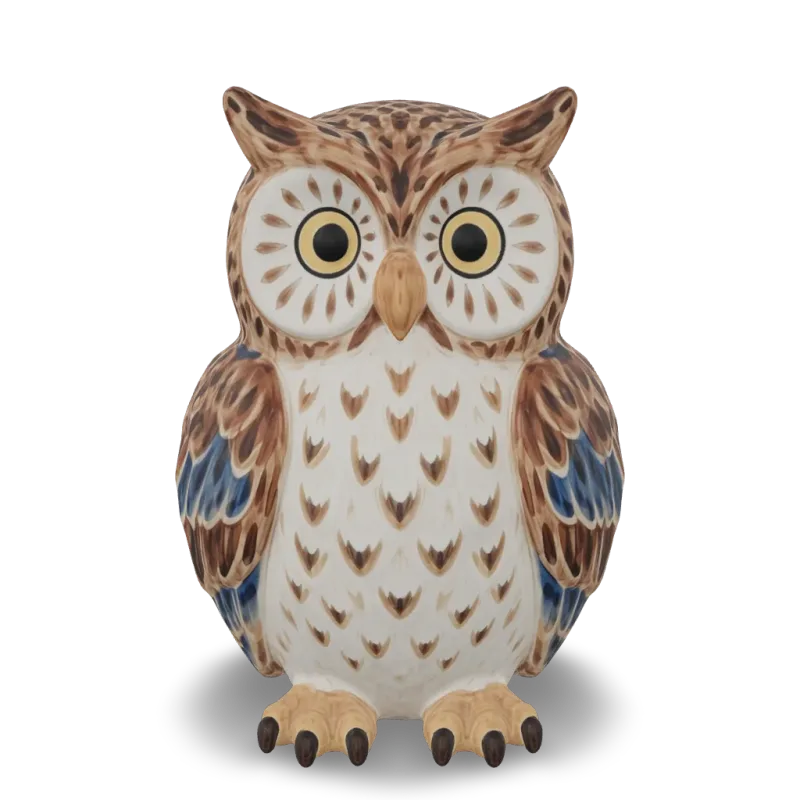
Print Multi Color
Meshy Multi-Color Print turns a textured 3D model into a multi-color 3MF ready for the slicer. Ready-to-use REST inference API, best performance, no coldstarts, affordable pricing.
Print Analyze
Meshy Printability Analysis checks whether a 3D model is ready to 3D print and reports the issues it finds. Ready-to-use REST inference API, best performance, no coldstarts, affordable pricing.
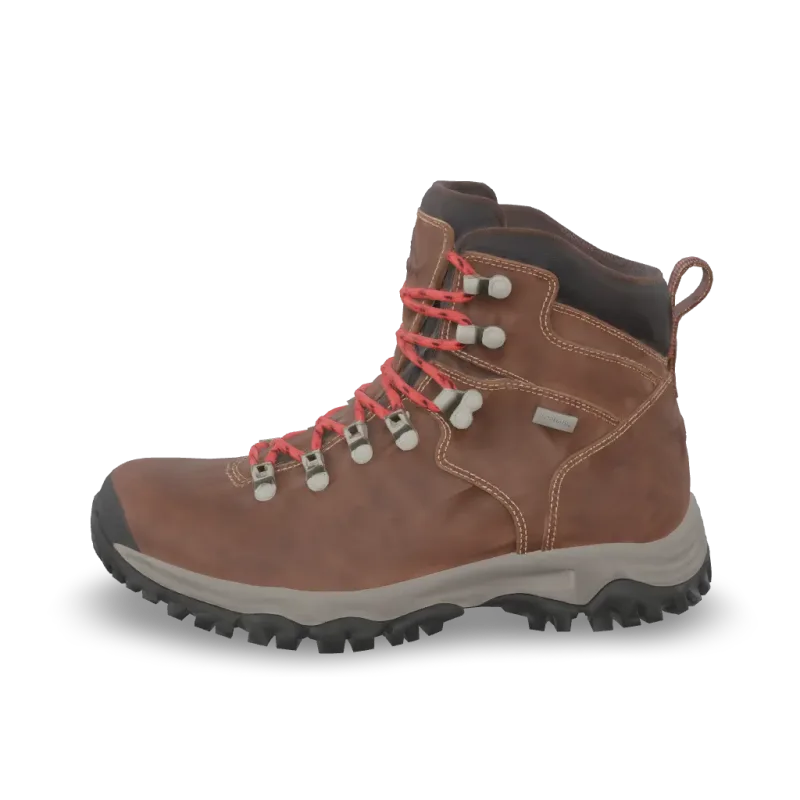
Resize
Meshy Resize scales a 3D model to a real-world height or size and sets its origin. Ready-to-use REST inference API, best performance, no coldstarts, affordable pricing.
Convert
Meshy Convert converts a 3D model to GLB, OBJ, FBX, STL, USDZ, BLEND or 3MF. Ready-to-use REST inference API, best performance, no coldstarts, affordable pricing.
Uv Unwrap
Meshy UV Unwrap unwraps the UVs of a 3D model. Ready-to-use REST inference API, best performance, no coldstarts, affordable pricing.

Remesh
Meshy Remesh rebuilds a 3D model at a target polycount, as triangles or quads. Ready-to-use REST inference API, best performance, no coldstarts, affordable pricing.
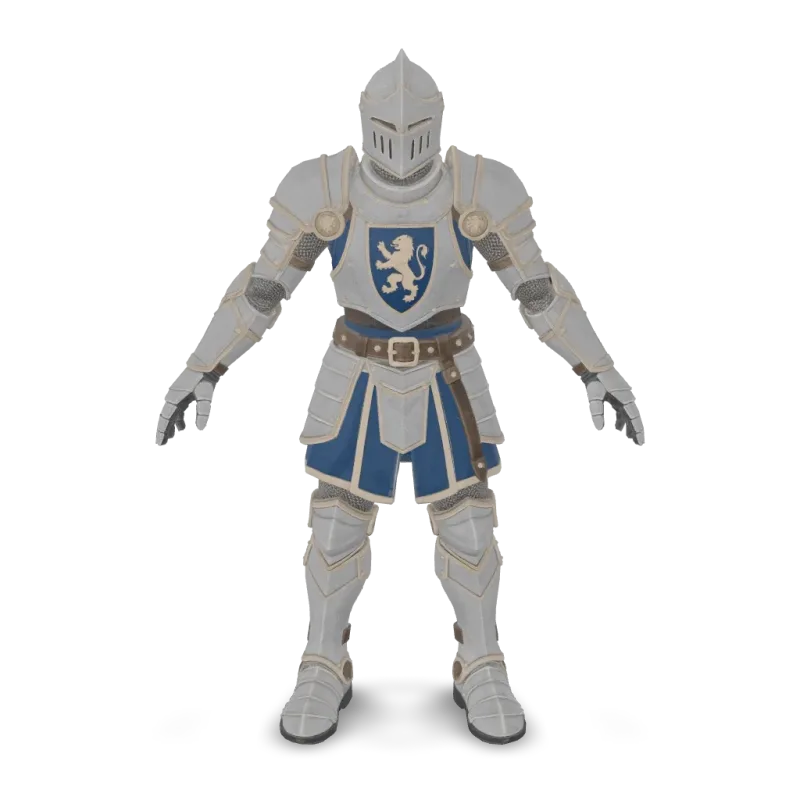
Animation
Meshy Animation rigs a character model and applies up to 10 animations from the Meshy library. Ready-to-use REST inference API, best performance, no coldstarts, affordable pricing.
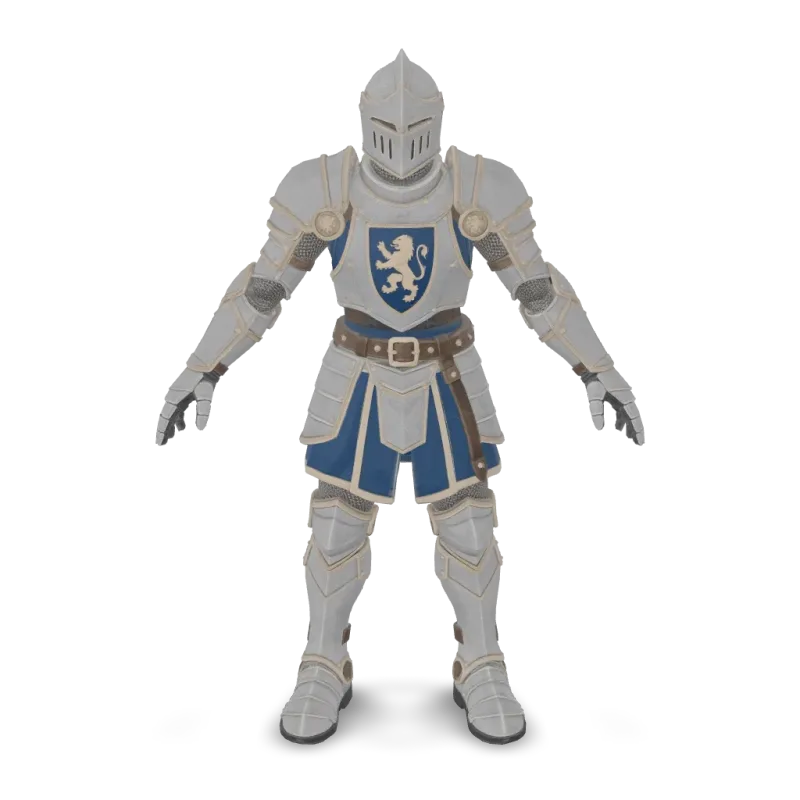
Rigging
Meshy Rigging adds a skeleton to a humanoid or four-legged character model. Ready-to-use REST inference API, best performance, no coldstarts, affordable pricing.
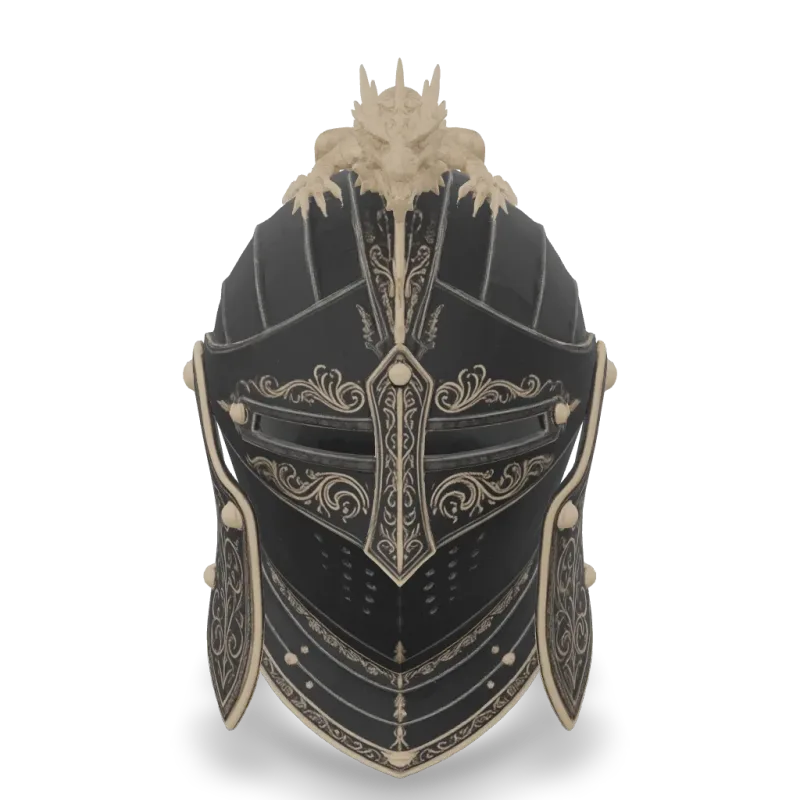
v6 Lite Multi Image To 3d
Meshy 6 Lite Multi-Image-to-3D turns 1 to 4 views of one object into a textured 3D model with Meshy's lightweight model. Ready-to-use REST inference API, best performance, no coldstarts, affordable pricing.
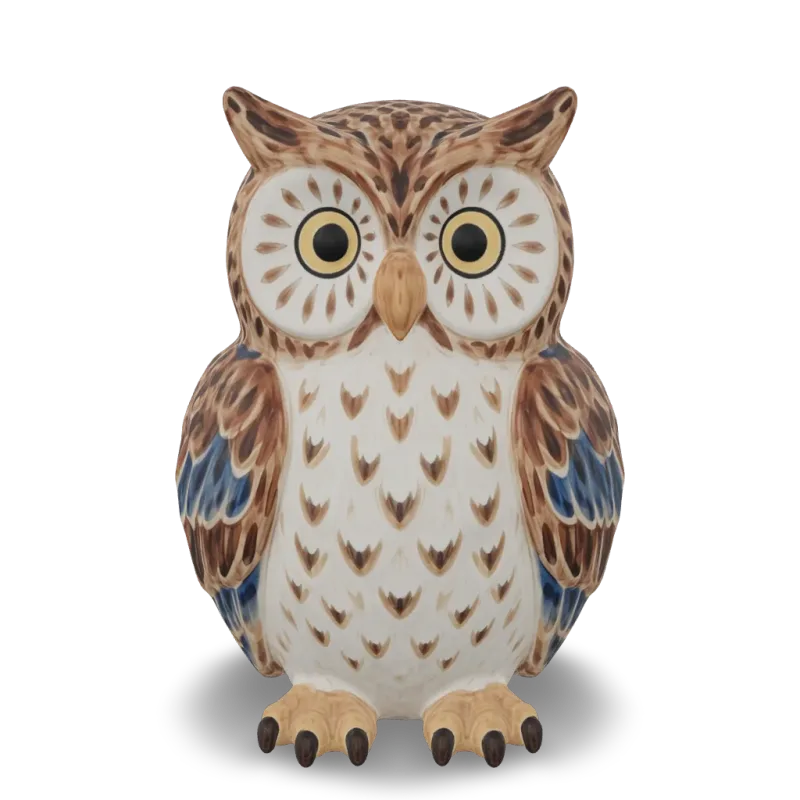
v6 Lite Image To 3d
Meshy 6 Lite Image-to-3D turns a single image into a textured 3D model with Meshy's lightweight model. Ready-to-use REST inference API, best performance, no coldstarts, affordable pricing.

v6 Lite Text To 3d
Meshy 6 Lite Text-to-3D turns a text description into a textured 3D model with Meshy's lightweight model. Ready-to-use REST inference API, best performance, no coldstarts, affordable pricing.
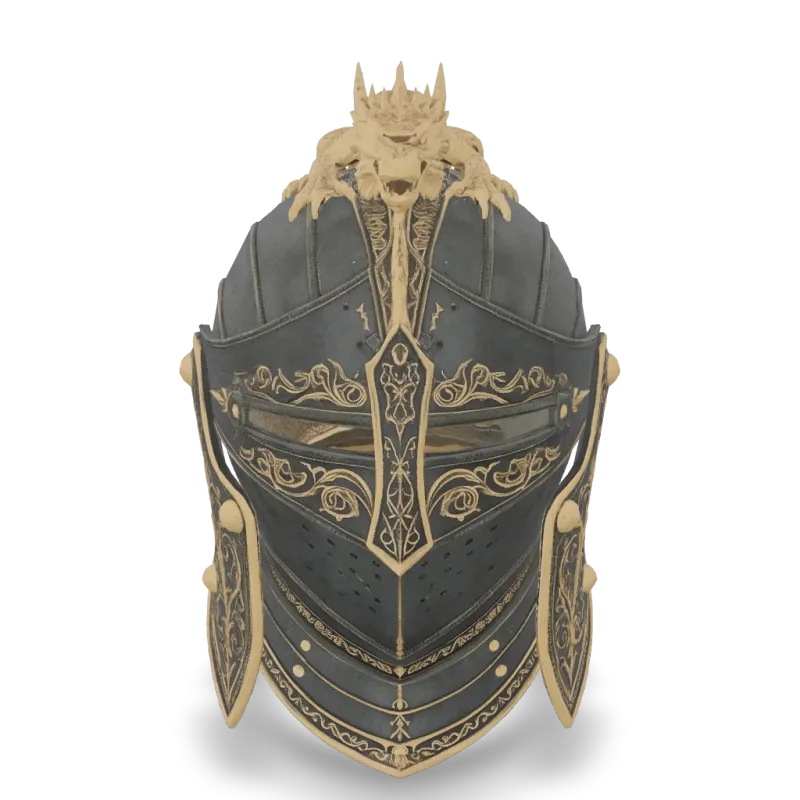
v6 Multi Image To 3d
Meshy 6 Multi-Image-to-3D turns 1 to 4 views of one object into a textured 3D model. Ready-to-use REST inference API, best performance, no coldstarts, affordable pricing.
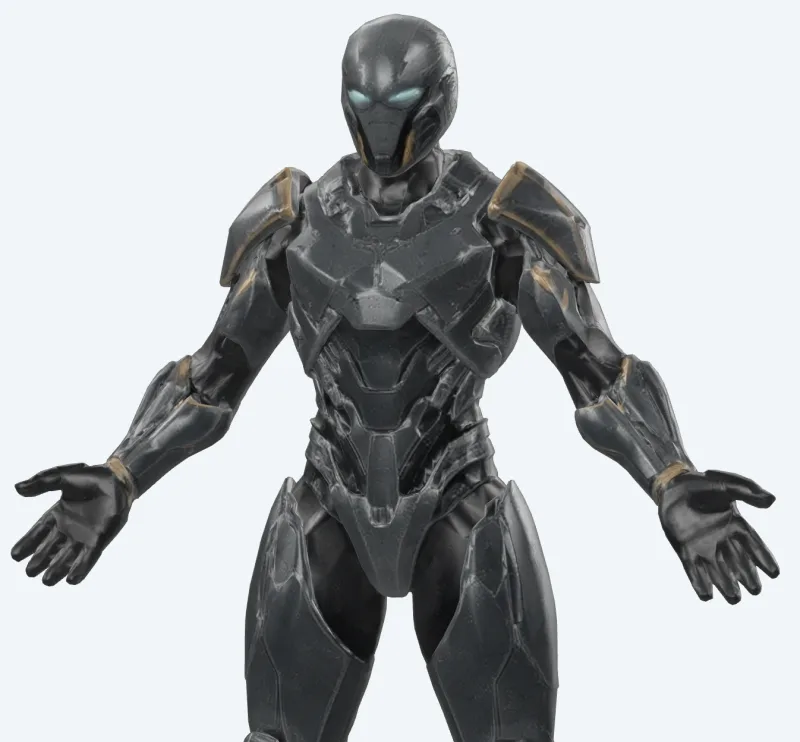
v6 Lite Retexture
Meshy 6 Lite Retexture re-textures an existing 3D model from a text prompt or a reference image. Ready-to-use REST inference API, best performance, no coldstarts, affordable pricing.
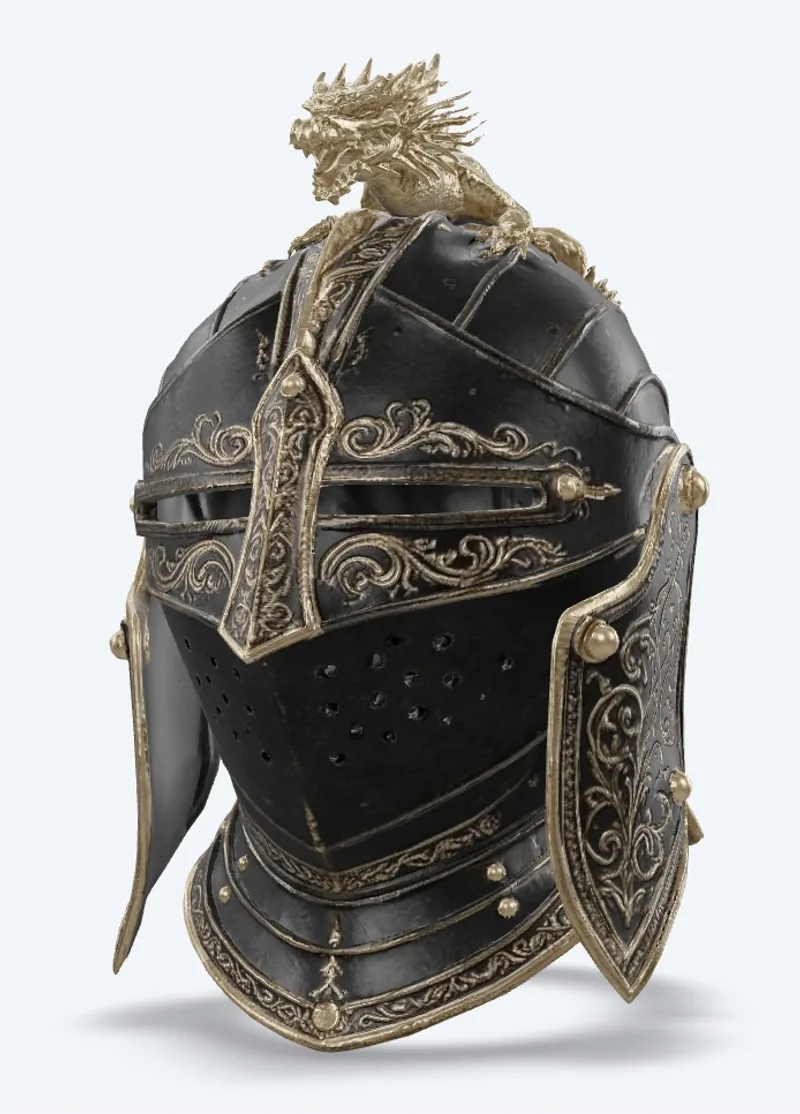
v7.1 Multi Image To 3d
Meshy 7.1 Multi-Image-to-3D turns 1 to 4 views of one object into a textured 3D model. Ready-to-use REST inference API, best performance, no coldstarts, affordable pricing.
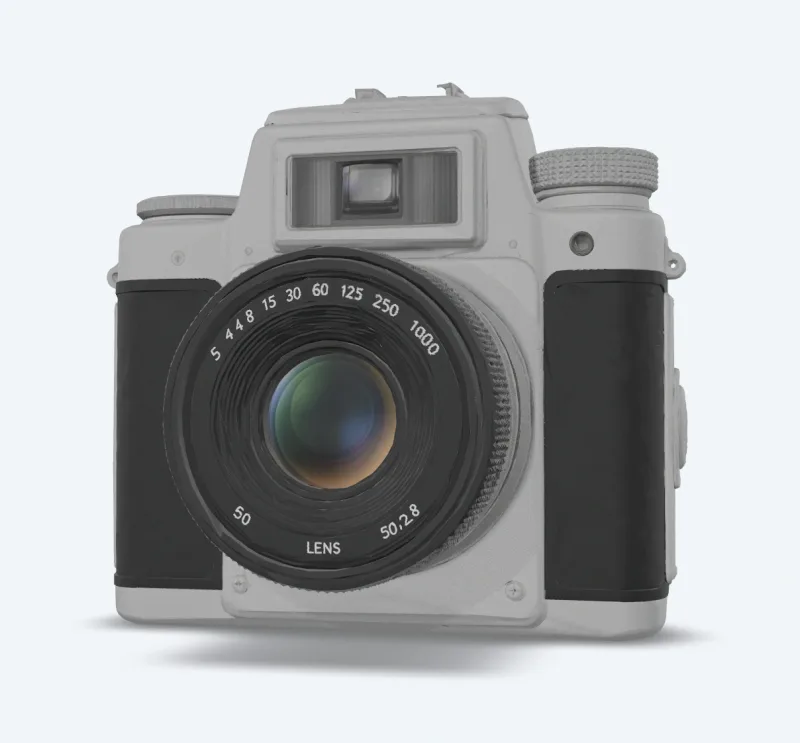
v7.1 Image To 3d
Meshy 7.1 Image-to-3D turns a single image into a textured 3D model. Ready-to-use REST inference API, best performance, no coldstarts, affordable pricing.
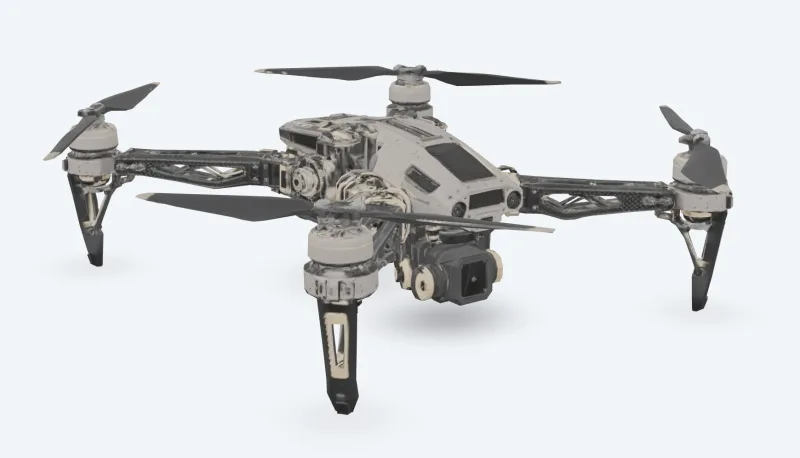
v7 Multi Image To 3d
Meshy 7 Multi-Image-to-3D turns 1 to 4 views of one object into a textured 3D model. Ready-to-use REST inference API, best performance, no coldstarts, affordable pricing.
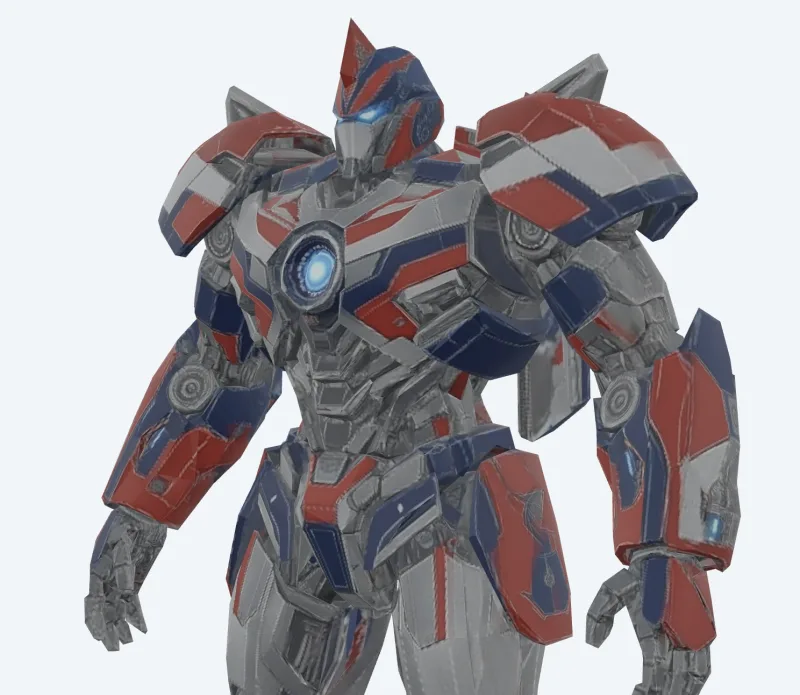
v7 Image To 3d
Meshy 7 Image-to-3D turns a single image into a textured 3D model. Ready-to-use REST inference API, best performance, no coldstarts, affordable pricing.
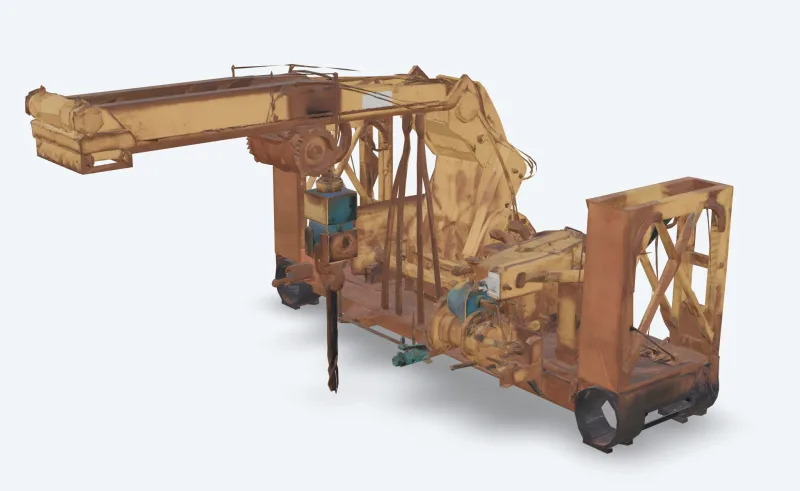
v6 Text To 3d
Meshy 6 Text-to-3D turns a text description into a textured 3D model. Ready-to-use REST inference API, best performance, no coldstarts, affordable pricing.
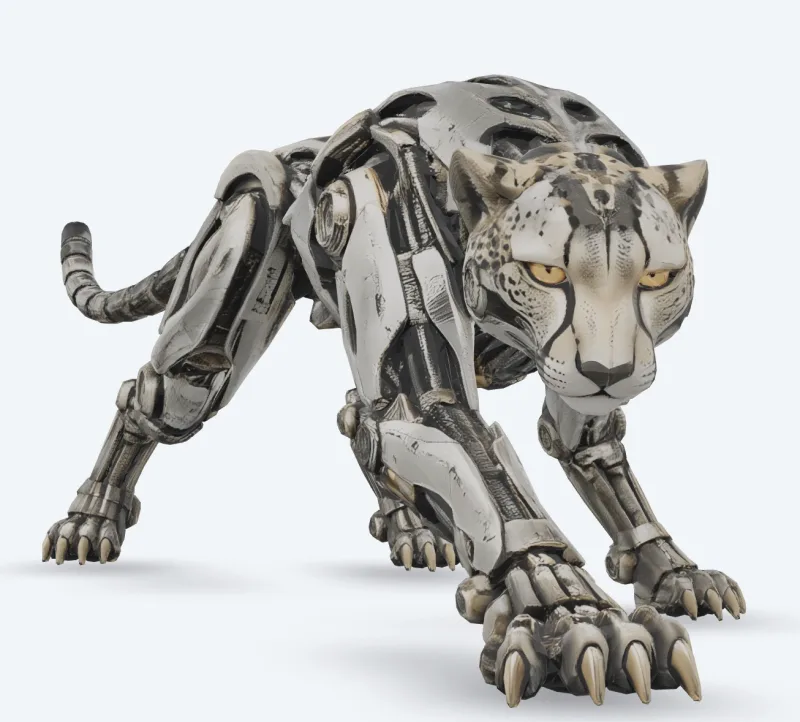
v6 Image To 3d
Meshy 6 Image-to-3D turns a single image into a textured 3D model. Ready-to-use REST inference API, best performance, no coldstarts, affordable pricing.
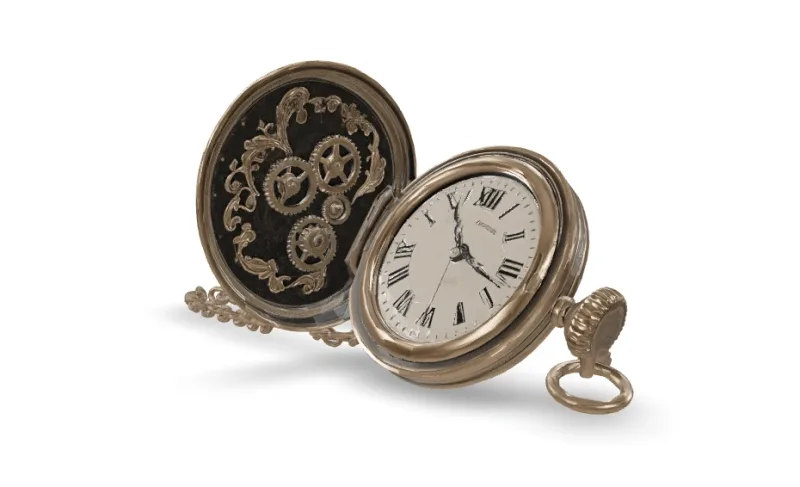
v7.1 Text To 3d
Meshy 7.1 Text-to-3D turns a text description into a textured 3D model. Ready-to-use REST inference API, best performance, no coldstarts, affordable pricing.
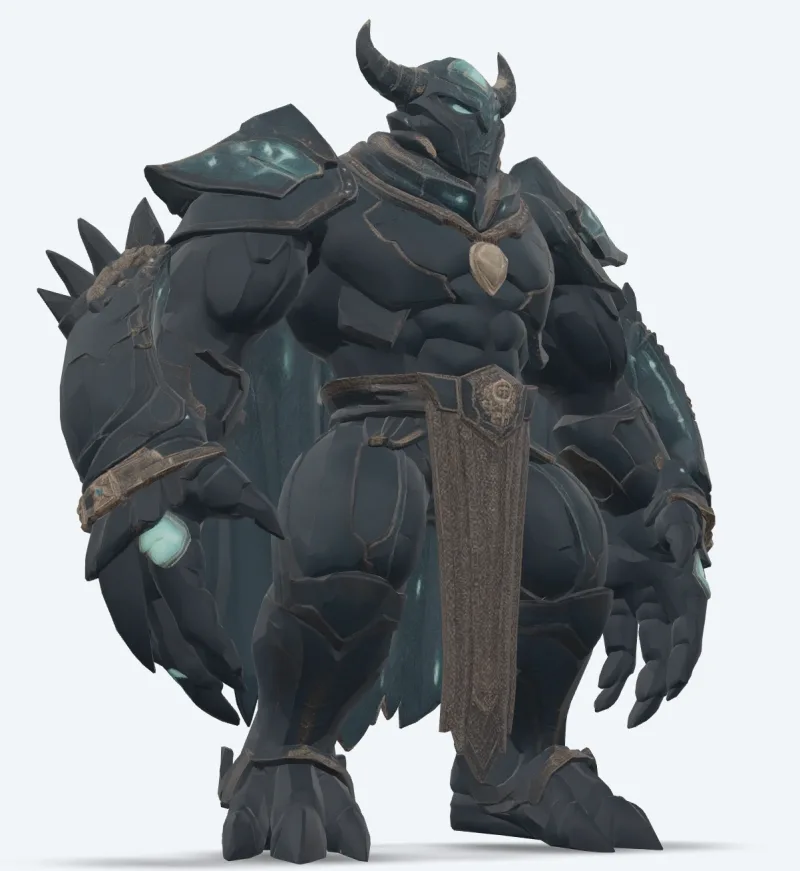
v7 Text To 3d
Meshy 7 Text-to-3D turns a text description into a textured 3D model. Ready-to-use REST inference API, best performance, no coldstarts, affordable pricing.
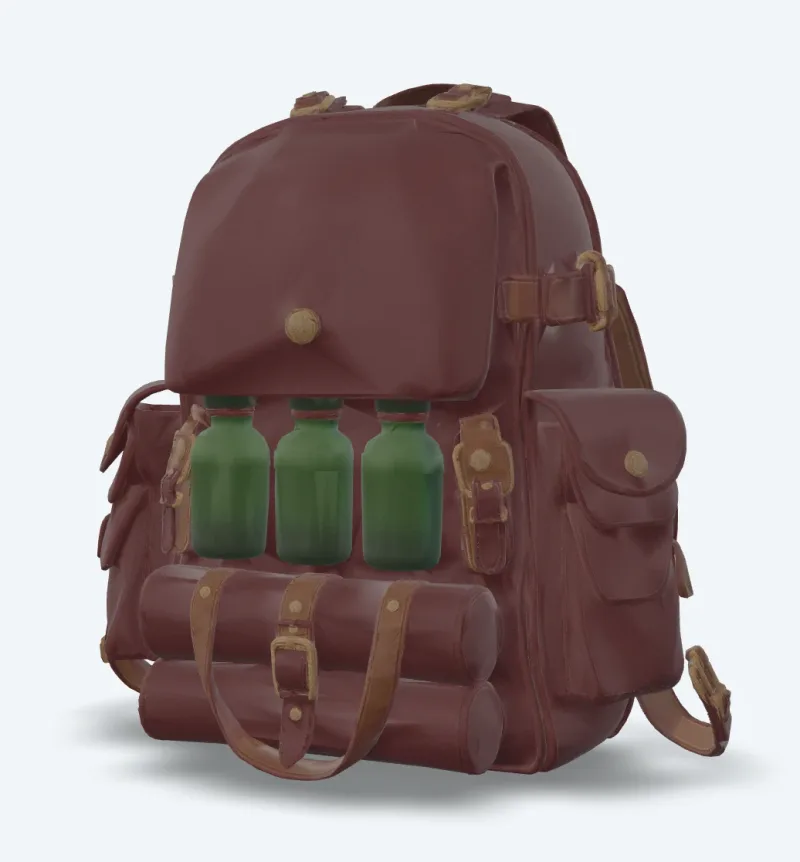
v7 Retexture
Meshy 7 Retexture re-textures an existing 3D model from a text prompt or a reference image. Ready-to-use REST inference API, best performance, no coldstarts, affordable pricing.
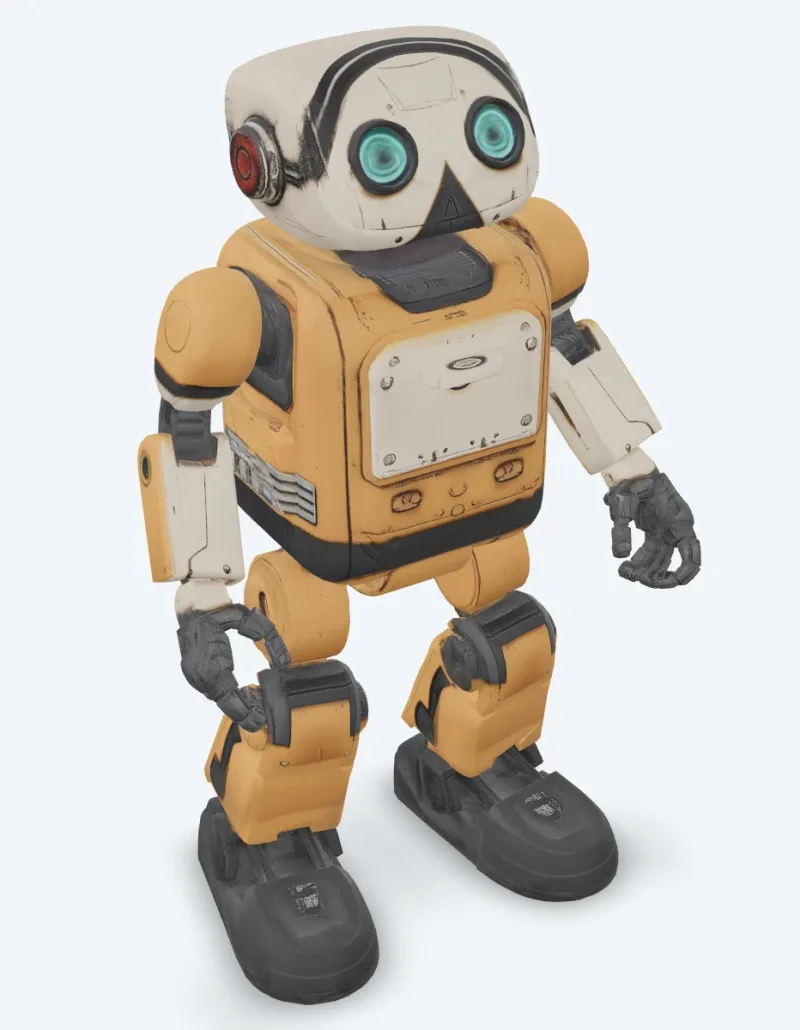
v6 Retexture
Meshy 6 Retexture re-textures an existing 3D model from a text prompt or a reference image. Ready-to-use REST inference API, best performance, no coldstarts, affordable pricing.
作例
Meshyの実力を見る
Meshy APIで実際に生成された出力です。動画にカーソルを合わせるとプレビュー、クリックすると原寸のビューアで開きます。
使い方
Meshy APIの使い方
登録から生成完了まで4ステップ。Python、Node.js、cURLの完全なサンプルは、下のAPIセクションにあります。
- 01
APIキーを取得
WaveSpeedAIのアカウントに登録し、ダッシュボードからAPIキーをコピーします。新規アカウントには無料のスタータークレジットが付くので、課金が始まる前にプレイグラウンドを数十回実行できます。
- 02
予測を送信
入力をJSONとしてhttps://api.wavespeed.ai/api/v3/meshy/v7.1/image-to-3dにPOSTします。エンドポイントはすぐに予測IDを返します。生成は非同期なので、推論中に接続を開いたままにする必要はありません。
- 03
完了までポーリング
https://api.wavespeed.ai/api/v3/predictions/{request_id}/resultにGETします。completedなら出力を返し、failed、cancelled、timeout、deletedならエラーで停止し、それ以外のステータスの間はポーリングを続けます。
- 04
出力URLを読み取る
ステータスが"completed"になったら、data.outputs[0]からURLを読み取ります。URLは、WaveSpeedAIのCDN上にある生成されたメディアを指します。呼び出したMeshyのバリアントに応じて、画像、動画、音声、3Dファイルのいずれかです。
活用例
Meshyで作れるもの
開発者やクリエイターがMeshy APIでよく使うワークフロー。
写真からテクスチャ付きアセット
meshy/v7.1/image-to-3d は、1枚の画像から PBR マップ付きのテクスチャ付きモデルを生成します。multi-image-to-3d は最大4枚のビューを使い、見えない側面を補います。
テキストからコンセプトをモデル化
meshy/v7.1/text-to-3d は、プロンプトからメッシュを作成してテクスチャを付けます。テクスチャなしの素早いドラフトには preview モードを使います。
アニメーション付きキャラクター
meshy/animation は、キャラクターをリギングし、歩行・走行・ダンスなどのライブラリアニメーションを1つのファイルに適用します。meshy/rigging はリギング済みモデルを返します。
ゲームとリアルタイム向けの最適化
meshy/remesh は、モデルを三角形またはクアッドの目標ポリゴン数で再構築します。meshy/uv-unwrap は、テクスチャ付けの準備をします。
3Dプリントのパイプライン
meshy/print/analyze は穴や非多様体エッジを報告し、meshy/print/repair がそれらを修復し、meshy/print/multi-color はスライサーにそのまま使える 3MF を出力します。
既存モデルの新しいルック
meshy/v7/retexture は、テキストプロンプトまたはスタイル画像から、お持ちのモデルに新しいテクスチャを塗ります。
コツ
Meshyのプロンプトのコツ
Meshyからより良い出力を得るための実践的なアドバイス。本番のパイプラインで3Dモデル全般に通用するパターンに基づいています。
- 01
preview でドラフトしてからテクスチャ
text-to-3d を preview モードで使い、テクスチャなしのメッシュとしてプロンプトを素早く試し、気に入ったものを full モードで実行します。
- 02
キャラクターには A ポーズを指定
キャラクターをリギングやアニメーションする予定なら、pose_mode を a-pose または t-pose に設定します。より安定してリギングできます。
- 03
ポリゴン数はリギングの上限内に
リギングは最大380,000三角形まで対応しています。高密度なモデルは、先に低めの目標ポリゴン数へリメッシュしてください。
- 04
プリント前にプリント可否を確認
まず print/analyze を実行します。穴や非多様体エッジが報告された場合は、モデルをスライサーに送る前に print/repair で修復できます。
料金
Meshy APIの料金
料金は出力ごとです。最終的な請求額は、各バリアントのプレイグラウンドで設定するパラメーター(解像度、長さ、出力数、参照入力)に応じて変わります。
| エンドポイント | タイプ | 最低料金 |
|---|---|---|
| meshy/ | image-to-3d | $0.48 |
| meshy/ | image-to-3d | $0.48 |
| meshy/ | image-to-3d | $0.048 |
| meshy/ | image-to-3d | $0.048 |
| meshy/ | image-to-3d | $0.048 |
| meshy/ | image-to-3d | $0.24 |
| meshy/ | image-to-3d | $0.24 |
| meshy/ | image-to-3d | $0.384 |
| meshy/ | image-to-3d | $0.24 |
| meshy/ | image-to-3d | $0.72 |
| meshy/ | image-to-3d | $0.72 |
| meshy/ | text-to-3d | $0.72 |
| meshy/ | image-to-3d | $1.44 |
| meshy/ | image-to-3d | $0.33 |
| meshy/ | image-to-3d | $1.44 |
| meshy/ | image-to-3d | $1.44 |
| meshy/ | image-to-3d | $1.44 |
| meshy/ | image-to-3d | $1.44 |
| meshy/ | text-to-3d | $1.44 |
| meshy/ | image-to-3d | $1.44 |
| meshy/ | text-to-3d | $1.44 |
| meshy/ | text-to-3d | $1.44 |
| meshy/ | image-to-3d | $0.33 |
| meshy/ | image-to-3d | $0.33 |
API
Meshy APIを呼び出す
wavespeed.ai/accesskeyでAPIキーに登録し、RESTで予測を送信します。プレイグラウンドでは、入力の組み合わせに応じて、そのまま貼り付けられるサンプルが生成されます。
POSThttps://api.wavespeed.ai/api/v3/meshy/v7.1/image-to-3d
# 1. Submit the prediction.
SUBMIT_RESPONSE=$(curl --silent --show-error --fail-with-body \
  -X POST "https://api.wavespeed.ai/api/v3/meshy/v7.1/image-to-3d" \
  -H "Content-Type: application/json" \
  -H "Authorization: Bearer $WAVESPEED_API_KEY" \
  -d '{
    "image": "https://interactive-examples.mdn.mozilla.net/media/cc0-images/painted-hand-298-332.jpg",
    "model_type": "standard",
    "geometry_resolution": "standard",
    "should_texture": true,
    "enable_pbr": false,
    "texture_resolution": "2k",
    "topology": "triangle",
    "target_polycount": 30000,
    "should_remesh": true,
    "symmetry_mode": "auto",
    "pose_mode": "a-pose",
    "auto_size": false,
    "enable_rigging": false,
    "rigging_height_meters": 1.7,
    "enable_animation": false,
    "animation_action_id": 92
}')

TASK=$(printf '%s' "$SUBMIT_RESPONSE" | jq 'if has("data") then .data else . end')
PREDICTION_ID=$(printf '%s' "$TASK" | jq -r '.id')
if [ -z "$PREDICTION_ID" ] || [ "$PREDICTION_ID" = "null" ]; then
  printf 'Submission response did not contain a prediction id
' >&2
  exit 1
fi
RESULT_URL="https://api.wavespeed.ai/api/v3/predictions/$PREDICTION_ID/result"

# 2. Poll until the prediction finishes.
while true; do
  RESPONSE=$(curl --silent --show-error --fail-with-body "$RESULT_URL" \
    -H "Authorization: Bearer $WAVESPEED_API_KEY")
  RESULT=$(printf '%s' "$RESPONSE" | jq 'if has("data") then .data else . end')
  STATUS=$(printf '%s' "$RESULT" | jq -r '.status')
  case "$STATUS" in
    completed) printf '%s\n' "$RESULT" | jq '.outputs'; break ;;
    failed|cancelled|timeout|deleted) printf '%s\n' "$RESULT" | jq . >&2; exit 1 ;;
    *) sleep 2 ;;
  esac
done
const submitUrl = "https://api.wavespeed.ai/api/v3/meshy/v7.1/image-to-3d";
const apiKey = process.env.WAVESPEED_API_KEY;
if (!apiKey) throw new Error('Set WAVESPEED_API_KEY');
async function requestJson(url, options = {}) {
const response = await fetch(url, options);
if (!response.ok) throw new Error(await response.text());
return response.json();
}
// 1. Submit the prediction.
const body = await requestJson(submitUrl, {
method: "POST",
headers: {
"Authorization": `Bearer ${apiKey}`,
"Content-Type": "application/json",
},
body: JSON.stringify({
"image": "https://interactive-examples.mdn.mozilla.net/media/cc0-images/painted-hand-298-332.jpg",
"model_type": "standard",
"geometry_resolution": "standard",
"should_texture": true,
"enable_pbr": false,
"texture_resolution": "2k",
"topology": "triangle",
"target_polycount": 30000,
"should_remesh": true,
"symmetry_mode": "auto",
"pose_mode": "a-pose",
"auto_size": false,
"enable_rigging": false,
"rigging_height_meters": 1.7,
"enable_animation": false,
"animation_action_id": 92
}),
});
const task = body.data ?? body;
const resultUrl = `https://api.wavespeed.ai/api/v3/predictions/${task.id}/result`;
// 2. Poll until the prediction finishes.
while (true) {
const resultBody = await requestJson(resultUrl, {
headers: { "Authorization": `Bearer ${apiKey}` },
});
const result = resultBody.data ?? resultBody;
if (result.status === "completed") {
console.log(result.outputs);
break;
}
if (["failed", "cancelled", "timeout", "deleted"].includes(result.status)) throw new Error(JSON.stringify(result));
await new Promise(resolve => setTimeout(resolve, 2000));
}import json
import os
import time
from urllib.request import Request, urlopen
api_key = os.environ["WAVESPEED_API_KEY"]
headers = {"Authorization": f"Bearer {api_key}", "Content-Type": "application/json"}
payload = {
"image": "https://interactive-examples.mdn.mozilla.net/media/cc0-images/painted-hand-298-332.jpg",
"model_type": "standard",
"geometry_resolution": "standard",
"should_texture": True,
"enable_pbr": False,
"texture_resolution": "2k",
"topology": "triangle",
"target_polycount": 30000,
"should_remesh": True,
"symmetry_mode": "auto",
"pose_mode": "a-pose",
"auto_size": False,
"enable_rigging": False,
"rigging_height_meters": 1.7,
"enable_animation": False,
"animation_action_id": 92
}
def request_json(url, data=None):
request = Request(url, data=data, headers=headers, method="POST" if data else "GET")
with urlopen(request) as response:
return json.load(response)
# 1. Submit the prediction.
body = request_json("https://api.wavespeed.ai/api/v3/meshy/v7.1/image-to-3d", json.dumps(payload).encode())
task = body.get("data", body)
result_url = f"https://api.wavespeed.ai/api/v3/predictions/{task['id']}/result"
# 2. Poll until the prediction finishes.
while True:
result_body = request_json(result_url)
result = result_body.get("data", result_body)
status = result.get("status")
if status == "completed":
print(result.get("outputs", []))
break
if status in {"failed", "cancelled", "timeout", "deleted"}:
raise RuntimeError(result)
time.sleep(2)比較
Meshyと他モデルの比較
WaveSpeedAI上の類似モデルではなくMeshyを選ぶべきケース。
Meshy vs Meshy web app
Meshy アプリはウェブインターフェースです。WaveSpeedAI の Meshy エンドポイントは同じモデルを REST で実行します。サーバー、バッチ処理、ユーザー向けに3Dを生成するアプリに向いており、1つの API キーで他のすべてのモデルも利用できます。
Meshy vs Tripo
Tripo も WaveSpeedAI で利用できます。Meshy は8Kの PBR テクスチャ、豊富なアニメーションライブラリ、3Dプリント用ツールに強みがあります。ご自身の入力で両方を比較してください。
Meshy vs Hunyuan3D
Hunyuan3D は、テキストや画像からテクスチャ付きメッシュを生成します。Meshy は、8Kテクスチャ、キャラクターのリギングとアニメーション、プリント用ツールを備えています。
FAQ
Meshy API — よくある質問
料金、ライセンス、連携など、WaveSpeedAIでMeshyを実行する際のよくある質問。
WaveSpeedAI ではどの Meshy モデルが使えますか?
Meshy 7.1、7、6、6 Lite が、それぞれ text-to-3d、image-to-3d、multi-image-to-3d で利用できます。さらにリテクスチャと、リギング、アニメーション、リメッシュ、UV展開、変換、リサイズ、プリント可否の解析、プリント修復、マルチカラープリントのツールがあります。公開中のすべてのエンドポイントを、現在の価格とともにこのページに掲載しています。
Meshy でキャラクターのリギングとアニメーションはできますか?
はい。生成リクエストで enable_rigging または enable_animation をオンにするか、人型または四足のモデルを meshy/rigging や meshy/animation に送信してください。
Meshy エンドポイントの料金はどうなっていますか?
タスクごとの課金で、各モデルページと上の表に表示された価格が適用されます。8Kテクスチャ、Ultra ジオメトリ、リギングなどのオプションにより、記載のとおり価格が変わります。WaveSpeedAI は従量課金制で、サブスクリプションは不要、クレジットに有効期限はありません。
Meshy APIとは何ですか?
Meshyは、Meshyの3Dモデルで、WaveSpeedAI上でREST APIとして提供されています。WaveSpeedAI の Meshy API — 公式 Meshy 7.1、7、6、6 Lite モデルを REST で利用できます。テキスト、画像、複数画像から最大8Kの PBR テクスチャ付き3Dを生成でき、リテクスチャ、リギング、アニメーション、リメッシュ、UV展開、変換、リサイズ、3Dプリント用ツールも備えています。プログラムから呼び出すことも、上にリンクされたプレイグラウンドで試すこともできます。
Meshy APIはどう呼び出しますか?
WaveSpeedAIのアカウントに登録し、/accesskeyからAPIキーをコピーして、入力をJSONとしてhttps://api.wavespeed.ai/api/v3/meshy/v7.1/image-to-3dにPOSTします。エンドポイントは予測IDを返します。結果のエンドポイントを約2秒ごとにポーリングし、長時間かかるタスクでは間隔を広げ、終端ステータスになったら停止してください。本番運用向けのPython / Node.js / cURLのサンプルは上にあります。
Meshy APIの料金はいくらですか?
Meshyは$0.048からです。実際の料金は、設定するパラメーター(解像度、長さ、出力数、参照入力)に応じて変わります。プレイグラウンドの「生成」ボタンの横に表示されるリアルタイムの料金プレビューで、現在の入力での正確な料金を確認できます。
Meshyにはどのバリアントがありますか?
WaveSpeedAIでは、24個のMeshyエンドポイントが利用可能です:meshy/print/repair, meshy/print/multi-color, meshy/print/analyze, meshy/resize, meshy/convert, meshy/uv-unwrap, meshy/remesh, meshy/animationほか。各バリアントには、専用のプレイグラウンドページと料金があります。
Meshyの出力を商用利用できますか?
商用利用の権利は、Meshyのモデルライセンスに従います。Meshyのほとんどのモデルは出力の商用利用を認めています。具体的なライセンスの概要は各モデルのプレイグラウンドページで、プラットフォーム全体の条件はWaveSpeedAIの利用規約でご確認ください。
なぜ直接ではなくWaveSpeedAIでMeshyを使うのですか?
Meshyと、他のプロバイダーの1,000以上のAIモデルを、1つのAPIキー、1つの請求アカウントで利用できます。ベンダーごとのSDK設定も、個別のレート制限も、ベンダーごとの連携コードの書き直しも不要です。料金は、通常Meshyの直接のAPIと同等かそれ以下です。
提供元
Meshyについて
WaveSpeedAIにおけるMeshyと、Meshyのモデルラインナップ全体を手がけるチーム。
Meshy は、ゲーム開発者、デザイナー、3Dプリントのクリエイターに利用されている AI 3D 生成企業です。そのモデルは、テキストや画像から最大8Kの PBR マテリアル付きのテクスチャ付き3Dモデルを生成し、ツールでキャラクターのリギングとアニメーション、リメッシュ、UV展開、プリント用のモデル準備ができます。WaveSpeedAI では、Meshy モデルを REST エンドポイントとして、1つの API キーと従量課金で利用できます。
WaveSpeedAIでMeshyを使った開発を始めよう
登録時に無料のスタータークレジットを進呈。Meshyをはじめ、あらゆるプロバイダーの1,000以上のAIモデルを、1つのAPIキーで。